Best Visibility Tracking Tools in 2026: 9 Tools Compared

How we put this together: we compare official feature and pricing pages, app store listings, privacy policies and public user reviews. Prices change, so check the provider's site before you pay.
Key takeaways
- This guide covers SEO visibility and rank tracking tools, meaning tools that track where a site ranks in search and how visible it is for target keywords.
- Semrush suits teams that want rank tracking plus keyword, content, and paid search research in one account.
- Ahrefs suits link and competitor research beside rank tracking, with a cheaper Starter plan for smaller sites.
- Moz Pro suits small businesses watching a few sites at a lower entry price.
- Google Search Console is free and should sit beside any paid tracker, since it shows real clicks and queries for your own site.
Quick comparison
| Name | Who it suits | Starting price | Free option | |
|---|---|---|---|---|
 Semrush | All-in-one SEO visibility | $139.95 per month | Yes | Visit |
 Ahrefs | Rank tracking plus link research | $29 per month | Yes | Visit |
 Moz Pro | Small business rank tracking | $49 per month | No | Visit |
 SE Ranking | Budget rank tracking for teams | See website | No | Visit |
 AccuRanker | Dedicated daily rank tracking | See website | No | Visit |
 Advanced Web Ranking | Agency rank reporting | See website | No | Visit |
 SERPWatcher | Simple rank tracking | See website | No | Visit |
 Ubersuggest | Low-cost SEO and rank checks | See website | Yes | Visit |
 Google Search Console | Free real search data for your site | Free | Yes | Visit |
The best visibility tracking tools
SEO visibility tracking means watching where pages rank for chosen keywords, how that visibility changes over time, and how competitors compare. A good tool tracks the same keywords consistently, separates mobile and desktop results, and shows local results where they matter. The tools below range from full SEO suites to focused rank trackers.
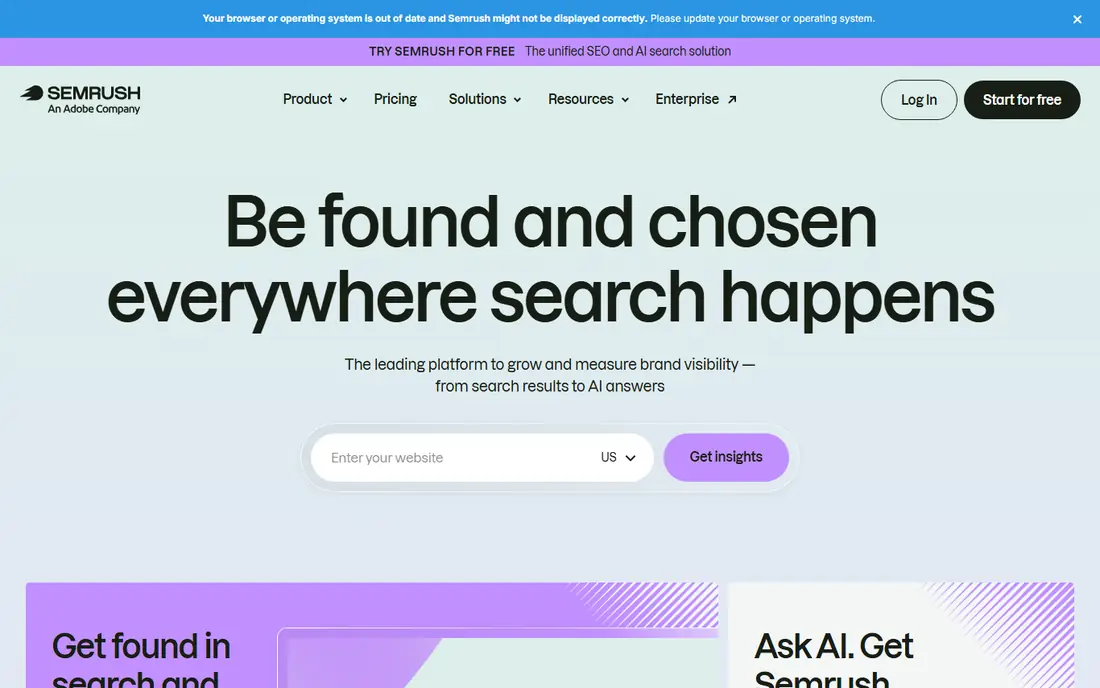
Semrush suits marketers who want visibility tracking beside the research that explains ranking changes. Its entry SEO plan lists daily rank tracking, with keyword research, site audit, and competitor data in the same account. That breadth helps when a ranking drop needs a quick check of content, links, or technical issues.
The cost is the main barrier. At $139.95 per month, Semrush is hard to justify for one small site tracked for a handful of keywords. A free account with limited daily reports helps with occasional checks, and a seven-day trial is listed for paid plans. For teams that use SEO tools daily, Semrush gives the widest visibility picture in this guide.
- Daily rank tracking on the entry SEO plan
- Keyword, content, and paid search research in one account
- Free account with limited reports
- Entry price is high for a single small site
- Breadth can overwhelm a beginner
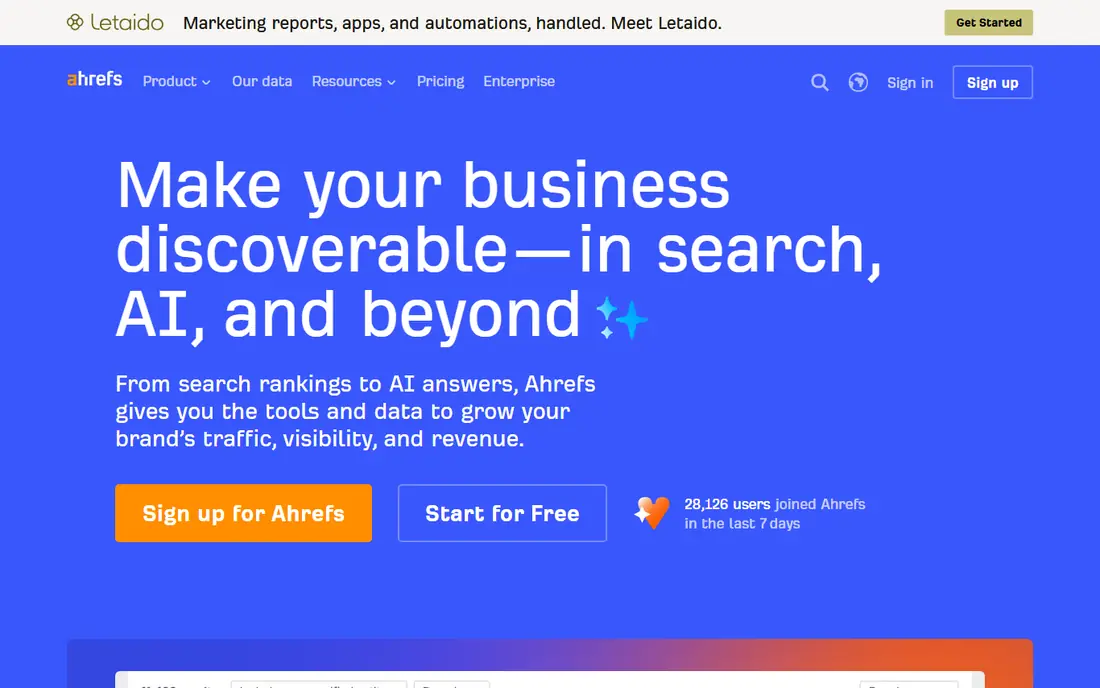
Ahrefs is best known for backlinks, but it also tracks keyword positions and visibility over time, with competitor comparison beside your own rankings. That pairing helps when a rival gains ground, since link and content changes can be checked in the same account. A Starter plan at $29 per month gives smaller sites a cheaper entry point than the full Lite plan.
Heavy users should note credit limits and plan tiers, since daily research can use credits faster than expected. Ahrefs Webmaster Tools gives site owners limited free data for their own verified sites, which is useful beside a paid plan. For link-led SEO teams, Ahrefs is a natural first pick.
- Strong backlink and competitor research
- Rank tracking with visibility scoring
- Free Webmaster Tools for site owners
- Full rank tracking features sit on higher plans
- Credit limits can affect heavy research use
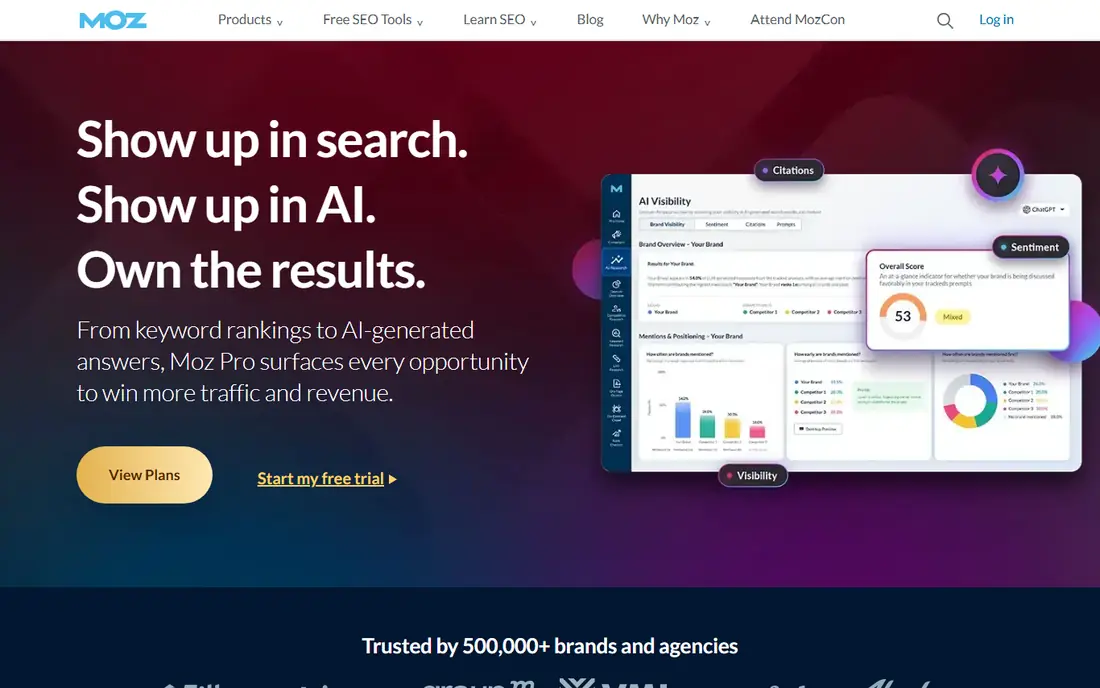
Moz Pro suits small businesses watching one to three sites with a modest keyword list. Its Starter plan is listed at $49 per month, with daily rank tracking, SERP analysis, and local ranking views. The interface and learning resources are friendlier for beginners than the denser suites, which helps owners who do SEO part-time.
Moz Pro is less deep for large agencies or for teams that need AI search visibility tracking at the level Semrush and Ahrefs now offer. Keyword and link research are solid but not the widest in this guide. For a small team that wants clear rankings without a large bill, Moz Pro is a sensible choice.
- Lower entry price than Semrush or Ahrefs Lite
- Clear rank tracking and SERP views
- Helpful learning resources for beginners
- No AI visibility tracking on the level of larger suites
- Research depth is lighter for agencies
SE Ranking appeals to teams that want rank tracking plus core SEO tools at a lower price than the biggest suites. It tracks keyword positions, shows competitor movement, and pairs tracking with site audit and keyword research. White-label reporting on higher plans helps agencies send client reports without building them by hand.
The main check is plan limits. Keyword counts, update frequency, and report options vary by tier, so a team tracking many keywords should price the tier it actually needs. Link research is also lighter than Ahrefs. For budget-conscious teams that track rankings daily, SE Ranking gives good value.
- Rank tracking with competitor views
- Site audit and keyword tools beside tracking
- White-label reports on higher plans
- Pricing and limits vary by plan, so check keyword counts
- Less link depth than Ahrefs
AccuRanker is a specialist, not a suite. It focuses on rank tracking done well, with daily updates, local tracking, and mobile versus desktop views. That focus suits agencies and in-house teams that already have other tools for research and audits, but need ranking data they can trust and report on.
Because it is focused, AccuRanker does not replace keyword research, link tools, or site audits. Pricing also scales with the number of keywords tracked, so large keyword lists cost more. For teams whose main need is clean, daily ranking data, AccuRanker is one of the sharpest tools here.
- Focused, accurate daily rank tracking
- Local and mobile tracking
- Clear reporting for clients
- No full SEO suite beside tracking
- Price rises with keyword count
Advanced Web Ranking has tracked rankings for many years, and its strength is reporting depth. It covers local rankings, SERP features such as featured snippets, and competitor comparisons, with white-label reports for agencies. Teams that send regular ranking reports to clients will find its report options more flexible than simpler trackers.
The interface is more technical than newer, simpler tools, so beginners may need time to set up projects well. It is also primarily a rank tracker, not a full research suite. For agencies and experienced SEOs who live in ranking reports, Advanced Web Ranking is a dependable workhorse.
- Deep rank tracking with local and SERP feature views
- Strong reporting and white-label options
- Long track record
- Interface feels more technical than newer tools
- Research tools are lighter than full suites
SERPWatcher, part of Mangools, suits owners who want rank tracking without a complex suite. It gives a clear visibility score for tracked keywords, shows ranking changes over time, and sets up quickly for a small site. The Mangools suite beside it adds keyword research and link tools for light SEO work.
Larger projects can hit keyword limits, and reporting depth is lighter than AccuRanker or Advanced Web Ranking. For a small business or blogger tracking a modest keyword list, SERPWatcher keeps visibility tracking simple and affordable. Check the Mangools plan limits before tracking a large list.
- Simple rank tracking inside the Mangools suite
- Clear visibility score
- Easy setup for small keyword lists
- Keyword limits vary by plan
- Less depth for large agency projects
Ubersuggest suits beginners and small businesses that want occasional rank checks without a large subscription. A free limited version covers basic use, while paid plans add more tracked keywords and research features. Keyword ideas beside ranking data help owners spot new topics to target.
Ubersuggest is not a replacement for a dedicated daily tracker for agencies, since update depth and reporting are lighter. Data coverage can also vary by niche and country. For a small site owner starting with SEO visibility, Ubersuggest gives a low-cost way to learn what tracking shows before paying for a specialist tool.
- Free limited version for occasional checks
- Keyword ideas beside rank tracking
- Low entry price for paid plans
- Rank tracking depth is lighter than dedicated trackers
- Data coverage varies by niche
Google Search Console is not a competitor tracker, but every site owner should use it beside a paid tool. It is free and shows real search queries, clicks, impressions, and average positions for your own verified site, plus indexing and technical warnings. No paid tool can replace that first-party data, since paid trackers estimate rankings from sampled searches.
Search Console does not track competitors, build client reports, or track a fixed keyword list in the same way as paid tools. Pair it with one tracker from this guide: use Search Console for real performance, and the tracker for competitor comparison and consistent keyword history. That pairing gives the most honest visibility picture.
- Free
- Shows real clicks, impressions, and queries for your own site
- Flags indexing and technical issues
- Only shows your own verified sites, not competitors
- No paid rank tracking project features
How we picked these
We compared official pricing pages, rank tracking features, update frequency, local and mobile views, competitor comparison, and reporting options for SEO visibility tools. We kept tools with current rank tracking for US search results, and we favoured tools with published pricing or a free tier where available. Where pricing is not published clearly, we say so rather than estimating.
How to choose a visibility tracking tool
Start with the keyword list, not the tool. Write down the pages you care about, the keywords each page should rank for, the locations that matter, and whether mobile or desktop matters more. A tool that tracks 50 keywords daily is enough for a small site, while an agency may need thousands of keywords across many clients.
Match update frequency to how often you change pages
Daily tracking suits sites that publish often or compete in fast-moving niches, since changes show up quickly. Weekly tracking can suit stable local sites with few changes, and it often costs less. Pick daily tracking if ranking drops need a fast response, and weekly tracking if reports are monthly and changes are slow.
Separate your data from competitor estimates
Paid trackers estimate rankings from their own searches, while Search Console shows real queries and clicks for your site. Use both, and do not treat a tracker visibility score as actual traffic. When a tracker and Search Console disagree, check the exact keyword, location, device, and date, since small setting differences explain many gaps.
Check reporting before you pay
If reports go to clients or managers, test the report format during a trial. Look for white-label options, scheduled email reports, and clear charts that a non-SEO reader can follow. A tool with great data but awkward reports will cost staff time every month, which erodes the value of a lower price.
Frequently asked questions
What is the best visibility tracking tool?
For most teams, Semrush gives the widest SEO visibility picture, while Ahrefs suits link-led teams and Moz Pro suits small businesses on a lower budget. Dedicated trackers such as AccuRanker suit teams that mainly need daily ranking data. Pair any paid tool with free Google Search Console.
What is the best visibility tracking software for agencies?
Agencies often need white-label reports, many client projects, and large keyword lists. Advanced Web Ranking, AccuRanker, and SE Ranking all offer agency-friendly reporting, with different price and keyword limits. Compare keyword counts, update frequency, and report options for your client count before choosing.
What are the best visibility tracking tools for small businesses?
Small businesses should start with Google Search Console for free, then add Moz Pro, Ubersuggest, or Ahrefs Starter if competitor comparison matters. Track a short, focused keyword list first, since a long list adds cost without adding decisions.
How often should rank tracking update?
Daily updates suit sites that change often or compete in fast niches, while weekly updates suit stable sites with monthly reporting. More frequent updates cost more in keyword limits, so match frequency to how quickly you can act on a ranking change.
Does visibility tracking show real traffic?
No, not directly. Trackers estimate visibility from keyword positions, while real traffic comes from Search Console and analytics. Use visibility scores to spot trends and competitor movement, and use Search Console for real clicks, queries, and impressions.
Sources we checked (9)

Online Jobs is an independent blog about careers, online work, learning new skills and the tools that help people earn. More about us.
Keep reading
All posts
Constant Contact Alternatives
Compare the best constant contact alternatives for small businesses, creators and nonprofits, with free plans and automation notes to guide your switch.
Best keyword difficulty tool
Looking for the best keyword difficulty tool? We compare 9 SEO tools on difficulty scores, SERP data, price, and ease of use for sites of all sizes in 2026.
Best Visibility Checking Software
Compare the best visibility checking software for search rankings, local results, and AI search presence, with pricing and honest limits for nine tools in 2026