Best Video Conferencing Software in 2026: 8 Apps Compared

How we put this together: we compare official feature and pricing pages, app store listings, privacy policies and public user reviews. Prices change, so check the provider's site before you pay.
Key takeaways
- Zoom remains the best all-round meeting app, with a free plan, broad features and wide adoption.
- Microsoft Teams and Google Meet are the best value if your team already pays for Microsoft 365 or Google Workspace.
- Webex suits large organisations with strict security and compliance needs, while Zoho Meeting suits small budgets.
- Jitsi Meet is the only fully free, open-source option here, and it needs no account for basic meetings.
- Check meeting time limits, participant caps and recording rules on the plan you will actually buy.
Quick comparison
| Name | Who it suits | Starting price | Free option | |
|---|---|---|---|---|
 Zoom Zoom | All-round meetings | Free | Yes | Visit |
 Microsoft Teams Microsoft Teams | Microsoft 365 users | Free | Yes | Visit |
 Google Meet Google Meet | Google Workspace users | Free | Yes | Visit |
 Webex Webex | Enterprise security | Free | Yes | Visit |
 GoTo Meeting GoTo Meeting | Simple, reliable meetings | $12 per month | No | Visit |
 Zoho Meeting Zoho Meeting | Small business budgets | Free | Yes | Visit |
 Jitsi Meet Jitsi Meet | Free open-source meetings | Free | Yes | Visit |
 RingCentral RingCentral | Voice, video and messaging | $20 per month | No | Visit |
The best video conferencing software
We compared meeting apps on price, free limits, participant caps, recording and AI features, security controls and ecosystem fit, using vendor pricing pages and recent comparisons. Prices below are starting list prices and vary with billing term and plan, so check the vendor page for your team size before buying.
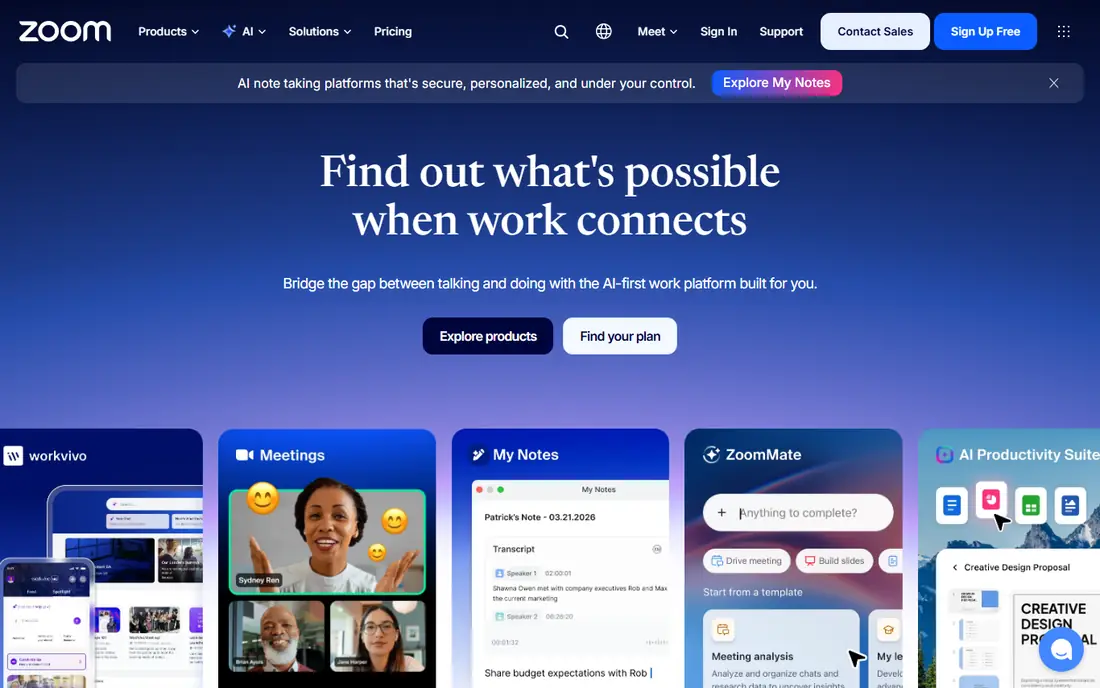
Zoom is still the default meeting app for many teams, and that familiarity is a practical advantage. Guests know how to join, hosts know the controls, and the feature set covers breakout rooms, whiteboards, recording, webinars and a large integration library. Paid plans include AI Companion summaries on many tiers, which helps teams that meet often. The free plan caps group meetings at 40 minutes, which pushes regular teams to a paid plan starting at $15.99 per user per month. Zoom can also feel feature-heavy for teams that only need simple calls. For all-round use, though, it remains the safest pick.
- Very widely adopted
- Breakout rooms, whiteboard and AI summaries on paid plans
- Strong integrations
- Free meetings limited to 40 minutes for groups
- Paid plans start at $15.99 per user per month
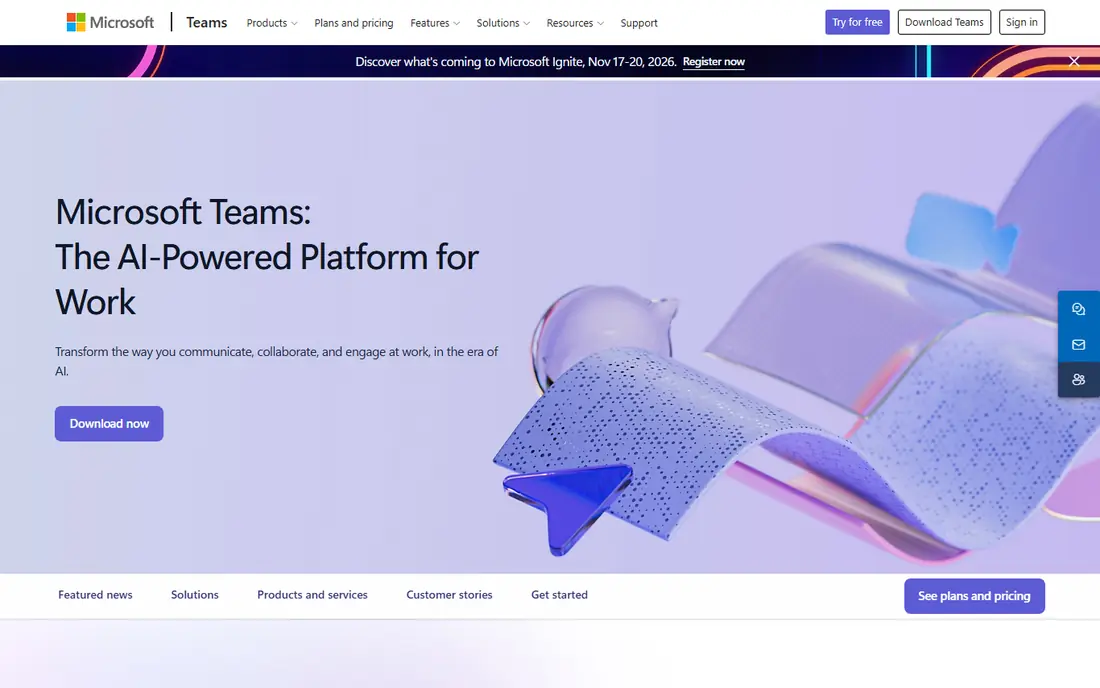
Teams makes most sense for organisations already on Microsoft 365. Meetings sit beside chat, files, calendars and Office apps, so a call can start from a document, a channel or an Outlook invite without switching tools. Admin controls, compliance features and Copilot AI on higher plans add value for larger teams. The interface packs a lot into one window, and new users sometimes find it busy compared with Zoom or Meet. If your team already pays for Microsoft 365, Teams is usually the cheapest strong option, since meetings come with the suite you own.
- Deep Outlook, SharePoint and OneDrive integration
- Chat, files and meetings in one app
- Strong admin controls
- Interface can feel busy
- Best value needs a Microsoft 365 subscription
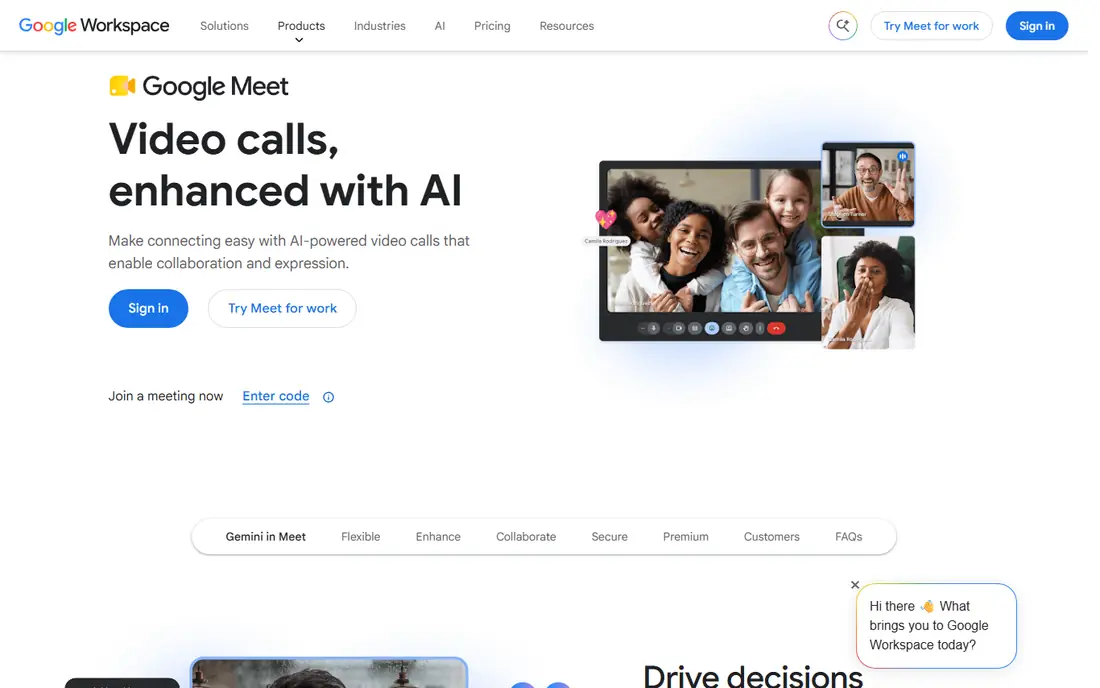
Google Meet is the simplest meeting app to join. Guests click a link and join from a browser, with no download for most calls, and Calendar and Gmail integration makes scheduling painless for Google Workspace teams. Live captions, noise cancellation and recording on paid plans cover most everyday needs. Advanced webinar, breakout and moderation features lag Zoom in some areas, and larger meetings need a Workspace plan. For Google-centred teams, schools and small businesses, Meet offers the cleanest balance of ease, price and reliability.
- Runs in a browser with no download
- Tight Calendar and Gmail integration
- Live captions
- Fewer advanced webinar features than Zoom
- Best features need a Workspace plan
Webex, from Cisco, is built for organisations where security and compliance come first. It offers end-to-end encryption options, compliance certifications and admin controls that suit government, healthcare and finance teams, plus AI translation across many languages and Cisco room hardware for offices. The free plan covers basic meetings for small groups. Small teams may find the interface and pricing heavier than Zoom or Meet, and paid plans start at $14.50 per user per month on some listings. For large or regulated organisations, that security depth is the reason to choose Webex over a simpler app.
- Strong security and compliance credentials
- AI translation and transcription
- Cisco hardware support
- Paid plans start higher than some rivals
- Interface can feel complex for small teams
GoTo Meeting suits teams that want meetings to just work. The client is lightweight, joining takes one click, and audio quality is consistently good, which matters for client calls and webinars. Hosts get recording, screen sharing and drawing tools without a long learning curve. There is no free plan, with paid plans starting at about $12 per user per month, and AI summaries and whiteboard extras are thinner than on Zoom or Teams. If reliability and simplicity matter more than the latest AI features, GoTo Meeting is a steady, professional choice.
- Lightweight and reliable
- One-click joining
- Good audio quality
- No free plan
- Fewer AI and collaboration extras than Zoom or Teams
Zoho Meeting is the budget pick that still feels professional. Paid plans start at about $3 per host per month on some listings, far below Zoom or Webex, and meetings run in a browser with screen sharing, recording and moderation tools. Teams already using Zoho CRM, Mail or Workplace get extra value from the shared login and contacts. The integration library is smaller, and advanced webinar tools need higher plans. For small businesses, schools and nonprofits that need reliable meetings at a low cost, Zoho Meeting delivers most of what matters without the premium price.
- Very low paid prices
- Browser-based meetings
- Zoho app integration
- Smaller integration library than Zoom
- Webinar features sit on higher plans
Jitsi Meet is the only fully free option on this list, with no account needed to start a meeting on the public service. It is open source, so organisations can self-host it for full control of data and privacy, and it covers video, screen sharing, chat and recording basics. For community groups, classrooms and privacy-minded teams, that freedom is valuable. Admin controls, AI summaries and enterprise support are thinner than on paid platforms, and very large meetings can be less stable on the free public instance. Use the public service for small meetings, and self-host or pay for hosting if you need scale and support.
- Fully free
- No account needed for basic meetings
- Self-hosting option for privacy
- Fewer admin and AI features
- Large meetings can strain the free public service
RingCentral suits teams that want one platform for phone calls, video meetings and team messaging. Instead of paying separately for a phone system and a meeting app, you get both with shared contacts, call routing and meeting tools, plus integrations with CRM and productivity apps. Call quality and admin controls are strong. Meeting-only teams will pay more than they need, since plans start at about $20 per user per month. If your team still relies heavily on phone calls alongside video, RingCentral can replace two tools with one, but pure meeting teams should compare Zoom, Meet or Zoho first.
- Phone, video and messaging in one platform
- Strong call quality
- Good admin tools
- No free plan
- Paid plans start higher than meeting-only apps
How we picked these
We checked vendor pricing pages, feature pages and app listings, and compared them with recent meeting software guides. We favoured apps with current free or paid plans, clear meeting limits and a distinct strength, and we left out discontinued tools and niche webinar-only products. Meeting limits, AI features and prices change often, so confirm the plan details for your team size before subscribing.
How to choose video conferencing software
Start with the suite you already pay for
If your team uses Microsoft 365, Teams is usually the best value, and if you use Google Workspace, Meet is the natural fit. Paying for a separate meeting app on top of a suite you own only makes sense when you need webinars, room systems or features the suite lacks.
Check limits that affect real meetings
Compare group meeting time limits, participant caps, breakout rooms, recording storage and webinar capacity on the plan you will buy, not the top tier. A free plan that cuts calls at 40 or 60 minutes will disrupt longer workshops, training sessions and client calls.
Test audio, video and joining on weak connections
Run a test call with a guest outside your organisation, on a laptop and a phone, with a slower connection if possible. Check joining time, audio clarity, screen sharing and captions, since those basics matter more day to day than advanced AI features.
Review security and recording rules
Check waiting rooms, passcodes, host controls, encryption and where recordings are stored, especially for healthcare, finance or education use. Agree a recording consent rule with your team, and make sure only hosts can share screens or admit guests in sensitive meetings.
Frequently asked questions
What is the best video conferencing app for small business?
Zoom is the best all-round small business pick, while Zoho Meeting is the best budget pick and Google Meet suits Google Workspace teams. Compare free meeting limits and paid prices for your team size, since a small team may manage well on a free plan.
What is the best free video conferencing software?
Jitsi Meet is fully free and needs no account for basic meetings, while Zoom, Google Meet, Teams, Webex and Zoho Meeting all offer free plans with time or participant limits. Jitsi suits privacy-minded users, while Zoom free suits guests who already know the app.
Is Zoom or Microsoft Teams better?
Zoom is better for meeting-first teams, guests and webinars, while Teams is better for Microsoft 365 organisations that want chat, files and meetings in one place. If your team already pays for Microsoft 365, Teams usually offers better value.
How many people can join a Google Meet call?
Limits depend on the plan, with free personal meetings capped lower than Workspace plans, which support larger meetings up to several hundred participants on higher tiers. Check the current Workspace plan page for the exact cap before planning a large event.
Do I need to download software for video calls?
Google Meet and Jitsi Meet run in a browser for most calls, while Zoom, Teams and Webex offer browser joining plus desktop apps with more features. For guests, a browser link is easiest, but hosts who run meetings daily usually benefit from the desktop app.
What features matter most for online meetings?
Reliable audio and video, easy joining, screen sharing, recording, captions and host controls matter most. Breakout rooms, whiteboards and AI summaries help for training and large teams, but they should not outweigh basic reliability and a price your team can sustain.
Sources we checked (8)

Online Jobs is an independent blog about careers, online work, learning new skills and the tools that help people earn. More about us.
Keep reading
All posts
Best Web Scraping Tools
Compare the best web scraping tools in 2026, from no-code Octoparse and Browse AI to Apify, Firecrawl, Bright Data, Zyte, ScraperAPI and free Scrapy, with prices.
Best Web Hosting Services
Find the best web hosting services for your site in 2026. We compare prices, speed, support and ease of use across eight leading hosting providers today.
Best Tools to Find Company Decision Makers
The best tools to find company decision makers in 2026: LinkedIn Sales Navigator, Apollo, ZoomInfo, Lusha, Hunter and more, with real prices and free plans.