Best Tools to Find Company Decision Makers in 2026: 9 Tools Compared
 Online Jobs·Updated Oct 26, 2026·12 min read

Identifying the right person by role · Starting price: $119.99 per month
How we put this together: we compare official feature and pricing pages, app store listings, privacy policies and public user reviews. Prices change, so check the provider's site before you pay.
Key takeaways
- LinkedIn Sales Navigator is the most reliable way to identify who holds a role right now, because people update their own profiles. Core costs $119.99 per month or $1,079.88 per year, and it has a free trial for members without a paid LinkedIn plan.
- Sales Navigator shows you the person, not their email. Pair it with a contact finder such as Apollo, Lusha, Kaspr or ContactOut to get an email address or phone number.
- The best free plans we found: Hunter (50 credits per month), Lusha (up to 40 credits per month), Kaspr (a small monthly allowance of email and phone credits) and Apollo's no-time-limit free plan.
- ZoomInfo and Cognism are built for sales teams with budgets. Neither publishes prices, and both sell through demos and custom quotes.
- Phone numbers cost far more credits than emails on most tools. On Lusha, an email costs 1 credit and a phone number costs 5.
Quick comparison
| Name | Who it suits | Starting price | Free option | |
|---|---|---|---|---|
| LinkedIn Sales Navigator | Identifying the right person by role | $119.99 per month | Free trial | Visit |
 Apollo Apollo | All-in-one search plus outreach on a budget | Free | Yes | Visit |
 ZoomInfo ZoomInfo | Large sales teams that need org charts and intent | See website | Free trial | Visit |
 Lusha Lusha | Quick email and phone lookups | Free | Yes | Visit |
 Cognism Cognism | Phone-verified mobile numbers, strong in Europe | See website | No | Visit |
 UpLead UpLead | Verified contacts with an accuracy guarantee | $99 per month | Free trial (7 days) | Visit |
 Hunter Hunter | Finding emails at a company domain | Free | Yes | Visit |
 Kaspr Kaspr | Contact details from LinkedIn profiles | Free | Yes | Visit |
 ContactOut ContactOut | Recruiters and personal plus work emails | See website | Yes | Visit |
The best tools to find company decision makers
Finding a decision maker has two steps: working out who the right person is, then getting a way to reach them. Some tools here are best at the first step, some at the second, and a few try to do both.
Compliance note: contact data tools are legal to use in the US for business outreach, but you still need to follow laws such as CAN-SPAM for email, and GDPR if you contact people in Europe. Always include a way to opt out.
LinkedIn Sales Navigator
Who it suits: Identifying the right person by role
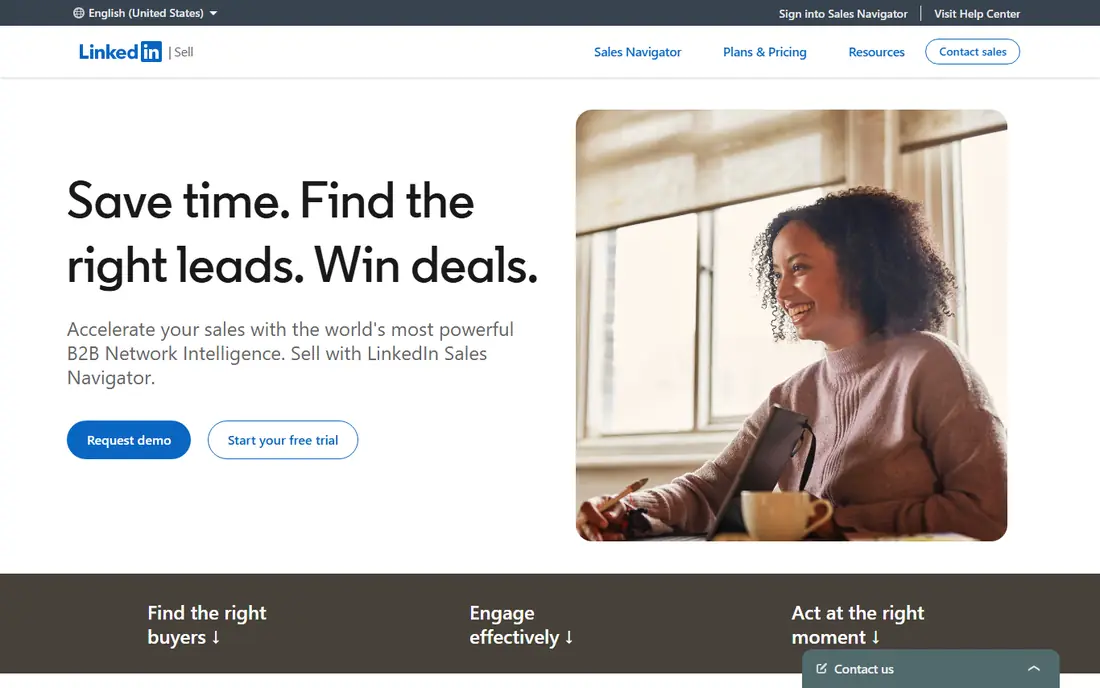
When the question is "who actually runs procurement at this company," Sales Navigator is where we would start. Because people update their own LinkedIn profiles when they change jobs, the job titles tend to be fresher than in databases that rely on scraping or third-party sources.
LinkedIn's compare page highlights more than 50 advanced search filters, buyer intent signals, and CRM integrations with Salesforce and HubSpot on higher tiers. Core includes 50 InMail messages per month, so you can contact people even if you are not connected.
Pricing is clear. Core starts at $119.99 per month or $1,079.88 per year, and Advanced at $159.99 per month or $1,799.88 per year. Free trials are offered to members not already on a paid LinkedIn subscription. The big limitation is that you get a profile and InMail, not an email address, so most people pair it with one of the contact finders below.
- Data comes from profiles people keep current themselves
- 50+ advanced search filters for role, seniority and company
- 50 InMails per month on Core to message people you are not connected to
- Does not give you email addresses or phone numbers
- Expensive for a solo user
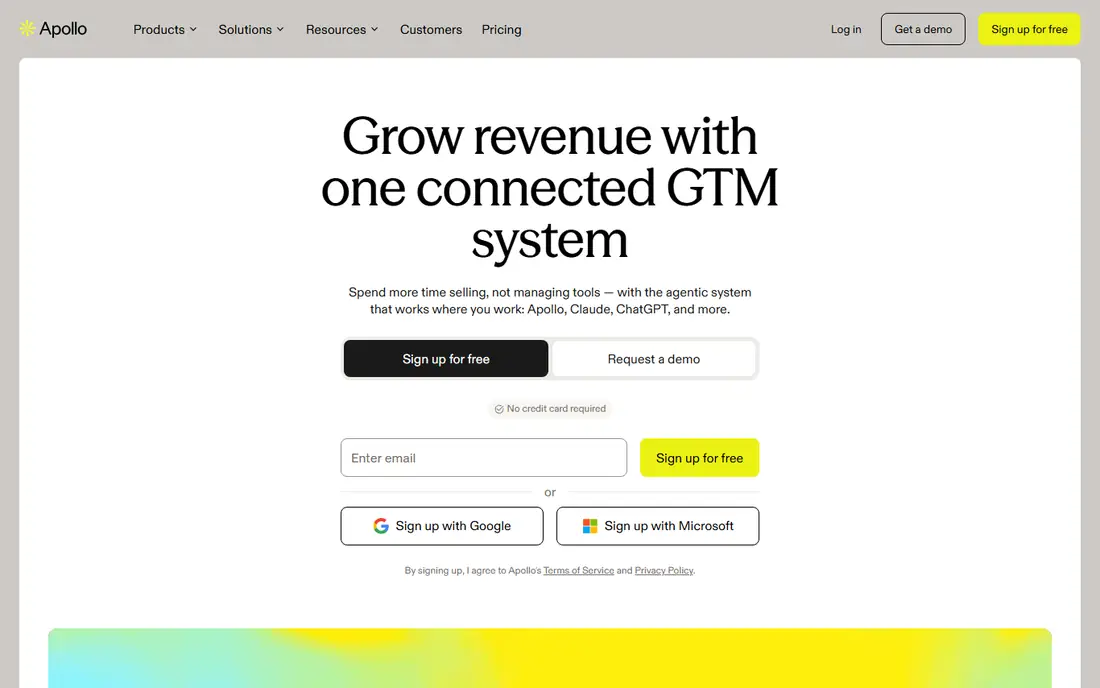
Apollo is the tool we would suggest to a small business or freelancer who wants to find decision makers and contact them from the same place. You search by company, title and seniority, reveal emails and phone numbers with credits, and send sequences without leaving the app.
Its pricing page lists four plans: Free for exploring or light use, Basic for individual sellers, Professional for full-time reps who need more credits and AI features, and Custom for larger teams. Apollo says the free plan stays free with no time limit, and trials of paid plans give access to most features.
The catch is the credit system. Credits cover emails, phone numbers and other actions, and unused credits expire at the end of each billing cycle. We could not see current per-user prices on the page, so check them in Apollo's checkout before you commit.
- Free plan with no time limit
- Combines a contact database, email sequences and a dialer
- Credits are pooled across a team
- Prices are not shown on the pricing page in plain text
- Free plan can only connect Gmail for email campaigns
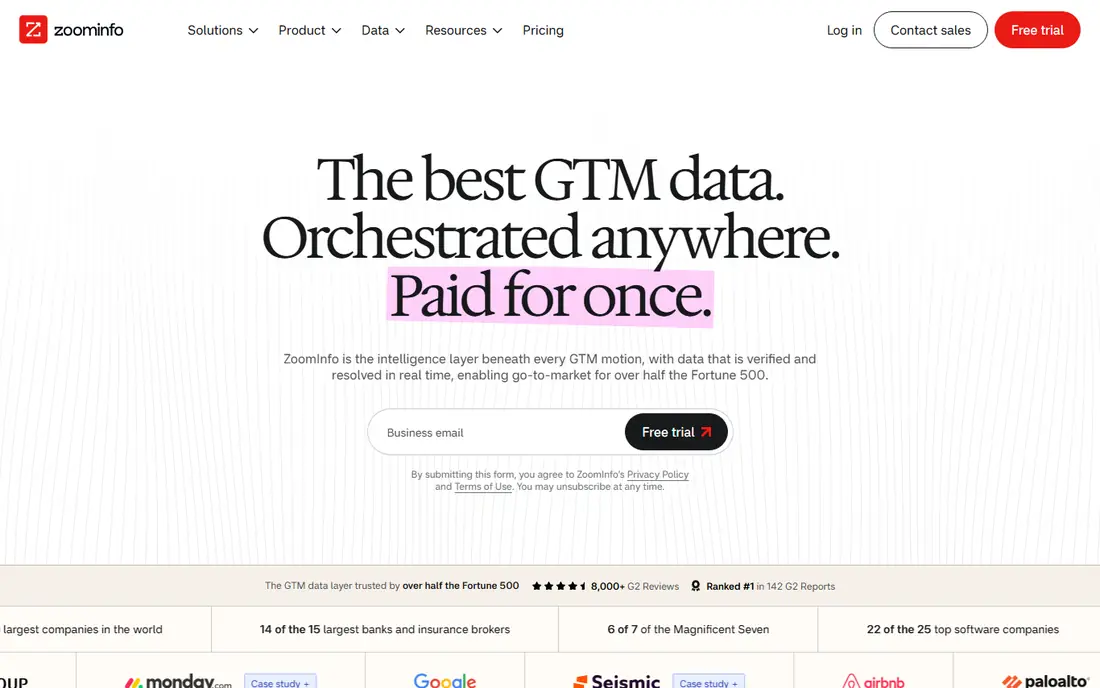
ZoomInfo is the heavyweight for mid-size and enterprise sales teams. Beyond contact data, it shows org charts, so you can see who reports to whom and find every stakeholder in a buying group, not just one name.
The pricing page lists Professional, Advanced and Enterprise sales plans. Professional covers contact and company search, mobile numbers, business emails, prospect lists and CRM integrations. Higher tiers add AI account prioritization, location and hierarchy data, and real-time buyer intent signals.
ZoomInfo does not publish prices, and every plan starts with a free trial or a sales conversation. It is powerful, but for a one-person business the cost and commitment are usually more than the job needs.
- Org charts and decision-maker mapping
- Real-time buyer intent signals on higher tiers
- Trusted by more than 35,000 companies according to ZoomInfo
- No published prices
- Annual contracts suit teams, not individuals
Lusha is fast and simple. Open a LinkedIn profile or a company page, click the extension, and reveal an email or phone number. That makes it a good partner for Sales Navigator: find the person on LinkedIn, then pull their details with Lusha.
Lusha's pricing page explains the credit model clearly. Revealing a verified email costs 1 credit and revealing a phone number costs 5 credits. The free plan gives you up to 40 credits per month along with basic features and CRM integrations.
The free tier is enough to test the data quality on your own target list, which we recommend before paying for anything. Because phone numbers use credits five times faster, budget accordingly if you plan to cold call.
- Free plan with up to 40 credits per month
- Simple, transparent credit costs
- Chrome extension reveals contacts on professional networks and websites
- Phone numbers cost 5 credits each
- Paid plan prices are not shown in plain text on the pricing page
Cognism is built for sales teams that live on the phone. Its standout feature is verified mobile numbers, which it describes as phone-verified contact numbers designed to help teams connect with the right decision makers. If your emails go unanswered, a working mobile number can matter more.
The company puts a strong focus on European B2B data and compliance, which is useful for US companies selling into the UK and EU. Its pricing page says it is trusted by more than 4,000 companies.
Pricing is custom. You talk to sales and get a quote, and there is no free plan. For a team doing serious outbound calling into Europe, it is worth a demo; for an occasional lookup, it is overkill.
- Phone-verified mobile numbers for reaching decision makers directly
- Strong European data coverage
- Rated 4.5 on G2 and 4.7 on Capterra, as shown on its pricing page
- No free plan or public prices
- More than a small business needs
UpLead is built around one promise: clean data. Its homepage says it backs its data with a 95%+ accuracy guarantee and verifies emails in real time as you search a database of more than 200 million leads. If bounced emails have burned you before, that focus is the main reason to look at it.
You search its Prospector database, then spend a credit to export a contact with a verified email and, where available, a mobile direct dial. A Chrome extension shows data while you browse the web or LinkedIn.
Pricing is published, which we appreciate. The free trial runs 7 days with 5 credits. Essentials costs $99 per month for 170 credits, and Plus is $199 per month for 400 credits. That works out to roughly 50 to 60 cents per contact, so UpLead suits targeted lists more than mass outreach.
- 95%+ data accuracy guarantee, according to UpLead
- Emails are verified as you search
- Clear published monthly prices
- Essentials plan includes only 170 credits per month
- Buyer intent data is reserved for the custom Professional plan
Hunter answers a simple question: what email addresses exist at this company? Type a domain and Domain Search returns the publicly available addresses it has found, with confidence scores, department filters and sources, which helps you narrow down the decision maker. Email Finder then guesses and verifies the address for a specific person.
Pricing is published and easy to read. The free plan includes 50 credits per month, with one credit per email found and half a credit per verification. Starter costs $49 per month billed monthly or $34 per month billed yearly, with 2,000 credits per month. Growth is $149 monthly or $104 per month billed yearly.
Hunter says more than 7 million people use it. Its limit is scope: no phone numbers, and less coverage for tiny businesses that publish few emails. For email outreach to companies with a website, it is excellent value.
- Domain Search shows public email addresses found for a company, filterable by department
- Free plan with 50 credits per month
- Clear published pricing from $34 per month billed yearly
- Emails only, no phone numbers
- Less useful for very small companies with few public emails
Kaspr is a LinkedIn-first tool. Install the Chrome extension, open a profile, and Kaspr shows available emails and phone numbers. It suits salespeople and recruiters who already build lists in LinkedIn or Sales Navigator.
The pricing page lists a free plan with 15 B2B email credits, 5 phone credits and 5 direct email credits per month. Starter costs $49 per user per month billed annually ($65 monthly) and includes unlimited B2B email credits, 100 phone credits per month and CSV enrichment from LinkedIn URLs. Business is $79 per user per month billed annually ($99 monthly) with 200 phone credits.
The honest limit is phone credits. Even paid plans cap them, so heavy cold callers may run out quickly. For email-led outreach from LinkedIn, the Starter plan is good value.
- Free plan with B2B email, phone and direct email credits
- Starter plan includes unlimited B2B email credits
- Works directly on LinkedIn through a Chrome extension
- Phone credits are limited even on paid plans
- Most useful only if your prospecting starts on LinkedIn
ContactOut is popular with recruiters, and it works for sales too. Its site claims 800 million people profiles, 150 million personal emails, 200 million work emails and 100 million direct dials, with data updated hourly via API.
You can sign up for free and try a search before paying, and the Chrome extension shows contact details while you browse LinkedIn. The site also advertises a sales offer of unlimited sales users for $299, though we could not confirm the plan terms from the pricing page.
One caution: personal email addresses are useful for recruiting, but sending sales pitches to someone's personal inbox can feel intrusive and may conflict with privacy rules. Stick to work emails for business outreach.
- Claims 800 million people profiles and 200 million work emails
- Chrome extension for LinkedIn
- CCPA and GDPR compliant and SOC 2 certified, per its site
- Pricing is not shown in plain text on the pricing page
- Personal emails raise privacy questions for sales outreach
How we picked these
We looked for tools that help with both parts of the job: identifying the person who makes a decision and finding a way to contact them. For each tool we checked the official website and pricing page in October 2026 to confirm the free plan, published prices, credit rules and the data claims each company makes about itself.
We did not run a data-accuracy test across all nine tools, so treat the data-size figures above as each company's own claims. Where a company does not publish prices, we say "See website" rather than guess.
How to find the right decision maker without wasting credits
Start with the role, not the contact
Use Sales Navigator, a company's website or Apollo's filters to identify the title that owns your problem. For software sold to small businesses, that is often the owner or founder. In larger companies it might be a head of operations, IT director or VP of sales.
Test data quality on your own list
Take 20 companies you know well and run them through two free plans, such as Hunter and Lusha. Compare how many correct names and working emails each returns. That small test tells you more than any marketing claim.
Watch the credit math
Phone numbers usually cost several times more than emails. If your outreach is email-first, choose a plan heavy on email credits. If you call, look at Cognism, Lusha or Kaspr's higher tiers.
Stay compliant
Send only relevant, honest business messages, include an unsubscribe option, and honor opt-outs quickly. If you contact people in the EU or UK, check that your tool and your process meet GDPR requirements.
Frequently asked questions
What is the best tool to find decision makers at a company?
For identifying the right person, LinkedIn Sales Navigator is the most accurate because people maintain their own profiles. For getting contact details, Apollo, Lusha, Kaspr and Hunter are the best value, and ZoomInfo or Cognism suit larger sales teams.
Can I find decision makers for free?
Yes, on a small scale. Hunter offers 50 credits per month, Lusha up to 40 credits, Kaspr a small monthly allowance, and Apollo has a free plan with no time limit. Combine them with a free LinkedIn account and a company's own "About" or "Team" page.
How do I find the email of a CEO or business owner?
Start with Hunter's Domain Search on the company's website domain to see which email patterns it uses, then use an email finder for the specific name. Verify the address before sending, since bounced emails hurt your sender reputation.
Is ZoomInfo worth it for a small business?
Usually not. ZoomInfo is built for sales teams with annual budgets and does not publish prices. A small business can usually get what it needs from Apollo, Lusha or Hunter at a fraction of the cost.
Is it legal to use these tools to contact decision makers?
In the US, cold business email is legal if you follow CAN-SPAM rules, including an honest subject line, your physical address and a working opt-out. Contacting people in Europe brings GDPR into play, so check each tool's compliance information. This is general information, not legal advice.
Sources we checked (13)
- https://business.linkedin.com/sales-solutions/compare-plans
- https://www.apollo.io/pricing
- https://www.zoominfo.com/
- https://www.zoominfo.com/pricing
- https://www.lusha.com/pricing/
- https://www.cognism.com/pricing
- https://www.uplead.com/
- https://www.uplead.com/pricing/
- https://hunter.io/
- https://hunter.io/pricing
- https://www.kaspr.io/pricing
- https://contactout.com/
- https://contactout.com/pricing
Online Jobs is an independent blog about careers, online work, learning new skills and the tools that help people earn. More about us.
Keep reading
All posts
Best Web Scraping Tools
Compare the best web scraping tools in 2026, from no-code Octoparse and Browse AI to Apify, Firecrawl, Bright Data, Zyte, ScraperAPI and free Scrapy, with prices.

Best Software for Real Estate Agents
The best software for real estate agents in 2026, from CRMs like Follow Up Boss and Wise Agent to dotloop, DocuSign, Canva and Matterport, with current prices.

Best Tools for Vector Design
The best tools for vector design in 2026, from Adobe Illustrator and CorelDRAW to free options like Affinity, Inkscape and Penpot, with prices and trade-offs.