Best Tools for Vector Design in 2026: 9 Options Compared
 Online Jobs·Updated Oct 24, 2026·10 min read

Professional illustration and logos · Starting price: $22.99 per month
How we put this together: we compare official feature and pricing pages, app store listings, privacy policies and public user reviews. Prices change, so check the provider's site before you pay.
Key takeaways
- You can do serious vector work for free. Affinity is free for individuals, Inkscape is free and open source, and Penpot's Professional plan is $0.
- Adobe Illustrator is the paid standard at $22.99 a month on an annual plan billed monthly, with a 7-day trial and the most AI vector features.
- Platform decides a lot. Sketch's full editor is Mac only, Linearity Curve is Apple only, and CorelDRAW, Illustrator and Figma run on more systems.
- Vectorizer.AI is not a drawing tool. It converts pictures into vectors for $9.99 a month, with a free preview before you pay.
- Many of these tools were built for interface design. If you need logos, print work or illustration, check that vector drawing is a main feature and not an extra.
Quick comparison
| Name | Who it suits | Starting price | Free option | |
|---|---|---|---|---|
| Adobe Illustrator | Professional illustration and logos | $22.99 per month | Free trial (7 days) | Visit |
 Affinity Affinity | Free all-in-one design and vector work | Free | Yes | Visit |
 CorelDRAW CorelDRAW | Windows users who want a perpetual option | See website | Free trial (15 days) | Visit |
 Inkscape Inkscape | Free, open source vector editing | Free | Yes | Visit |
 Figma Figma | Interface design with vector tools | Free | Yes | Visit |
 Linearity Curve Linearity Curve | Vector drawing on Mac, iPad and iPhone | Free | Yes | Visit |
 Penpot Penpot | Open source design for teams | Free | Yes | Visit |
 Sketch Sketch | Mac-based interface design | $12 per editor per month | Free trial (30 days) | Visit |
 Vectorizer.AI Vectorizer.AI | Turning images into vectors | $9.99 per month | Free preview | Visit |
The best tools for vector design
Vector graphics are drawn with paths and shapes instead of pixels, so they stay sharp at any size. That makes them the right format for logos, icons, signs and print layouts. The nine tools below cover professional suites, free editors, design platforms and one conversion service. Prices are in US dollars from each vendor's own pages as of October 2026.
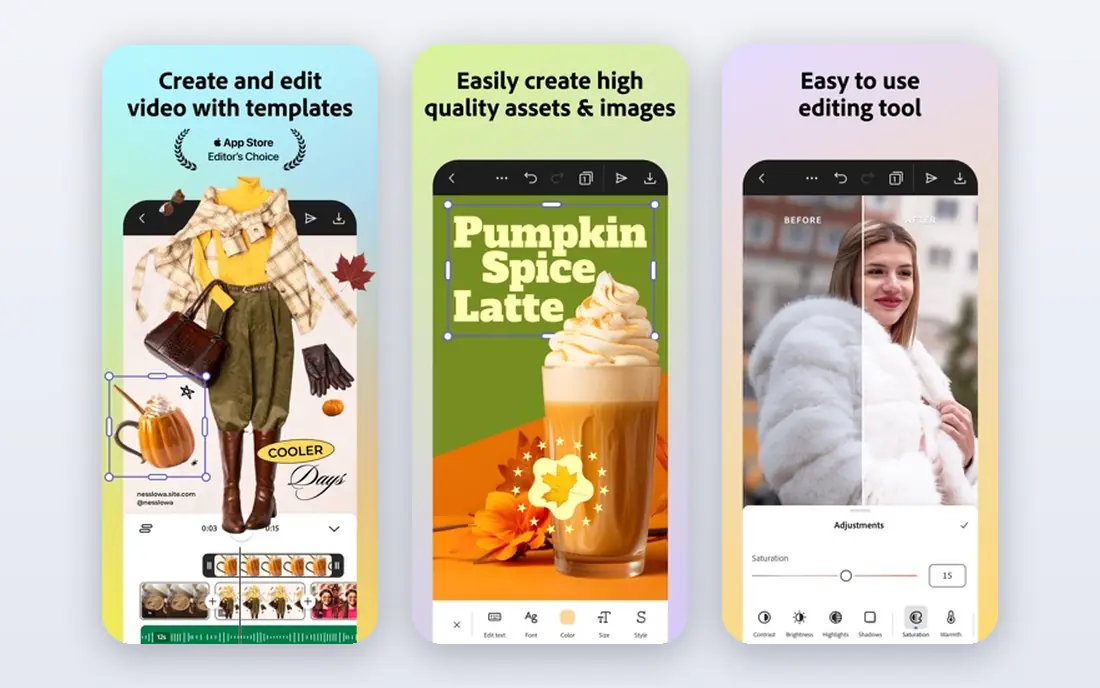
Illustrator is the tool most design jobs and tutorials assume. Adobe's plans page lists $22.99 a month on an annual plan billed monthly, with a 7-day free trial, covering desktop, iPad and web. The all-apps Creative Cloud Pro plan is higher and shows a promotional price for new subscribers.
Recent features include Concept to Vector, which turns sketches or low-resolution images into editable vectors, Generative Shape Fill, Text to Vector Graphic and Text to Pattern. Snap to Tangent and Snap to Perpendicular help with clean curves, and Shape Builder, Repeat and global edits speed up repetitive work.
The downside is cost over time. You rent Illustrator, and there is no one-time purchase. If you only draw an occasional icon, a free tool will probably do.
- Largest set of vector tools and AI features
- Desktop, iPad and web
- Industry-standard file exchange
- Subscription only
- Steeper learning curve
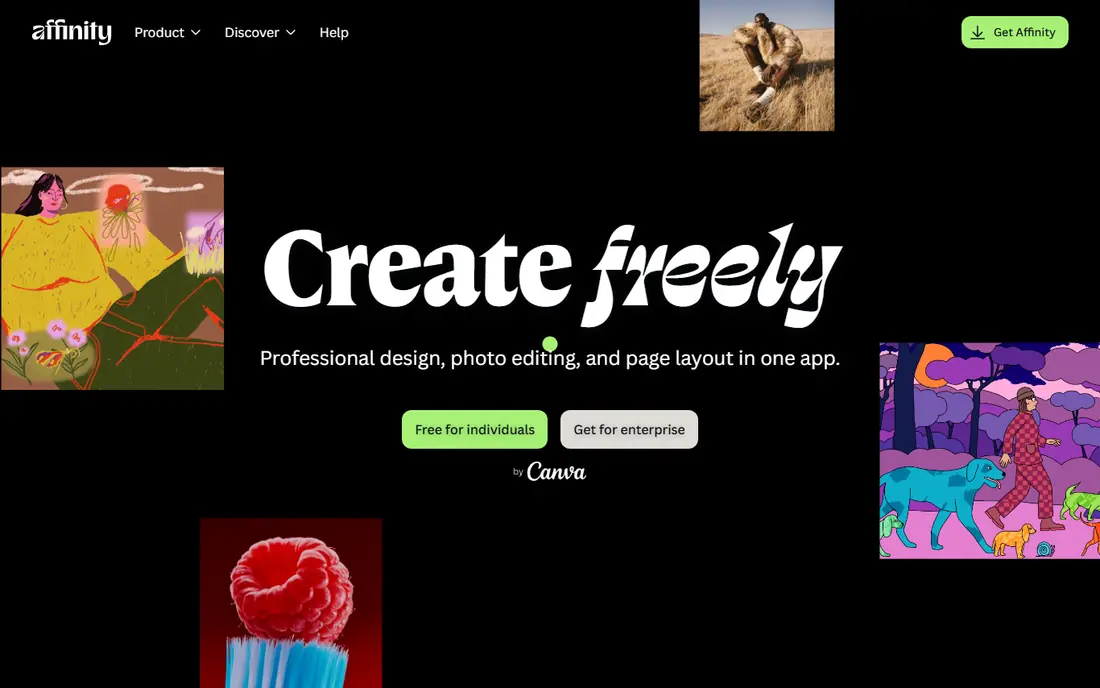
Affinity is now a single app that combines vector design, photo editing and page layout, and its site says it is free for individuals. The Vector Studio part is promoted for graphic design, illustration and logo creation, with a newly added Blend Tool.
It runs natively on Apple silicon and Intel Macs, and on Windows, where a dedicated graphics card helps. The iPad version is listed as coming soon with no date. Organizations needing single sign-on are directed to Canva Enterprise, and classrooms to Canva Education.
The AI tools inside Affinity are tied to a Canva premium plan. For most freelancers and students, the free price is the headline, though we advise checking the license terms before using it for client work.
- Free for individuals
- Vector, photo and layout work in one app
- Runs on Mac and Windows
- IPad version not released yet
- AI tools need a Canva premium plan
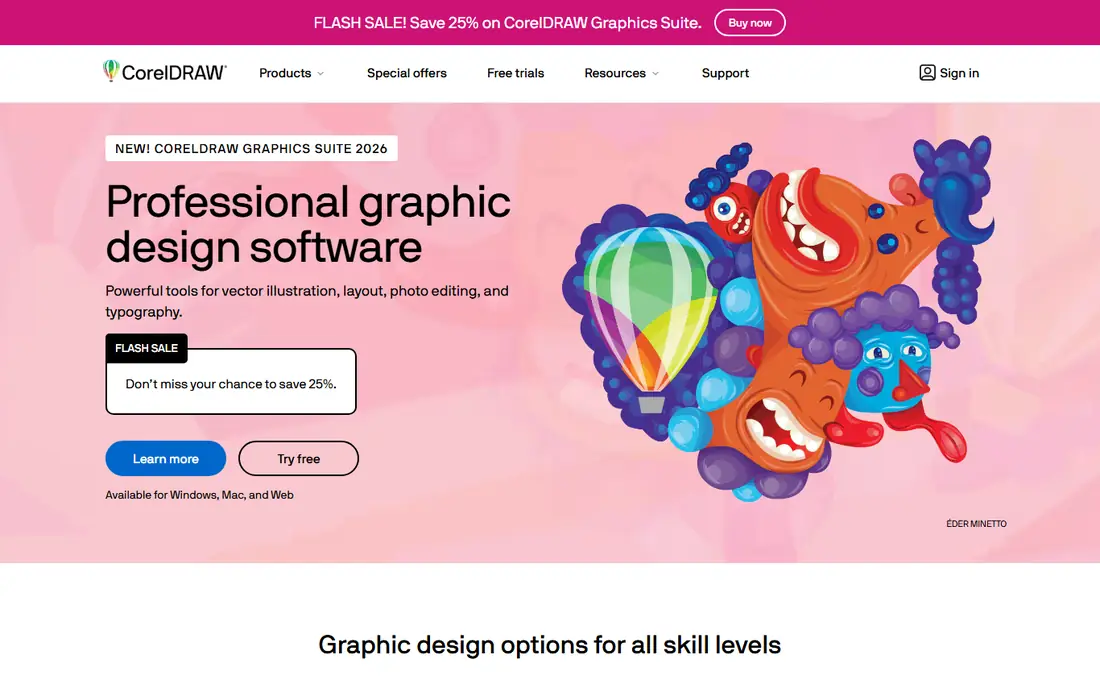
CorelDRAW has been a vector standby for decades, popular in sign making, printing and engraving. The company sells CorelDRAW Graphics Suite for professionals, CorelDRAW Standard for enthusiasts and home businesses, and CorelDRAW Go, a beginner-friendly app. The suite runs on Windows, Mac and the web, and the web version needs a recent Chrome or Edge browser.
Corel offers a 15-day free trial with no credit card. Its pages show subscription and one-time purchase options, but the exact amounts did not appear in the text we could read, so check the buy page. We will not quote third-party prices.
It is a good choice if you want to own software rather than rent it, and if your work includes layout and production as well as drawing.
- Runs on Windows, Mac and web
- Lower-priced Standard and Go versions
- Free trial needs no credit card
- Prices not shown in the text we could read
- Smaller community than Adobe
Inkscape is the best-known free vector editor. It is open source, it works with the SVG format, and the project is developed publicly on GitLab. It is built for Windows, macOS and Linux.
It handles logos, icons, illustrations and technical drawings, and its path tools are strong. As an open source project, it relies on community help more than paid support.
Expect to spend some time learning the interface, but there is no cost to find out whether it suits you. If you only need a free vector editor on a desktop, start here.
- Completely free and open source
- Native SVG workflow
- Active development on GitLab
- Interface feels less polished than paid tools
- Desktop-focused
Figma is known for app and web design, but it includes vector tools for custom icons, illustrations and shapes. Its newer Figma Draw adds brushes, stroke settings and enhanced vector editing with a shape builder and a lasso, and a Vectorize feature converts flat images into editable vector layers.
The Starter plan is free with limits, including unlimited drafts. Professional is $16 a month for a full Design seat, and Organization is $55 a month billed annually.
It works best if your vector work feeds into screens, brand systems and shared files. For print production or detailed illustration, a dedicated tool is a safer bet.
- Free Starter plan
- Vector drawing and Figma Draw for illustration
- Strong team collaboration
- Built mainly for interface design
- Paid seats start at $16 per month
Curve is the vector editor from Linearity, formerly known as Vectornator. It runs on Mac, iPad and iPhone and offers Bezier paths, brushes, gradients and vector effects. It can import and export Figma, Illustrator and Sketch files, export PDF, SVG and EPS, and open PDFs as native Curve files.
Pricing runs through Linearity plans. The free plan includes Curve and Move with usage limits, plus 2,400 welcome credits that expire after 7 days. Pro is $10 a month, or $8 a month billed annually. Studio is $30 a month, or $25 billed annually.
It suits iPad artists and Mac users who want a modern interface. Windows users should look elsewhere, since no Windows version appeared on the page.
- Pen, Node and Shape Builder tools
- Opens and exports Illustrator, Figma and Sketch files
- Free plan includes Curve
- Free plan has usage limits and expiring credits
- No Windows version listed
Penpot is an open source design platform for designers and developers. Its Professional plan is $0 and the page describes it as fully featured with no limits on tools. Unlimited costs $7 per editor per month (capped at $175 a month), and Enterprise is $25 per member per month.
The platform supports open standards including SVG, CSS, HTML and JSON, and it can be self-hosted. That matters for teams that must keep files on their own servers.
Its strengths are layouts, prototypes and handoff. The pages we read did not highlight illustration tools, so for logo and art work, test it before committing.
- Open source and self-hostable
- Free Professional plan with no tool limits
- Supports SVG, CSS and HTML
- Aimed at interface design more than illustration
- Paid plans are per editor
Sketch is a long-running Mac design app. The Standard plan is $12 per editor per month billed yearly, with real-time collaboration and free viewers, and there is a 30-day free trial with no card. A Mac-only license costs $120 per seat as a one-time purchase and includes a year of updates.
You edit in the Mac app, while the web app and the iPhone and iPad apps are for viewing, prototypes and handoff. Sketch's pricing page lists design, prototyping and illustration.
It fits Mac-based design teams. If you work on Windows or want illustration-first tools, other options here make more sense.
- Native Mac app with offline use
- One-time $120 Mac-only license
- Free viewers on the web
- Editing is Mac only
- Focused on interface design
Vectorizer.AI converts raster images (PNG, JPG) into vector files. This is the job people mean when they search for vectorizing software. You can upload an image and preview the result in the web app before subscribing.
The Web App costs $9.99 a month for unlimited web images, with no API access. API plans start at $9.99 a month for 50 credits. The API converts to SVG, PDF, EPS, DXF or PNG, and the Web App lets you adjust export options.
Fees are non-refundable and remaining credits are lost on cancellation, so use the preview first. Clean up the output in Illustrator, Affinity or Inkscape before using it on important work.
- Upload and preview before paying
- Unlimited web images on the monthly plan
- Cancel any time
- Converts only, does not draw
- No academic or nonprofit discounts
How we picked these
We compared each product's official site, pricing page and feature pages, and we included both well-known suites and free or smaller tools. We did not test the tools ourselves. We kept products that are available in October 2026, are clearly meant for vector work, and show enough detail to compare. Where a price was not visible to us, we wrote See website.
How to choose a vector design tool
Match the tool to the job
Logos and illustration need strong pen and path tools: Illustrator, Affinity, CorelDRAW, Inkscape and Curve. Icons for apps and websites fit Figma, Penpot and Sketch. Converting an existing image fits Vectorizer.AI.
Check your computer
Sketch editing needs a Mac. Linearity Curve needs Apple devices. Affinity runs on Mac and Windows. Inkscape and CorelDRAW cover more systems, and CorelDRAW has a web version.
Compare the cost over time
Rental software adds up. Illustrator at $22.99 a month is about $276 a year. Free tools cost nothing, and Sketch's $120 Mac-only license is a one-time cost for a year of updates.
Check file compatibility
If clients send Illustrator files, test how each tool opens them. Curve lists Illustrator, Figma and Sketch import and export. Always keep SVG or PDF copies for sharing.
Frequently asked questions
What is the best vector design software?
Illustrator is the most complete, but not the best for everyone. Affinity or Inkscape cost nothing and handle most logo and icon work. Figma and Penpot are better when the output is screen design.
What is the best free vector software?
Affinity is free for individuals, Inkscape is free and open source, and Penpot's Professional plan is $0. Figma's Starter plan and Curve's free plan have limits. Try two and see which feels comfortable.
Can I turn a photo or logo into a vector?
Yes. Vectorizer.AI converts images to SVG and similar formats, and Illustrator's Concept to Vector and Figma's Vectorize feature do similar jobs. Results depend on the original, so simple logos convert better than photos.
Do I need to pay for vector design software?
No. Affinity, Inkscape and Penpot are free, and Figma and Curve have free plans with limits. Paid tools mainly add AI features, support and wider file compatibility.
What file format should I save vector work in?
SVG is the common open format for web use, and PDF and EPS are common for print. Keep your original editable file as well.
Sources we checked (15)
- https://www.adobe.com/products/illustrator/plans.html
- https://www.adobe.com/products/illustrator.html
- https://www.affinity.studio/
- https://www.coreldraw.com/en/
- https://www.coreldraw.com/en/product/coreldraw/
- https://inkscape.org/
- https://gitlab.com/inkscape/inkscape
- https://www.figma.com/pricing/
- https://www.figma.com/design/
- https://www.linearity.io/pricing/
- https://www.linearity.io/curve/
- https://penpot.app/pricing
- https://penpot.app/
- https://www.sketch.com/pricing/
- https://vectorizer.ai/pricing
Online Jobs is an independent blog about careers, online work, learning new skills and the tools that help people earn. More about us.
Keep reading
All posts
Best Sales Intelligence Tools for B2B Contact Data
The best sales intelligence tools for B2B contact data in 2026: Apollo, ZoomInfo, Cognism, Lusha, UpLead and more, with real prices, credits and honest drawbacks.

Best Gig Apps
The best gig apps to make money in 2026, from Uber and DoorDash to Amazon Flex, TaskRabbit and Instawork, with US requirements, pay rules and honest drawbacks.
Best Freelance Platforms
Compare the best freelance platforms in 2026, including Upwork, Fiverr, Toptal and Contra, with the fees each one publishes and who each platform suits.