

Online Jobs

Home / Education

Education

Best Tools for Online Teaching in 2026: 9 Platforms Compared

Best Tools for Online Teaching in 2026: 9 Platforms Compared

How we put this together: we compare official feature and pricing pages, app store listings, privacy policies and public user reviews. Prices change, so check the provider's site before you pay.

Key takeaways

  • You can start teaching live for free: Zoom's Basic plan caps meetings at 40 minutes, while Microsoft Teams Free allows group meetings of 60 minutes.
  • Google Classroom works with personal Google accounts, which makes it a practical free option for tutors and homeschool groups.
  • Course platforms are not cheap: entry prices run from $39 per month on Teachable to $179 per month on Kajabi when billed monthly.
  • Transaction fees matter. Teachable's Starter plan charges 7.5 percent per sale and Podia's Mover plan charges 5 percent, while higher plans on both drop that fee.
  • Most teachers need two or three tools, not one: a way to meet live, a way to record lessons, and optionally a place to sell or host a course.

Quick comparison

NameBest forStarting priceFree plan
ZoomLive classes and one-to-one tutoringFreeYes
Google ClassroomAssignments, grades and class organizationFreeYes
Microsoft TeamsLive classes if your school or business uses MicrosoftFreeYes
LoomShort recorded lessons and video feedbackFreeYes
CanvaSlides, worksheets and visual materialsFreeYes
TeachableSelling a first online course$39 per monthFree trial (7 days)
ThinkificCourse sites with a 30-day trial$109 per monthFree trial (30 days)
KajabiA full online business with no revenue share$179 per monthSee website
PodiaCourses and digital products on one site$49 per monthFree trial (14 days)

The best tools for online teaching

We sorted the list by the job each tool does: live teaching, class management, recorded lessons, visuals and course hosting. Prices are US prices as of October 2026, and several vendors show lower prices when you pay yearly, so we note both where we can.

#1

Zoom

Best for: Live classes and one-to-one tutoring

Visit zoom.com
Starting priceFree
Free planYes
Zoom website

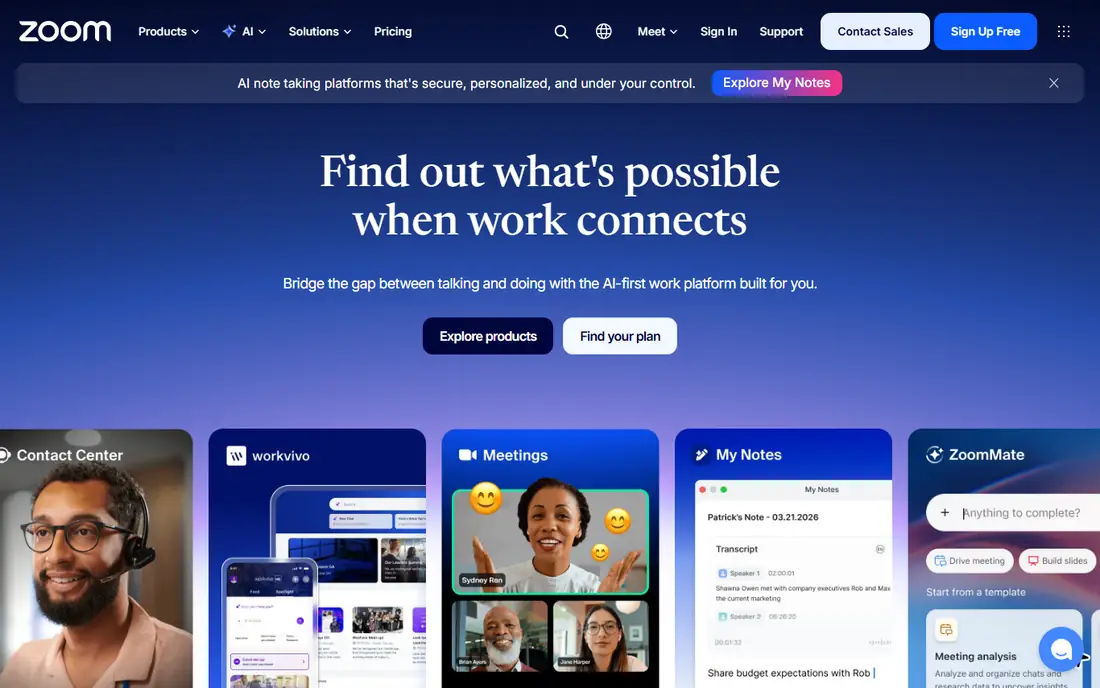
Zoom is the default for live lessons, and its pricing page makes the trade-offs plain. The free Basic plan allows 100 participants but limits each meeting to 40 minutes. It includes 3 hosted meeting summaries and 20 AI queries per month, plus three editable whiteboards.

Pro costs $16.99 per user per month on monthly billing, or $14.16 per user per month billed annually. It lifts the meeting limit to 30 hours, adds unlimited clips and meeting summaries, and gives 10 GB of cloud storage per user. Business is $21.99 monthly or $18.33 annually and raises the participant cap to 300.

For a tutor with one-to-one sessions, the free plan may be enough. For a 60-minute class, you will need Pro or a workaround. Zoom lists a 50 percent discount for verified nonprofits.

What we like
  • Free plan allows 100 participants
  • Whiteboards and meeting summaries
  • Pro plan allows 30-hour meetings
Watch out for
  • Free meetings end after 40 minutes
  • AI summaries are capped on the free plan
#2

Google Classroom

Best for: Assignments, grades and class organization

Visit edu.google.com
Starting priceFree
Free planYes
Google Classroom website

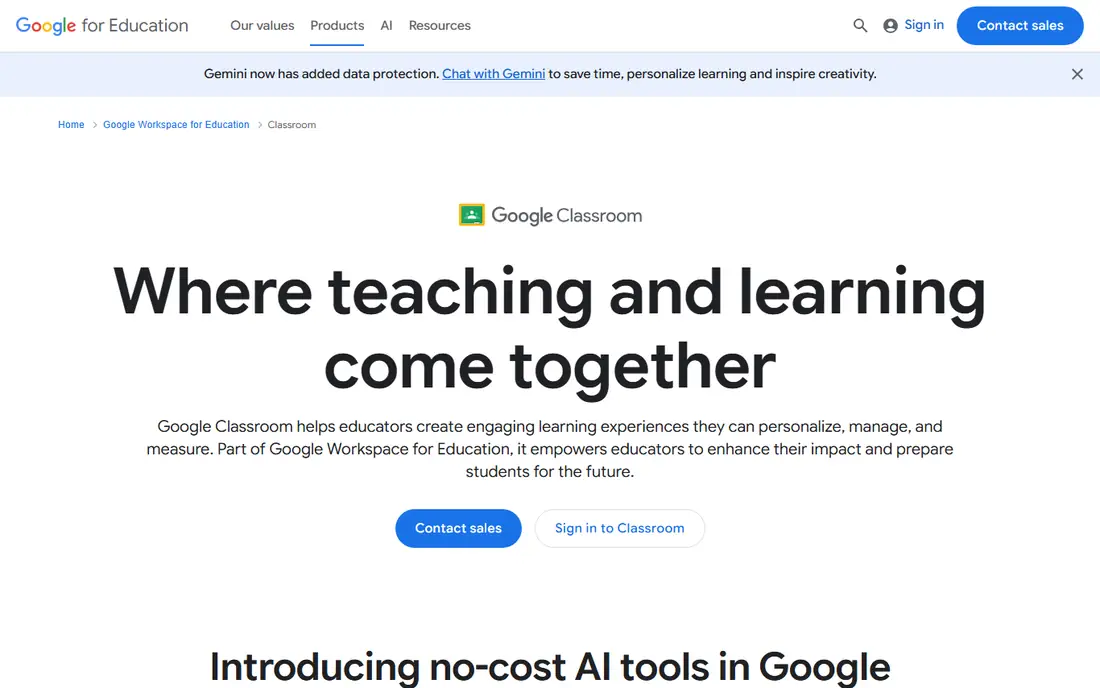
Google Classroom keeps assignments, announcements and student work in one place. Google's support page says Classroom supports school accounts, Google Workspace accounts and personal Google Accounts, and describes personal accounts as typically used outside school, such as for homeschooling.

That makes it useful for independent tutors who do not have a school domain. The limit is cross-account use: the same page says a personal account user can join a class with a Workspace teacher only if the organization allows it.

Google's education page also mentions no-cost AI tools in Classroom, with advanced capabilities reserved for Education Plus and the Teaching and Learning add-on. It does not list prices for those, so check with Google or a reseller if your school is considering them.

What we like
  • Works with school, Workspace and personal accounts
  • Familiar to many students
  • Part of Google's education tools
Watch out for
  • Not built for selling courses
  • Some cross-account joins depend on admin settings
#3

Microsoft Teams

Best for: Live classes if your school or business uses Microsoft

Visit microsoft.com
Starting priceFree
Free planYes
Microsoft Teams website

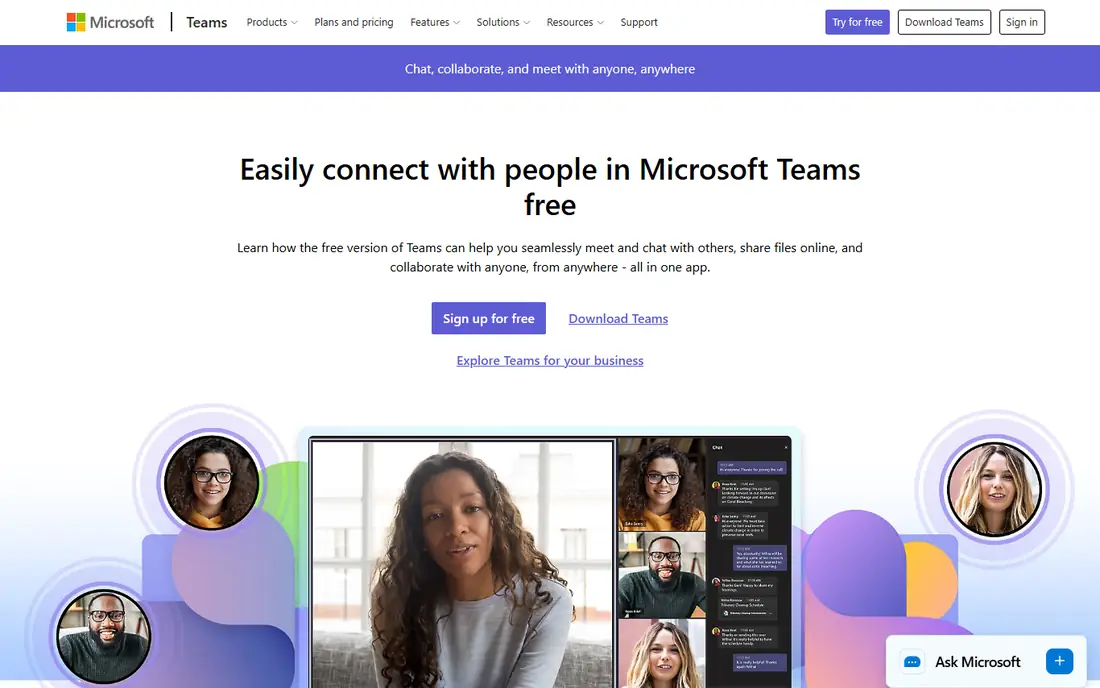
Teams is a good fit when your students or employer already work in Microsoft products. Microsoft's support page says Teams Free supports meetings of up to 100 participants for up to 60 minutes, and Microsoft's free plan pages list 5 GB of cloud storage per user. One-to-one calls are described as longer, up to 30 hours.

If you need longer group sessions, Teams Essentials raises the limit to 30 hours and 300 participants. A Microsoft page we found listed it at $4.00 per user per month paid yearly, but that page may be out of date, so confirm the current price.

Teams works best as a place where a class lives all week: chat, files and meetings together. It is heavier to set up than Zoom for a one-off tutoring session.

What we like
  • Free plan with chat and meetings
  • Familiar to Microsoft 365 users
  • Larger meetings on paid plans
Watch out for
  • Free group meetings stop at 60 minutes
  • Free storage is small
#4

Loom

Best for: Short recorded lessons and video feedback

Visit loom.com
Starting priceFree
Free planYes
Loom website

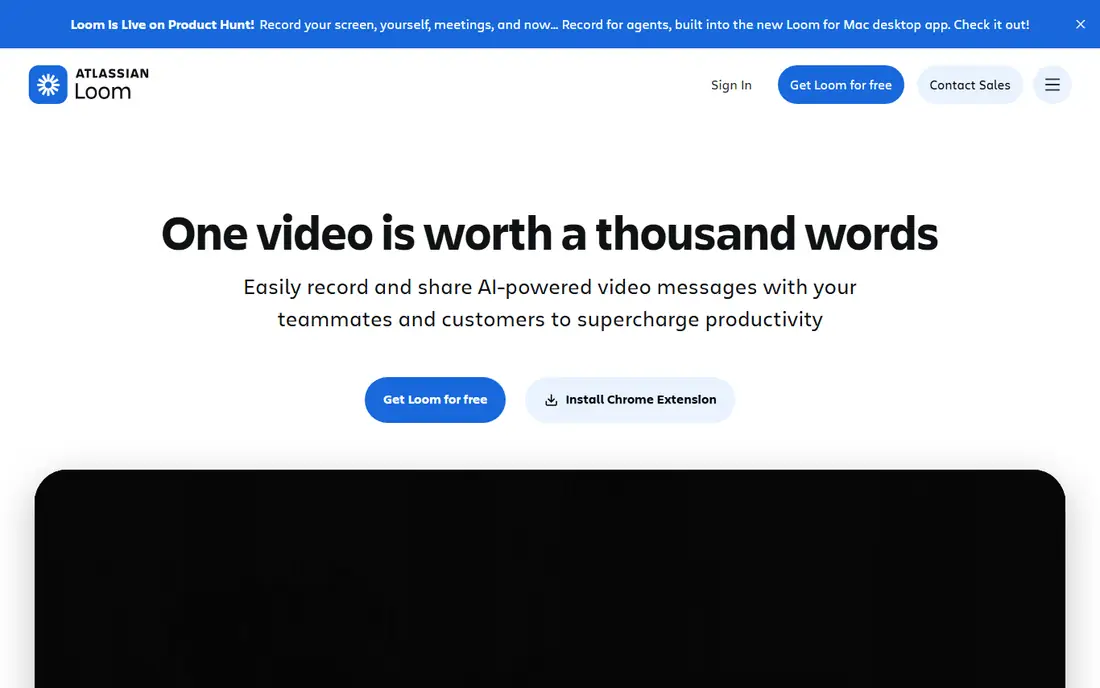
Loom lets you record your screen and face, then share a link. For teachers, that is ideal for explaining a homework problem or giving personal feedback without scheduling a call. Students can watch on their own time.

The Starter plan is free, with up to 25 videos, 5-minute recordings and 720p video. Business costs $18 per user per month and adds unlimited videos and recording time, 4K video and custom branding. Business + AI is $24 per user per month and adds auto-titles, summaries and chapters, with a 14-day free trial. Annual billing saves up to 17 percent.

The 25-video cap fills up fast if you build a whole course. If recorded lessons are central to your teaching, budget for a paid plan or store finished videos elsewhere.

What we like
  • Quick screen and camera recording
  • Free Starter plan
  • Discounted plan for students and teachers
Watch out for
  • Free plan limits you to 25 videos
  • Free recordings stop at 5 minutes
#5

Canva

Best for: Slides, worksheets and visual materials

Visit canva.com
Starting priceFree
Free planYes
Canva website

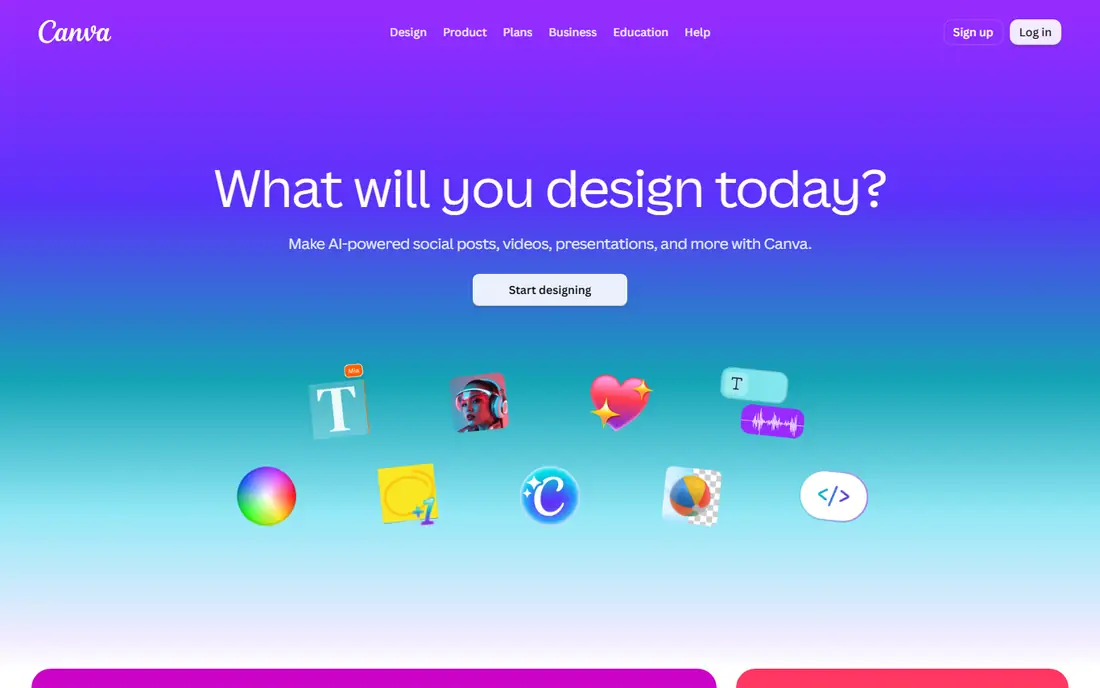
Canva handles the design side of teaching: slide decks, worksheets, posters and social graphics for your classes. You do not need design skills, and templates make the first draft quick.

Canva's own learning pages list Canva Pro at $12 per month billed yearly ($144 per year) or $18 month to month. A free plan also exists. Third-party guides say Canva for Education is free for verified K-12 teachers and their students, but we could not confirm that on Canva's pages, so check eligibility before you rely on it. Guides also note it is not offered to college and university students.

Canva is a creation tool, not a teaching platform. You will still need Zoom, Classroom or a course site to deliver the lesson.

What we like
  • Easy templates for slides and handouts
  • Free plan available
  • Education offer may cover K-12 teachers
Watch out for
  • Pro price differs by billing period
  • Education eligibility needs checking
#6

Teachable

Best for: Selling a first online course

Visit teachable.com
Starting price$39 per month
Free planFree trial (7 days)
Teachable website

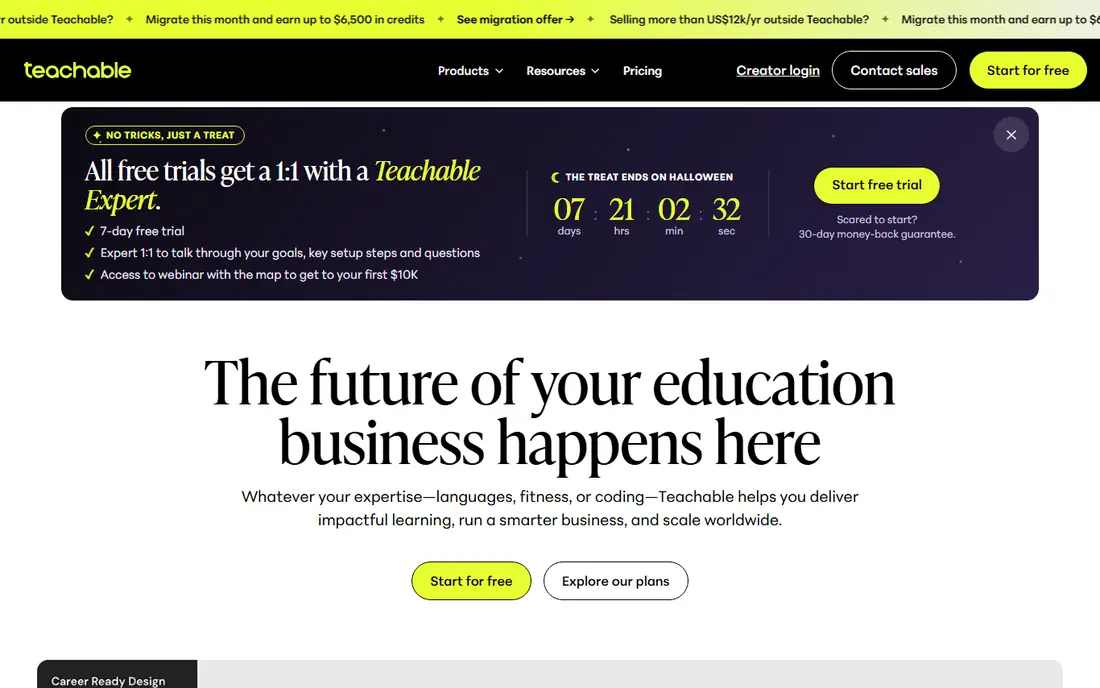
Teachable is built for creators who want to sell courses without building a website. The pricing page lists Starter at $39 per month ($29 per month billed annually), Builder at $89 ($69 annually) and Growth at $189 ($139 annually). Annual billing saves about 22 percent.

Fees are the main thing to read. Starter charges a 7.5 percent transaction fee, while Builder and Growth charge 0 percent. Teachable Payments processing fees include 2.9% + 30 cents for US cards and 3.9% + 30 cents for international cards. Growth adds course certificates and removes Teachable branding.

The page lists a 7-day free trial with a 30-day money-back guarantee, while a pop-up on the same page offered a 30-day trial. That inconsistency is worth checking before you sign up.

What we like
  • Clear tiers from Starter to Growth
  • No transaction fee on Builder and Growth
  • Built-in payments
Watch out for
  • 7.5 percent fee on Starter
  • Trial length is inconsistent on the page
#7

Thinkific

Best for: Course sites with a 30-day trial

Visit thinkific.com
Starting price$109 per month
Free planFree trial (30 days)
Thinkific website

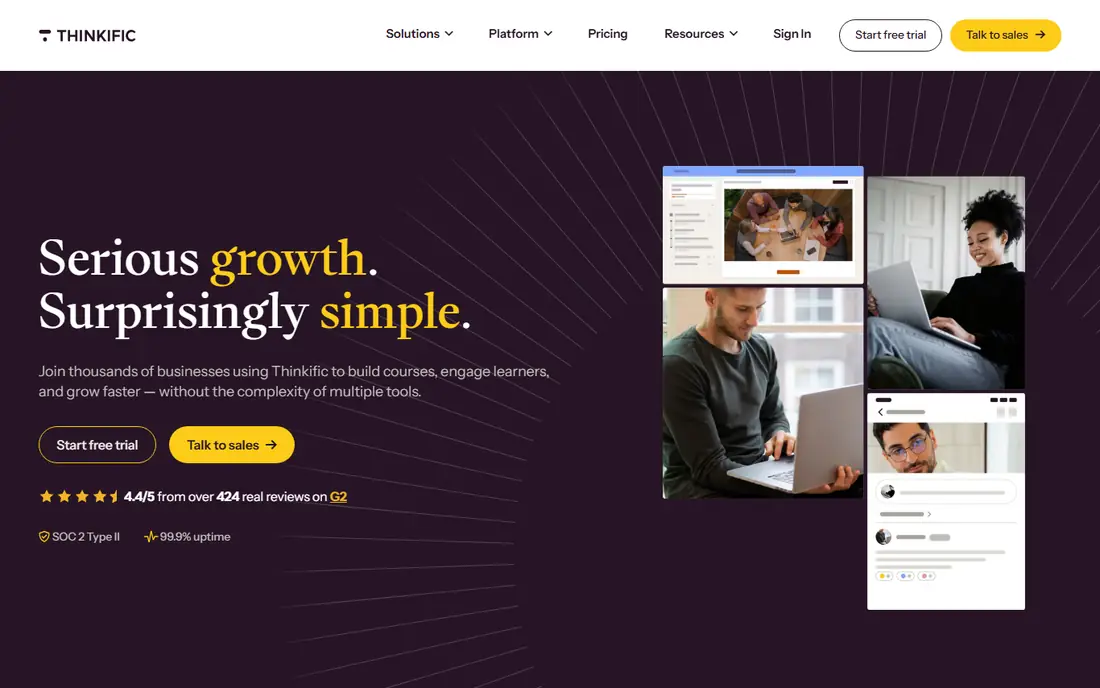
Thinkific is a course platform for building and selling online courses. Its pricing page lists Start at $109 per month ($82 per month billed annually), Grow at $219 ($164 annually) and Expand at $499 ($374 annually), plus a custom Plus plan. Every account starts with a 30-day free trial.

Thinkific Payments charges a standard 2.9 percent processing fee. If you use Stripe or PayPal, a gateway fee adds on top and varies by plan. A branded mobile app is available as a $199 per month add-on, and is included on select Plus plans.

The page did not list a free plan, so the trial is how you test it. Thinkific costs more than Teachable at the entry level, which is worth it only if its features match what you plan to build.

What we like
  • 30-day free trial
  • Thinkific Payments at 2.9%
  • Optional branded mobile app
Watch out for
  • No free plan on the pricing page
  • Higher entry price than Teachable
#8

Kajabi

Best for: A full online business with no revenue share

Visit kajabi.com
Starting price$179 per month
Free planSee website
Kajabi website

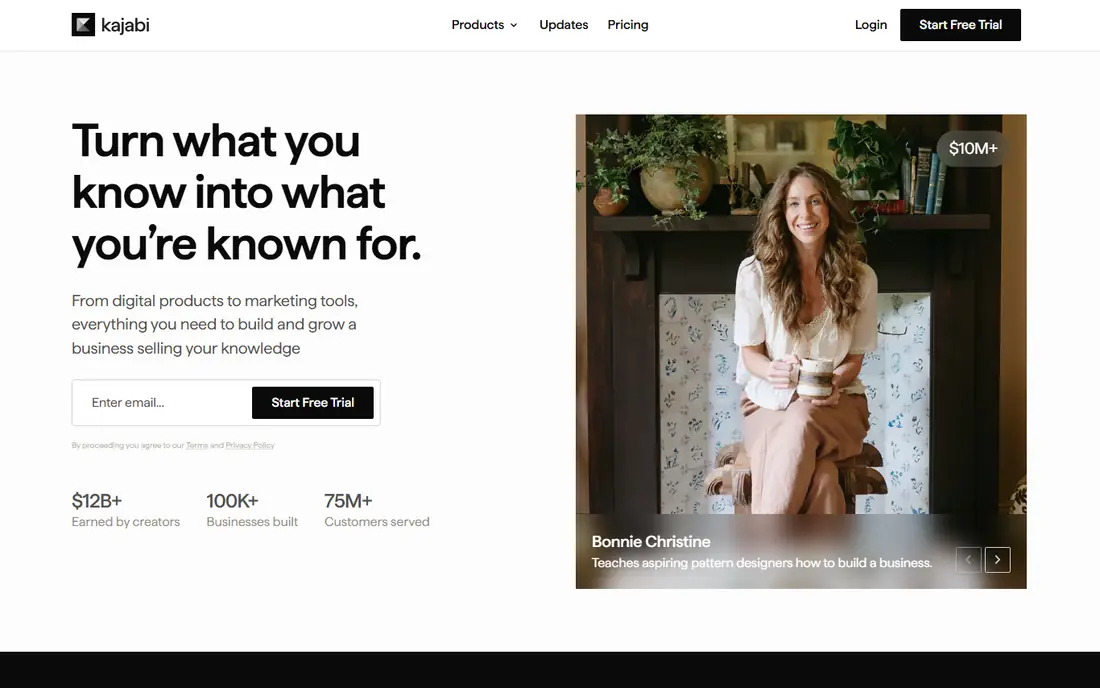
Kajabi is aimed at people building a business around courses, coaching or memberships. Its pricing page lists Basic at $179 per month ($143 per month billed annually), Growth at $249 ($199) and Pro at $499 ($399).

Kajabi says it takes no revenue share. Kajabi Payments charges 2.9% + 30 cents on Basic in the US, 2.8% + 30 cents on Growth and 2.7% + 30 cents on Pro. Third-party providers carry an extra fee of 2%, 1% or 0.5% depending on the plan.

The page described a 14-day free trial only for a Business Launch Kit, which converts to the Growth plan at $249 per month unless you cancel. It did not state a trial length for the regular plans, so we list it as See website. Kajabi makes more sense once you have an audience than for a first test course.

What we like
  • No revenue share
  • Built-in payments
  • Annual discount
Watch out for
  • Highest entry price in this list
  • Trial length is unclear
#9

Podia

Best for: Courses and digital products on one site

Visit podia.com
Starting price$49 per month
Free planFree trial (14 days)
Podia website

Podia lets you sell courses and other digital products from one site. Its pricing page lists Mover at $49 per month ($42 per month billed annually), Shaker at $99 ($84) and Earthquaker at $179 ($150).

Mover charges a 5 percent Podia transaction fee, while Shaker and Earthquaker charge none. Stripe or PayPal fees of about 2.9% + 30 cents still apply on all plans. The 14-day free trial includes all features, and you do not need to pick a plan or enter a credit card.

If you plan to start small and move up, Podia's fee structure is simple to follow. The catch is that Mover's 5 percent fee adds up quickly once you have steady sales, so price your course with it in mind.

What we like
  • 14-day trial with full access
  • No card needed to start
  • No platform fee on higher plans
Watch out for
  • 5 percent platform fee on Mover
  • No free plan

How we picked these

We started with the searches teachers and tutors make and kept tools that are active, sold in the US and clearly different from each other. We compared vendor pricing pages, support pages and feature pages, and used third-party guides only when a vendor page would not load or did not list a price.

We did not teach with every tool for months, so we describe what the vendors publish and say when we could not confirm something. Prices can vary by billing period and promotion, so we label both monthly and annual figures where they are listed.

How to choose your online teaching tools

Start with the job, not the brand

List what you need: a live meeting, a place to post homework, short recorded explanations, nice-looking materials, or a site where people pay for a course. Then pick one tool per job and add more only if something is missing.

Do the math on fees

For paid courses, compare the monthly price and the transaction fee together. A cheaper plan with a 5 to 7.5 percent fee can cost more than a pricier plan with none once sales grow. Payment processors also take their own fee.

Test live-class limits

Free meeting limits are the most common surprise. A 40-minute cap works for a short tutoring session but not for a full class. Try a practice session with a friend before your first paying student.

Think about your students' devices

Most students join from phones, tablets and shared school laptops. Pick tools with free viewer access and test a lesson on a phone before you publish it.

Frequently asked questions

What are the best online teaching platforms?

For live teaching, Zoom and Microsoft Teams are the best known. For organizing coursework, Google Classroom is a free option. If you want to sell a course, Teachable, Thinkific, Kajabi and Podia are the platforms most teachers compare.

What are the best online teaching tools for free?

Zoom Basic, Microsoft Teams Free, Google Classroom and Loom's Starter plan are all free to begin. Each has limits, such as Zoom's 40-minute meetings and Loom's 25 videos.

What are the best apps for online teaching?

Zoom, Google Classroom and Microsoft Teams all have mobile apps, and Loom and Canva are popular for creating materials. Pick based on whether you need live sessions, assignments or visuals.

Can I sell my own course without a website?

Yes. Teachable, Thinkific, Kajabi and Podia host the course and handle payments, so you do not have to build a site. Check the monthly price and the transaction fee on the plan you choose.

How much does it cost to start teaching online?

You can start at no cost with free plans of Zoom, Google Classroom and Loom. Selling courses starts around $39 per month on Teachable's Starter plan, plus transaction and payment fees.

Sources we checked (11)
  1. https://zoom.us/en/pricing
  2. https://support.google.com/edu/classroom/answer/6023715
  3. https://edu.google.com/workspace-for-education/classroom/
  4. https://support.microsoft.com/en-us/office/learn-more-about-subscriptions-for-microsoft-teams-free-1061bbd0-6d97-46a6-8ca0-21059be3eee3
  5. https://www.microsoft.com/en-us/microsoft-teams/free
  6. https://www.loom.com/pricing
  7. https://www.canva.com/learn/canva-pro-vs-canva-enterprise/
  8. https://www.teachable.com/pricing
  9. https://www.thinkific.com/pricing/
  10. https://kajabi.com/pricing
  11. https://www.podia.com/pricing
Online Jobs
Online Jobs

Online Jobs is an independent blog about careers, online work, learning new skills and the tools that help people earn. More about us.

Make one of these products, or think something here is out of date? Send us the details.

Keep reading

All posts