Best Time Tracking App for Contractors in 2026: 8 Apps Compared


Construction and field crews that need GPS time cards · Starting price: $40 per month plus $9 per user
How we put this together: we compare official feature and pricing pages, app store listings, privacy policies and public user reviews. Prices change, so check the provider's site before you pay.
Key takeaways
- ClockShark leads for construction job costing, while Connecteam suits crews that also need scheduling and team communication.
- Jibble is the best free time tracking app for contractors on a tight budget, though its job costing is lighter than paid rivals.
- GPS, geofencing, and offline clock-in matter more on a job site than any dashboard feature, so test those first.
- The best construction time clock app for your crew is the one workers can use in seconds, on any site, without calling the office for help.
Quick comparison
| Name | Who it suits | Starting price | Free option | |
|---|---|---|---|---|
| ClockShark | Construction and field crews that need GPS time cards | $40 per month plus $9 per user | Free trial | Visit |
 Connecteam | Deskless teams that need time plus communication | $29 per month | Yes | Visit |
 Hubstaff | Teams that need time plus activity tracking | $4.99 per user per month | Free trial | Visit |
 QuickBooks Time | Contractors already using QuickBooks | See website | Free trial | Visit |
 busybusy | Construction crews that track labour and equipment | $9.99 per user per month plus $40 per month | Free trial | Visit |
 Workyard | Contractors that need GPS-verified time and mileage | $6 per user per month plus $50 base fee | Free trial | Visit |
 ExakTime | Construction firms that need compliance-grade records | See website | No | Visit |
 Jibble | Small crews that want a low-cost time clock | Free | Yes | Visit |
The best time tracking apps for contractors
We compared the time tracking apps contractors actually use on job sites, from GPS-verified time clocks to full crew management tools, judging them on clock-in ease, GPS accuracy, job costing, offline behaviour, and payroll integration. A good contractor time app must work with gloves, weak signal, and workers who move between sites, not just in an office demo.
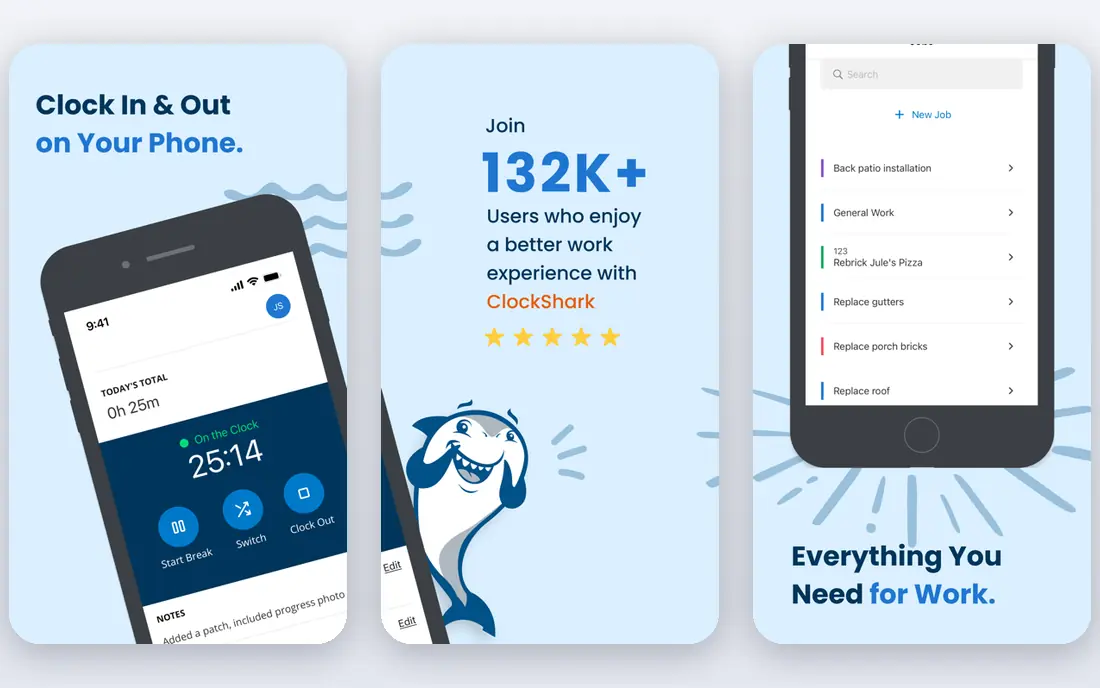
ClockShark is built for construction and field crews, and its time cards show it. Workers clock in from a phone with GPS verification, managers see who is on which job, and hours flow into job costing and payroll integrations. Scheduling, time-off tracking, and reporting sit beside the time clock, so the office spends less time fixing timesheets. For a contractor that needs clean, job-coded hours, ClockShark is our top pick.
The honest catch is this: The base fee plus per-user pricing adds up for larger crews, and some advanced controls sit on higher plans, so price the crew you actually have. Before you commit, check the current pricing page and the plan limits against the size of your team and the work you actually do each week, because the right plan on paper can still be the wrong plan in practice.
- GPS-verified time cards
- Job costing
- Scheduling and payroll integrations
- Base fee plus per-user cost adds up
- Some advanced controls need higher plans
Connecteam suits deskless teams that want time tracking beside scheduling, chat, and forms. Its time clock, GPS controls, scheduling, and communication tools cover the daily needs of a field crew in one app, and the free plan for small teams makes it easy to start. Payroll integrations help the office close the pay period faster. For a mixed crew that also needs communication tools, Connecteam is a strong all-round choice.
The honest catch is this: Geofence features sit on higher plans, and the app needs a connection to clock in, which matters on remote sites with weak signal. Before you commit, check the current pricing page and the plan limits against the size of your team and the work you actually do each week, because the right plan on paper can still be the wrong plan in practice.
- Time clock and scheduling
- Team chat and forms
- Payroll integrations
- Geofence controls need higher plans
- App needs a connection to clock in
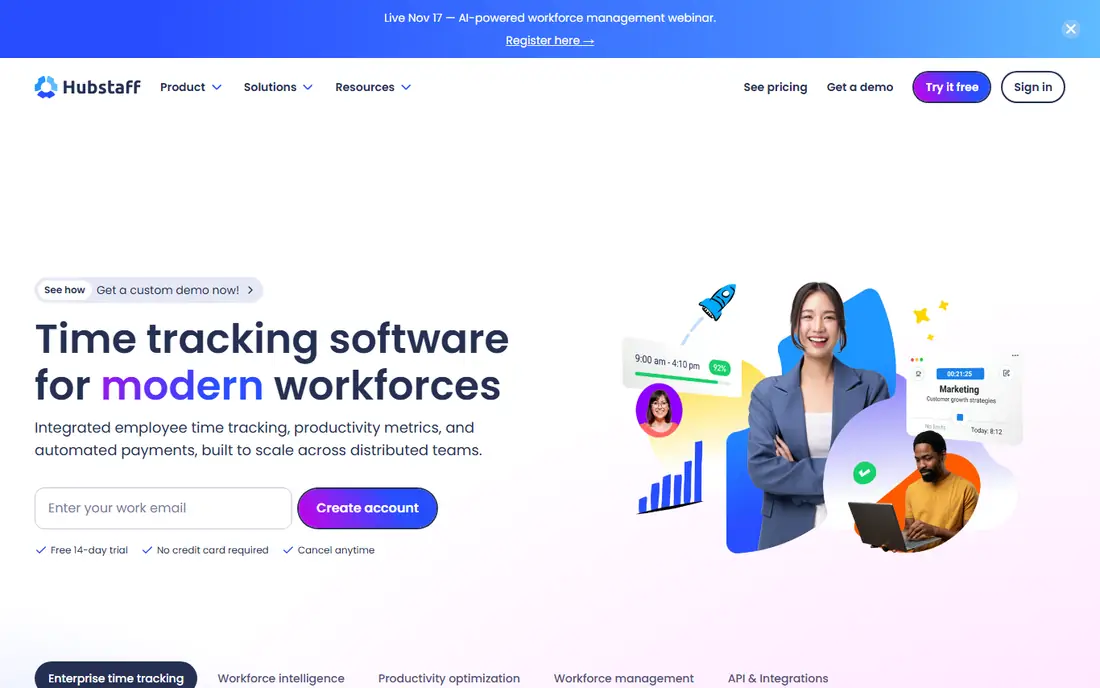
Hubstaff combines time tracking with workforce monitoring, which suits managers who want visibility. Its GPS time tracking, activity levels, and screenshots for desk work give a detailed picture of how time is spent, while payroll and invoicing tools help service businesses bill accurately. The per-user price is competitive for small teams. For a team that wants time plus oversight, Hubstaff is worth a trial.
The honest catch is this: Some field crews find activity monitoring intrusive, so a contractor should explain the policy clearly before rolling it out, and mobile admin controls are thinner than the web app. Before you commit, check the current pricing page and the plan limits against the size of your team and the work you actually do each week, because the right plan on paper can still be the wrong plan in practice.
- Time tracking with GPS
- Activity monitoring
- Payroll and invoicing
- Activity monitoring feels intrusive to some crews
- Mobile admin is limited in places
QuickBooks Time makes most sense for contractors already running payroll and accounting in QuickBooks. Time entries flow into payroll with less manual copying, GPS tracking verifies site attendance, and scheduling and approvals keep the pay period tidy. That integration saves the office real time each week. For a QuickBooks shop, it is the natural time clock.
The honest catch is this: Firms not using QuickBooks get less value, and pricing depends on the QuickBooks plan, so compare the combined cost rather than the time tool alone. Before you commit, check the current pricing page and the plan limits against the size of your team and the work you actually do each week, because the right plan on paper can still be the wrong plan in practice.
- GPS time tracking
- QuickBooks payroll integration
- Scheduling and approvals
- Needs QuickBooks
- Pricing depends on the QuickBooks plan
busybusy is built for construction, with labour and equipment time tracked side by side. Crews clock in with GPS and photo verification, managers see labour costs by job and cost code, and equipment hours sit beside labour hours for a fuller job cost picture. Payroll exports help the office close the period without retyping hours. For a contractor that costs equipment as well as labour, busybusy is a distinctive fit.
The honest catch is this: The per-user fee plus admin fee adds up, and some break settings need checking against your pay policy before rollout. Before you commit, check the current pricing page and the plan limits against the size of your team and the work you actually do each week, because the right plan on paper can still be the wrong plan in practice.
- Labour and equipment cost tracking
- GPS and photo verification
- Payroll exports
- Per-user plus admin fee adds up
- Breaks are unpaid only in some setups
Workyard focuses on GPS-verified time and mileage, which matters for time-and-materials work. Its location tracking, mileage capture, and job costing help contractors bill accurately for travel and site time, while payroll sync cuts office rework. The kiosk and scheduling tools suit crews that gather at a site or yard each morning. For a contractor that bills travel and site time precisely, Workyard is a strong choice.
The honest catch is this: The base fee makes it pricier for a very small crew, and geofence setup needs care to avoid false clock-ins. Before you commit, check the current pricing page and the plan limits against the size of your team and the work you actually do each week, because the right plan on paper can still be the wrong plan in practice.
- High-precision GPS tracking
- Mileage tracking
- Job costing and payroll sync
- Base fee adds to small-crew cost
- Setup needs care for geofences
ExakTime suits construction firms that need compliance-grade time records and rugged hardware. Its mobile app and optional rugged clock hardware handle harsh site conditions, GPS tracking verifies attendance, and compliance and payroll tools help firms meet labour rules. That hardware option sets it apart from phone-only tools. For a larger construction firm with strict compliance needs, ExakTime is a serious option.
The honest catch is this: Pricing is quoted, and hardware adds cost, so smaller crews should compare phone-only tools first. Before you commit, check the current pricing page and the plan limits against the size of your team and the work you actually do each week, because the right plan on paper can still be the wrong plan in practice.
- Rugged time clock hardware option
- GPS tracking
- Compliance and payroll tools
- Quote-based pricing
- Hardware adds cost for some firms
Jibble is the budget pick, with a free plan that covers unlimited users for core time tracking. Its clock-in options include facial recognition to reduce buddy punching, GPS tracking verifies location, and payroll exports help small offices close the period. For a small crew on a tight budget, that free starting point is hard to ignore. For a small crew that mainly needs honest time cards, Jibble is an excellent free start.
The honest catch is this: Full scheduling is lighter than dedicated construction tools, and job costing depth is thinner than ClockShark or busybusy. Before you commit, check the current pricing page and the plan limits against the size of your team and the work you actually do each week, because the right plan on paper can still be the wrong plan in practice.
- Free plan for unlimited users
- Facial recognition clock-in
- Payroll exports
- Full scheduling is limited
- Construction-specific job costing is lighter
How we picked these
We compared official feature pages, pricing pages, app store listings, and public documentation for each product on this list, and we kept only options that are currently available and clearly fit the topic. We looked at the core job each product does, who it is built for, what it costs to start, and where its limits show up in everyday use. We did not claim hands-on testing we did not do, and where a vendor does not publish a price we say so plainly instead of guessing. That approach keeps the comparison honest, and it lets you check every claim against the vendor's own site before you spend anything.
How to choose a time tracking app for contractors
Test it on a real site, not in the office
Take the app to a site with weak signal, gloves, and dust, and watch workers clock in and out. If clock-in takes more than a few taps, or fails offline, workers will stop using it and the office will return to paper timesheets.
Check GPS, geofences, and offline behaviour
Confirm how GPS is recorded, whether geofences can block out-of-site clock-ins, and what happens when the phone loses signal. Also agree a clear policy with workers about location tracking, since trust matters as much as accuracy.
Follow the hours to payroll
Trace one week of hours from clock-in to pay run, including overtime, breaks, and job codes, and check what still needs manual fixing. A tool that exports clean, job-coded hours saves more money than a cheaper tool that needs hours of office cleanup.
Frequently asked questions
What is the best construction time clock app?
ClockShark is the best construction time clock app for most contractors, thanks to GPS-verified time cards and job costing. Connecteam and busybusy are strong alternatives, depending on whether communication or equipment tracking matters more.
What is the best timesheet app for construction?
ClockShark, busybusy, and QuickBooks Time are strong timesheet apps for construction, since all tie hours to jobs and payroll. QuickBooks Time wins for firms already using QuickBooks, while busybusy wins for equipment-heavy crews.
What is the best time card app for construction?
Jibble and Connecteam are strong time card apps for construction on a budget, with Jibble offering a free plan for unlimited users. ClockShark suits larger crews that need job costing and scheduling beside the time card.
What are the best time tracking apps for contractors with GPS?
ClockShark, Workyard, busybusy, and ExakTime offer the strongest GPS tracking for contractors, with Workyard standing out for mileage as well as site time. Test GPS accuracy on your own sites, since signal and building cover affect every tool.
What is the best free time tracking app for contractors?
Jibble is the best free time tracking app for contractors, with a free plan for unlimited users and GPS clock-in. Connecteam also offers a free plan for small teams, though its geofence controls need a paid plan.
Sources we checked (8)

Online Jobs is an independent blog about careers, online work, learning new skills and the tools that help people earn. More about us.
Keep reading
All posts
n8n Alternatives
n8n alternatives compared for 2026, with Zapier, Make, Activepieces, and more, covering visual builders, code steps, self-hosting, and pricing models.

ZoomInfo Alternatives
The best ZoomInfo alternatives in 2026, compared on price, free plans, data coverage, and which tool fits small teams or large sales teams best in detail.

Yotpo Alternatives
Find cheaper alternatives to Yotpo for reviews and loyalty, with Judge.me, Loox, Stamped, and more compared for Shopify stores in 2026, all in one guide.