Best Time Clock App for Small Business in 2026: 9 Apps Compared

How we put this together: we compare official feature and pricing pages, app store listings, privacy policies and public user reviews. Prices change, so check the provider's site before you pay.
Key takeaways
- Homebase is the strongest all-in-one pick for hourly teams that also need scheduling and payroll links.
- Clockify is the best free starting point for small teams that mainly need timers, timesheets, and project hours.
- Deputy and QuickBooks Time are better fits when compliance, approvals, or an existing QuickBooks setup matters most.
- GPS and photo clock-ins help field teams, but they can feel heavy-handed for office teams that do not need them.
- Price per user is only part of the cost, so check base fees, payroll add-ons, and kiosk limits before you choose.
Quick comparison
| Name | Who it suits | Starting price | Free option | |
|---|---|---|---|---|
 Homebase | Hourly teams with scheduling | Free | Yes | Visit |
 Clockify | Free project time tracking | Free | Yes | Visit |
 Deputy | Shift teams and compliance | $5 per user per month | Free trial | Visit |
 QuickBooks Time | QuickBooks users | $20 per month plus $10 per user per month | Free trial | Visit |
 Buddy Punch | Photo and GPS clock-ins | $19 per month plus $4.99 per user per month | Free trial | Visit |
 Connecteam | Deskless and field teams | $29 per month | Free trial | Visit |
 When I Work | Shift scheduling plus time tracking | $2.50 per user per month | Free trial | Visit |
 Jibble | Free facial recognition clock-ins | Free | Yes | Visit |
 OnTheClock | Simple payroll-ready clock-ins | See website | Free trial | Visit |
The best time clock apps for small business
We looked for apps that let staff clock in quickly, give managers clean timesheets, and export hours without retyping numbers. The best choice depends on whether your team works shifts, in the field, or at desks.
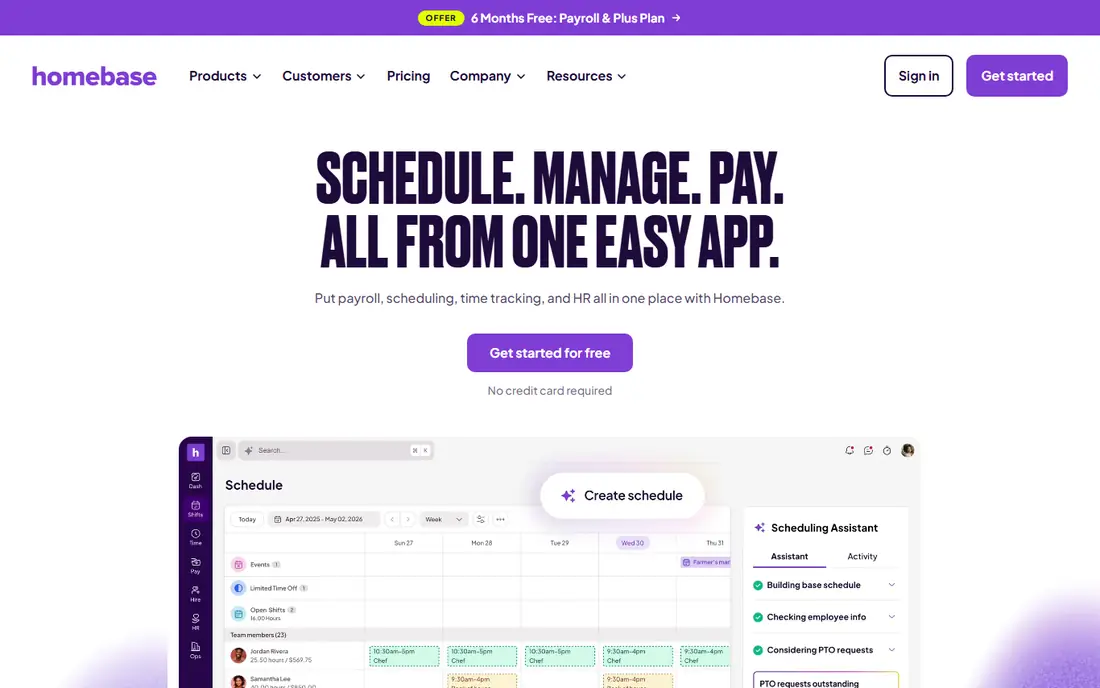
Homebase starts where many small businesses actually struggle, which is the weekly rota. You build shifts, staff claim or swap them, and then clock in against the shift they are working. That link between schedule and timesheet cuts down the end-of-week detective work when hours do not match the plan. The free plan covers basic scheduling and time tracking for a small team at one location, which makes it a low-risk trial. Managers can fix missed punches from a phone, and payroll links reduce retyping. The catch is that the full package, including payroll, costs extra, so price it as a bundle rather than judging the free tier alone.
- Scheduling, time clocks, and payroll links in one app
- PIN and photo clock-in options
- Free plan for small teams
- Payroll is a paid add-on
- Some advanced features need higher tiers
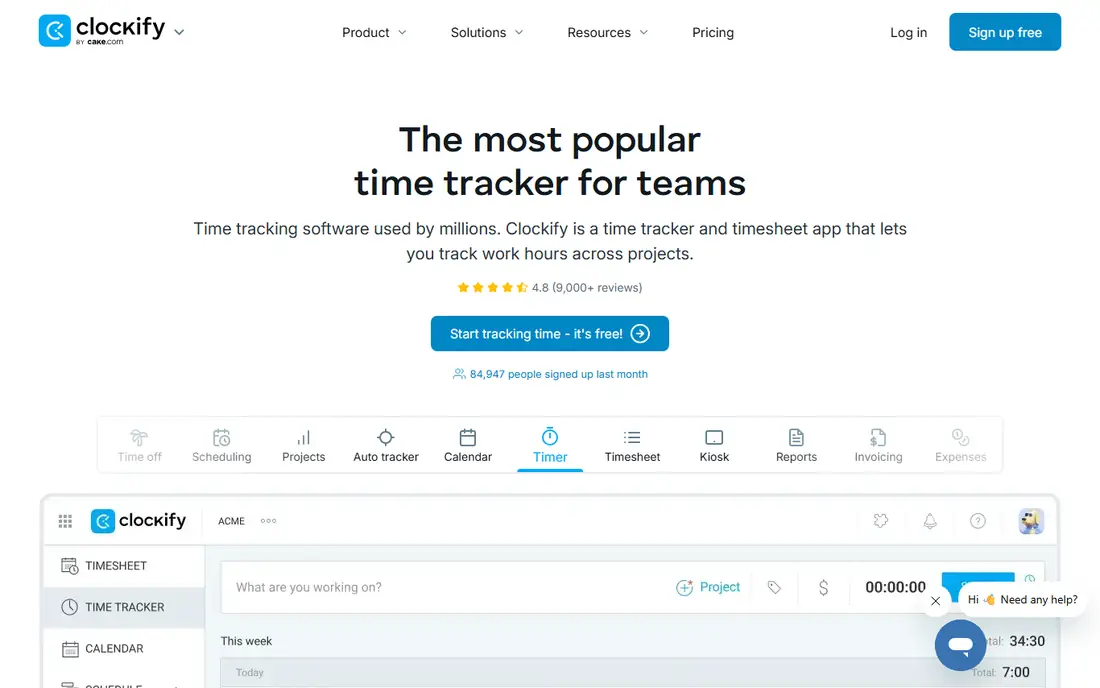
Clockify is the simplest route to accurate hours when your team works on projects rather than fixed shifts. Staff start a timer or fill in a timesheet, managers approve hours, and reports show where time went by project, client, or team member. The free plan is generous, with no user limit on core tracking. That simplicity is also its limit. If you run a cafe or shop with rotating shifts, Homebase or Deputy will handle rota gaps and late clock-ins better. For agencies, freelancers, and small office teams, Clockify gives you clean records without a monthly bill, and paid plans add scheduling, approvals, and invoicing when you need them.
- Free plan with unlimited users and projects
- Timers, timesheets, and kiosk mode
- Clear reports by project or person
- Scheduling and payroll features are lighter than shift-first apps
- Kiosk features sit on paid plans
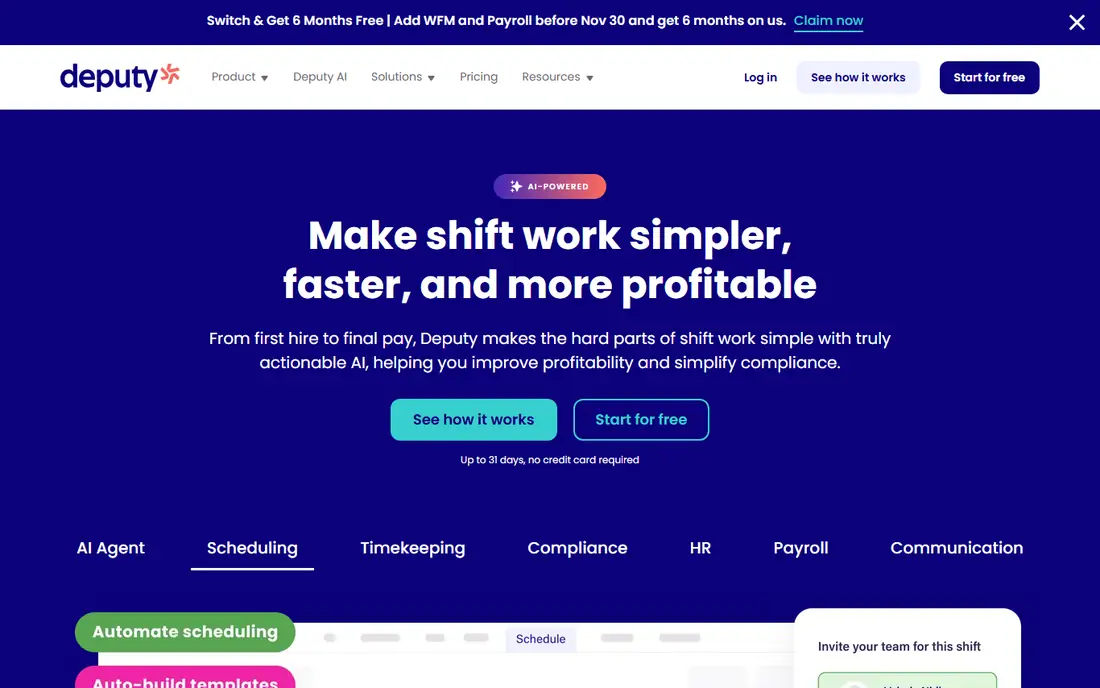
Deputy suits businesses where the rota is complex and labour costs need watching. You can build schedules against demand, set wage rules, and see the cost of a week before it happens. Staff clock in on a phone or a shared tablet, and managers review exceptions rather than every single punch. The compliance angle matters for hospitality and retail teams. Break rules, overtime, and location checks are built into the workflow, which helps when records are ever questioned. The trade-off is setup time. You will need to enter roles, pay rates, and locations properly before the app pays off, so allow a week to get it right.
- Strong scheduling with labour cost controls
- Facial recognition and GPS options
- Approval workflows for timesheets
- Costs rise with larger teams
- Setup takes longer than simpler clock apps
QuickBooks Time, formerly TSheets, is the obvious pick if QuickBooks already runs your books. Hours flow into payroll and job costing without exports, spreadsheets, or double entry. Field staff can clock in from a phone with GPS, and managers approve timesheets in the same system they use for pay. If you do not use QuickBooks, that advantage disappears and the price looks steep next to Clockify or Jibble. For accountants and trades businesses already inside QuickBooks, though, the time saved at payroll often covers the fee. Check whether your QuickBooks plan already includes time tracking before paying separately.
- Direct link to QuickBooks payroll and invoicing
- GPS tracking and geofencing
- Mobile clock-ins for field teams
- Base fee plus per-user fee adds up for larger teams
- Less useful if you do not use QuickBooks
Buddy Punch focuses on one job and does it well, which is proving who clocked in and where. Staff can clock in with a photo or facial check, and managers can set location rules for field teams. That cuts buddy punching, where one person clocks in for another, without turning the app into a full HR system. The interface stays simple, which small teams like. You get timesheets, overtime rules, and time-off requests without a long setup. The limit is scope. If you also need hiring, deep scheduling, or payroll in the same app, you will need another tool alongside it.
- Facial recognition and photo capture
- GPS and geofencing
- Simple overtime and time-off tracking
- Base fee plus per-user fee
- Reporting is simpler than full workforce suites
Connecteam is built for teams that never sit at a desk. Cleaners, delivery staff, care workers, and site crews get one app for clock-ins, job checklists, messages, and training. The GPS time clock ties hours to jobs, so managers can see time per site as well as time per person. That breadth is the selling point and the risk. If you only need a clock, the extra features add noise. If your team currently juggles a clock app, a chat app, and paper forms, bringing them together saves real admin time. Start with the time clock and scheduling, then add forms and training only if staff actually use them.
- All-in-one app for deskless staff
- GPS time clock with job tracking
- Forms, chat, and training in one place
- Per-plan pricing covers a set number of users
- Office teams may not need the extra tools
When I Work began as a scheduling tool, and that still shows in the best way. Building a rota is quick, staff can pick up open shifts, and shift swaps need manager approval rather than a group chat argument. Time tracking sits on top of that schedule, so hours line up with the shifts people actually worked. The low starting price is attractive, but check what the time tracking add-on costs for your team size. For shift-heavy cafes, bars, and shops, the scheduling strength alone may justify it. For project teams that do not run rotas, Clockify is a better fit.
- Fast shift building and swaps
- Team messaging
- Time tracking as an add-on to scheduling
- Time tracking is an add-on, not the core product
- Payroll links are lighter than Homebase or QuickBooks Time
Jibble stands out because its free plan includes facial recognition clock-ins, a feature many rivals charge for. Staff clock in on a phone or tablet, the app checks the face, and timesheets build themselves. Offline mode helps teams with patchy signal, with punches syncing when they reconnect. Paid plans add payroll integrations, advanced reports, and project tracking, but many small teams can run on the free tier for a long time. The main question is trust and support. Test it with a small group first, check that exports match your payroll format, and confirm facial data handling meets your privacy policy before rolling it out to everyone.
- Free plan with facial recognition
- GPS and offline clock-ins
- Payroll and attendance reports
- Some advanced payroll and analytics features need paid plans
- Smaller support footprint than big rivals
OnTheClock keeps the job narrow, which suits owners who do not want another system to learn. Staff clock in and out, managers approve timesheets, and hours export to payroll in a clean format. GPS verification and overtime rules cover the basics for field and office teams alike. It will not replace a scheduling or HR suite, and that is fine if you already have those parts covered. The plain design is a strength for teams that just need reliable punches. Price it from the vendor site for your headcount, since the base fee plus per-employee fee changes the total for larger teams.
- Simple setup for small teams
- GPS-verified clock-ins
- Payroll-ready exports and integrations
- Fewer scheduling and HR features than all-in-one rivals
- Interface feels plain next to newer apps
How we picked these
We compared official feature pages, pricing pages, app-store listings, privacy policies, and public reviews for each product. We kept apps that are live in October 2026, that offer a real clock-in method for small teams, and that export timesheets without manual retyping. We left out enterprise-only workforce suites and pure project timers with no attendance features. Prices in the table come from vendor pricing pages and recent vendor-linked comparisons where a page could not be confirmed in full; where that was the case we used "See website" rather than guessing.
What to check before you pick
Match the app to how your team works
Shift teams need rota tools, field teams need GPS and offline mode, and project teams need timers and client reports. Buying a shift app for a project team, or a project timer for a shop rota, creates work instead of removing it.
Test clock-ins with real staff
Run a one-week trial with a small group before you pay. Check how fast clock-ins are at busy times, what happens with no signal, and how easy it is to fix a missed punch. A slow clock at the door will lose staff support faster than any missing report.
Check payroll exports early
Ask your payroll provider or accountant which format they accept, then test an export during the trial. Clean exports save more time than any dashboard, and a bad export can wipe out the benefit of an otherwise good app.
Frequently asked questions
What is the best time clock software for small business?
Homebase is the best all-round pick for hourly teams, Clockify is best for free project tracking, and Deputy is best for complex shift compliance. The right answer depends on whether you run shifts, field jobs, or desk-based projects.
Which are the best time clock apps for small businesses with field staff?
Connecteam, Buddy Punch, QuickBooks Time, and Jibble all offer GPS clock-ins, with Connecteam adding job tracking and forms. Choose the one whose export format matches your payroll system, and test offline clock-ins if your teams work in low-signal areas.
What is the best clock in app for small business on a tight budget?
Clockify and Jibble both offer free plans that cover core clock-ins and timesheets for small teams. Homebase also offers a free tier for one location. Start free, and only pay when you need scheduling, payroll links, or advanced approvals.
Do small businesses need GPS tracking on a time clock app?
Only field teams gain much from GPS tracking. For shop, cafe, and office teams, a PIN or photo clock-in at a fixed tablet is usually enough and feels fairer to staff. Use GPS where location proof affects pay or job costing, and explain why to your team first.
Can a time clock app handle payroll on its own?
Some can, through payroll add-ons or direct links, while others only export timesheets for your payroll provider. Homebase and QuickBooks Time sit closest to full payroll workflows, while Clockify and OnTheClock focus on clean exports. Confirm the payroll link during your trial, not after you sign up.
How many users can use a free time clock app?
Clockify offers unlimited users on its free plan, Jibble offers a free tier with core clock features, and Homebase offers a free plan for a small team at one location. Paid limits vary by plan, so check the current user and location caps on the vendor site before you roll out to a large team.
Sources we checked (9)

Online Jobs is an independent blog about careers, online work, learning new skills and the tools that help people earn. More about us.
Keep reading
All posts
n8n Alternatives
n8n alternatives compared for 2026, with Zapier, Make, Activepieces, and more, covering visual builders, code steps, self-hosting, and pricing models.

ZoomInfo Alternatives
The best ZoomInfo alternatives in 2026, compared on price, free plans, data coverage, and which tool fits small teams or large sales teams best in detail.

Yotpo Alternatives
Find cheaper alternatives to Yotpo for reviews and loyalty, with Judge.me, Loox, Stamped, and more compared for Shopify stores in 2026, all in one guide.