Best Time and Attendance Software in 2026: 8 Tools Compared

How we put this together: we compare official feature and pricing pages, app store listings, privacy policies and public user reviews. Prices change, so check the provider's site before you pay.
Key takeaways
- Homebase is the best free start for a small hourly team at one location, while Deputy suits larger teams with compliance and multi location needs.
- When I Work is the cheapest scheduling first option, and Jibble offers free time tracking with facial recognition and GPS checks.
- Buddy Punch and Connecteam suit teams that need stronger proof of attendance, including geofencing, photos, and frontline messaging.
- Check per user versus per location pricing before you buy, since the same team size can cost very different amounts under each model.
Quick comparison
| Name | Who it suits | Starting price | Free option | |
|---|---|---|---|---|
 Homebase | Free start for small teams | Free | Yes | Visit |
 Deputy | Compliance and multi location | $5 per month | Free trial | Visit |
 When I Work | Budget scheduling | $2.50 per month | Free trial | Visit |
 Jibble | Free verified clock-ins | Free | Yes | Visit |
 Buddy Punch | Stopping buddy punching | $19 per month | Free trial | Visit |
 Connecteam | Frontline all in one app | $29 per month | Yes | Visit |
 QuickBooks Time | QuickBooks payroll users | $20 per month | Free trial | Visit |
 7shifts | Restaurants | Free | Yes | Visit |
The best time and attendance software
We kept tools that track hours, manage schedules, and produce payroll ready timesheets, with options for free starts, field teams, and restaurants.
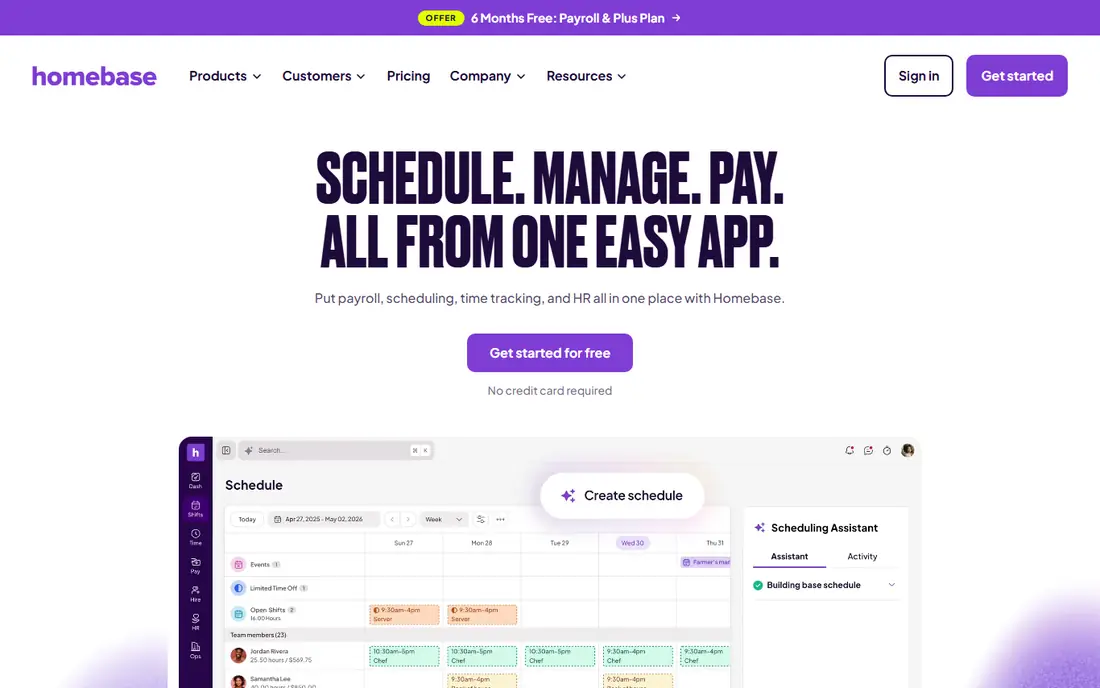
Homebase fits a small restaurant, cafe, or retail team that needs scheduling and a time clock without a monthly fee at first. Its free plan covers one location and up to 10 employees, and staff can swap shifts, clock in from a phone or tablet, and message managers in the same app. That combination covers the daily routine for many hourly teams. The catch is scale. Per location pricing helps a large team at one site, but it hurts a business with many small sites. Payroll is also separate, so check the total cost when you add it. Homebase is still the best first step for a small team that wants to start free and grow into paid features.
- Free plan for one location and up to 10 employees
- Scheduling and time clock in one app
- Payroll add-on available
- Pricing is per location, so costs rise with new sites
- Payroll is a paid add-on
- Some controls sit on higher tiers
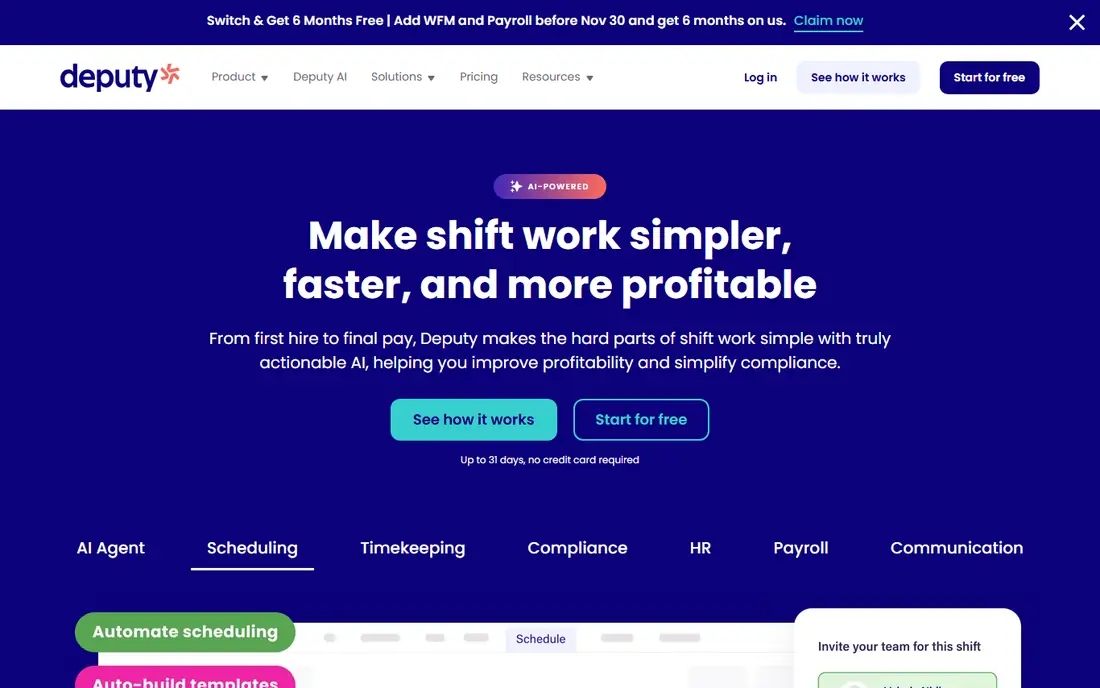
Deputy fits hospitality, retail, and healthcare teams that must handle awards, overtime rules, and multi location rosters. Its scheduling tools help managers build compliant rosters, track attendance, and approve timesheets before payroll. Integrations with accounting and payroll systems reduce manual exports and errors. The trade-off is cost and setup. Deputy charges per user, so a large hourly workforce can become expensive, and complex compliance rules need careful configuration. Use the trial with a real roster and a real pay period, and confirm that your payroll system connects cleanly before you commit.
- Strong scheduling and compliance tools
- Multi location support
- Integrations with QuickBooks, Xero, and payroll tools
- No free plan, only a trial
- Per user pricing adds up for large teams
- Setup takes time for complex rules
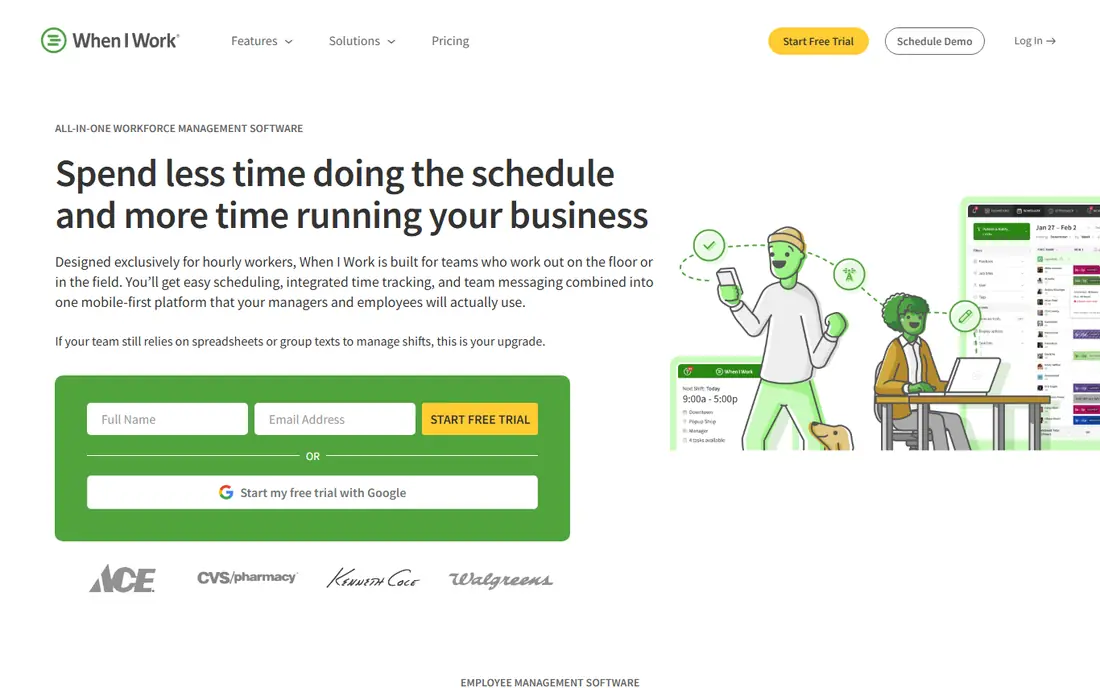
When I Work fits a shift heavy team whose main pain is the roster, not complex compliance. Managers can build schedules fast, staff can claim open shifts and swap with approval, and the mobile app keeps everyone updated. Its low per user price makes it easy to justify for a small business that needs scheduling today. The catch is that time tracking costs extra, and its compliance tools are lighter than Deputy. If you need detailed labor rules, overtime controls, or multi location compliance, Deputy or Homebase Plus may serve you better. For pure scheduling at a low price, When I Work is hard to beat.
- Low per user price
- Fast scheduling setup
- Shift swaps and team messaging
- Mobile apps for staff
- Time tracking is an add-on
- Compliance depth is lighter than Deputy
- No free plan, only a trial
Jibble fits a team whose core problem is accurate hours, not complex scheduling. Its free plan covers unlimited users with facial recognition and GPS checks, which helps stop buddy punching without paying per user. Payroll exports and simple reports make it easy to turn clock-ins into pay. The limit is breadth. Jibble does not offer the scheduling depth, hiring tools, or frontline suite of Homebase or Connecteam. If hours are the whole problem, Jibble is the best free answer. If scheduling is the pain, pair it with a scheduling tool or pick a broader platform.
- Free for unlimited users
- Facial recognition and GPS verification
- Payroll exports
- Simple time tracking focus
- Scheduling depth is lighter than Deputy
- Some advanced features need paid plans
- Support options vary by plan
Buddy Punch fits a small business that has had time theft or disputed hours and needs stronger proof on each punch. Facial recognition, geofencing, and GPS stamps give managers a clear record, and PTO tracking keeps leave beside hours in one place. Its pricing is simple to estimate once you know your headcount. The catch is that the base fee plus per user fee can cost more than a pure per user tool for a very small team. Buddy Punch also lacks the scheduling depth of Deputy and the frontline tools of Connecteam. Choose it when attendance proof is the priority, not when you need a full scheduling and hiring suite.
- Facial recognition and geofencing
- GPS location on punches
- PTO tracking
- Payroll exports
- Base fee plus per user fee
- No free plan
- Interface is simpler than a full workforce suite
Connecteam fits a frontline team that needs more than a time clock, such as field crews, cleaners, or delivery staff. It combines scheduling, a time clock, forms, task management, and team chat, so managers do not need several apps for a deskless workforce. Its free plan for up to 10 users helps a small team start without cost. The trade-off is depth. No single area in Connecteam matches the best specialist tool in that area, so a team with complex payroll rules may still need a separate system. For most frontline teams, the benefit of one app for staff outweighs that limit, as long as you test forms and scheduling with real staff first.
- Time clock, scheduling, forms, and messaging in one app
- Free for up to 10 users
- Mobile first for deskless teams
- Depth in each area is lighter than a specialist tool
- Pricing is a base fee plus per user on higher plans
- Setup takes time
QuickBooks Time fits a business already running QuickBooks Online and QuickBooks Payroll. Hours flow into payroll without manual exports, which cuts errors and saves time at pay run. Its mobile clock-ins, GPS options, and approval workflows suit field and office teams that already trust QuickBooks for their books. The catch is lock in. Outside QuickBooks, the price is harder to justify, since other tools offer similar clock-ins for less. If you do not use QuickBooks, Homebase, Deputy, or Jibble will likely give better value. If you do use QuickBooks, QuickBooks Time is the natural pick.
- Direct link to QuickBooks payroll
- GPS and geofencing on higher plans
- Overtime and timesheet approvals
- Base fee plus per user fee
- Best value only inside QuickBooks
- No free plan, only a trial
7shifts fits a restaurant that needs scheduling, labor cost control, and tip handling in one place. Its tools are built around restaurant roles, peak times, and labor budgets, which generic scheduling tools do not cover as well. The free plan for one location helps a single restaurant start without cost. The limit is fit. A retail, field, or office team will find 7shifts too restaurant specific, and paid plans price per location, so multi site groups should check total cost. For restaurants, though, the industry focus, tip tools, and labor reports make 7shifts a strong time and attendance choice.
- Restaurant focused scheduling and labor tools
- Tip tracking
- Free plan for one location
- Payroll product available
- Less suited to non restaurant teams
- Some features sit on paid tiers
- Per location pricing on paid plans
How we picked these
We compared official pricing pages, feature pages, and app listings, plus public reviews, and we kept tools with a real time clock, scheduling, and payroll ready exports. We favored a mix of free, low cost, and compliance focused tools, so hourly teams of different sizes can find a fit. Prices change often, so we used entry prices where vendors publish them and marked other cases as See website, and we noted whether pricing is per user or per location.
What to check before you buy
Start with your headcount, locations, and pay rules, then test pricing under both models. A per location plan can be cheaper for a large team at one site, while a per user plan can be cheaper for a small team across many sites. Test clock-ins on the phones your staff actually use, check GPS and facial recognition rules for your region, and run one full pay period in parallel with your old system. That trial catches overtime, PTO, and export errors before they affect pay.
Frequently asked questions
What is the best time and attendance software for small businesses?
Homebase is the best free start for a small team at one location, while When I Work is the cheapest scheduling first option. Jibble suits teams that need free verified clock-ins. Pick based on whether scheduling, attendance proof, or payroll links matter most.
What is the best free time and attendance app?
Homebase and Jibble offer the strongest free plans, with Homebase free for one location and up to 10 employees and Jibble free for unlimited users. 7shifts also offers a free plan for one restaurant location. Check free plan limits on users, locations, and features before you rely on them.
Which time attendance software is best for restaurants?
7shifts is built for restaurants, with labor tools and tip tracking, while Homebase also suits restaurants with its free plan and scheduling tools. Deputy suits larger restaurant groups with compliance needs. Test with a real roster and a real pay period before you choose.
Do time and attendance apps work with payroll?
Yes, most tools on this list export timesheets or connect to payroll systems, and QuickBooks Time links directly to QuickBooks Payroll. Homebase also offers a payroll add-on. Check the integration for your payroll provider, and test an export before your first live pay run.
How do I stop buddy punching?
Use a tool with facial recognition, photo capture, or GPS and geofencing on clock-ins, such as Buddy Punch or Jibble. Combine the tool with a clear attendance policy and manager approval for edits. Technology helps, but a consistent policy is what makes the record trusted.
Sources we checked (11)
- https://rankite.com/blog/best-payroll-time-clock-software
- https://www.ontheclock.com/blog/best-clock-in-out-apps-for-small-businesses
- https://www.joinhomebase.com/blog/best-employee-scheduling-apps
- https://www.joinhomebase.com
- https://www.deputy.com
- https://wheniwork.com
- https://www.jibble.io
- https://buddypunch.com
- https://connecteam.com
- https://quickbooks.intuit.com/time-tracking/
- https://www.7shifts.com

Online Jobs is an independent blog about careers, online work, learning new skills and the tools that help people earn. More about us.
Keep reading
All posts
n8n Alternatives
n8n alternatives compared for 2026, with Zapier, Make, Activepieces, and more, covering visual builders, code steps, self-hosting, and pricing models.

eBay Alternatives
Looking for ebay alternatives? We compared 9 marketplaces for sellers on fees, buyer reach, categories and ease of listing, to help you sell with confidence.

ZoomInfo Alternatives
The best ZoomInfo alternatives in 2026, compared on price, free plans, data coverage, and which tool fits small teams or large sales teams best in detail.