Best Study Apps for Students in 2026: 9 Apps Compared


Ready-made flashcards and study modes · Starting price: $7.99 per month
How we put this together: we compare official feature and pricing pages, app store listings, privacy policies and public user reviews. Prices change, so check the provider's site before you pay.
Key takeaways
- No single app covers notes, memory, planning, and focus well, so most students do best with two or three tools that each do one job.
- Anki is the strongest choice for long-term memory, while Quizlet is easier to start with and has a large library of shared sets.
- Notion and GoodNotes cover notes in different ways: typed and linked notes versus handwritten notes on a tablet.
- Forest, Todoist, and Khan Academy add focus, planning, and free lessons, which round out a study setup without much cost.
Quick comparison
| Name | Who it suits | Starting price | Free option | |
|---|---|---|---|---|
| Quizlet | Ready-made flashcards and study modes | $7.99 per month | Yes | Visit |
 Anki | Long-term spaced repetition | Free | Yes | Visit |
 Notion | Organizing notes and assignments | See website | Yes | Visit |
 GoodNotes | Handwritten notes on iPad | See website | Limited | Visit |
 Forest | Staying off your phone while studying | See website | No | Visit |
 Khan Academy | Free lessons and practice | Free | Yes | Visit |
 NotebookLM | Studying from your own notes and sources | Free | Yes | Visit |
 Todoist | Tracking assignments and deadlines | See website | Yes | Visit |
 Brainscape | Confidence-based flashcard review | $9.99 per month | Yes | Visit |
The best study apps for students
Study apps work best when they match a real study habit: reviewing cards, taking notes, planning work, or staying focused. We compared official pricing pages, feature lists, and app store listings, and we noted where a free plan is genuinely usable for a full semester.
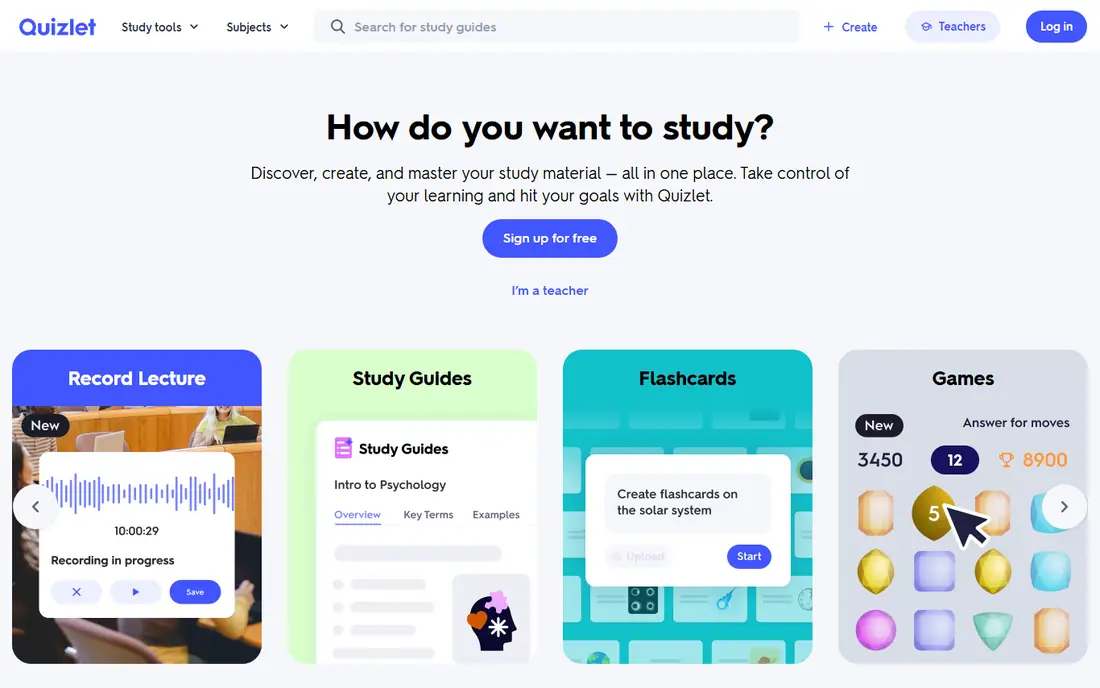
Quizlet is the easiest flashcard app to start with, which is why it shows up in so many classrooms. You can search for a set on your topic, or make your own in minutes, then switch between flashcards, learn mode, practice tests, and matching games. That variety helps when you are first learning terms and need repetition in different forms.
The free plan covers basic flashcards and study modes, but paid Quizlet Plus removes ads and adds extra study features. The honest limit is memory science: Quizlet reviews cards, but its scheduling is gentler than a strict spaced repetition system, so it suits short-term revision better than months-long retention. Use it for weekly quizzes and exam weeks, and pair it with Anki for material you must keep for years.
- Huge library of shared sets
- Several study modes
- Easy to use on phone and web
- Free plan has limits and ads
- Spaced repetition is less strict than Anki
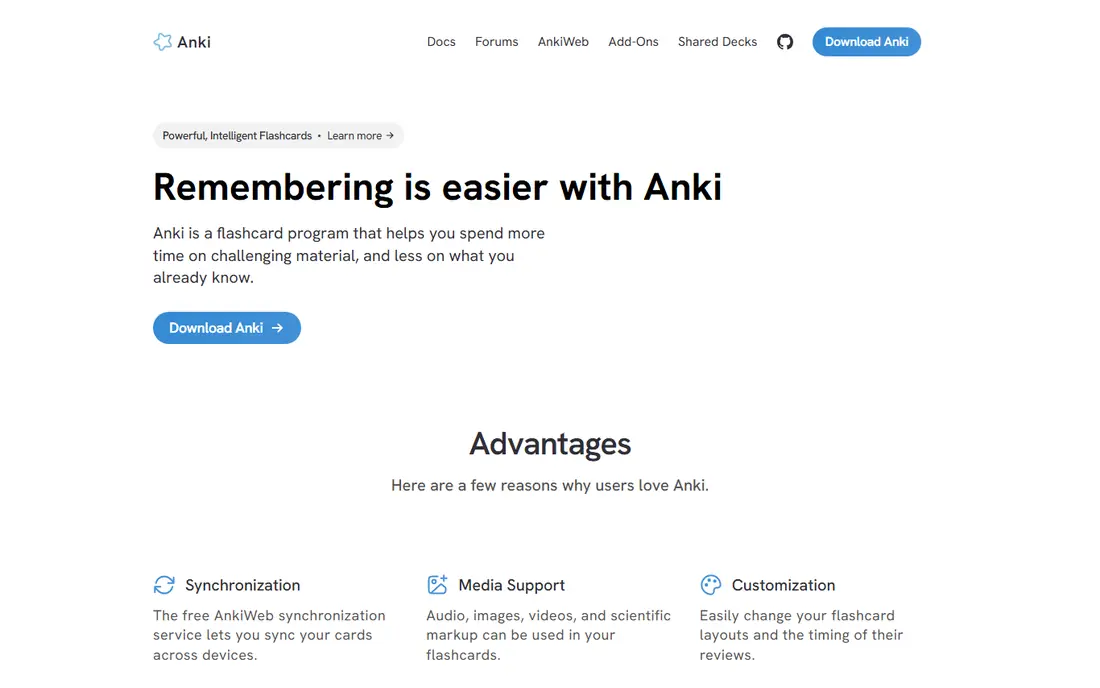
Anki is the tool serious students turn to when they need to remember material for months or years, such as medicine, law, or languages. Its spaced repetition algorithm schedules each card at the moment you are most likely to forget it, so review sessions stay short while retention stays high. Desktop, Android, and web sync are free, and shared decks cover many standard textbooks and exams.
The interface is plain and the first week feels awkward, especially if you build decks from scratch. The iPhone app, AnkiMobile, costs $24.99 as a one-time purchase, which surprises some users after free desktop use. If you can push through the setup, Anki rewards you with the most durable memory gains of any app on this list.
- Strong spaced repetition algorithm
- Free on desktop and Android
- Huge shared deck library
- Plain interface
- IPhone app is a paid one-time purchase
- Setup takes patience
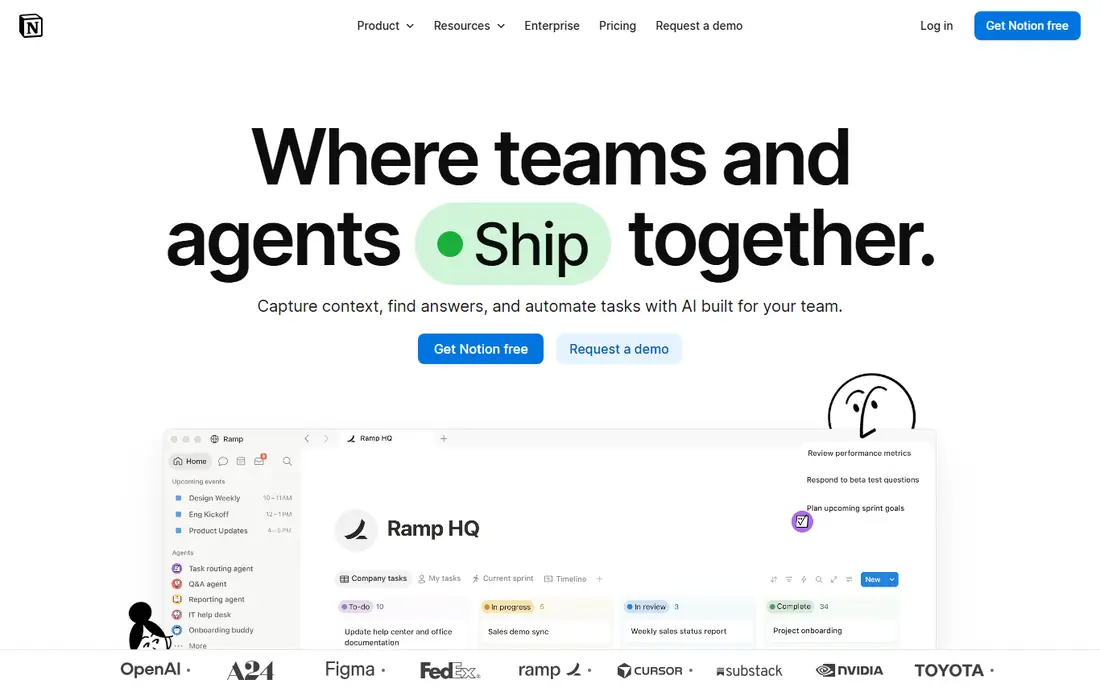
Notion works as a study hub: lecture notes, reading lists, assignment trackers, and revision plans can live in one workspace instead of scattered across files. Databases let you sort assignments by due date or subject, and templates for class notes and study planners save setup time. The free personal plan covers most student needs, and education pricing can lower paid plans further.
The weakness is scope. Notion can do so much that a simple note takes longer to set up than in a plain notes app, and it is weaker offline than a local notes tool. Students who want a single place for everything will like it. Students who only need quick notes may prefer a lighter app and use Notion only for planning.
- Notes, databases, and calendars in one place
- Free personal plan
- Good templates
- Can feel large for simple notes
- Offline use is limited
- AI features cost extra
GoodNotes is the pick for students who learn by writing by hand, especially on iPad with a stylus. Notes feel close to paper, handwriting can be searched, and PDFs can be annotated alongside lecture slides. Organizing notes into notebooks by subject keeps a semester tidy, and the app handles diagrams and formulas better than a typed notes app.
It is iPad-first, so Android and Windows users get a thinner experience, and the free version limits the number of notebooks. Students who type most notes may find Notion or a plain notes app faster. For tablet note-takers, though, GoodNotes is the most polished handwriting option here.
- Natural handwriting feel
- Searchable handwritten notes
- Good PDF annotation
- Best on iPad
- Full version needs a paid plan
- Less suited to typed long-form notes
Forest turns focus into a small game: plant a virtual tree, set a timer, and leave your phone alone until the timer ends. If you leave the app early, the tree dies, which is a gentle but visible nudge to stay on task. Friends can plant trees together, which helps study groups hold each other to a session.
It is not a hard blocker. Determined users can still open other apps, so students who need strict blocking should look at a dedicated blocker instead. As a habit tool, though, Forest is simple, pleasant, and cheap enough that many students keep using it long after other focus apps are deleted.
- Simple focus timer with a clear visual reward
- Grows a virtual tree for each session
- Friends can plant together
- Paid app with no lasting free plan
- Blocking is softer than dedicated blockers
Khan Academy remains the best free study resource for school and early college subjects. Short video lessons explain a concept, then practice questions give instant feedback, so you can see where you went wrong rather than just marking an answer right or wrong. Math, science, computing, and test prep are especially strong.
University students in specialist subjects will outgrow it, since advanced topics are thinner, and it does not replace a flashcard system for memorization. Use it to learn or relearn a concept, then move the key facts into Anki or Quizlet for review. For the price, which is zero, it is the easiest recommendation on this list.
- Completely free
- Strong math, science, and test prep
- Practice with instant feedback
- Less depth for university-level specialist topics
- No flashcard system built in
NotebookLM, from Google, lets you upload lecture notes, readings, and slides, then ask questions that are answered from those sources rather than from general web knowledge. It can also turn a set of sources into a study guide or an audio overview, which helps when you want to review while walking or commuting. The free tier covers a useful number of notebooks and sources for a student.
It is not a replacement for taking notes, and its answers depend on the quality of what you upload. Upload clean, complete notes and it is a strong revision tool. Upload messy fragments and it will reflect that back. Used after lectures, it helps you test understanding instead of rereading passively.
- Answers questions grounded in your uploaded sources
- Creates study guides and audio overviews
- Free tier is usable
- Needs a Google account
- Answers are only as good as your sources
- Not a note-taking app on its own
Todoist keeps the practical side of student life in order: assignments, due dates, reading tasks, and revision sessions. Natural language entry means typing a due date in plain words creates the task, and recurring tasks handle weekly problem sets without retyping. It runs on phone, web, and desktop, so a task added in class shows up at your desk later.
The free plan covers core task lists, while reminders, custom filters, and larger file uploads need a paid plan. It does not store lecture notes, so pair it with Notion or GoodNotes for content. For students who miss deadlines more than they miss concepts, Todoist fixes the actual problem.
- Fast task entry
- Recurring tasks for weekly work
- Works on every platform
- Paid plan needed for reminders and fuller filters
- Not a notes app
Brainscape takes a different approach to flashcards: after each card, you rate how well you knew it, and the app schedules the next review based on that rating. That self-rating step forces a moment of honesty that passive flipping skips, and it works well for subjects with clear right answers, such as vocabulary, science facts, and exam prep. Certified decks from publishers cover many standard subjects.
The monthly price is the drawback, since Anki offers stronger scheduling for free on most platforms. Brainscape earns its price for students who want a polished, guided flashcard experience without setting up decks and settings themselves. Try the free plan first to see whether the confidence system suits how you study.
- Confidence ratings shape review timing
- Large certified deck library
- Clean study flow
- Monthly price is high for a flashcard app
- Free plan limits some decks
How we picked these
We compared official pricing pages, feature lists, and app store listings for study apps that are live and maintained in 2026, and we favored tools students actually keep using for a semester. We covered the main study jobs separately, since one app rarely does notes, memory, planning, and focus equally well. Free plans mattered, because student budgets are tight, and we noted where a free tier is limited to a trial or a small number of items.
Building a study setup that sticks
Start with the job that costs you most marks. If you forget facts, start with Anki or Quizlet. If you lose notes, start with Notion or GoodNotes. If you miss deadlines, start with Todoist, and if your phone breaks every session, start with Forest. Add Khan Academy for concepts you need explained, and NotebookLM for revision from your own notes. Two or three tools, used daily, beat a folder full of apps you open once.
Frequently asked questions
What are the best studying apps?
Quizlet and Anki lead for flashcards, Notion and GoodNotes lead for notes, and Todoist and Forest cover planning and focus. Khan Academy is the best free source for lessons, and NotebookLM helps with revision from your own material. The best setup pairs one memory app with one notes app and one planner.
What is the best app for students?
Notion is the most flexible all-round student app, since it holds notes, trackers, and plans in one place. Students who handwrite should look at GoodNotes instead, and students who mainly need memory help should start with Anki. Check your university for education pricing before you pay for any app.
What are the best apps for school?
Khan Academy covers lessons and practice for school subjects at no cost, Quizlet covers vocabulary and facts, and Todoist covers homework deadlines. GoodNotes suits tablet note-taking in class, while Forest helps during homework sessions. Keep the setup small so it survives a busy school week.
What are the best apps for university students?
University students benefit most from Anki for long-term retention, Notion for organizing courses and research, and NotebookLM for revising from lecture notes and readings. Zotero, a free reference manager, is worth adding for essays and research papers. Check what your university already provides, since many schools offer paid apps free to students.
Is Quizlet or Anki better?
Quizlet is easier to start with and has more ready-made sets, which suits short-term revision and class quizzes. Anki has stricter spaced repetition and better long-term retention, which suits exams months away and professional qualifications. Many students use Quizlet first, then move lasting material into Anki.
Are study apps free?
Many are, at least in part. Khan Academy and NotebookLM have usable free tiers, Anki is free on desktop and Android, and Notion and Todoist have free plans. Quizlet, GoodNotes, and Brainscape offer free tiers with limits, while Forest is a paid app. Always check the free plan limits before you build a semester around an app.
Sources we checked (9)

Online Jobs is an independent blog about careers, online work, learning new skills and the tools that help people earn. More about us.
Keep reading
All posts
Best Udemy Alternatives
Explore the best Udemy alternatives for 2026, including Coursera, Skillshare, and LinkedIn Learning, with pricing, certificates, and who each platform suits.

Best Tools for Virtual Tutoring
Compare the best tools for virtual tutoring, from one-to-one tutor marketplaces to free self-paced learning, with pricing, subjects and honest limits.
Best Study Apps for Young Children
Compare the best study apps for young children in 2026, from Khan Academy Kids and ABCmouse to Reading Eggs, Starfall, Duolingo ABC and PBS Kids, with prices.