Best Study Apps for Kids in 2026: 8 Apps Compared


Free early learning ages 2 to 8 · Starting price: Free
How we put this together: we compare official feature and pricing pages, app store listings, privacy policies and public user reviews. Prices change, so check the provider's site before you pay.
Key takeaways
- Khan Academy Kids is the best free starting point for ages 2 to 8, with no ads and no subscription.
- ABCmouse is the best structured curriculum for ages 2 to 8 when a child likes a clear guided path across subjects.
- Prodigy Math is the best game-based maths practice for primary school children who need motivation to practise regularly.
- IXL is the best app for targeted skill practice across school years, but its score-driven design does not suit every child.
- For kids topics, we prioritised apps with clear safety, privacy and parental-control practices, and we note age guidance honestly where it matters.
Quick comparison
| Name | Who it suits | Starting price | Free option | |
|---|---|---|---|---|
| Khan Academy Kids | Free early learning ages 2 to 8 | Free | Yes | Visit |
 ABCmouse ABCmouse | Structured curriculum ages 2 to 8 | $14.99 per month | Yes | Visit |
 PBS KIDS Games PBS KIDS Games | Free playful learning ages 2 to 8 | Free | Yes | Visit |
 Prodigy Math Prodigy Math | Game-based maths practice | Free | Yes | Visit |
 IXL IXL | Targeted skill practice Pre-K to Grade 12 | $9.95 per month | No | Visit |
 Duolingo ABC Duolingo ABC | Early reading and phonics | Free | Yes | Visit |
 Epic Epic | Digital books and reading choice | See website | Yes | Visit |
 ScratchJr ScratchJr | First coding and storytelling ages 5 to 7 | Free | Yes | Visit |
The best study apps for kids
A good study app for a child is not the same as a good study app for an adult. It needs age-appropriate content, clear parental controls, no hidden purchases, and a pace that builds confidence rather than pressure. We compared official feature pages, pricing pages, app store listings, privacy information and public reviews, and we kept apps that are available now, state an age range, and offer a clear learning purpose rather than just entertainment.
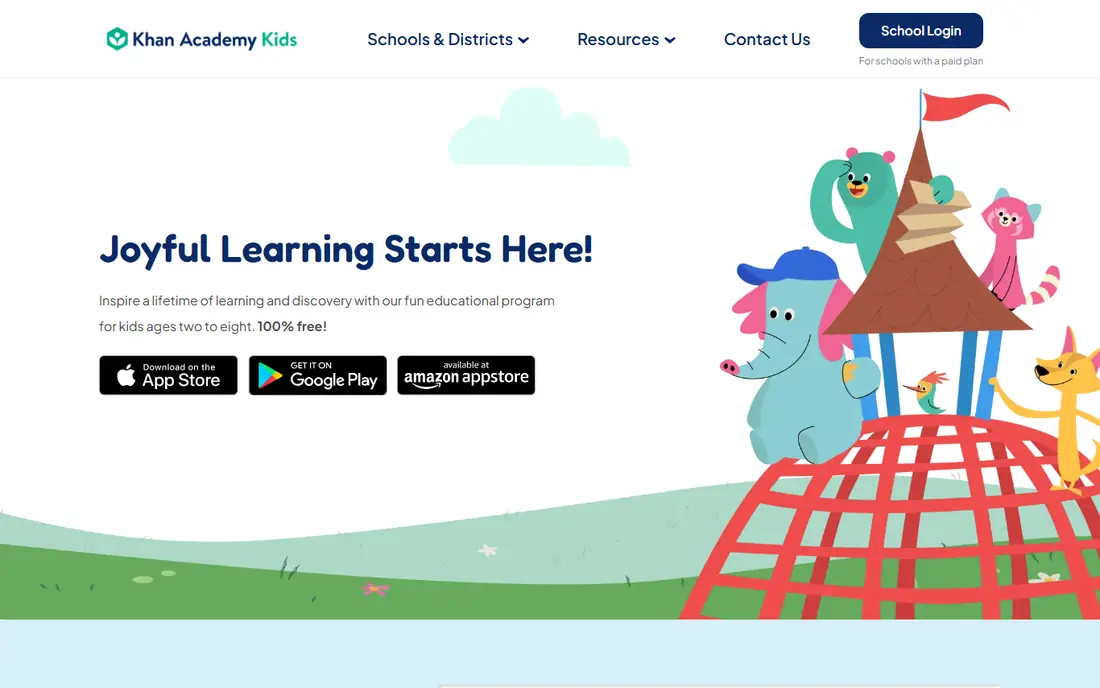
Khan Academy Kids fits families who want a safe first learning app without a subscription. Children follow guided paths led by animated characters, with read-along books, drawing activities, phonics games and early maths puzzles that adapt to their level. Parents can create profiles for each child, and the absence of ads and in-app purchases removes two common worries for younger users.
The honest limit is age. The app is designed for ages 2 to 8, so a child in upper primary school will need a different tool for school subjects. Its early learning focus is also broad rather than deep in one subject, so a child who needs intensive reading help may benefit from pairing it with a focused reading app.
- Completely free with no ads or subscriptions
- Covers reading, maths, logic and social-emotional learning
- Personalised learning paths
- Best for ages 2 to 8, so older children outgrow it
- No web version in the sources we checked, with app and Chromebook access instead
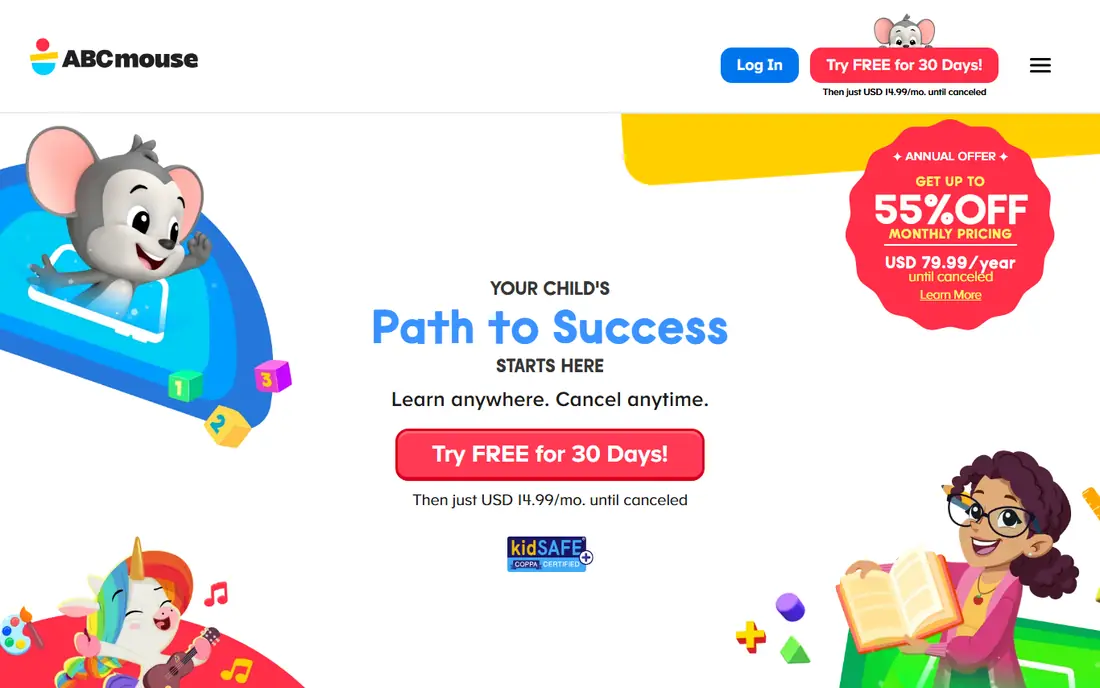
ABCmouse fits children who like a clear path and parents who want a full curriculum in one place. Its step-by-step learning path moves through reading, maths, science, art and music, with games, books, songs and puzzles that build on earlier lessons. A free Basic tier lets families try a limited set of activities before paying, and premium covers up to three children, which helps families with siblings close in age.
The catch is price and style. Premium costs $14.99 per month on web sign-ups in the sources we checked, with a 30-day free trial, and annual offers vary, so check the current offer before you subscribe. A child who prefers free exploration may also prefer Khan Academy Kids, while a child who likes structure and rewards will often thrive on ABCmouse.
- Very large guided curriculum across reading, maths, science and art
- Clear progress path
- Up to three child profiles on premium
- Monthly cost adds up
- Some children find the guided path too structured
- Annual price varies by offer
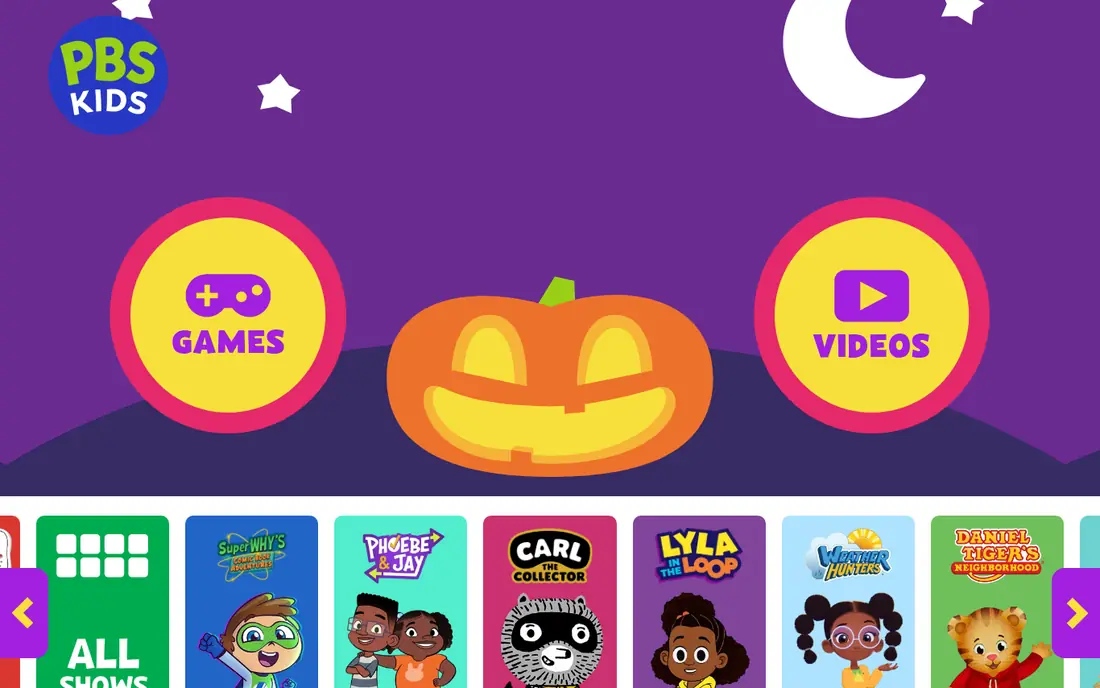
PBS KIDS Games fits families who want free, playful learning without a curriculum commitment. Children can play games featuring characters they already know from PBS shows, covering early maths, reading, science and social skills in short sessions. That familiarity helps younger children start independently, and parents do not need to manage a subscription or worry about purchase prompts in the core app.
The trade-off is structure. PBS KIDS Games is excellent for exploration and reinforcement, but it does not offer the same guided progression or detailed parent reports as ABCmouse or IXL. Use it as a fun supplement to school learning or to another app, rather than as the only tool for closing a specific skill gap.
- Free
- Familiar PBS KIDS characters
- Wide range of games across maths, reading and science
- No subscription needed
- Less structured progression than ABCmouse or IXL
- Parent reporting is lighter than paid apps
Prodigy Math fits primary school children who will practise maths more willingly inside a game. Players explore a fantasy world, battle characters and earn rewards by answering maths questions matched to their level, covering grades 1 to 8 in the sources we checked. Teachers and parents can set assignments and view progress, which makes it useful for homework practice as well as home learning.
The honest weakness is upselling. The core maths questions are free, but memberships add game rewards and features that children may ask about, so parents should check purchase settings and explain the difference between game items and learning progress. A child who is easily distracted by game rewards may also need shorter sessions with a clear maths goal.
- Core maths curriculum free
- Fantasy game motivates regular practice
- Parent dashboard for progress
- Membership upsells can distract
- Game elements may suit motivated players more than reluctant learners
IXL fits families and schools who need to target a specific skill gap. It covers maths, language arts, science and social studies from Pre-K to Grade 12, with adaptive practice that adjusts to a child level and detailed reports that show which skills are secure and which need work. That breadth makes it useful across school years, especially when a teacher or tutor has identified exact skills to practise.
The catch is motivation. Its SmartScore system rewards accuracy and can drop after a mistake, which some children find discouraging, especially when practising at home without a teacher nearby. Parents should set short sessions, celebrate effort and progress rather than score alone, and try the limited free questions before subscribing, since full access starts at $9.95 per month for one subject in the sources we checked.
- Very broad skill coverage across subjects and years
- Adaptive recommendations
- Detailed analytics for parents and schools
- Score-driven SmartScore can feel discouraging for some children
- Monthly cost for full access
- Less game-like than Prodigy
Duolingo ABC fits preschool and early primary children learning to read. Its short lessons teach letter sounds, phonics, sight words and basic reading through interactive games, with a gentle pace that suits short daily sessions. The Duolingo style, with stars and encouragement, helps young children stay engaged without long blocks of screen time.
The limit is scope. Duolingo ABC is an early literacy app, not a full reading programme for older children, and it does not cover maths, science or writing in depth. Use it to build early reading confidence, then move to a broader library app such as Epic or a school reading programme as reading level grows.
- Free
- Short interactive lessons for phonics and sight words
- Game-style practice suits preschool and early primary children
- Focused on early literacy only
- Older children need a different reading app
- Progress reporting is lighter than paid apps
Epic fits children who read more when they can choose their own books. Its library covers ages 4 to 12, with picture books, chapter books, non-fiction, Read-To-Me titles and audiobooks, plus quizzes and badges that encourage regular reading. That choice matters, because a child who picks a book about dinosaurs, space or football is more likely to finish it than a child assigned a generic reader.
The honest weakness is cost and balance. Full home access requires a paid subscription, with prices varying by plan and region, so check the current offer and any free school access first. Epic also works best beside print books, not instead of them, especially for younger readers who benefit from shared reading with a parent.
- Large digital library for ages 4 to 12
- Read-To-Me books and audiobooks
- Quizzes and reading logs for motivation
- Paid subscription for full home access
- Screen reading does not replace print books for every child
- Content varies by age
ScratchJr fits young children taking their first steps in coding. Children snap together colourful blocks to make characters move, speak and interact, creating stories and simple games without needing to type code. That block design teaches sequencing, cause and effect, and creative problem solving, and it works well for ages 5 to 7, the range its makers target.
The limit is age and depth. ScratchJr is intentionally simple, so an older child will quickly want Scratch itself, which suits ages 8 and up with more blocks and features. ScratchJr also has no detailed parent dashboard, so parents should sit with younger children at first, talk about what they made, and save favourite projects together.
- Free
- Block-based coding with no reading barrier for many tasks
- Encourages storytelling, sequencing and creativity
- Limited to ages 5 to 7 in its design
- Projects are simpler than Scratch for older children
- No parent dashboard in the core app
How we picked these
We compared official feature pages, pricing pages, app store listings, privacy information and public reviews, and we kept apps that are available now, state an age range, and offer a clear learning purpose. For kids topics, we prioritised apps with clear safety, privacy and parental-control practices, and we noted age-appropriateness where relevant, rather than recommending general chatbots or open social apps for young children. Prices vary by platform and region, so check the vendor pricing page and app store listing before you subscribe, and review privacy settings with your child.
How to choose a study app for your child
The best app is the one your child will use regularly without pressure, and that you can monitor easily. Use the checks below before you pay for a subscription.
Match the app to age and need, not to hype
Start with your child age and the one skill you want to support, whether that is early reading, maths practice, general curriculum or coding. An app designed for ages 2 to 8 will not serve a 10-year-old well, and an app designed for Grade 12 skill practice will frustrate a 6-year-old. Try the free tier first, and watch one session to see whether the pace and difficulty feel right.
Check safety, ads and purchases before you hand over the device
Review the app privacy policy, ad policy and parental controls, turn off in-app purchases or require approval for them, and set a time limit that fits your family routine. Prefer apps with no ads for younger children, and avoid open chatbots and social companions for under-18s, since they lack child-specific guardrails. Sit with your child for the first sessions, and talk about never sharing names, locations or personal details in an app.
Keep sessions short and pair apps with real life
Short, regular sessions work better than long weekend blocks for most children. Pair app practice with print books, physical play, homework and conversation, so screen learning supports school rather than replacing it. If an app causes tears, avoidance or pressure, pause it and try a different format, because confidence matters more than completing a level.
Frequently asked questions
What is the best study app for kids?
Khan Academy Kids is the best free starting point for ages 2 to 8, thanks to its broad early curriculum, no ads and no subscription. For older children, Prodigy Math suits game-based maths practice, IXL suits targeted skill practice, and Epic suits reading choice. The best app depends on age and the skill you want to support, so start with that need rather than a general ranking.
Are study apps safe for kids?
Purpose-built educational apps such as Khan Academy Kids, PBS KIDS Games and ScratchJr are designed for children, with age guidance and parental controls, and they are safer than general chatbots or social apps. Still, parents should review privacy settings, turn off or approve in-app purchases, set time limits, and supervise younger children. Avoid open AI companions for under-18s, and remind children never to share personal details in an app.
What is the best free study app for kids?
Khan Academy Kids is the best completely free option for early learners, with no ads or subscriptions. PBS KIDS Games, Duolingo ABC and ScratchJr are also free and cover playful learning, early reading and first coding. For older children, Khan Academy itself is free across maths, science and humanities, while Prodigy Math offers free core maths questions with paid membership options.
How much screen time is right for a study app?
That depends on age, school guidance and your family routine, but short regular sessions usually work better than long blocks. For younger children, 15 to 20 minutes of focused app learning, paired with play and reading, is a sensible starting point. For older children, follow school homework guidance, take breaks, and keep app time separate from entertainment screen time where possible.
Should my child use AI tutors or chatbots?
For younger children, stick to purpose-built educational apps with child-specific guardrails, rather than general chatbots, which can give wrong or inappropriate answers and lack age controls. For older children, an AI tutor can help with explanations if used with supervision, as a supplement to learning rather than a replacement for it. Always verify important answers together, and check the tool privacy policy before use.
How do I know if a study app is working?
Look for steady progress in the skill itself, not just badges or levels in the app. Check parent reports where available, ask your child to explain what they learned, and compare school work or teacher feedback over a few weeks. If a child avoids the app, gets upset by scores, or shows no transfer to school work, try a different format or a shorter session pattern.
Sources we checked (8)

Online Jobs is an independent blog about careers, online work, learning new skills and the tools that help people earn. More about us.
Keep reading
All posts
Best Tools for Virtual Tutoring
Compare the best tools for virtual tutoring, from one-to-one tutor marketplaces to free self-paced learning, with pricing, subjects and honest limits.
Best Study Apps for Young Children
Compare the best study apps for young children in 2026, from Khan Academy Kids and ABCmouse to Reading Eggs, Starfall, Duolingo ABC and PBS Kids, with prices.
Best Spanish Learning Apps
Looking for the best Spanish learning app? We compared eight leading apps for beginners, travelers, and serious learners to help you choose with confidence.