Best Study Apps for High School Students in 2026: 9 Tools Compared

How we put this together: we compare official feature and pricing pages, app store listings, privacy policies and public user reviews. Prices change, so check the provider's site before you pay.
Key takeaways
- Khan Academy is the best free starting point for maths, science, and other core subjects, with lessons and practice in one place.
- Quizlet and Anki suit memorisation, while Notion and Evernote suit notes and organisation, so most students need two or three apps, not one.
- Photomath helps with maths homework only when students read the steps, not just copy the answer.
- Forest and My Study Life help with focus and planning, which are often the real barriers to revision, not lack of material.
- Free plans cover a lot here, so check what is actually paywalled before paying for a premium plan.
Quick comparison
| Name | Who it suits | Starting price | Free option | |
|---|---|---|---|---|
 Khan Academy | Free core subject lessons | Free | Yes | Visit |
 Quizlet | Flashcards and quizzes | Free | Yes | Visit |
 Photomath | Maths step by step help | Free | Yes | Visit |
 Forest | Focus sessions | See website | Free trial | Visit |
 Notion | Notes and revision planning | Free | Yes | Visit |
 Anki | Spaced repetition flashcards | Free | Yes | Visit |
 My Study Life | Timetable and deadlines | Free | Yes | Visit |
 Evernote | Note taking and research | Free | Yes | Visit |
 Grammarly | Writing and essay checks | Free | Yes | Visit |
The best study apps for high school students
High school study covers many tasks, from memorising vocabulary to planning revision and writing essays. No single app does all of them well, so we picked apps that each do one job clearly, and we explain how they fit together.
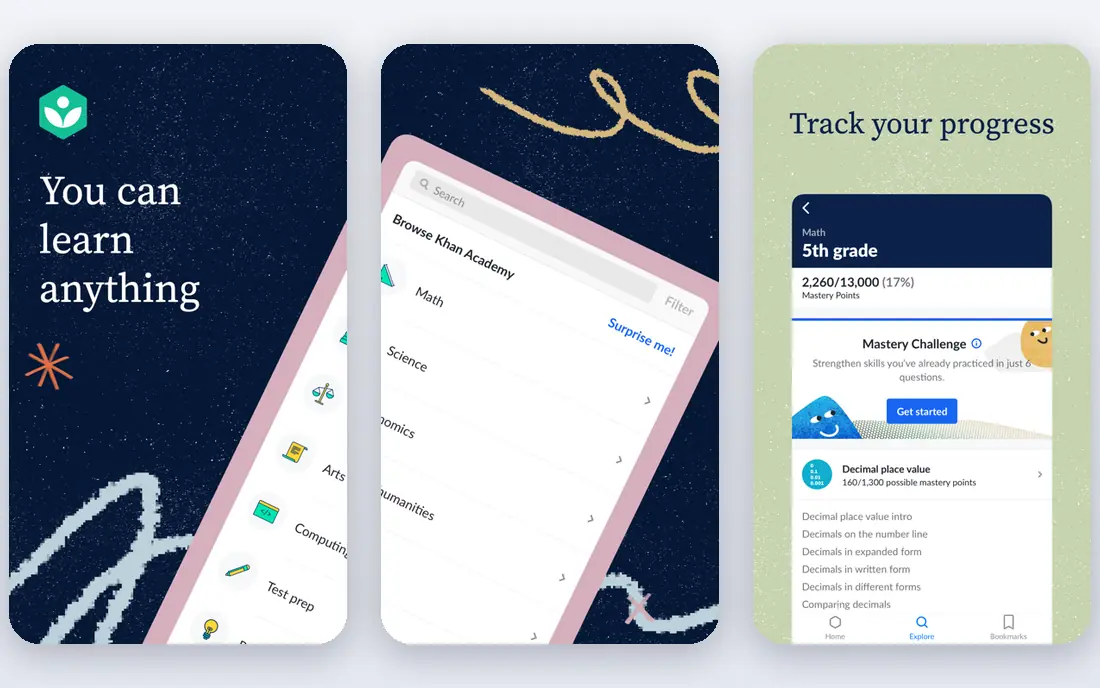
Khan Academy is the app we suggest first for most high school students. It covers maths, science, computing, history, and other subjects with short video lessons, articles, and practice exercises. The content is free, which removes a barrier for families, and progress tracking shows which topics a student has mastered and which need more work.
The structure helps for homework and revision. A student who is stuck on a maths topic can watch a lesson, try practice questions, and get instant feedback, without waiting for a tutor. Teachers also use Khan Academy for class assignments in some schools, so the content often lines up with school topics.
The limit is depth and style. Some advanced or niche topics have less coverage, and the calm video format may not hold the attention of every student. It works best as a core resource, paired with a flashcard app for memorisation and a planner for revision timing.
- Free lessons across many subjects
- Practice exercises and quizzes
- Progress tracking
- Less depth for some advanced topics
- Video style does not suit every learner
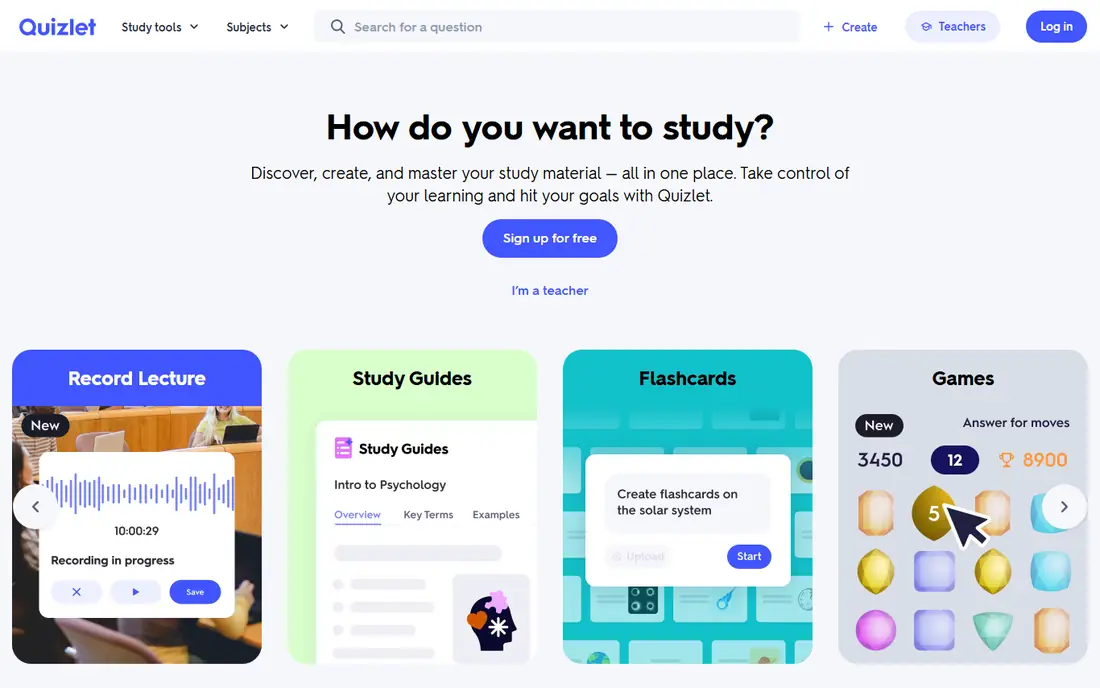
Quizlet is the most popular flashcard app for school students, and for good reason. Students can create their own sets, use sets made by classmates or teachers, and study with learn, match, and test modes. That variety helps with vocabulary, science terms, history dates, and language learning.
Creating your own set is often the most useful part, because writing the question and answer forces you to think about the material. Quizlet also supports images and audio in some sets, which helps for language and science topics. The test mode can mimic a short quiz, which is useful before a real test.
Quality varies, because anyone can publish a set. Check the set against your textbook or class notes before you trust it, and favour sets from teachers or high rated creators. Some advanced features, such as offline access and extra study modes, require a paid plan, but the free version covers core flashcard study.
- Huge library of user made sets
- Learn and test modes
- Easy set creation
- Quality of user sets varies
- Some features need a paid plan
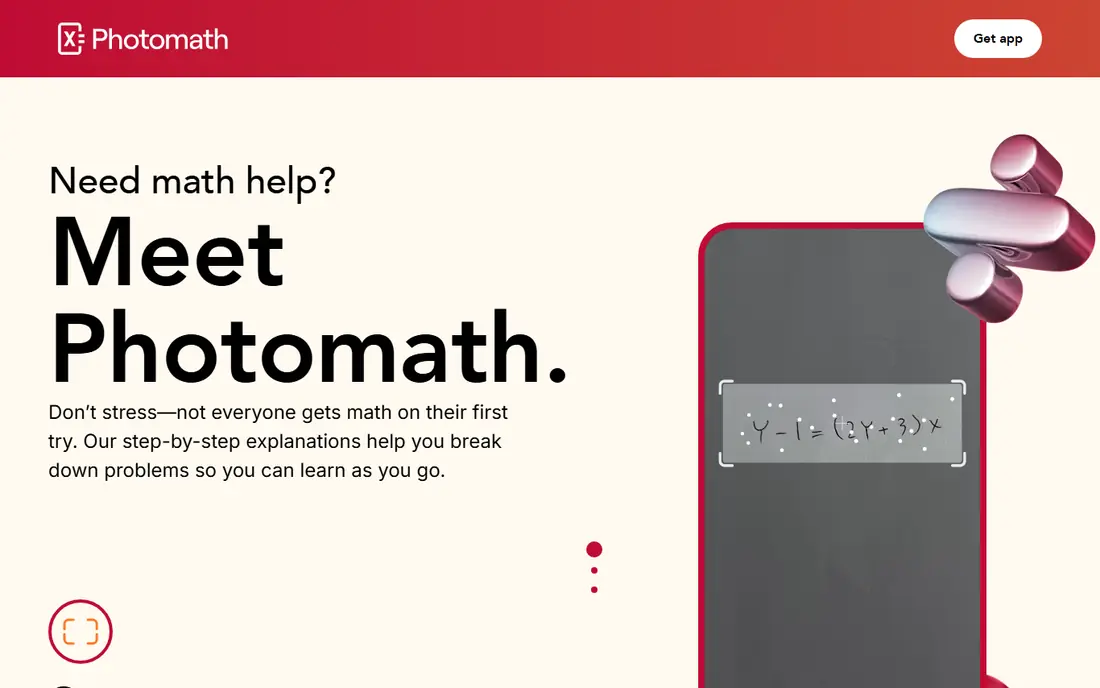
Photomath helps when a maths problem is unclear and a student needs to see the working. Point the camera at a printed equation, or type it in, and the app shows a solution with steps. That step view is the real value, because it shows how to move from the question to the answer, rather than just giving the final number.
For homework, the best use is to try the problem first, then check Photomath when you are stuck, and read each step. Students who only copy the answer will pass that homework task but fail the test, because tests do not allow the app. Used as a tutor, Photomath can build understanding of algebra, geometry, and other topics.
The weakness is temptation and paywalls. Some detailed explanations and advanced topics sit behind Photomath Plus, and handwritten problems can be harder for the camera to read. Schools may also have rules about using solver apps for graded work, so students should check those rules first.
- Camera scanning for equations
- Step by step explanations
- Covers many maths topics
- Easy to copy answers without learning
- Some advanced steps need a paid plan
Forest tackles a common problem: the phone itself. You plant a virtual tree when you start a focus session, and the tree grows while you stay off your phone. If you leave the app to check social media, the tree dies. That simple game mechanic helps many students stay on task for 25 or 50 minutes at a time.
The app is easy to set up, and you can build a forest over days and weeks, which gives a visual record of focused time. Some versions link to real tree planting partners, which adds a small incentive beyond the game. For students who study in short bursts, Forest pairs well with a planner that sets what to study in each session.
Forest does not teach content, and it will not help if the study material itself is weak. It is a focus tool, not a subject tutor. Pricing also varies by platform, so check the app store listing for your device before you buy, and try the free options first if cost is a concern.
- Gamified focus timer
- Discourages phone distraction
- Simple to use
- Paid app on some platforms
- Focus alone does not fix poor study material
Notion suits students who want one workspace for notes, revision plans, and project tracking. You can create pages for each subject, embed checklists, tables, and calendars, and use templates for revision schedules or essay outlines. That flexibility is powerful once you have a simple system, and it beats scattered paper notes for many students.
For revision, a Notion page can hold a topic list, a checklist of past papers, and links to Quizlet sets or Khan Academy lessons. The database view helps track which topics are done, in progress, or still weak. Students can also share pages for group projects, with clear task lists.
The drawback is complexity. Notion offers so many options that a new user can spend more time designing pages than studying. Start with one simple template, keep pages short, and add features only when they save time. Offline access is also limited compared with some note apps, so check that before relying on it without internet.
- Flexible pages, databases, and templates
- Good for revision plans
- Free for students with limits
- Can feel complex at first
- Offline use is limited
Anki is the strongest flashcard app for long term memorisation, and it is popular with students who need to retain a lot of facts. It uses spaced repetition, showing cards more often when you struggle and less often when you know them well. That method is backed by learning research, and it works well for vocabulary, science facts, and history.
The desktop and web versions are free, and there is a large library of shared decks, though quality varies. Students can also create their own decks with text, images, and audio. Custom settings let advanced users control intervals, card order, and review limits, which is useful for exam planning.
The learning curve is steep. Anki looks plain, and setting up decks takes more effort than Quizlet. The iOS app is also paid, while Android and desktop versions are free, so check pricing for your device. For students who will use flashcards daily for months, Anki is worth the setup time. For short term revision, Quizlet may be simpler.
- Powerful spaced repetition
- Large shared deck library
- Free on desktop and web
- Steep learning curve
- IOS app is paid
My Study Life is a planner built for school life. You enter your timetable, homework tasks, and exam dates, and the app shows what is due, what is overdue, and what is coming up. Reminders help students avoid missing deadlines, and the calendar view makes revision planning easier.
The app works across phones and web, so a task added on a computer appears on a phone. That sync matters for students who switch devices during the day. The interface is focused on school tasks, unlike a general calendar, so it handles rotating timetables and term dates more naturally.
My Study Life does not teach subjects, so it must be paired with content apps. It also only works if students enter tasks accurately and keep them updated. A planner that is out of date is worse than no planner, because it gives false confidence, so a short daily update habit is essential.
- Timetable and exam planner
- Reminders for tasks and exams
- Sync across devices
- No subject content
- Relies on students entering data accurately
Evernote fits students who collect a lot of material from class, books, and the web. Notes can be organised into notebooks, tagged, and searched, and the web clipper saves articles and research for later reading. That is useful for essay research and for keeping class handouts in one searchable place.
The search function is a strength, because it can find text inside notes and, in some plans, inside images and documents. Students can also attach files, add checklists, and set reminders on notes. For a long project, Evernote keeps sources and drafts together, which saves time when writing up.
The free plan has limits on devices and features, and the interface has grown busy over time. Students who only need simple notes may prefer Notion or a basic notes app. Evernote is best for students who actively collect research and need strong search, rather than those who just need a quick note pad.
- Notebook organisation
- Web clipper for research
- Search across notes
- Free plan has device and feature limits
- Interface can feel busy
Grammarly helps high school students polish essays, emails, and assignments. It checks spelling, grammar, and punctuation, and it suggests clearer phrasing and tone changes. The browser extension works in many writing tools, so students can check work without copying it into a separate app.
For students learning English or writing longer essays, Grammarly catches errors that are easy to miss when proofreading your own work. The free version covers core grammar and spelling, while premium adds style, vocabulary, and plagiarism related checks in some plans. Those extra checks can be useful, but they are not essential for most school work.
Grammarly should not replace learning to write. Students should read each suggestion and decide whether it improves the sentence, rather than accepting every change. Schools may also have rules about AI writing assistance, so students should check whether Grammarly use is allowed for graded work and use it as an editing aid, not a writer.
- Grammar and spelling checks
- Tone and clarity suggestions
- Works in browser and apps
- Premium suggestions need payment
- Should not replace learning writing skills
How we picked these
We checked official app pages, app store listings, pricing pages, and public help pages to confirm each option still operates in October 2026. We compared features, costs, and limits on the vendor own site, and we left out options that had closed or lacked clear public details.
Building a study system that works
Start with three apps, not nine. Pick one content app for your weakest subject, one flashcard app for memorisation, and one planner for deadlines. For many students, that means Khan Academy, Quizlet or Anki, and My Study Life. Add Notion or Evernote only if your notes are scattered, and add Forest only if phone distraction is a real problem.
Plan revision in short, regular sessions. A 25 minute focus session with a clear goal, such as finishing ten flashcards or completing one Khan Academy exercise set, beats a vague two hour session. Use My Study Life to space revision over days, and use spaced repetition in Anki or Quizlet to revisit material before you forget it.
Use solver and writing apps as tutors, not shortcuts. Read Photomath steps, try the next similar problem without help, and read Grammarly suggestions before accepting them. Teachers can usually tell when work was copied from a solver, and the test will expose gaps that homework did not. The goal is to learn the material, not just to finish the task.
Frequently asked questions
What is the best free study app for high school?
Khan Academy is the best free starting point, because it covers core subjects with lessons and practice at no cost. Quizlet also offers a strong free plan for flashcards. The best choice depends on the subject, so a student struggling with maths may benefit most from Khan Academy and Photomath, while a language student may benefit most from Quizlet and Anki.
How many study apps should a student use?
Three is a good number for most students: one for content, one for memorisation, and one for planning. More apps add setup time and confusion without adding learning. Add a fourth app only when it solves a specific problem, such as focus or essay editing, and drop apps you have not used in two weeks.
Is Photomath cheating?
Photomath is not cheating when used to understand steps after trying a problem, but it can become cheating if answers are copied for graded work without learning. Schools have different rules, so students should check their school policy. The safest use is to try first, check steps, and then practise similar problems without the app.
Are flashcards actually effective for exams?
Yes, when used with spaced repetition and active recall, flashcards are one of the most effective revision methods. The key is to try to recall the answer before flipping the card, and to revisit cards at increasing intervals. Flashcards work best for facts, vocabulary, and definitions, and less well for essay planning or complex problem solving.
Should parents pay for premium study apps?
Not at first. Try the free plan for two weeks and see whether the student actually uses the app and whether the paid features solve a real problem. Khan Academy is free, and Quizlet, Anki on desktop, and My Study Life offer strong free plans. Pay only when the free limits block regular study, not because a premium plan sounds impressive.
Sources we checked (9)

Online Jobs is an independent blog about careers, online work, learning new skills and the tools that help people earn. More about us.
Keep reading
All posts
Best Udemy Alternatives
Explore the best Udemy alternatives for 2026, including Coursera, Skillshare, and LinkedIn Learning, with pricing, certificates, and who each platform suits.

Best Tools for Virtual Tutoring
Compare the best tools for virtual tutoring, from one-to-one tutor marketplaces to free self-paced learning, with pricing, subjects and honest limits.
Best Study Apps for Young Children
Compare the best study apps for young children in 2026, from Khan Academy Kids and ABCmouse to Reading Eggs, Starfall, Duolingo ABC and PBS Kids, with prices.