Best Streaming Music Services in 2026: 10 Services Compared

How we put this together: we compare official feature and pricing pages, app store listings, privacy policies and public user reviews. Prices change, so check the provider's site before you pay.
Key takeaways
- Spotify remains the easiest choice for discovery and playlists, with a usable free tier and wide device support.
- Apple Music, TIDAL and Qobuz stand out for listeners who want higher quality audio without extra add-ons.
- YouTube Music is hard to beat for live versions, covers and rare tracks that rarely appear on other services.
- Pandora and iHeartRadio suit listeners who prefer radio style listening rather than picking every track.
- Prices change by country and billing route, so check the official pricing page before you subscribe.
Quick comparison
| Name | Who it suits | Starting price | Free option | |
|---|---|---|---|---|
 Spotify Spotify | Discovery and playlists | See website | Yes | Visit |
 Apple Music Apple Music | Apple devices and spatial audio | See website | No | Visit |
 YouTube Music YouTube Music | Videos and rare tracks | See website | Yes | Visit |
 Amazon Music Unlimited Amazon Music Unlimited | Prime members and Alexa homes | See website | Yes | Visit |
 TIDAL TIDAL | High quality audio | See website | No | Visit |
 Deezer Deezer | Balanced listening and Flow picks | See website | Yes | Visit |
 Qobuz Qobuz | Buying and owning music | See website | No | Visit |
 Pandora Pandora | Lean back radio listening | See website | Yes | Visit |
 iHeartRadio iHeartRadio | Live radio and podcasts | See website | Yes | Visit |
 SoundCloud SoundCloud | Independent and emerging artists | See website | Yes | Visit |
The best streaming music services
We compared the services most listeners actually use, from large catalogues to niche picks for sound quality and independent music. The list below covers free tiers, paid plans and the trade-offs that matter in daily use.
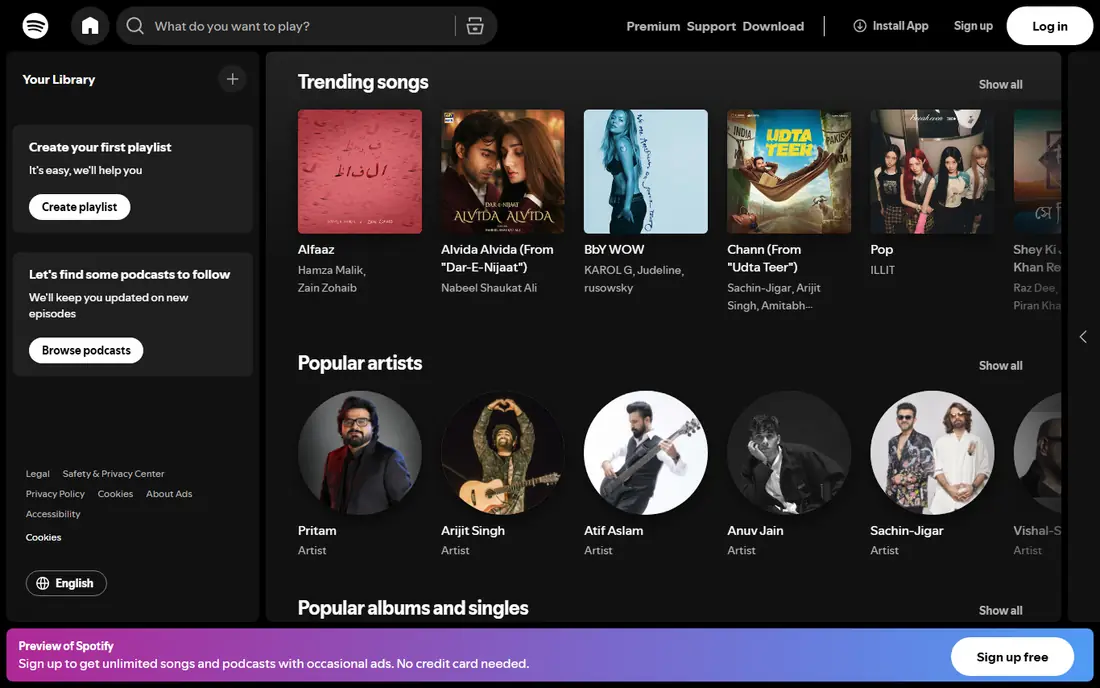
For most listeners, Spotify is the safe starting point. Its daily mixes, yearly recaps and editorial playlists make it easy to find new music without much effort, and its apps work on phones, computers, speakers and cars. The free tier lets you test the catalogue before paying, although ads interrupt listening and mobile playback is more limited than paid playback.
The catch is sound quality and price movement. Spotify has long offered very good compressed audio, but listeners with wired headphones or a home system may prefer a lossless service. Prices also vary by country and by plan, with options for students, couples and families, so the headline price is rarely the whole story. Still, if you want one service that works almost everywhere, this is our pick for most people.
- Strong playlists and discovery
- Wide device support
- Useful free tier
- Top audio quality trails lossless rivals
- Ads and limits apply on the free tier
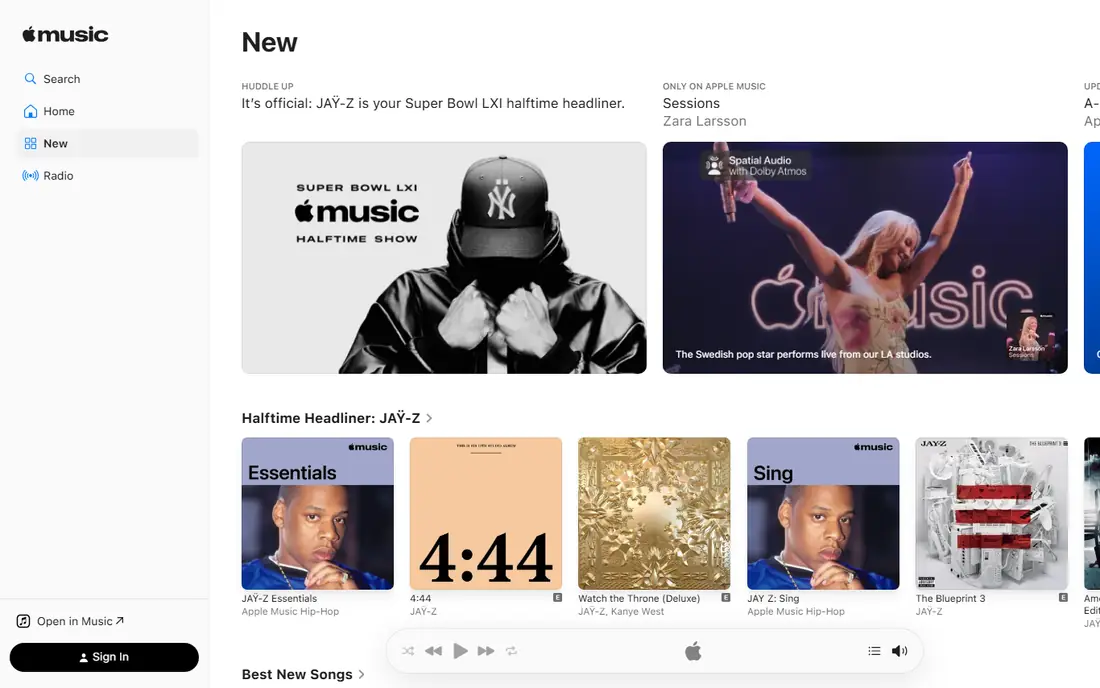
Apple Music fits best if you already live in the Apple world. Songs, playlists and downloads sit inside the Music app on iPhone, iPad, Mac and Apple Watch, and Siri control feels natural on HomePod. Lossless audio and spatial audio are included at no extra tier cost, which is a clear point in its favour for careful listeners.
The main weakness is trial access. There is no permanent free tier, so you need a paid plan or a trial offer to listen in full. The service works on Android and on the web, but those versions do not feel quite as polished as the Apple apps. If sound quality matters and you use Apple hardware daily, Apple Music is a strong choice.
- Lossless and spatial audio included
- Deep Apple device integration
- Large catalogue
- No full free tier
- Android and Windows apps feel less central
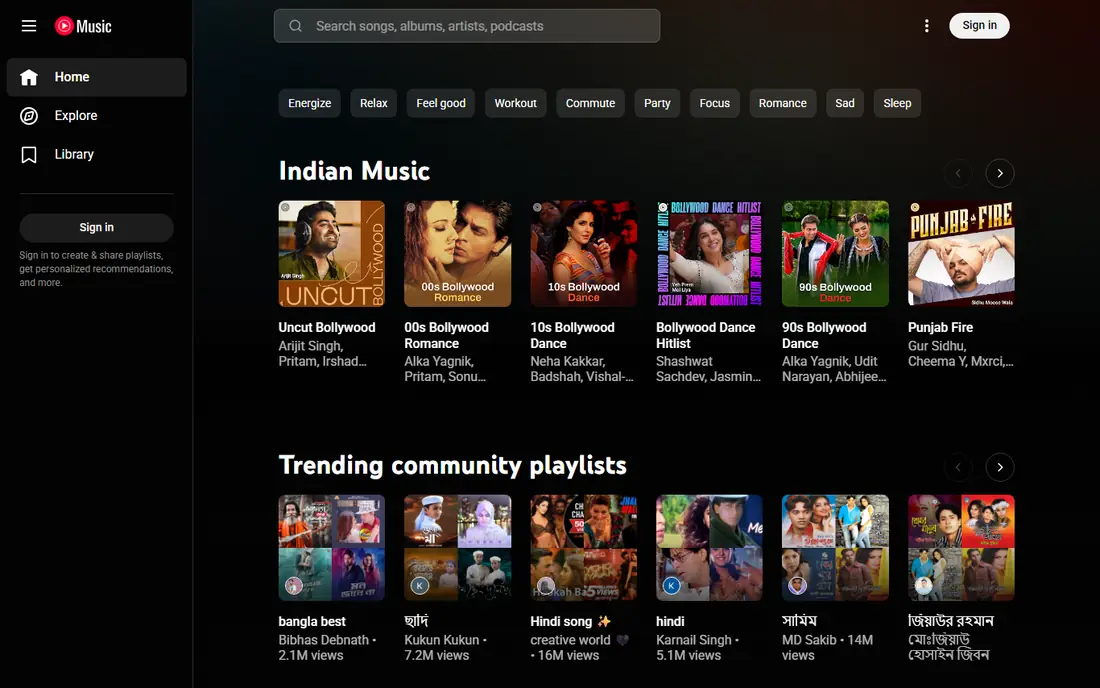
YouTube Music stands apart because its catalogue goes beyond studio albums. Live performances, acoustic sessions, remixes and fan uploads often appear here when they are missing elsewhere, which makes it a favourite for listeners who follow artists closely. It also pairs well with YouTube Premium for people who already pay for ad free video.
On the free tier, ads and mobile background playback limits will frustrate regular listeners, and the app mixes official tracks with video content in a way that takes time to learn. Sound quality is good for everyday listening, though it is not positioned as a lossless leader. Pick this service if rare tracks and videos matter more to you than pure audio specs.
- Huge range of live and rare recordings
- Video and audio in one place
- Good recommendations
- Free tier has ads and background limits on mobile
- Interface can feel busy
Amazon Music Unlimited makes most sense in a home that already uses Amazon products. Voice control through Alexa is simple, and Prime members often get a lower price than non members. The service also offers higher quality streams for listeners who want more detail than standard compressed audio.
Confusion comes from the tiers. Amazon Music Prime offers a smaller selection, while Unlimited opens the full catalogue, and new users can mix up the two. Outside the Amazon setup, its playlists and discovery tools are solid but less distinctive than Spotify. If you own Echo devices or already pay for Prime, this is a practical and often cheaper route.
- Good value for Prime members
- Alexa voice control
- High quality audio options
- Catalogue tiers can confuse new users
- Best value depends on Prime membership
TIDAL is built for listeners who care about how music sounds. Its higher quality streams suit good headphones, a decent speaker setup or a wired connection, and its editorial content often highlights artists and albums in more depth than a simple chart list. The app itself is tidy and easy to use once you learn where playlists and mixes live.
The trade-off is reach and cost structure. There is no permanent free tier, so you must pay to listen in full, and its social and playlist features do not match Spotify for discovery. For a listener who already owns good audio gear and wants a service that treats sound quality as the main feature, TIDAL earns its place.
- High resolution audio
- Artist focused features
- Clean app design
- No free tier
- Smaller playlist culture than Spotify
Deezer is a balanced option that rarely gets the attention it deserves. Flow creates a personal mix from your favourites and new suggestions, which works well for listeners who want music without building playlists by hand. The free tier gives a useful taste of the service, and paid plans add offline listening and higher quality audio.
Availability and extras vary by country, so check local features before you commit. Its catalogue is large, but some regional releases and podcasts may differ from what Spotify or Apple Music offer. If you want a solid all rounder with a free tier and good personal mixes, Deezer is worth a trial.
- Useful free tier
- Flow mixes personal picks well
- Lossless options on paid plans
- Smaller presence in some countries
- Podcast and video features vary
Qobuz appeals to collectors and album listeners. You can stream in high resolution and also buy downloads to keep, which suits people who do not want to rely only on a subscription. Album booklets, credits and editorial notes add context that many streaming apps skip, and the focus stays on the music rather than short clips or social feeds.
That focus is also the limit. Qobuz does not try to match Spotify for viral playlists or social sharing, and there is no free tier for extended testing. Mainstream pop coverage is present, but the service feels designed for listeners who sit down with full albums. If ownership and sound quality matter most, Qobuz is the specialist pick here.
- High resolution streaming and downloads
- Detailed album notes
- Store for purchases
- No free tier
- Less focus on mainstream playlists and social features
Pandora is best for listeners who want music chosen for them. Start with an artist or song, give a few thumbs up or down ratings, and the station adapts over time. That simple model still works well for work, driving or background listening, and the free tier keeps the cost at zero if you accept ads.
The weakness is control. If you want to play a specific album in order, a full on demand service will serve you better, and Pandora is not available in many countries. Paid tiers add more on demand features, but the service still feels radio first. Choose Pandora if you prefer stations to playlists and you live where it is offered.
- Easy station based listening
- Thumbs up and down tuning
- Free tier available
- On demand control is weaker than rivals
- Availability is limited outside the United States
iHeartRadio is a radio app first and a music service second. Live stations from across the United States, plus news, talk and sports, make it useful for listeners who want real radio alongside music. Its podcast library is also large, which helps if you switch between music and spoken content during the day.
Music lovers should note the limits. The free tier focuses on radio and custom stations rather than full on demand album playback, and paid tiers are needed for more control. Audio quality is fine for radio and casual listening, but it is not the pick for high resolution audio. If live radio matters to you, this service fills a gap the others do not.
- Live AM and FM stations
- Large podcast library
- Free tier is easy to start
- On demand music is limited on free tier
- Audio quality is basic for music fans
SoundCloud is the place to hear music before it reaches other services. Independent artists, DJs and producers post demos, remixes and early releases here, and the community around comments and reposts gives it a different feel from polished streaming apps. The free tier is generous for discovery, and creators can upload their own work.
The mainstream catalogue is less complete than Spotify or Apple Music, so some albums may be missing or appear only as previews. Paid plans add offline listening, ad free playback and a fuller catalogue through SoundCloud Go. If you follow emerging artists, DJ sets or underground scenes, SoundCloud belongs in your rotation even if it is not your only service.
- Huge independent catalogue
- Remixes and demos
- Free tier with uploads for creators
- Mainstream catalogue has gaps
- Paid tiers needed for full offline and ad free listening
How we picked these
We compared official feature pages, pricing pages, app store listings, privacy policies and public reviews for each service. We looked at catalogue approach, audio quality, free tier limits, device support and how easy each app is to use day to day. We did not claim hands-on lab testing, and we treated vendor claims with care where independent reviews disagreed.
We also weighed who each service suits rather than ranking by catalogue size alone. A large catalogue means little if the app is hard to use on your devices, and a specialist service can be the right pick even with a smaller playlist culture. Prices in this guide are shown as See website where they vary by country, billing route or plan, so you can confirm the current figure on the official page.
What to check before you pay
Start with your devices and your listening habits. If you listen mainly on a phone with standard earbuds, any major service will sound fine, and discovery features matter more than lossless specs. If you use wired headphones, a home system or a digital converter, check which services offer lossless audio and whether your gear can use it.
Next, test the free tier or trial with your own playlists. Import or rebuild a small set of favourite albums, try offline downloads on a trip, and see how recommendations feel after a week. Check family and student rules too, since household and eligibility terms differ and can change the real monthly cost. Finally, look at cancellation terms and whether your playlists can be exported, so you are not locked in if you switch later.
Sound quality in plain terms
Lossless audio keeps more detail from the original recording than standard compressed streams. You may notice the difference on good wired headphones or speakers, but it is harder to hear on basic Bluetooth earbuds in a noisy place. Do not pay extra for high resolution audio unless your equipment and listening habits make it audible.
Free tiers and trials
Free tiers are useful, but they come with ads, shuffle limits or background playback limits on some services. Trials give full access for a short period, yet they often need a payment method and will renew unless you cancel. Set a reminder before a trial ends if you are only testing.
Frequently asked questions
What is the best streaming music service overall?
For most listeners, Spotify is the best starting point because of its playlists, discovery tools and wide device support. Apple Music is a better fit if you use Apple devices and want lossless audio included, while YouTube Music suits fans of live and rare tracks.
Which music streaming service is best for sound quality?
Apple Music, TIDAL and Qobuz are the strongest picks for higher quality audio in this list. They offer lossless or high resolution streams, but you need suitable headphones or speakers to hear the full benefit. Check the official audio settings page for each service before you decide.
What are the best music streaming apps with a free plan?
Spotify, YouTube Music, Deezer, Pandora, iHeartRadio, SoundCloud and Amazon Music offer free tiers with limits. Free plans usually include ads and fewer controls than paid plans, so they work best for testing or casual listening. If you listen daily without ads, a paid plan is usually better value.
Which music streaming service is best for families?
Spotify, Apple Music, YouTube Music and Amazon Music all offer family plans, but household rules, member counts and prices differ by country. Compare the official family plan pages for the services you use, and check whether each member keeps separate recommendations and downloads.
Is there a best online music service for independent artists?
SoundCloud is the strongest pick for independent and emerging artists, with demos, remixes and early releases that rarely appear elsewhere. Bandcamp style stores and Qobuz downloads also help fans support artists directly, though they sit outside a standard streaming subscription.
Do I need to pay for lossless audio?
No, most listeners do not need it. Standard streams sound good on phones and everyday earbuds, and lossless audio matters most on wired headphones or a home audio system. Try a trial with your own gear and compare the same track before you pay extra.
Sources we checked (10)

Online Jobs is an independent blog about careers, online work, learning new skills and the tools that help people earn. More about us.
Keep reading
All posts
Best Streaming Service
We compared the best streaming service options on price, catalogues, sports, 4K and free tiers, to help you pick one service or a smart bundle for your home.

Best Streaming Service for Sports
We compared the best streaming service for sports by league and price, checking live TV bundles and league apps, so you can watch the games you love today.
Best Podcast App
Compare the best podcast app for listening on iPhone, Android, and web, with free plans, smart playback, sync, and honest limits for each app for listeners.