Best Podcast App in 2026: 9 Apps Compared

How we put this together: we compare official feature and pricing pages, app store listings, privacy policies and public user reviews. Prices change, so check the provider's site before you pay.
Key takeaways
- Pocket Casts is the best cross-platform choice, while Overcast is best for Apple-only listeners who want smart audio features.
- Apple Podcasts and Spotify are the easiest starting points, because many listeners already have them installed.
- Podcast Addict suits Android power users, while AntennaPod suits listeners who want a free, open-source player.
- Smart Speed, Voice Boost, silence trimming, and per-show settings matter more than a long feature list.
- Listening apps are not recording apps, so creators need a separate recording and hosting tool for making a show.
Quick comparison
| Name | Who it suits | Starting price | Free option | |
|---|---|---|---|---|
 Pocket Casts Pocket Casts | Cross-platform listening | Free | Yes | Visit |
 Apple Podcasts Apple Podcasts | Apple ecosystem listening | Free | Yes | Visit |
 Spotify Spotify | Music and podcasts in one app | Free | Yes | Visit |
 Overcast Overcast | Smart audio on Apple devices | Free | Yes | Visit |
 Castro Castro | Inbox-style queue management | Free | Yes | Visit |
 Podcast Addict Podcast Addict | Android power listening | Free | Yes | Visit |
 Castbox Castbox | Discovery and community | Free | Yes | Visit |
 AntennaPod AntennaPod | Free open-source listening | Free | Yes | Visit |
 YouTube Music YouTube Music | Video podcasts and music | Free | Yes | Visit |
The best podcast app
The best podcast app depends on your phone, your queue habits, and whether you listen on more than one device. We compared official feature pages, pricing pages, app store listings, privacy policies, and public reviews, with a focus on sync, playback controls, discovery, and free-tier usefulness.
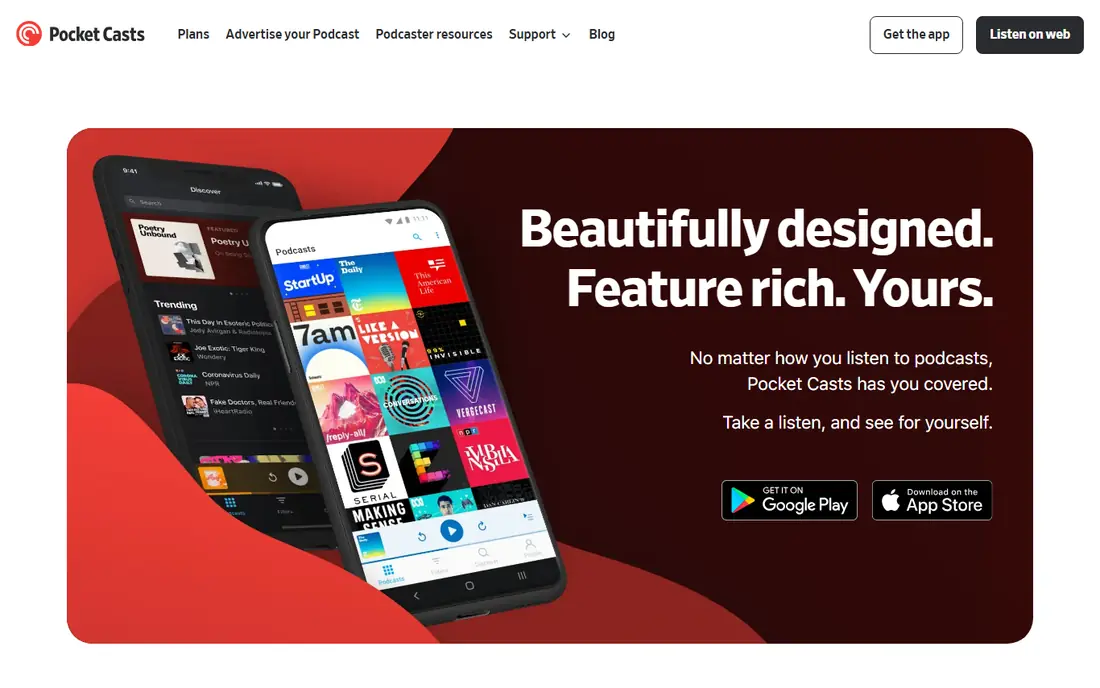
Pocket Casts is our pick for listeners who switch devices during the day. You can start an episode on your phone, continue on the web, and keep your queue and filters in sync. Folders and filters help organize many shows, while per-show settings let you set speed, silence trimming, and skip intervals for each podcast.
The free tier covers core listening well, while Plus adds cloud storage, extra themes, and other features. Casual listeners may find the options more than they need, but power listeners will appreciate the control. If you use both iPhone and Android, or phone and computer, Pocket Casts is the safest choice.
- Syncs subscriptions, queue, and position across iOS, Android, and web
- Folders, filters, and per-show playback settings
- Variable speed, silence trimming, and volume boost
- Some advanced features require Plus
- Interface has many options for casual listeners
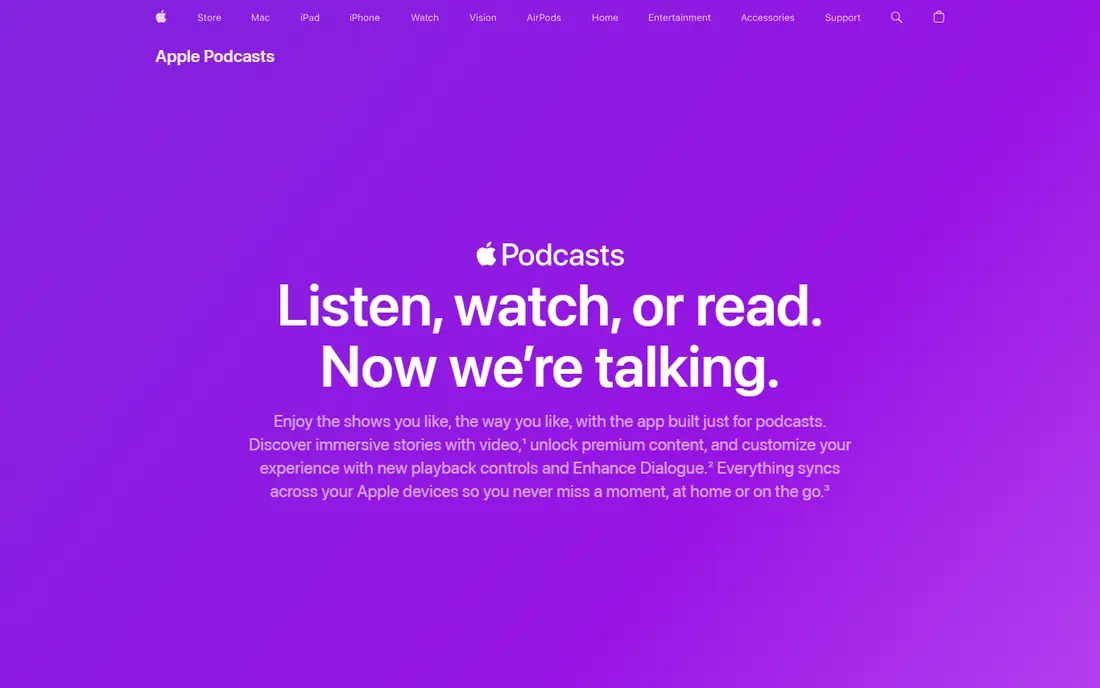
Apple Podcasts is the easiest choice for Apple-only listeners, because it is already installed and syncs through iCloud. It works with Siri, CarPlay, and Apple Watch, and many shows include transcripts and chapters that help you follow along or find a section. The library covers most public podcasts through RSS.
Queue management and per-show controls are less flexible than specialist players, and there is no Android version, so switching phones means switching apps. If you live inside the Apple ecosystem and want zero setup, Apple Podcasts is hard to beat for everyday listening.
- Built into iPhone, iPad, Mac, and Apple Watch
- ICloud sync across Apple devices
- Transcripts and chapters on many shows
- No Android app
- Playlist and queue controls are less flexible than Pocket Casts or Overcast
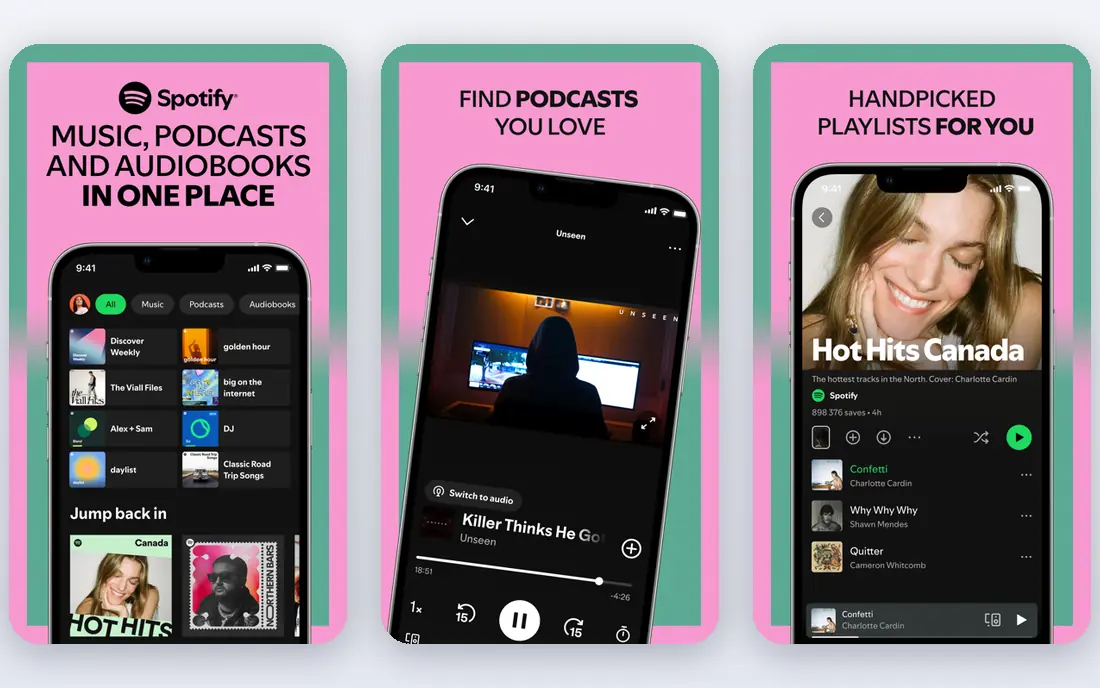
Spotify suits listeners who already pay for or use Spotify for music and want podcasts in the same app. You can switch from music to a podcast without opening another app, and recommendations surface new shows based on your listening. The app works on phones, computers, TVs, and cars.
Podcast controls are simpler than Pocket Casts or Overcast, with fewer per-show settings and queue tools. Free listening includes ads, and offline downloads require Premium. If music and podcasts share your daily listening, Spotify is convenient, but dedicated podcast fans may miss power features.
- Music and podcasts in one app
- Personalized recommendations and exclusive shows
- Works on almost every device
- Podcast playback controls are basic
- Downloads require Premium
- Some shows are exclusive to Spotify
Overcast is the best Apple-only player for audio quality. Smart Speed removes silences to save time, while Voice Boost makes quiet and loud shows sound more consistent. The interface is clean, and per-show settings let you tune speed and boosts for each podcast without clutter.
It is not available on Android, and the free version includes ads, with a paid option to remove them. Listeners who switch between iPhone and Android should choose Pocket Casts instead. If you stay on Apple devices and care about sound, Overcast is a strong pick.
- Smart Speed shortens silences without changing pitch
- Voice Boost normalizes volume across shows
- Clean, simple queue and per-show settings
- Apple only, with no Android version
- Free version includes ads
Castro suits listeners who subscribe to many shows and feel overwhelmed by a long queue. New episodes land in an inbox, where you can queue, archive, or skip each one, so your listening list stays intentional. That triage model works well for news, daily shows, and long back catalogs.
It is Apple only, and some power features, such as enhanced audio and chapter controls, require a paid plan. If you want a simple, focused queue and you use an iPhone, Castro is a refreshing alternative to a standard subscription list. Android listeners should look at Podcast Addict or Pocket Casts.
- Inbox triage helps you choose what to listen to next
- Queue is clear and focused
- Good for listeners with many subscriptions
- Apple only
- Power features require a paid plan
Podcast Addict is the best Android-only player for listeners who want maximum control. You can customize feeds, build automatic playlists, set per-show playback rules, and manage podcasts alongside audiobooks and radio. That depth suits long-time podcast fans with large libraries.
The interface is busy, and beginners may need time to learn the settings. There is no iOS version, so Apple users should choose another app. If you use Android and want every option, Podcast Addict offers more control than most rivals at no cost beyond ads or a small paid upgrade.
- Deep customization for feeds, playlists, and playback
- Supports podcasts, audiobooks, radio, and RSS
- Free with ads, plus a paid option
- Android only
- Interface can feel busy for beginners
Castbox suits listeners who want discovery and community alongside playback. You can browse trending shows, follow topics, comment on episodes, and find new podcasts through recommendations. The catalog is broad, and the app works on both iPhone and Android.
The extra community and content features can make the interface feel crowded compared with a focused player. Some advanced features also require a paid plan. If you enjoy finding shows through community and trending lists, Castbox is a good discovery-first choice.
- Large catalog with discovery and community features
- Comments and in-app community tools
- Works on iOS and Android
- Interface includes many extra features
- Some advanced features require a paid plan
AntennaPod is the best choice for Android listeners who want a free, ad-free, open-source player. It covers subscriptions, queues, playback speed, sleep timers, and offline downloads without ads or a subscription. Because it uses RSS, you can add shows directly without relying on a large platform catalog.
Discovery is more basic than Spotify or Castbox, since AntennaPod does not push personalized recommendations in the same way. It is also Android only, so iPhone users need another app. For privacy-minded Android listeners, AntennaPod is a clean, reliable player.
- Free and open-source with no ads
- Lightweight and customizable
- Supports RSS podcasts without a large platform account
- Android only
- Discovery is more basic than Spotify or Castbox
YouTube Music suits listeners who watch video podcasts and also listen to music. Many shows now publish video versions, and YouTube Music brings those episodes together with music, playlists, and recommendations. The app works across phones and web, which helps for desk listening.
Podcast-specific controls are basic compared with Pocket Casts or Overcast, and background play and downloads require Premium. The interface also favors music discovery over podcast queue management. Use YouTube Music for video podcasts and music, and a dedicated player for serious podcast queue work.
- Video podcasts and music in one app
- Large catalog of video and audio shows
- Works on iOS, Android, and web
- Podcast controls are basic
- Background play and downloads require Premium
- Interface favors music over podcasts
How we picked these
We compared official feature pages, pricing pages, app store listings, privacy policies, and public reviews for each product. We kept only apps that exist in October 2026, play public podcasts, and offer a usable free tier. We checked sync across devices, playback controls, queue management, discovery, and offline listening, since those features decide daily satisfaction more than catalog size alone.
We also separated listening apps from recording and hosting software, because a listening app does not record, edit, or publish a show. A product earned a place when it had a clear audience, such as cross-platform listeners, Apple power users, Android power users, or discovery-focused listeners. Prices for paid music and podcast bundles change often, so check the vendor page before subscribing.
How to choose a podcast app
Start with your devices
If you use iPhone and Android, or phone and computer, choose Pocket Casts, Spotify, Castbox, or YouTube Music for cross-platform sync. If you use Apple only, Apple Podcasts and Overcast are strong and simple. If you use Android only, Podcast Addict and AntennaPod offer depth and value.
Test your queue for a week
Subscribe to your real shows, set per-show speeds, and try the queue for a week. A good app should make it easy to find the next episode, resume where you left off, and skip intros or silences. If you constantly fight the queue, switch apps before you rebuild a large library in the wrong place.
Separate listening from making a podcast
Listening apps play shows, while recording apps record audio and video, and hosting platforms publish episodes to RSS feeds. Beginners who want to make a show should choose a recording tool and a hosting platform separately, rather than expecting a listening app to record and publish. That split keeps your show portable across players.
Frequently asked questions
What is the best app for podcasts?
Pocket Casts is the best overall podcast app for most listeners, because it syncs across iOS, Android, and web and offers strong queue and playback controls. Apple Podcasts is best for Apple-only listeners, Overcast is best for Apple audio quality, and Podcast Addict is best for Android power users. The best app depends on your devices and queue habits.
What is the best podcast app for beginners?
Apple Podcasts and Spotify are the easiest for beginners, because they are already familiar and require little setup. Pocket Casts is also easy to learn and adds better queue tools for later. Start with the app you already have, then move to a specialist player if you want per-show settings, folders, or smarter playback.
What is the best podcast software for recording?
Recording software is different from a listening app. Creators typically record with a dedicated audio or video recording tool, edit the result, and publish through a podcast hosting platform that creates an RSS feed. Listening apps in this guide play finished shows, but they do not record or host a show for distribution.
What is the best podcast platform for video podcasts?
YouTube Music and Spotify suit video podcasts, since many shows publish video versions alongside audio. Pocket Casts also supports video episodes for some shows, though its strength is audio queue management. For watching video podcasts, choose a platform with a good video player, and for listening on the go, use a dedicated audio player.
What is the best podcast software for beginners who want to start a show?
Beginners should start with a simple recording tool, a basic editing tool, and a hosting platform that publishes an RSS feed to Apple Podcasts, Spotify, and other players. Keep episodes consistent, record in a quiet room, and publish a few episodes before judging growth. A listening app alone will not publish your show, so plan recording and hosting separately.
Can I listen to podcasts for free?
Yes. Apple Podcasts, Pocket Casts, Overcast, Podcast Addict, AntennaPod, and other apps in this guide offer free podcast listening, with ads or paid upgrades for extra features. Spotify and YouTube Music also offer free listening with ads, while downloads and background play may require Premium. Most public podcasts are free to stream through RSS-based players.
Sources we checked (11)

Online Jobs is an independent blog about careers, online work, learning new skills and the tools that help people earn. More about us.
Keep reading
All posts
Best Streaming Service
We compared the best streaming service options on price, catalogues, sports, 4K and free tiers, to help you pick one service or a smart bundle for your home.
Best Streaming Service for Sports
We compared the best streaming service for sports by league and price, checking live TV bundles and league apps, so you can watch the games you love today.
Best Streaming Music Services
Looking for the best streaming music service? We compared 10 services in 2026 on price, sound quality, catalogues, apps and free plans to help you pick.