Best Streaming Service in 2026: 9 Services Compared

How we put this together: we compare official feature and pricing pages, app store listings, privacy policies and public user reviews. Prices change, so check the provider's site before you pay.
Key takeaways
- Netflix remains the best single general service for volume and variety, but its ad free tiers are among the most expensive in this list.
- Disney+ and Hulu work best as a family bundle, while Max suits viewers who prioritise prestige drama and films.
- Peacock and Paramount+ are the strongest value picks for sports fans, because they include live sports that other services charge extra for.
- Tubi is a genuinely free option with ads, and it is a smart add on if you already pay for one premium service.
- Check 4K, simultaneous streams and download rules before you pay, since the cheapest tier often limits all three.
Quick comparison
| Name | Who it suits | Starting price | Free option | |
|---|---|---|---|---|
 Netflix Netflix | General viewing | $8.99 per month | No | Visit |
 Disney+ Disney+ | Families and franchises | $12.49 per month | No | Visit |
 Hulu Hulu | Current TV shows | $12.49 per month | No | Visit |
 Max Max | Prestige drama and films | $10.99 per month | No | Visit |
 Prime Video Prime Video | Prime members | $8.99 per month | Free trial | Visit |
 Apple TV Apple TV | Quality originals | $14.99 per month | Free trial | Visit |
 Peacock Peacock | Sports and NBC shows | $8.99 per month | No | Visit |
 Paramount+ Paramount+ | CBS, sports and Showtime | $8.99 per month | No | Visit |
 Tubi Tubi | Free films and TV | Free | Yes | Visit |
The best streaming service options
We compared official pricing pages, catalogue descriptions, app store listings and public reviews for the services below. Prices are US monthly list prices reported in 2026 comparison coverage and can change, so check the vendor site for the current tier for your household. The best streaming service is the one you will actually watch most weeks, not the one with the largest catalogue on paper.
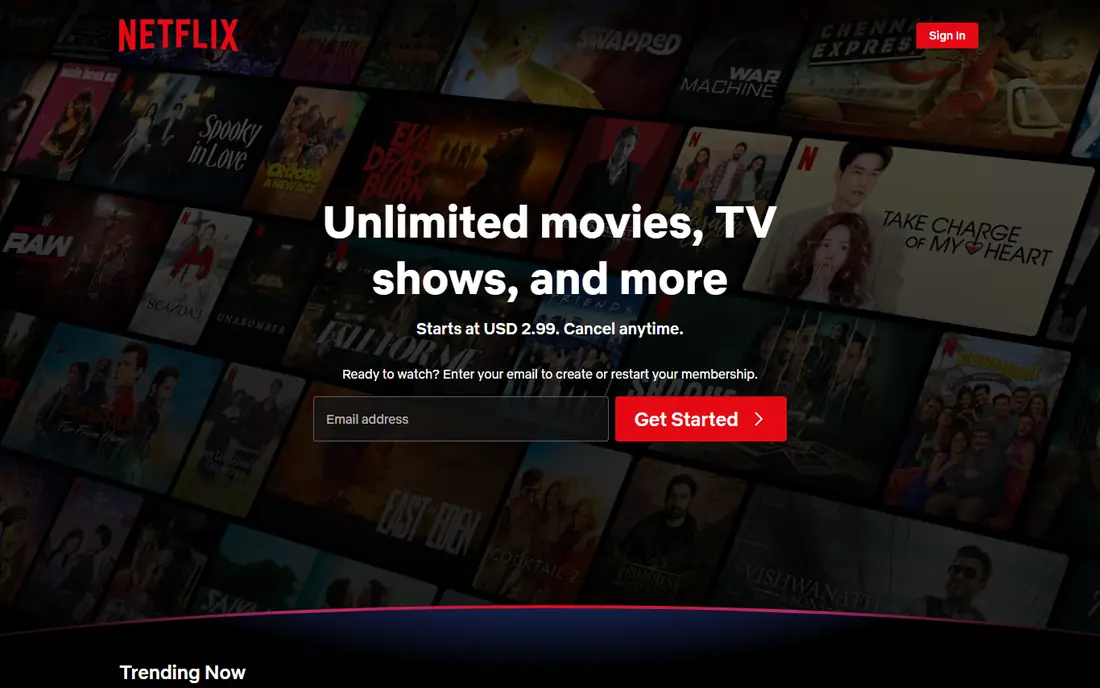
Netflix is our pick if you will only pay for one service. Its catalogue covers drama, comedy, documentaries, reality and international titles, and its originals arrive more often than most rivals. That breadth matters for households where tastes differ, because one subscription can cover several viewers without constant negotiation.
The cost is the honest drawback. The ad supported tier is affordable, but the ad free standard and premium tiers cost much more, and only premium includes 4K. Netflix also has no free trial in the US, so the cheapest way to test it is a single month on the ad tier before upgrading.
- Largest range of originals and licensed titles
- Strong recommendation system
- Wide device support
- Premium tier is expensive
- 4K is limited to the top tier
- Catalogue rotates, so titles leave regularly
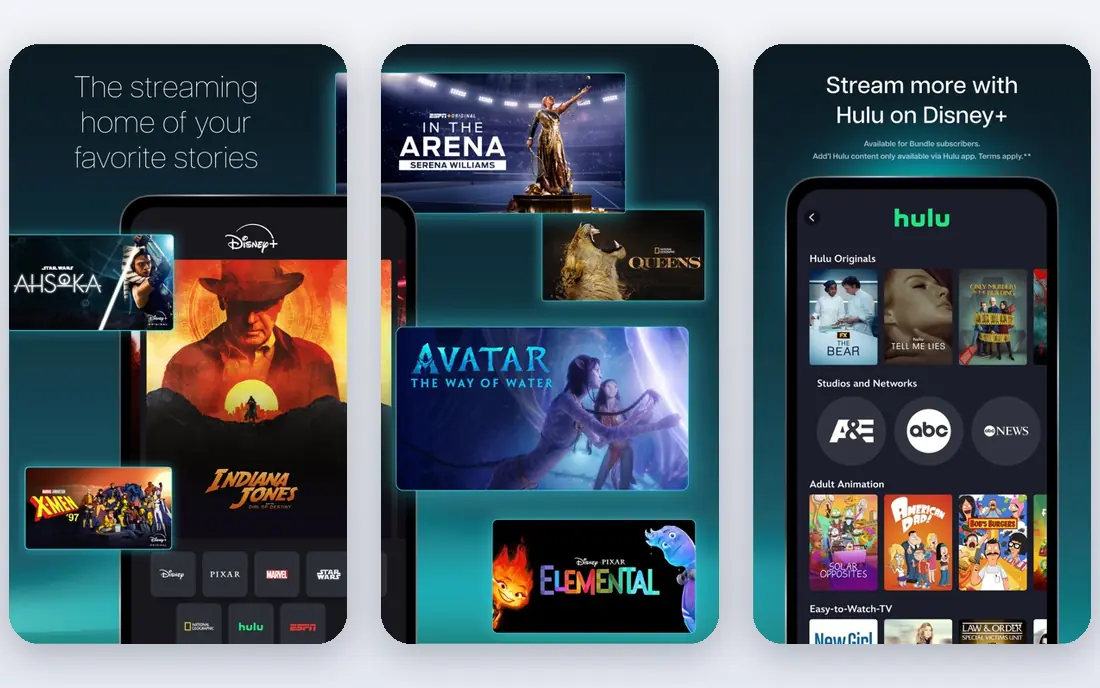
Disney+ is the clear family pick in this list. Children get a deep library of animated films and series, while adults get Marvel and Star Wars titles that are hard to find elsewhere. Parental controls and kids profiles make it easier to hand a tablet to a child without constant supervision.
As a single service for adults without children, Disney+ feels narrower than Netflix or Max. It works best paired with Hulu in a bundle, which adds current TV and adult drama. Check bundle pricing on the vendor site, since bundle terms change more often than standalone prices.
- Marvel, Star Wars, Pixar and Disney libraries in one place
- Strong parental controls
- 4K included on both tiers in recent pricing
- Less strong as an adult only general service
- No free trial
- Price has risen sharply in recent years
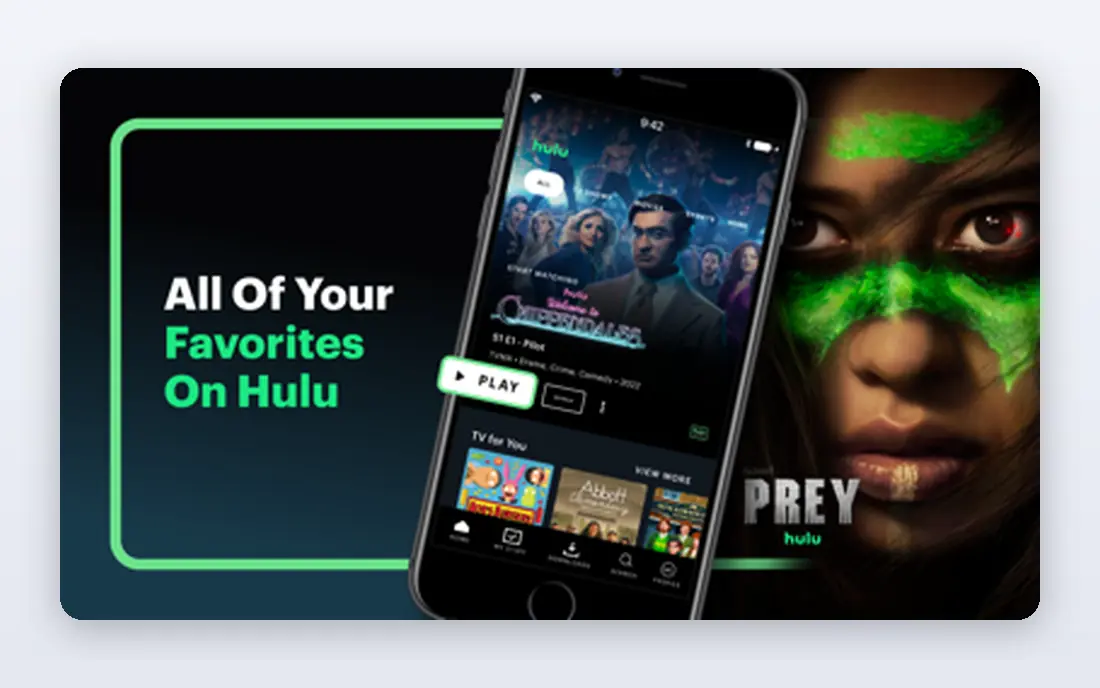
Hulu suits viewers who still follow network television but do not want cable. Many ABC, NBC and Fox shows appear the next day, and FX titles add drama that other services lack. The student discount, where available, also makes Hulu one of the cheaper ways for students to get a premium catalogue.
Hulu is less convincing as a film service, and its 4K support is limited compared with Netflix or Apple TV. It is best as a second service or as part of a Disney bundle, rather than as the only subscription for a household that mainly watches films.
- Next day access to many network shows
- Strong originals and FX titles
- Bundle options with Disney+
- Ad tier still shows ads on many titles
- Limited 4K support
- Only two simultaneous streams on standard plans
Max is for viewers who care more about a few excellent series than about sheer volume. HBO drama, prestige documentaries and a rotating film library give it a distinct identity, and its originals tend to stay in conversation longer than most streaming titles. If your watchlist is built around HBO shows, Max is hard to replace.
Tier limits are the catch. The cheapest tier includes ads, and 4K requires the premium tier, so the price for the best picture is higher than the headline figure. Check downloads and simultaneous streams for your tier if you share the account across a household.
- HBO originals and a strong film library
- Good documentary range
- Premium tier includes 4K
- Features are split across tiers
- Standard tier is limited to 1080p
- Catalogue changes with licensing deals
Prime Video is best judged as part of Amazon Prime, not as a standalone service alone. Prime members get a large subscription library plus delivery benefits, and sports fans get live games that other general services lack. The standalone Prime Video price is also competitive if you do not want full Prime.
The browsing experience is the weakness. Subscription titles sit next to rentals and channel add ons, so it is easy to start a title that costs extra. An ad free upgrade costs more on top of Prime, which makes the true ad free price higher than the headline figure.
- Included with Prime membership
- Thursday Night Football and other live sports
- Large rental and purchase library alongside subscription titles
- Included, rental and add on titles are mixed together in search
- Ad free viewing costs extra
- Interface can feel cluttered
Apple TV takes the opposite approach to Netflix: fewer titles, but a higher hit rate for originals. Drama, comedy and limited series on the service tend to be well made, and the single ad free tier keeps pricing simple. For viewers who watch two or three series a month rather than browsing nightly, that focus works well.
The library size is the limit. If you want a deep back catalogue to browse on a quiet night, Apple TV will run out of appealing options faster than larger services. It works best as a rotating second service: subscribe for a season, watch what you want, then pause.
- High quality originals with few weak titles
- 4K included
- No ad tier to complicate pricing
- Smaller library than Netflix or Disney+
- Fewer licensed back catalogue titles
- Price is high for the library size
Peacock is the sports value pick in this list. The premium tier includes live sports and a wider set of originals than the entry tier, and the price is lower than many general services. Fans of NBC comedies, Bravo reality and WWE content also get a library that is hard to find elsewhere in one place.
Tier confusion is the drawback. The entry tier is cheap but excludes much of what makes Peacock attractive, so most sports fans need the premium tier. Check exactly which sports and titles are on your tier before subscribing for a season.
- Live sports including Premier League and Sunday Night Football
- NBC and Bravo titles
- Cheaper entry tier than some rivals
- Cheapest tier excludes sports and many originals
- Ads remain on the mid tier
- 4K support is limited
Paramount+ suits households that follow CBS programming and live sports. The premium tier adds Showtime titles and removes most ads, which makes it a reasonable bundle in one subscription. Its entry price is also lower than Disney+ or Apple TV, which helps if it is a second service.
As a single general service, Paramount+ is narrower than Netflix or Hulu. It is best bought for a specific reason, such as a sports season or a Showtime series, rather than as a catch all replacement for cable.
- CBS shows, NFL on CBS and Champions League coverage
- Showtime titles on the premium tier
- Competitive entry price
- More targeted than a general service
- Limited true 4K
- Interface and search draw mixed reviews
Tubi is our pick for viewers who want to cut spending without giving up streaming altogether. The library includes many older films, classic TV and documentaries, and the service is free because it is ad supported. For a household already paying for Netflix, Tubi adds variety at no extra cost.
The trade off is recency and ads. You will not find the newest releases here, and ad breaks are frequent compared with paid ad tiers. Tubi is best as a supplement, not as a replacement for a premium service if you follow new releases closely.
- Genuinely free with no subscription
- Large film and TV library
- No sign up needed for much viewing
- Ad breaks interrupt viewing
- Newer titles are limited
- No 4K or premium tier option
How we picked these
We compared official pricing and feature pages, app store listings, catalogue descriptions and public reviews, and we weighted price, catalogue breadth, sports coverage, 4K and stream limits, and free or trial options. We mixed large general services with sports focused and free options, so readers can build a one service setup or a bundle without paying for overlapping catalogues.
We did not claim hands on viewing of every title. Where prices differed between comparison sources, we used the most consistently reported US monthly figures and marked them as subject to change, so readers verify the current tier on the vendor site.
How to build a streaming setup without overspending
Start with your viewing habits, not with a list of services. Write down the five shows or sports you watch most, then check which single service covers most of them. That service is your base. Add a second service only if it covers a clear gap, such as live sports or family titles, that the base service misses.
Rotate instead of stacking
Most services allow monthly cancellation, so rotating is a practical way to watch a season without paying all year. Subscribe to Max for an HBO season, then switch to Apple TV for its next original, rather than paying for both at once. Set a calendar reminder for the renewal date, and check whether downloads will remain available after cancellation.
Check the tier details that affect a household
Count simultaneous streams, check 4K and download rules, and note whether profiles and parental controls suit your household. A cheap tier that only allows one or two streams can frustrate a family, while a premium tier that adds 4K may be wasted on a household with only 1080p televisions. Match the tier to your devices, not to the marketing.
Frequently asked questions
Which streaming service is best overall?
Netflix is the best single general service for most households because of its volume and variety, but it is not the cheapest ad free option. If you mainly watch prestige drama, Max may be better, and if you have children, Disney+ with Hulu may be better. Base the choice on what you watch most.
What is the best value streaming service?
Peacock and Paramount+ offer strong value for sports fans, because live sports are included in their premium tiers. Tubi offers the best value at zero cost, though it is ad supported and lacks new releases. For general viewing, the ad tier of Netflix or Max is often the cheapest entry point.
Which streaming services have local channels?
No general on demand service in this list fully replaces local channels. Live TV services such as Hulu plus Live TV, YouTube TV, Sling TV and Fubo carry local channels in many areas, but they cost more than on demand services. Check channel availability for your postcode before subscribing to a live TV service.
Can I watch streaming services for free?
Tubi is free with ads, and several paid services offer free trials through partners or promotions. Free trials change often and many major services no longer offer a direct free trial in the US, so check the vendor site and any bundle offer from your mobile or broadband provider before paying.
How many streaming services should I pay for?
Most households get good value from one paid service plus a free service such as Tubi, and a second paid service only during a sports season or a specific series run. Audit your subscriptions every three months, and cancel any service you have not opened in the past month.
Do streaming prices include taxes?
Listed monthly prices usually exclude taxes, which vary by state and provider. The total on your bill may be slightly higher than the headline price, and bundle prices can change when a partner promotion ends. Check the checkout total before confirming a new subscription.
Sources we checked (9)

Online Jobs is an independent blog about careers, online work, learning new skills and the tools that help people earn. More about us.
Keep reading
All posts
Best Streaming Service for Sports
We compared the best streaming service for sports by league and price, checking live TV bundles and league apps, so you can watch the games you love today.

Best Streaming Music Services
Looking for the best streaming music service? We compared 10 services in 2026 on price, sound quality, catalogues, apps and free plans to help you pick.

Best Podcast App
Compare the best podcast app for listening on iPhone, Android, and web, with free plans, smart playback, sync, and honest limits for each app for listeners.