Best Stargazing App in 2026: 8 Compared

How we put this together: we compare official feature and pricing pages, app store listings, privacy policies and public user reviews. Prices change, so check the provider's site before you pay.
Key takeaways
- Stellarium is our top free starting point for accurate sky simulation on desktop, web, and mobile.
- SkySafari suits observers who may later add telescope control, while Sky Tonight suits a quick check of what is visible tonight.
- Star Walk 2 and Night Sky suit casual viewers and families who want a clear, visual way to identify stars.
- Heavens-Above and the NASA App are useful companions for satellite passes and space news, not replacements for a star map.
Quick comparison
| Name | Who it suits | Starting price | Free option | |
|---|---|---|---|---|
 Stellarium Stellarium | Accurate planetarium simulation | Free | Yes | Visit |
 SkySafari SkySafari | Serious observers and telescope control | See website | Yes | Visit |
 Star Walk 2 Star Walk 2 | Visual star identification | Free | Yes | Visit |
 Sky Tonight Sky Tonight | What is visible tonight | Free | Yes | Visit |
 Sky Map Sky Map | Simple free identification | Free | Yes | Visit |
 Night Sky Night Sky | iPhone and iPad stargazing | Free | Yes | Visit |
 Heavens-Above Heavens-Above | Satellite and ISS passes | Free | Yes | Visit |
 NASA App NASA App | Space images and ISS sightings | Free | Yes | Visit |
The best stargazing app
We compared official feature pages, app store listings, privacy policies, and public reviews to find the best stargazing app for different observers. The best astronomy app is not always the one with the largest catalog. It is the one you will actually open on a dark night, with a clear sky view, a night mode, and labels you can read without glare.
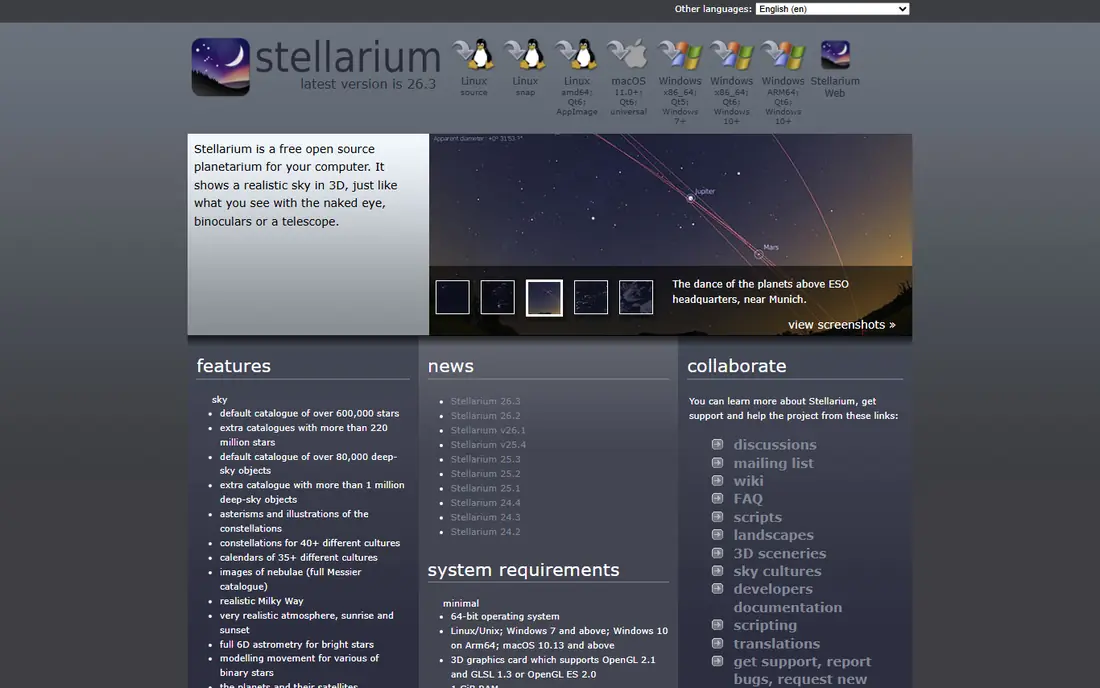
Stellarium fits learners and planners who want a planetarium they can trust. You can set a location, move time forward or backward, and see how planets, constellations, and deep-sky objects move across the sky. That makes it useful at a desk for planning and outside for checking what you are seeing. The catch is learning curve. Stellarium packs in catalogs, horizon views, and settings, so first-time users may need a few sessions to feel at home. The free desktop and web versions cover most needs, and the mobile Plus upgrade is mainly for deeper catalogs and telescope control.
- Realistic sky rendering
- Time controls for any date
- Desktop, web, and mobile versions
- The full interface takes time to learn
- Some mobile upgrades are paid
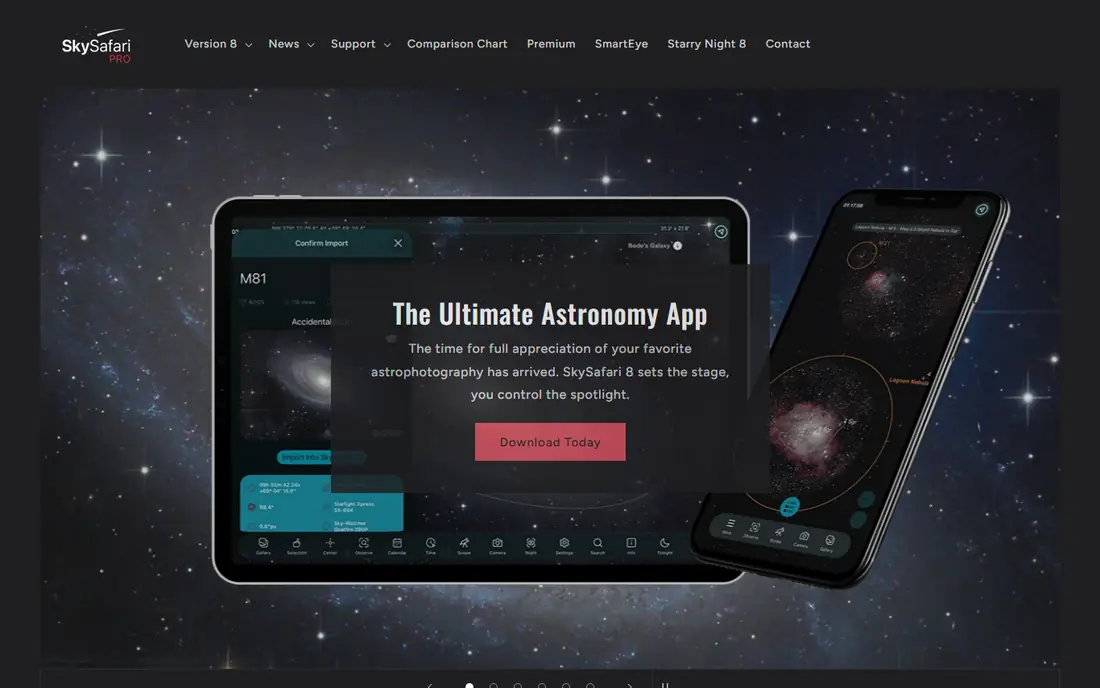
SkySafari fits amateur astronomers who plan sessions and may later control a telescope. The basic version covers stars, constellations, planets, and major satellites, while Plus and Pro add deeper catalogs and telescope control over Wi-Fi or Bluetooth. Observing lists help you work through targets in an order that suits your sky. The honest trade-off is price and complexity. Casual viewers may never need the deeper catalogs, and the app rewards users who spend time learning its planning tools. If you own a GoTo telescope, that extra depth becomes a clear reason to choose SkySafari over a simpler pointer app.
- Large object databases
- Observing lists
- Telescope control on higher tiers
- Paid tiers can cost more than casual users need
- The interface is dense at first
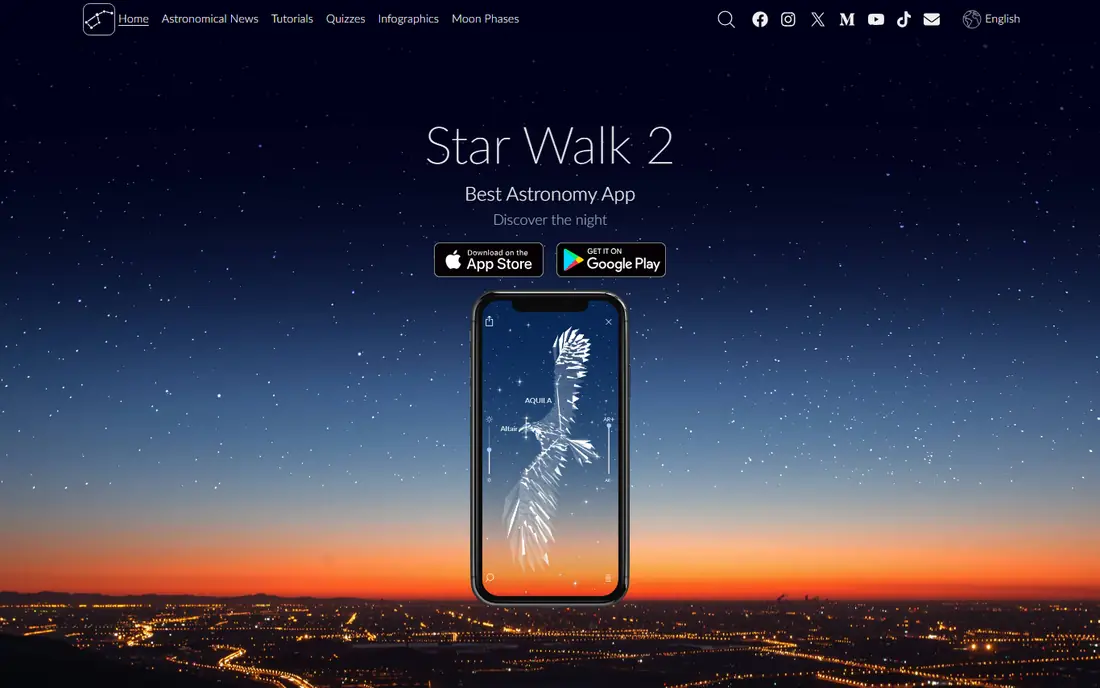
Star Walk 2 fits families and casual viewers who want the sky to feel readable. Point your phone at the sky and the app labels stars, planets, and constellations with clean art and short descriptions. It is a good choice for showing friends or children what is overhead without a long lesson first. The catch is that the free version is a starting point rather than a full observing planner. Serious observers will want Stellarium or SkySafari for deeper catalogs and lists. For a first stargazing app, though, Star Walk 2 makes identification feel easy and enjoyable.
- Clear augmented reality view
- Constellation art
- Simple point-at-sky identification
- Some features need a paid upgrade
- Ads appear on the free version in some listings
Sky Tonight fits anyone who steps outside and asks a simple question: what can I see right now. The app shows visible planets, stars, and events for your location and time, with an augmented reality mode for pointing at the sky. That focus keeps the first screen useful instead of crowded. The trade-off is depth for planning. Sky Tonight is excellent for a quick session, but observers who build long target lists or control telescopes will want a companion planner. Use it as your nightly starting point, then switch to Stellarium or SkySafari when you plan a longer session.
- Clear tonight view
- Augmented reality identification
- Event and object information
- Less deep as a desktop planner
- Some extra content is paid
Sky Map fits Android users who want the simplest free star app. It shows a map of the sky based on where you point your phone, with labels for stars, planets, and constellations. There is little to configure, which is a benefit on a cold night when you just want an answer. The catch is polish and depth. Sky Map does not offer the guided tours, rich art, or planning tools of newer apps. If you want a free, no-fuss identifier and you do not mind a plain interface, it remains a solid pick, and it is the best free star app for users who dislike ads and clutter.
- Free with no ads in the classic version
- Simple point-at-sky map
- Works offline for basic use
- Plain design
- Fewer learning features and no polished planner
Night Sky fits Apple users who want a polished, visual stargazing app. The augmented reality view labels the sky as you move your device, and tours help new observers learn constellations and planets step by step. It looks good on a large iPad screen for indoor planning as well. The honest limit is cost for the full version. The free view covers basic identification, but tours and deeper features sit behind a subscription. Android users should choose Stellarium or Sky Tonight instead, since Night Sky is strongest in the Apple system.
- Polished augmented reality view
- Tours and object details
- Apple device integration
- Full features need a subscription
- Android availability is limited compared with rivals
Heavens-Above fits observers who want to catch satellites and the International Space Station. It predicts passes for your exact location, with times, directions, and brightness, so you can step outside at the right moment. That precision is hard to match in a general star map. The catch is scope. Heavens-Above is a companion tool, not a replacement for Stellarium or SkySafari. Use it alongside a star map when you want to add satellite passes to a night out, and expect a more technical layout than a casual pointer app.
- Detailed satellite pass predictions
- ISS and Starlink tracking
- Location-based charts
- Not a general star map
- Interface feels technical at first
The NASA App fits space fans who want context around what they see. It offers images, live coverage, mission updates, and ISS sighting details, which pair well with a star map on the same night. It is also a good way to learn why a planet or mission is in the news. The trade-off is clear: this is not the best free constellation app, because it does not aim to be one. Keep a star map for identification and use the NASA App for images, stories, and sighting alerts that make a night out more interesting.
- Free NASA images, video, and news
- ISS sighting information
- Mission coverage
- Not a star map
- Identification features are limited
How we picked these
We compared official feature pages, app store listings, and privacy policies, then checked public reviews for ease of use, offline access, and night mode. We gave weight to catalog accuracy, clear labels, time controls, telescope support, and honest free plan limits. We did not claim hands-on testing, and we favoured features we could verify on vendor or store pages over marketing claims.
How to choose a stargazing app
Start with your goal for the night. If you want to learn the sky, pick Stellarium for planning and Sky Tonight for a quick outdoor check. If you want to show friends the sky, pick Star Walk 2 or Night Sky for a clear visual view. If you own a telescope, shortlist SkySafari and check mount compatibility before you pay for Pro.
Use night mode and offline catalogs
Turn on night mode before you go outside, so a bright screen does not ruin your night vision. Download catalogs in advance when an app offers offline mode, because dark-sky sites often have weak signal. A simple red screen and a downloaded catalog matter more than extra art on a night with no signal.
Pair a star map with a pass predictor
A star map answers what a bright point is, while Heavens-Above answers when a satellite will cross. Pairing the two covers most casual nights without buying several paid apps. Add the NASA App only if you also want mission news and images.
Frequently asked questions
What is the best free stargazing app?
Stellarium is our pick for the best free stargazing app, because the free desktop and web versions offer accurate simulation and time controls. Sky Tonight and Sky Map are also strong free options, and the best free star app for you depends on whether you want planning depth or simple pointing.
What is the best astronomy app for beginners?
Sky Tonight and Star Walk 2 suit beginners because they show what is visible now with clear labels. Stellarium suits beginners who want to learn more, once they spend a little time with its settings and time controls.
Do stargazing apps work offline?
Many do for basic sky maps, once catalogs are downloaded. Stellarium and SkySafari store catalogs on the device, so core identification works without signal. Weather, live satellite updates, and news features still need a connection.
Can a stargazing app control my telescope?
Yes, SkySafari Pro and Stellarium Plus offer telescope control, but compatibility depends on your mount and connection method. Check the vendor support page for your exact telescope model before buying an upgrade.
What is the best free constellation app?
Sky Map is a simple free constellation app, while Stellarium and Sky Tonight offer richer constellation lines, art, and object details for free. Choose Sky Map for speed, and Stellarium for learning constellation stories and positions.
Do I need a paid stargazing app?
Most casual observers do not. Free versions cover identification, tonight views, and basic planning. Pay only when you need deeper catalogs, telescope control, or guided tours that you will actually use.
Sources we checked (8)

Online Jobs is an independent blog about careers, online work, learning new skills and the tools that help people earn. More about us.
Keep reading
All posts
Zoom Alternatives
Zoom alternatives compared for 2026: Google Meet, Microsoft Teams, Webex, Jitsi and more for free calls, large meetings and webinars for teams and classrooms.

Top Rated Poster Maker Software
Top rated poster maker software compared for 2026: Canva, Adobe Express, VistaCreate, PosterMyWall and more for events, sales and classrooms for US users.

Surfshark Alternatives
Looking for Surfshark alternatives? We compare 8 VPN services on price, privacy, streaming, and device limits to help you find a VPN that fits your needs.