Best Software for Homelab Automation in 2026: 9 Apps Compared

How we put this together: we compare official feature and pricing pages, app store listings, privacy policies and public user reviews. Prices change, so check the provider's site before you pay.
Key takeaways
- Home Assistant is our pick for most homelabs because it combines device control, dashboards and automations in one local platform.
- Node-RED and n8n handle different automation jobs, with Node-RED best for device flows and n8n best for app and web workflows.
- ESPHome, Mosquitto and Homebridge fill specific gaps for DIY sensors, messaging and Apple Home support.
- Start with one hub and one automation tool, back up your setup, and add complexity only when a real routine needs it.
Quick comparison
| Name | Who it suits | Starting price | Free option | |
|---|---|---|---|---|
 Home Assistant Home Assistant | Whole-home automation hub | Free | Yes | Visit |
 Node-RED Node-RED | Device and flow automation | Free | Yes | Visit |
 n8n n8n | App and web workflows | Free | Yes | Visit |
 openHAB openHAB | Open, rule-based home control | Free | Yes | Visit |
 ESPHome ESPHome | DIY sensors and devices | Free | Yes | Visit |
 Mosquitto Mosquitto | MQTT messaging for devices | Free | Yes | Visit |
 Homebridge Homebridge | Apple Home support | Free | Yes | Visit |
 Huginn Huginn | Event-driven web agents | Free | Yes | Visit |
 Ansible Ansible | Server configuration automation | Free | Yes | Visit |
The best software for homelab automation
Homelab automation covers two different jobs that are easy to confuse. One job is home automation, such as turning lights on at sunset, reading sensors and controlling heating. The other job is server automation, such as updating containers, backing up files and configuring a new machine without manual steps. The nine tools below cover both jobs, with a mix of hubs, flow tools, messaging software and server automation.
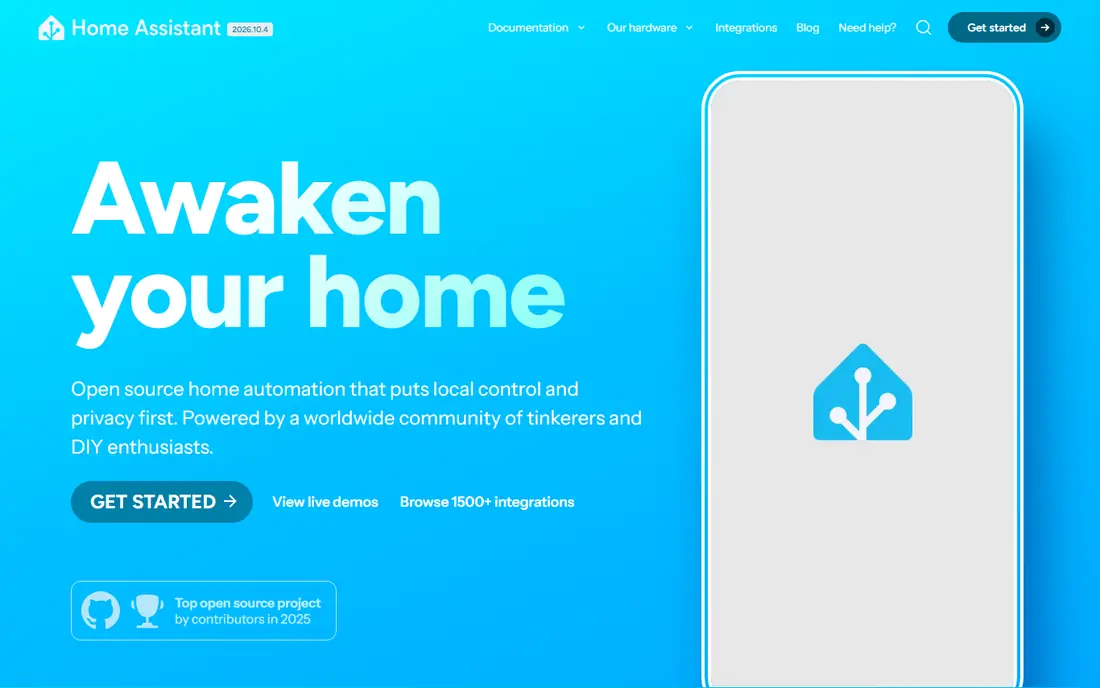
Home Assistant is the safest starting point for a homelab that includes smart home devices. It discovers many devices automatically, gives you dashboards for rooms and sensors, and lets you build automations with a visual editor or YAML. Energy monitoring, media control and add-ons for common homelab services make it more than a light switch app, and local control keeps many routines working without cloud dependence. The learning curve is real. You need to choose an install method, learn how entities and automations work, and read release notes before major updates. Back up before you update, test one automation at a time, and keep notes on your setup. For most users, that effort pays off because one hub replaces several separate apps.
- Very large integration library
- Visual automation editor plus YAML
- Dashboards, energy tracking and local voice options
- Updates can introduce breaking changes
- Full setup takes time to learn
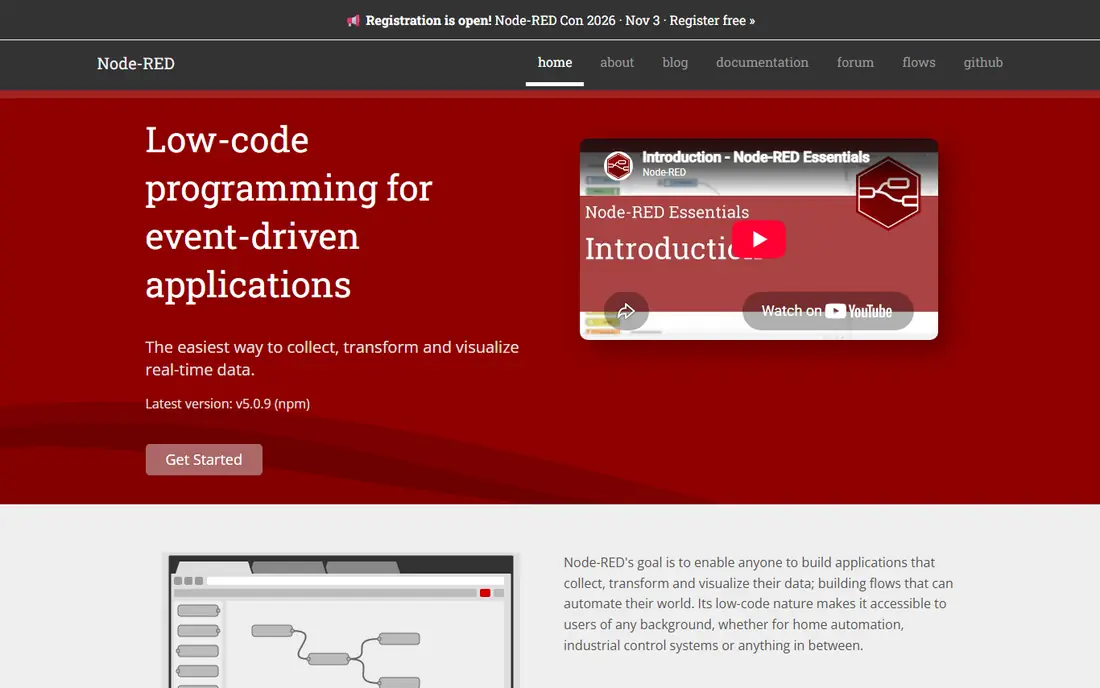
Node-RED suits homelab users who think in flows rather than simple if-then rules. You drag nodes for triggers, devices, MQTT messages, web requests and logic, connect them, and watch messages move through the flow. That visual style makes complex logic easier to follow than a long list of rules, especially for occupancy, weather-aware heating or multi-device scenes. Flows can grow messy if you do not label nodes and split large flows into smaller parts. Node-RED also needs sensible access controls, because a flow editor exposed to the internet is a security risk. Run it on your local network, use authentication, and use it alongside Home Assistant for the complex flows that the built-in editor handles less cleanly.
- Visual flow editor for device logic
- Large community node library
- Light enough for a Raspberry Pi
- Complex flows can become hard to debug
- Needs care with credentials and access
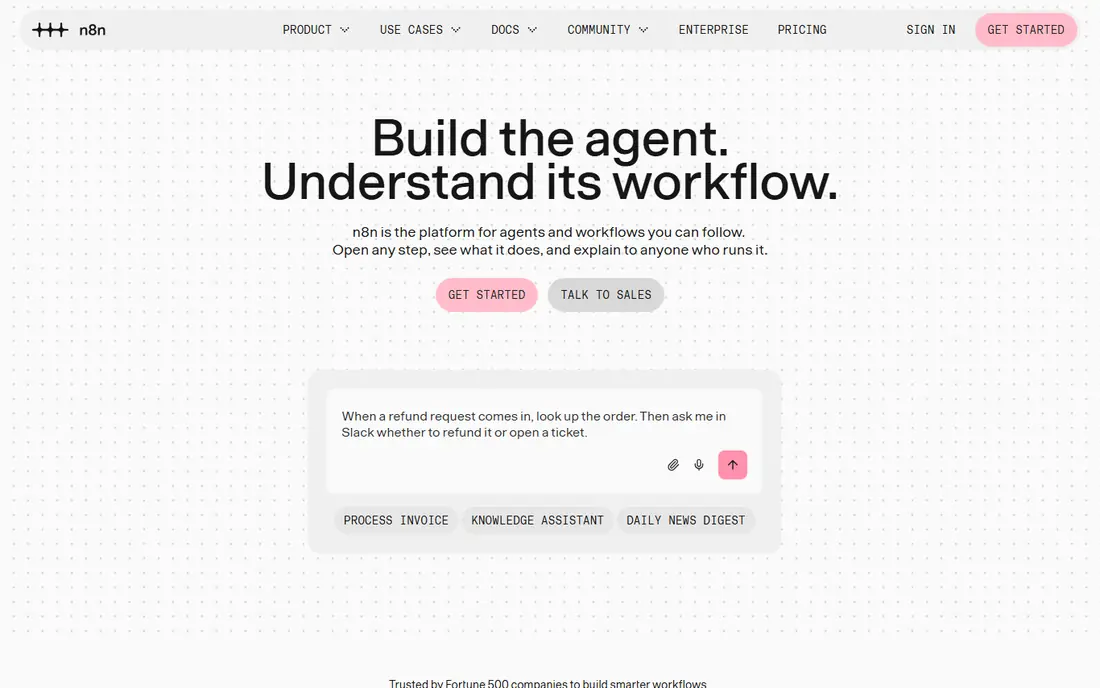
n8n is the workflow tool to pick when automation means connecting apps, webhooks and services rather than wiring sensors. You can sync data between apps, send notifications when a service changes, process form submissions and build scheduled jobs with a visual editor. Built-in error handling and retry logic help workflows survive a failed API call instead of silently stopping. For pure device automation, Node-RED is usually a better fit, because n8n is built around app workflows. Many homelabs run both, with n8n for business-style workflows and Node-RED for device flows, connected by webhooks where needed. Check the licence terms for self-hosting before you use n8n in a commercial setting.
- Visual workflow editor for apps and APIs
- Many built-in integrations
- Error handling and retry options
- Self-hosted version differs from cloud plans
- Heavy workflows need enough server resources
openHAB is a strong alternative hub for users who want open source home automation with a clear rule system. It supports many devices through bindings, lets you define items and rules in a structured way, and keeps control local. Users who like a more code-driven setup or who want an alternative to Home Assistant often prefer its model. Beginners may find Home Assistant easier, because openHAB setup and device configuration take more manual work. If you choose openHAB, start with a small set of devices, learn the item and rule concepts first, and add rooms and routines gradually. Its strength is a stable, local hub for users who value openness and control over plug-and-play setup.
- Open source with a rule engine
- Broad device support through bindings
- Local control focus
- Setup can feel technical for beginners
- Community and docs vary by device
ESPHome turns cheap microcontroller boards into proper home sensors and switches. You write a YAML config for a temperature sensor, a switch or a light, flash it to an ESP32 or ESP8266 board, and the device appears in Home Assistant with the right sensors and controls. That path is far cheaper than buying a branded sensor for every room, and you control reporting frequency and behaviour. It is not a no-skill project. You need to buy boards and sensors, handle wiring safely, and test each device before you rely on it for heating or security routines. Start with a simple temperature and humidity sensor in one room, learn the flashing and update process, and only then build devices for more important jobs.
- Build custom sensors from YAML config
- Auto-discovery in Home Assistant
- Low-cost ESP32 and ESP8266 devices
- Requires basic hardware skills
- DIY devices need testing and safe power supply choices
Mosquitto is the quiet infrastructure behind many homelabs. As an MQTT broker, it passes short messages between devices and software, such as a sensor publishing a temperature reading and Home Assistant subscribing to that topic. It is lightweight, widely supported and easy to run, which is why so many guides pair it with ESPHome, Zigbee bridges and Node-RED. The main work is planning and security. Use a clear topic naming scheme, such as home, room, device and sensor, so you can debug messages later. Turn on authentication, keep the broker on your local network unless you have a strong reason to expose it, and back up its configuration with the rest of your homelab. Without those basics, a helpful broker can become a confusing or risky part of the setup.
- Lightweight MQTT broker for device messages
- Widely supported by Home Assistant, Node-RED and ESPHome
- Easy to run in a container
- Needs authentication and access controls
- Message topics need a clear naming plan
Homebridge solves a specific household problem, which is wanting to control devices from Apple Home and Siri even when the device maker does not support HomeKit. Plugins bridge cameras, lights, locks and other devices into Apple Home, so family members can use the Home app and voice control without learning a second system. Plugin quality varies, and Homebridge adds a service you must update and monitor. It works best as a bridge, not as your main automation hub. Keep core automations in Home Assistant or openHAB, use Homebridge for Apple Home access, and test plugins after updates before you rely on them for locks or security devices.
- Brings many non-Apple devices into Apple Home
- Large plugin library
- Useful if your household uses iPhones and Siri
- Plugin quality varies
- Adds another layer to maintain alongside your main hub
Huginn is for homelab users who want agents that watch the web and react. An agent can check an RSS feed, watch a website for changes, process an email or webhook, and send a notification or store data. That makes it useful for price alerts, service status checks, personal data gathering and small event-driven jobs that do not fit a home hub. The interface is less polished than n8n, and designing reliable agents takes testing. Start with one agent, such as an RSS to notification flow, check its output for a week, and then add more. Huginn is best for personal, event-driven automation rather than for controlling lights or heating, where Home Assistant is the clearer choice.
- Agents that watch RSS, email, webhooks and APIs
- Good for personal alerts and data gathering
- Self-hosted and open source
- Interface feels older than n8n
- Setup and agent design take patience
Ansible covers the server side of homelab automation. Instead of configuring each machine by hand, you write a playbook that installs packages, sets up users, deploys containers and applies settings, then run it against one or many servers over SSH. That repeatability matters when you rebuild a machine, add a new server or want to prove your setup can be recreated. Ansible is not a substitute for Home Assistant. It does not control lights or read sensors, and it needs a basic understanding of YAML, inventory files and SSH keys. Start by automating one repeatable job, such as updating packages or deploying a container stack, and keep playbooks in version control so you can track changes and roll back when needed.
- Automates server setup with readable playbooks
- Agentless over SSH
- Repeatable installs and updates
- Learning curve for playbooks and inventory
- Not a home device hub
How we picked these
We compared official documentation, install guides and community resources for each tool, and checked whether each tool is actively maintained and widely used in homelab setups. We favoured tools that run locally, that have clear documentation, and that cover a distinct automation job rather than duplicating the same hub. We did not run hands-on trials for this guide, and we did not invent integration counts or performance figures beyond what official docs describe in general terms.
Build a homelab that stays maintainable
The most common homelab mistake is adding too many tools at once. Start with a hub, a messaging layer if you need one, and one flow or workflow tool. Get lights, sensors and one useful routine working reliably, back up the configuration, and only then add a second tool for a job the first tool handles poorly. A small, working setup you understand beats a large setup you cannot debug at midnight. Backups and access control deserve the same attention as new features. Back up Home Assistant, Node-RED flows, n8n workflows and Ansible playbooks, and test a restore before you need it. Keep automation services on your local network where possible, use strong passwords and authentication, and avoid exposing dashboards or flow editors to the internet without a secure remote access method such as a VPN.
Plan device naming early
Use consistent names for rooms, devices and sensors, such as living room temperature or hallway motion. Clear names make automations easier to read, dashboards easier to build, and debugging faster when a routine stops working. Rename devices at setup time, not after you have built twenty automations around a confusing name.
Automate servers like you automate rooms
Treat server setup as code. Keep Ansible playbooks, container configs and backup scripts in one place, document passwords and access methods separately in a password manager, and test updates on one machine before rolling them out to the whole lab. That discipline saves hours when hardware fails or when you rebuild a server.
Frequently asked questions
What is the best software for homelab automation for beginners?
Home Assistant is the best starting point for most beginners because it combines device discovery, dashboards and automations in one hub. Add Node-RED later only for complex device flows that the built-in editor handles less cleanly.
Should I use Node-RED or n8n?
Use Node-RED for device and IoT flows, MQTT messages and sensor logic. Use n8n for app workflows, webhooks, notifications and data sync between services. Many homelabs run both and connect them when a workflow needs both sides.
Do I need MQTT for a homelab?
Not always, but MQTT helps when you have DIY sensors, Zigbee bridges or many devices publishing small updates. Mosquitto is a lightweight broker that Home Assistant, Node-RED and ESPHome all support, so it is a useful layer once device count grows.
Is Home Assistant free?
Home Assistant itself is free and open source. You still need hardware to run it, such as a Raspberry Pi, a mini PC or a server, and some add-ons or remote access options may have separate costs. Check the official install guide for hardware needs.
Can I automate my homelab servers as well as my home?
Yes. Use Home Assistant or openHAB for home devices, and Ansible for server configuration, updates and repeatable installs. Keep the two jobs separate in your notes, even if they run on the same hardware.
How do I keep a homelab secure?
Keep services on your local network where possible, use authentication on every dashboard and editor, update software regularly, and use a VPN for remote access rather than exposing ports directly. Back up configurations and test restores before you rely on them.
Sources we checked (9)

Online Jobs is an independent blog about careers, online work, learning new skills and the tools that help people earn. More about us.
Keep reading
All posts
Zoom Alternatives
Zoom alternatives compared for 2026: Google Meet, Microsoft Teams, Webex, Jitsi and more for free calls, large meetings and webinars for teams and classrooms.

Top Rated Poster Maker Software
Top rated poster maker software compared for 2026: Canva, Adobe Express, VistaCreate, PosterMyWall and more for events, sales and classrooms for US users.

Surfshark Alternatives
Looking for Surfshark alternatives? We compare 8 VPN services on price, privacy, streaming, and device limits to help you find a VPN that fits your needs.