Best Software for Electrical Contractors in 2026: 8 Tools Compared


Small electrical crews that want simple scheduling · Starting price: See website
How we put this together: we compare official feature and pricing pages, app store listings, privacy policies and public user reviews. Prices change, so check the provider's site before you pay.
Key takeaways
- Jobber and Housecall Pro suit most small and residential electrical crews, while ServiceTitan and simPRO fit larger firms with deeper reporting needs.
- Starting prices are often only part of the bill, since add-ons, payment processing, and per-user charges can change the monthly total.
- A mobile app your techs will actually open on site matters more than a feature your office uses once a month.
- Every tool here covers scheduling, quoting, and invoicing, but they differ sharply on phone tools, job costing, and marketing follow-up.
Quick comparison
| Name | Who it suits | Starting price | Free option | |
|---|---|---|---|---|
| Jobber | Small electrical crews that want simple scheduling | See website | Free trial | Visit |
 Housecall Pro | Residential electrical contractors focused on bookings | $59 per month | Free trial | Visit |
 ServiceTitan | Larger electrical contractors with many technicians | See website | No | Visit |
 Workiz | Call-heavy electrical shops that need phone tools | See website | Free trial | Visit |
 FieldPulse | Electrical contractors that want a customisable CRM | See website | Free trial | Visit |
 simPRO | Midsize electrical firms that need job costing | See website | No | Visit |
 Kickserv | Small service firms that want simple job tracking | See website | Free trial | Visit |
 RazorSync | Field service teams that need dispatch and billing | See website | Free trial | Visit |
The best software for electrical contractors
We compared the field service tools electrical contractors actually use, from simple scheduling apps to full dispatch and job-costing platforms, so you can match the software to the size of your crew and the work you take on. The right choice depends less on the longest feature list and more on whether your office and your techs will use it every day.
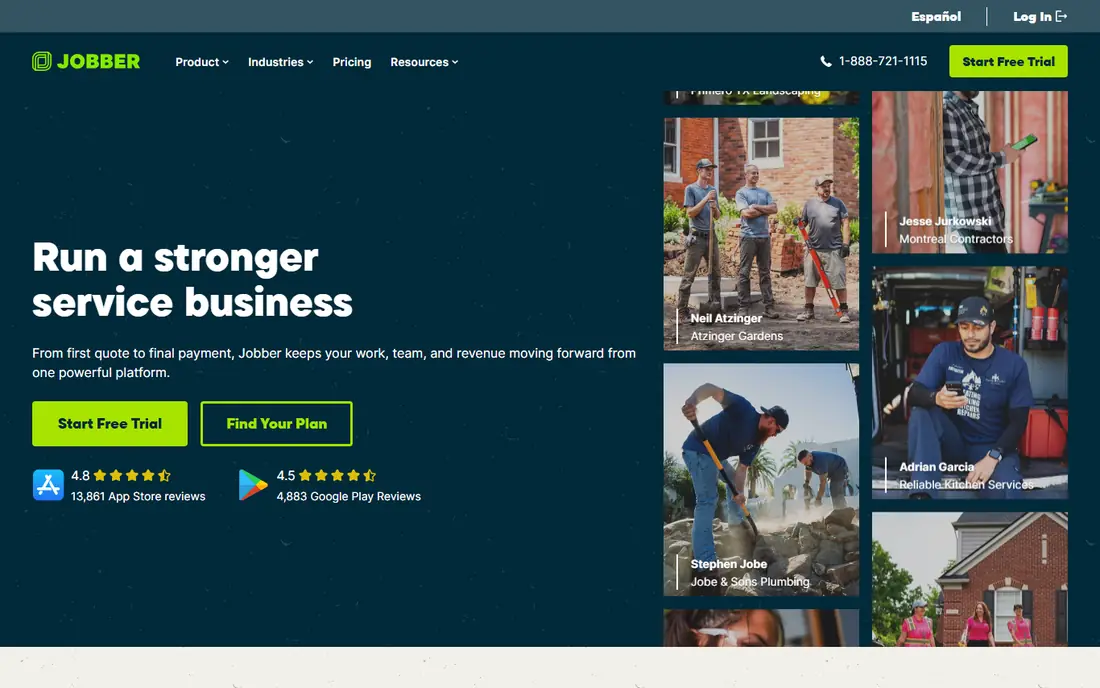
Jobber suits a small electrical crew that wants to get organised without a long setup process. Its scheduling, quoting, invoicing, and client records sit in one place, so a job moves from first call to final invoice without retyping the same details. For a solo electrician or a crew of a few techs, that balance of simplicity and coverage is hard to beat.
The honest catch is this: Jobber can feel light for a large contractor that needs deep reporting or complex multi-crew dispatch, and its best features sit on the higher plans. Before you commit, check the current pricing page and the plan limits against the size of your team and the work you actually do each week, because the right plan on paper can still be the wrong plan in practice.
- Clean scheduling and quoting
- Strong mobile app
- Helpful automations
- Advanced reporting is limited on lower plans
- Some features need higher tiers
Housecall Pro
Who it suits: Residential electrical contractors focused on bookings
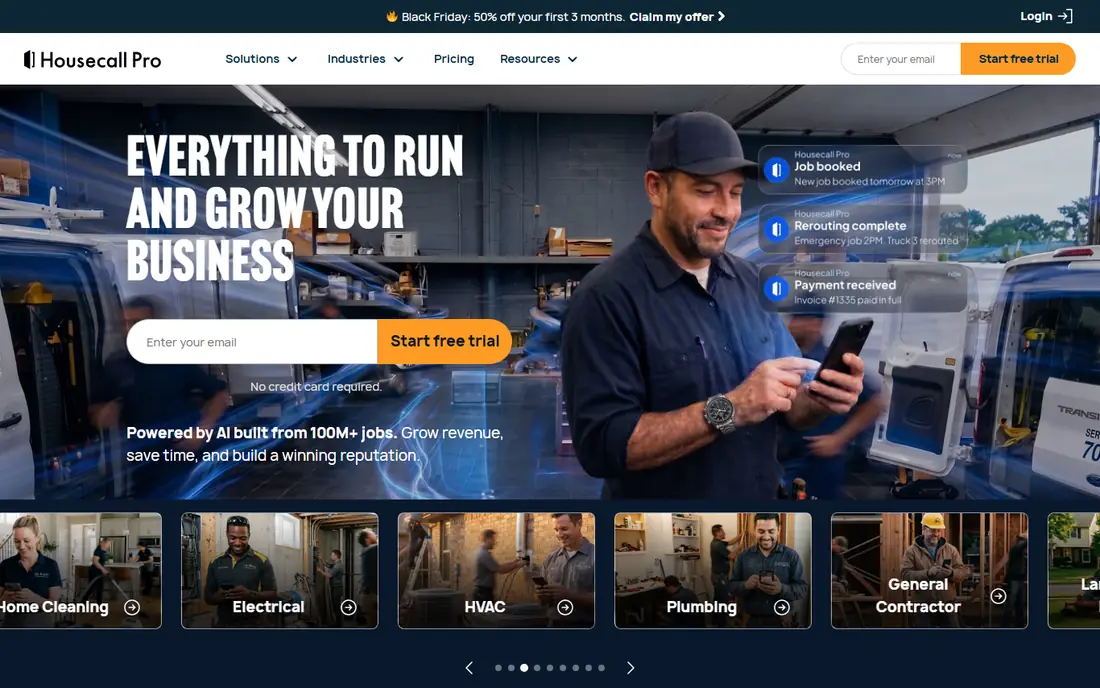
Housecall Pro is built for residential work, where fast booking and a smooth customer experience matter as much as the job itself. Customers can book online, techs can see job details on a phone, and payments can be taken on site, which shortens the gap between finishing a job and getting paid. It is a strong fit for residential electrical firms that live or die by repeat customers and reviews.
The honest catch is this: Add-on modules can push the monthly bill well above the starting price, so read the full plan before you judge it on the headline figure alone. Before you commit, check the current pricing page and the plan limits against the size of your team and the work you actually do each week, because the right plan on paper can still be the wrong plan in practice.
- Easy booking and dispatch
- Online booking and payments
- Marketing follow-up tools
- Costs rise with add-ons
- Larger commercial workflows can feel constrained

ServiceTitan is the heavyweight option, and it makes the most sense once a firm has enough techs and job volume to use its depth. Its dispatch board, pricebook, reporting, and marketing tools are designed for multi-crew operations, and managers get a much clearer view of margins and performance across the business. For a growing contractor with real scale, though, that depth is the point.
The honest catch is this: Smaller firms often find the price, the contract terms, and the implementation time hard to justify, and a team that will not use the reporting will pay for power it never touches. Before you commit, check the current pricing page and the plan limits against the size of your team and the work you actually do each week, because the right plan on paper can still be the wrong plan in practice.
- Deep dispatch and reporting
- Strong pricebook and marketing tools
- Built for scale
- Quote-based pricing
- Long setup and training for smaller firms
Workiz stands out for shops where the phone never stops ringing. Its built-in phone tools, call recording, and scheduling sit together, so the office can answer, book, and dispatch without juggling separate systems. For a busy dispatch office, the phone-first design is a genuine advantage.
The honest catch is this: Pricing is less transparent than some rivals, and teams that only need basic scheduling may find parts of the platform more than they need. Before you commit, check the current pricing page and the plan limits against the size of your team and the work you actually do each week, because the right plan on paper can still be the wrong plan in practice.
- Built-in phone system
- Scheduling and invoicing in one place
- Useful automations
- Pricing is quote-based for many plans
- Interface takes time to learn
FieldPulse appeals to contractors who want to shape the system around their own process rather than the other way round. Its customer records, estimates, scheduling, and invoicing cover the daily workflow, and the flexibility helps firms with mixed residential and commercial work. If custom fields and a tailored workflow matter more to you than brand size, it deserves a trial.
The honest catch is this: As a smaller platform it does not have the same breadth of integrations or training material as the market leaders, so check your must-have connections first. Before you commit, check the current pricing page and the plan limits against the size of your team and the work you actually do each week, because the right plan on paper can still be the wrong plan in practice.
- Flexible customer records
- Estimates and invoicing
- Mobile access for techs
- Smaller brand and support resources than the biggest rivals
- Some integrations are limited
simPRO is aimed at firms that need to know exactly what each job costs, not just whether it is booked. Its quoting, job tracking, inventory, and invoicing tools give managers a tighter grip on materials, labour, and margins, which matters on larger commercial work. For a midsize contractor moving beyond spreadsheets, that control is worth the effort.
The honest catch is this: The setup takes real effort, and the quote-based pricing makes it harder to compare at a glance with simpler tools. Before you commit, check the current pricing page and the plan limits against the size of your team and the work you actually do each week, because the right plan on paper can still be the wrong plan in practice.
- Detailed job management and costing
- Quoting and inventory tools
- Field mobile app
- Setup can be involved
- Pricing requires a quote
Kickserv keeps things simple, and for many small electrical firms that is exactly the appeal. Scheduling, dispatch, invoicing, and customer history are easy to find, and new staff can learn the basics without a long training course. For a small shop that wants a tidy system rather than a full enterprise suite, it is a sensible shortlist entry.
The honest catch is this: It lacks some of the marketing and reporting depth of bigger platforms, and larger firms will outgrow it sooner. Before you commit, check the current pricing page and the plan limits against the size of your team and the work you actually do each week, because the right plan on paper can still be the wrong plan in practice.
- Straightforward scheduling
- Invoicing and customer history
- Affordable feel
- Fewer advanced marketing tools
- Limited depth for large teams
RazorSync covers the field service basics with a clear focus on getting techs to jobs and getting invoices out. Dispatch, scheduling, customer records, invoicing, and payments sit in one system, and the mobile app keeps techs connected on site. It fits small and midsize electrical firms that value function over polish.
The honest catch is this: Its integration list is narrower than the biggest names, and the interface will not win design awards, but the core workflow is solid. Before you commit, check the current pricing page and the plan limits against the size of your team and the work you actually do each week, because the right plan on paper can still be the wrong plan in practice.
- Dispatch and scheduling
- Invoicing and payments
- Mobile app for techs
- Smaller ecosystem of integrations
- Design feels dated in places
How we picked these
We compared official feature pages, pricing pages, app store listings, and public documentation for each product on this list, and we kept only options that are currently available and clearly fit the topic. We looked at the core job each product does, who it is built for, what it costs to start, and where its limits show up in everyday use. We did not claim hands-on testing we did not do, and where a vendor does not publish a price we say so plainly instead of guessing. That approach keeps the comparison honest, and it lets you check every claim against the vendor's own site before you spend anything.
How to choose electrical contractor software
Start with crew size and job type
A solo electrician needs fast quoting and simple invoicing, while a ten-tech firm needs dispatch, job costing, and reporting. Write down the three tasks that eat most of your office time, then judge each tool on those tasks first and treat the rest as a bonus.
Check the full monthly cost
Ask for the price with the add-ons you will actually use, including payment processing and any per-user fees. A low starting price means little if the plan you need costs twice as much, so compare like with like before you sign.
Trial it with real jobs
Run a trial with real customer records, real quotes, and a real dispatch day, and ask your techs what slowed them down. If the mobile app frustrates them in week one, it will frustrate them in month six, and no office feature will fix that.
Frequently asked questions
What is the best software for electricians?
For most small firms, Jobber or Housecall Pro is the safest starting point, since both cover scheduling, quoting, and invoicing without a long setup. Larger firms should look at ServiceTitan or simPRO for deeper dispatch and job costing. The best choice is the one your whole team will use daily.
What is the best electrical contractor software for a solo electrician?
A solo electrician usually needs simple scheduling, fast quotes, and invoicing, so a lighter tool such as Jobber or Kickserv often fits better than an enterprise platform. Keep the monthly cost low and add features only when the workload proves you need them.
What are the best apps for electrical contractors on site?
The best apps for electrical contractors give techs job details, photos, signatures, and payment collection on a phone, even when the signal is weak. Check offline behaviour and battery use during a trial, since a field app that fails on site creates more office work, not less.
What do the best electrical contractor software reviews usually praise?
Reviews of the best electrical contractor software tend to praise easy scheduling, fast invoicing, and a mobile app techs enjoy using, while complaints focus on price rises, add-on costs, and setup time. Read recent reviews for the plan you would buy, not the top tier, since the experience can differ a lot.
Should a small firm pay for ServiceTitan?
A small firm should only pay for ServiceTitan if it will use the dispatch depth, pricebook, and reporting every week, since the cost and setup are built for larger operations. Most crews under five techs get better value from a simpler tool and can move up later as they grow.
Sources we checked (8)

Online Jobs is an independent blog about careers, online work, learning new skills and the tools that help people earn. More about us.
Keep reading
All posts
n8n Alternatives
n8n alternatives compared for 2026, with Zapier, Make, Activepieces, and more, covering visual builders, code steps, self-hosting, and pricing models.

ZoomInfo Alternatives
The best ZoomInfo alternatives in 2026, compared on price, free plans, data coverage, and which tool fits small teams or large sales teams best in detail.

Yotpo Alternatives
Find cheaper alternatives to Yotpo for reviews and loyalty, with Judge.me, Loox, Stamped, and more compared for Shopify stores in 2026, all in one guide.