Best Small Business Phone Service in 2026: 10 Services Compared

How we put this together: we compare official feature and pricing pages, app store listings, privacy policies and public user reviews. Prices change, so check the provider's site before you pay.
Key takeaways
- Nextiva and RingCentral offer the broadest mix of calling, messaging, and video for growing teams.
- Zoom Phone and Google Voice are strong value picks if your team already uses Zoom or Google Workspace.
- Grasshopper and OpenPhone suit solo owners and small teams that need a professional number without desk phones.
- Headline prices usually assume annual billing, so check the monthly price, taxes, and fees before you compare.
- Port your number only after the new service is ready, and keep your old service active until the transfer completes.
Quick comparison
| Name | Who it suits | Starting price | Free option | |
|---|---|---|---|---|
 Nextiva | All-round small business use | $15 per month | No | Visit |
 RingCentral | Growing teams | $20 per month | Free trial | Visit |
 Zoom Phone | Zoom users | $10 per month | No | Visit |
 Dialpad | AI call features | $15 per month | Free trial | Visit |
 Vonage | Flexible plans and APIs | $13.99 per month | No | Visit |
 Ooma | Simple office setup | $19.95 per month | Free trial | Visit |
 Grasshopper | Solo owners | $14 per month | Free trial | Visit |
 Google Voice | Google Workspace teams | $10 per month | No | Visit |
 OpenPhone | Text-heavy small teams | $15 per month | Free trial | Visit |
 GoTo Connect | Remote sales teams | See website | Free trial | Visit |
The best small business phone services
A good small business phone service gives you a professional number, voicemail, call routing, and a mobile app, without forcing you to buy desk phones. The services below differ on price, AI tools, and how they handle texting, so the right pick depends on how your team actually works.
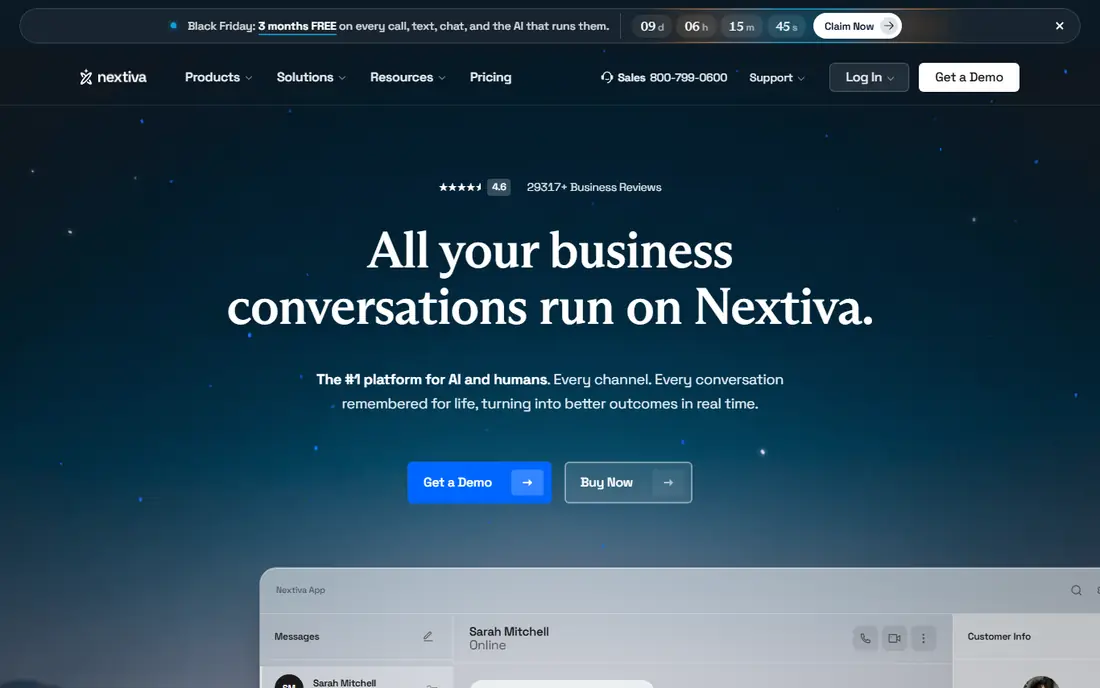
Nextiva is a solid default for a small business that wants calling, voicemail, auto attendant, and team messaging in one system. The core plan covers the basics well, and the mobile and desktop apps let staff answer from anywhere. That flexibility suits hybrid teams and owners who are often away from a desk. The main drawback is the lack of a free plan, so you need a trial or a short first term to test call quality. Prices also depend on billing term and user count, so get a total that includes taxes and fees. For most small teams, the balance of features and support makes Nextiva easy to recommend.
- Clear core plans
- Strong call features
- Useful support options
- No free plan
- Some advanced features cost extra
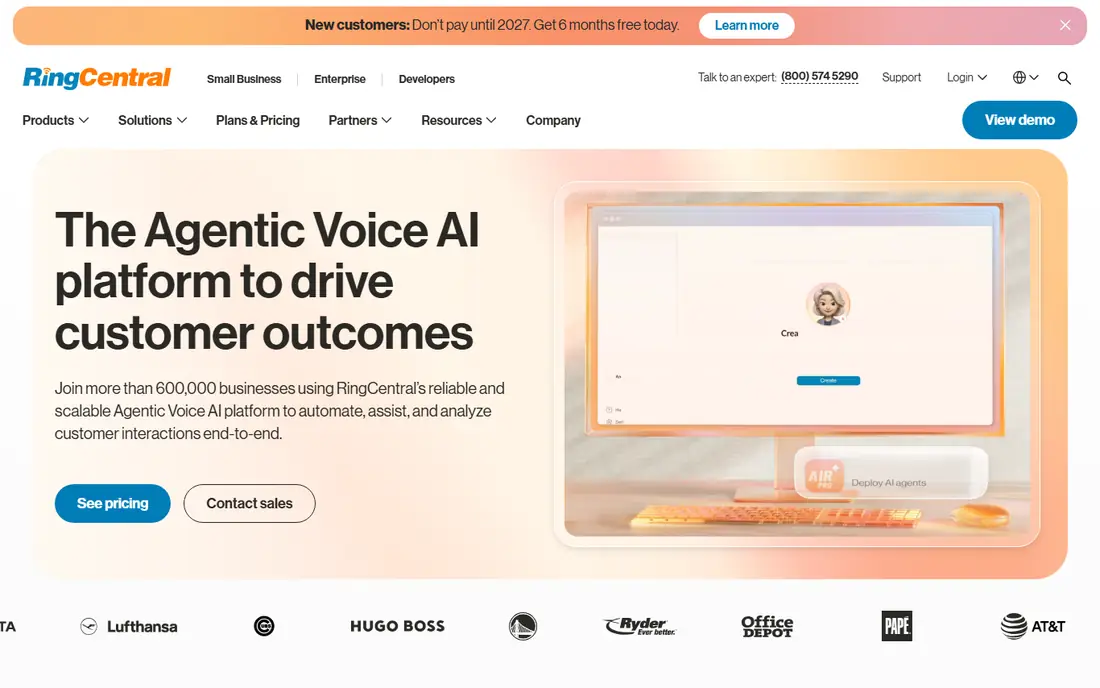
RingCentral, sold as RingEX, combines phone calls, team messaging, and video meetings in one app. That mix helps a growing team avoid separate tools for each channel. The integration range is also wide, which helps if you use a CRM, helpdesk, or calendar tool every day. Read the plan details before you buy. Annual billing gives the lower headline price, while monthly billing is higher, and SMS allowances on the core plan are limited. If your team sends many texts, check that limit first. For call-heavy teams that want one system, RingCentral remains a strong pick.
- Wide feature set
- Many integrations
- Video and messaging included
- Monthly billing costs more
- SMS limits apply on the core plan
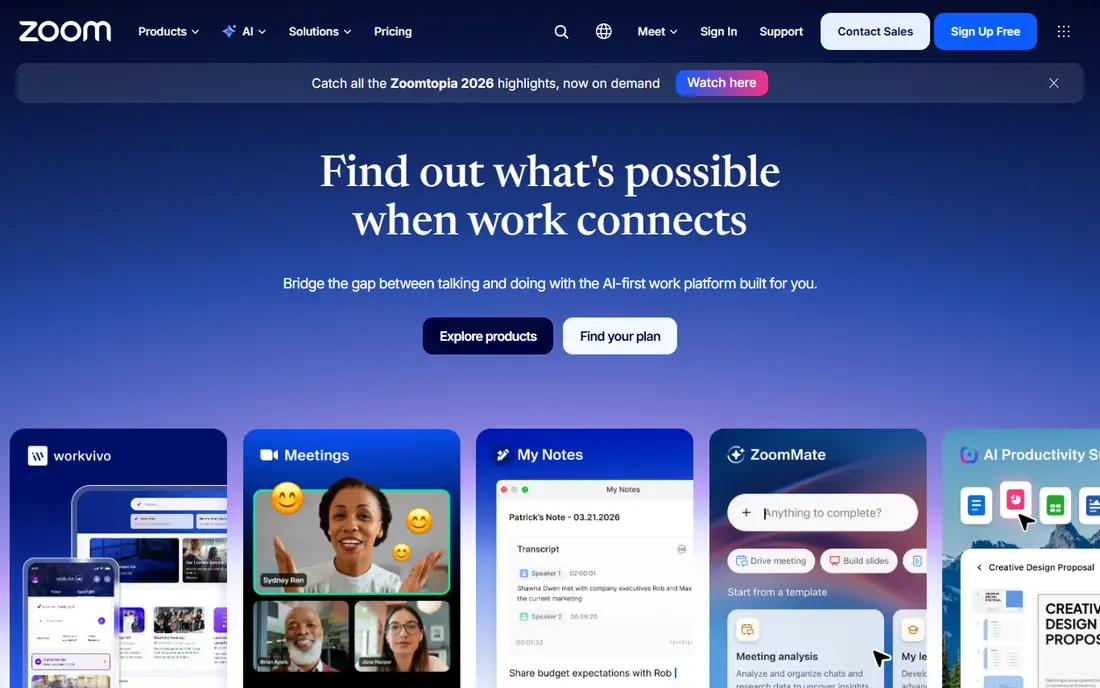
Zoom Phone makes sense if your team already lives in Zoom for meetings. Staff can take calls in the same app they use for video, and a phone call can move to a video meeting without a new link. The metered starting plan keeps costs down for teams with lighter call volumes. Teams that do not use Zoom may prefer a standalone phone system with a broader app range. Also check whether your plan includes unlimited calling in your region, since metered plans bill differently. For Zoom-first teams, the convenience is hard to beat.
- Low starting price
- Familiar Zoom app
- Easy call-to-meeting switch
- Works best inside Zoom
- Some features need higher plans
Dialpad puts AI features at the front of its pitch, with transcription, summaries, and call insights on many plans. That helps managers review calls, train new staff, and follow up without replaying long recordings. The apps are clean, and setup is quick for remote teams. The trade-off is that the most useful AI extras may sit on higher tiers or as add-ons. Check what is included in the standard plan versus what costs extra. If call review and coaching matter to you, Dialpad is worth a trial against Nextiva and RingCentral.
- AI transcription and summaries
- Clean apps
- Good remote team tools
- No free plan
- Pricing varies by plan and add-ons
Vonage offers a mobile-focused starting plan that suits teams that work mainly from phones. It also offers developer APIs for businesses that later want to build calling, messaging, or verification into their own software. That path from a simple phone plan to a custom build is a real advantage. Vonage is less of a single obvious default than Nextiva or RingCentral, because plan choice matters more. Compare the mobile, premium, and advanced plans side by side, and check which call routing and CRM features each one includes. For flexible teams, the range is a plus.
- Flexible mobile-first plan
- Developer APIs
- Wide device support
- No free plan
- Feature set varies by plan
Ooma Office suits a small office that wants a traditional phone feel with modern apps. The virtual receptionist, call routing, and voicemail tools cover the daily needs of a front desk or a small team. Setup is straightforward, and staff do not need deep technical skills to get started. The starting price is higher than Zoom Phone or Google Voice, so Ooma is best when simplicity matters more than the lowest bill. If you need desk phones, Ooma also supports hardware options. For a team that wants a phone system that just works, it is a calm, practical choice.
- Simple setup
- Clear office features
- Virtual receptionist included
- Higher starting price
- Fewer AI extras than rivals
Grasshopper gives a solo owner or a very small team a professional business number that forwards to personal phones. Custom greetings, extensions, and voicemail-to-text help a one-person business sound larger and more organised. The flat rate is easy to budget, since it is not priced per user in the same way as larger systems. Grasshopper is less suited to a team that needs shared inboxes, deep CRM links, or advanced call queues. That is not a flaw, it is the product focus. If you mainly need a credible business number and simple routing, Grasshopper does that job with little fuss.
- Flat monthly pricing
- Professional greetings
- Easy number setup
- Priced per account, not per user
- Fewer team collaboration tools
Google Voice is the simplest VoIP option for a team already paying for Google Workspace. Staff get a business number, voicemail transcription, and call routing inside familiar Google apps. The low starting price makes it attractive for startups and small teams with light call needs. The limits matter if you grow. Google Voice does not match RingCentral or Nextiva for advanced call queues, analytics, or integrations. It also requires a Workspace account, so it is not a standalone pick for non-Google teams. For a Google-first team, though, it is a neat and low-cost start.
- Low starting price
- Simple setup
- Works with Google Workspace
- Requires Google Workspace
- Fewer advanced phone features
OpenPhone is built around a shared team inbox for calls and texts, which suits service businesses that handle many messages a day. Team members can see who replied, leave internal notes, and avoid double replies to the same customer. The mobile and desktop apps are modern and easy to learn. OpenPhone is less focused on traditional desk-phone offices than Ooma. If your team works from mobiles and laptops, that is fine. If you need a large call centre setup, compare it with RingCentral first. For text-heavy small teams, OpenPhone is one of the best fits in this list.
- Strong shared inbox
- Good texting
- Easy team collaboration
- Newer than some rivals
- Phone hardware options are limited
GoTo Connect combines phone, video, and messaging for remote and sales teams. Admin controls help managers set routing, monitor queues, and manage users from one dashboard. That mix suits a team that sells by phone and meets by video in the same working day. Pricing is not as clearly published as some rivals, so ask for a written quote for your user count. A trial will also show whether the call quality and mobile app suit your team. For remote sales teams that want one vendor for calls and meetings, GoTo Connect deserves a place on the shortlist.
- Call, meeting, and messaging in one system
- Useful admin controls
- Pricing is less transparent
- Some features need higher plans
How we picked these
We reviewed vendor pricing pages, feature pages, and app store listings, and we kept only services that are live and sold to small businesses in October 2026. We compared starting prices on annual billing where vendors publish them, and we noted where monthly billing costs more. We also weighed mobile apps, voicemail, auto attendant, texting, integrations, and trial options, and we mixed low-cost solo tools with fuller systems for growing teams.
How to choose the right plan
Start with how your team actually communicates, not with the longest feature list. Count how many people need a number, how many calls you make each week, and how much texting you do. A team that texts customers all day needs a different plan from a team that mainly takes inbound calls.
Check the total monthly cost
Add taxes, regulatory fees, and any per-user charges for extra features. Annual billing often lowers the headline price, but it locks you in for a year. If you are unsure about growth, a monthly plan or a short trial may be worth the higher price at first.
Test call quality and porting
Run a trial with your real internet connection, your real phones, and your real call volume. Test call quality on mobile data as well as office Wi-Fi. When you are ready to move, ask the new provider to handle number porting, and do not cancel the old service until the number has moved.
Frequently asked questions
What is the best small business phone service?
Nextiva and RingCentral are the safest all-round picks for most small businesses. Zoom Phone is better value if your team already uses Zoom, while Grasshopper suits solo owners. The best choice depends on team size, texting needs, and whether you already pay for Zoom or Google Workspace.
What is the best VoIP phone service for business on a budget?
Zoom Phone and Google Voice have the lowest starting prices in this list, at around $10 per user per month. Grasshopper is also low cost for a solo owner, since it uses flat account pricing. Always check taxes, fees, and whether the plan includes unlimited calling in your region.
Do I need desk phones for a small business phone service?
No, most of these services work with mobile and desktop apps. Desk phones are optional and suit front desks or offices where staff share a phone. A mobile-first team can run fully on apps, which keeps setup costs down.
Can I keep my existing business number?
Yes, most providers support number porting from another carrier or VoIP service. The transfer can take several days, so keep your old service active until the port completes. Ask the new provider for a clear timeline before you start.
Is a free trial enough to judge a phone service?
A trial is enough to test call quality, apps, and basic routing, but not long-term reliability. Use the trial with real calls, test voicemail and texting, and check support response times. If the trial is short, ask whether a money-back period applies.
Sources we checked (10)

Online Jobs is an independent blog about careers, online work, learning new skills and the tools that help people earn. More about us.
Keep reading
All posts
n8n Alternatives
n8n alternatives compared for 2026, with Zapier, Make, Activepieces, and more, covering visual builders, code steps, self-hosting, and pricing models.

iPhone Alternatives
Looking for iPhone alternatives in 2026? Compare 9 Android phones from Samsung, Google, OnePlus, and more, with cameras, battery life, and honest trade-offs.

eBay Alternatives
Looking for ebay alternatives? We compared 9 marketplaces for sellers on fees, buyer reach, categories and ease of listing, to help you sell with confidence.