Best Small Business Accounting Software in 2026: 9 Tools Compared

Most US small businesses · Starting price: $38 per month
How we put this together: we compare official feature and pricing pages, app store listings, privacy policies and public user reviews. Prices change, so check the provider's site before you pay.
Key takeaways
- QuickBooks Online remains the safest default for US small businesses, because most accountants already know it and its integration range is widest.
- Xero is the best pick for teams, because it includes unlimited users on its plans and handles multi currency work well.
- Wave is the only genuinely free double entry option in this list for simple books, while FreshBooks suits service businesses that live on invoices.
- Zoho Books offers strong value for businesses already using Zoho apps, and Sage suits firms that want a traditional accounting structure.
- Check invoice and bill limits on entry tiers before you buy, since a cheap plan can become expensive once volume grows.
Quick comparison
| Name | Who it suits | Starting price | Free option | |
|---|---|---|---|---|
| QuickBooks Online | Most US small businesses | $38 per month | Free trial | Visit |
 Xero Xero | Growing teams | $25 per month | Free trial | Visit |
 FreshBooks FreshBooks | Service businesses | $23 per month | Free trial | Visit |
 Wave Wave | Free simple books | Free | Yes | Visit |
 Zoho Books Zoho Books | Value and Zoho users | $20 per month | Yes | Visit |
 Sage Sage | Traditional accounting | See website | Free trial | Visit |
 FreeAgent FreeAgent | Freelancers and contractors | See website | Free trial | Visit |
 Bench Bench | Done for you bookkeeping | $199 per month | Free trial | Visit |
 Patriot Software Patriot Software | Small payroll plus accounting | See website | Free trial | Visit |
The best small business accounting software
We compared official pricing pages, feature lists, app store listings and public reviews for the tools below. Prices are US list prices reported in late 2026 coverage and can change with promotions and annual billing, so check the vendor site for the current figure. This guide covers software, not tax advice, and you should check tax treatment with a qualified accountant for your business.
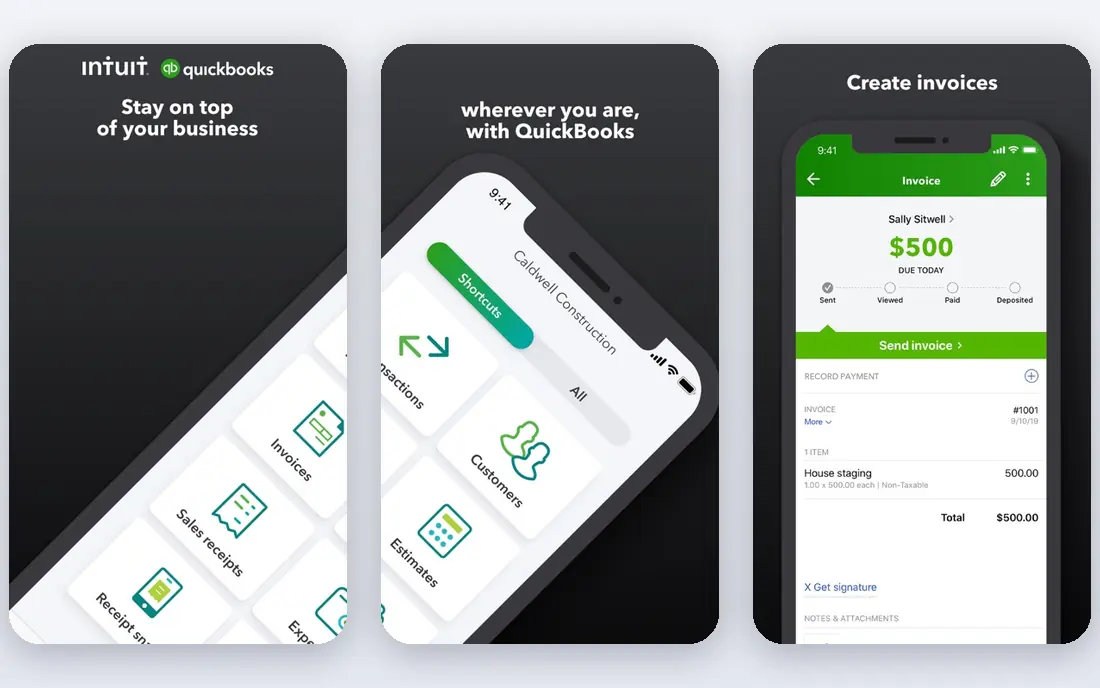
QuickBooks Online is our default recommendation for a US small business that is unsure where to start. Almost every accountant and bookkeeper has used it, which makes year end handover simpler and reduces the chance of a costly migration later. Invoicing, expense tracking, bank reconciliation and reporting are all in one place, and payroll can be added when you hire.
The cost and complexity are the honest drawbacks. Entry pricing is higher than Wave or Zoho Books, and the full feature set can feel overwhelming for a solo freelancer with only a handful of transactions a month. QuickBooks is best when your transaction volume, staff count or accountant relationship justifies a full accounting platform.
- Widest accountant familiarity in the US
- Large integration range
- Strong reporting and payroll add ons
- Higher entry price than rivals
- Learning curve for non accountants
- Pricing rises steeply on higher tiers
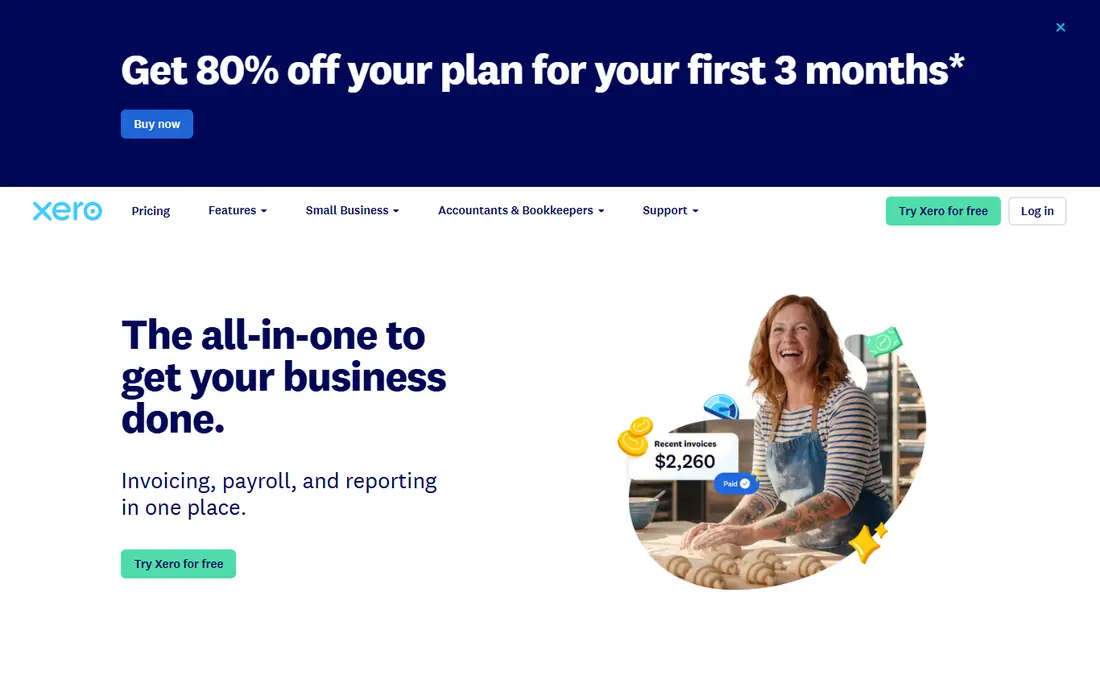
Xero is the best pick for a business that expects to add team members. Unlimited users mean you do not pay per seat as staff, bookkeepers and accountants join, which keeps costs predictable as you grow. The interface is clean, bank reconciliation is strong, and multi currency support suits businesses that invoice clients abroad.
Entry tier limits are the catch. The lowest plan caps invoices and bills, so a business with rising volume may need to upgrade sooner than expected. Xero is still a strong QuickBooks alternative, especially for teams that value collaboration over the largest US accountant network.
- Unlimited users on plans
- Clean interface
- Strong multi currency and bank feed support
- Invoice and bill caps on the lowest tier
- Smaller US accountant network than QuickBooks
- Payroll is an add on in the US
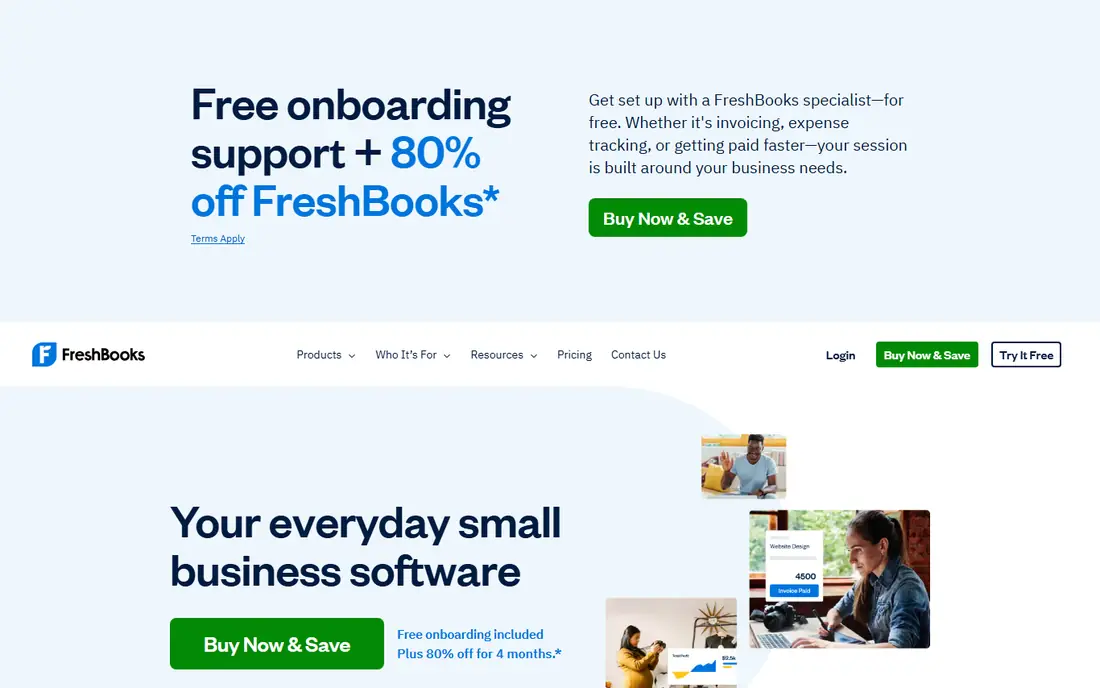
FreshBooks is built around getting paid, which is why it suits freelancers, consultants and agencies. Invoices look professional, clients can pay online, and time tracking links hours directly to invoices. For a service business, that workflow matters more than advanced inventory or complex reporting.
FreshBooks is weaker for product businesses or firms that need deep general ledger work. Client limits on the entry tier also mean a growing agency may need a higher plan sooner. Choose FreshBooks if invoicing and time are your daily work, and choose QuickBooks or Xero if accounting depth is the priority.
- Excellent invoicing and time tracking
- Client friendly payment options
- Simple interface for non accountants
- Lighter pure accounting depth than QuickBooks or Xero
- Client limits on lower tiers
- Extra users cost more
Wave is the best starting point for a side business, freelancer or micro business with simple finances and a zero budget. Core invoicing, expense tracking and bookkeeping are free, and you are not forced into a trial that expires after 30 days. That makes Wave a low risk way to keep clean books from the first sale.
Wave is less suited to complex businesses. Automated bank feeds and advanced features often sit behind paid tiers, and support options are thinner than at QuickBooks or Xero. It is best as a first step: start free, and move to a paid platform when volume, payroll or accountant needs grow.
- Genuinely free core accounting
- Unlimited invoices and estimates on the free tier
- Real double entry bookkeeping
- Bank automation and some features need a paid tier
- Payroll is an add on
- Support is more limited than paid rivals
Zoho Books gives you a surprising amount of accounting for the price, especially if you already use Zoho CRM, Zoho Inventory or other Zoho tools. Automation for recurring invoices, payment reminders and bank feeds reduces manual work, and the free plan suits very small businesses under the revenue limit published by Zoho.
The main drawback is familiarity. Fewer US accountants use Zoho Books daily than QuickBooks, so year end help may take longer to arrange. Zoho Books is best for cost conscious owners who are comfortable learning a system and who already work inside Zoho, rather than for owners who want the most common US standard.
- Strong automation for the price
- Free plan for businesses under a revenue threshold
- Integrates with other Zoho apps
- Smaller US accountant network
- Full value depends on the Zoho ecosystem
- Interface takes time to learn
Sage suits businesses that want a traditional accounting approach with formal controls, rather than a stripped back freelancer tool. Inventory, job costing and detailed reporting are stronger than at FreshBooks or Wave, which helps product and project based firms as they grow. Sage has a long history in accounting, and that depth shows in its ledger structure.
Sage is less friendly for a first time bookkeeper. The interface and terminology assume some accounting knowledge, and pricing depends on which Sage product and region you choose, so comparison takes more work. It is best for firms with a bookkeeper or accountant guiding setup.
- Established accounting structure
- Good inventory and reporting options
- Suited to growing firms with formal processes
- Interface feels more traditional than cloud native rivals
- Pricing varies by product and region
- Learning curve for beginners
FreeAgent is designed for freelancers and small contractors who want accounting to feel manageable. The dashboard shows tax deadlines, upcoming bills and cash position in plain terms, and invoicing and expense capture are straightforward. That focus helps solo operators who do their own books without an accounting background.
FreeAgent is not a team platform in the same way as Xero or QuickBooks, and US pricing and bank feed coverage should be checked before committing, since its roots are in the UK market. It is best for a solo operator who wants guidance through the tax year, not for a growing firm with multiple staff.
- Clear freelancer focused workflow
- Tax timeline and deadline reminders
- Simple invoicing and expense capture
- Less suited to larger teams
- US availability and pricing need checking
- Fewer integrations than QuickBooks
Bench is different from the other tools here because it is a service, not just software. A bookkeeper categorises transactions, reconciles accounts and prepares monthly reports, which suits owners who hate bookkeeping or who keep falling behind. If your books are months out of date, Bench can restore order faster than learning a new app alone.
The price reflects that service, and it is far above software only options. Bench also gives you less hands on control, which some owners dislike. Choose Bench if time is your scarcest resource and clean monthly books matter more than the lowest cost.
- Real bookkeepers handle monthly books
- Clear monthly reports
- Saves owner time on reconciliation
- Much more expensive than software alone
- Less control over day to day entries
- Not a substitute for tax filing advice
Patriot suits a small US business that needs payroll and basic accounting together without paying for a large platform. Payroll is its strength, with straightforward processing and tax filing support for small employers, while accounting covers invoicing, expenses and reports at a modest price.
Patriot is weaker for complex needs. Integrations are fewer, reporting is simpler, and multi entity or inventory heavy firms will outgrow it. It is best for a firm with a handful of employees that wants payroll and books in one affordable place.
- Affordable payroll add on
- Simple accounting for small firms
- US focused support
- Smaller integration range than QuickBooks
- Reporting is simpler
- Less suited to complex multi entity firms
How we picked these
We compared official pricing pages, feature lists, app store listings and public reviews, and we weighted invoicing, bank reconciliation, reporting, payroll options, user limits and accountant familiarity. We included free, mid priced and done for you options, so freelancers, service firms and growing teams can each find a relevant shortlist.
We did not claim hands on bookkeeping in every tool. Where prices differed between sources, we used the most consistently reported late 2026 list prices and marked uncertain prices as See website, so readers verify the current tier, billing period and limits on the vendor site.
How to choose accounting software without a painful migration
Start with your accountant, if you have one. Ask which platform they prefer and whether they charge extra to work in another system, because that cost can outweigh a small monthly saving. If you have no accountant, start with your transaction volume and team size, since those decide whether a free tool will last a year or only a month.
Check limits that matter in year two
Entry plans often limit invoices, bills, users or bank connections. Check those limits against your current monthly volume, then double it to allow for growth. A plan that fits today but caps invoices next quarter will force a mid year upgrade or a migration at the worst time.
Test invoicing and bank feeds in a trial
Use a free trial to send a real invoice, connect a bank feed and reconcile a week of transactions. Note how long each task takes and whether the reports make sense to you without help. Software you avoid using will not keep your books clean, however strong its feature list looks.
Frequently asked questions
What is the best accounting software for small business?
QuickBooks Online is the best default for most US small businesses because accountants know it and it scales well. Xero suits teams, FreshBooks suits service firms that invoice heavily, and Wave suits simple books on a zero budget. Match the tool to your volume, team and accountant, not just to price.
Is there free accounting software for small business?
Yes. Wave offers free core accounting, and Zoho Books offers a free plan for businesses under its revenue threshold. Free plans cover invoicing and basic bookkeeping well, but payroll, advanced automation and some bank features usually require a paid tier. Check the free plan limits before relying on it long term.
How much does small business accounting software cost?
Most small businesses pay between $20 and $40 per month for an entry or mid tier plan, while done for you bookkeeping such as Bench costs much more. Payroll add ons, extra users and payment processing fees add to the total, so check the full monthly cost on the vendor pricing page.
Do I need accounting software if I use a spreadsheet?
A spreadsheet can work for very low volume, but it does not reconcile bank feeds, send professional invoices or produce tax ready reports as reliably as dedicated software. Once you pass a few dozen transactions a month, hire staff or need accountant handover, dedicated software usually saves time and reduces errors.
Can I switch accounting software later?
Yes, but migration takes time, because opening balances, customer records and transaction history must transfer cleanly. Export your data regularly, keep a backup, and plan a switch at a month or year end rather than mid period. Ask your accountant to review the migrated file before you close the old system.
Does accounting software handle taxes?
Accounting software organises income, expenses and reports that support tax filing, but it does not replace tax advice. Check whether your plan includes tax reports for your business type, and confirm filing deadlines and deductions with a qualified accountant, especially if you have employees, inventory or multi state sales.
Sources we checked (9)

Online Jobs is an independent blog about careers, online work, learning new skills and the tools that help people earn. More about us.
Keep reading
All posts
Best Web Scraping Tools
Compare the best web scraping tools in 2026, from no-code Octoparse and Browse AI to Apify, Firecrawl, Bright Data, Zyte, ScraperAPI and free Scrapy, with prices.
Best Web Hosting Services
Find the best web hosting services for your site in 2026. We compare prices, speed, support and ease of use across eight leading hosting providers today.
Best Video Conferencing Software
Looking for the best video conferencing software? We compare 8 meeting apps on price, meeting limits, features, security and ease of use. Read the guide.