Best Sleep Sounds App in 2026: 8 Apps Compared

How we put this together: we compare official feature and pricing pages, app store listings, privacy policies and public user reviews. Prices change, so check the provider's site before you pay.
Key takeaways
- BetterSleep has the most complete sound mixer, letting you layer rain, noise and nature sounds at your own volumes.
- myNoise is the best free option, with precise frequency controls and a huge library funded by donations.
- Dark Noise and Veil suit people who want a simple player with a one-time purchase instead of a subscription.
- Calm and Insight Timer add sleep stories and meditations, but their sound libraries sit behind paid plans.
- White Noise Lite and Rain Rain are the simplest picks if you want one sound and no learning curve.
Quick comparison
| Name | Who it suits | Starting price | Free option | |
|---|---|---|---|---|
 BetterSleep | Custom sound mixing | $9.99 per month | Free trial | Visit |
 myNoise | Free precise noise control | Free | Yes | Visit |
 Dark Noise | Simple Apple player, one-time purchase | See website | No | Visit |
 White Noise Lite | Simple free sounds | Free | Yes | Visit |
 Rain Rain | Rain sounds | Free | Yes | Visit |
 Calm | Sleep stories plus sounds | See website | Free trial | Visit |
 Insight Timer | Free sleep tracks library | Free | Yes | Visit |
 Veil | Tunable noise colours | Free | Yes | Visit |
The best sleep sounds app
The best sleep sounds app is the one you will actually use every night, and that depends on how much control you want. Some people need a single rain sound and a sleep timer. Others want to mix brown noise with a fan and ocean waves at exact volumes. We compared official app pages and store listings to find options for both groups, plus free picks that do the core job well.
A short note before the list: these apps are comfort tools, not medical treatment. If sleep problems persist for weeks, or you suspect a condition such as sleep apnoea, talk to a doctor rather than relying on an app alone.
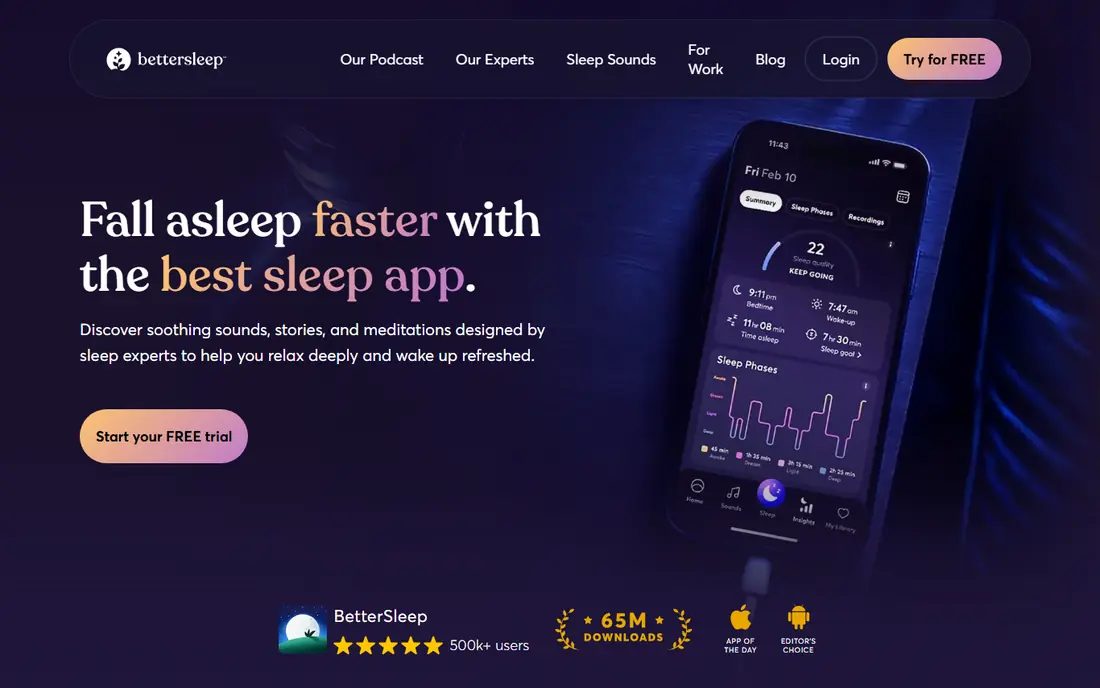
BetterSleep, formerly Relax Melodies, remains the most complete sleep sounds app for people who like to build their own mix. You can layer rain, brown noise, a fan, ocean waves and gentle melodies, adjust each layer separately, and save favourite blends for nightly use. Sleep stories, meditations and music sit alongside the mixer, so the app covers the whole wind-down routine rather than just the sound.
The catch is the paywall. A free trial gives full access, but after it ends only a limited selection stays free, and the full library needs a paid plan starting at $9.99 per month. If you mainly want one steady sound, a free app below will do the same job for nothing. If you enjoy crafting mixes and using stories too, BetterSleep earns its price.
- Powerful mixer with many sounds
- Sleep stories and meditations included
- Sleep timer and routines
- Full library needs a subscription
- Free content after trial is limited
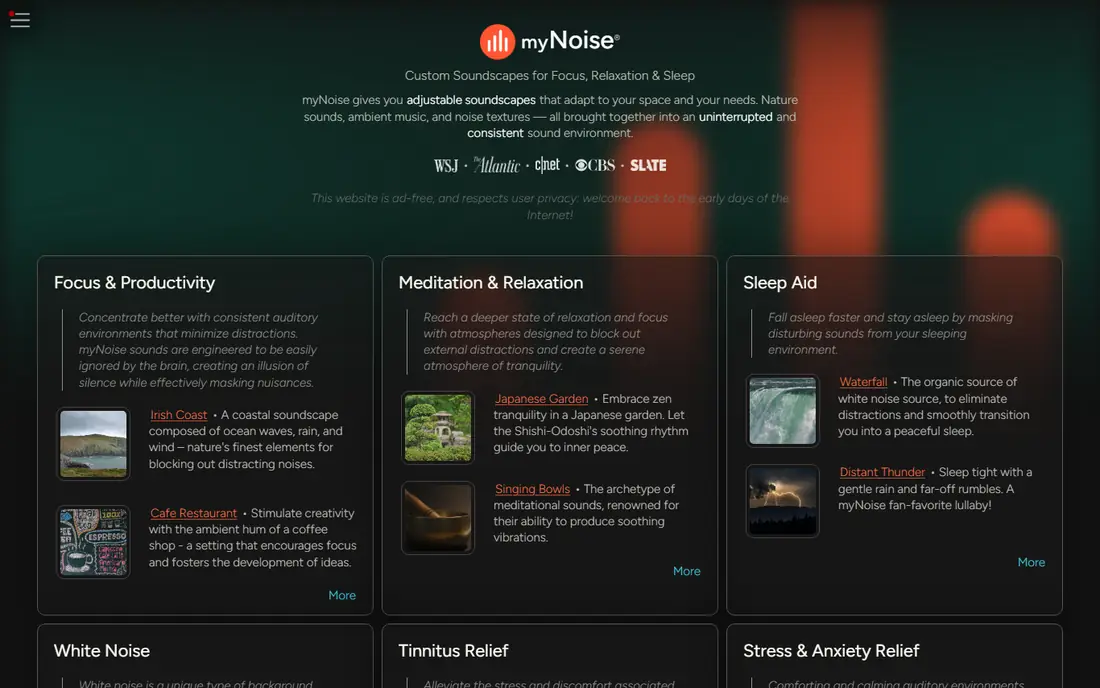
myNoise is the pick for listeners who care about sound quality and control more than polish. Its generators use sliders for different frequency bands, so you can shape white, pink or brown noise to your hearing and your room, and its library covers nature, machines, city sounds and tones for focus and tinnitus masking. The site and apps are free and donation supported, which makes it the best free sleep sounds app on this list.
The design is plain and functional, and there are no celebrity sleep stories or meditation courses here. That is the point: myNoise does one job, generating sound, and does it with more precision than any subscription app. Try it in a browser first, since no install is needed to hear what it can do.
- Free library of soundscapes
- Fine frequency sliders
- Works in a browser too
- Plain design
- No sleep stories or guided content
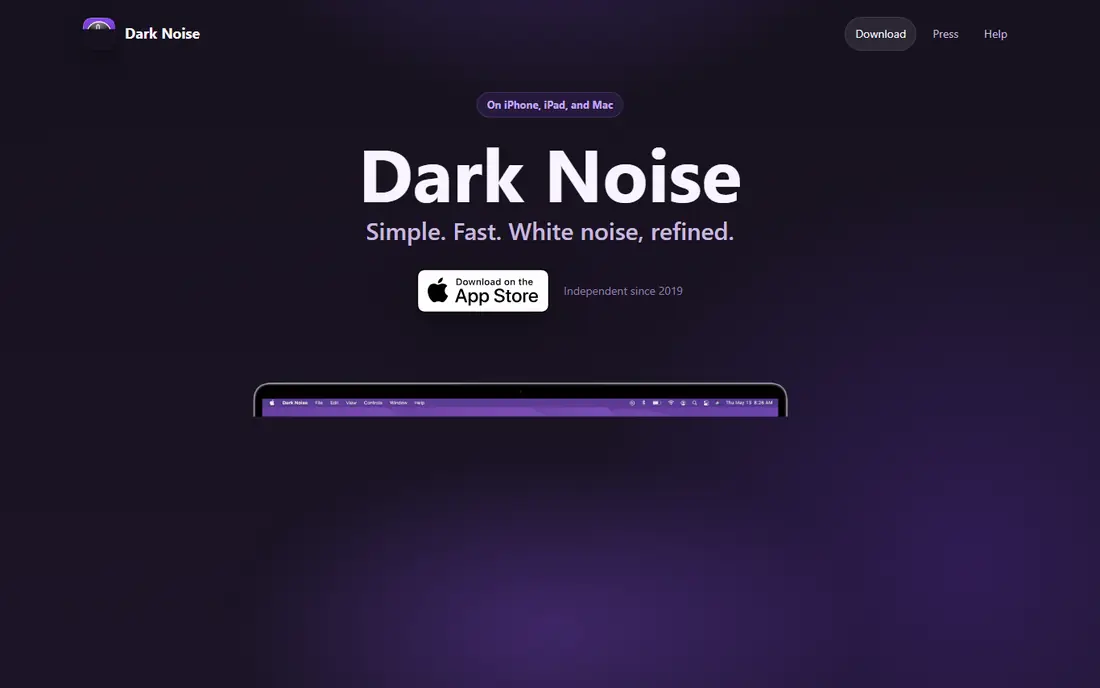
Dark Noise is built for Apple users who want a tidy player without a monthly bill. It offers a curated set of sounds, including noise colours, fans and rain, with a clean interface, lock screen controls, widgets and Siri Shortcuts for bedtime automation. You pay once rather than subscribing, which is rare among sleep apps and easy to appreciate over time.
The trade-offs are platform and range. Dark Noise is for Apple devices only, so Android users need another pick, and its library is smaller than the big mixer apps. If you are on an iPhone and want a simple, well-made player you buy once, it is an excellent fit.
- Clean design
- One-time purchase, no subscription
- Shortcuts and widgets
- IOS only
- Smaller sound library than mixer apps
White Noise Lite is the no-fuss option. Open it, pick a sound such as rain, a fan or ocean waves, set a timer, and go to sleep. There is no account, no course library and almost nothing to learn, which is exactly what many tired people want at bedtime. The app is free with ads, and a small one-time payment removes them.
It will not satisfy anyone who wants deep mixing or stories, and the look is basic compared with newer apps. For a free white noise sleep app that simply works night after night, though, it is hard to fault.
- Free with ads
- Very easy to use
- Plays in the background
- Ads on the free version
- Basic design and limited mixing
Rain Rain does one thing and does it well: rain. It offers many variations, from light drizzle on a window to heavy downpour and rain on a tent, plus a few extra nature sounds. The app starts fast, which matters when you are already in bed, and the free tier covers the core rain sounds.
If you want brown noise, fans or ocean waves as well, you will need a different app or an upgrade. But for rain lovers, the depth of choice here beats the single rain track found in general sleep apps, and the free tier is genuinely usable.
- Many rain variations
- Fast to start
- Free tier
- Narrow focus on rain
- Extra sounds need an upgrade
Calm is a meditation app first, but its sleep section is large, with hundreds of Sleep Stories, soundscapes covering white, brown and green noise, and sleep music. The production quality is high, and the stories read by familiar voices suit people whose minds race at bedtime and who need a voice to follow rather than a plain sound.
The downside for pure sound seekers is cost and scope. Most sleep content needs a paid subscription, and you pay for a full meditation library even if you only use the sounds. If stories and meditations appeal to you, Calm is a strong all-rounder. If you only want noise, a free app above gives you the same result for nothing.
- Large library of Sleep Stories
- Soundscapes and music
- Polished app
- Sounds sit behind a subscription
- Pricier than sound-only apps
Insight Timer stands out for the size of its free library. Thousands of guided meditations, sleep tracks and music pieces are free, including many sleep-specific recordings, and its meditation timer can play ambient sounds on its own. For people who like variety and guided content without paying, it is the most generous app on this list.
It is not a dedicated sound mixer, so you cannot layer and fine-tune noise colours the way myNoise or BetterSleep allow, and the sheer amount of content can feel crowded. As a free sleep sound app with plenty to explore, though, it is well worth installing alongside a simpler player.
- Huge free library
- Sleep music and meditations
- Timer with sounds
- Sound mixing is limited
- Interface can feel crowded
Veil is a newer white noise app with a clean approach: six sounds free, including white, pink and brown noise plus a slow fan, each with tuning controls, a sleep timer with fade, and no ads. Premium, from $1.99 per month or $19.99 for lifetime access, adds more sounds, mixing up to three at once, and saved presets.
The library is smaller than BetterSleep or myNoise, and mixing is a paid feature, so free users get one sound at a time. For a modern, calm player with honest pricing and a genuinely useful free tier, Veil is a strong pick, especially for people who find subscription fatigue a real annoyance.
- Free noise colours with tuning
- No ads on free tier
- Cheap lifetime option
- Mixing and extra sounds need Premium
- Newer and smaller library
How we picked these
We compared official app pages, pricing pages and app store listings, and checked that each homepage loads and belongs to the product named. We favoured apps that work today, offer a real free tier or trial, and cover different needs, from precise noise control to stories and simple players. Where a price could not be confirmed from the vendor, we wrote See website rather than guessing.
What to check before you choose
Decide first whether you want a sound, a story, or both. Plain sounds suit people who wake at small noises and need steady masking all night, while stories suit racing minds that need something to follow. Next, check the device question: a few apps here are iOS only, and a player that stops when the screen locks is useless overnight, so confirm background play before paying.
Also check the timer and fade options. A sound that cuts off abruptly can wake you, while a slow fade feels natural, and an all-night mode matters if you wake in the small hours. Finally, try the free tier for a few nights before subscribing, since the sound you like in a daytime demo is not always the one that helps you sleep.
Frequently asked questions
What is the best free sleep sounds app?
myNoise is our pick for the best free sleep sounds app, with a large free library and precise controls, followed by White Noise Lite for simplicity and Insight Timer for guided sleep tracks. All three work well without paying.
What is the best sleep noise app for white noise?
myNoise, Veil and White Noise Lite all offer proper white noise, with myNoise giving the most control over tone. Brown and pink noise suit many sleepers better than pure white noise, so try each colour for a few nights.
What is the best app for sleep sounds on iPhone?
Dark Noise is a strong iPhone pick with a one-time purchase, while BetterSleep and myNoise work well on both iPhone and Android. Check background play and lock screen controls before you commit.
What is the best free sleep sound app without a subscription?
myNoise is fully free and donation supported, and Veil offers a useful free tier with a lifetime purchase option. White Noise Lite is free with ads and a one-time payment to remove them.
Do sleep sound apps help with tinnitus?
Steady masking sounds can make ringing less noticeable at night, and myNoise includes sounds designed for tinnitus masking. These apps do not treat tinnitus, so persistent ringing deserves a check with a doctor or audiologist.
What is the best white noise sleep app for babies?
A steady, low-volume sound from White Noise Lite, myNoise or BetterSleep can help mask household noise in a nursery. Keep the volume low, keep the device away from the crib, and use a timer or all-night mode as your routine requires.
Sources we checked (8)

Online Jobs is an independent blog about careers, online work, learning new skills and the tools that help people earn. More about us.
Keep reading
All posts
Best workout apps for women
Compare the best workout apps for women in 2026, from free guided classes to structured strength plans, with current prices, free plans and honest trade-offs.

Best Yoga App
Find the best yoga app for home practice in 2026, with verified prices, free options, class styles, trials and honest limits for 10 yoga apps compared.

Best Workout Tracker App
We compared the best workout tracker app options for gym, home, and running training, checking prices, free plans, and logging tools in detail. See inside.