Best Shop Management Software in 2026: 8 Tools Compared

Growing shops that track everything live · Starting price: See website
How we put this together: we compare official feature and pricing pages, app store listings, privacy policies and public user reviews. Prices change, so check the provider's site before you pay.
Key takeaways
- Tekmetric suits growing shops that want real-time tracking of technicians, jobs, and inspections.
- Shopmonkey suits shops that want a polished all-in-one workflow with strong customer communication.
- Shop-Ware suits high-volume shops that live in digital inspections and multi-bay scheduling.
- For a small business, start with total monthly cost and ease of use, because a complex tool staff avoid will not pay off.
Quick comparison
| Name | Who it suits | Starting price | Free option | |
|---|---|---|---|---|
| Tekmetric | Growing shops that track everything live | See website | No | Visit |
 Shopmonkey | Polished all-in-one shop workflow | See website | No | Visit |
 AutoLeap | Growth-minded shops wanting CRM built in | See website | No | Visit |
 Shop-Ware | High-volume shops that live in inspections | See website | No | Visit |
 Mitchell 1 Manager SE | Established shops tied to repair data | See website | No | Visit |
 Shop Boss | Budget-friendly first step from paper | See website | No | Visit |
 ARI | Budget-conscious shops and mobile mechanics | See website | No | Visit |
 AutoFluent | Shops needing inventory and accounting depth | See website | No | Visit |
The best shop management software
Shop management software for auto repair should cover estimates, digital inspections, scheduling, invoicing, and customer updates in one workflow. The tools below suit solo mechanics, small shops, and multi-bay operations, so the right pick depends on shop size, bay count, and whether you need built-in repair data.
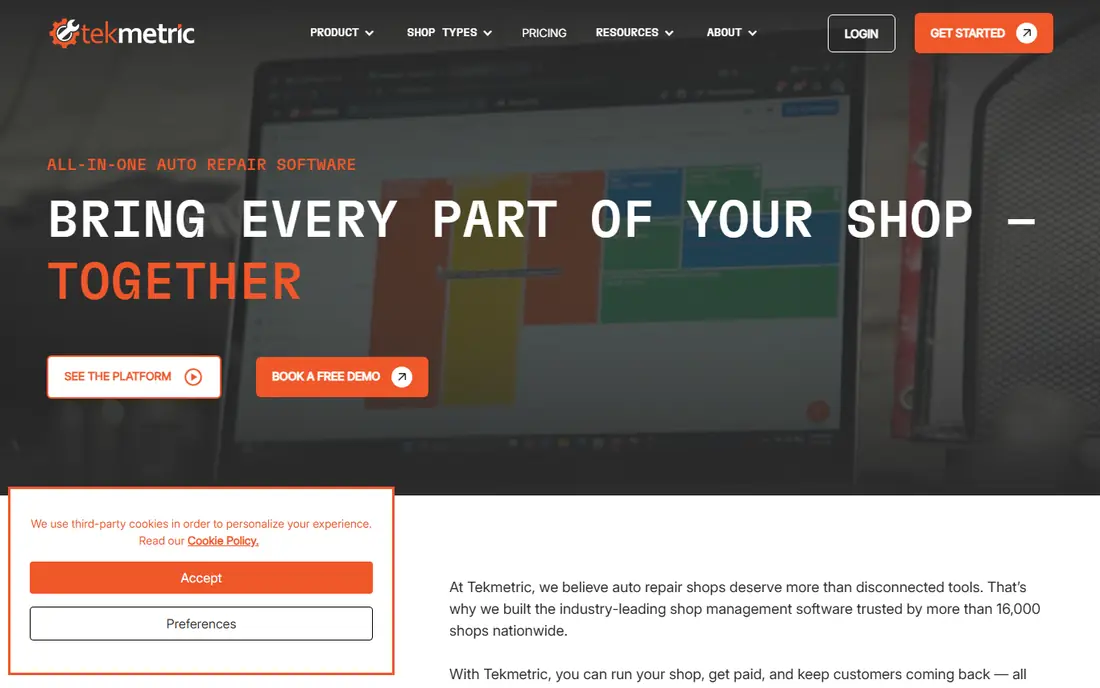
For a first look, Tekmetric suits growing shops that want to track multiple technicians, jobs, and job steps in real time. Custom digital inspections, live scheduling, and customer text updates sit in one workflow, which helps advisors keep customers informed without chasing technicians for status.
The accounting link is the honest catch, because direct connection to some accounting tools may need a third-party connector. Marketing features also cost extra, so price the full setup. For shops that value live tracking above all else, those trade-offs are manageable.
- Real-time technician and job tracking
- Custom digital inspections
- Unlimited users per shop
- Accounting connection may need a connector
- Marketing module costs extra
- Learning curve for new staff
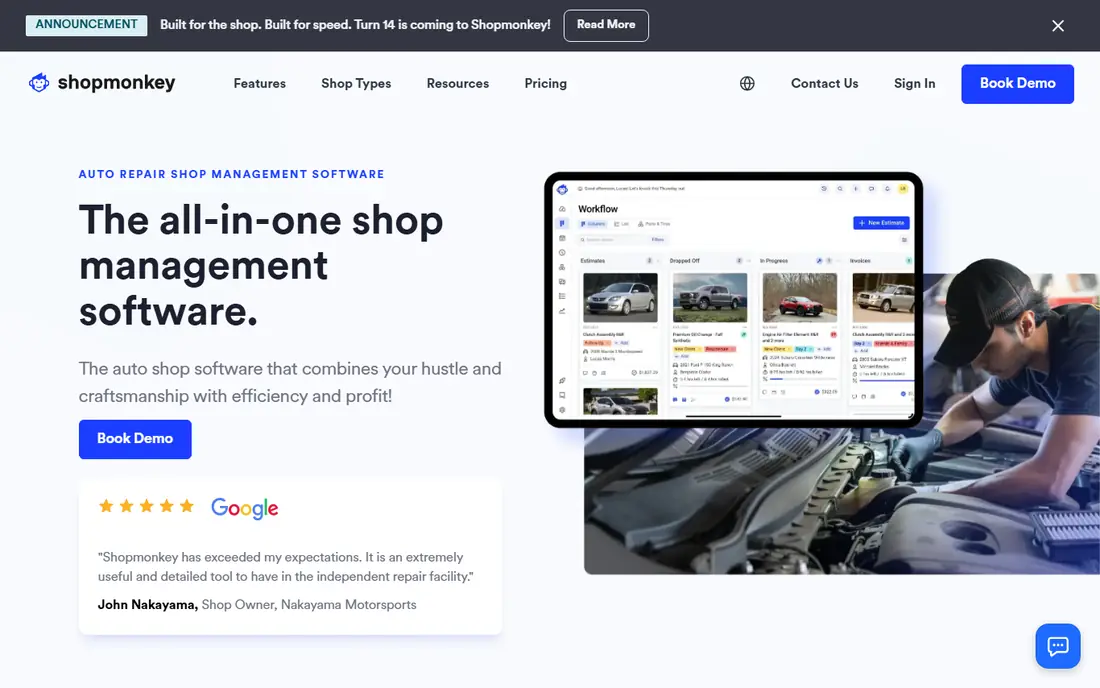
If you want a simple starting point, Shopmonkey is a cloud favourite for shops that want estimating, scheduling, texting, inventory, and profitability tracking on one dashboard. Its customer communication feels polished, with text updates and digital approvals that keep customers informed without extra phone calls.
The price can push very small shops out, because the full value sits on higher tiers. Get a quote for your shop size and compare it with Tekmetric on total cost, including payment processing, before you decide which workflow your team will actually use every day.
- Estimating, scheduling, and texting in one dashboard
- Strong customer experience
- Inventory tools
- Higher price for very small shops
- Full tier pricing needs a quote
- Setup takes time
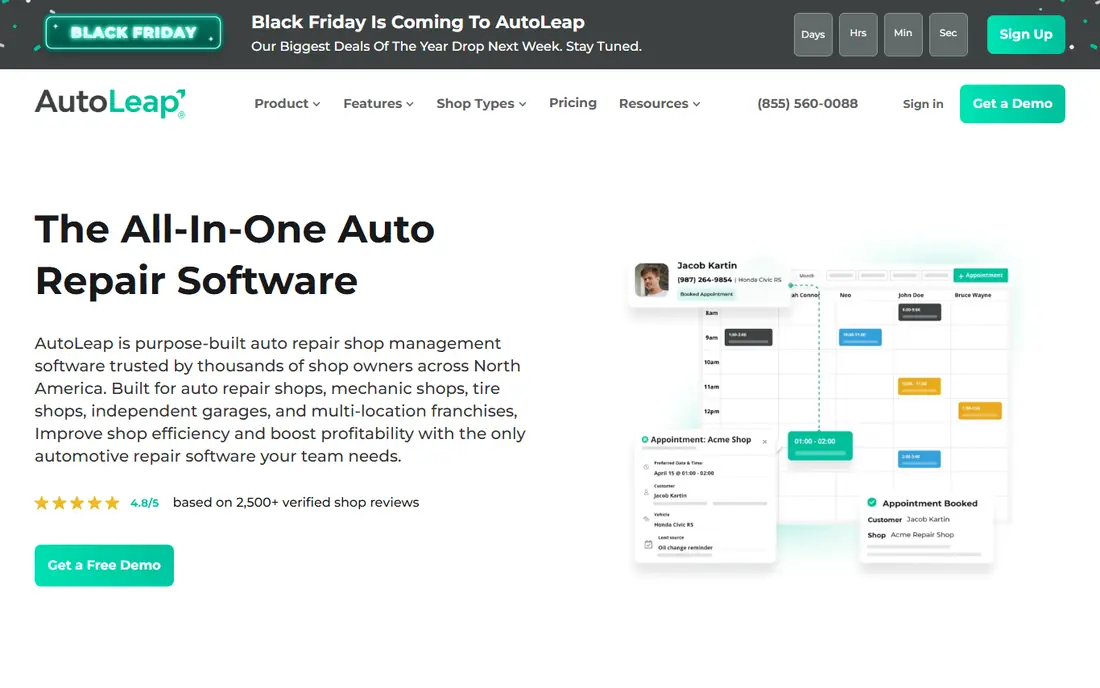
A good way to judge this one is to ask who it helps most. AutoLeap combines estimates, inspections, payments, marketing, and reporting in one interface, which suits growth-minded shops that want CRM built in rather than bolted on. Multi-location views help owners compare sites without juggling separate accounts.
Pricing is often by quote and contract terms need careful reading, so ask about length, notice, and what happens to your data if you leave. Compare AutoLeap with Shopmonkey on inspection flow and CRM depth, because the right pick depends on how much marketing you run in-house.
- Estimates, inspections, and payments in one interface
- CRM and marketing tools
- Multi-location views
- Pricing is often by quote
- Contract terms need careful reading
- Newer brand than Mitchell 1
Start here if Shop-Ware suits high-volume shops that live in digital inspections, with a clean customer-facing inspection flow and repair order tracking across multiple bays. Technicians can update jobs and parts in real time, which keeps advisors and customers on the same page.
The price and depth suit larger shops more than a solo mechanic, who may find it overkill for one or two bays. Test the inspection flow with your team, and compare total cost with Tekmetric before committing to a tool built for higher volume.
- Clean digital inspection experience
- Repair order tracking
- Strong for multi-bay shops
- Priced for larger shops
- May be overkill for a solo mechanic
- Setup needs planning
Mitchell 1 Manager SE
Who it suits: Established shops tied to repair data
What stands out first is Mitchell 1 Manager SE suits established shops that already rely on Mitchell 1 repair data, because estimating, invoicing, and repair information sit together. That data depth helps technicians on complex jobs, and the workflows are familiar to many long-running shops.
The interface feels dated compared with newer cloud tools, and pricing needs a quote. Shops that want a modern, mobile-first workflow may prefer Tekmetric or Shopmonkey, while shops that value repair data depth may find Mitchell 1 hard to leave.
- Deep repair data and OEM information
- Long-established workflows
- Estimating and invoicing
- Interface feels dated in places
- Pricing needs a quote
- Less modern than cloud rivals in places
The key question with this option is fit. Shop Boss is a budget-friendly first step for shops moving from paper to digital, with digital inspections, estimates, labour tracking, and simple dashboards. That simplicity suits very small shops that need core workflow without learning a complex system.
Reporting is the weak point, because pulling financial data or syncing to accounting takes extra steps and analytics are thinner than on modern rivals. If you need deep reporting from day one, compare Tekmetric instead, but for a first digital system, Shop Boss is approachable.
- Affordable for very small shops
- Digital inspections and estimates
- Simple dashboards
- Reporting feels dated
- Accounting sync takes extra steps
- Analytics are thinner than rivals
Consider this one when ARI suits budget-conscious shops and mobile mechanics who need repair orders, invoicing, and customer tracking without a large monthly bill. Its mobile-friendly design helps mechanics who work in the field or across small sites.
Advanced features are thinner than on Tekmetric or Shopmonkey, and reporting is basic. Use ARI when price and simplicity matter most, and upgrade to a fuller platform when you need multi-bay dispatch, deep inspections, or richer reporting.
- Low entry price
- Repair orders and invoicing
- Mobile-friendly for field work
- Fewer advanced features than larger tools
- Reporting is basic
- Support scope is smaller
For many readers, AutoFluent suits shops that need inventory and accounting depth alongside estimates and invoicing. Service history tracking helps advisors see past work on a vehicle, and the accounting tools suit owners who want financial detail in the same system.
The interface feels older than cloud rivals, and setup takes time because modules vary. Compare AutoFluent with Mitchell 1 if accounting depth matters to you, and test the daily repair order flow before you commit to a system staff will use all day.
- Inventory and accounting depth
- Estimates and invoicing
- Service history tracking
- Interface feels older
- Setup takes time
- Pricing varies by modules
How we picked these
We compared official feature and pricing pages, plan details, and public documentation for each tool, and we checked estimates, inspections, scheduling, payments, and reporting. We gave weight to tools that cover the full repair order journey, from intake to invoice to customer update, and we noted where pricing is quote-only or where accounting integration needs a third-party connector. We did not treat third-party price claims as current unless they matched the vendor page, and we used See website where pricing was not published clearly.
How to pick shop management software
Count bays, advisors, and technicians first
A solo shop needs a simple repair order flow, while a five-bay shop needs dispatch, technician tracking, and multi-advisor scheduling. List your bay count, staff roles, and daily repair order volume before you shortlist. A tool built for larger shops may slow a small team with features it never uses.
Test the inspection and approval flow
Digital inspections are where customers approve extra work, so test the full flow from technician photos to customer text approval to invoice. A clunky approval step loses authorised work and creates phone tag. Ask each vendor to demo that flow with a realistic repair, not just a slide deck.
Check accounting and parts integration
Estimates and invoices must reach your accounting system cleanly, and parts ordering should link to the repair order. Check whether the tool connects directly to your accounting software or needs a connector, and whether parts catalogues cover the vehicles you service most. Integration gaps create manual work every week.
Frequently asked questions
What is the best auto repair software for small business?
Tekmetric and Shopmonkey both suit small and growing shops, with Tekmetric leaning into real-time tracking and Shopmonkey leaning into a polished workflow. Shop Boss and ARI suit smaller budgets. Pick based on bay count, staff size, and total monthly cost.
What is the best auto repair shop management software overall?
There is no single best tool, because shop size and workflow matter most. Tekmetric suits multi-bay shops, Shopmonkey suits all-in-one workflow, and Mitchell 1 suits shops tied to its repair data. Shortlist two tools and test the inspection flow in each before you decide.
How much does shop management software cost?
Entry prices for popular cloud tools often start in the low hundreds per month per shop, while larger or multi-location setups cost more. Some vendors publish tiers and some price by quote. Ask for a total quote including payment processing and add-ons, and check contract terms.
Do I need digital inspections?
Digital inspections help customers see photos and approve extra work by text, which can increase approved repairs and reduce phone calls. They are not essential for a solo mechanic with a few regular customers, but they pay off quickly in shops with several advisors and technicians.
Can shop software handle scheduling and invoicing?
Yes. Most shop management tools cover scheduling, estimates, repair orders, invoicing, and payments in one workflow. Check that scheduling links to technician availability and that invoices link to parts and labour on the same repair order, so staff do not re-enter data.
Sources we checked (8)

Online Jobs is an independent blog about careers, online work, learning new skills and the tools that help people earn. More about us.
Keep reading
All posts
n8n Alternatives
n8n alternatives compared for 2026, with Zapier, Make, Activepieces, and more, covering visual builders, code steps, self-hosting, and pricing models.

ZoomInfo Alternatives
The best ZoomInfo alternatives in 2026, compared on price, free plans, data coverage, and which tool fits small teams or large sales teams best in detail.

Yotpo Alternatives
Find cheaper alternatives to Yotpo for reviews and loyalty, with Judge.me, Loox, Stamped, and more compared for Shopify stores in 2026, all in one guide.