Best Services Website Design in 2026: 8 Tools Compared

How we put this together: we compare official feature and pricing pages, app store listings, privacy policies and public user reviews. Prices change, so check the provider's site before you pay.
Key takeaways
- Wix and Squarespace suit most service businesses that want a polished site with booking and payments in one place.
- Square Appointments and SimplyBook.me suit teams where bookings drive revenue and the calendar matters more than page design.
- Webflow and Duda suit agencies and designers who need deeper control and manage sites for many clients.
- A service site must do three jobs well: explain the service, let visitors book or request a quote, and take payment or a deposit.
Quick comparison
| Name | Who it suits | Starting price | Free option | |
|---|---|---|---|---|
 Wix | All-round service sites | $17 per month | Yes | Visit |
 Squarespace | Design-led service sites | $16 per month | Free trial | Visit |
 Square Appointments | Salons and appointment teams | See website | Yes | Visit |
 SimplyBook.me | Booking-first businesses | See website | Yes | Visit |
 GoDaddy Website Builder | Fast simple setup | $10 per month | Free trial | Visit |
 Webflow | Custom design control | $14 per month | Yes | Visit |
 Duda | Agencies with many clients | $19 per month | Free trial | Visit |
 WordPress.com | Flexible plugin-based sites | $25 per month | Yes | Visit |
The best services website design
A service business website is not a brochure. It must explain what you do, show prices or price ranges where possible, let visitors book a time or request a quote, and collect payment or a deposit. The tools below cover builders for owners who build their own site, plus platforms for agencies that build sites for clients.
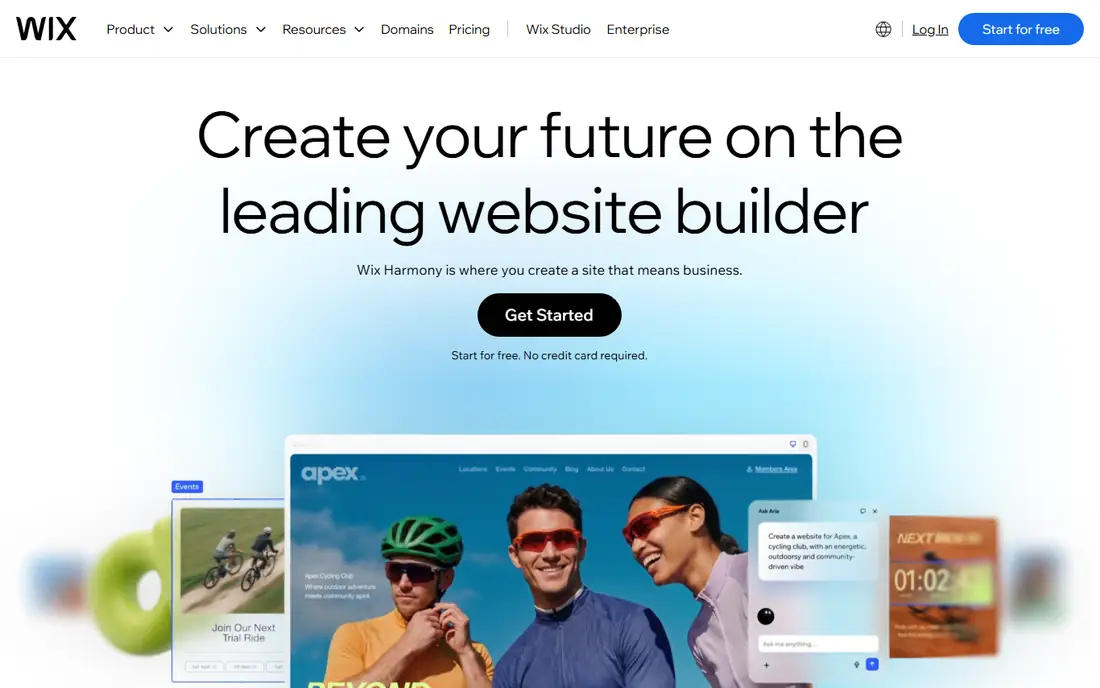
Wix fits an owner who wants to build and run a service site without hiring a developer. Templates cover plumbers, cleaners, coaches, salons, consultants, and many other trades, and Wix Bookings lets clients book a service, pay a deposit, and get reminders from the same dashboard as your pages and blog. Paid plans start at $17 per month in published guides, with higher plans adding bookings, payments, and business tools. The free plan is useful for testing a layout, but a live business site should use a paid plan with a custom domain. The catch is template lock-in. Choose a template close to your final layout, because a major template change later can mean rebuilding content.
- Large template range for service industries
- Wix Bookings in the same dashboard
- Built-in payments and email tools
- Free plan shows Wix branding and uses a Wix domain
- Switching templates later can mean rebuilding pages
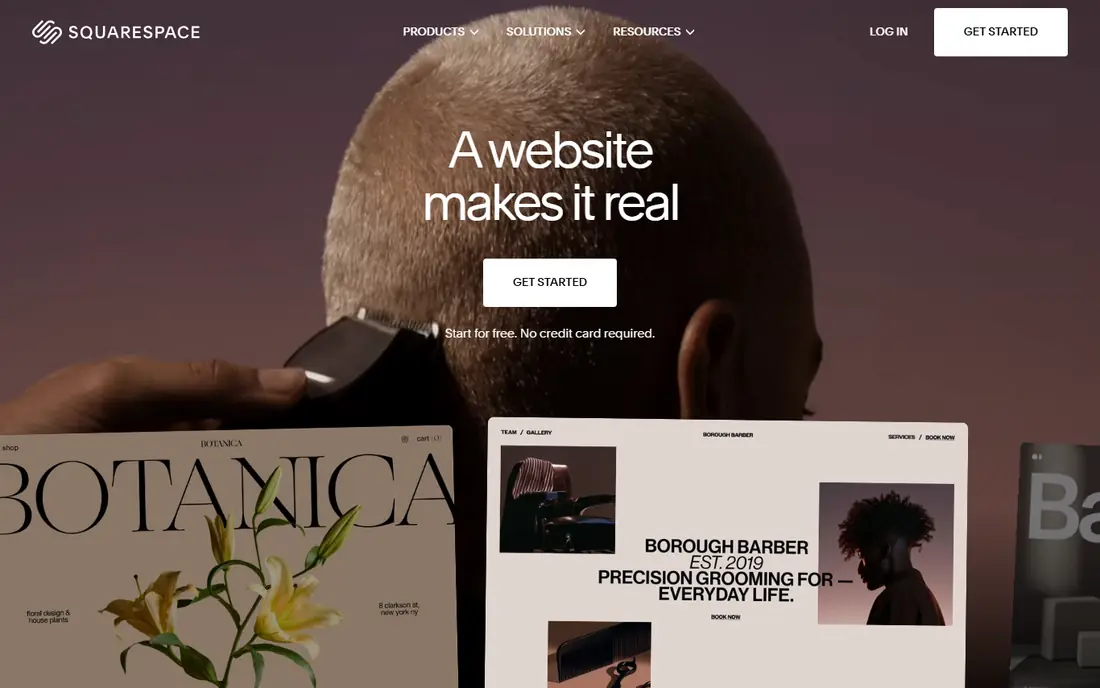
Squarespace suits a consultant, photographer, fitness trainer, or creative service where the look of the site sells the service. Templates are clean and image-led, pages look good on mobile without extra work, and Acuity Scheduling handles appointment booking, reminders, and payments for many service types. Paid plans start at $16 per month in published guides, with a 14-day trial for new users. That price covers a polished site, but check Acuity pricing separately if you need advanced scheduling, because Acuity sits on its own plan structure. Squarespace is less flexible than WordPress for custom tools, but for a design-led service site, that trade-off often pays off in speed.
- Clean, polished templates
- Acuity Scheduling for appointments
- Strong image and portfolio presentation
- Booking depth depends on Acuity plan
- Fewer apps than Wix for niche business tools
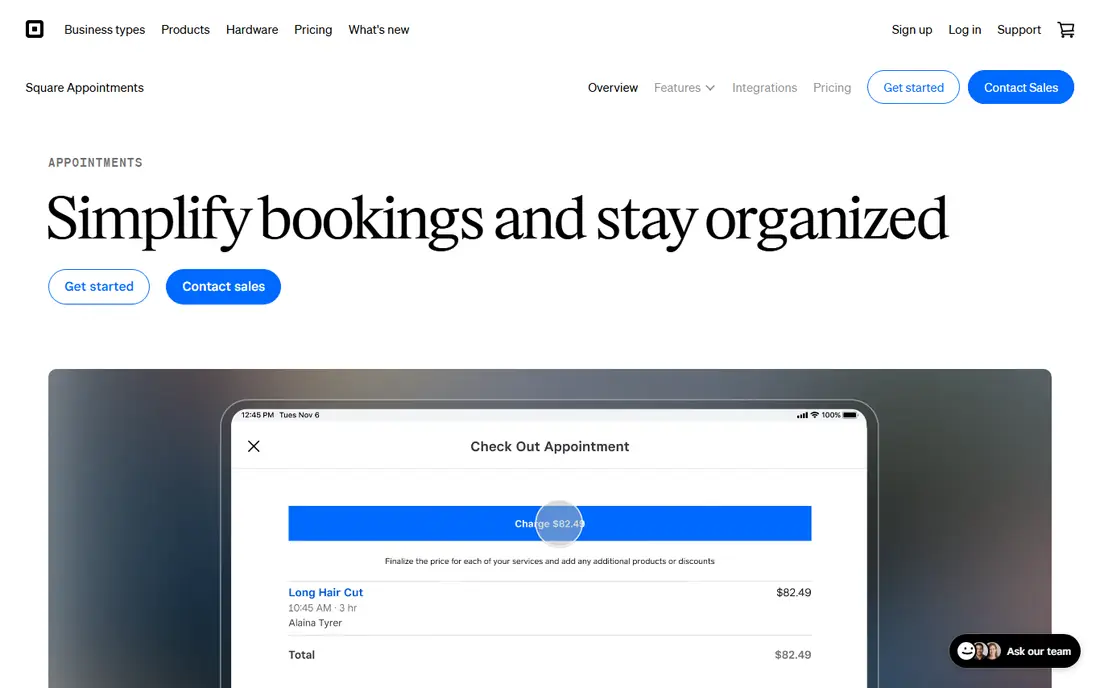
Square Appointments fits a salon, barbershop, spa, or clinic that already takes card payments through Square. Clients book online, staff calendars stay in sync, and payments, tips, and client history live in the same system as in-person sales. That single record saves time at the front desk. The free plan covers basic booking for a single location in published Square material, with paid plans adding team and multi-location features. Check current plan limits on the Square site before you switch, because staff seats and features drive cost. The design trade-off is real: you get a solid booking site, not a fully custom marketing site.
- Built on Square payments and point of sale
- Calendar, staff, and client records in one place
- Free plan for single locations
- Design control is narrower than Wix or Squarespace
- Best when you already use Square for payments
SimplyBook.me suits a business where appointment volume matters more than page design, such as a clinic, tutor, driving school, or repair service. You set services, staff, working hours, and buffers, then clients book through your booking site or a widget on your existing site. Payments, reminders, and calendar sync are available as features and add-ons. The free plan covers basic booking with limits, which is enough to test the flow with real clients. Paid plans and add-ons increase cost, so list the features you truly need, such as payments, SMS reminders, and calendar sync, before you compare totals. SimplyBook.me wins on scheduling depth, not on visual polish.
- Booking-first setup with many scheduling features
- Booking website included
- Wide plugin range for payments and calendars
- Page design is simpler than Squarespace
- Paid features are sold as add-ons that add up
GoDaddy Website Builder suits an owner who wants to get online quickly and does not want to learn a complex builder. The guided setup asks about your business, drafts pages, and lets you edit text and images in a simple editor. Domain, email, and hosting sit in one account, which reduces admin work. Published guides put starting plans near $10 per month, with appointments and commerce features on higher plans. That speed comes with limits. If you need complex booking rules, custom layouts, or deep integrations, Wix or Webflow will serve you better. GoDaddy wins when speed and simplicity matter more than custom design.
- Guided AI-assisted setup
- Domain, email, and site in one dashboard
- Online Appointments feature
- Design flexibility is limited
- Advanced booking needs a higher plan
Webflow suits a designer, agency, or service business that wants a custom look and is willing to learn a more powerful tool. You control layout, animation, and CMS collections visually, and you can build service pages, case studies, and quote forms that look distinct from template sites. Hosting and SSL are included on paid plans. Site plans start at $14 per month in published guides, with a free plan for staging and learning. Booking is the gap: Webflow does not include a full booking system, so you will add a tool like Calendly, Acuity, or SimplyBook.me for appointments. Budget for that extra tool when you compare totals, and pick Webflow when design control justifies the extra setup.
- Deep visual design control without code for many tasks
- Clean hosting and CMS
- Strong for agency builds
- Learning curve is steeper than Wix
- Booking needs a third-party tool or custom setup
Duda fits an agency or freelancer who builds and manages websites for many service businesses. You can create sites from templates, reuse sections across clients, manage team access, and handle client billing from one dashboard. That workflow saves hours compared with managing each client site as a separate account. Plans start at $19 per month in published guides, with a trial for new users. A single business owner who needs one site may find Duda more than needed, and Wix or Squarespace may be simpler. Duda earns its place when you manage ten or more client sites and need team controls, reuse, and billing in one place.
- Built for agencies managing many client sites
- Client billing and team tools
- Solid templates for local services
- Single-site owners may find agency features surplus
- Pricing rises with client count
WordPress.com suits a service business that wants plugin flexibility without managing its own hosting. The Business plan, listed at $25 per month in published guides, allows plugins, which opens booking plugins, form builders, SEO tools, and payment integrations. That range lets you build exactly the booking and quote flow your service needs. The catch is upkeep. Plugins need updates, and a poor plugin choice can slow a site or break a form. The free plan is useful for a simple blog or landing page, but a real service site with booking and payments needs a paid plan. Pick WordPress.com when you value flexibility and are willing to maintain plugins, or when your content and SEO plans outgrow a simpler builder.
- Huge plugin range for booking, forms, and SEO
- Full content control
- Scales from blog to large service site
- Plugin setup and upkeep take time
- Business plan needed for many plugins
How we picked these
We compared official feature pages, pricing pages, and public reviews, and we checked that each homepage loads and matches the product named. We kept tools that help a service business book, quote, or take payment, not just publish pages. Prices are starting list prices from published guides where vendors publish them, and we wrote See website where plan structure varies by location or team size and could not be pinned to one simple figure.
What to check before you choose
Start with the booking flow, not the template gallery. Book a test appointment as a client, check reminders, and test payment or deposit collection. A pretty template that loses bookings costs more than a plain site that books well.
Test the full client journey
Visit the site on a phone, find the service, check the price or quote step, book a time, and pay a deposit if you offer one. Note every step that confuses you, because clients will hit the same step. Fix that step before you spend on ads.
Check local search basics
Make sure your business name, address, phone, hours, and service area are clear on every page, and that the site loads fast on mobile. Add a simple contact form and a quote request form as a backup for visitors who do not want to book online. Those basics drive more enquiries than a fancy homepage.
Count staff and booking costs
Add the builder plan, booking add-ons, payment fees, and staff seats. A low builder price with expensive booking add-ons can cost more than a higher plan that includes booking. Compare totals for your team size, not headline prices alone.
Frequently asked questions
What is the best website design service for a service business?
Wix is a strong all-round pick, and Squarespace suits design-led services. Square Appointments suits salons, while SimplyBook.me suits booking-heavy services. The best choice depends on whether bookings, design, or payments drive your revenue.
What is the best service website design tool with booking?
Wix Bookings, Square Appointments, and SimplyBook.me all include booking in the product. Wix suits an all-round site, Square suits payment-led teams, and SimplyBook.me suits complex schedules. Test a real booking on each before you choose.
What is the best website design for service companies on a budget?
GoDaddy Website Builder and Wix free or low plans suit a tight budget for a first site. WordPress.com free plan also works for a simple page. Move to a paid plan with a custom domain before you run ads, because a free subdomain looks less trusted.
Do I need a designer or can I build a service website myself?
Most owners can build a good service site with Wix, Squarespace, or GoDaddy, using templates and booking tools. Hire a designer or agency when you need custom layouts, complex booking rules, or a site that must stand out in a crowded local market.
What makes a good service company website?
A good service site states the service clearly, shows prices or price ranges, proves trust with reviews and photos of real work, and lets visitors book or request a quote in a few taps. Fast mobile loading and clear contact details matter as much as design.
What is the best service website builder for agencies?
Duda suits agencies that manage many client sites, with team tools, reuse, and client billing. Webflow suits agencies that need custom design control. Both need a separate booking tool for complex schedules, so budget for that add-on.
Sources we checked (8)

Online Jobs is an independent blog about careers, online work, learning new skills and the tools that help people earn. More about us.
Keep reading
All posts
n8n Alternatives
n8n alternatives compared for 2026, with Zapier, Make, Activepieces, and more, covering visual builders, code steps, self-hosting, and pricing models.

ZoomInfo Alternatives
The best ZoomInfo alternatives in 2026, compared on price, free plans, data coverage, and which tool fits small teams or large sales teams best in detail.
Yotpo Alternatives
Find cheaper alternatives to Yotpo for reviews and loyalty, with Judge.me, Loox, Stamped, and more compared for Shopify stores in 2026, all in one guide.