Best SEO Tools for Beginners in 2026: 9 Tools Compared


Real search performance data · Starting price: Free
How we put this together: we compare official feature and pricing pages, app store listings, privacy policies and public user reviews. Prices change, so check the provider's site before you pay.
Key takeaways
- The best SEO tools for beginners start with free data from Google, then add one paid tool only when a specific task needs it.
- Google Search Console is the essential free start, because it shows how your own site actually performs in Google search.
- Ahrefs Webmaster Tools adds backlink and audit data for your own sites free, while Semrush adds the deepest keyword and competitor data.
- Ubersuggest and Moz are the easiest paid starts for small sites, with simpler interfaces than enterprise suites.
- Do not buy an expensive all in one suite for a new site. Learn keyword intent, fix technical basics, and track a few pages first.
Quick comparison
| Name | Who it suits | Starting price | Free option | |
|---|---|---|---|---|
| Google Search Console | Real search performance data | Free | Yes | Visit |
 Ahrefs Webmaster Tools | Free backlink and audit data | Free | Yes | Visit |
 Semrush | All in one keyword and competitor data | See website | Yes | Visit |
 Ubersuggest | Budget keyword ideas | See website | Yes | Visit |
 Moz | Beginner friendly learning and tracking | See website | Free trial | Visit |
 Yoast SEO | WordPress on page help | Free | Yes | Visit |
 Rank Math | WordPress SEO with schema | Free | Yes | Visit |
 Google Keyword Planner | Search volume for planning | Free | Yes | Visit |
 Screaming Frog SEO Spider | Technical site crawls | See website | Yes | Visit |
The best seo tools for beginners
SEO tools can feel overwhelming because they show hundreds of metrics at once. Beginners need the opposite: a small set of trustworthy numbers, a clear next action, and a tool that explains what to fix. The tools below are ordered from free essentials to paid helpers, so you can build a sensible stack without paying for features you will not use yet.
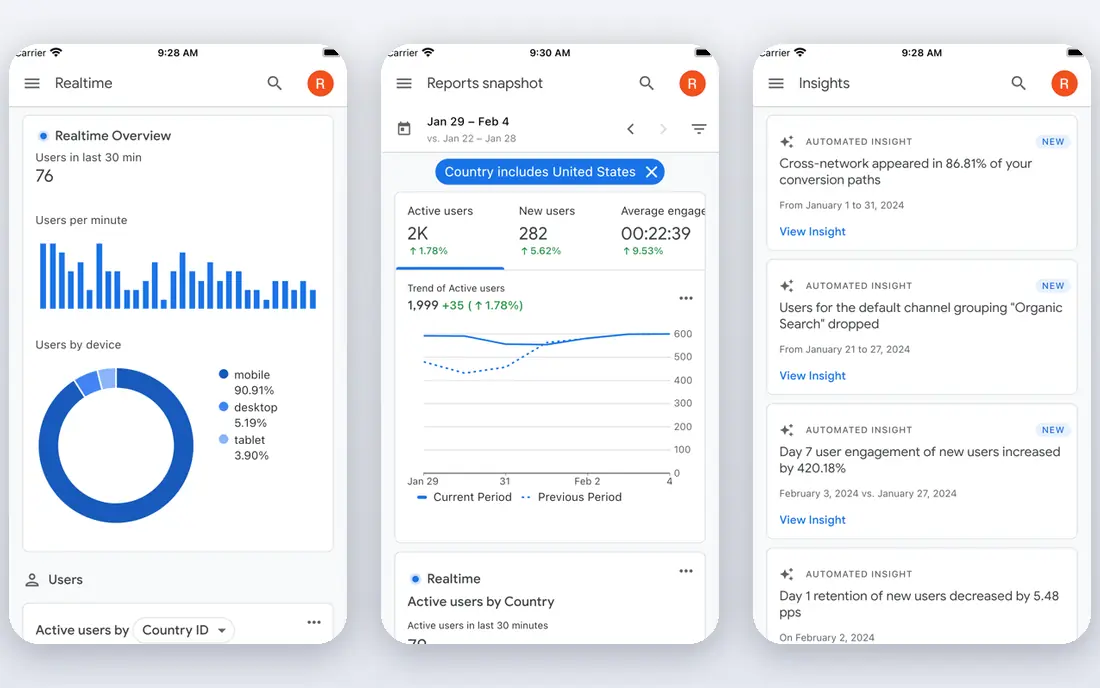
Google Search Console is the one tool every beginner should set up first. It shows which queries bring people to your site, which pages rank, and which pages Google cannot index, all from Google itself rather than an estimate. That real data beats any third party guess, and it is free with no usage limit for your verified sites. Its limit is scope. It will not show competitor keywords, backlink estimates for other sites, or content ideas in the same way a paid suite does. Use Search Console to learn what already works, fix indexing and mobile issues it flags, and then add a keyword tool when you need ideas for new pages.
- Completely free
- Real clicks, impressions, and queries from Google
- Index and coverage reports
- Only shows data for sites you verify
- No competitor keyword data
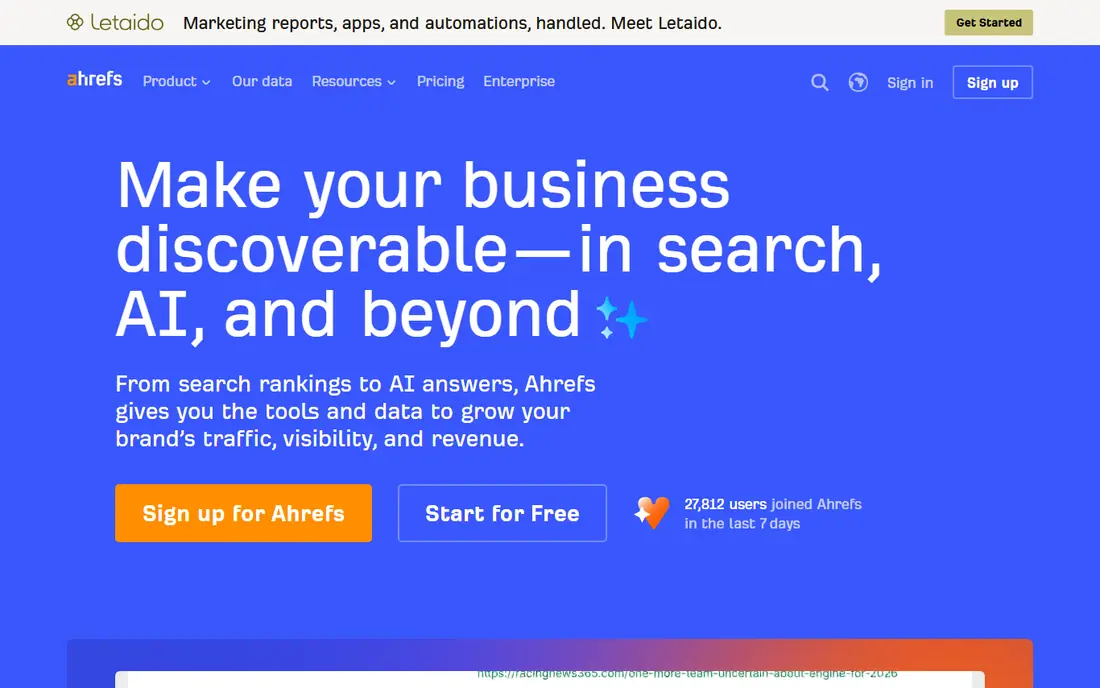
Ahrefs Webmaster Tools gives beginners a free way to see backlinks and technical health for their own sites. You can run a site audit, check which sites link to you, and see keyword positions for pages you own, without paying for the full Ahrefs suite. That is a strong complement to Search Console. The free tier does not replace paid Ahrefs for competitor research. You cannot run full competitor backlink or keyword studies on other sites, and crawl credits are limited per project. Use the free tools to fix your own site first, and only consider paid Ahrefs when link building and competitor analysis become a regular job.
- Free for verified sites
- Site audit and backlink data
- Keyword data for your own site
- Limited to your own verified sites on the free tier
- Full competitor tools need a paid plan
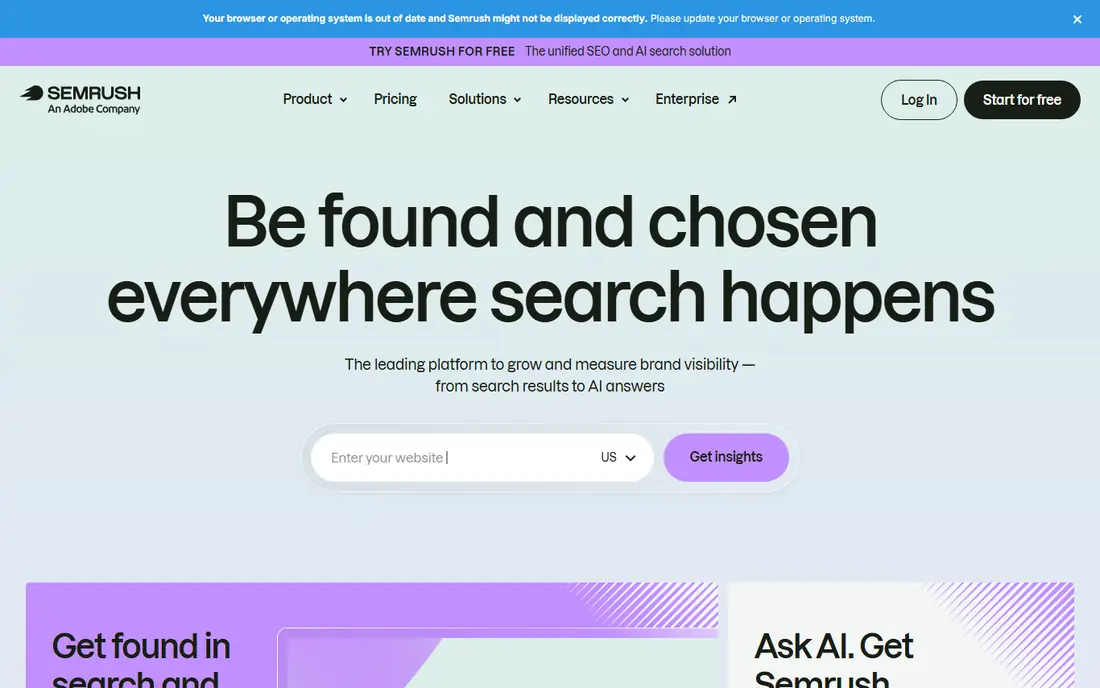
Semrush is the most complete all in one option, covering keyword research, competitor analysis, site audits, content ideas, and rank tracking. For a beginner who wants one tool to learn SEO end to end, it shows how keywords, competitors, and technical health connect. Its free plan, with a limited number of reports per day, is enough to test that workflow. The main drawback is price and complexity. Paid plans start well above budget tools, and the dashboard can distract a new user with features they do not need yet. Use the free plan for focused questions, such as one keyword or one competitor, and only pay when you use it weekly for real content planning.
- Deep keyword database
- Competitor and content tools
- Site audit and rank tracking
- Paid plans are expensive for beginners
- Interface has many tools to learn
Ubersuggest is the easiest paid start for bloggers and small business owners. Its keyword tool explains volume, difficulty, and related ideas in plain language, and its site audit flags basic issues without jargon. For a small site publishing a few posts a month, that simplicity is more useful than a deep enterprise database. Be careful with its estimates. Traffic and backlink figures are rougher than Ahrefs or Semrush, so use them to compare ideas, not as exact forecasts. Check the current pricing page, because plans and lifetime offers have changed, and start with the free searches to see if the workflow fits your site.
- Simple interface
- Keyword ideas, content ideas, and basic audits
- Much cheaper than Semrush or Ahrefs
- Backlink data is thinner
- Traffic estimates are less precise
- Free searches are limited per day
Moz has long been a friendly entry point for SEO learning, with guides, a clear interface, and tools that explain what each metric means. Its keyword explorer, rank tracker, and site crawl cover the core beginner workflow, and its learning centre helps you understand why a fix matters, not only what to click. It is not the cheapest option, and its database is not as deep as the largest suites. Choose Moz when you value learning and clarity, and when you want a tool that grows from beginner to intermediate without a complete relearning. Use the trial to run a real keyword and audit task, not only to browse the dashboard.
- Clear learning resources
- Keyword and rank tracking
- Domain authority as a comparative guide
- Paid plans cost more than Ubersuggest
- Data depth is less than Semrush or Ahrefs
Yoast SEO is the standard on page helper for WordPress beginners. It checks titles, meta descriptions, headings, internal links, and readability as you write, and it helps you set up sitemaps and schema basics. For a WordPress site, that guidance prevents many common on page mistakes. Its limits matter. A green light in Yoast does not mean a page will rank, because content quality, intent, and backlinks also matter. Use Yoast to keep pages technically clean, then focus on writing genuinely helpful content for a specific query, and use Search Console to see whether that content earns clicks.
- Free WordPress plugin
- Real time on page checks
- Title and meta controls
- Readability help
- Only for WordPress
- Premium features need a paid plan
- Green lights do not guarantee rankings
Rank Math is a strong free alternative to Yoast for WordPress, with schema, redirection, and keyword tracking included in the free plugin. For beginners who want more control without paying, it offers a lot, and its setup wizard helps configure the basics. Many small WordPress sites run well on the free version alone. The breadth can confuse a new user. Turn on only the modules you need, leave advanced schema and redirection settings alone until you understand them, and keep one SEO plugin active at a time. Running Yoast and Rank Math together creates conflicts and duplicate meta data.
- Free plugin with many features
- Schema and redirection tools
- Keyword tracking for posts
- Only for WordPress
- Many settings can overwhelm a new user
- Setup needs care
Google Keyword Planner is a useful free planning tool, even if you never run ads. It shows search volume ranges and related keyword ideas from Google, which helps you judge whether a topic is worth a post. For beginners, that reality check prevents writing many posts for terms nobody searches for. Volume ranges are broad, and the tool is built for advertisers, so it does not show SEO difficulty or ranking data. Pair it with Search Console and Ubersuggest or Semrush for difficulty and intent, and use Planner mainly to shortlist topics and to check seasonal patterns.
- Free with a Google Ads account
- Search volume ranges from Google
- Keyword ideas by topic
- Volume is shown as a range, not an exact figure
- Designed for ads, not only SEO
Screaming Frog SEO Spider is the best free technical tool for small sites. It crawls your site like a search engine, finds broken links, duplicate titles, missing descriptions, and redirect chains, and exports the results for fixing. For a site under 500 pages, the free version covers most technical audits a beginner needs. The interface is technical, so start with one crawl and focus on the biggest issues: broken links, missing titles, and pages that return errors. Fix those first, then move to subtler issues such as duplicate content and redirect chains. For larger sites, the paid licence removes the URL limit and adds scheduling and integrations.
- Free crawl up to 500 URLs
- Finds broken links, duplicate titles, and missing meta data
- Clear export
- Desktop app with a technical interface
- Full crawl needs a paid licence
How we picked these
We compared official feature pages, pricing pages, app store listings, privacy policies, and public reviews, and we kept only tools that are still available and clearly useful for beginners in October 2026. We favoured free or low cost starts, clear explanations, and a concrete task each tool does well, rather than ranking on database size alone. Prices change often, so we direct you to the vendor pricing page for the final figure. We also weighed learning value. A beginner tool should teach as well as measure, so we included tools with guides, plain language reports, and a clear next step. An expensive suite that shows a hundred metrics without explaining the first fix is a poor beginner pick, however powerful it is for an agency.
A simple beginner workflow that works
Start with Search Console and one keyword tool
Verify your site in Search Console, fix the indexing and mobile issues it flags, and check which queries already bring traffic. Then use Ubersuggest, Semrush free, or Keyword Planner to find a few related topics with real search demand. That pair covers measurement and ideas without a large bill.
Fix technical basics before you chase links
Run a Screaming Frog crawl, fix broken links and missing titles, check page speed, and make sure each important page has one clear title and heading. Use Yoast or Rank Math on WordPress to keep new pages clean. Technical fixes are boring, but they make every later content effort work harder.
Publish for intent, then track a few pages
Write one page per query intent, answer the question directly, and add internal links from related pages. Track only a handful of pages and keywords in Search Console at first, and review them monthly. SEO progress is slow, so a small, consistent routine beats buying many tools and checking them daily.
Frequently asked questions
What is the best SEO tool for beginners?
Google Search Console is the best first tool, because it is free and shows real performance data for your site. Pair it with Ahrefs Webmaster Tools for audits and backlinks, and add Ubersuggest or Semrush free when you need keyword ideas. That stack covers most beginner needs without a large subscription.
Can I do SEO for free?
Yes, for a small site. Search Console, Ahrefs Webmaster Tools, Keyword Planner, Yoast or Rank Math free, and Screaming Frog free cover measurement, audits, keyword planning, and on page help. Paid tools become useful when you publish often, compete in a crowded niche, or need deeper competitor data.
How long does SEO take to show results?
Often weeks to months, depending on competition, site age, and content quality. Technical fixes can show in Search Console within days, while new content may take one to three months to rank steadily. Track a few pages monthly, keep publishing helpful content, and avoid judging a tool after only a week.
Is Semrush or Ahrefs better for beginners?
Ubersuggest is easier and cheaper than both for most beginners. Between the two larger tools, Semrush is broader for keyword, content, and competitor work, while Ahrefs is stronger for backlinks and audits. Try the free tiers first, and pay only when a specific workflow, such as link building or content planning, becomes regular work.
Do I need Yoast if I already use Semrush?
Yes, for WordPress, because they do different jobs. Semrush helps you research and audit, while Yoast or Rank Math helps you optimise each page as you write it. Use both together, with Search Console to check whether the optimised pages actually earn traffic.
What should a beginner track in SEO?
Track clicks and impressions in Search Console, index coverage, top queries for your main pages, and a small set of target keywords. Avoid tracking hundreds of keywords at first. A few meaningful numbers, reviewed monthly, will guide better decisions than a dashboard full of metrics you never act on.
Sources we checked (9)

Online Jobs is an independent blog about careers, online work, learning new skills and the tools that help people earn. More about us.
Keep reading
All posts
Best Tools for AI Mode
Compare the best tools for AI Mode visibility, from Google Search Console to Semrush, Ahrefs Brand Radar, Peec AI, and Otterly, with prices and limits.
Best SEO Reporting Software
Best SEO reporting software compared for 2026: AgencyAnalytics, Semrush, Ahrefs, SE Ranking and more for agencies, clients and in-house teams in the US.
Best PPC Tools
We compared the best PPC tools in 2026, from Google Ads and Semrush to Optmyzr, WordStream and SpyFu, for agencies, in-house teams and small businesses.