Best SEO Tool in 2026: 9 Tools Compared

How we put this together: we compare official feature and pricing pages, app store listings, privacy policies and public user reviews. Prices change, so check the provider's site before you pay.
Key takeaways
- Semrush is our pick for teams that run SEO, content and paid search together in one account.
- Ahrefs suits link builders and competitor researchers who want deep backlink and keyword data.
- Moz Pro suits small businesses and beginners who want a clear, approachable suite at a lower price.
- Free tools such as Google Search Console and Ahrefs Webmaster Tools cover real work for single sites.
- Match the tool to your main job, since a large suite bought for keyword research alone wastes most of its price.
Quick comparison
| Name | Who it suits | Starting price | Free option | |
|---|---|---|---|---|
 Semrush Semrush | All-in-one SEO and content | See website | Yes | Visit |
 Ahrefs Ahrefs | Backlink and keyword depth | See website | Yes | Visit |
 Moz Pro Moz Pro | Beginner-friendly suite | See website | No | Visit |
 SE Ranking SE Ranking | Mid-market all-in-one | See website | No | Visit |
 Mangools Mangools | Simple keyword research | See website | No | Visit |
 Ubersuggest Ubersuggest | Budget keyword research | See website | Yes | Visit |
 Screaming Frog SEO Spider Screaming Frog SEO Spider | Technical site audits | See website | Yes | Visit |
 Google Search Console Google Search Console | Free search performance data | Free | Yes | Visit |
 Surfer SEO Surfer SEO | Content optimisation | See website | No | Visit |
The best seo tool
SEO tools overlap heavily, yet they differ on data depth, limits, audits and price. We compared official feature pages, pricing pages, app store listings and public reviews, and we weighted keyword data, backlink data, audit quality, rank tracking limits and free plan value. Prices change often, so check the vendor pricing page before buying.
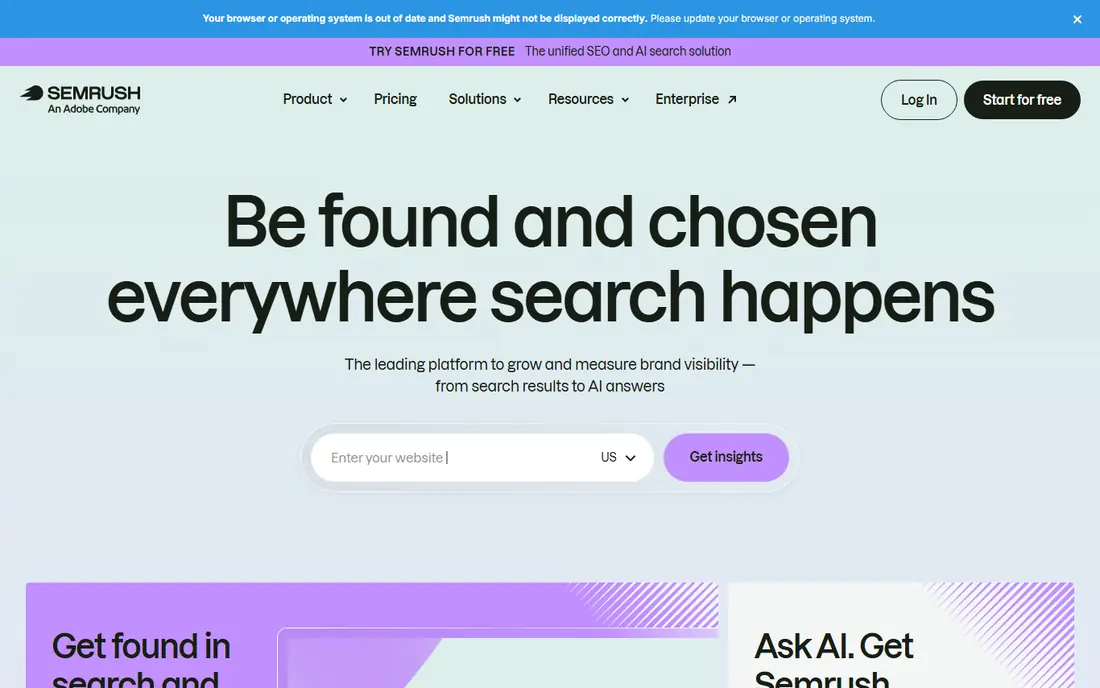
Semrush suits marketers who run SEO, content and paid search together. Keyword research, site audits, rank tracking, backlink analysis, competitor advertising data and content tools live under one login, so a team can replace several subscriptions with one. The free account gives limited daily reports, which helps you test the interface before paying.
A single-site blogger will use only a fraction of the platform, and project limits can push growing users to higher tiers. If SEO, content and ads are all in play, Semrush earns its price through breadth. If you only research keywords weekly, a cheaper tool below will cover that job well.
- Keyword, audit, rank tracking, backlink and PPC data in one account
- Free account for limited daily reports
- AI visibility tracking on newer plans
- Price is high for a single small site
- Project and keyword limits push upgrades for larger users
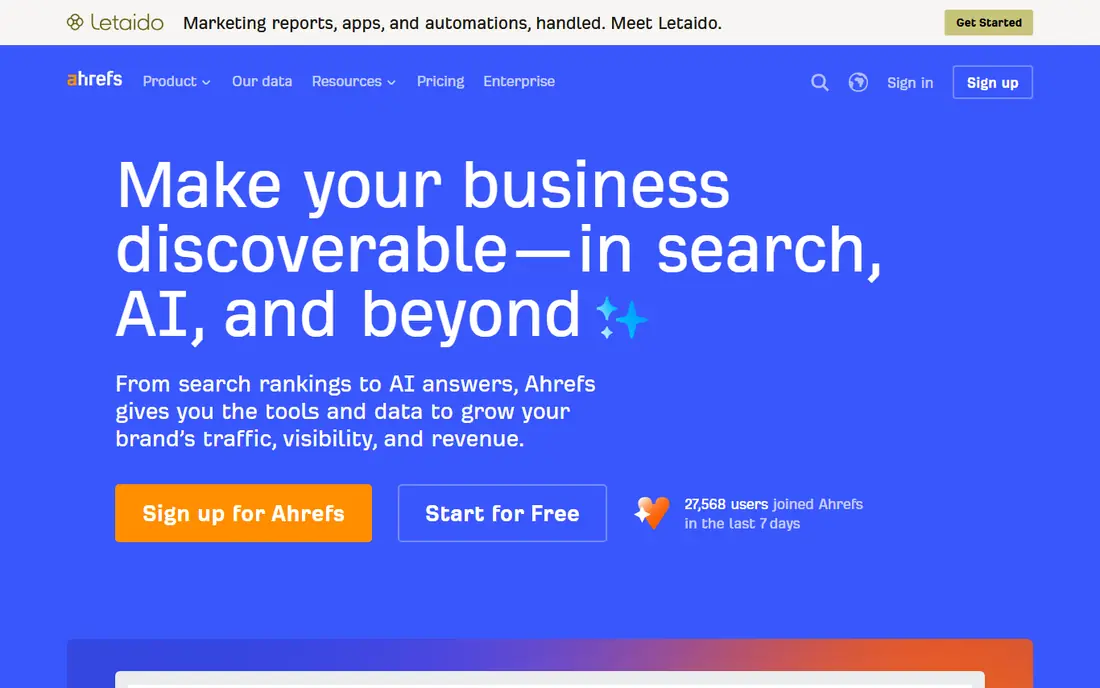
Ahrefs is the tool link builders reach for first. Its backlink index, competitor link data and keyword discovery depth help you see why a rival ranks, which pages attract links, and which keywords are worth targeting. Site audit and rank tracking sit inside the same suite, so research and monitoring stay together.
Credit limits on some plans can run out during heavy research weeks, and higher tiers cost more than budget tools. For agencies, link builders and sites where backlinks drive growth, Ahrefs depth justifies the price. For single-site owners with light research needs, start with its free Webmaster Tools and Google Search Console first.
- Deep backlink index and keyword discovery
- Site audit and rank tracking inside the suite
- Free Webmaster Tools for your own verified sites
- Higher tiers are pricey for heavy daily research
- Credit limits on some plans need careful management
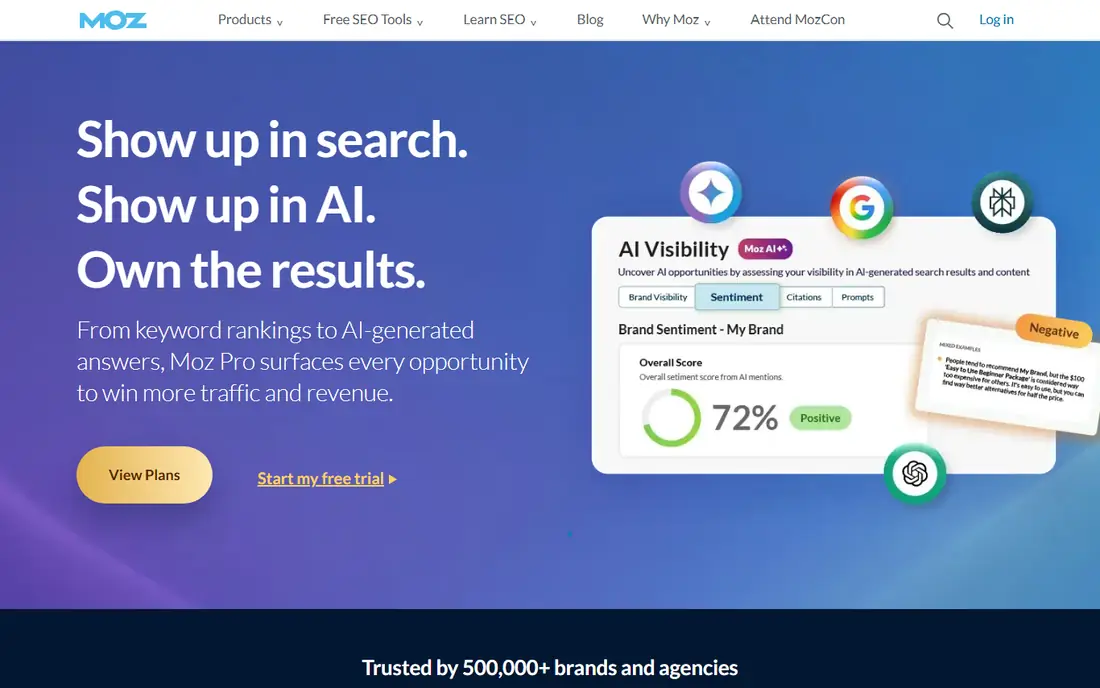
Moz Pro suits small businesses that want a full suite without a steep learning curve. Keyword research, site audits, rank tracking and link data sit in a clear interface, and Domain Authority gives a simple benchmark for comparing sites, even though it is a third-party metric rather than a Google score. Support and learning resources help beginners use the data well.
Backlink depth trails Ahrefs in many comparisons, and trial terms vary, so check the current offer before signing up. For a small team tracking a few sites and researching keywords a few times a month, Moz Pro offers a lower price and a calmer experience than the largest suites.
- Clear interface for beginners and small teams
- Domain Authority metric for benchmarking
- Keyword, audit and rank tracking in one suite
- Backlink index is smaller than Ahrefs in comparisons
- Free trial length varies by offer
SE Ranking appeals to freelancers and agencies that live on client reports. Keyword research, rank tracking, site audits and backlink checks sit in one account, and white-label reporting lets agencies send branded reports without building them by hand. Flexible plans help teams scale keywords and projects as client lists grow.
Backlink data is thinner than Ahrefs, so dedicated link builders may still need a second tool. For agencies and freelancers who need a complete, report-friendly suite without the highest suite price, SE Ranking is a practical middle option that covers daily SEO work well.
- Research, rank tracking, audits and reporting in one plan
- White-label reports for agencies
- Flexible limits for growing teams
- Backlink index is smaller than Ahrefs
- Price sits in the mid-market range, not the budget range
Mangools, built around KWFinder, suits bloggers and small sites that want keyword research without a complex suite. The interface is clean, difficulty scores are easy to read, and the suite adds rank tracking, SERP analysis and basic backlink data. That simplicity helps solo owners who research keywords weekly rather than daily.
Heavy researchers will hit lookup limits and data depth gaps, since Mangools does not match the largest indexes. For a small site with a clear niche, its clarity and lower price beat a large suite you barely use. For agencies or competitive niches, pair it with Search Console or upgrade to a larger suite.
- Very clean interface for keyword research
- KWFinder is easy for beginners to understand
- Suite covers rank tracking, SERP analysis and backlinks at a basic level
- Data depth trails Semrush and Ahrefs
- Limits on lookups can frustrate heavy users
Ubersuggest suits solo owners and beginners on a tight budget. It offers keyword ideas, content suggestions, domain overviews and basic site audits at a price well below Semrush or Ahrefs, with free limited searches to test the data first. For a new site that needs keyword direction rather than deep competitor analysis, that price point matters.
Data depth, backlink detail and audit thoroughness trail the leaders, and the interface promotes related services. Treat Ubersuggest as a starter tool, not a final one, and upgrade when your site grows into competitive research or agency reporting. For its price, it covers the basics honestly.
- Lowest usable price among paid tools here
- Free limited searches for testing
- Keyword ideas, content ideas and basic audits in one tool
- Data depth and audit quality trail larger suites
- Interface includes upsells for related services
Screaming Frog SEO Spider is the technical auditor on this list. It crawls a site and reports titles, meta data, headings, links, redirects, errors and other technical issues in a detailed table that technical SEOs can filter and export. The free version crawls up to 500 URLs, which covers many small sites completely.
It is a desktop crawler, not an all-in-one cloud suite, so it offers no keyword database or rank tracking on its own. Beginners may find the output overwhelming, since it reports raw technical data rather than guided fixes. For technical audits, though, no cloud suite on this list matches its depth at a similar price.
- Deep technical crawling for large and small sites
- Free version crawls up to 500 URLs
- Detailed data on titles, links, redirects and errors
- Desktop tool, not a cloud suite
- Interface assumes technical SEO knowledge
Google Search Console is the one free tool every site owner should use. It shows real search queries, clicks, impressions and positions for your own site, plus indexing coverage, mobile usability and Core Web Vitals data straight from Google. That data is more accurate for your own performance than any third-party estimate.
It cannot research competitors, since it only covers sites you verify, and it offers no keyword difficulty or backlink index for rivals. Use Search Console as your ground truth for your own site, then add a paid tool only when you need competitor or keyword discovery data that Search Console cannot provide.
- Free, with real Google clicks, impressions and queries
- Indexing, coverage and Core Web Vitals reports
- Link data for your own site
- Data covers only your own verified sites
- No competitor keyword or backlink research
Surfer SEO focuses on one job: helping an article rank for a target keyword. Its content editor analyses top-ranking pages and suggests terms, headings, length and structure, so writers can optimise drafts with data rather than guesswork. SERP analysis and AI visibility tools on newer plans extend that focus to changing search results.
It is not a replacement for Semrush or Ahrefs, since keyword discovery, backlink research and technical audits are thinner here. For content teams that publish regularly and want each article optimised before publishing, Surfer earns its place beside a research tool. For occasional writers, a research suite alone may be enough.
- Content editor with data-driven optimisation guidance
- SERP analysis for target keywords
- AI visibility features on newer plans
- Not a full SEO suite on its own
- Price is high if you only optimise a few articles a month
How we picked these
We compared official feature pages, pricing pages, app store listings and public reviews, and we weighted keyword data, backlink data, audit depth, rank tracking limits and free plan value. We treated traffic estimates and difficulty scores as estimates, since different tools use different data and methods, and we favoured tools that state limits clearly. Prices vary by plan, term and region, so we used See website where a current vendor price was not confirmed at writing time.
How to choose the right SEO tool
Start with your main job
List the one job you do most: keyword research, technical audits, rank tracking, backlink research or content optimisation. Choose the tool that does that job best, rather than the suite with the longest feature list, since most users pay for features they never open. A focused tool plus Search Console often beats an expensive suite for a single site.
Test against your own site and rivals
Run a trial on your own site and two rivals, and compare keyword data, audit findings and rank tracking against Search Console where possible. A tool that matches your real data and surfaces issues you can fix is worth paying for, while a tool whose estimates feel far from reality will mislead your strategy. Test for a full week, not a single afternoon.
Watch limits, seats and renewal price
Check keyword, project, report and seat limits before buying, since overages and extra seats can raise the real price well above the headline plan. Note the renewal price, not just an introductory offer, and check whether annual billing locks you in. For agencies, white-label reporting and client seat costs matter as much as data depth.
Frequently asked questions
What is the best SEO tool?
Semrush is our pick for teams that run SEO, content and paid search together, while Ahrefs suits link builders and competitor researchers. Moz Pro suits beginners and small businesses at a lower price. The best tool depends on your main job, site count and budget, so test trials against your own site before buying.
What are the best free SEO tools?
Google Search Console is the best free tool, with real Google performance, indexing and Core Web Vitals data for your own site. Ahrefs Webmaster Tools offers free audits and limited research for verified sites, while Ubersuggest offers free limited searches. Start with these free tools, and pay only when you need competitor data or larger limits.
Is Ahrefs or Semrush better?
Ahrefs is better for backlink research and keyword discovery depth, while Semrush is better as an all-in-one suite covering SEO, content and paid search. Agencies with many clients often use Ahrefs for links and Semrush for breadth, while solo users should pick the one that matches their main job. Test both trials on your own rivals before committing.
What is the best SEO software for small businesses?
Moz Pro, Mangools and Ubersuggest suit small businesses best, with clearer interfaces and lower prices than the largest suites. Start with Google Search Console for free, add Ubersuggest or Mangools for keyword research, and move to Moz Pro or Semrush when you track several sites or need deeper reporting. Avoid paying for agency features a single site will never use.
What is the best tool for SEO audits?
Screaming Frog SEO Spider offers the deepest technical audit on this list, with detailed crawling data for titles, links, redirects and errors. Semrush, Ahrefs and Moz Pro also include site audits inside their suites, which suit users who want audits plus research in one account. Use Screaming Frog for technical depth, and a suite audit for regular monitoring.
How much should I pay for an SEO tool?
Pay nothing at first, using Search Console and free tiers to learn your site's real data. Budget tools cover keyword research for a small site, mid-market suites suit freelancers and agencies, and large suites suit teams running SEO, content and ads together. Compare renewal price, limits and seat costs, not just the introductory monthly figure, before you commit.
Sources we checked (9)

Online Jobs is an independent blog about careers, online work, learning new skills and the tools that help people earn. More about us.
Keep reading
All posts
Best Web Scraping Tools
Compare the best web scraping tools in 2026, from no-code Octoparse and Browse AI to Apify, Firecrawl, Bright Data, Zyte, ScraperAPI and free Scrapy, with prices.
Best Web Hosting Services
Find the best web hosting services for your site in 2026. We compare prices, speed, support and ease of use across eight leading hosting providers today.
Best Video Conferencing Software
Looking for the best video conferencing software? We compare 8 meeting apps on price, meeting limits, features, security and ease of use. Read the guide.