Best SEO Reporting Software in 2026: 9 Tools Compared


White-label agency reporting · Starting price: $25 per month
How we put this together: we compare official feature and pricing pages, app store listings, privacy policies and public user reviews. Prices change, so check the provider's site before you pay.
Key takeaways
- AgencyAnalytics is our pick for agencies, because it is built for white-label client dashboards, automated reports and multi-client portals.
- Semrush and Ahrefs give you the deepest research data, but most agencies pair them with a dedicated reporting tool for client-ready reports.
- Google Search Console and Looker Studio are free foundations, since they provide verified search data and custom dashboards.
- SE Ranking and Moz Pro suit smaller teams that want rank tracking, audits and reporting without enterprise pricing.
- A good report shows what changed, why it changed and what happens next, not just a chart of rankings.
Quick comparison
| Name | Who it suits | Starting price | Free option | |
|---|---|---|---|---|
| AgencyAnalytics | White-label agency reporting | $25 per month | Free trial | Visit |
 Semrush Semrush | All-in-one SEO research and reporting | Free | Yes | Visit |
 Ahrefs Ahrefs | Backlink and keyword reporting | $29 per month | Yes | Visit |
 SE Ranking SE Ranking | Budget agency reporting | See website | Free trial | Visit |
 Looker Studio Looker Studio | Custom free dashboards | Free | Yes | Visit |
 Google Search Console Google Search Console | Verified search performance data | Free | Yes | Visit |
 Moz Pro Moz Pro | Straightforward SEO reporting | $49 per month | Free trial | Visit |
 DashThis DashThis | Simple automated client reports | See website | Free trial | Visit |
 Databox Databox | Cross-channel KPI dashboards | See website | Yes | Visit |
The best SEO reporting software
We compared official pricing pages, feature pages and public documentation for SEO reporting tools that work today. Our pick for agencies is AgencyAnalytics, because it combines white-label dashboards, scheduled reports and client portals in one platform, while Semrush is our pick for teams that need research depth and reporting in the same suite.
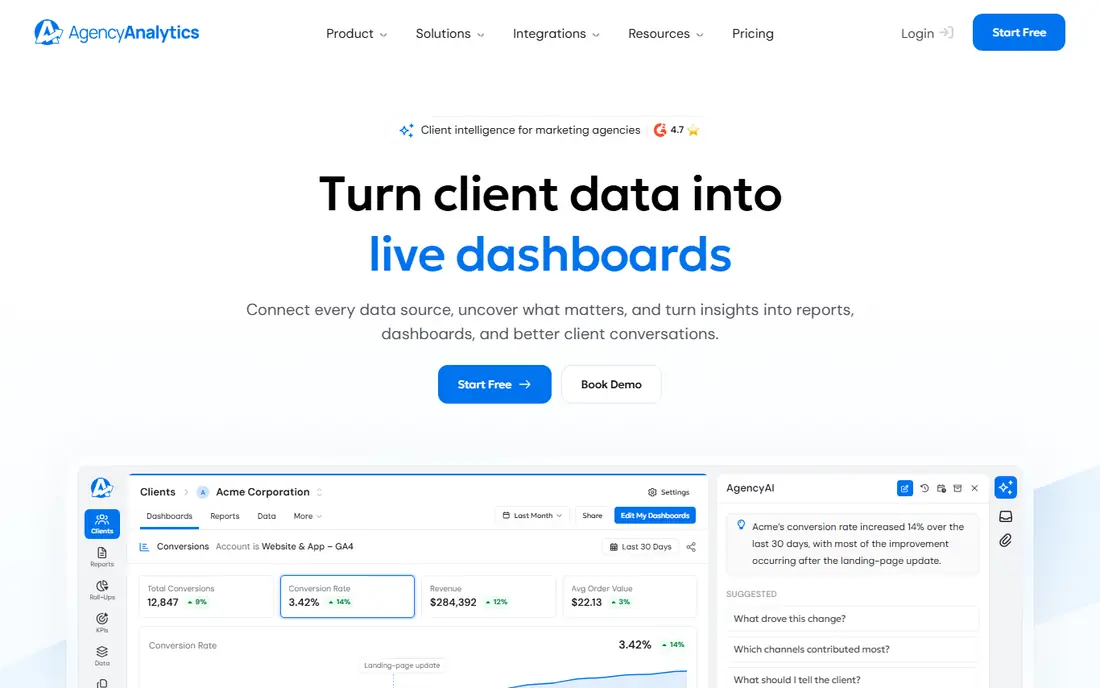
AgencyAnalytics is built for agencies managing several clients at once. You can brand dashboards and reports with your logo and colors, give each client a portal login, and schedule reports to send automatically. That structure removes the weekly job of copying data into spreadsheets and formatting it for clients.
Integrations cover Google Analytics, Google Ads, Google Search Console and SEO tools such as Semrush and Ahrefs, plus social and email platforms. Plans start at $25 per month in several listings, with a 14-day trial, though per-client and rank tracking costs vary by plan. For a solo site owner, it is more tool than you need. For an agency with ten or more clients, it pays for itself in saved reporting time.
- White-label dashboards, reports and client portals
- Automated scheduled reports
- 85 plus integrations with Google and SEO tools
- Rank tracking costs can add up with client volume
- Research depth trails Semrush and Ahrefs
- Best value comes with several clients, not one site
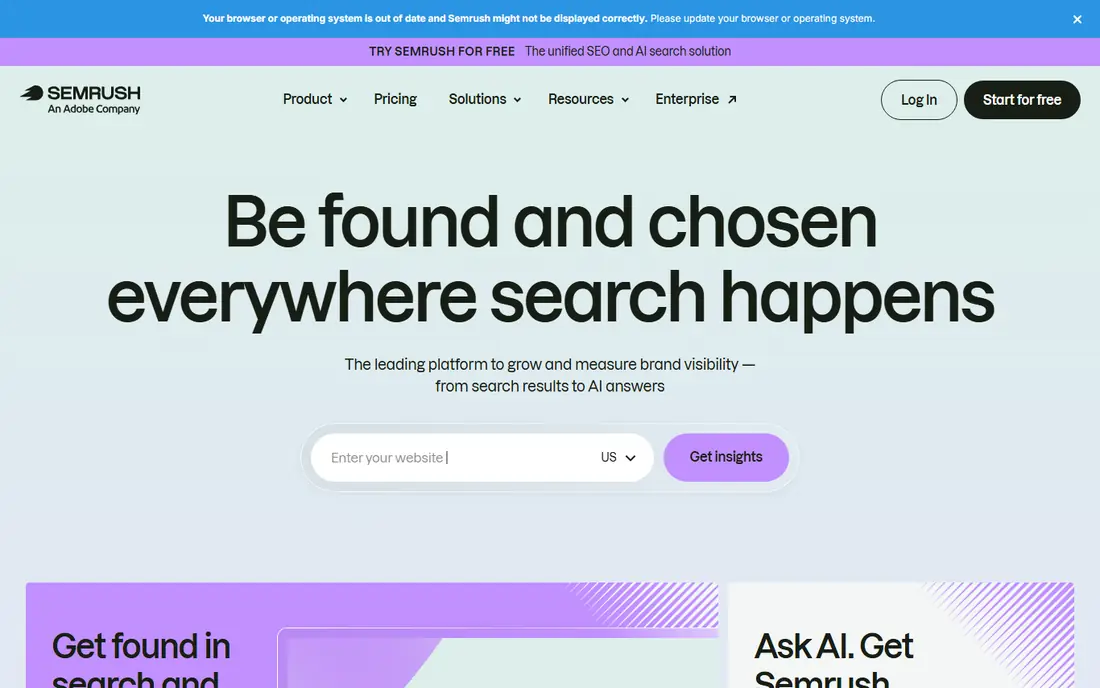
Semrush is the research engine behind many agency reports. Keyword research, position tracking, site audits, backlink analysis and competitor data sit in one suite, so you can explain a ranking change with data from the same tool. My Reports lets you build branded, exportable reports for clients, though the standalone reporting features are less complete than a purpose-built agency platform.
A free account gives limited daily reports, while the SEO plan starts at $139 per month, with Starter at $199 per month adding AI search tracking. That price makes Semrush a serious commitment for a single site, but strong value for agencies and content teams that use several parts of the suite weekly. Pair it with Search Console data for verified clicks and impressions.
- Broad keyword, backlink and competitor data
- My Reports for branded client reports
- Site audits and position tracking in one suite
- SEO plan starts at $139 per month
- AI visibility needs higher tiers
- White-label reporting is more limited than AgencyAnalytics
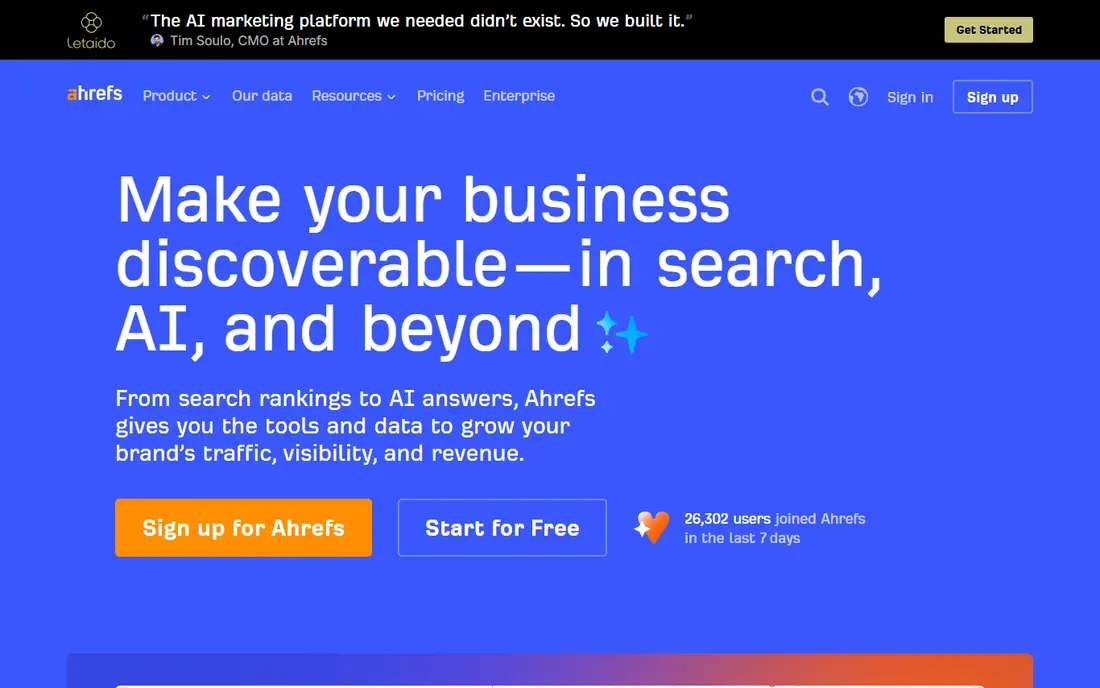
Ahrefs is strongest where links decide rankings. Its backlink index helps you monitor new and lost links, find link prospects through Link Intersect, and compare your profile with competitors. Site Explorer shows keyword, backlink and traffic profiles for your site and rivals, while Content Gap reveals keywords competitors rank for that you do not.
Starter at $29 per month covers basic keyword and site tools, while Lite at $129 per month suits professional use. Free Webmaster Tools cover your own verified sites, which is useful for a single site owner. The main gap for agencies is client reporting, since Ahrefs does not offer white-label portals, so most agencies export Ahrefs data into AgencyAnalytics, Looker Studio or a similar reporting layer.
- Deep backlink index with new, lost and broken link tracking
- Site Explorer for competitor keyword and traffic profiles
- Clean ranking reports
- Lite plan at $129 per month is the practical start for many teams
- No built-in white-label client reporting
- Rank tracking updates weekly on some plans
SE Ranking suits budget-conscious agencies that want the SEO basics without paying Semrush or Ahrefs prices. Rank tracking covers locations, devices and SERP features, site audits flag technical issues, and backlink monitoring tracks link changes. White-label reports and dashboards help smaller agencies present professional client reports without a separate reporting platform.
The honest catch is pricing clarity, since listings for SE Ranking plans vary widely by tier, keyword volume and billing period. Use the vendor pricing page at your exact keyword count before you compare it with rivals. For a handful of clients with straightforward SEO campaigns, SE Ranking covers the reporting basics well. For complex multi-channel reporting, a dedicated agency tool will fit better.
- Rank tracking, site audits and backlink monitoring in one tool
- White-label reports and dashboards on higher tiers
- Flexible pricing by keyword volume
- Pricing listings vary by plan and billing
- Reporting depth trails AgencyAnalytics for multi-channel clients
- Local and AI features sit on higher tiers
Looker Studio, formerly Google Data Studio, is the free dashboard layer many agencies build on. You can blend Search Console, GA4, Ads and Sheets data into one client report, design it from scratch or from a template, and schedule delivery by email. That flexibility suits teams with mixed data sources that no single SEO tool covers.
The trade-off is manual work. Looker Studio does not audit your site or track rankings itself, so you still need Semrush, Ahrefs, SE Ranking or Search Console as data sources. Template maintenance also falls on your team when connectors change. If you have dashboard skills and a tight budget, Looker Studio is the best free reporting foundation available.
- Free custom dashboards with data blending
- Native Google integrations with Search Console, GA4 and Ads
- Scheduled delivery and live dashboards
- No site audit or rank tracking of its own
- Building and maintaining templates takes time
- Third-party connectors can cost extra
Google Search Console is not a reporting tool in the agency sense, but every good SEO report starts with it. It shows the actual queries, pages, clicks and impressions Google records for your verified sites, plus index coverage, mobile usability and Core Web Vitals issues. That verified data is the check against third-party estimates from SEO suites.
Because it is free and limited to your own properties, you cannot use Search Console alone for competitor reporting or branded client dashboards. Use it as the source of truth inside AgencyAnalytics, Looker Studio or Semrush reports, and check it first when rankings drop, since it often explains a change that rank trackers only hint at.
- Free verified data on clicks, impressions and positions
- Index and coverage reports from Google itself
- Essential for diagnosing ranking drops
- Not a client reporting platform
- No white-label reports
- Data is limited to Google search and your verified properties
Moz Pro suits smaller teams that want SEO reporting without a steep learning curve. Starter at $49 per month covers rank tracking, site audits, keyword research and link data in a clean interface, with Standard at $99 per month adding more projects and features. Domain Authority gives clients a simple benchmark, even though it is a third-party metric rather than a Google ranking factor.
The limits show up for large link campaigns, since Moz link data is less deep than Ahrefs, and for agencies that need full white-label portals. Moz does offer branded PDF reports on higher tiers, but not a full client portal like AgencyAnalytics. For straightforward reporting for a few clients, Moz Pro is easy to explain and easy to use.
- Accessible reports with trusted core metrics
- Domain Authority and Link Explorer for benchmarking
- Site audits and rank tracking included
- Backlink index is smaller than Ahrefs
- Starter limits projects and keywords
- Advanced reporting sits on higher tiers
DashThis is a reporting tool first and an SEO tool second, which is exactly what some agencies need. You connect data sources, build a dashboard once, and schedule branded reports to clients without rebuilding them each month. That simplicity helps small agencies that spend too much time formatting reports.
It does not replace Semrush or Ahrefs for keyword research, audits or backlink analysis, so you will still need a research tool alongside it. Pricing listings vary, with Professional plans listed from $139 per month in some comparisons, so check the vendor page for your dashboard count. Choose DashThis when report simplicity matters more than research depth.
- Simple automated reports with scheduled delivery
- White-label options
- Integrations with more than 30 marketing tools
- SEO research depth is limited compared with Semrush
- Pricing listings vary by plan
- Best for reporting, not for audits or keyword research
Databox suits teams that need a quick KPI view across SEO, PPC, social and sales, rather than a deep SEO report for one client. You can build dashboards that show rankings, traffic and conversions alongside other channels, schedule snapshots, and set alerts when a metric moves. That cross-channel view helps managers who need a summary, not a full audit.
The trade-off is SEO depth. Databox is not a rank tracker or site auditor, so it works best as a dashboard layer on top of Search Console, GA4 and an SEO suite. A limited free plan lets you test the dashboard builder, while paid plans add more dashboards and white-label options. Use Databox for executive snapshots, and AgencyAnalytics or Semrush for detailed client SEO reports.
- Cross-channel KPI snapshots in one dashboard
- Scheduled snapshots and alerts
- Integrations with more than 75 tools
- SEO-specific reporting is lighter than AgencyAnalytics
- White-label features sit on higher plans
- Pricing listings vary by tier
How we picked these
We compared official pricing pages, feature pages and public documentation, and we kept only tools that exist today and truly fit SEO reporting, from agency platforms to research suites to free data sources. We looked at white-label options, automated scheduling, integrations, rank tracking, audits and starting prices. We also noted the honest catch for each tool, because a research suite and a reporting platform solve different problems, even when both show charts.
We did not claim hands-on testing we did not do. Our comparisons rest on vendor pages, pricing pages and public reviews, and prices can change, so check the vendor pricing page before you buy.
How to build an SEO report clients trust
Start with one question per report, such as what changed this month and why. Lead with outcomes that matter to the client, such as traffic, leads or sales, then support them with rankings and technical fixes. A report that opens with a ranking table and never explains the business result will not hold a client for long.
Use verified data alongside estimates
Pair Search Console and GA4 data with estimates from Semrush or Ahrefs, and label which is which. Verified data shows what Google actually recorded, while estimates show competitor context and keyword opportunity. Clients trust reports more when you explain that difference in plain language.
Automate the routine, explain the change
Automate scheduled reports so the routine work disappears, then add a short written summary for any big change. Explain what caused a ranking rise or fall, what you fixed, and what happens next. That summary is what separates a useful report from a PDF dump, and it is where most agencies keep clients.
Keep the metric set small and consistent
Pick ten or fewer core metrics and keep them consistent month to month, so clients can compare periods without relearning the report. Add detail pages for rankings, audits and content, but keep the summary page short. Consistency builds trust faster than adding a new chart every month.
Frequently asked questions
What is the best SEO reporting software for agencies?
AgencyAnalytics is the best SEO reporting software for agencies, because it offers white-label dashboards, automated reports, client portals and many integrations in one platform. Semrush and Ahrefs add research depth, but most agencies pair them with AgencyAnalytics or Looker Studio for client-ready reports. The best tool depends on client count, white-label needs and whether you also need research data.
What is the best automated SEO reports tool?
AgencyAnalytics, DashThis and Databox all offer automated scheduled reports, with AgencyAnalytics strongest for SEO-specific agency reporting. Looker Studio also offers scheduled delivery, but it needs more setup and data sources. Choose an automated tool based on white-label needs, integration count and how much template maintenance your team can handle.
What is the best free SEO reporting tool?
Google Search Console and Looker Studio are the best free SEO reporting tools, because Search Console gives verified Google data and Looker Studio turns that data into custom dashboards. Semrush also offers a limited free account, and Ahrefs Webmaster Tools cover your own sites for free. Free tools work well for one site, while agencies with many clients usually need a paid reporting platform.
How do I create an automated SEO report?
Connect your data sources, such as Search Console, GA4 and an SEO suite, to a reporting tool such as AgencyAnalytics, DashThis or Looker Studio. Build a template with your core metrics, brand it, set a schedule, and add a short written summary for big changes. Test the first report with one client, check that numbers match the source tools, and only then roll it out to all clients.
What should an SEO report include?
An SEO report should include traffic, conversions, rankings for core keywords, technical audit fixes, content changes and next steps. Lead with business outcomes, then support them with ranking and audit detail. Keep the summary short, keep metrics consistent month to month, and explain any big change in plain language rather than leaving clients to guess.
Is Semrush or Ahrefs better for SEO reporting?
Semrush is better for all-in-one reporting that mixes SEO, PPC and competitor data, while Ahrefs is better for backlink and content reporting tied to its link index. Neither offers full white-label client portals like AgencyAnalytics, so agencies often use one of them for research and a separate tool for client reports. Choose Semrush for breadth and Ahrefs for link depth.
Sources we checked (9)

Online Jobs is an independent blog about careers, online work, learning new skills and the tools that help people earn. More about us.
Keep reading
All posts
Best Tools for AI Mode
Compare the best tools for AI Mode visibility, from Google Search Console to Semrush, Ahrefs Brand Radar, Peec AI, and Otterly, with prices and limits.
Best Free SEO Tools
Find the best free SEO tools for keyword research, site audits, and rank checks. We compared nine free options, their limits, and who each one suits best.
Best Competitor Analysis Tools
Best competitor analysis tools compared for 2026: Semrush, Ahrefs, Similarweb, SpyFu and more for SEO, PPC, traffic and content research for US teams today.