Best keyword difficulty tool in 2026: 9 tools Compared

How we put this together: we compare official feature and pricing pages, app store listings, privacy policies and public user reviews. Prices change, so check the provider's site before you pay.
Key takeaways
- Ahrefs offers the deepest backlink data behind its difficulty score, which helps for competitive keywords.
- Semrush suits teams that want difficulty inside a full SEO and content suite.
- Moz is a clear, beginner-friendly option for checking whether a keyword is realistic for a smaller site.
- KWFinder and Ubersuggest are useful lower-cost routes to difficulty scores for solo site owners.
- No difficulty score is a verdict on its own, so always check the pages already ranking before you commit to a keyword.
Quick comparison
| Name | Who it suits | Starting price | Free option | |
|---|---|---|---|---|
 Ahrefs | Difficulty backed by link data | See website | No | Visit |
 Semrush | All-in-one SEO suite | See website | Free trial | Visit |
 Moz | Clear scores for beginners | See website | Free trial | Visit |
 KWFinder | Low-cost difficulty checks | See website | Free trial | Visit |
 SE Ranking | Affordable suite value | See website | Free trial | Visit |
 Ubersuggest | Simple low-cost research | See website | Yes | Visit |
 Serpstat | Value suite for small teams | See website | Free trial | Visit |
 Keywords Everywhere | Difficulty while browsing | See website | Yes | Visit |
 LowFruits | Low-competition long-tail terms | See website | Free trial | Visit |
The best keyword difficulty tool
A keyword difficulty score tries to answer a practical question. Can a site like yours realistically rank for this term, and how much work will it take? Every tool calculates the score differently, using backlinks, authority, content depth, and search results. That is why scores for the same keyword can differ across tools, and why the score should start your research rather than end it.
Use difficulty alongside search intent, the pages already ranking, and your own site authority. A low score for a term nobody wants is not a win, and a high score for a term that matches your best content may still be worth a focused effort.
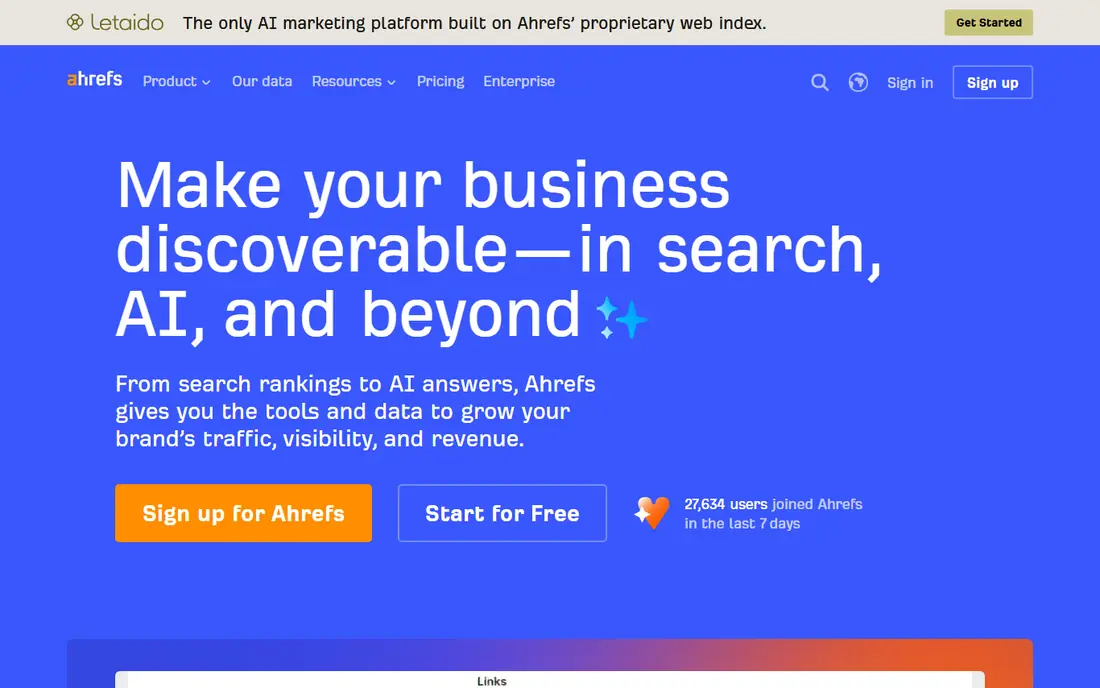
Ahrefs is our pick for professionals who need difficulty data they can defend. Its Keywords Explorer pairs the score with a clear view of the pages already ranking, so you can see how many referring domains the top results have and how strong those pages look. That context turns a single number into a judgement you can explain to a client or a team.
The price is the main barrier. Ahrefs is built for regular SEO work, not for a one-off keyword check. If you research keywords weekly and compete in busy niches, the link data justifies the cost. If you check a handful of terms a month, a cheaper tool may give you enough signal.
- Difficulty score grounded in a large live backlink index
- SERP overview shows ranking pages, domains, and referring domains
- Very large keyword database
- Premium pricing with no free tier
- Score still needs SERP interpretation
- Full feature set can feel large for occasional use
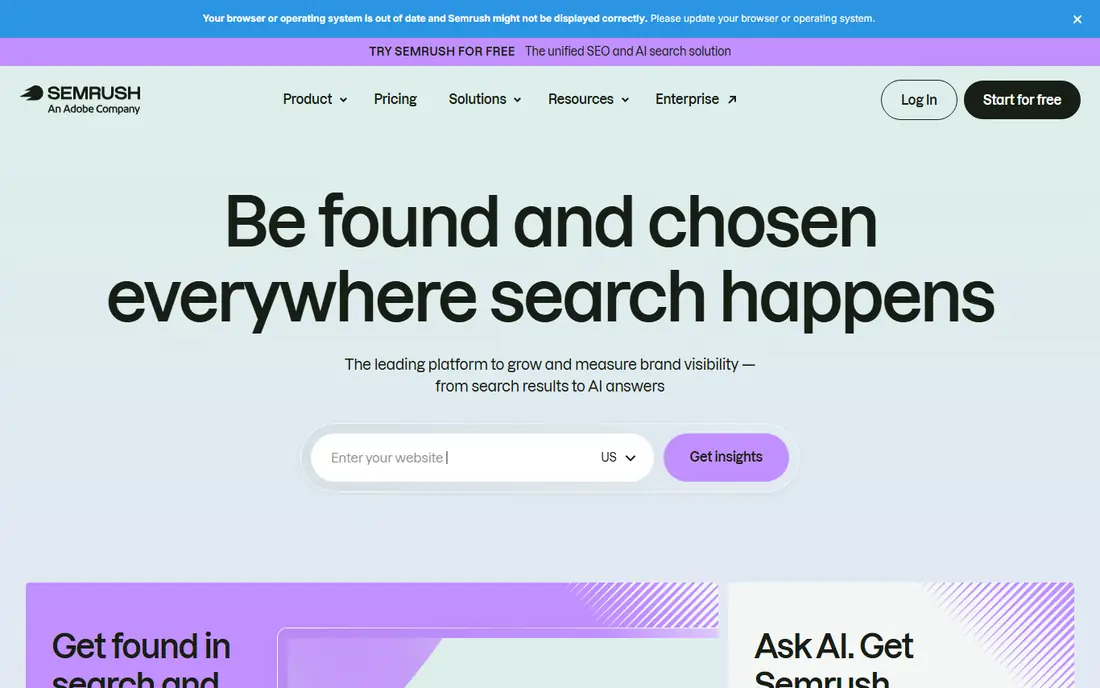
Semrush suits teams that want keyword difficulty in the same place as site audits, rank tracking, and content tools. The Keyword Magic Tool gives difficulty alongside volume, intent, and related terms, which helps you build a topic list rather than checking one phrase at a time. Personal difficulty features can also show how hard a term may be for your specific site, not just for an average site.
That breadth can feel heavy if you only want a difficulty score. Semrush is best when the suite as a whole earns its keep. For a team already using it for audits or ads, the difficulty data is a strong extra reason to stay.
- Difficulty inside a broad SEO, content, and PPC suite
- Personal Keyword Difficulty can reflect your own domain
- Strong intent and SERP features
- Price rises with team use
- Interface has many tools to learn
- Difficulty methods differ from other tools, so scores will not match exactly
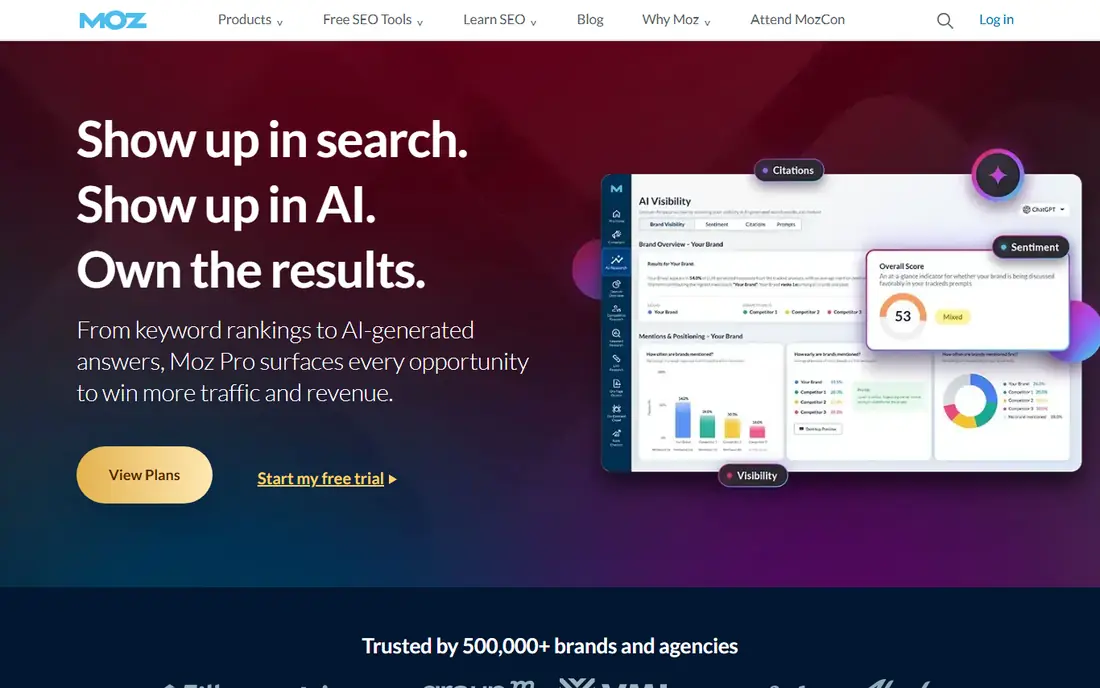
Moz is a good starting point if difficulty scores have felt confusing before. Keyword Explorer presents difficulty, volume, and a priority view in plain terms, and it helps you spot terms where your site has a plausible chance. That clarity matters for local businesses, bloggers, and small teams that cannot chase every competitive term.
Moz is less suited to very large keyword projects, where database size and export caps can slow you down. For focused research, validation before writing, and learning how difficulty works, Moz remains a dependable and approachable choice.
- Difficulty and Priority scores are easy to read
- Useful for smaller sites targeting realistic terms
- Long-standing SEO learning resources
- Keyword database is smaller than Ahrefs or Semrush
- Result caps can limit large research jobs
- Some advanced features need higher plans
KWFinder, from Mangools, keeps keyword research simple. You search a seed term, see difficulty scores for related terms, and filter by score, volume, and trend. That focus helps solo site owners and freelancers who want answers fast without opening a full enterprise suite.
The trade-off is depth. You get less backlink detail than Ahrefs, and the suite around KWFinder is narrower than Semrush. If your main question is which terms are realistically winnable at a lower cost, KWFinder answers it well and stays easy to use.
- Clean interface focused on keyword research
- Difficulty score is easy to compare across terms
- Part of the Mangools suite with SERP and rank tools
- Smaller overall suite than Semrush or Ahrefs
- Search limits vary by plan
- Less depth on link data for top-ranking pages
SE Ranking is a practical middle ground between a single-purpose tool and a premium suite. You can research difficulty, track rankings, audit a site, and check competitors without paying premium-suite prices. That bundle suits agencies managing several small clients and small businesses that need more than keyword scores alone.
As with every tool here, treat the score as a filter. Open the top results, check their authority and content quality, and decide whether your page can genuinely compete. SE Ranking gives you the data to make that call at a price many smaller teams can sustain.
- Difficulty research inside an affordable SEO platform
- Rank tracking, audits, and competitor tools included
- Good value for agencies and small teams
- Difficulty scores need SERP checks like any tool
- Interface takes time to learn
- Data depth varies by niche and region
Ubersuggest is useful when you need a quick difficulty check without a subscription. Enter a term, see a difficulty score, volume estimate, and competing pages, and move on. That speed makes it a good companion tool, even if you also use a larger suite for client work.
Serious SEO teams will outgrow Ubersuggest as a primary tool, because its data and limits do not match Ahrefs or Semrush. For bloggers, new site owners, and anyone validating a few ideas a week, it is a friendly and low-cost place to start.
- Simple interface for beginners
- Free searches for basic difficulty checks
- Content ideas and domain overview in the same tool
- Free use is limited
- Data depth is thinner than premium suites
- Some features feel basic for advanced SEO work
Serpstat appeals to small teams that want a full SEO toolkit without a premium price. Keyword clustering helps you group related terms, which is useful when you plan content around a topic rather than a single phrase. Rank tracking and audits then let you follow whether that plan is working.
The platform is broad, so give yourself time to learn where each report lives. Once you settle into a routine, Serpstat offers good value for regular research, especially for teams working across several sites or languages.
- Keyword research, clustering, rank tracking, and audits in one platform
- Lower entry cost than premium suites
- Useful for competitor checks
- Database size is smaller than the largest suites
- Interface can feel busy
- Difficulty scores still need manual SERP review
Keywords Everywhere works differently from the tools above. It adds keyword data to pages you already visit, so you can see difficulty, volume, and related terms while you search. That makes it a handy second source during research, especially when you are brainstorming topics and want a quick sense of competition.
Do not rely on it alone for a major content investment. Use it to spot ideas, then verify the shortlist in a full tool with SERP data. As a low-cost browser companion, it saves time and helps you avoid chasing terms that are clearly out of reach.
- Shows difficulty and volume data directly in the browser
- Useful while researching on Google and YouTube
- Low-cost credits model
- Browser-based data is a supplement, not a full research suite
- Scores need cross-checking for important decisions
- Features depend on the sites you browse
LowFruits is built for new sites that cannot win head-on battles for broad terms. It looks for search results where weaker pages rank, which can point to long-tail keywords with a realistic opening. That approach helps a new blog or niche site build traffic from specific queries while its authority grows.
LowFruits does not replace a general keyword tool. It works best as a specialist step after you have a topic in mind. Pair it with a suite for volume and tracking, and use it to find the easier, more specific terms that can bring early wins.
- Focused on finding weak spots in search results
- Useful for new sites with low authority
- Helps surface long-tail terms larger tools may bury
- Narrower than a full SEO suite
- Best as a specialist tool alongside a main platform
- Results need intent checks before you write
How we picked these
We reviewed official feature pages, pricing pages, and help documentation for each tool, along with public comparisons of difficulty methods and database coverage. We kept only tools that are live in October 2026, publish a keyword difficulty score or a close equivalent, and are practical for either solo users or teams. Where pricing was not clearly confirmed on the vendor site at the time of writing, we used See website.
We also judged each tool on what happens after the score. A tool ranks higher when it shows the ranking pages, their authority, and related terms, because that context is what turns a score into a decision. A single number without SERP data is of limited use for competitive keywords.
Using a difficulty score properly
A difficulty score is an estimate built from a model, not a measurement of your future ranking. Two tools can score the same keyword differently because they weigh backlinks, authority, and content signals in different ways. Treat a large gap between tools as a prompt to look closer, not as proof that one tool is wrong.
Check the top ten results yourself
Open the pages ranking for your target term. Note their domain strength, content depth, freshness, and whether they truly answer the query. If the top results are thin, outdated, or poorly matched to intent, a medium difficulty score may still hide an opening. If they are strong, detailed, and from major sites, even a low score may be optimistic.
Match difficulty to your site, not to an average site
A new site and an established site face different odds for the same keyword. Some tools offer a personalised view, but you can also apply judgement yourself. If your site already ranks for related terms, a harder keyword in the same topic may be closer than the score suggests. If you are starting fresh, favour specific long-tail terms and build authority topic by topic.
Combine difficulty with intent and value
A winnable keyword only matters if it matches what searchers want and what your site can offer. Check whether the top results are guides, product pages, videos, or local listings, and make sure your planned page fits that intent. Then weigh traffic potential against business value. A modest-volume term that brings the right visitors often beats a high-volume term that brings the wrong ones.
Frequently asked questions
What is the best keyword difficulty software?
Ahrefs is the strongest overall choice for professionals, thanks to its backlink data and SERP views. Semrush is better if you want difficulty inside a full suite, while Moz is easier for beginners. For lower budgets, KWFinder and Ubersuggest offer useful difficulty scores at a lower cost.
How accurate is a keyword difficulty score?
A difficulty score is a useful estimate, not an exact prediction. Tools weigh different signals, so scores vary across platforms. Use the score to shortlist terms, then check the actual ranking pages, their links, and their content quality before you commit time to writing.
What is a good keyword difficulty score for a new website?
There is no single safe number, because scoring scales differ by tool. As a rough guide, new sites often start with lower-difficulty, longer, more specific terms where weaker pages already rank. Build wins there first, then move to broader terms as your site gains links and topical coverage.
Is there a free keyword difficulty tool?
Yes. Ubersuggest and Keywords Everywhere offer free options for basic checks, and most paid tools offer a free trial. Free tiers usually limit searches or data depth, so they suit occasional checks better than large research projects or agency work.
Why do Ahrefs and Semrush give different difficulty scores?
They use different models, data sources, and scales. Ahrefs leans heavily on backlink profiles of ranking pages, while Semrush combines several ranking signals inside its suite. A difference does not mean one score is false. It means you should check the SERP yourself and weigh both signals.
Should I only target low-difficulty keywords?
No. Low-difficulty terms are a good starting point, but a site that only targets easy terms may miss valuable topics where its content is genuinely strong. Balance easy wins with a smaller number of harder, high-value terms that fit your expertise, and track progress over time rather than expecting instant rankings.
Sources we checked (9)

Online Jobs is an independent blog about careers, online work, learning new skills and the tools that help people earn. More about us.
Keep reading
All posts
Constant Contact Alternatives
Compare the best constant contact alternatives for small businesses, creators and nonprofits, with free plans and automation notes to guide your switch.
Best Tools for AI Mode
Compare the best tools for AI Mode visibility, from Google Search Console to Semrush, Ahrefs Brand Radar, Peec AI, and Otterly, with prices and limits.
Best SEO Tools for Beginners
Compare the best SEO tools for beginners in 2026, from Google Search Console and Semrush to Ubersuggest and Yoast, with free plans, prices, and a workflow.