Best Security Software in 2026: 8 Apps Compared


Most households · Starting price: $59.99 per year
How we put this together: we compare official feature and pricing pages, app store listings, privacy policies and public user reviews. Prices change, so check the provider's site before you pay.
Key takeaways
- The best computer security software is the one you will keep installed and updated, not the one with the longest feature list.
- Bitdefender Total Security is our pick for most households, with strong malware protection for five devices and a clear first-year price.
- Free protection is real, but it is limited: Microsoft Defender covers Windows basics well, while Avast Free adds a separate free antivirus option.
- Renewal prices are often higher than first-year prices, so check the renewal figure at checkout before you commit.
- We left out Kaspersky for US readers because updates for US users have been restricted, which makes it a poor choice for this audience.
Quick comparison
| Name | Who it suits | Starting price | Free option | |
|---|---|---|---|---|
| Bitdefender Total Security | Most households | $59.99 per year | Free trial | Visit |
 Norton 360 Deluxe Norton 360 Deluxe | Identity and backup extras | See website | Free trial | Visit |
 McAfee Total Protection McAfee Total Protection | Families with many devices | $39.99 per year | Free trial | Visit |
 Avast Premium Security Avast Premium Security | A strong free starting point | Free | Yes | Visit |
 Malwarebytes Malwarebytes | Cleanup and second opinions | $44.99 per year | Yes | Visit |
 ESET HOME Security Essential ESET HOME Security Essential | Light, configurable protection | $49.99 per year | Free trial | Visit |
 Trend Micro Maximum Security Trend Micro Maximum Security | Mixed-device households | $74.95 per year | Free trial | Visit |
 Microsoft Defender Microsoft Defender | Windows users on a budget | Free | Yes | Visit |
The best security software
We compared official feature pages, pricing pages, and public lab results for the best virus protection software and the best application security tools for home use. The list below focuses on consumer products that protect a computer or phone, rather than developer tools for scanning code.
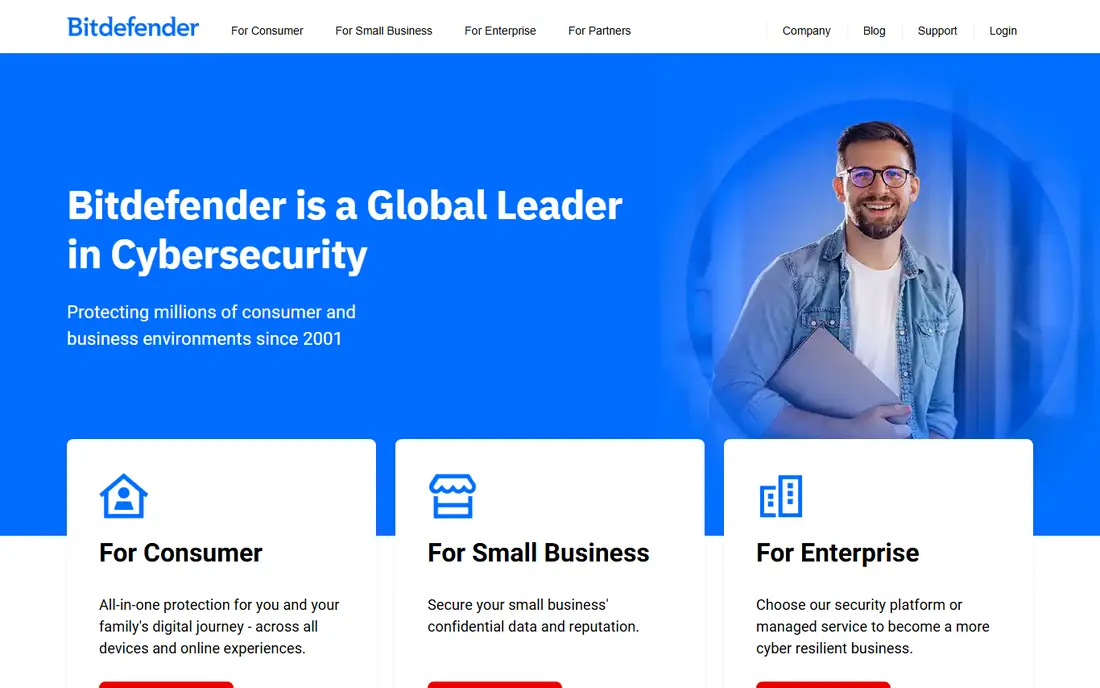
Bitdefender Total Security is our pick for most people because it covers the basics well and adds useful family tools without turning the dashboard into a maze. It protects Windows, Mac, Android, and iOS, and it includes ransomware protection, a firewall, and webcam and microphone protection on supported systems. For a household with a mix of laptops and phones, five devices is usually enough to cover the main machines.
The honest catch is the VPN. The standard allowance is limited per device per day, so it is fine for checking email on public Wi-Fi but not for streaming all evening. If unlimited VPN traffic matters to you, the higher Premium tier or a separate VPN is a better fit. Also check the renewal price shown at checkout, since first-year discounts do not last.
- Strong malware protection
- Covers five devices
- Includes parental controls and a password manager
- The included VPN has a daily data limit
- Renewal price is higher than the first-year price
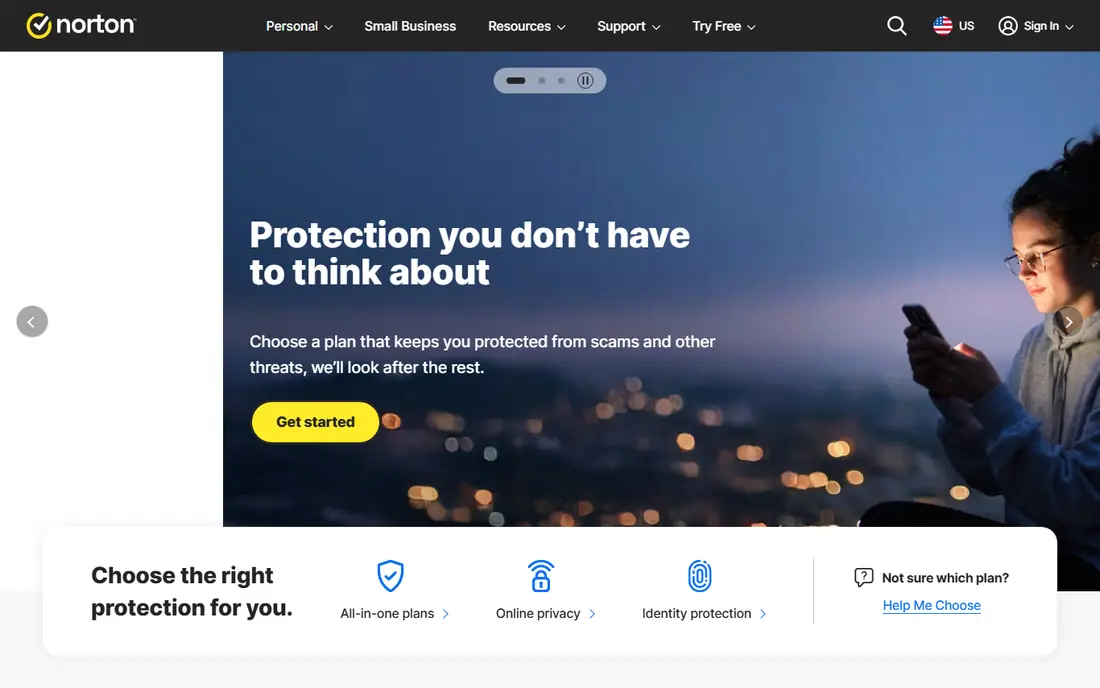
Norton 360 Deluxe suits buyers who want one subscription to cover antivirus, VPN, backup, and identity monitoring together. It covers five devices and includes cloud backup for Windows PCs, which is handy if you have files that are not backed up anywhere else. Dark web monitoring adds an alert if personal details appear in known breaches, though it cannot remove data that is already out there.
We list the price as See website because Norton first-year offers and renewal prices shifted during our checks in October 2026, and the figure you see depends on the current promotion. That is not a reason to avoid Norton, but it is a reason to read the renewal line before paying. If you only need antivirus, the simpler Norton tiers cost less.
- Includes VPN, password manager, and cloud backup
- Dark web monitoring
- Parental controls
- Prices and renewal figures change often
- The dashboard can feel busy with upsell prompts
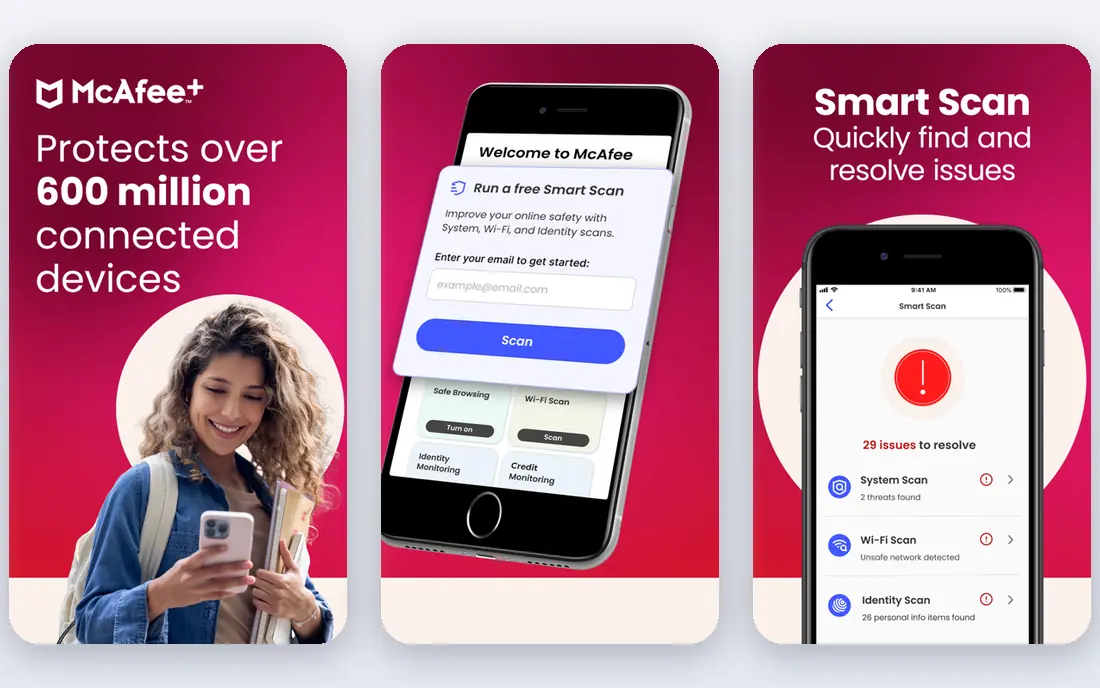
McAfee Total Protection is a sensible choice when several people in a home need cover and you do not want to buy a licence per device. The Essential version includes antivirus, a VPN, and a password manager, and it works across Windows, Mac, Android, and iOS. The interface is plain and easy to follow, which helps when the person installing it is also the person everyone else calls for help.
The main drawback is pricing clarity. McAfee has sold similar-sounding plans under the Total Protection name, and the renewal price is much higher than the introductory first-year figure. Write down the renewal date and price when you buy, and set a reminder to review it before it renews. Higher McAfee tiers add fuller identity protection, but most homes do not need that step up.
- Covers five devices on the Essential plan
- Includes VPN and password manager
- Identity monitoring on higher tiers
- Plan names at checkout can be confusing
- Renewal price rises sharply after the first year
Avast stands out because its free antivirus is not just an on-demand scanner. It gives real-time protection on Windows, Mac, and Android, plus a Wi-Fi security check and a password manager. That makes it a genuine starting point for someone who cannot pay yet, or who wants to test the interface before upgrading. Premium Security adds a ransomware shield, firewall controls, and webcam protection.
The trade-off is noise. The free version promotes paid upgrades, and some people find that tiring. Premium Security starts at $49.08 for the first year for one PC plus one mobile device, renewing at $77.99 per year, while the ten-device plan starts at $69.48 and renews at $99.99. If you already pay for a VPN elsewhere, do not buy Avast mainly for its VPN; buy it for the antivirus and the extra shields.
- Free antivirus with real-time protection
- Premium adds ransomware shield and firewall tools
- Ten-device option
- Free version shows upsell prompts
- Premium renewal price is higher than the first-year price
Malwarebytes is the tool many people reach for when a computer already feels infected. Its free version scans on demand and removes what it finds, and it is known for handling adware and browser hijackers well. That makes it a useful second opinion alongside another antivirus, since on-demand scans do not conflict with a real-time engine in the same way two real-time engines can.
The paid Standard plan, from $44.99 per year for one device, adds real-time protection, ransomware protection, and web protection. The catch is value: at that price you can buy a fuller suite elsewhere with a VPN, firewall, and parental controls included. Choose Malwarebytes paid if you like its simplicity and its cleanup record, or use the free version next to Microsoft Defender and pay nothing.
- Excellent on-demand cleanup
- Simple interface
- Paid plan adds real-time protection and web protection
- Free version has no real-time protection
- Paid price is high for what is mainly an antivirus engine
ESET HOME Security Essential
Who it suits: Light, configurable protection
ESET HOME Security Essential is the pick for people who notice when security software slows a computer down. It is known for a small system footprint and for rarely flagging clean software, which means fewer interruptions while you work. The Essential plan covers antivirus, anti-phishing, safe banking and browsing, and firewall and network protection, and it is available for Windows, Mac, and Android.
ESET is less hand-holding than Bitdefender or Norton. Its controls reward users who like to look at settings, and its VPN, encryption, and identity tools sit in the Premium and Ultimate tiers rather than the base plan. Essential starts at $49.99 per year for one device, with five-device cover at $69.99. If you want a quiet, light engine and you do not need a bundle of extras, this is a strong fit.
- Low system impact
- Few false alarms in lab tests
- Detailed firewall and device controls
- No free tier
- Higher tiers are needed for VPN and identity tools
- Setup rewards patient users
Trend Micro Maximum Security
Who it suits: Mixed-device households
Trend Micro Maximum Security covers the device mix most families actually own, including Chromebooks, which some suites handle poorly. It includes ransomware protection with a folder shield that limits which apps can change protected folders, plus Pay Guard for safer banking sessions, a password manager, and parental controls. That combination suits a home with school laptops, phones, and a shared family PC.
The price needs care. The first-year figure for five devices is $74.95, against a regular price of $99.95 per year, and there is no free tier, only a trial. The Premium Security Suite adds a VPN and identity tools for up to ten devices, so do not buy Maximum Security expecting a VPN. If your household is Windows-only and smaller, the cheaper Trend Micro tiers may cover you for less.
- Covers five Windows, Mac, Android, iOS, or Chromebook devices
- Folder shield for ransomware
- Parental controls
- No free plan
- No VPN in this tier
- Regular price is higher than the first-year offer
Microsoft Defender is built into Windows, so every Windows PC already has it, and it costs nothing extra. Recent lab results put it close to paid suites for blocking real-world threats, and it has the advantage of no subscription, no renewal jump, and no upsell prompts. For a Windows user who browses carefully, keeps Windows updated, and uses a separate password manager and backup, Defender is a defensible choice on its own.
Its limits are scope and extras. Defender is a Windows product first, so it does not give you a single dashboard for a Mac, an iPhone, and an Android phone in the way a paid suite does. It also does not bundle a VPN, identity monitoring, or a full parental control suite. Pair it with Malwarebytes Free for on-demand second opinions, and you have a free setup that covers more ground than either tool alone.
- Built into Windows at no extra cost
- Solid lab results
- No renewal price to track
- No cross-platform suite on its own
- Fewer extras such as VPN and parental controls
- Relies on Windows updates
How we picked these
We compared official feature pages, pricing pages, and app store listings for products that protect home computers and phones, and we checked that each vendor homepage loads and belongs to the product named. We favoured products with current US pricing, clear free or trial terms, and support for the platforms most households use. We also weighed lab results and public reviews, but we did not claim hands-on testing that did not happen, and we did not include products that are not a practical purchase for US readers in October 2026.
We treated renewal prices as part of the cost, not a footnote, because a cheap first year that doubles later changes the value of a suite. Where a price could not be pinned down from a current vendor page, we wrote See website rather than copying an old promotional figure. That approach favours honesty over a tidy table, and it is the same check we suggest you run at checkout.
What to check before you buy security software
Start with device count and platform. Count the phones, laptops, and tablets that actually need cover, and check that the plan covers each operating system in your home. A five-device plan sounds generous until you realise two of those devices run an operating system the suite treats as a second-class citizen, with fewer features. Read the feature list by platform, not just the headline plan name.
First-year price, renewal price, and free tier
Look at three numbers, not one: the first-year price, the renewal price, and what the free tier or trial actually includes. A free antivirus with real-time protection is different from a free on-demand scanner, and a trial that needs a card is different from a free plan that never expires. Set a calendar reminder a week before renewal, and decide then if the suite earned its renewal price.
Features you will actually use
A VPN, password manager, parental controls, and cloud backup only add value if you use them. If you already have a password manager and a backup routine you trust, a leaner antivirus may serve you better than a bundle that duplicates both. On the other hand, if no one in your home backs up files, a suite with cloud backup may be worth more than a slightly higher lab score elsewhere.
Performance and false alarms
Security software that slows a computer or blocks clean programs will get switched off, which defeats the point. Look for recent lab results on performance and false alarms, and use the trial period to run your normal work, calls, and games before you commit. If scans drag or clean apps get flagged often, try another suite while you are still inside the refund window.
Frequently asked questions
What is the best security software for most people?
Bitdefender Total Security is our pick for most households because it covers five devices, includes parental controls and a password manager, and starts at $59.99 per year for the first year. Norton 360 Deluxe is a close alternative if you want backup and identity extras in the same subscription. Check the renewal price for either one before you buy.
What is the best computer antivirus software that is free?
Microsoft Defender is free and built into Windows, and Avast Free Antivirus gives real-time protection on Windows, Mac, and Android at no cost. Malwarebytes Free is also free, but it only scans on demand, so it works best as a second opinion rather than your only protection. For a single Windows PC with careful browsing habits, Defender plus Malwarebytes Free is a solid free setup.
What is the best application security software for home users?
For home users, the phrase usually means a consumer security suite rather than a developer tool for scanning code. The suites in this list cover malware, phishing, ransomware, and unsafe websites on personal devices. If you need tools that scan application code for flaws, look for a dedicated developer security platform instead, since home antivirus suites do not do that job.
Do I need paid antivirus if I have Microsoft Defender?
Not always. Defender covers core antivirus well on Windows, and many careful users do fine with it plus a password manager and regular backups. Paid software earns its price when you need cover for Mac, Android, and iOS in one place, or when you want a VPN, parental controls, identity monitoring, or cloud backup bundled in. If none of those apply, paying may add little.
Why did you not include Kaspersky in this list?
Kaspersky makes capable software, but updates and related services for US users have been restricted since 2024, which makes it a poor recommendation for US readers in 2026. US buyers should choose a suite with full, supported updates in the United States. Readers outside the US should check local availability and employer rules before considering it.
How do I avoid paying a much higher renewal price?
Read the renewal price on the checkout page, not just the first-year offer, and save a screenshot or note of both figures and the renewal date. Turn off auto-renewal if you prefer to decide each year, and set a reminder a week before renewal. Many vendors will offer a retention price if you contact them before renewal, but do not rely on that as a plan.
Sources we checked (8)

Online Jobs is an independent blog about careers, online work, learning new skills and the tools that help people earn. More about us.
Keep reading
All posts
Surfshark Alternatives
Looking for Surfshark alternatives? We compare 8 VPN services on price, privacy, streaming, and device limits to help you find a VPN that fits your needs.
NordPass Alternatives
We compared NordPass alternatives for families, solo users and teams, checking pricing, free plans, passkeys and sharing, so you can switch safely today.
Best VPN Service
We compared the best VPN service options for privacy, streaming and value, checking official pricing, free plans and honest limits before ranking them.