Best Secure Email Service in 2026: 8 Services Compared

How we put this together: we compare official feature and pricing pages, app store listings, privacy policies and public user reviews. Prices change, so check the provider's site before you pay.
Key takeaways
- Proton Mail is our pick for most people, thanks to strong encryption, good apps, and a usable free plan.
- Tuta offers the lowest-cost encrypted option with encryption that covers subject lines too.
- Mailfence suits people who want OpenPGP control plus calendar, documents, and contacts in one place.
- Fastmail is the best choice if you value speed and productivity more than end-to-end encryption.
- Posteo and mailbox.org are low-cost, privacy-focused options with no free plan but very low monthly prices.
Quick comparison
| Name | Who it suits | Starting price | Free option | |
|---|---|---|---|---|
 Proton Mail | Best overall privacy | $3.99 per month | Yes | Visit |
 Tuta | Low-cost encryption | 3 euros per month | Yes | Visit |
 Mailfence | OpenPGP control | 2.50 euros per month | Yes | Visit |
 StartMail | Unlimited aliases | $4.99 per month | No | Visit |
 Fastmail | Speed and productivity | $5 per month | No | Visit |
 Posteo | Low-cost privacy | 1 euro per month | No | Visit |
 mailbox.org | Office suite with privacy | 1 euro per month | No | Visit |
 Zoho Mail | Small business teams | $1 per user per month | Yes | Visit |
The best secure email service
A secure email service should protect your messages from snooping, limit tracking, and give you control over your data. We compared official feature pages, pricing, encryption models, and app support for the services below, with a focus on personal use.
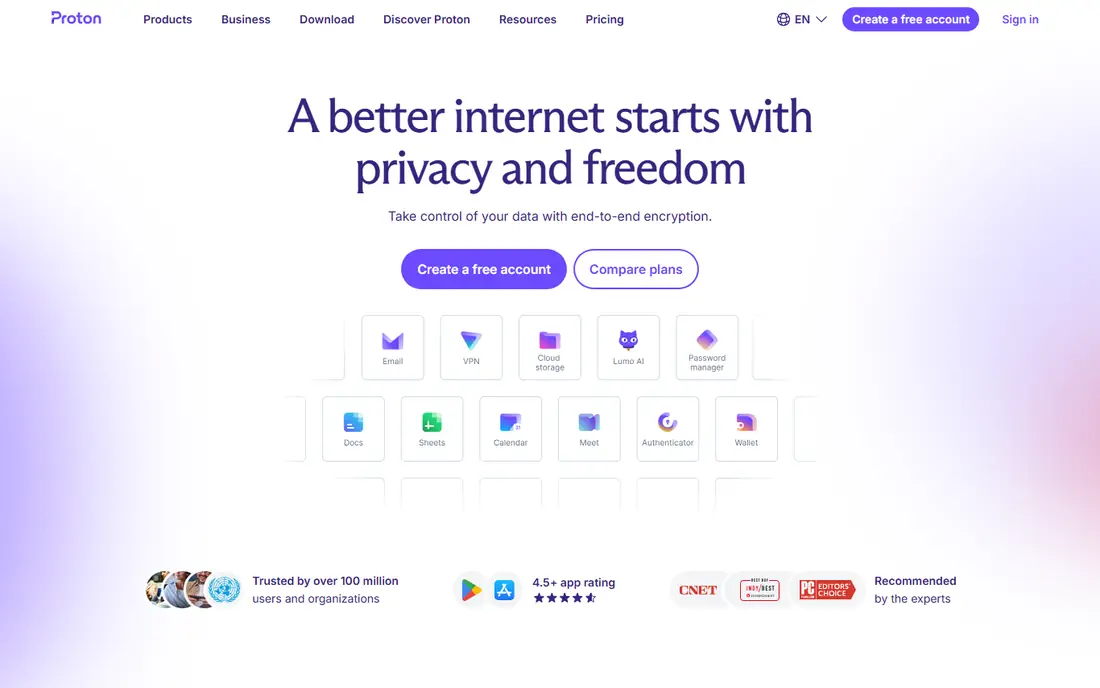
Proton Mail is the easiest secure email service to recommend to a non-technical person. Messages between Proton users are end-to-end encrypted by default, and stored mail is protected so that Proton itself cannot read it. The apps are polished, search works well, and migration tools help you move mail from Gmail or Outlook.
The limits are worth knowing. Mail to people outside Proton is not end-to-end encrypted unless you use a password-protected message, and subject lines are not covered by that encryption. The free plan is usable for light use, but storage and addresses are limited, so most regular users will want a paid plan. For most personal users, that trade-off is reasonable.
- End-to-end encryption between Proton users
- Zero-access storage
- Good apps for web, mobile, and desktop, plus calendar and drive on higher plans
- Subject lines are not end-to-end encrypted
- Advanced features sit on paid plans
- Storage on the free plan is limited
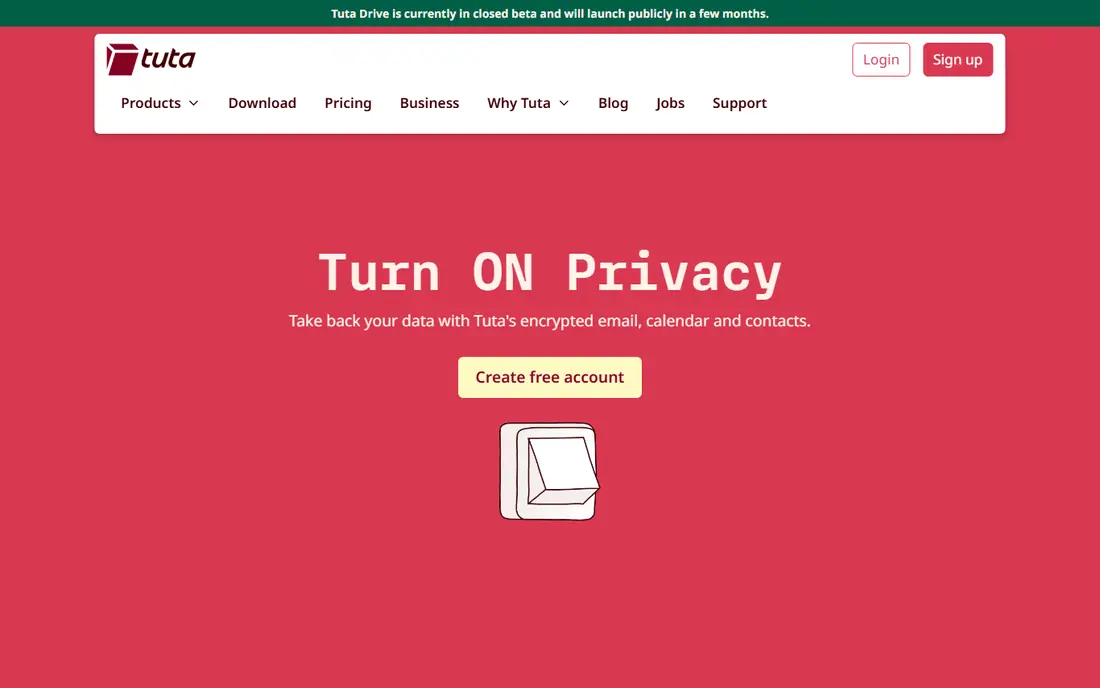
Tuta, formerly Tutanota, takes a stricter approach by encrypting the whole mailbox, including subject lines, rather than only message bodies. That matters if you treat subject lines as sensitive, which they often are. The free plan is genuinely usable, and paid plans stay cheap while adding storage, custom domains, and extra calendars.
The stricter model has a cost in flexibility. Tuta does not use PGP, so you cannot plug it into outside PGP workflows in the same way as Mailfence. Integrations are also thinner than Proton or Fastmail. If you want maximum encryption at a low price and you can live inside one service, Tuta is excellent value.
- End-to-end encryption including subject lines
- Free plan with 1 GB storage
- Encrypted calendar and contacts included
- No support for outside encryption standards such as PGP
- Fewer third-party integrations
- Interface is simpler than Proton Mail
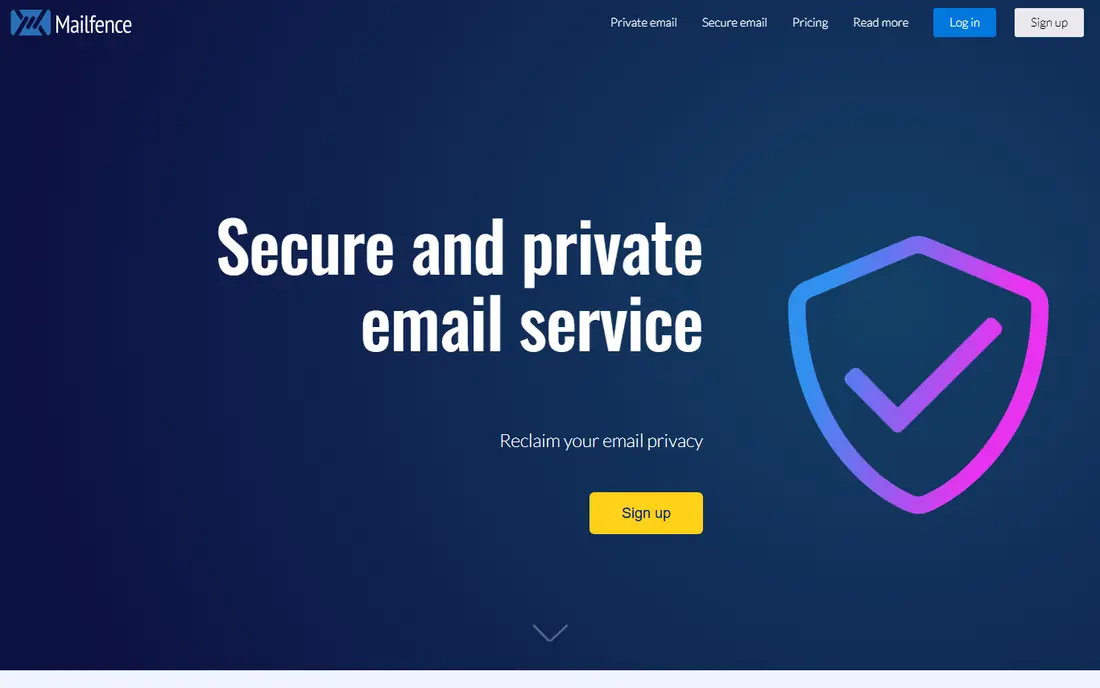
Mailfence suits people who want control over encryption keys and standards. You can use OpenPGP to encrypt and sign messages, manage your own keys, and send password-encrypted messages to people outside Mailfence. The built-in calendar, documents, and contacts make it a fuller suite than a mail-only service.
The interface is the main drawback, since it looks and feels older than Proton Mail or Fastmail. Free storage is also small, so the free plan is best as a trial rather than a long-term home. For professionals who value PGP and digital signatures, those limits are easy to accept.
- OpenPGP encryption and digital signatures
- Calendar, documents, and contacts in one account
- Based in Belgium with clear privacy policies
- Interface feels dated next to newer rivals
- Free storage is small at 500 MB
- Full PGP features need a paid plan
StartMail is built around aliases, which let you give a different address to each shop, newsletter, or service. If one alias starts getting spam, you can turn it off without changing your main address. That simple habit cuts spam and makes it easier to see which service shared your address.
The price is higher than some rivals, and there is no permanent free plan, so try the trial before you commit. StartMail also lacks some of the bundled extras found in Proton or Mailfence. If aliases are your main need, and you want PGP without managing keys yourself, StartMail is a strong pick.
- One-click PGP encryption
- Unlimited aliases for sign-ups and newsletters
- Password-protected messages to outside recipients
- No free plan, only a trial
- No built-in calendar on the basic plan
- Higher price than Tuta or Posteo
Fastmail is the best secure email service for people who prioritise getting work done. Search is fast, rules and folders are flexible, and masked email addresses work much like aliases for sign-ups. The apps are clean, and custom domain support makes it a good choice for a personal domain.
Be clear on the difference, though. Fastmail protects mail in transit and at rest with strong encryption, but it is not end-to-end encrypted, so Fastmail could technically access stored mail if required. If your threat model needs encryption that even the provider cannot break, pick Proton, Tuta, or Mailfence instead. If you want a private, ad-free, fast service, Fastmail is excellent.
- Fast webmail and apps
- Strong search, rules, and masked email addresses
- Custom domains on paid plans
- Not end-to-end encrypted in the same way as Proton or Tuta
- No free plan beyond a trial
- Privacy depends on company policy rather than encryption alone
Posteo is a small German provider with a loyal following for good reason. The price is among the lowest in this list, you can pay anonymously, and the company runs on green energy with a clear privacy policy. Calendar and address book features cover everyday needs without extra bundles.
Posteo does not encrypt every message end to end by default, though you can use PGP with compatible mail apps. The webmail interface is plain, and support is smaller than at Proton or Fastmail. For a low-cost, privacy-respecting mailbox with no ads and no tracking, Posteo is hard to beat.
- Very low monthly price
- Anonymous payment options
- Green hosting and clear privacy stance
- No free plan
- Optional PGP rather than default end-to-end encryption
- Interface is functional rather than polished
mailbox.org is a good middle ground between a mail-only service and a full office suite. You get mail, calendar, contacts, cloud storage, and document editing under one German provider, with PGP available in webmail for encrypted messages. That bundle suits people leaving a large tech platform who still want everyday productivity tools.
The starting plan is cheap, but storage and features grow with higher tiers, so check what you need before you judge the price. The interface packs a lot in, which can feel busy until you learn where things live. For a privacy-focused alternative to a mainstream suite, mailbox.org deserves a close look.
- Mail plus calendar, contacts, drive, and office tools
- PGP support in webmail
- Low starting price with a trial
- No permanent free plan
- Full features need higher tiers
- Interface can feel busy at first
Zoho Mail is included here for personal use that shades into small business use, such as a family domain or a side business. The per-user price is low, admin controls are solid, and mail, calendar, and contacts work together cleanly. A free plan exists for a small number of users, which makes it easy to try.
Like Fastmail, Zoho Mail is not end-to-end encrypted, so it suits people who want an ad-free, business-grade mailbox rather than maximum encryption. If you already use Zoho Books or Zoho CRM, the integration is a bonus. If you need encryption that even the provider cannot read, choose Proton, Tuta, or Mailfence instead.
- Low per-user price for teams
- Ad-free mail with admin controls
- Works well with other Zoho apps
- Not end-to-end encrypted
- Free plan is limited
- Best value comes when you already use Zoho tools
How we picked these
We compared official feature pages, pricing, encryption models, and app support, and we favoured services that are still actively maintained, publish clear privacy policies, and offer a realistic path for personal use. We included both end-to-end encrypted services and strong privacy-focused services, and we say plainly where they differ. We did not claim hands-on testing, and prices vary by billing period and currency, so check the vendor page for your region.
How to choose the right secure email service
Start with your threat model, in plain terms. If you want to stop ad tracking and keep your mail out of large advertising platforms, Fastmail, Posteo, mailbox.org, and Zoho Mail all do that well. If you want encryption that even the provider cannot break, you need Proton Mail, Tuta, or Mailfence, and you need to understand that mail to outside users will not be fully encrypted unless you use a password-protected message or PGP.
Next, check the practical details. Custom domain support, aliases, calendar, storage, and mobile apps matter every day, while encryption details matter only in specific cases. Try the free plan or trial with your real mail flow, including search, filters, and sending to contacts outside the service, before you move your main address.
Finally, protect the account itself. Use a strong, unique password, turn on two-step verification or a passkey where offered, and keep recovery details safe. Even the strongest encryption will not help if someone can sign in as you, so account security is part of choosing a secure service.
Frequently asked questions
What is the best secure email service for personal use?
Proton Mail is our pick for most personal users, since it pairs end-to-end encryption with good apps and a usable free plan. Tuta is the best low-cost alternative, and Mailfence suits people who want PGP control. If speed and productivity matter more than end-to-end encryption, Fastmail is the better fit.
What is the best encrypted email service?
Tuta encrypts the most, including subject lines, while Proton Mail encrypts message bodies between Proton users and stored mail. Mailfence offers OpenPGP encryption and signatures for people who want standards-based control. The best encrypted service depends on whether you need PGP, subject-line encryption, or the easiest apps.
Is Proton Mail better than Tuta?
Proton Mail has more polished apps and a wider bundle, including calendar, drive, and VPN on higher plans. Tuta is cheaper, encrypts subject lines, and keeps the interface simpler. Pick Proton if you want the fuller product, and Tuta if you want the lowest price for strong encryption.
Can I use a secure email service with Gmail contacts?
Yes, in most cases you can still email Gmail users, but those messages will not be end-to-end encrypted unless you use a password-protected message or PGP. Your contacts do not need to switch for you to benefit from less tracking, no ads, and better account controls. For fully encrypted mail, both sides need to use the same encrypted service or PGP.
Do I need a custom domain for secure email?
No, a custom domain is optional, though it makes switching providers easier later, since your address stays the same even if you change services. Most paid plans in this list support custom domains, while free plans usually do not. Start with a provider address if you are unsure, and add a domain later once you are settled.
Sources we checked (8)

Online Jobs is an independent blog about careers, online work, learning new skills and the tools that help people earn. More about us.
Keep reading
All posts
Surfshark Alternatives
Looking for Surfshark alternatives? We compare 8 VPN services on price, privacy, streaming, and device limits to help you find a VPN that fits your needs.
NordPass Alternatives
We compared NordPass alternatives for families, solo users and teams, checking pricing, free plans, passkeys and sharing, so you can switch safely today.
Best background check app
We compared the best background check app options in 2026 for employers, landlords and individuals, with published prices, coverage and compliance notes.