Best Second Phone Number App Free in 2026: 9 Apps Compared

How we put this together: we compare official feature and pricing pages, app store listings, privacy policies and public user reviews. Prices change, so check the provider's site before you pay.
Key takeaways
- A second number is best used for work, selling, dating, and sign-ups where you do not want to share your personal number.
- Free options exist, but they often limit texting, area codes, or features, so check the current plan before you rely on one.
- Business texting in the US now involves carrier registration, which can affect how quickly a new number can text customers.
- Never use a second number to deceive, impersonate, harass, or evade a block, and never use it to hide illegal activity.
- Pick one app, test calling and texting with a friend, and only then share the number widely.
Quick comparison
| Name | Who it suits | Starting price | Free option | |
|---|---|---|---|---|
 Google Voice | Free personal second number | Free | Yes | Visit |
 TextNow | Free calls and texts in the US | Free | Yes | Visit |
 Burner | Temporary and disposable numbers | See website | Free trial | Visit |
 Hushed | Private numbers in many countries | See website | No | Visit |
 Sideline | Simple work number on your phone | See website | Free trial | Visit |
 OpenPhone | Small team business numbers | See website | Free trial | Visit |
 2ndLine | Low-cost second number | See website | Yes | Visit |
 Line2 | Solo business calling and texting | See website | Free trial | Visit |
 MySudo | Multiple private identities | See website | Free trial | Visit |
The best second phone number apps
We compared these apps by whether they give you a real second number, how calling and texting work, what the free tier actually includes, and how well they suit personal or small business use. Prices and free tiers change, so treat the field lines as a starting point and confirm the current plan on the vendor site. Use these apps for legitimate privacy and work separation only.
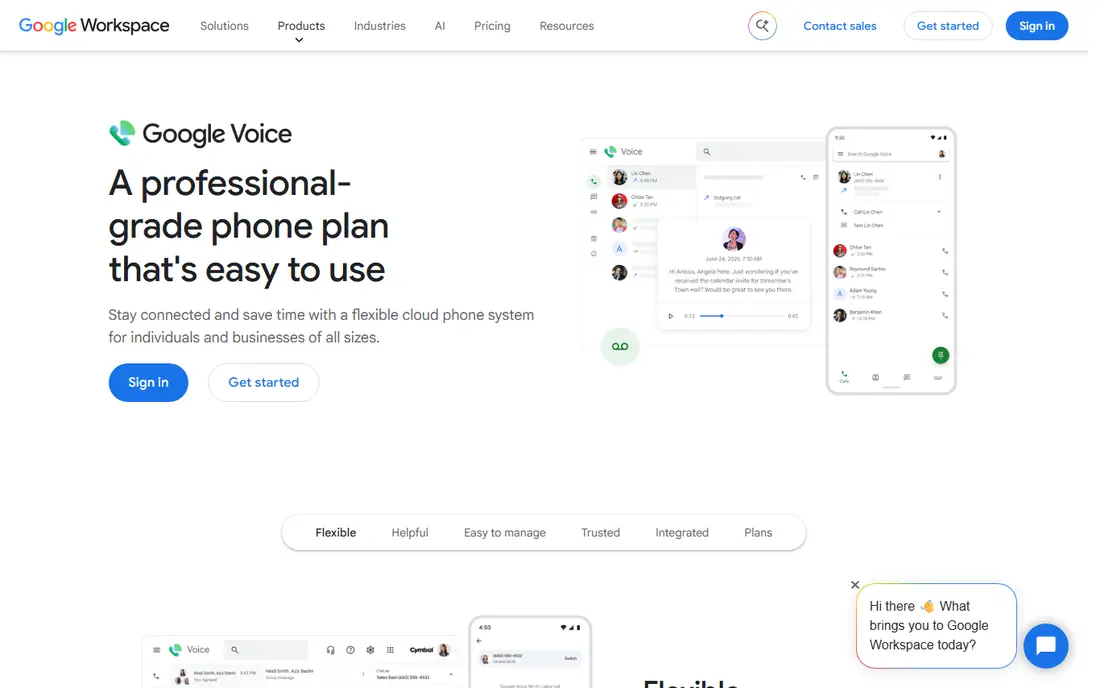
Google Voice is our pick for most people who want a free second number, because the personal version gives you a US number for calls, texts, and voicemail without a monthly fee. You can forward calls to your existing phone, set separate voicemail greetings, and block spam calls from the app. That separation is useful for selling items, job hunting, or dating, where you want contact without sharing your main number. The catch is business use. Google Voice for business is a paid add-on to Workspace, and personal numbers are not meant as a full business phone system, so small teams should look at OpenPhone or Sideline instead.
- Free number for personal use in the US
- Voicemail transcription
- Works on web, Android, and iOS
- Business use needs a paid Workspace plan
- Number availability depends on area code
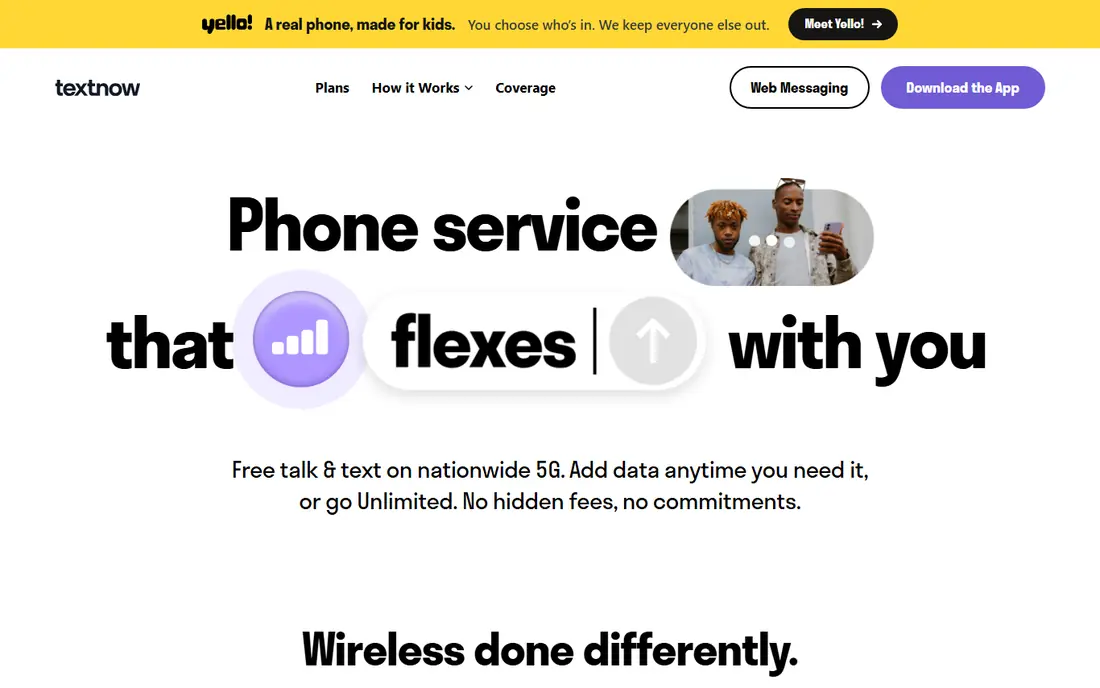
TextNow suits budget users who mainly need a free number for calls and texts over Wi-Fi or data. You pick a number, then call and text from the app, which makes it a handy spare line for online selling or sign-ups. The free tier is supported by ads, and you need to keep the number active to avoid losing it. That is the main trade-off. If you need a stable business number, a paid plan or a business app will be safer, but for a free personal second line, TextNow is hard to beat on price.
- Free US and Canada calling and texting with ads
- Works over Wi-Fi
- Simple setup
- Ads in the free version
- Number can be reclaimed if unused
- Call quality depends on connection
Burner is built around disposable numbers, which is useful when you want a number for a short project, a sale, or a trip, and then want it gone. You can create a number, use it for calls and texts, and delete it when the project ends, which limits later spam and unwanted contact. That control is its main strength. The weakness is cost over time. Burner is not free beyond a trial, and keeping many long-term numbers gets expensive, so use it for temporary needs and pick a different app for a permanent work line.
- Create and delete numbers as needed
- Spam blocking
- Easy to keep a number only for one project
- Paid after the trial
- Not a full business phone system
- Features vary by plan
Hushed fits people who need a private number outside the US, or who want both short-term and long-term numbers in one app. You can choose an area code, manage several numbers, and forward calls when you are offline. That flexibility suits travellers, freelancers with clients abroad, and anyone who wants a clear boundary between personal and public contact. The catch is pricing complexity. Plans use credits or subscriptions depending on the number type, so read the current plan page and check what is included for calls, texts, and renewals before you buy.
- Numbers in the US, Canada, UK, and other countries
- Temporary and long-term options
- Call forwarding
- Paid plans only
- Credit and plan details need careful checking
Sideline gives you a second number that feels like a normal work line on the phone you already carry. You can set a different ringtone for work calls, keep work texts separate, and use auto-reply and voicemail transcription. That simplicity suits solo workers and small teams who do not need a full call centre system. The limitation is that it is a paid service after the trial, and US business texting now requires registration steps that can delay texting to customers. Test calling first, then confirm texting setup for your use case.
- Uses your carrier for calls in many cases
- Separate ringtones and voicemail
- Team options
- Paid after trial
- Business texting rules can affect new numbers
OpenPhone is the strongest pick in this list for a small business that needs a shared number, because several team members can answer the same line and see the same message history. It includes calling, texting, voicemail, and integrations with common business tools, and it works across phone and desktop. That shared inbox is a real advantage over a personal second-number app when customers expect a reply from anyone on the team. The trade-off is price. It is charged per user, so a solo user who only needs a simple line may find Sideline or Google Voice cheaper.
- Shared numbers and team inbox
- AI call summaries on some plans
- Desktop, web, and mobile apps
- Priced per user, so team costs add up
- Best value needs a paid plan
2ndLine is a useful free or low-cost option for a personal second number, especially for users who want a separate line for calls and texts without a monthly commitment. Setup is quick, and you can choose a number for your area. The free tier is the draw, but it also brings limits, so check what is included for calls, texts, and voicemail before you depend on it for work. For a permanent business line with shared access, a paid business app will be more reliable, but for personal separation, 2ndLine is a fair choice.
- Free tier with a second number
- US and Canada numbers
- Simple calling and texting
- Free tier limits and ads
- Fewer business features than OpenPhone
Line2 suits solo business owners who want a professional second line with calling, texting, and voicemail in one app. It works on phone and desktop, so you can take business calls from a computer as well as from your mobile, and the separate voicemail keeps work messages apart from personal ones. That desktop option is useful for people who spend much of the day at a computer. The weakness is that the free period is only a trial, and long-term use is paid, so compare its monthly cost with Sideline and OpenPhone before you commit.
- Unlimited US calling on paid plans
- Desktop and mobile apps
- Separate business voicemail
- Paid after trial
- Pricing depends on plan and user count
MySudo takes a different approach, giving you several separate identities, each with its own number and, on some plans, email and browsing tools. That suits freelancers who juggle clients, sellers who manage several listings, and anyone who wants strict separation between parts of their life. You can keep one Sudo for work, one for selling, and one for personal projects, and pause or delete a Sudo when it is no longer needed. The catch is cost and availability. Full use is paid, and some features are limited outside the US, so check the current plan for your country before you sign up.
- Multiple numbers, called Sudos, in one app
- Email and browser features on some plans
- Strong privacy focus
- Paid plans for full use
- Availability and features vary by country
How we picked these
We compared official app and vendor pages, app store listings, and current plan descriptions, focusing on whether each app provides a real callable number, how free tiers work, and how well each suits personal or business use. We favoured apps with clear number management, voicemail, and blocking tools, and we left out apps that only provide temporary SMS verification codes, because those do not work as a real second line. We also excluded tools built for spoofing caller ID or hiding identity for deception, because those uses are not legitimate privacy use.
How to use a second number safely
Use a second number to protect your personal number, not to hide who you are from people who have a right to know. Tell clients and contacts that the second number is your work or selling number, keep records of business messages, and do not use a disposable number to avoid bills, break a platform ban, impersonate someone, or contact a person who has asked you not to contact them. If you are dating or selling online, meet in public places, keep early contact in the app, and stop sharing the number if contact turns abusive.
For business texting, register your number as your provider requires and get consent before sending marketing texts. US carriers now block or filter unregistered business texts, and customers can report spam, which can get a number suspended. Keep your second number active if you use it for account recovery, because losing a number can lock you out of accounts tied to it. Finally, check the privacy policy of any app you choose, and avoid sharing sensitive documents or banking details over a second-number app unless you trust the provider and the recipient.
Frequently asked questions
What is the best free second phone number app?
Google Voice and TextNow are the strongest free options for personal use in the US, with Google Voice offering a stable free number and TextNow offering free calls and texts with ads. The best choice depends on whether you want voicemail transcription and web calling, or a simple mobile-first free line.
What are the best free second phone number apps for iPhone and Android?
Google Voice, TextNow, and 2ndLine all work on both iPhone and Android, and they let you call and text from the app. Check the current app store listing for your device, because features and free tiers can differ by platform.
Is there a best fake number app for privacy?
We do not recommend apps marketed as fake number tools, because that wording often covers deception. Use a legitimate second-number app such as Google Voice, Hushed, or Burner for privacy, and use it openly as your work, selling, or dating number rather than to impersonate someone.
What is the best app for a second phone number free for business?
For business use, a free personal number is rarely enough, because you may need shared access, business texting registration, and a stable line. OpenPhone and Sideline are better business picks, with Google Voice for business as an option if you already use Workspace.
Can I get a free second phone number app without a monthly fee?
Yes, for personal use, through Google Voice and TextNow, subject to availability and fair-use rules. Keep the number active, and check whether the free tier includes the texting and voicemail features you need.
What are the best free apps for a second phone number for selling online?
Google Voice, TextNow, and Burner all suit selling, because they keep your personal number private while letting buyers reach you. Burner is best for short-term listings you want to close later, while Google Voice suits a longer-term selling number.
Sources we checked (9)

Online Jobs is an independent blog about careers, online work, learning new skills and the tools that help people earn. More about us.
Keep reading
All posts
Surfshark Alternatives
Looking for Surfshark alternatives? We compare 8 VPN services on price, privacy, streaming, and device limits to help you find a VPN that fits your needs.
NordPass Alternatives
We compared NordPass alternatives for families, solo users and teams, checking pricing, free plans, passkeys and sharing, so you can switch safely today.

LLM Tool Integration Security Best Practices
Learn LLM tool integration security best practices for 2026, with eight tools for guardrails, tool scoping, sandboxing, agent governance and audit logging.