Best Screen Time App in 2026: 8 Apps Compared

How we put this together: we compare official feature and pricing pages, app store listings, privacy policies and public user reviews. Prices change, so check the provider's site before you pay.
Key takeaways
- Apple Screen Time and Google Family Link are the best free starting points, since both are built into the devices many families already use.
- Qustodio is our pick for cross platform families, with limits, filtering, and location tools across phones and computers.
- Bark suits families focused on safety alerts, rather than just counting minutes, with alerts for risky messages and content.
- Parental controls work best alongside clear family rules, not as a replacement for conversation about screen use.
Quick comparison
| Name | Who it suits | Starting price | Free option | |
|---|---|---|---|---|
 Qustodio | Cross platform family control | $59.95 per year | Yes | Visit |
 Apple Screen Time | Apple only households | Free | Yes | Visit |
 Google Family Link | Android families | Free | Yes | Visit |
 Bark | Teen safety alerts | $5 per month | Free trial | Visit |
 OurPact | Schedules and blocking | $6.99 per month | Yes | Visit |
 Mobicip | Low cost broad filtering | $2.99 per month | Yes | Visit |
 Norton Family | Large families on a budget | $49.99 per year | Free trial | Visit |
 Net Nanny | Content filtering first | $39.99 per year | No | Visit |
The best screen time app
Screen time apps help families set daily limits, block apps at bedtime, and see how devices are actually used. Some are built into the phone, while others add filtering, location, and safety alerts across many devices. The eight apps below cover free built in tools and paid parental control apps, so you can match the tool to your devices and your children ages.
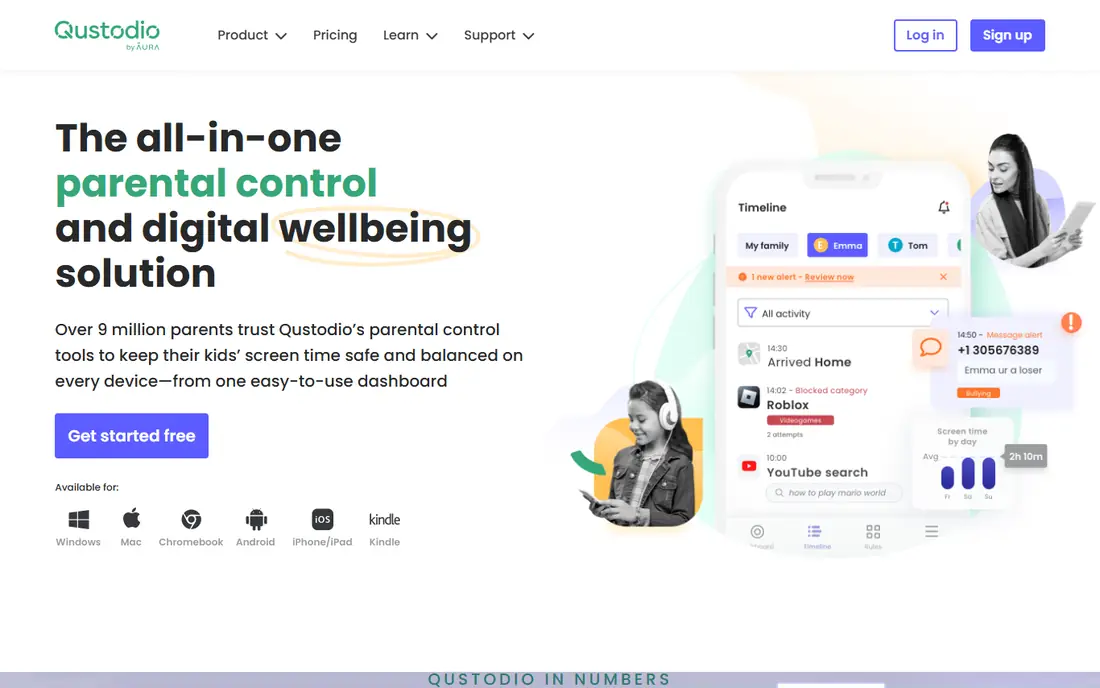
Qustodio is the most complete cross platform option here, which matters for families with a mix of phones, tablets, and computers. Parents can set daily time limits, block apps, schedule bedtime and school time, filter web content, and view activity reports from one dashboard. That breadth saves families from buying a separate tool for each device type.
The free plan is useful for testing, but it covers only one device, so multi device families will need a paid plan. iOS limits also mean some features work better on Android, so check the feature list for your exact devices before you pay. For mixed device homes, Qustodio is still the strongest all round choice.
- Works on Android, iOS, Windows, Mac, and Chromebook
- Daily limits, schedules, and web filtering
- Location and activity reports
- Free plan covers only one device
- Some iOS features are more limited than Android features
Apple Screen Time is the best starting point for families that already use Apple devices, because it is free and built in. Parents can set downtime, app limits, communication limits, and content restrictions through Family Sharing, without installing a third party app. That simplicity means setup takes minutes, and there is no subscription to manage.
The limits are platform and depth. It does not cover Android or Windows devices, and its filtering and reporting are lighter than Qustodio or Bark. Even so, many families find it enough, especially for younger children. Start here if your home is Apple only, and add a paid tool only if you need cross platform coverage or stronger filtering.
- Free and built into iPhone, iPad, and Mac
- Daily limits, app limits, and downtime schedules
- No extra app to install
- Apple devices only
- Reporting and filtering are lighter than paid parental control apps
Google Family Link is the free Android equivalent of Apple Screen Time, built for families with Android phones, tablets, and Chromebooks. Parents can approve app installs, set daily limits and bedtime, manage content filters, and see activity reports. For younger children with supervised Google accounts, it covers the core controls well.
Teen accounts and mixed device homes will find it thinner than a paid tool, since some controls loosen as children get older and iOS coverage is limited to the parent app. Even so, as a free starting point for Android families, it is hard to beat. Use it first, then add a paid app if you need stronger filtering or cross platform reports.
- Free for Android and Chromebook
- App approvals, daily limits, and bedtime schedules
- Location sharing for supervised accounts
- Best for children under 13 supervised accounts
- Features are thinner for teen accounts and non Android devices
Bark takes a different approach from most screen time apps. Instead of only counting minutes, it monitors texts, email, and many social apps for signs of bullying, predatory contact, self harm, and explicit content, then alerts parents to potential problems. That focus suits families with tweens and teens, where safety risks matter more than a simple daily limit.
The trade off is control depth. Bark screen time tools are lighter than Qustodio, so families who mainly need strict schedules should look elsewhere. Monitoring also needs an open family conversation, since teens should know what is monitored and why. Used with clear rules, Bark adds a safety layer that pure limit tools do not offer.
- Alerts for bullying, predatory messages, and explicit content across texts and many apps
- Focus on safety rather than minute counting
- Screen time limits are lighter than Qustodio
- Monitoring raises privacy questions that families should discuss openly
OurPact is known for simple, reliable schedules and instant blocking. Parents can set daily schedules, block apps or the whole device from their own phone, and manage screen time for each child separately. That direct control suits families who want to pause a device at dinner or bedtime without a long settings hunt.
The free plan is quite limited, and paid plans cost more than some rivals with broader filtering. Web filtering and detailed reports are also lighter than Qustodio. If your main need is schedules and a quick block button, OurPact does that job well, but check the paid plan features against Qustodio before you commit.
- Strong schedules for apps and devices
- Remote blocking from the parent phone
- Family locator on higher plans
- Free plan is limited
- Web filtering and activity reports are lighter than Qustodio
Mobicip offers broad platform coverage at one of the lowest prices in this list, which makes it attractive for larger families on a budget. Schedules, app limits, web filtering, and location tools cover the core parental control job across phones and computers. The free plan lets you test the basics before paying.
The app feels less polished than Qustodio, and some families report a steeper learning curve for setup. Even so, the price and platform range are strong, especially for families with many devices. Compare the annual total with Qustodio at your device count, since the cheaper monthly price can add up differently by plan.
- Low starting price when billed annually
- Works across Android, iOS, Windows, Mac, and Chromebook
- Schedules, filtering, and location
- Interface feels less polished than Qustodio
- Some advanced features need higher plans
Norton Family suits large families who want one plan for many children without paying per child. School Time mode helps block distracting sites during study hours, while web filtering, time limits, and location tools cover daily use. That value matters when you have three or more children on different devices.
There is no permanent free plan, only a trial, so you need to pay after testing. Feature depth is also a step below Qustodio for detailed reports, though most families will not miss the difference. If your household is large and your budget is fixed, Norton Family offers good coverage for the price.
- Covers many children and devices on one plan
- School Time mode for study hours
- Web filtering and location tools
- No permanent free plan, only a trial
- Screen time tools are solid but not the deepest here
Net Nanny leads with content filtering, blocking inappropriate sites and content in real time rather than relying only on block lists. That focus suits families with younger children, where filtering matters more than detailed activity reports. App blocking and time limits are included, so the core screen time job is covered too.
The main drawbacks are price structure and the lack of a free plan. Device limits vary by tier, so a large family may need a higher plan. Check the current plan limits for your device count before you buy. If filtering is your top priority, Net Nanny is a strong, focused choice.
- Strong real time content filtering
- Works on phones and computers
- App blocking and time limits included
- No free plan
- Device limits vary by plan, so check the tier for your family size
How we picked these
We compared official pricing pages, platform support, and feature lists for each app, and we checked that each one still offers screen time or parental controls in October 2026. We included free built in tools and paid apps, so families can start free and upgrade only if they need cross platform coverage, filtering, or safety alerts. Prices change, so confirm the current price on the vendor site before you subscribe. Parental control apps should be used with clear family rules and age appropriate conversations, not as secret monitoring.
How to choose a screen time app
Start with the devices your children actually use, then decide if your main need is limits, filtering, or safety alerts. That order prevents paying for a tool that does not cover your main device.
Match the app to your devices
Apple only homes should start with Apple Screen Time, and Android homes should start with Google Family Link, since both are free and built in. Mixed device homes should shortlist Qustodio, Mobicip, or Norton Family, and check iOS limits carefully, since Apple restricts some third party controls.
Decide what you want to control
If bedtime and daily limits are the main goal, a schedule focused app such as OurPact or a built in tool may be enough. If web filtering matters most, favor Qustodio, Mobicip, or Net Nanny. If teen safety alerts matter most, add Bark alongside a limits tool, since no single app leads on both jobs.
Set rules together
Agree daily limits, bedtime, and homework rules with your children, and explain what the app does and why. Children who understand the rules are more likely to accept them, and teens should know if messages are monitored. Review the limits every few months as children grow, since a rule that fits a 9 year old will not fit a 14 year old.
Frequently asked questions
What is the best app to limit screen time?
Qustodio is the best app to limit screen time for cross platform families, with daily limits, app limits, and schedules across phones and computers. Apple Screen Time and Google Family Link are the best free options for single platform homes. The best app to control screen time for you depends on your devices and whether you also need filtering or safety alerts.
What is the best screen time control app for kids?
For younger kids, Apple Screen Time or Google Family Link are strong free starting points, with simple limits and app approvals. Qustodio adds stronger filtering and cross platform reports for families with many devices. For older kids and teens, Bark adds safety alerts that pure limit tools do not offer. Choose based on age, devices, and the risks you most want to address.
What is the best app to reduce screen time for adults?
Built in tools such as Apple Screen Time and Google Digital Wellbeing help adults set app limits and downtime without a subscription. Paid focus apps can add stricter blocking, but most adults do well with built in limits plus a clear daily routine. If you need cross device blocking for work and personal phones, a paid tool may be worth testing.
Are parental control apps safe for kids privacy?
Parental control apps collect activity data to provide reports and filtering, so check each app privacy policy for what is stored, how long it is kept, and whether data is sold. Built in tools from Apple and Google generally collect less third party data than cloud based monitoring apps. Talk with your children about monitoring, limit monitoring to safety relevant data, and review app permissions regularly.
What is the best free screen time app?
Apple Screen Time is the best free screen time app for Apple households, and Google Family Link is the best free option for Android families. Both offer daily limits, schedules, and app controls at no cost. Qustodio and Mobicip also offer limited free plans, which are useful for testing a paid tool before you subscribe.
Sources we checked (8)

Online Jobs is an independent blog about careers, online work, learning new skills and the tools that help people earn. More about us.
Keep reading
All posts
n8n Alternatives
n8n alternatives compared for 2026, with Zapier, Make, Activepieces, and more, covering visual builders, code steps, self-hosting, and pricing models.

eBay Alternatives
Looking for ebay alternatives? We compared 9 marketplaces for sellers on fees, buyer reach, categories and ease of listing, to help you sell with confidence.

ZoomInfo Alternatives
The best ZoomInfo alternatives in 2026, compared on price, free plans, data coverage, and which tool fits small teams or large sales teams best in detail.