Best school management software in 2026: 8 options compared


large districts and K-12 schools · Starting price: See website
How we put this together: we compare official feature and pricing pages, app store listings, privacy policies and public user reviews. Prices change, so check the provider's site before you pay.
Key takeaways
- PowerSchool and Blackbaud suit large schools and districts that need depth and a wide set of connected tools.
- Smaller schools often get more value from Alma, Gradelink, or QuickSchools, where setup is simpler and pricing is easier to follow.
- FACTS and Classter are strong where billing, admissions, and academic records need to sit in one system.
- Ask for a quote in writing before you judge cost, since several large vendors do not publish school pricing.
Quick comparison
| Name | Who it suits | Starting price | Free option | |
|---|---|---|---|---|
| PowerSchool SIS | large districts and K-12 schools | See website | No | Visit |
 Blackbaud Education Management | independent and private schools | See website | No | Visit |
 FACTS SIS | private and faith-based schools | See website | No | Visit |
 Alma | small to mid-size schools | See website | Free trial | Visit |
 Gradelink | small schools and start-up schools | See website | Free trial | Visit |
 Classter | schools wanting modular pricing | See website | Free trial | Visit |
 Fedena | budget-conscious schools | See website | Free trial | Visit |
 QuickSchools | small schools needing a simple SIS | See website | Free trial | Visit |
The best school management software
We looked for systems that handle the daily work of a school, not just one task in isolation. The picks below cover student records, attendance, grading, timetables, billing, and parent communication, with a mix of large district systems and smaller tools for independent schools.
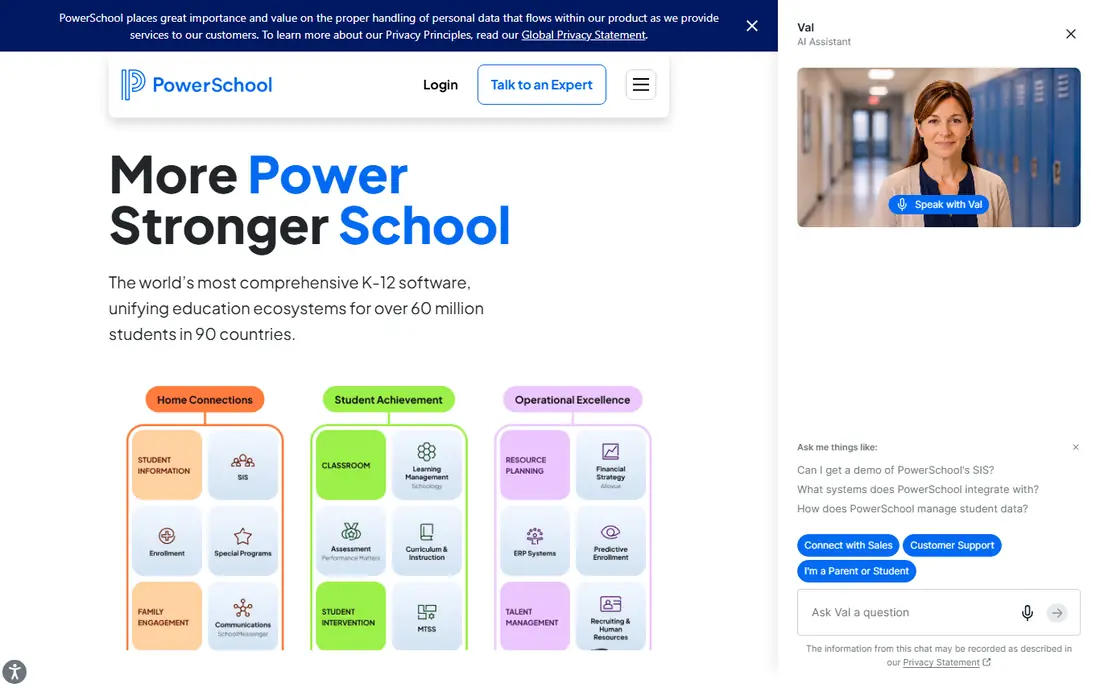
For schools that need a district or large school that needs a full student information system. its gradebook, attendance, scheduling, and reporting sit around a single student record, which cuts duplicate entry across offices. We place it here because its core job matches that need closely, and its limits are clear rather than hidden behind a long feature list.
In day to day use, the size of the system can feel heavy if you only need basic records, and smaller schools may pay for modules they never open That trade is worth naming before you sign up, because it shapes how much admin time the tool saves and how much it adds to a busy week.
Before you commit, check the parts you will touch every week: how data is imported, who can change a record, and how support responds when something breaks. A short trial with real records and a real weekly task will tell you more than a demo with sample data.
- Wide K-12 coverage
- Gradebook and attendance in one record
- Large support and training base
- Pricing is not published
- Setup can be long for a small school
Blackbaud Education Management
Who it suits: independent and private schools
If your team wants an independent or private school that wants learning, admissions, and billing connected. its classroom tools, enrolment workflow, and billing sit in one account for families, which helps offices answer parent questions without switching systems. We place it here because its core job matches that need closely, and its limits are clear rather than hidden behind a long feature list.
In day to day use, the breadth of the suite means implementation needs planning, and schools that only want a gradebook may find it too broad That trade is worth naming before you sign up, because it shapes how much admin time the tool saves and how much it adds to a busy week.
Before you commit, check the parts you will touch every week: how data is imported, who can change a record, and how support responds when something breaks. A short trial with real records and a real weekly task will tell you more than a demo with sample data.
- Learning management plus enrolment and billing
- Strong parent and alumni tools
- Long record in private education
- Pricing is not published
- The full suite can be more than a small school needs
This option suits a private school that needs tuition management alongside academic records. its billing and student records share the same family account, so tuition, grades, and attendance can be checked in one place. We place it here because its core job matches that need closely, and its limits are clear rather than hidden behind a long feature list.
In day to day use, schools outside its core private-school market may find parts of the workflow less suited to their funding and reporting rules That trade is worth naming before you sign up, because it shapes how much admin time the tool saves and how much it adds to a busy week.
Before you commit, check the parts you will touch every week: how data is imported, who can change a record, and how support responds when something breaks. A short trial with real records and a real weekly task will tell you more than a demo with sample data.
- Student records plus tuition billing
- Parent portal and gradebook
- Admissions workflow
- Pricing is not published
- Some features vary by plan
When the priority is a small or mid-size school that wants a clear gradebook without a long setup. its gradebook, attendance, and report cards are built for daily teacher use, and its portals give parents a single view of progress. We place it here because its core job matches that need closely, and its limits are clear rather than hidden behind a long feature list.
In day to day use, districts that need deep custom scheduling or complex district reporting may outgrow it sooner than a larger system That trade is worth naming before you sign up, because it shapes how much admin time the tool saves and how much it adds to a busy week.
Before you commit, check the parts you will touch every week: how data is imported, who can change a record, and how support responds when something breaks. A short trial with real records and a real weekly task will tell you more than a demo with sample data.
- Clean gradebook and reporting
- State reporting tools
- Parent and student portals
- Pricing is not published
- Advanced custom reporting may need support help
For teams that prefer a small school that needs to get running quickly with limited admin staff. its gradebook, attendance, and billing cover the core office tasks in one login, and lesson planning sits alongside grades rather than in a separate tool. We place it here because its core job matches that need closely, and its limits are clear rather than hidden behind a long feature list.
In day to day use, a growing school with complex scheduling or multi-campus reporting will likely need a larger system later That trade is worth naming before you sign up, because it shapes how much admin time the tool saves and how much it adds to a busy week.
Before you commit, check the parts you will touch every week: how data is imported, who can change a record, and how support responds when something breaks. A short trial with real records and a real weekly task will tell you more than a demo with sample data.
- Simple setup
- Gradebook, attendance, and billing
- Lesson planning included
- Smaller feature set than district systems
- Limited depth for large districts
If budget control matters most a school that wants to pick modules rather than buy one large bundle. its modular design lets a school start with admissions and academics and add billing or learning tools later, which keeps the first year simpler. We place it here because its core job matches that need closely, and its limits are clear rather than hidden behind a long feature list.
In day to day use, module choices can leave gaps if a school does not map its full workflow first, so the demo should cover every office task That trade is worth naming before you sign up, because it shapes how much admin time the tool saves and how much it adds to a busy week.
Before you commit, check the parts you will touch every week: how data is imported, who can change a record, and how support responds when something breaks. A short trial with real records and a real weekly task will tell you more than a demo with sample data.
- Modular setup so schools pay for chosen modules
- Admissions, academics, and billing
- Online learning tools
- Per-student pricing adds up at scale
- Setup choices need care to avoid gaps
This pick works well for a school with a tight budget that needs core records and fee tracking. its attendance, exam, timetable, and fee modules cover the basics at a lower price point than most district systems. We place it here because its core job matches that need closely, and its limits are clear rather than hidden behind a long feature list.
In day to day use, schools that want a polished parent app or deep integrations may find the experience plain, and should test the mobile view first That trade is worth naming before you sign up, because it shapes how much admin time the tool saves and how much it adds to a busy week.
Before you commit, check the parts you will touch every week: how data is imported, who can change a record, and how support responds when something breaks. A short trial with real records and a real weekly task will tell you more than a demo with sample data.
- Low-cost plans
- Attendance, exams, and fees
- Timetable and HR basics
- Interface feels dated next to newer tools
- Support quality varies by plan
For a setup where a small school that wants a simple student system without a long project. its gradebook, report cards, and admissions workflow are easy to learn, which matters when teachers and office staff share the admin load. We place it here because its core job matches that need closely, and its limits are clear rather than hidden behind a long feature list.
In day to day use, larger schools with complex scheduling, district reporting, or many integrations will hit its limits sooner That trade is worth naming before you sign up, because it shapes how much admin time the tool saves and how much it adds to a busy week.
Before you commit, check the parts you will touch every week: how data is imported, who can change a record, and how support responds when something breaks. A short trial with real records and a real weekly task will tell you more than a demo with sample data.
- Quick setup
- Gradebook and report cards
- Admissions and billing basics
- Limited depth for large districts
- Fewer advanced integrations
How we picked these
We compared official feature pages, pricing pages, app store listings, privacy pages, and public user reviews for each option in this guide. We checked that each product is live, that its stated purpose matches the topic of the article, and that its pricing or free tier could be stated plainly or marked as See website where the vendor does not publish a price. We did not claim hands-on testing. Where vendors describe a feature in different words, we used the plain meaning of that feature and left out claims we could not tie to a vendor page or a widely reported public review.
What to check before you choose
Start with the records your school cannot afford to get wrong: enrolment, attendance, grades, and fees. Map who enters each record, who approves it, and who sees it, then test those exact steps in a trial. Check data export and state reporting early, because a system that holds your history hostage is costly to leave. Ask how parent and student accounts are created, how grades are locked after a term ends, and how billing handles partial payments and refunds. For larger schools, ask about role permissions, audit trails, and how the vendor handles data protection for children, including where data is stored and how long backups are kept. For smaller schools, weigh total cost over three years, including training and any per-student fees, rather than the first-year quote alone. A system that staff actually use every day beats a larger system that only the office understands.
Frequently asked questions
What is the best school management software for a small school?
For most small schools, Alma, Gradelink, or QuickSchools are the safer shortlist, because setup is simpler and the daily tools are easy to learn. Larger systems suit districts, but they can add cost and training time a small team does not have. Start with a trial that covers grading, attendance, and billing together.
What is the best student management software for a large district?
PowerSchool SIS is the common choice for large districts, since it covers scheduling, grading, attendance, and reporting around one student record. Blackbaud is a closer fit for independent schools that also need admissions and advancement tools. Ask both vendors for a written quote and a reference school of similar size.
Is there a top school management system software with free options?
Most full systems in this guide do not offer a permanent free plan, though several offer a free trial. Fedena and QuickSchools are worth checking for lower-cost entry points, and open-source options exist outside this list. Check what the trial includes, since some trials limit student numbers or billing features.
What should a best school software package include?
At minimum, it should include student records, attendance, a gradebook, report cards, timetables, and a parent portal. Billing, admissions, and messaging are valuable extras, but only if your office will use them weekly. If a package lacks solid data export, treat that as a serious drawback.
How much does school management software cost?
Costs vary widely, and several large vendors do not publish prices, so you should request a written quote based on student numbers and modules. Smaller tools tend to price per student or per school per month, while district systems often price by enrolment and add-on modules. Compare three-year totals, not just the first year.
Sources we checked (8)

Online Jobs is an independent blog about careers, online work, learning new skills and the tools that help people earn. More about us.
Keep reading
All posts
Best eLearning Authoring Software
Compare the best eLearning authoring software in 2026, from Articulate 360 and Captivate to iSpring and Easygenerator, with prices and limits for buyers.

n8n Alternatives
n8n alternatives compared for 2026, with Zapier, Make, Activepieces, and more, covering visual builders, code steps, self-hosting, and pricing models.

eBay Alternatives
Looking for ebay alternatives? We compared 9 marketplaces for sellers on fees, buyer reach, categories and ease of listing, to help you sell with confidence.