Best AI Platforms for Teaching in 2026: 9 Tools Compared


Broad teacher toolkit · Starting price: $12.99 per month
How we put this together: we compare official feature and pricing pages, app store listings, privacy policies and public user reviews. Prices change, so check the provider's site before you pay.
Key takeaways
- MagicSchool AI is the broadest teacher toolkit, with lesson plans, rubrics, quizzes and feedback tools in one dashboard.
- Khanmigo is free for teachers in the United States and offers a tutor that coaches students rather than giving answers straight away.
- Brisk Teaching works inside Google Docs and Slides, which makes it the lowest friction choice for Google Classroom schools.
- Check privacy, age rules and district policy before using any AI tool with student data, and always review AI output before sharing it with a class.
Quick comparison
| Name | Who it suits | Starting price | Free option | |
|---|---|---|---|---|
| MagicSchool AI | Broad teacher toolkit | $12.99 per month | Yes | Visit |
 Khanmigo | Student tutoring and teacher tools | Free | Yes | Visit |
 Brisk Teaching | Feedback inside Google Docs | See website | Yes | Visit |
 Diffit | Leveled reading passages | $14.99 per month | Yes | Visit |
 Eduaide | Lesson resources and rubrics | $5.99 per month | Yes | Visit |
 Curipod | Live interactive lessons | See website | Yes | Visit |
 Quizlet | Study sets and practice | $7.99 per month | Yes | Visit |
 NotebookLM | Learning from your own sources | Free | Yes | Visit |
 Canva for Education | Visual lessons and slides | Free | Yes | Visit |
The best AI platforms for teaching, compared
AI teaching tools fall into two groups: tools that help teachers plan, mark and create resources, and tools that help students learn through tutoring, practice and feedback. The best setup for most teachers is one planning tool plus one student-facing tool, rather than a long list of overlapping apps.
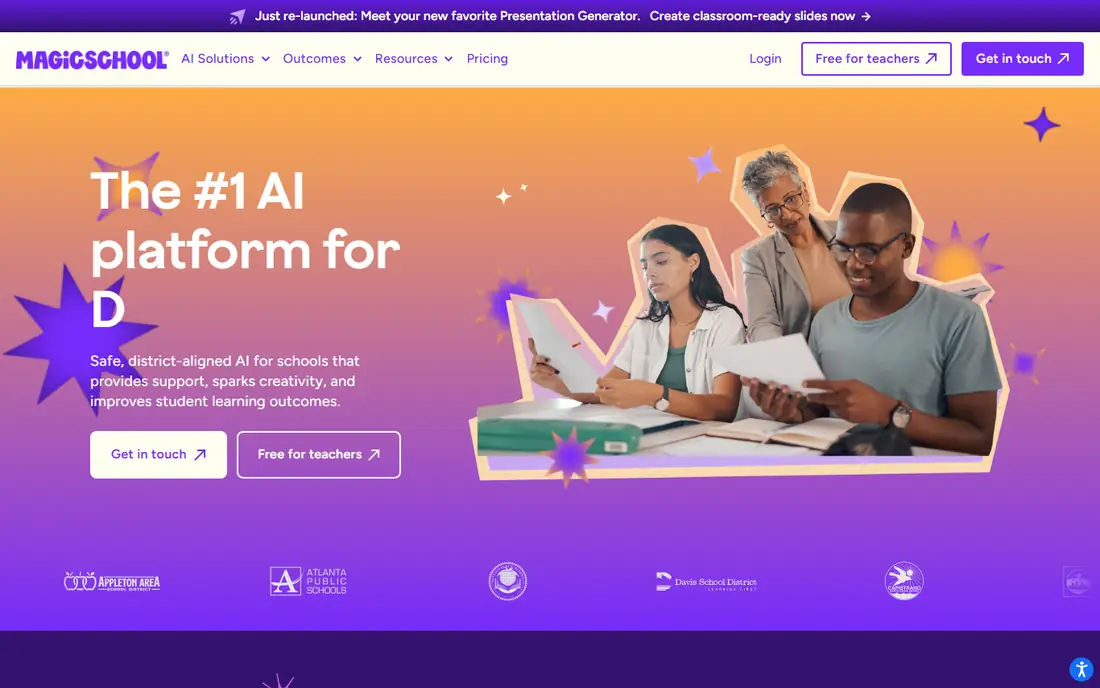
MagicSchool AI is the closest thing to a one-stop toolkit for teachers. You enter grade, subject, topic and standards, and it can draft a lesson plan, a quiz, a rubric, differentiated activities or report-card comments in a structured format. That breadth saves time on routine planning, especially at the start of a term when many documents are needed at once. The free plan covers a normal week of planning for many teachers, but heavy users will hit usage limits and need the Plus plan. Output quality also varies, so teachers should check facts, adjust reading level and remove anything that does not fit their class before use. Used as a drafting assistant, with teacher review as the final step, MagicSchool is a strong overall pick.
- More than 80 teacher tools in one place
- Lesson plans, rubrics and report comments
- Student tools with teacher controls
- Free plan has usage limits
- Quality varies by subject and prompt, so output needs review
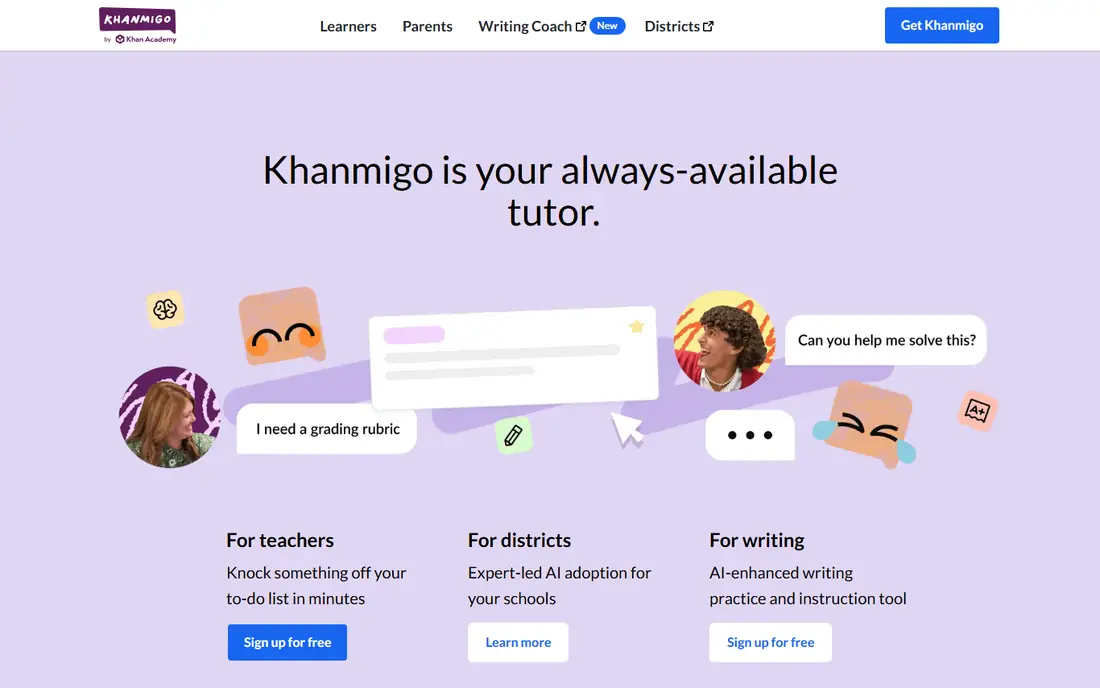
Khanmigo takes a different approach from a general chatbot. As a tutor, it asks guiding questions and helps students work through a problem, rather than handing over a finished answer. That design fits classroom use, where the goal is learning, not just completing homework. Teacher tools for lesson planning and class activities sit beside the tutor, and the link to Khan Academy content gives students a clear path to practice. Access is the main complication. Teacher tools are free for teachers in the United States, while student tutor access is often arranged through a school or district. Subject coverage is also stronger in some areas, such as maths, than in others. For schools that want a pedagogy-first tutor, Khanmigo is the most classroom-minded option on this list.
- Free for teachers in the United States
- Socratic tutoring that guides students
- Linked to Khan Academy lessons
- Student tutor access depends on district purchase in many cases
- Coverage varies by subject
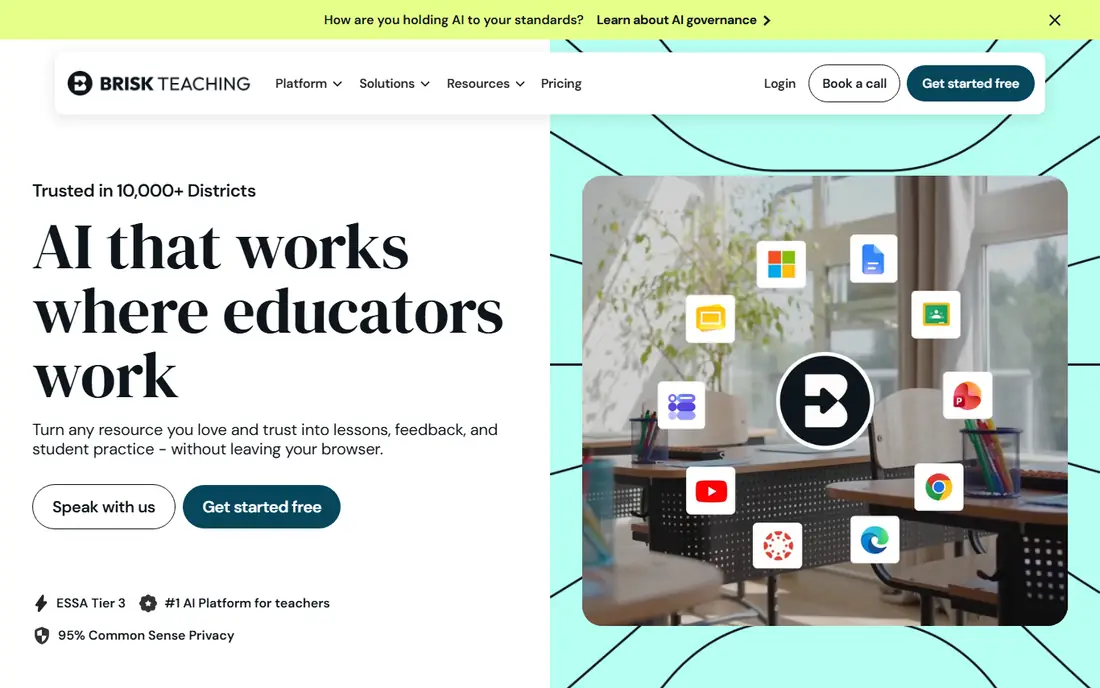
Brisk Teaching wins on workflow, because teachers do not need to open a new platform to use it. As a Chrome extension, it works inside Google Docs, Slides, web articles and YouTube, offering feedback, levelled reading, lesson drafts and quiz creation where teachers already work. For Google Classroom schools, that lack of friction matters more than a longer feature list elsewhere. The trade-off is dependence on Google Workspace and Chrome. Schools using other platforms will get less value, and some advanced features sit behind paid plans. If your school already lives in Google Docs and Classroom, Brisk is the easiest AI teaching tool to adopt, and the free tier covers more than 20 tools for everyday use.
- Works as a Chrome extension in Docs and Slides
- Rubric-based feedback and grading help
- Lesson and quiz creation
- Best inside Google Workspace
- Some advanced features need a paid plan
Diffit solves a specific classroom problem: one topic, many reading levels. A teacher can turn a passage, article or topic into leveled reading texts, summaries, vocabulary lists and question sets in minutes, which helps mixed-ability classes and multilingual learners work on the same content at a suitable level. That focus makes it faster than asking a general chatbot to do the same job repeatedly. The monthly price is higher than some rivals for a single teacher, and leveled output still needs checking for accuracy and reading level. Diffit is best bought for a clear need, such as differentiation in English, history or science, rather than as a general planning tool. For that need, it is one of the most useful AI tools for teaching.
- Fast leveled passages and summaries
- Vocabulary and question sets included
- Useful for mixed-ability classes
- Higher monthly price for individual teachers
- Output needs fact and level checks
Eduaide offers a large set of templates for lesson plans, worksheets, rubrics, assessments and feedback, with options that reflect teaching frameworks and depth-of-knowledge levels. Teachers who like structured templates will find it easy to generate a usable first draft, then adjust it for their class. The individual Pro price is also lower than several rivals, which helps teachers paying out of pocket. The platform is less well known than MagicSchool, and its interface is functional rather than flashy. That matters less if you value the template range and price. For teachers who want a pedagogy-minded planning tool without a high monthly cost, Eduaide is a strong and affordable alternative.
- Many resource types, from worksheets to assessments
- Pedagogy-focused templates
- Low annual price for individuals
- Smaller brand presence than MagicSchool
- Interface is less polished in places
Curipod is built for live lessons, not just planning. A teacher creates an interactive lesson with polls, open questions, drawing prompts and writing tasks, students join on their devices, and the teacher can give AI-assisted feedback during the lesson. That live loop helps with engagement and writing practice, because students respond in the moment rather than waiting for homework feedback. The main limits are practical. Curipod needs student devices and a stable connection, and school pricing is arranged by quote rather than a simple published price. Teachers without one-to-one devices will get less value. For classrooms that already use devices daily, Curipod turns a slide deck into an interactive lesson with real student input.
- Live lessons with student responses on devices
- AI feedback during writing practice
- Engaging polls and prompts
- School pricing is quote-based
- Needs student devices and stable internet
Quizlet is a study tool first and an AI teaching tool second, which is why students already know it. Teachers and students can create or find flashcard sets, then practise with Learn mode, practice tests and games that adapt to what a learner gets wrong. The Q-Chat tutor on paid plans adds AI-guided practice, and Magic Notes can turn notes into study sets. The weakness is quality control. User-made sets vary in accuracy, so teachers should review or create sets for their class rather than assigning the first result. Paid features also matter for the full AI experience. For recall, vocabulary and test preparation, Quizlet remains one of the most practical AI-supported tools for teaching and revision.
- Huge library of study sets
- Flashcards, practice tests and games
- Q-Chat AI tutor on paid plans
- Quality of user-made sets varies
- Best AI features need a paid plan
NotebookLM is useful for teachers and older students who want AI help with material they already trust. You upload documents, slides, web links or notes, and NotebookLM answers questions, summarises and creates study guides based on those sources, with citations back to the passages it used. That source grounding reduces the risk of invented facts compared with a general chatbot. It is not a replacement for MagicSchool or Brisk, because it does not offer a full lesson-planning toolkit. Its value depends on the quality of the sources you add, so a weak textbook chapter will still produce weak output. For revision, research and source-based study, NotebookLM is a free and genuinely useful addition to a teaching toolkit.
- Answers grounded in sources you upload
- Citations to source passages
- Free with a Google account
- Not a lesson-planning toolkit
- Needs good source material to be useful
Canva for Education gives verified K-12 teachers free access to the full Canva design platform, including Magic Studio AI features for text, images and design help. Teachers can create slides, posters, worksheets, infographics and short videos that look polished without design training, and students can collaborate on class projects in the same workspace. The education plan requires verification, and its AI tools are general design assistants rather than subject-specific teaching tools. Canva will not plan a lesson or mark work, but it will make the materials for that lesson look clear and engaging. Paired with a planning tool like MagicSchool, it covers the visual side of teaching very well.
- Free for verified K-12 teachers
- Slides, posters, worksheets and video in one tool
- AI Magic Studio features
- Verification is needed for the education plan
- AI features are general, not subject-specific
How we picked these
We compared official feature and pricing pages, education privacy information and public teacher reviews for AI tools that are still offered for teaching in October 2026. We favoured tools built for classrooms or with a clear education plan, a usable free tier, and controls for student data, rather than general chatbots with no education safeguards. Prices shown are individual teacher prices where published, and we used See website where pricing is by school, district or quote.
Choosing the best AI tool for teaching
Start with the job you do most. Planning-heavy teachers should start with MagicSchool or Eduaide, Google Classroom schools should try Brisk first, and differentiation needs point to Diffit. Student-facing work calls for Khanmigo, Quizlet or Curipod, depending on whether you want tutoring, practice or live interaction.
Check privacy before you use student data
Read the privacy policy, check whether student data is used for model training, and follow your district rules on age, consent and approved tools. Avoid entering student names, grades or sensitive details into a general AI tool that is not approved for school use. When in doubt, use the tool for planning and resource creation, not for student records.
Review every AI output before class
AI tools can invent facts, set the wrong reading level or miss curriculum details. Treat every lesson plan, quiz and passage as a first draft, check facts against trusted sources, and adjust language and examples for your students. That review step is what turns an AI assistant into a teaching aid, rather than a shortcut that reaches the classroom unchecked.
Frequently asked questions
What is the best AI software for teaching overall?
MagicSchool AI is the broadest overall pick for teachers, because it covers lesson plans, rubrics, quizzes and feedback in one dashboard with a free tier. Khanmigo is the best student-facing tutor for pedagogy-first learning, and Brisk Teaching is best for Google Workspace schools. Most teachers get the best result from one planning tool plus one student tool, rather than trying to use all of them.
What are the best AI teaching tools with good reviews?
MagicSchool, Khanmigo, Brisk Teaching and Quizlet are among the most widely reviewed AI teaching tools, with large teacher user bases and frequent updates. Diffit and Eduaide also receive positive teacher feedback for differentiation and lesson resources. Reviews should be weighed against your subject, age group and platform, because a tool that works well in one classroom may fit less well in another.
What is the best AI tool for teaching online?
For online teaching, Curipod works well for live interactive lessons, while Quizlet and Khanmigo support practice and tutoring between live sessions. NotebookLM helps online learners study from course sources, and Canva for Education helps teachers create clear visual materials for online classes. Choose based on whether your online sessions are live, self-paced or a mix of both.
Are AI teaching tools free for teachers?
Several tools offer free tiers or free education plans, including MagicSchool, Khanmigo for teachers in the United States, Brisk Teaching, Eduaide, NotebookLM and Canva for Education. Free tiers usually have usage limits or fewer advanced features, and some student-facing features need a school or district plan. Check the current education pricing on each vendor site before you plan a whole term around a free tier.
How do I use AI tools for teaching safely?
Use approved tools, avoid entering student personal data into unapproved chatbots, and review all AI output for accuracy before sharing it with students. Teach students to check AI answers, cite sources and do their own thinking, rather than copying output. Set clear classroom rules on when AI help is allowed and when work must be done without it, so students understand the boundary.
Sources we checked (9)

Online Jobs is an independent blog about careers, online work, learning new skills and the tools that help people earn. More about us.
Keep reading
All posts
Best school management software
Best school management software compared for K-12 schools, covering student records, grading, attendance, billing, and parent communication in one place.
Best eLearning Authoring Software
Compare the best eLearning authoring software in 2026, from Articulate 360 and Captivate to iSpring and Easygenerator, with prices and limits for buyers.

n8n Alternatives
n8n alternatives compared for 2026, with Zapier, Make, Activepieces, and more, covering visual builders, code steps, self-hosting, and pricing models.