8 Best Reverse Image Search Tools for Photos, Products, and Sources

How we put this together: we compare official feature and pricing pages, app store listings, privacy policies and public user reviews. Prices change, so check the provider's site before you pay.
Key takeaways
- Google Lens is the best free starting point for most people because it is free, built into Chrome and Android, and searches a very large index.
- TinEye is the best tool for tracing where an exact photo first appeared, since it sorts matches by oldest first and shows edited versions.
- Bing Visual Search and Yandex Images are worth trying when Google finds nothing, because each searches a different index and returns different matches.
- Face search tools such as PimEyes and Lenso.ai can find photos of a person, but they raise privacy questions, so use them only on your own photos or with clear permission.
- No single tool covers the whole web, so checking two or three tools in parallel gives far better results than relying on one.
Quick comparison
| Name | Who it suits | Starting price | Free option | |
|---|---|---|---|---|
 Google Lens Google Lens | Everyday free reverse search | Free | Yes | Visit |
 TinEye TinEye | Tracing exact photo copies | Free | Yes | Visit |
 Bing Visual Search Bing Visual Search | Second index for products and objects | Free | Yes | Visit |
 Yandex Images Yandex Images | Similar photos and faces | Free | Yes | Visit |
 PimEyes PimEyes | Face matching across the web | See website | No | Visit |
 Lenso.ai Lenso.ai | Face and source tracking with alerts | See website | No | Visit |
 Berify Berify | Multi-engine search in one place | See website | No | Visit |
 SauceNAO SauceNAO | Anime and illustration sources | Free | Yes | Visit |
The best reverse image search tools
We compared index size, match accuracy, free tier depth, privacy handling, and how well each tool suits a specific job such as finding a source, a product, or a face.
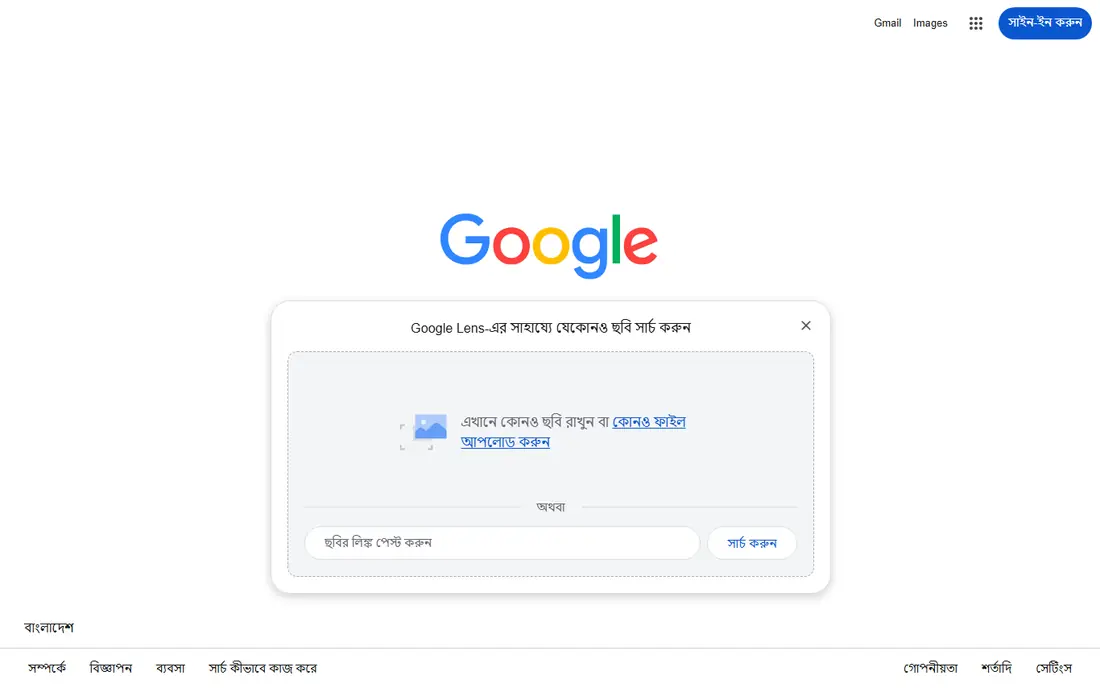
Google Lens is the tool most people should try first. It is free, it needs no account for basic searches, and it is built into Chrome, Android, and Google Photos, so a search takes seconds. Point it at a photo and it can identify objects, read text, translate signs, name landmarks, and find visually similar images across a very large index. For product hunting, it can often find the same item for sale, and for a viral photo, it can often find the page where the image is used.
The limits are by design. Google Lens does not offer the kind of face matching that specialist face search tools provide, and a cropped, filtered, or low-resolution photo will return weaker matches. Still, for general reverse search, Lens wins on cost, speed, and coverage, and it should be the first step in any multi-tool check.
- Free with no daily cap
- Largest general image index
- Identifies objects, text, landmarks, and products inside a photo
- Face matching is limited by design
- Results depend on image quality and cropping
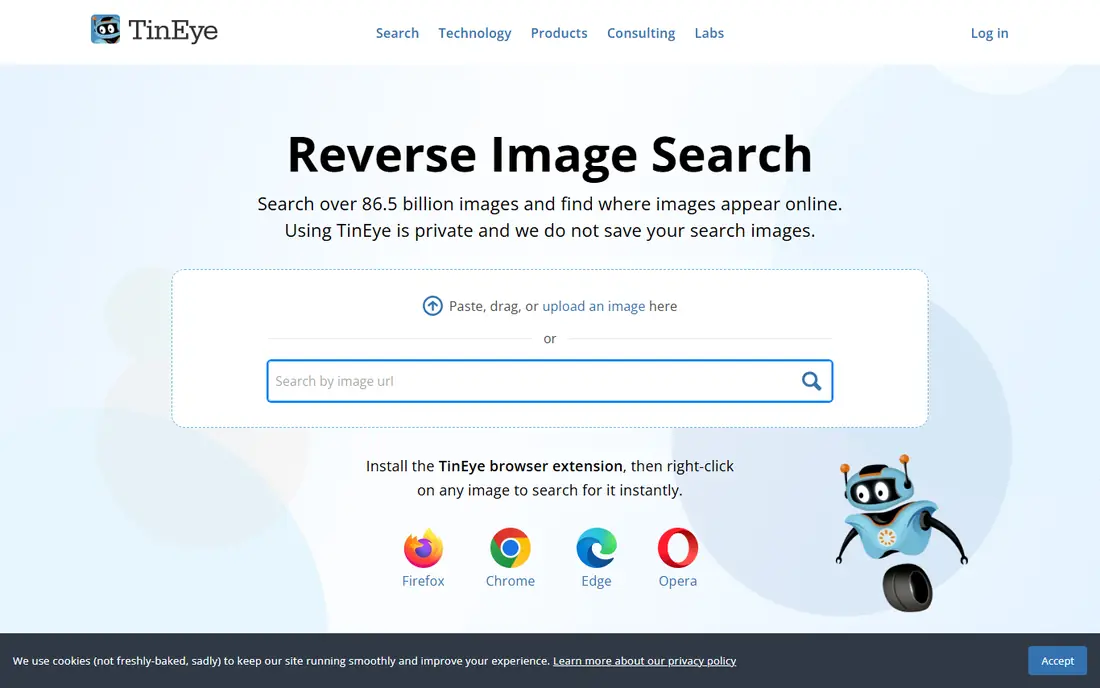
TinEye is the specialist for one job: finding where an exact image appears online. Its index covers tens of billions of images, and its best feature is sorting matches by oldest first, which helps trace a photo back to its first publication. It also finds edited, cropped, and resized versions of the same image, and it lets you compare a match with your original to spot changes. TinEye states that it does not save or index your search images, which is a clear privacy plus.
The trade-off is breadth. TinEye is weaker than Google Lens at naming an object, a plant, or a product in a photo, and its index is smaller than Google's. Use TinEye when the question is "where has this exact photo been used" rather than "what is in this photo." Journalists, photographers, and anyone checking image theft will find it the most useful tool here.
- Free for non-commercial searches
- Sorts matches by oldest first
- Finds edited and cropped versions
- Does not save your search images
- Smaller index than Google
- Weaker for identifying objects or products
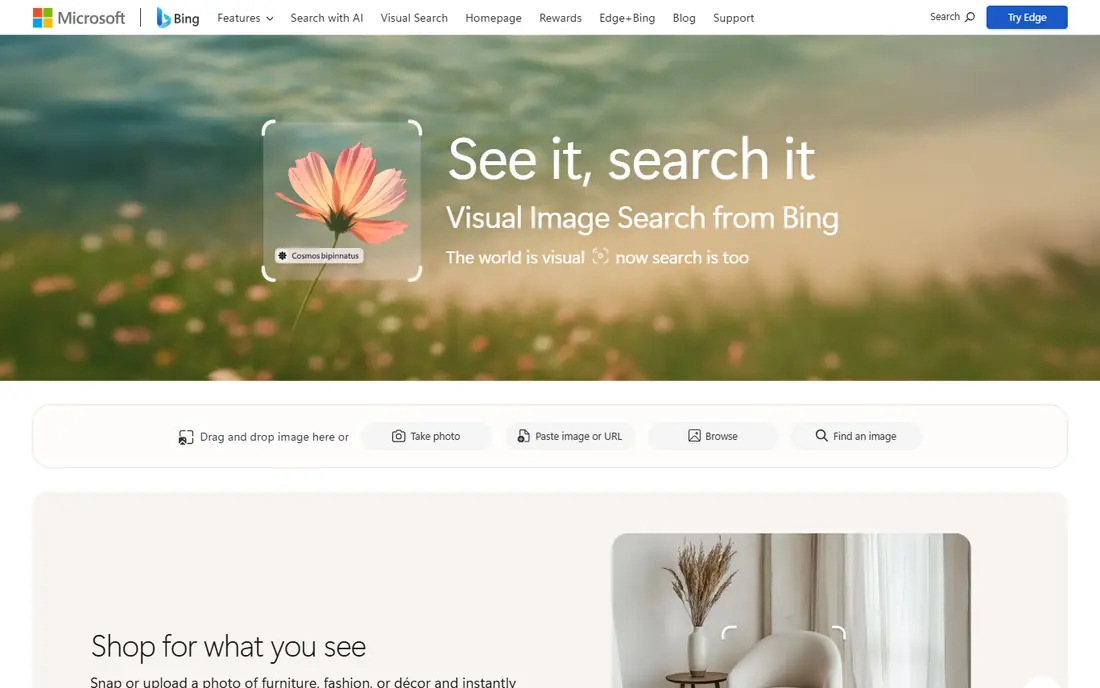
Bing Visual Search is the best second opinion when Google Lens finds nothing. It searches a different index, accepts uploads, pasted images, and image URLs, and it is often strong on products and fashion, sometimes beating Google on clothing and home goods. It is free and built into Bing and Microsoft Edge, so there is no extra app to install for most Windows users.
The catch is consistency. Bing can return fewer exact-copy matches than TinEye or Google, and some features ask for a Microsoft account. Treat Bing as a complement, not a replacement: run the same photo through Lens and Bing, and compare the two result sets before you conclude that a photo has no matches.
- Free
- Accepts a photo, an upload, a pasted image, or a URL
- Strong on products and fashion items
- Results can be weaker than Google for exact copies
- Microsoft account needed for some features
Yandex Images earns its place because it searches a different index from Google and Bing, and it often returns matches the others miss, especially for photos that first appeared on sites Google indexes poorly. It is also strong on similar photos of people, places, and scenes, which is why it is widely used by researchers checking a photo's background. It is free and works in a browser with no account.
The drawbacks are practical. The interface can feel less familiar to English-speaking users, and coverage varies by region and by topic. Yandex is best used as a third check in a parallel workflow: Lens for breadth, TinEye for exact copies, and Yandex for similar photos that the first two missed.
- Free
- Separate index that often returns different results
- Strong on similar photos of people, places, and scenes
- Interface and language options can feel less familiar
- Index coverage varies by region
PimEyes is the most accurate paid face search tool in this list. Upload a face photo and it searches for matching faces across public web sources, with alerts when new matches appear. That makes it useful for a narrow, legitimate job: checking whether your own photos are being used without permission, or checking a photo you own for misuse. The free tier will tell you that a match exists, but seeing full results requires a subscription.
The honest catch is privacy. Face search is powerful, and it should not be used to identify strangers, track people, or check photos without permission. PimEyes also does not search social media platforms directly, so it will miss matches that live only behind logins. Use it on your own image, read its privacy terms, and treat any match as a lead to verify, not as proof of identity.
- Deep face matching across web sources
- Alerts for new matches
- Useful for checking misuse of your own photos
- Full results require a paid subscription
- Free preview only confirms that a match exists
- Privacy concerns around face search
Lenso.ai combines several jobs in one tool. It offers face search, duplicate and source tracking, place search for landmarks, and filters by site, language, date, and size. You can save results in collections and set alerts for new matches, which suits photographers and researchers who track an image over time. Its interface is simple, and searches run fast.
The limits are cost and privacy. The most useful features sit behind a paid plan, and face search should only be used on photos you own or have permission to check. For general object or product search, Google Lens remains free and faster. Lenso.ai is best for people who need ongoing tracking and filtering, not for a one-off product lookup.
- Face search plus place and duplicate search
- Filters by site, date, and size
- Alerts and saved collections
- Best results require a paid plan
- Face search raises the same privacy limits as PimEyes
Berify solves the main weakness of single-engine search: each engine indexes a different part of the web. Berify runs your image through Google, Bing, Yandex, and TinEye at the same time and returns a combined result set, which catches matches that any single engine misses. It also supports reverse video search, which most tools here do not, and it offers monitoring alerts for ongoing tracking.
The trade-off is price. The free trial is limited, and regular use requires a paid plan. For a casual user checking one photo, running Lens, TinEye, and Yandex by hand is free and nearly as good. For a creator, agency, or researcher who checks images every week, Berify saves real time and is worth the subscription.
- Searches Google, Bing, Yandex, and TinEye at once
- Supports video search
- Image monitoring alerts
- Free trial is limited
- Paid plans needed for regular use
SauceNAO is the niche pick that standard engines cannot replace. Photographs and illustrations have different file patterns, so Google Lens and TinEye often fail on anime, manga, and digital art. SauceNAO indexes illustration platforms such as Pixiv, Danbooru, and DeviantArt, and it can name the artist and the original post for an image in seconds. It is free for basic searches and works in a browser.
The scope is narrow by design. SauceNAO is not useful for photographs, products, or landmarks, and its results focus on art sources rather than general web pages. If your question is about an illustration, start here. If it is about a photo, start with Lens and TinEye instead.
- Free
- Indexes illustration sites such as Pixiv and Danbooru
- Identifies art that standard engines miss
- Narrow focus on art and illustration
- Not useful for photographs or products
How we picked these
We compared official feature pages, pricing pages, privacy policies, and public reviews for each tool, and we checked that each tool is still available and maintained. We favored tools with a clear free tier or trial, a stated privacy policy for uploaded images, and a distinct strength, such as exact-copy tracing, face matching, or illustration search. We did not test face search on photos of other people, and we did not verify any claim about total index size beyond what vendors publish.
How to run a reliable reverse image search
Start with the job, not the tool. If you want the source of a photo, use TinEye and sort by oldest. If you want to name an object or find a product, use Google Lens first. If you want similar photos of a person or a place, add Yandex Images. Run at least two tools before you conclude that a photo is original or that a profile photo is fake, since each index misses things the others catch.
Improve your match rate
Use the largest, least cropped version of the image you have. Cropping out background detail, adding heavy filters, or screenshotting a small thumbnail all reduce match quality. If the first search fails, try a different crop that keeps the main subject plus some background, and try a reverse search on a second frame if the image came from a video.
Treat face matches with care
A face match is a similarity score, not an identity proof. Lighting, age, angle, and image quality all cause false matches, and a match on a lookalike is common. Never use a face search result alone to accuse someone, contact an employer, or publish a claim. Verify through a second source, and do not search photos of minors or private individuals.
Protect your own photos
If you upload your own photo to a reverse search tool, check whether the tool saves or indexes uploads. TinEye states that it does not save search images, while other tools vary. For sensitive photos, use a tool with a clear no-storage policy, and avoid uploading photos that contain private details such as documents, addresses, or children.
Frequently asked questions
What is the best free reverse image search tool?
Google Lens is the best free reverse image search tool for most people, since it is free, has no daily cap, and searches a very large index. TinEye is the best free tool for tracing exact copies, and Bing Visual Search is the best free second check. Use all three for important checks, since each index returns different results.
What is the best reverse image search app for a phone?
Google Lens is the best reverse image search app for most phones, since it is built into Android and available inside the Google app on iPhone. TinEye and Yandex Images work well in a mobile browser, and SauceNAO works in a browser for art searches. For face search on a phone, use a vendor's mobile site only on photos you own.
What is the best app for reverse image search of a person?
PimEyes and Lenso.ai are the most capable face search tools here, but both require paid plans for full results and should only be used on your own photos or with permission. For a quick check of a dating profile photo, a free preview from a face tool plus a Lens and Yandex search is a safer first step than paying at once.
Can reverse image search find the original source of a photo?
Often, yes, but not always. TinEye sorts matches by oldest first, which helps find the earliest publication, and Berify combines several engines to widen the net. If a photo was never published online, was heavily edited, or lives only behind a login, no public tool will find its source.
Is reverse image search free?
Many tools are free for basic use, including Google Lens, TinEye for non-commercial searches, Bing Visual Search, Yandex Images, and SauceNAO. Face search and multi-engine tools such as PimEyes, Lenso.ai, and Berify charge for full results. Check the free tier limits before you upload a large batch of images.
Which reverse image search tool is best for copyright checks?
TinEye is the best starting point for copyright checks because it finds exact and edited copies and sorts by oldest match. Berify adds multi-engine coverage and alerts for new uses, which helps creators who track images over time. Keep screenshots of matches with dates, since a match list alone is not legal proof of ownership.
Sources we checked (10)

Online Jobs is an independent blog about careers, online work, learning new skills and the tools that help people earn. More about us.
Keep reading
All posts
Zoom Alternatives
Zoom alternatives compared for 2026: Google Meet, Microsoft Teams, Webex, Jitsi and more for free calls, large meetings and webinars for teams and classrooms.

Workday Alternatives
We compared the best workday alternatives for HR, payroll, and global hiring, from BambooHR and Gusto to Rippling, Deel, and HiBob for growing teams in 2026.

WordPress Alternatives
WordPress alternatives guide: we compare 8 platforms for builders, designers, stores, and publishers to leave WordPress without losing your full site content.