Best Resume Builder App in 2026: 9 Apps Compared


Fast, polished resumes with little fuss · Starting price: $29.95 every 4 weeks
How we put this together: we compare official feature and pricing pages, app store listings, privacy policies and public user reviews. Prices change, so check the provider's site before you pay.
Key takeaways
- The biggest pricing trap is the cheap trial that renews into a monthly plan, so check the renewal price before you add card details.
- Teal and FlowCV give the most usable free options, while Novoresume offers a one-time payment instead of a subscription.
- For plain, parser-friendly resumes, single-column templates are the safer choice, and design-led templates suit creative roles better.
- A builder saves time on formatting, but the wording still needs your real results, dates, and skills to carry weight.
Quick comparison
| Name | Who it suits | Starting price | Free option | |
|---|---|---|---|---|
| Resume.io | Fast, polished resumes with little fuss | $29.95 every 4 weeks | Limited | Visit |
 Zety | Guided building with ready-made phrases | $25.95 every 4 weeks | Limited | Visit |
 Novoresume | Honest one-time pricing | See website | Yes | Visit |
 Kickresume | Design-led templates with AI writing help | See website | Yes | Visit |
 Enhancv | Creative layouts and strong tailoring | $24.99 per month | Free trial | Visit |
 Teal | Free resumes plus job application tracking | $29 every 30 days | Yes | Visit |
 FlowCV | Clean, simple resumes at no cost | See website | Yes | Visit |
 Resume Genius | Step-by-step help for first-time writers | $23.95 every 4 weeks | Limited | Visit |
 Canva | Visual resumes for creative fields | $14.99 per month | Yes | Visit |
The best resume builder apps
These nine tools cover the main ways people build a resume in 2026: guided builders, design-led editors, and free options that keep the focus on content. We compared official feature pages, pricing pages, and app store listings, and we noted where a free plan only allows a plain text download.
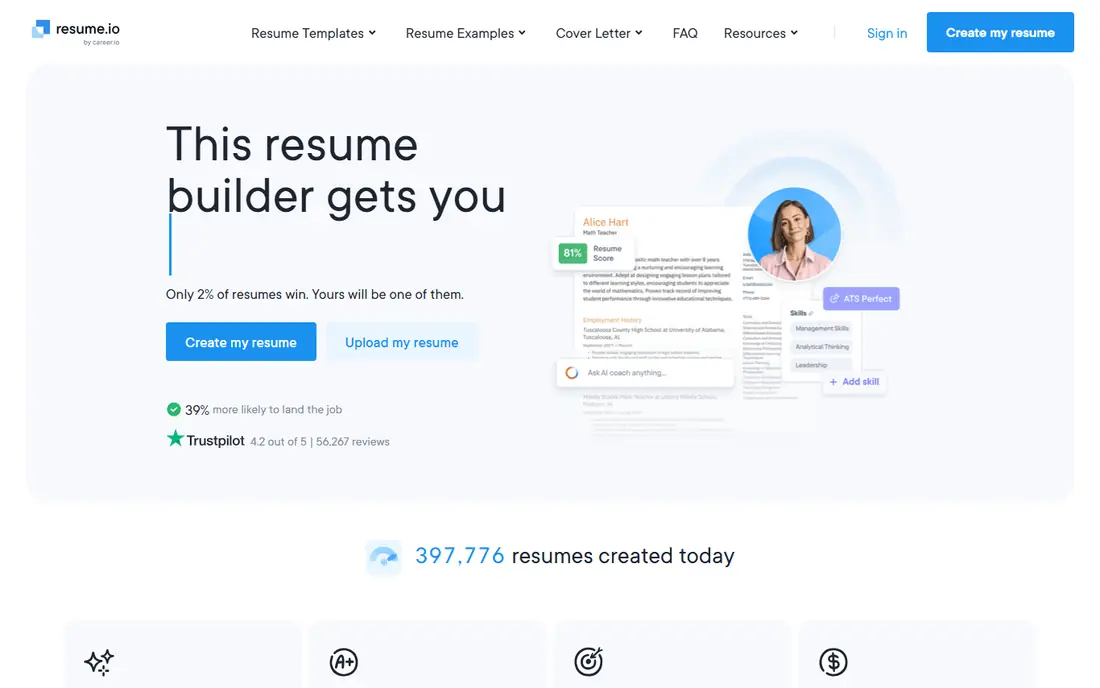
Resume.io suits job seekers who want a finished resume in one sitting. The builder walks through each section in order, suggests wording, and keeps the layout tidy without asking you to fiddle with margins or fonts. Templates look professional rather than flashy, which fits office, admin, sales, and customer service roles well.
The catch is the free tier. You can build a resume without paying, but downloading it as a PDF or Word file needs a paid plan, and the paid plan follows a trial that renews every 4 weeks. If you use it for a short, focused job search and cancel right after downloading, that cost stays contained. If you forget to cancel, it keeps charging, so set a reminder on the day you sign up.
- Quick guided builder
- Clean templates
- Cover letter builder included
- Free plan limits downloads to plain text
- Paid plan renews every 4 weeks
Zety stands out for people who stare at a blank page and do not know how to describe their last job. Its library of ready-made phrases covers many common roles, and you can adapt a phrase rather than copying it word for word. That helps first-time writers and career changers who need a starting point, not a blank box.
The editor also includes a resume check that flags common problems before you apply. On the downside, the free plan again limits downloads to plain text, and the low trial price renews at the full 4-week rate. Read the renewal terms on the pricing page before you start, and keep your own copy of the final text outside the builder.
- Large phrase library
- Many templates
- Resume checker included
- PDF and Word downloads need a paid plan
- Trial renews automatically
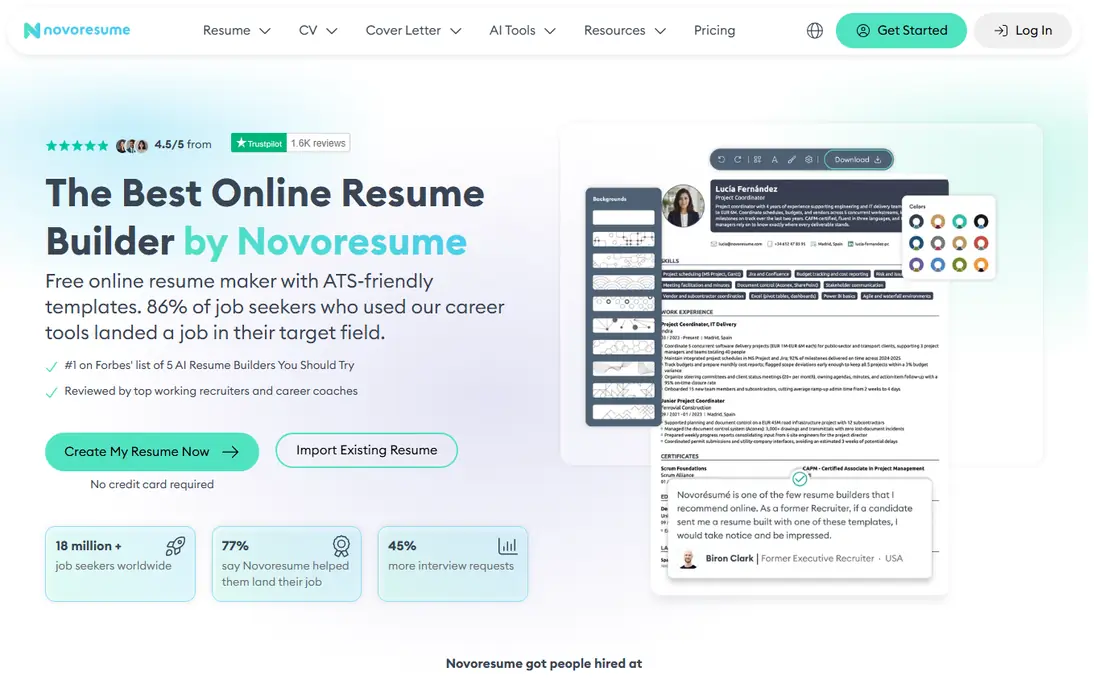
Novoresume is our pick for readers who dislike subscriptions. Its premium option can be bought as a one-time payment for a set period, rather than rolling on until you remember to cancel. That alone makes it easier to budget for, and the free plan gives you a real one-page PDF, not just a text file.
Templates are restrained and easy to scan, with standard headings that applicant tracking systems can read. The trade-off is scope: the free plan is best for a single page, and people with long careers may need the paid tier for a second page and fuller control. If your resume fits on one page and you want a calm, clear result, start here.
- One-page resume on the free plan
- One-time payment option
- Clean, parser-friendly templates
- Free plan covers one page only
- Fewer design-led templates than Canva
Kickresume appeals to job seekers who care how the page looks as well as what it says. Its templates were designed by typographers and reviewed for readability, and the range runs from quiet corporate styles to bolder layouts for design and marketing roles. The AI writer can draft a work experience section from a job title, which you then edit into your own words.
The free plan includes a small set of basic templates with unlimited downloads, which is more generous than most rivals. The catch is that the full template library, the checker, and the full AI features need a paid plan. Use the free tier to test whether you like the editor, then upgrade only if a paid template clearly fits your field.
- Strong template range
- AI writing help
- Resume samples from real roles
- Best templates sit behind the paid plan
- Pricing varies by billing period
Enhancv is the choice for candidates who want a resume that looks considered without turning into a poster. Its templates use color and spacing with restraint, and the AI assistant works inside the document, rewriting a bullet or sharpening a summary where you are writing. Tailoring to a pasted job description is quick, which matters when you are applying to several similar roles.
The honest weakness is price and access. There is a free trial period rather than a lasting free plan, and the monthly rate sits above budget builders. It earns that price for people who apply often and want tailored versions for each role. For a single application, a cheaper or free builder may do the same job.
- Distinctive two-column options
- Inline AI editing
- Tailoring to a job description
- Free access is a trial, not a lasting free plan
- Monthly price is higher than some rivals
Teal is different from most builders on this list because it treats the resume as one part of a job search. The free plan lets you build and download a resume as a PDF, and the same account tracks applications, deadlines, and contacts. That makes it a good fit for people sending many applications and losing track of who replied.
Keyword matching against a job posting helps you spot gaps before you send, though you should still rewrite in your own words rather than stuffing in phrases. The paid Teal+ plan adds more AI help and tracking features, billed every 30 days. If you only need one resume, the free plan may be enough, and the tracker is a genuine bonus.
- Usable free resume builder with PDF downloads
- Job tracker included
- Keyword matching for postings
- Paid plan is priced per 30 days
- Some advanced AI features need Teal+
FlowCV is the quiet option on this list, and that is its strength. The editor is simple, the layouts are clean, and the free tier lets you build and download a resume without the trial-and-renewal pattern used by several rivals. For students, recent graduates, and anyone who wants a plain, readable resume, it removes most of the friction.
What you give up is hand-holding. There is less AI writing help and a smaller template library than Zety or Kickresume, so you need to bring your own wording. That is not a flaw if you already know what you want to say. It is a reason to pair FlowCV with a careful read-through and a check against the job description.
- Truly usable free tier
- Simple editor
- Clean single-column layouts
- Smaller template range
- Fewer AI writing features than paid rivals
Resume Genius is built for people writing their first resume or returning to work after a break. The wizard asks simple questions, offers phrases for each role, and builds the document step by step, so you never face a blank page. That structure helps when you are unsure what belongs in each section or how much detail to give.
The pricing pattern matches Zety and Resume.io: a low trial price, then a 4-week renewal, with PDF and Word downloads behind the paid plan. If you use it, treat the trial as a two-week sprint, download everything you need, and cancel on the same day you finish. Used that way, it is a helpful short-term tool.
- Very guided wizard
- Large phrase library
- Cover letter builder
- Free downloads are plain text only
- Trial renews every 4 weeks
Canva is not a dedicated resume builder, but its template library and free exports make it a real option for creative roles. Designers, marketers, photographers, and social media candidates can match a resume to a portfolio style, adjust color and type, and export a PDF at no cost. The free plan is genuinely usable, and the Pro plan adds more templates and brand tools.
The warning matters: heavily designed, multi-column templates can confuse applicant tracking systems, which may misread the order of your sections. If you apply through a corporate portal, choose a simple single-column Canva template, keep text as real text rather than inside images, and test the PDF by copying its text into a plain document. For direct applications to a hiring manager, the design freedom is a plus.
- Huge template library
- Free PDF exports
- Easy design control
- Some templates parse poorly in tracking systems
- Design can distract from content
How we picked these
We compared official feature pages, pricing pages, and app store listings for builders that are live and maintained in 2026, and we favored tools that fit ordinary US job seekers rather than enterprise hiring software. We checked what each free plan actually allows, especially whether it permits a PDF download, because that is where most builders differ. We also weighed template quality, guidance for new writers, and whether a tool helps with the wider search, such as tracking applications or tailoring to a posting.
What to check before you pay
Start with the download, not the template. Build a draft on a free plan, then check whether you can export the file you actually need, in PDF or Word, without paying. If the answer is plain text only, decide whether the paid price is worth it for that one file, or whether a free builder like Teal or FlowCV covers you.
Next, check the renewal terms in full. Several builders advertise a low trial price that renews every 4 weeks, which is not the same as a monthly price. Put the renewal date in your calendar on the day you sign up, and cancel as soon as you have downloaded your final versions. Finally, match the template to the route: use a simple single-column layout for large company portals, and save bolder designs for direct emails, portfolios, and creative roles.
Frequently asked questions
What is the best resume builder app?
There is no single winner, because the right app depends on your budget and your field. Novoresume suits people who want one-time pricing, Teal suits active job seekers who want tracking, and Zety suits new writers who need ready-made phrases. Try a free plan first and judge the export options before you pay.
What is the best free resume builder tool?
Teal and FlowCV offer the most usable free plans on this list, since both allow real PDF downloads without a trial. Novoresume gives a free one-page resume, and Canva exports free PDFs but needs a careful template choice for tracking systems. Avoid builders where free only means plain text unless you plan to pay.
Are resume builder apps good for applicant tracking systems?
They can be, if you choose a simple template with standard headings, real text, and a clear reading order. Avoid graphics that hold text, unusual fonts, tables used for layout, and headers that hide contact details. After exporting, copy the PDF text into a plain document to check that it reads in the right order.
What is the best resume builder software for students?
FlowCV and Teal are strong student choices because the free plans cover a full resume without a subscription. Canva also works for students in creative fields, provided they pick a simple template. Students with little experience should lean on the guided phrases in Zety or Resume Genius, but watch the trial renewal.
Should I use a resume maker app or write my resume in Word?
A builder saves time on formatting and gives you a tested structure, while Word gives you full control and no subscription. If formatting slows you down or your resume looks uneven, a builder is worth it. If you already have a clean Word template and you are comfortable editing it, there is no need to pay for a builder.
How much does a resume builder cost?
Free plans range from plain text only to full PDF downloads, while paid plans on this list run from about $14.99 per month to about $29.95 every 4 weeks, depending on the tool and billing period. One-time options and annual plans can lower the total, but always check whether the plan renews automatically.
Sources we checked (9)

Online Jobs is an independent blog about careers, online work, learning new skills and the tools that help people earn. More about us.
Keep reading
All posts
Companies With the Best Benefits
Companies with the best benefits in 2026: we compare eight employers on parental leave, health cover, flexible work, and perks staff actually use daily.
Best Resume Writing Services
Looking for the best resume writing service in 2026? We compared 9 top resume services on price, turnaround, guarantees and writer quality. Start here.
Best Gig Work Apps
Compare the best gig work apps for freelance, delivery and local work, including Upwork, Fiverr, TaskRabbit, DoorDash and Instacart, with pay and fees.