Best Restaurant Scheduling Software in 2026: 9 Tools Compared

How we put this together: we compare official feature and pricing pages, app store listings, privacy policies and public user reviews. Prices change, so check the provider's site before you pay.
Key takeaways
- 7shifts is the most restaurant specific choice, with scheduling, labour forecasting and tip tools built for restaurants rather than general hourly work.
- Homebase is the best starting point for a single location small team, thanks to a free plan for up to 10 employees at one location.
- Deputy suits multi site teams that need per user pricing and strong compliance tools, though costs rise with headcount.
- The best restaurant scheduling app depends on whether you pay per location or per user, so count active staff before comparing prices.
- Check POS, payroll and tip integrations before buying, because a scheduling tool that does not connect to your existing systems creates extra manual work.
Quick comparison
| Name | Who it suits | Starting price | Free option | |
|---|---|---|---|---|
 7shifts | Restaurant specific scheduling | See website | Yes | Visit |
 Homebase | Small single location teams | Free | Yes | Visit |
 Deputy | Multi site compliance teams | $5 per month | Free trial | Visit |
 When I Work | Simple shift scheduling | See website | Free trial | Visit |
 Sling | Budget scheduling and messaging | Free | Yes | Visit |
 Connecteam | Operations plus scheduling | $29 per month | Free trial | Visit |
 HotSchedules | Large restaurant groups | See website | No | Visit |
 Push Operations | Scheduling plus payroll and tips | See website | Free trial | Visit |
 Restaurant365 | Groups needing finance links | See website | No | Visit |
The best restaurant scheduling software
Restaurant scheduling is different from general staff scheduling. You need to cover lunch and dinner peaks, handle shift swaps quickly, track tips and labour cost, and stay within labour rules. The tools below all handle those tasks to varying degrees, and we have noted where each one fits best.
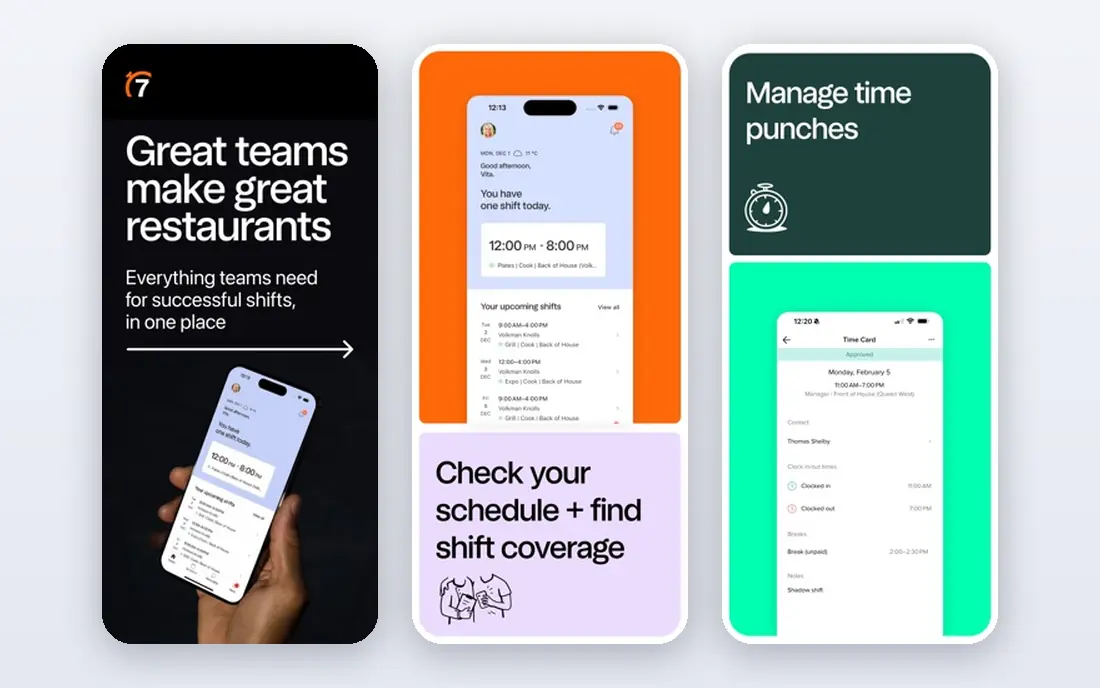
7shifts is built only for restaurants, and that focus shows in its scheduling tools. Managers can build schedules around sales forecasts, set labour targets, and get warnings about overtime and compliance issues before publishing. Staff can swap shifts, request time off and message the team in the app, which reduces the group chat chaos that many restaurants suffer from. The free plan covers a single location with a small team, while paid plans add forecasting depth and integrations. It does not include native payroll tax filing, so you will still need a payroll provider or integration. For restaurants that want a tool that understands restaurant labour, 7shifts is the most focused choice among the best scheduling software for restaurants.
- Built only for restaurants
- Labour forecasting and compliance tools
- Tip and payroll integrations
- No native payroll for tax filing
- Paid plans needed for larger teams
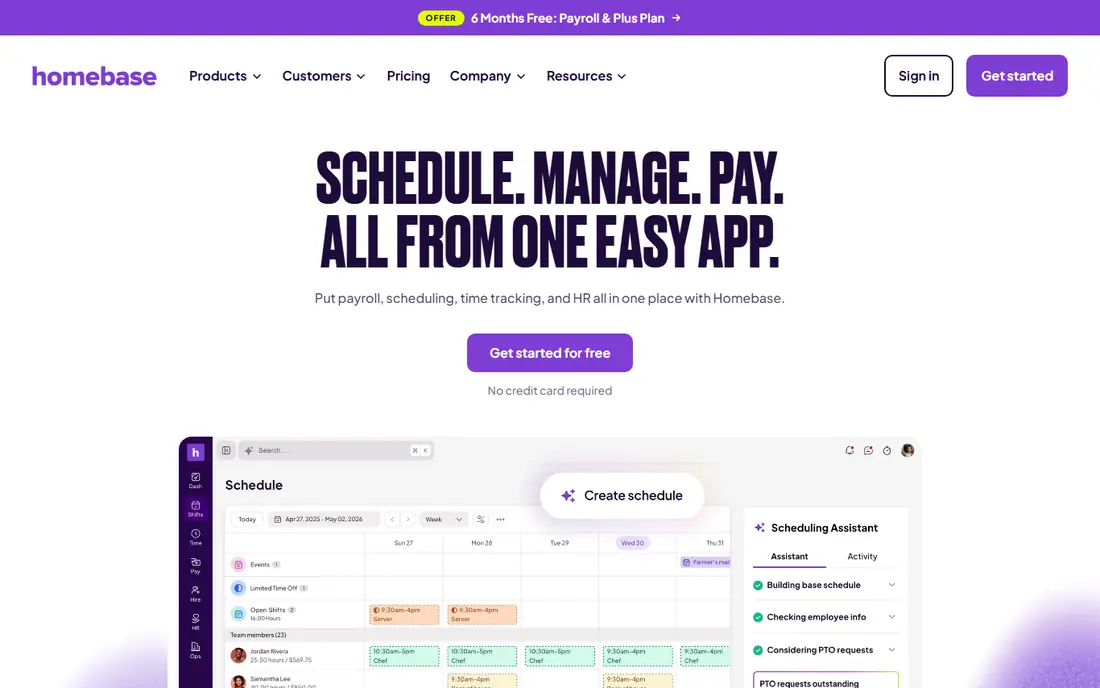
Homebase is the easiest low cost start for a small restaurant. The free Basic plan covers scheduling, time tracking, team messaging and POS connections for up to 10 employees at one location, with no card required. Paid plans add GPS time tracking, auto scheduling, labour forecasting and payroll, charged per location rather than per user. Per location pricing is good value for a large part time team at one site, but less so if you have many locations. Payroll is a separate paid service, so factor that in if you want an all in one system. For a single cafe, bar or restaurant starting with software, Homebase is the best restaurant scheduling app to try first.
- Free plan for one location up to 10 employees
- Scheduling, time clock and messaging
- Payroll available as a paid service
- Paid plans charged per location
- Some advanced features need higher tiers
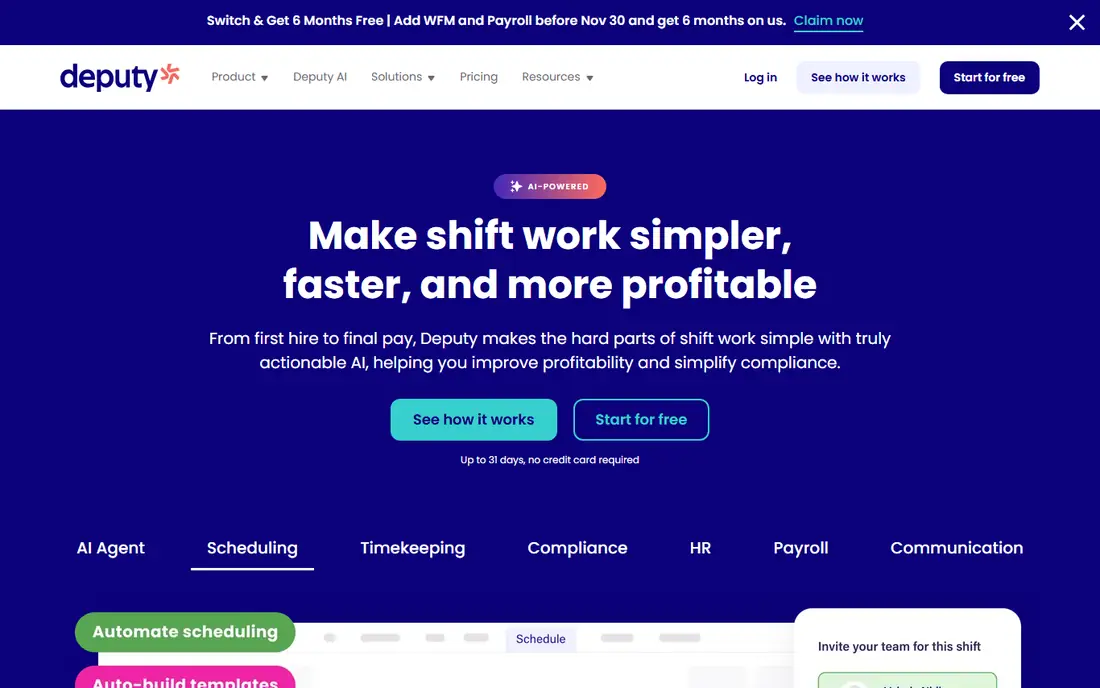
Deputy charges per user, which suits teams with a small core staff or seasonal patterns where you pay for active users. Its scheduling tools include conflict warnings, compliance checks and timesheet approval, and higher plans add AI demand forecasting to help match staffing to expected demand. Multi site managers can compare locations in one dashboard. Per user pricing can become expensive with 40 or more part timers, even if each works few hours, and there is a monthly minimum to consider. For multi site groups and compliance heavy teams, Deputy is a strong pick, but count your active users carefully before comparing it with per location tools.
- Per user pricing from $5 per user per month
- Strong compliance and award tools
- Demand forecasting on higher plans
- Costs rise with many part time staff
- Minimum monthly charge applies
When I Work focuses on simple, fast scheduling. Managers create shifts on a calendar, staff claim open shifts or swap with approval, and everyone gets notifications in the app. That simplicity suits small teams that do not need deep forecasting or complex labour rules, and it keeps training time low for new managers. Restaurant specific features such as sales based forecasting are lighter than in 7shifts or HotSchedules, so larger groups may outgrow it. For a small restaurant that wants the best scheduling app for restaurants without a steep learning curve, When I Work is a practical, affordable option.
- Simple shift creation and swaps
- Team messaging in app
- Affordable entry plans
- Less restaurant specific forecasting than 7shifts
- Some integrations need higher plans
Sling offers free scheduling for smaller teams, with shift creation, availability, time off and team messaging in one app. That makes it a good budget choice for food trucks, cafes and small restaurants that mainly need to publish a rota and handle swaps. The interface is straightforward, and staff can check shifts on their phones. Time tracking and more advanced features need a paid plan, and POS integrations are fewer than in larger platforms. If your main need is a clear, free rota with messaging, Sling is the best apps for restaurant scheduling on a tight budget, provided you do not need full payroll or forecasting.
- Free scheduling for smaller teams
- Built in team messaging
- Simple shift management
- Time tracking needs a paid plan
- Fewer POS integrations than larger tools
Connecteam combines scheduling with team communication, tasks, forms and training, which suits restaurants that want one app for daily operations as well as rotas. Managers can send updates, assign checklists for opening and closing, and track shifts and timesheets without switching apps. The entry plan covers the first set of users, which helps small teams budget. Because it is built for frontline teams in many industries, its restaurant forecasting is less deep than 7shifts. For restaurants that want operations tools alongside scheduling, Connecteam is a strong choice, and it works well as a best scheduling platform for restaurants with broader daily task needs.
- Scheduling plus forms, tasks and chat
- Good for frontline teams
- First users included in entry price
- Broader than restaurant only tools
- Restaurant forecasting is less deep
HotSchedules, now part of Fourth, is built for restaurant groups that need control above individual stores. Scheduling can be informed by sales data, managers can compare labour across locations, and head office can set rules and templates for many sites. That scale suits chains and franchise groups more than single sites. Pricing is quoted rather than published, and setup is heavier than for small team tools. A single cafe would find it more than it needs. For groups with many locations, however, HotSchedules is one of the top restaurant scheduling software options, because it connects scheduling to wider hospitality operations.
- Sales informed forecasting
- Above store control for groups
- Part of Fourth hospitality suite
- Pricing needs a quote
- More complex for a single small restaurant
Push Operations connects scheduling with payroll, tips and labour management, which reduces the manual transfer of hours and tip data between systems. Managers can see labour cost against sales, handle tip pooling, and run payroll from the same data used to build the rota. That joined up approach suits restaurants tired of reconciling separate tools. Pricing is quoted and minimum charges may apply for each product, so get a clear quote for your team size before committing. For restaurants that want scheduling, payroll and tips in one restaurant focused system, Push Operations is a serious contender among the best restaurant scheduling software apps.
- Scheduling, payroll and tip management together
- Labour cost visibility
- Restaurant focused
- Minimum charges may apply per product
- Pricing varies by setup
Restaurant365 places scheduling and workforce tools inside a broader platform that also covers accounting, inventory and reporting. That matters for groups that want to see labour cost alongside food cost and sales in one place, rather than in separate systems. Multi location reporting helps head office compare sites on the same basis. It is a platform, not a simple rota app, so pricing is quoted by module and setup is heavier. Small single site restaurants will find simpler tools better value. For growing groups that already need finance and inventory tools, Restaurant365 is the best scheduling platform for restaurants at that scale.
- Workforce tools inside a broader operations platform
- Links to accounting and inventory
- Multi location reporting
- Modules need a quote
- More than a small restaurant needs
How we picked these
We checked official feature and pricing pages, plus public comparisons from restaurant software reviewers. We only kept tools that are active in 2026 and that handle restaurant shift scheduling, swaps and time tracking, not just general calendar tools. We mixed free, per location and per user pricing, and small team tools with group platforms. We did not claim hands on testing, and where pricing varied by source or needed a quote, we used See website.
Choosing the right scheduling tool
Start by counting staff and locations, because that decides whether per location or per user pricing is cheaper. A single site with many part timers usually benefits from per location pricing, while a small core team across sites may benefit from per user pricing. Next, list the integrations you cannot live without, such as your POS, payroll provider and tip system, and confirm each one on the vendor site.
Labour cost, compliance and staff experience
Check whether the tool warns about overtime, breaks and rest rules in your area, and whether it forecasts labour cost against expected sales. Those features save money and reduce compliance risk. Equally important is staff experience, because a tool that staff find confusing will lead to missed shifts. Test the mobile app with a few team members, check shift swap and time off flows, and confirm notifications work reliably before rolling it out to everyone.
Frequently asked questions
What is the best restaurant scheduling software for a small restaurant?
Homebase is a strong start for a small single location team because its free plan covers up to 10 employees. 7shifts is also worth trying if you want restaurant specific forecasting. Compare both free plans with your real rota before paying.
What is the best scheduling software for restaurants with many locations?
Deputy and HotSchedules suit multi site teams, with Deputy offering per user pricing and HotSchedules offering above store control for groups. Restaurant365 suits groups that also need finance and inventory links. Get quotes for your location count before deciding.
Are there free best restaurant scheduling apps?
Yes. Homebase and Sling both offer free scheduling for smaller teams, and 7shifts offers a free plan for a single location with a small team. Free plans usually limit team size or advanced features, so check limits against your staff count.
How does per location pricing differ from per user pricing?
Per location pricing charges a flat rate for a site regardless of staff count, which suits large part time teams. Per user pricing charges for each active user, which suits small core teams but rises with headcount. Count active staff, not just full time staff, when comparing.
Should restaurant scheduling software include payroll?
It helps, but it is not essential if you already have a payroll provider that integrates well. Tools such as Homebase and Push Operations offer payroll, while 7shifts focuses on scheduling and integrates with payroll systems. Choose based on whether you want one system or best in class tools linked together.
Sources we checked (9)

Online Jobs is an independent blog about careers, online work, learning new skills and the tools that help people earn. More about us.
Keep reading
All posts
Best AI Tools for Restaurants
Compare the best AI tools for restaurants for 2026, from Toast and SevenRooms to 7shifts and Popmenu, with reservations, marketing and scheduling compared.

n8n Alternatives
n8n alternatives compared for 2026, with Zapier, Make, Activepieces, and more, covering visual builders, code steps, self-hosting, and pricing models.

eBay Alternatives
Looking for ebay alternatives? We compared 9 marketplaces for sellers on fees, buyer reach, categories and ease of listing, to help you sell with confidence.