Best Remote Support Software in 2026: 9 Products Compared

How we put this together: we compare official feature and pricing pages, app store listings, privacy policies and public user reviews. Prices change, so check the provider's site before you pay.
Key takeaways
- TeamViewer and AnyDesk are the best known all-rounders, with broad device support and fast connections, but their pricing rises quickly for teams.
- Zoho Assist and Splashtop offer strong value for small support teams, with per-technician pricing and useful free or trial options.
- ConnectWise ScreenConnect and BeyondTrust suit managed service providers and larger IT teams that need session control, audit trails and multi-technician work.
- Chrome Remote Desktop is free and simple for personal access, but it lacks the helpdesk features a support team needs.
Quick comparison
| Name | Who it suits | Starting price | Free option | |
|---|---|---|---|---|
 TeamViewer | All-round remote support | See website | Free trial | Visit |
 AnyDesk | Fast low-latency sessions | See website | Free trial | Visit |
 Zoho Assist | Small support teams | See website | Yes | Visit |
 Splashtop | Value for IT teams | See website | Free trial | Visit |
 ConnectWise ScreenConnect | Managed service providers | See website | Free trial | Visit |
 RemotePC | Low cost unattended access | See website | Free trial | Visit |
 BeyondTrust Remote Support | Enterprise security | See website | No | Visit |
 RealVNC Connect | Cross-platform access | See website | Free trial | Visit |
 Chrome Remote Desktop | Free personal access | Free | Yes | Visit |
The best remote support software
Remote support software lets a technician see and control another computer, with permission, to fix a problem without travelling to it. Good tools make joining a session simple for the customer, keep the connection stable, and record what happened for security. The tools below cover solo technicians, small helpdesks, managed service providers and large IT teams, so the right pick depends on team size and on whether you support customers or your own staff.
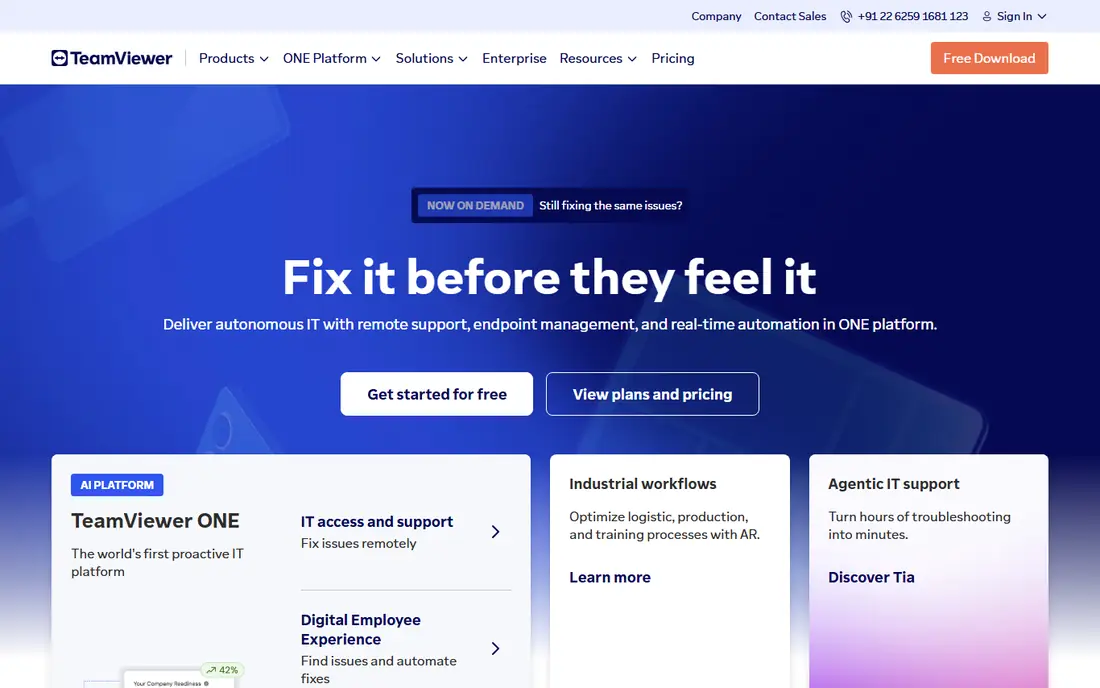
TeamViewer is the name most customers already recognise, which helps when you ask someone to join a session. The customer downloads a small app or joins through a link, gives you a code, and you can see their screen, transfer files and chat. Unattended access lets you reach office machines outside hours, with permissions and access controls to limit who can connect.
The main drawback is price. TeamViewer plans are built for businesses, and costs rise as you add technicians and managed devices. Solo technicians and very small teams should compare the total yearly cost with Zoho Assist or Splashtop before committing. For larger teams that need broad device support, compliance features and a tool customers trust, TeamViewer remains a solid standard.
- Works across Windows, Mac, Linux and mobile
- Attended and unattended access in one tool
- Strong security controls including two-factor sign-in
- Pricing is high for small teams
- Personal use detection can block business use on free accounts
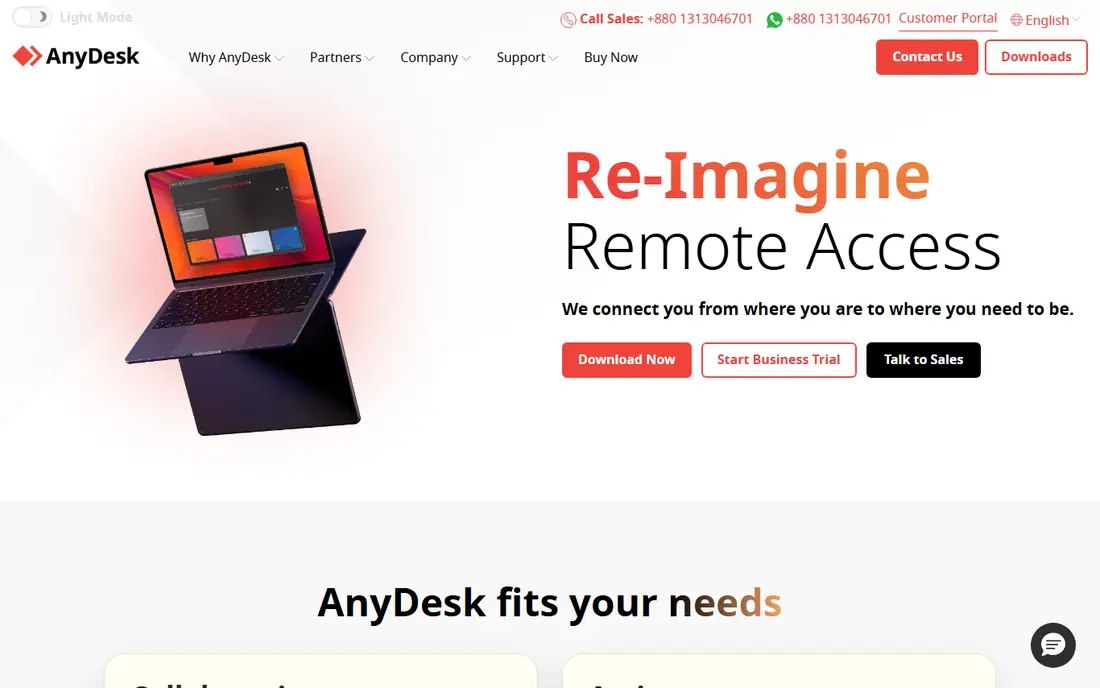
AnyDesk is known for speed. Its small app starts quickly, connects with low delay, and stays usable on weaker connections where heavier tools stutter. That matters when you support users on home broadband or in areas with variable internet. The interface is simple, with a session code, file transfer and chat built in.
Pricing has changed over time, moving toward connection based licensing in some regions, so the price you remember from a few years ago may not apply now. Check the current plan for your region and team size before you budget. For pure remote control speed, AnyDesk is hard to beat, but teams that need deep ticketing, audit and device management may want a fuller helpdesk platform alongside it.
- Lightweight app with fast connections
- Works well on slower internet links
- Cross-platform support for desktop and mobile
- Pricing model has changed in recent years, so check current terms
- Advanced helpdesk features are thinner than rivals
Zoho Assist is the value pick for small teams. A free plan covers a single technician and a small number of unattended computers, which is enough for a solo technician or a tiny helpdesk to start. Customers can join from a browser, which removes the friction of asking a non-technical user to install software. Attended sessions, unattended access, file transfer, multi-monitor support and session reports are all included in the paid plans.
If you already use Zoho Desk, CRM or Books, the links between apps make ticket handling smoother. The catch is scale. Larger teams with complex device management and strict compliance needs may outgrow Zoho Assist and move toward ConnectWise or BeyondTrust. For small teams, though, the mix of price, ease of use and browser joining is difficult to beat.
- Useful free plan for a single technician
- Browser based sessions with no heavy install for customers
- Links to Zoho Desk and other Zoho apps
- Advanced features sit on higher plans
- Performance on very large files can lag behind leaders
Splashtop splits its range into remote access for your own machines and SOS for supporting customers, which helps you buy only what you need. SOS lets a technician support a customer with a simple download and code, while Business Access gives staff remote access to office computers. Performance is smooth, multi-monitor handling is clear, and file transfer and chat are built in.
Pricing is a key reason Splashtop appears on so many small business shortlists. Per-technician costs are lower than TeamViewer for similar support work, and the trial lets you test real sessions before paying. The product names take a little learning, so make sure you trial the support product, not just the remote work product, if customer support is your main job.
- Competitive per-technician pricing
- Smooth performance on multi-monitor setups
- Separate products for support and remote work access
- Product range can confuse new buyers
- Some enterprise features need higher tiers
ConnectWise ScreenConnect, formerly ScreenConnect, is built for IT teams and managed service providers who support many customers. Technicians can run several sessions, share sessions, transfer files, reboot machines into safe mode and keep detailed session records. The tool also links to wider ConnectWise products for ticketing and device management, which suits providers already in that ecosystem.
That depth comes with setup work. ScreenConnect is not a five minute install for a solo technician, and its plans reward teams that use its management features. For a single technician, a simpler tool will be faster to learn. For a provider supporting dozens of clients, the control, audit trails and multi-technician features justify the extra setup.
- Built for multi-technician support teams
- Strong session management and audit tools
- Self-hosted and cloud options
- Setup takes more work than simple tools
- Pricing and plans need careful reading
RemotePC is priced by computer rather than by technician, which makes it cheap when you mainly need to reach your own machines. A small business owner who wants to reach an office PC from home, or an IT manager with a set of servers and workstations, can cover many machines for a modest yearly fee. Setup is straightforward, and unattended access works once the app is installed and signed in.
It is less suited to customer support work. Attended sessions, where a customer joins with a code, exist but feel less refined than TeamViewer or Splashtop SOS. If your main job is supporting customers, pick a support focused tool. If your main job is reaching your own computers cheaply and reliably, RemotePC is a strong value choice.
- Low price per computer for unattended access
- Simple setup for your own machines
- File transfer and multi-monitor support
- Support features are thinner than helpdesk tools
- Customer attended sessions are less polished
BeyondTrust Remote Support is the enterprise choice when security and audit matter as much as fixing the problem. Sessions are controlled by permissions, every action can be logged, and credentials can be vaulted rather than shared with technicians. That level of control suits banks, healthcare providers, government teams and large companies with strict security rules.
The price and project scope match the enterprise focus. BeyondTrust is not a tool a solo technician buys on a whim, and it needs planning, permissions design and training to get full value. For regulated or large scale support, though, those controls are the point. Smaller teams should weigh whether they need that depth, or whether a simpler tool with good security basics is enough.
- Strong security, permissions and audit controls
- Supports strict compliance needs
- Handles attended and unattended sessions at scale
- Enterprise price
- Needs proper planning and training to use well
RealVNC Connect comes from the original VNC remote access work, and it remains a reliable choice for mixed device estates. It runs on Windows, Mac, Linux, Raspberry Pi and mobile, with direct connections and cloud mediated connections. For IT teams with a mix of operating systems, that breadth is useful, and the tool is light on system resources.
The trade is polish. RealVNC feels more like a remote access tool than a modern helpdesk, with fewer built-in ticketing and session management features than ConnectWise or Zoho Assist. Teams that need a helpdesk workflow may pair it with a separate ticket system. Teams that mainly need reliable cross-platform access will find it steady and easy to run.
- Long standing VNC standard with broad platform support
- Lightweight and reliable
- Good for mixed Windows, Mac and Linux estates
- Interface feels dated next to newer rivals
- Support workflow features are basic
Chrome Remote Desktop is free, simple and good enough for personal use. Install the extension, sign in with a Google account, and you can reach your own computers or help a family member with a one-time code. There is no software licence to buy, and the browser based setup means almost anyone can join a session.
For business support, the limits show quickly. There is no technician queue, no session audit trail, no file transfer polish and no way to manage many customers from one console. Use Chrome Remote Desktop for personal access, for helping family, or as a backup when a paid tool fails. For paid customer support, choose a tool built for that job and keep Chrome Remote Desktop as a free spare.
- Free for personal use
- Simple setup through a browser
- Works on Windows, Mac, Linux and ChromeOS
- No helpdesk features such as ticketing or session reports
- Limited controls for business support
How we picked these
We looked for tools that are live in October 2026, that support attended sessions with customer permission and, where relevant, unattended access to managed machines. We judged them on connection quality, ease of joining for customers, security controls, session management, pricing model and fit for team size. Tools that only offer personal access, or that have no clear support workflow, were kept out except for Chrome Remote Desktop, which earns a place as a free backup.
We did not run controlled speed tests across every tool, since connection quality depends heavily on local internet and device. Instead we weighted real world factors: how a customer joins, what a technician can do during a session, and what the yearly cost looks like for a small team. Check current pricing on the vendor site, since remote access pricing has changed often in recent years.
What to check before you buy
Start by defining the job. Supporting customers needs attended sessions, a simple join link, chat, file transfer and session records. Reaching your own office machines needs unattended access, wake on LAN, multi-monitor support and strong sign-in controls. Many tools do both, but their pricing and strengths differ, so buy for the job you do most.
Next, test the customer journey. Ask a non-technical colleague to join a trial session and watch where they hesitate. A tool that needs several downloads, admin rights and a long code will cost you time on every ticket. Also check security: two-factor sign-in, session permissions, idle timeouts and audit logs should be standard, not paid extras, for business use.
Pricing traps
Remote support pricing varies by technician, by computer, by session and by region. A low headline price may cover one technician but not unattended machines, or may limit the number of managed devices. Add up the total yearly cost for your team size and device count, including any platform fees. A trial with your real team size gives a truer cost than a headline price.
Security basics
Only use remote support tools with the customer's clear permission, and end the session when the work is done. Use strong passwords, two-factor sign-in and unique accounts per technician. Keep session logs, and never ask a customer to disable security software or share a password in chat. Those habits matter more than any single feature.
Frequently asked questions
What is the best remote support software for a small business?
Zoho Assist and Splashtop are strong small business picks because of per-technician pricing and simple customer joining. TeamViewer is also strong if you need the widest device support and can accept the higher price.
Is remote support software safe?
Yes, when used correctly. Use tools with encrypted connections, two-factor sign-in and session permissions, only connect with permission, and keep session logs. Never share passwords through a support session, and end sessions when work is complete.
What is the difference between attended and unattended access?
Attended access needs someone at the remote computer to approve the session, which suits customer support. Unattended access lets you reach a machine with no one present, which suits office PCs and servers, but it needs stronger access controls.
Can I support mobile devices with remote support software?
Many tools support viewing or controlling Android devices, and viewing iPhones with limits set by Apple. Check mobile support for your exact devices before you buy, since control features vary by platform.
Do I need to install software on the customer computer?
Most tools need a small app or browser extension for the best experience, though some offer browser based joining. Browser joining is easier for customers, while installed apps usually give better performance and more controls.
What is the cheapest remote support software?
Chrome Remote Desktop is free for personal use, while Zoho Assist has a useful free plan for a single technician. For paid business use, RemotePC and Splashtop are among the lower cost options, depending on whether you price by computer or by technician.
Sources we checked (9)

Online Jobs is an independent blog about careers, online work, learning new skills and the tools that help people earn. More about us.
Keep reading
All posts
ZoomInfo Alternatives
The best ZoomInfo alternatives in 2026, compared on price, free plans, data coverage, and which tool fits small teams or large sales teams best in detail.

Zoom Alternatives
Zoom alternatives compared for 2026: Google Meet, Microsoft Teams, Webex, Jitsi and more for free calls, large meetings and webinars for teams and classrooms.

Workday Alternatives
We compared the best workday alternatives for HR, payroll, and global hiring, from BambooHR and Gusto to Rippling, Deel, and HiBob for growing teams in 2026.