Best Reading Apps for Kids in 2026: 8 Apps Compared


Free early learning ages 2 to 8 · Starting price: Free
How we put this together: we compare official feature and pricing pages, app store listings, privacy policies and public user reviews. Prices change, so check the provider's site before you pay.
Key takeaways
- Khan Academy Kids is our pick for the best free reading app for kids ages 2 to 8, with no ads and no subscription.
- Epic is the best reading app for kids who already read and want a large library, with more than 40,000 books and videos.
- Reading Eggs and Teach Your Monster to Read are the strongest structured learn-to-read options, with phonics-first lessons.
- A library app is different from a phonics app: check if your child needs a library, lessons, or read-aloud practice.
- Parents should review privacy settings and use a child profile, since data handling varies by app.
Quick comparison
| Name | Who it suits | Starting price | Free option | |
|---|---|---|---|---|
| Khan Academy Kids | Free early learning ages 2 to 8 | Free | Yes | Visit |
 Epic Epic | Large kids library ages 2 to 12 | Free | Yes | Visit |
 Reading Eggs Reading Eggs | Structured phonics lessons | Free | Free trial | Visit |
 ABCmouse ABCmouse | Early learning curriculum | $14.99 per month | Free trial | Visit |
 Teach Your Monster to Read Teach Your Monster to Read | Phonics game ages 3 to 6 | Free | Yes | Visit |
 Read Along by Google Read Along by Google | Read-aloud practice ages 5 to 9 | Free | Yes | Visit |
 Sora Sora | School and library ebooks | Free | Yes | Visit |
 Storyline Online Storyline Online | Free celebrity read-alouds | Free | Yes | Visit |
The best reading apps for kids
We compared official feature pages, pricing pages, and app store listings for the best free reading apps for kids, the best reading app for kids, and the best app to help kids read. The list covers three different jobs: learning to read, reading more books, and practising reading aloud, because one app rarely does all three well.
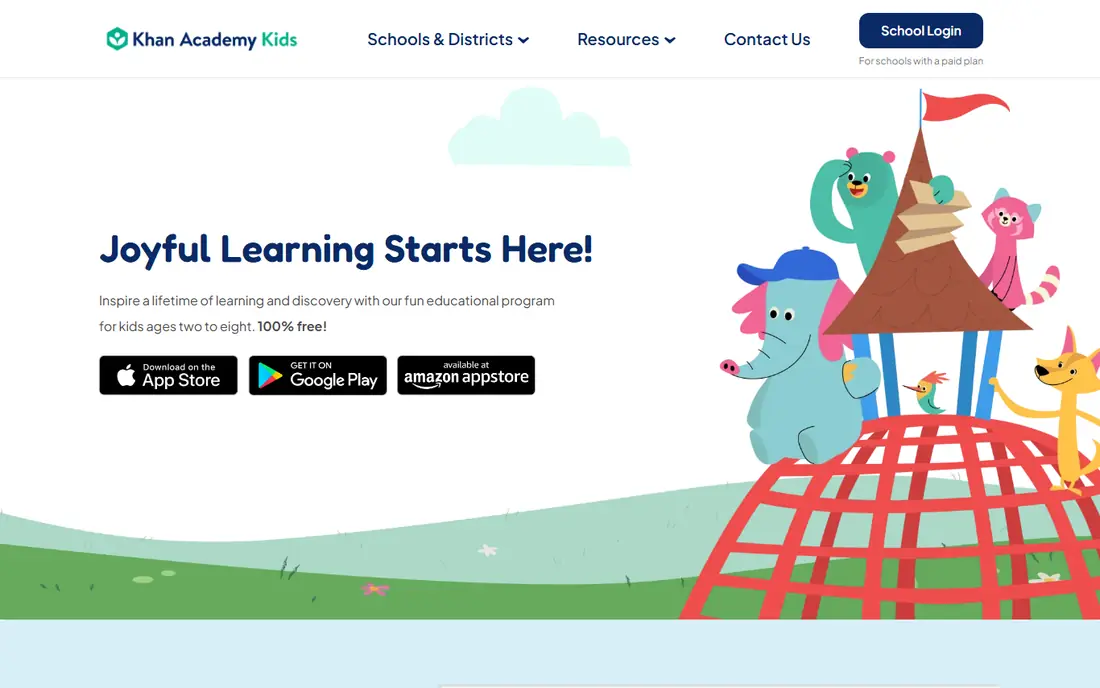
Khan Academy Kids is the best free reading app for kids in this list because it is free, has no ads, and does not push a subscription. It offers books, songs, games, and activities for ages 2 to 8, with a personalised path that adjusts to a child's level. Reading activities sit alongside early maths and social-emotional learning, which suits a preschool or early primary child who is still building basic skills.
The limit is depth for older readers. A fluent reader in upper primary will outgrow Khan Academy Kids faster than Epic or Sora, and its book library is not designed as a large independent reading collection. Note that its web page showed a loading challenge during our check, but the app itself is widely listed in app stores and the Khan Academy domain is the official home. Start here if cost matters and your child is in the early years.
- Completely free with no ads
- Covers reading, maths, and social skills
- Personalised learning path
- Library is smaller than Epic
- Best for younger children, not fluent older readers
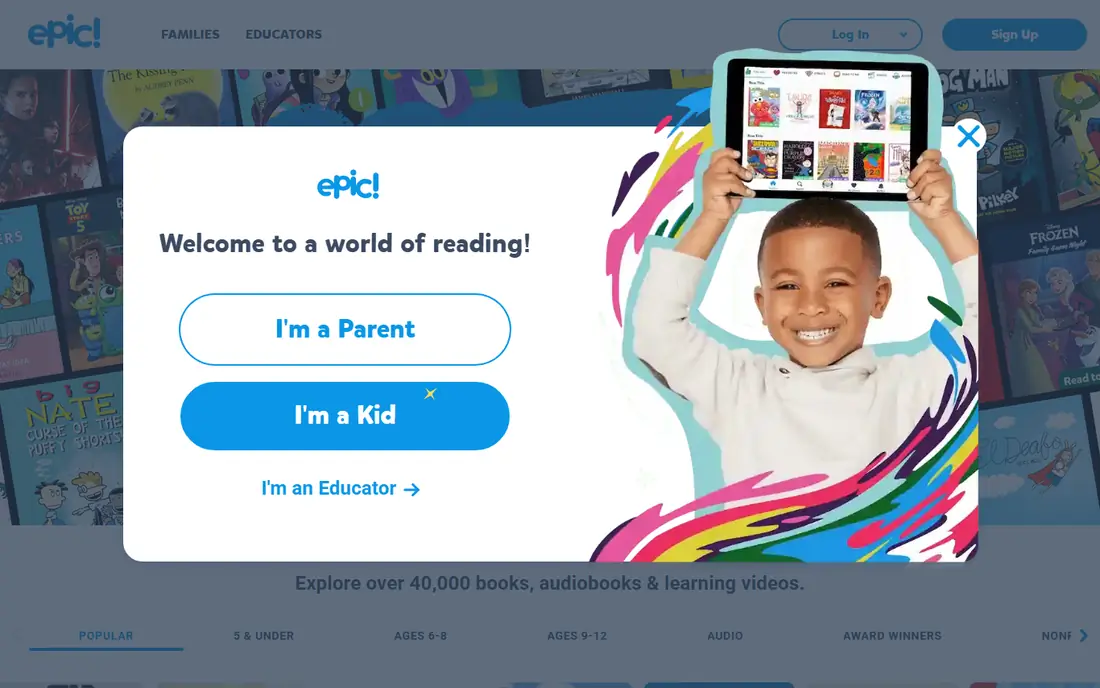
Epic is the best app for a child who already reads and wants choice. Its library covers ages 2 to 12, with books, audiobooks, graphic novels, and learning videos, plus read-to-me features for younger readers and badges and reading buddies for motivation. Offline reading helps on trips and in cars, and the range of publishers means a child can move from picture books to chapter books in the same app.
The price is the main drawback. Educators get free access during school hours, but a home subscription costs $13.99 per month or $84.99 per year, with a 7-day trial for parents. Free home accounts are limited, so check what your child's school account covers before paying. Epic is worth it for an avid reader who finishes books quickly, and less necessary for a light reader who can use Sora or a library app free.
- More than 40,000 books, audiobooks, and videos
- Read-to-me and audiobook options
- Offline reading
- Home subscription is $84.99 per year
- Free home access is limited to one book per day in some accounts
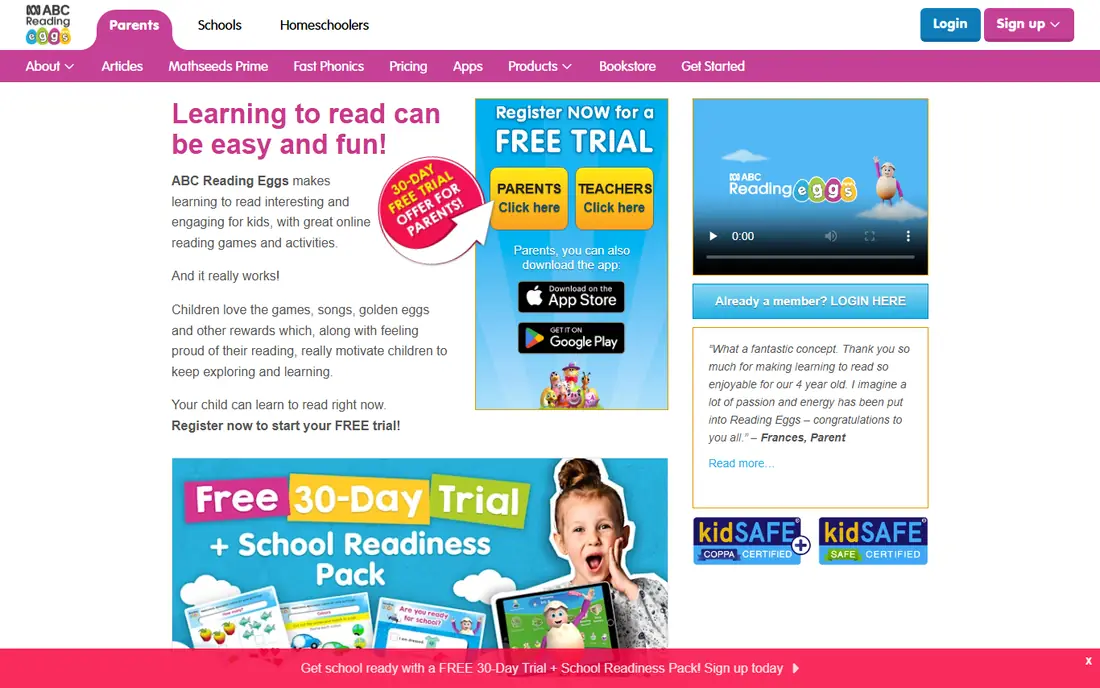
Reading Eggs is a structured learn-to-read program, not just a library. Children work through phonics lessons, games, songs, and books in order, earning golden eggs and rewards as they progress, and parents can see progress reports. That structure helps a child who needs a clear path from letter sounds to sentences, rather than open-ended browsing.
Reading Eggs offers a free trial, commonly 30 days, after which a subscription is needed, so check the current trial and price at signup rather than relying on older listings. The program is best for ages 2 to 13 in its wider suite, with the core reading program aimed at early readers. If your child already reads fluently, a library app will serve them better than another phonics course.
- Step-by-step phonics lessons
- Games and rewards
- Progress reports for parents
- No ongoing free plan, only a trial
- Subscription cost adds up for more than one child
ABCmouse is a full early learning curriculum, with reading as one subject among maths, science, art, and music. Its reading and maths paths are designed by educators, and children earn tickets for completing activities, which they can spend in play areas. Up to three child profiles are included, which helps families with more than one young child.
The price, $14.99 per month after a trial, is high if you only need reading. ABCmouse is best for a preschool or kindergarten child who will use several subjects, not for a child who only needs a reading library. Check the trial terms at signup, since trial length and cancellation rules change, and cancel promptly if your child does not use it weekly.
- Broad curriculum across reading, maths, science, and art
- Custom learning paths
- Up to three child profiles
- Monthly price is high for reading alone
- Best for younger children, not older primary readers
Teach Your Monster to Read is a phonics game for ages 3 to 6 that turns letter sounds and blending into a game. Children create a monster, play through a world of sounds, and practise reading words in context. It is designed with reading experts and is widely used in schools, which makes it a good fit for a child at the very start of learning to read.
The web version is free, while the mobile app version has historically been a paid download, so check the store price before assuming the app is free. The game covers early phonics well but does not replace a library for a child who can already read sentences. Use it alongside books and read-aloud time, not as the only reading practice.
- Free on the web
- Phonics game with a monster character
- Designed with reading experts
- App version may be paid on app stores
- Covers early phonics, not fluent reading
Read Along by Google, formerly Bolo, helps children practise reading aloud. A child reads a story out loud, and the app gives real-time feedback, encouragement, and a reward system, with hundreds of books grouped by children's interests. It is free, with no ads and no subscription, and many books work offline, which helps on a tablet without a constant connection.
Read Along is a practice tool, not a phonics curriculum or a large library. It works best for a child who knows basic letter sounds and needs confidence reading aloud, roughly ages 5 to 9. Pair it with a library app for book choice and a phonics program if your child is still learning letter sounds. For free read-aloud practice, it is hard to beat.
- Free with no ads or subscription
- Real-time feedback as a child reads aloud
- Works offline for many books
- Library is smaller than Epic
- Focused on practice, not a full curriculum
Sora is the reading app from OverDrive for schools and libraries, and it is free if your child's school or public library participates. Children sign in with a school or library account and borrow ebooks and audiobooks, with reading levels, notes, and achievements. The catalogue depends on what the school or library has bought, so one child's Sora library can look very different from another's.
Sora is not a phonics program, and it does not teach reading on its own. It is a library app for a child who can already read and wants more books without a subscription. Ask your school librarian or public library if Sora is available, and check if audiobooks are included, since listening to a book while following the text can help a developing reader.
- Free through a participating school or library
- Large ebook and audiobook catalogue
- Reading levels and notes
- Needs a school or library account
- Catalogue depends on what your school or library buys
Storyline Online is a free website and app from the SAG-AFTRA Foundation, with picture books read aloud by actors, with animation and illustrations. It needs no account, has no ads in the reading experience, and includes activity guides for many books. For a young child, hearing a fluent reader model expression and pacing is valuable, especially alongside their own reading practice.
The library is small, with a limited set of titles compared with Epic or Sora, and it is video only, so a child watches and listens rather than reading interactively. Use Storyline Online for read-aloud time, bedtime stories, and modelling fluent reading, and pair it with a library app or phonics program for the child's own reading. As a free supplement, it is an easy addition to any reading routine.
- Completely free
- Picture books read aloud by actors
- No account needed
- Activity guides for some books
- Small library compared with Epic
- Video only, not interactive reading practice
How we picked these
We compared official feature pages, pricing pages, and app store listings, and we checked that each vendor homepage loads and belongs to the product named, except Khan Academy Kids, whose page showed a loading challenge during our check, and HOMER, which we did not list because its former homepage did not load reliably. We favoured apps with clear age ranges, a stated free or trial path, and a job that matches a real stage: learning sounds, practising aloud, or reading widely. We did not claim hands-on testing that did not happen.
We also weighed privacy. Kids apps collect different data, and some have been flagged by privacy reviewers for profiling or third-party sharing, so parents should read the privacy policy, use a child profile, and avoid entering extra personal details. An app that is free because it shows ads to children is a different choice from an app that is free because a nonprofit or library funds it.
How to choose a reading app for your child
Start with your child's stage, not the app's marketing. A child learning letter sounds needs phonics lessons and games. A child who can read sentences needs a library and read-aloud practice. A child who reads fluently needs choice, series books, and audiobooks. Matching the stage matters more than the number of books in a library.
Library, lessons, or practice
Ask which of the three jobs you need most this term. If the answer is lessons, choose Reading Eggs or Teach Your Monster to Read. If the answer is practice aloud, choose Read Along by Google. If the answer is more books, choose Epic, Sora, or Khan Academy Kids. Many families use two apps: one for lessons and one for books, with a short daily routine for each.
Screen time and print books
Reading apps work best alongside print books, read-alouds, and direct teaching, not instead of them. A short daily session, often 15 to 30 minutes of focused practice, is more useful than a long session that ends in frustration. Keep print books in the routine, read together when you can, and let the app handle the repetitive practice that is hard to do by hand every day.
Privacy and cost checks
Before paying, check the trial length, the monthly and annual price, and how to cancel. Check if a school account already gives free access, as Epic and Sora often do. Review privacy settings, turn off unnecessary data sharing where the app allows it, and use a child profile rather than an adult account. If an app asks for more personal details than its job needs, choose another app.
Frequently asked questions
What is the best free reading app for kids?
Khan Academy Kids is our pick for ages 2 to 8, since it is completely free with no ads and covers reading alongside early maths and social skills. For older children, Sora is free through a participating school or library, and Storyline Online is free for read-aloud videos. Read Along by Google is also free for read-aloud practice.
What is the best reading app for kids who already read?
Epic is the best choice for a child who already reads, with more than 40,000 books, audiobooks, and videos for ages 2 to 12. Sora is a strong free alternative if your school or library participates. Choose Epic when you want a large home library, and Sora when a school or library account already gives you free borrowing.
What is the best app to help kids learn to read?
Reading Eggs and Teach Your Monster to Read are the strongest learn-to-read options in this list. Reading Eggs offers structured phonics lessons with progress reports, while Teach Your Monster to Read offers a free web phonics game for ages 3 to 6. Both work best alongside print books and adult read-aloud time.
What is the best kindergarten reading app?
Khan Academy Kids and Teach Your Monster to Read both suit kindergarten ages, with Khan Academy Kids covering broader early learning and Teach Your Monster to Read focusing on phonics. ABCmouse also suits this age with a wider curriculum, but it costs $14.99 per month. Try the free options first and see which one your child returns to without prompting.
Are reading apps effective?
Reading apps can help when they are used alongside other reading instruction, including print books, read-alouds, and direct teaching. Structured phonics apps can support early reading skills, and library apps can increase the amount a child reads. An app alone is unlikely to teach a child to read, so keep it as one part of a wider reading routine.
How much should I pay for a kids reading app?
Start free. Khan Academy Kids, Read Along by Google, Sora through a school or library, and Storyline Online all cost nothing. Pay for Epic at $84.99 per year only if your child reads a lot and finishes books quickly, and pay for a phonics program only if your child needs structured lessons. Check school access first, since many families already have free Epic or Sora through school.
Sources we checked (8)

Online Jobs is an independent blog about careers, online work, learning new skills and the tools that help people earn. More about us.
Keep reading
All posts
Best Tools for Virtual Tutoring
Compare the best tools for virtual tutoring, from one-to-one tutor marketplaces to free self-paced learning, with pricing, subjects and honest limits.
Best Study Apps for Young Children
Compare the best study apps for young children in 2026, from Khan Academy Kids and ABCmouse to Reading Eggs, Starfall, Duolingo ABC and PBS Kids, with prices.
Best Study Apps for Kids
Looking for the best study apps for kids? We compare Khan Academy Kids, ABCmouse, Prodigy, IXL and more on age, safety, price and subjects for home learning.