Best Rated Payroll and Scheduling Software in 2026: 8 Tools Compared

How we put this together: we compare official feature and pricing pages, app store listings, privacy policies and public user reviews. Prices change, so check the provider's site before you pay.
Key takeaways
- Homebase is the cheapest route for a single location, with a free Basic plan and per-location paid plans that do not rise with headcount.
- Deputy and When I Work use per-user pricing, which is cheaper for small teams and costlier for large part-time teams.
- Payroll is often an add-on, not part of the scheduling price, so add the payroll base fee and per-employee fee before you compare.
- 7shifts is the strongest restaurant pick, while Connecteam suits deskless field teams who live on a mobile app.
- Test the time clock, shift swap and payroll export on a real week of schedules before you sign an annual plan.
Quick comparison
| Name | Who it suits | Starting price | Free option | |
|---|---|---|---|---|
 Homebase | Single-location hourly teams | Free | Yes | Visit |
 Deputy | Multi-site scheduling and compliance | $5 per user per month | Free trial | Visit |
 When I Work | Simple low-cost scheduling | $2.50 per user per month | Free trial | Visit |
 Connecteam | Deskless and field teams | $29 per month | Yes | Visit |
 7shifts | Restaurants and bars | $39.99 per location per month | Yes | Visit |
 Rippling | Growing teams needing HR and payroll | See website | No | Visit |
 Paycor | Midsize teams with HR and payroll | See website | No | Visit |
 Square | Small businesses already using Square | See website | Yes | Visit |
The best payroll and scheduling software
We compared official pricing pages and product pages for the best payroll and scheduling software, and we focused on the question that decides the real bill: does the vendor charge per location, per user, or both, and is payroll included or an add-on. A tool that looks cheap for five staff can become costly for forty part-timers, and a tool with cheap scheduling can become costly once payroll is added. The eight tools below all combine scheduling with payroll or a close payroll integration, and each one fits a different team shape.
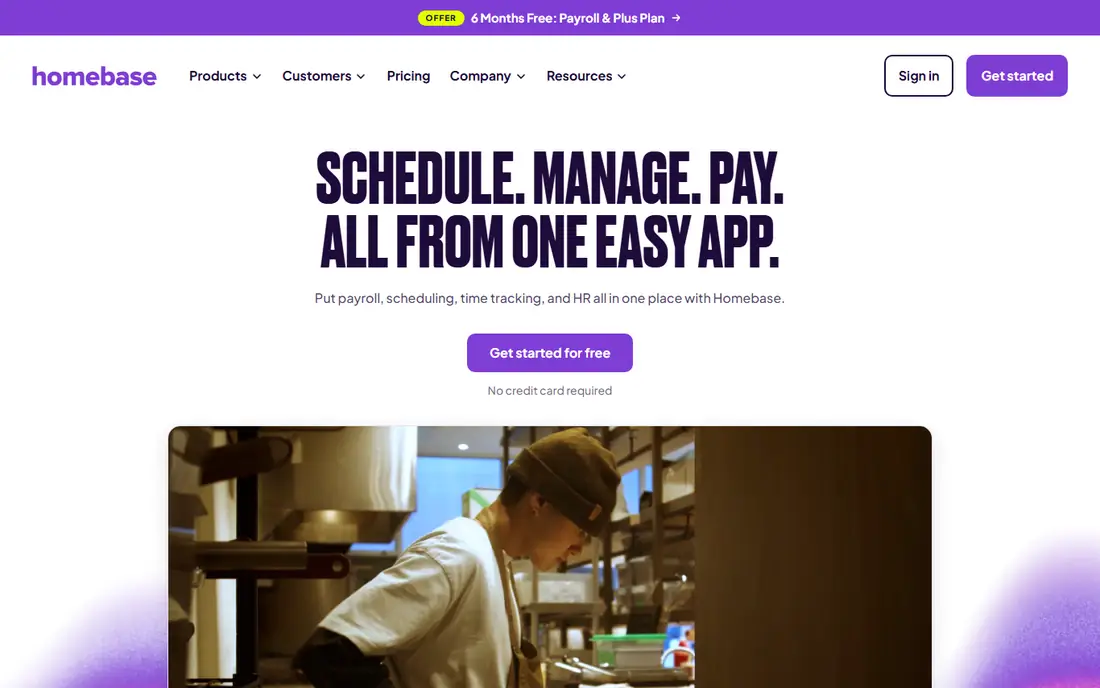
Homebase is our pick for a single-location cafe, shop or restaurant that wants scheduling, time tracking, messaging and payroll in one place without a per-head bill. Basic is free for one location with up to 10 team members in the pricing we checked, and paid plans are priced per location, with Essentials at $30 per location per month, Plus at $70 and All-in-One at $120. That flat structure is a clear advantage when you employ many part-timers, since adding staff does not raise the scheduling bill.
Payroll is an add-on, listed at $49 per month plus $6 per active employee, with unlimited payroll runs, multi-state filings and automated tax submissions. That add-on is the number to add before you compare Homebase with a per-user tool, since the scheduling price alone understates the total. Advanced features also sit on higher tiers, with PTO management on Plus and onboarding and labour cost tools on All-in-One, so check the tier that covers your actual workflow.
- Free Basic plan for one location
- Per-location pricing stays flat as headcount grows
- Payroll add-on with tax filings
- Costs rise per location
- Advanced scheduling and PTO sit on higher tiers
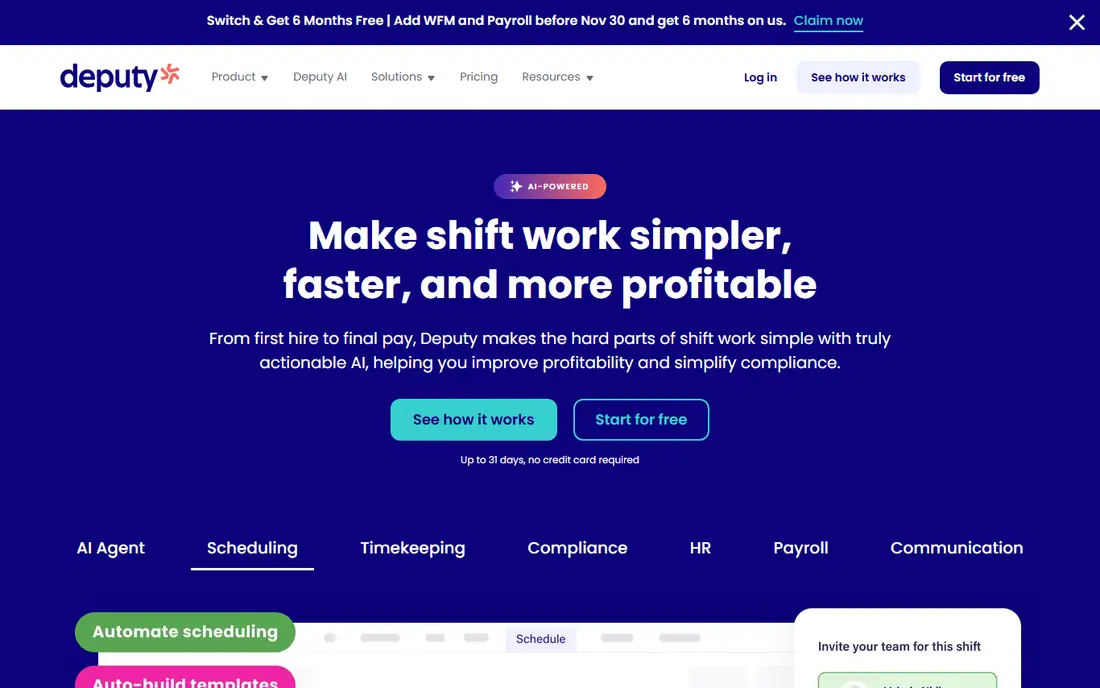
Deputy suits multi-site teams that need compliance controls, demand forecasting and a time clock that handles complex rosters. Lite is listed at $5 per user per month, Core at $6.50 and Pro at $9, with auto-scheduling and demand forecasting from Core and single sign-on and location hierarchies on Pro. The compliance focus, including labour law rules and timesheet approval, helps managers in regulated or multi-state settings avoid common scheduling mistakes.
Payroll is not in the base price. Deputy Payroll, enabled by Paycor, is listed at $8 per user per month plus a $49 monthly base fee on annual Core and Pro plans in the US, so a team that needs both scheduling and payroll must budget for both lines. Deputy also has a $30 monthly minimum on some plans, which matters for very small teams. For a multi-site operator with a stable core team, Deputy is strong. For a large seasonal team, count heads first.
- Strong compliance and demand forecasting tools
- Per-user pricing suits small core teams
- Payroll add-on through Paycor
- No permanent free plan
- Payroll is a separate add-on cost
- Per-user costs grow with large part-time teams
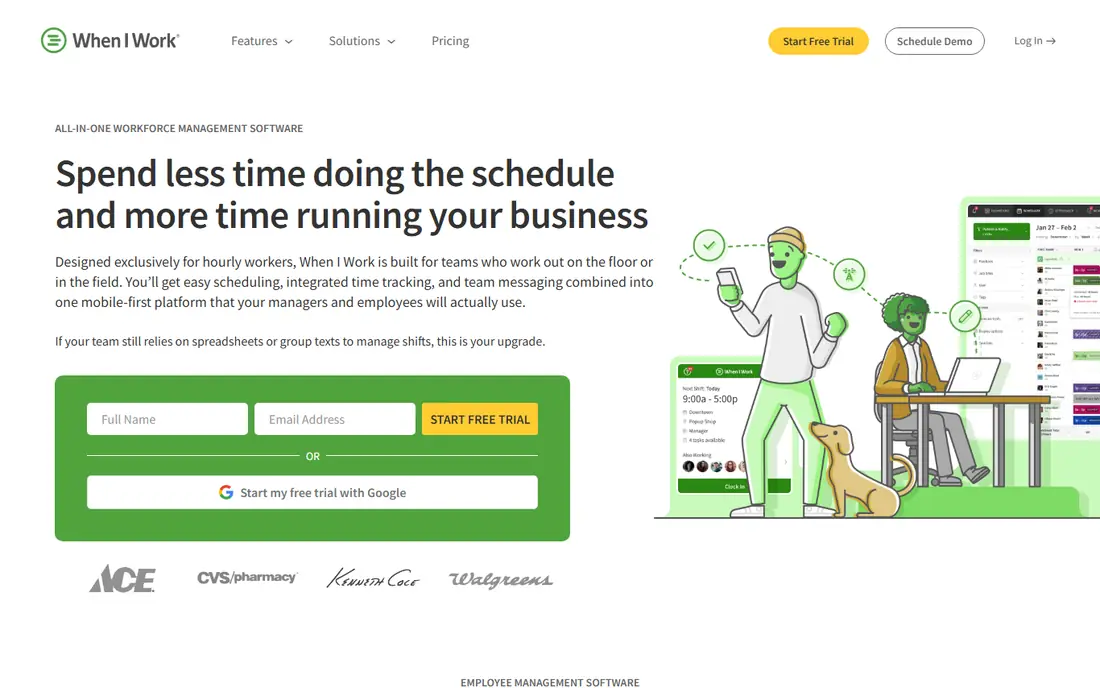
When I Work is the simplest low-cost pick for a small team that wants scheduling, time tracking and team messaging without a complex setup. Essentials is listed at $2.50 per user per month, Pro at $5 and Premium at $8, with time and attendance included on every plan in the current pricing summaries we checked. Shift swaps, open shifts, availability and mobile apps are the core strengths, and most small teams can learn the system in a day.
The limits are payroll depth and multi-site rules. When I Work offers payroll integrations with providers such as ADP and Gusto, and it has introduced native payroll for small businesses, but its payroll history is shorter than Homebase, Deputy or Paycor, so test the payroll export and filing flow carefully. Single-location teams will find Essentials enough, while multi-location teams need Pro or Premium for labour sharing and custom reporting. For a lean team, the low per-user price is hard to beat.
- Lowest per-user entry price here
- Simple scheduling and messaging
- Time and attendance included on every plan
- No permanent free plan
- Payroll is newer and less proven than rivals
- Multi-location features need higher tiers
Connecteam is built for teams who do not sit at desks, such as cleaners, installers, care workers and delivery crews. The Operations hub covers scheduling, GPS time clock, forms and task management, with a free Small Business plan for up to 10 users and Basic listed at $29 per month for the first 30 users on annual billing. The mobile app is the heart of the product, and field staff tend to adopt it fast because clock-ins, schedules and chat live in one place.
The catch is hub billing and payroll. Connecteam sells Operations, Communications and HR hubs separately, so a team that needs all three pays three times, and payroll comes through integrations with providers such as QuickBooks Payroll and Gusto rather than a single native payroll engine. That is a fair trade for a field team that values mobile adoption, but a team that wants one bill for scheduling and payroll should compare Homebase or Deputy first. Check which hub covers your forms, geofencing and reporting needs before you pay.
- Free plan for up to 10 users
- Strong mobile app for field crews
- GPS time clock and forms included
- Hubs are billed separately
- Payroll is by integration, not native payroll
- Reporting depth needs higher tiers
7shifts is the restaurant pick in this list, built around the problems restaurants actually face: shift swaps, tip pooling, labour cost tracking and compliance for hourly hospitality staff. Its free Comp plan covers one location with a small team in the pricing we checked, and Essentials is listed at $39.99 per location per month, with Pro at $79.99. That per-location model suits a restaurant with many part-timers, since the bill does not rise with every new hire.
Payroll comes through integrations and add-on options rather than a single all-in price, so confirm whether your payroll provider connects cleanly and whether tip and labour data flow without manual re-entry. Non-restaurant teams may find 7shifts too hospitality-focused, with features they will never use. For a restaurant or bar, the industry fit, labour tools and mobile adoption make it a strong first choice.
- Restaurant-specific scheduling, tips and labour tools
- Free plan for one location
- Payroll integrations and add-on
- Per-location costs rise with sites
- Payroll depth varies by integration
- Best value is for hospitality teams
Rippling suits a growing business that wants HR, payroll, time tracking and scheduling in one system, with automation that reduces manual work as headcount rises. It handles onboarding, benefits, payroll tax filings and device management alongside workforce scheduling, which helps a company that is outgrowing a patchwork of separate tools. The unified employee record means a schedule change, a pay rate change and a benefits change can flow from one place, rather than three spreadsheets.
The trade-off is price transparency and complexity. Rippling uses quote-based pricing, so you cannot compare a simple monthly figure without a sales conversation, and the platform is more than a single cafe needs. Small teams should start with Homebase or When I Work, while a multi-location company planning to hire steadily will get more value from Rippling's breadth. Ask for a full quote that includes payroll, scheduling and any per-employee fees before you decide.
- Unified HR, payroll, scheduling and IT management
- Strong automation
- Scales across many locations
- Quote-based pricing
- More complex than a simple scheduling tool
- Overkill for a single small site
Paycor is a mature choice for midsize teams that need payroll, HR, scheduling and compliance in one system, with reporting depth that smaller tools cannot match. It handles multi-state payroll, tax filings, benefits and time tracking, and its scheduling tools connect to timesheets and payroll, which reduces manual entry and pay errors. Companies with complex pay rules, multiple locations or larger headcounts will benefit most from that depth.
The limits are price and setup time. Paycor uses quote-based pricing, so budgeting needs a sales conversation, and implementation is heavier than a self-serve scheduling app. A small single-location team will find Homebase or 7shifts faster to launch and cheaper to run. For a midsize employer that needs HR compliance, detailed reporting and a single payroll engine, Paycor is a strong contender, and it also powers Deputy Payroll, which shows its payroll depth.
- Mature payroll and HR platform
- Scheduling and time tools
- Compliance and reporting depth
- Quote-based pricing
- Implementation takes longer than simple tools
- Best for larger teams
Square suits a small business that already takes payments, runs a point of sale or manages staff through Square, since scheduling and payroll can sit inside the same dashboard. Shifts Free covers core scheduling and time tracking for up to five team members, with Shifts Plus adding open shifts, geofenced clock-ins, time-off management and tip pooling. Square Payroll is priced per person, so the total depends on headcount, and the five-member cap on free Shifts does not apply if you subscribe to Square Payroll.
The catch is split pricing. Shifts and Payroll are separate products, so a team must add both lines to get the full payroll and scheduling picture, and larger or multi-location teams may find a dedicated workforce tool cheaper or deeper. For a Square shop, cafe or salon with a small team, the convenience of one ecosystem, one login and POS-linked sales data is a real advantage. For a larger hourly workforce, compare Homebase per-location pricing first.
- Scheduling and payroll inside the Square ecosystem
- Free Shifts plan for small teams
- POS and payment integration
- Shifts and Payroll are priced separately
- Free Shifts caps teams at five unless you use Square Payroll
How we picked these
We compared official pricing pages and product pages, and we kept only tools that combine scheduling with payroll or a direct payroll integration, since a scheduling-only tool does not answer the keyword. We checked whether payroll is native or an add-on, whether pricing is per location or per user, and whether a free plan or trial exists. We did not claim hands-on testing, and we treated vendor pricing summaries as a starting point, since payroll fees, minimums and add-ons can change the total. Always confirm the current price for your team size and location count before you sign.
What to check before you buy
Count your team the way the vendor charges. Per-user tools are cheap for a small core team and costly for many part-timers, while per-location tools are flat for headcount but costly for many sites. Run the maths for your peak season, not just your quiet month, and include payroll base fees, per-employee fees, tip tools and any HR add-ons.
Payroll accuracy and filings
Ask how timesheets flow into payroll, whether overtime, tips and multiple wage rates are handled, and which tax filings are included. A tool that exports a clean timesheet but leaves filings to you is not the same as a tool that files taxes for you. Test a full pay run on a trial, including a correction, a tip adjustment and a new hire, before you commit.
Scheduling, time clock and mobile use
Test the time clock on the devices your staff actually use, including GPS and geofencing if your team works off-site. Check shift swaps, open shifts, availability, time-off requests and manager approvals, since those daily tasks decide whether staff adopt the tool or work around it. A tool that managers love but staff avoid will create more payroll errors, not fewer.
Frequently asked questions
What is the best scheduling app with payroll for a small business?
Homebase is our general pick for a small single-location business because its free Basic plan covers scheduling and its payroll add-on handles filings in one system. When I Work is cheaper per user for a very small team, while 7shifts is better for restaurants. Compare the total with payroll included, not just the scheduling price.
What is the best payroll software with scheduling for restaurants?
7shifts is the strongest restaurant choice, with hospitality scheduling, tip pooling and labour cost tools built for bars and restaurants. Homebase is a close alternative for a single location, with per-location pricing that suits many part-timers. Check payroll integration and tip handling on a trial week before you choose.
Is there free payroll and scheduling software?
Homebase and Connecteam offer free plans for small teams, and Square offers free Shifts for up to five team members, but payroll usually costs extra. Free plans also limit locations, users or advanced features, so read the plan limits and add the payroll fee to get the true cost.
How much does payroll and scheduling software cost per month?
It depends on the pricing model. Homebase paid scheduling starts at $30 per location per month, Deputy starts at $5 per user per month, and When I Work starts at $2.50 per user per month, with payroll add-ons on top. Quote-based tools like Rippling and Paycor need a sales quote, so ask for a full price that includes payroll and per-employee fees.
Does scheduling software automatically run payroll?
Not always. Some tools, such as Homebase Payroll and Paycor, run payroll and filings from approved timesheets, while others export timesheets to a separate payroll provider. Ask whether filings, direct deposit, W-2s and corrections are included, and test a full pay run before you rely on the automation.
What is the top 10 payroll and scheduling software shortlist to compare?
Start with Homebase, Deputy, When I Work, Connecteam, 7shifts, Rippling, Paycor and Square, then add a payroll-only provider if your scheduling tool only exports timesheets. Shortlist by team size, location count and whether you need native payroll, then trial two tools on the same real week of schedules.
Sources we checked (8)

Online Jobs is an independent blog about careers, online work, learning new skills and the tools that help people earn. More about us.
Keep reading
All posts
n8n Alternatives
n8n alternatives compared for 2026, with Zapier, Make, Activepieces, and more, covering visual builders, code steps, self-hosting, and pricing models.

ZoomInfo Alternatives
The best ZoomInfo alternatives in 2026, compared on price, free plans, data coverage, and which tool fits small teams or large sales teams best in detail.

Yotpo Alternatives
Find cheaper alternatives to Yotpo for reviews and loyalty, with Judge.me, Loox, Stamped, and more compared for Shopify stores in 2026, all in one guide.