Best Quoting Software in 2026: 8 Tools Compared

How we put this together: we compare official feature and pricing pages, app store listings, privacy policies and public user reviews. Prices change, so check the provider's site before you pay.
Key takeaways
- PandaDoc is our pick for most small teams, because it covers quotes, proposals, e-signatures and payments in one polished tool.
- Proposify suits sales teams that need approval workflows and a shared content library for repeatable proposals.
- QuoteWerks is the value pick for Windows-based small businesses that want solid quoting without a big monthly bill.
- Jobber is the right choice when quoting is only one part of running a field service business, next to scheduling and invoicing.
- Always check per-user pricing and template limits, because the headline price rarely covers a whole team.
Quick comparison
| Name | Who it suits | Starting price | Free option | |
|---|---|---|---|---|
 PandaDoc | Most small sales teams | $19 per user per month | Free trial | Visit |
 Proposify | Proposal teams with approvals | $19 per user per month | Free trial | Visit |
 Qwilr | Design-led proposals | See website | Free trial | Visit |
 Better Proposals | Simple, fast proposals | See website | Free trial | Visit |
 QuoteWerks | Windows-based small businesses | $15 per user per month | Free trial | Visit |
 Quotient | Small teams that want simple quotes | See website | Free trial | Visit |
 Nusii | Freelancers and small agencies | See website | Free trial | Visit |
 Jobber | Field service quoting and scheduling | $29 per month | Free trial | Visit |
The best quoting software
A quote that looks rushed tells a prospect how the job will go. Good quoting software fixes that, with branded templates, clear line items, online acceptance and a record of what was sent and opened. The tools below range from pure proposal platforms to field service software with quoting built in, so the right pick depends on whether you sell services, products or jobs on site.
The list below starts with the strongest all-rounders and moves to specialist options, so you can find the fit for your team size and sales style.
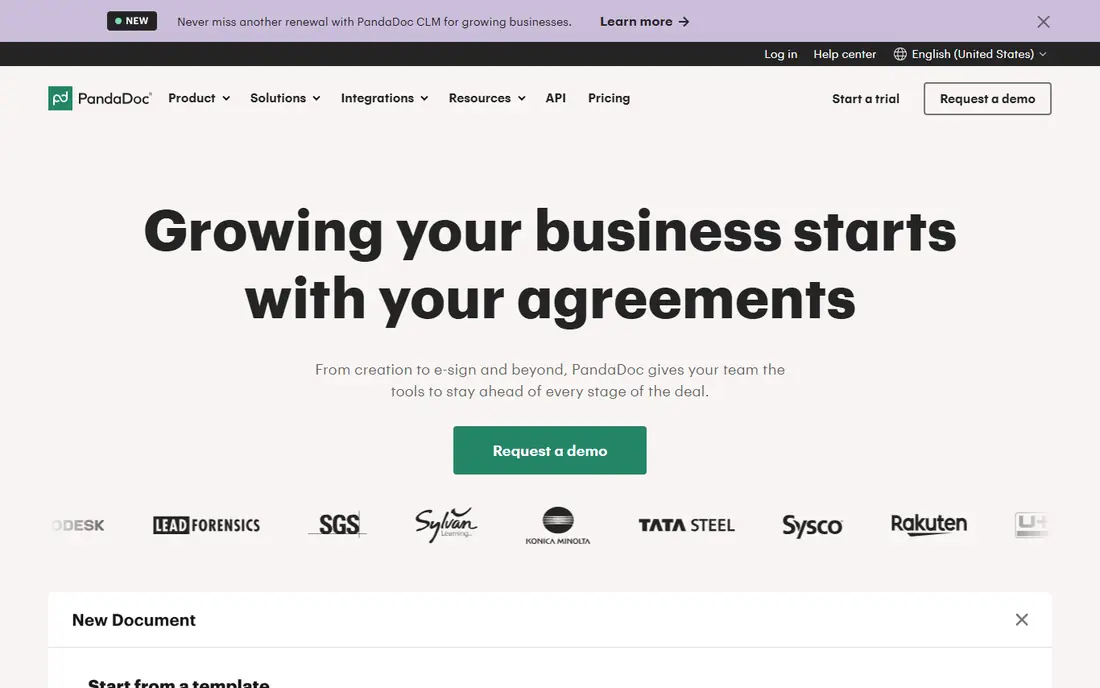
PandaDoc is the tool we would shortlist first for a small sales team that sends quotes every week. You build a quote from a template, add products or services with pricing, send it for online signature, and collect payment without stitching together separate tools. Built-in tracking shows when a prospect opens the document, which helps with follow-up timing and stops you chasing people who never saw it.
The polish is the point. Templates look professional without design help, and the content library lets a team reuse approved pricing blocks and terms instead of reinventing each quote. The catch is cost at scale: at $19 per user per month for the entry paid plan, a ten-person team pays a real monthly bill, and some workflow and CRM features need a higher tier. For a small team that lives on quotes, that price is easy to justify. For a solo user who sends two quotes a month, a cheaper tool may do.
- Quotes, proposals, e-signatures and payments in one place
- Large template library
- Tracks opens and views
- Per-user pricing adds up for larger teams
- Some advanced workflow features sit on higher plans
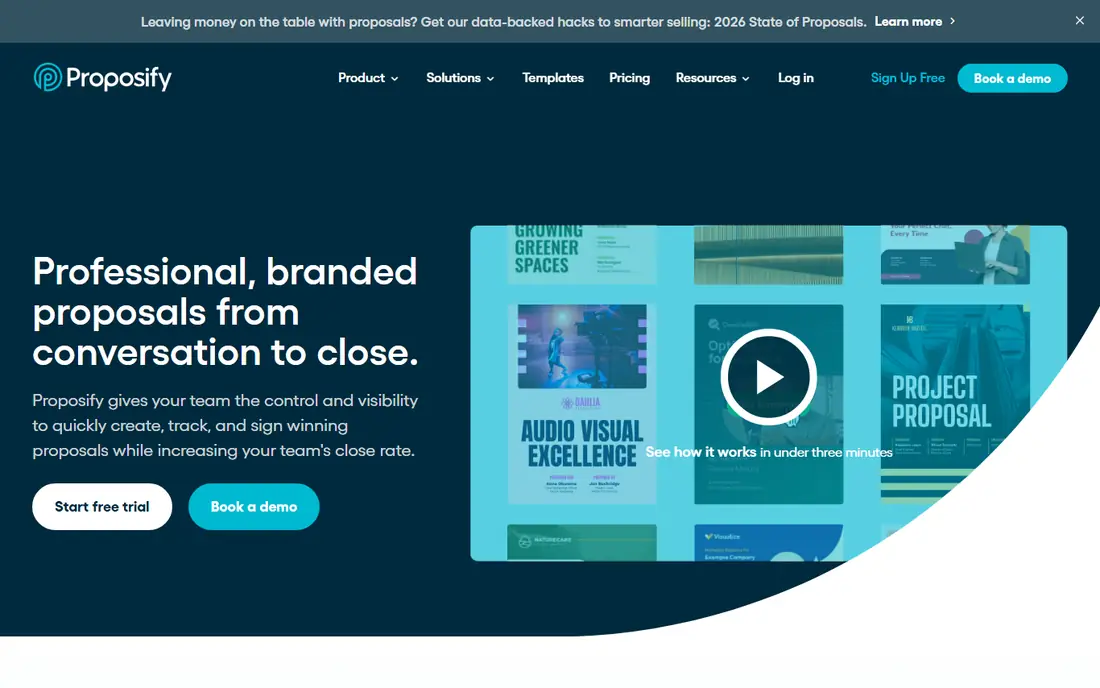
Proposify suits teams where a quote needs a second pair of eyes before it goes out. Managers can approve proposals, lock sections so reps cannot edit key terms, and keep a library of approved content that the whole team reuses. That control matters once more than two people are quoting, because it stops old prices and outdated terms slipping into live deals.
The interface is clean, and clients can accept and sign online without printing anything. The trade-off is setup time. Proposify rewards a team that invests an afternoon in templates and roles, and it can feel like more tool than a solo operator needs. If your quotes are simple and approval is just you, start with a simpler option. If consistency across a sales team is the problem, Proposify answers it directly.
- Strong approval workflows and roles
- Shared content library keeps pricing consistent
- Good analytics on proposal views
- More setup than a simple quote tool
- Entry plan limits may push growing teams to a higher tier
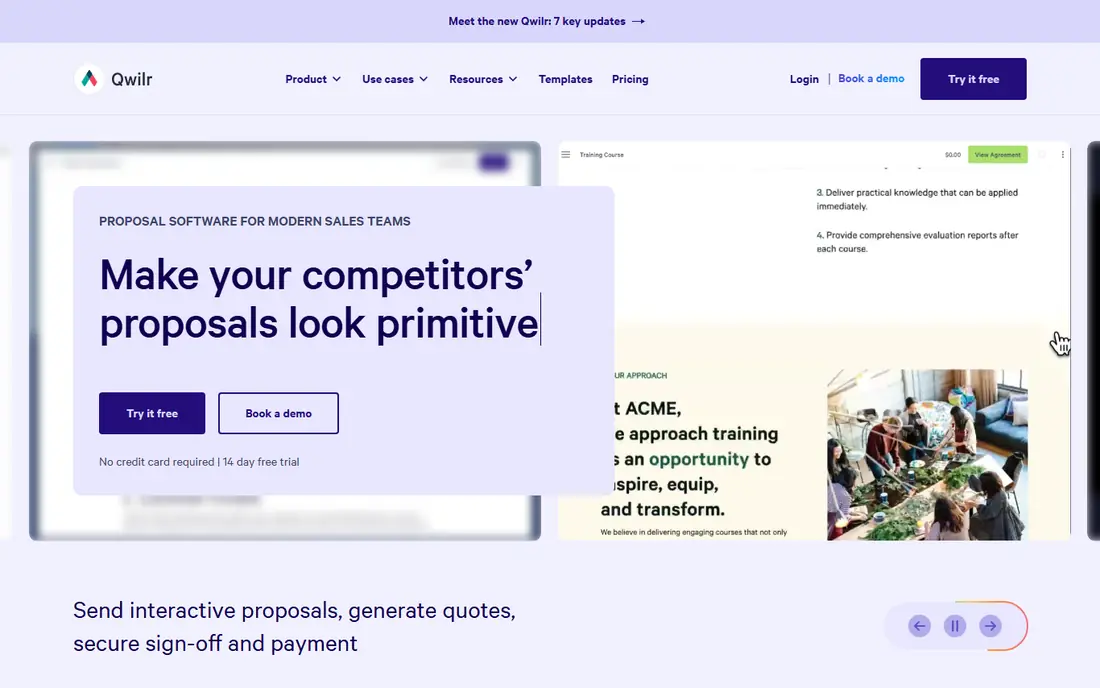
Qwilr turns a proposal into a web page rather than a document, and the difference shows. Clients scroll through a designed page, pick options, accept and pay, all in one place. For agencies, consultants and creative firms, that presentation can be the difference between a quote that gets read and one that sits in an inbox.
Interactive pricing is the standout feature. A client can choose between tiers or add options and see the total change, which shortens the back-and-forth that kills deals. The downside is price and fit: Qwilr costs more than a basic quoting tool, and a plumber or electrician who needs a fast job quote will find simpler tools quicker. Buy it for presentation and interactivity, not for bare-bones quoting speed.
- Beautiful, web-page style proposals
- Interactive pricing options for clients
- Strong analytics
- Pricier than plain quote tools
- Less suited to simple line-item quotes for trades or field work
Better Proposals does what its name promises: it gets a decent proposal out fast. Pick a template, fill in the client and line items, send it for signature, and track when it is opened. For freelancers and small firms that do not want to learn a platform, that speed is worth a lot, and the learning curve is short.
You give up some depth for that simplicity. CRM integrations and advanced approval workflows are thinner here than in the bigger platforms, so a growing sales team may outgrow it. As a first quoting tool, though, it is a sensible middle ground between a Word document and a full sales platform, and it keeps the focus on sending, not configuring.
- Quick to learn and send
- Clean templates
- E-signatures and payment links included
- Fewer deep CRM and workflow features than PandaDoc or Proposify
- Template variety is narrower
QuoteWerks is a long-running quoting tool for small businesses, resellers and managed service providers, and its price is part of the appeal. At $15 per user per month for the Standard plan, it undercuts most web proposal platforms while covering quotes, product bundles and CRM links. If you sell products with parts, options and supplier pricing, its database approach fits better than a pretty proposal page.
The look is the compromise. QuoteWerks feels like desktop software from an earlier era, with tables and tabs rather than a modern web design, and new users need time to learn it. If a slick client-facing page matters most, look elsewhere. If accurate product quoting at a low price matters more, QuoteWerks is hard to ignore.
- Low starting price
- Strong product and pricing database features
- Integrates with common CRMs and accounting tools
- Windows desktop feel looks dated next to web-first rivals
- Setup takes some patience
Quotient keeps quoting deliberately simple. You create a quote, send it, and the client accepts online, with a clear record for both sides. Small teams like it because there is almost nothing to learn, and clients like it because the quote page is easy to read and approve on a phone.
That simplicity is also the ceiling. Complex approval chains, deep CRM automation and large product catalogs sit outside what Quotient is built for. Use it when your quotes are short, your team is small, and speed matters more than sales machinery. It is a good replacement for emailed PDFs, and a poor replacement for a full proposal platform.
- Very easy quote creation
- Online acceptance and signatures
- Clean client-facing pages
- Fewer advanced sales features than larger platforms
- Best for straightforward quotes, not complex deals
Nusii is aimed squarely at freelancers and small agencies who write proposals rather than product quotes. Templates are geared to creative work, client tracking shows the status of each proposal, and the whole tool can be set up in an afternoon. For a solo designer or consultant, that focus beats a generic sales platform full of features you will never open.
The limit is scope. Product catalogs, complex pricing rules and team approval workflows are not its strengths, so a product reseller or a larger sales team should look at QuoteWerks or Proposify instead. As a freelancer tool, Nusii hits a sweet spot: professional enough to impress clients, simple enough to use every week without a manual.
- Built for freelancers and creative proposals
- Simple pricing and client tracking
- Quick setup
- Smaller feature set than PandaDoc
- Less suited to product-heavy or enterprise quoting
Jobber is included here because for many trades and home service firms, quoting is not a standalone job. A quote in Jobber becomes a scheduled job, then an invoice, then a payment, with the client approving it through an online hub. That flow removes retyping and lost paperwork, which is where small field service firms lose time and money.
The entry Core plan starts at $29 per month billed annually for one user, with a free trial and no card required for the trial in many listings. The catch is that you pay for a platform, not just quotes, so a firm that only needs quotes should buy a cheaper pure quoting tool. If scheduling and invoicing are already on your wish list, Jobber turns quoting into the first step of a joined-up system rather than a separate chore.
- Quoting plus scheduling, invoicing and payments in one app
- Client hub for online approvals
- Good mobile apps
- Quoting alone does not justify the price if you never use scheduling
- Per-user costs rise with crew size
How we picked these
We compared official feature and pricing pages, app store listings and public reviews for quoting and proposal tools, and kept only tools that exist today and truly handle quotes or proposals. We favored tools with published pricing or a clear trial, online acceptance and e-signatures, and a template system that saves time on repeat quotes. Where we could not verify a current price on the vendor site, we wrote See website rather than guessing, and prices shown are starting prices that may change with billing period and team size.
How to choose quoting software
Start with who sends quotes and how often. A solo freelancer needs speed and low cost. A sales team needs approvals, a content library and CRM links. A field service firm needs quoting that flows into jobs and invoices. Write down your top three pains before you trial anything, or every demo will look good.
Check the real cost, not the headline
Most tools charge per user, so multiply the monthly price by your team before you compare. Check whether templates, e-signatures and payment collection sit on the entry plan or a higher one, and whether annual billing is required for the price you saw. A tool that looks cheap for one user can be the priciest option for a team of eight.
Trial with a real quote
Build one real quote in each finalist, send it to yourself, and open it on a phone. Check how it looks, how easy acceptance is, and whether the numbers are clear. Test editing a price after sending, adding an optional line, and finding the quote a week later. The tool that survives that test is the one your team will actually use.
Frequently asked questions
What is the best quoting software for small businesses?
PandaDoc is our pick for most small businesses, because it covers quotes, proposals, signatures and payments in one tool at $19 per user per month for the entry paid plan. QuoteWerks is a strong cheaper alternative for Windows-based firms, and Jobber fits field service firms that also need scheduling.
What is the best software for quotation for a sales team?
Proposify fits sales teams best when approvals and consistent pricing matter, thanks to roles, locked sections and a shared content library. PandaDoc is a close alternative with stronger payment and tracking features. Both offer trials, so test approval flow with a real deal before you commit.
What is the best quoting app for freelancers?
Nusii and Better Proposals are both good fits for freelancers, because they are quick to set up and focus on clean, client-ready proposals. If you also need scheduling and invoicing for field work, Jobber covers the wider workflow. Start with a trial and send a real quote to yourself first.
Is there free quoting software?
Most serious quoting tools offer a free trial rather than a permanent free plan, including PandaDoc, Proposify and Jobber. Free trials let you test templates and client acceptance, but you should expect to pay once you send quotes regularly. Check the trial length and what happens to your quotes when it ends.
How much does quoting software cost?
Entry paid plans in this list start at $15 per user per month for QuoteWerks and $19 per user per month for PandaDoc and Proposify, with Jobber from $29 per month for one user billed annually. Final cost depends on team size, billing period and which features sit on higher plans, so confirm the current price on the vendor site.
Can quoting software replace a CRM?
It can replace some CRM tasks, such as tracking quote opens and client acceptance, but it is not a full CRM. If you need pipeline management, lead scoring and deep sales reporting, pair your quoting tool with a CRM or choose a platform that includes both. Many quoting tools integrate with common CRMs for that reason.
Sources we checked (8)

Online Jobs is an independent blog about careers, online work, learning new skills and the tools that help people earn. More about us.
Keep reading
All posts
n8n Alternatives
n8n alternatives compared for 2026, with Zapier, Make, Activepieces, and more, covering visual builders, code steps, self-hosting, and pricing models.

ZoomInfo Alternatives
The best ZoomInfo alternatives in 2026, compared on price, free plans, data coverage, and which tool fits small teams or large sales teams best in detail.

Yotpo Alternatives
Find cheaper alternatives to Yotpo for reviews and loyalty, with Judge.me, Loox, Stamped, and more compared for Shopify stores in 2026, all in one guide.