Best Quality Management Software in 2026: 8 Products Compared


Enterprise regulated quality · Starting price: See website
How we put this together: we compare official feature and pricing pages, app store listings, privacy policies and public user reviews. Prices change, so check the provider's site before you pay.
Key takeaways
- MasterControl and ETQ Reliance suit large regulated organisations that need broad quality, document, and training control.
- Qualio and Greenlight Guru fit growing life sciences and device teams that want faster setup and clearer workflows.
- Veeva Vault QMS and ComplianceQuest suit teams already invested in Vault or Salesforce, where a shared platform cuts integration work.
- Arena PLM and QMS and ZenQMS help teams that need quality linked to product records or a simpler electronic QMS.
- Budget for validation, migration, training, and audit support, not only the licence, and pilot with one quality process first.
Quick comparison
| Name | Who it suits | Starting price | Free option | |
|---|---|---|---|---|
| MasterControl | Enterprise regulated quality | See website | No | Visit |
 ETQ Reliance | Configurable enterprise QMS | See website | No | Visit |
 Qualio | Growing life sciences teams | See website | No | Visit |
 Greenlight Guru | Medical device QMS | See website | No | Visit |
 Veeva Vault QMS | Vault-based quality | See website | No | Visit |
 ComplianceQuest | Salesforce-native QMS | See website | No | Visit |
 Arena PLM and QMS | Product-linked quality | See website | No | Visit |
 ZenQMS | Simple electronic QMS | See website | No | Visit |
The best quality management software
We compared quality management software, often called QMS or eQMS, that handles documents, training, audits, complaints, nonconformances, and corrective actions in a controlled way. The best pick depends on your industry, company size, and whether quality must link closely to product design, lab work, or a wider enterprise platform.
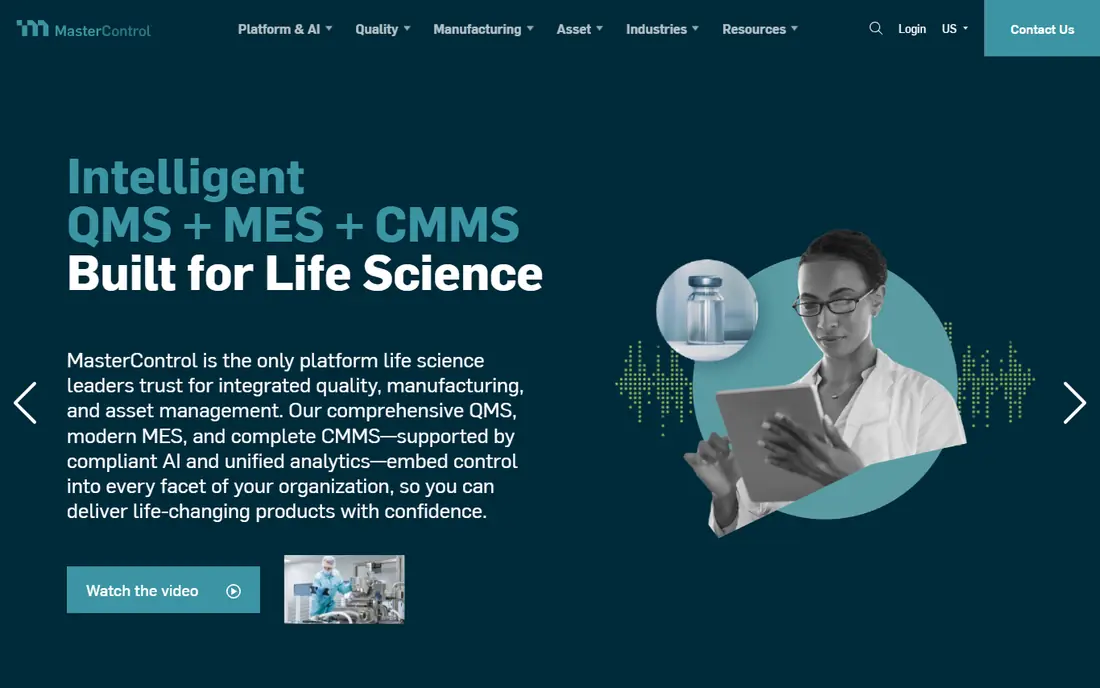
MasterControl suits large life sciences and manufacturing organisations that need one controlled system for documents, training records, quality events, and audits. Its strength is breadth and control, with versioning, approvals, electronic signatures, and audit trails that help teams show regulators how work was done and who approved it. Teams with many sites and many controlled documents value that structure.
The catch is implementation weight. MasterControl needs clear process ownership, migration planning, and training, and smaller teams may find the full suite more than they need at first. It fits best when quality, manufacturing, and regulatory work must share one governed system at scale.
- Broad quality, document, training, and audit modules
- Built for regulated manufacturing
- Strong validation support
- Enterprise scope means longer implementation
- Quoted pricing varies widely by modules and users
ETQ Reliance suits enterprises that want to shape quality workflows without heavy custom code. Its application library covers document control, audits, complaints, nonconformances, corrective actions, supplier quality, and risk, and workflows can be configured to match internal approval chains. That flexibility helps organisations with distinct processes across sites or business units.
Buyers should still plan carefully. Flexibility only helps if processes are defined first, and a rushed configuration can create a system that is hard to maintain. ETQ fits teams with a dedicated quality systems owner and a clear plan for phased rollout.
- Large application library for quality processes
- Codeless workflow configuration
- Strong supply chain and audit coverage
- Broad configurability needs skilled admins
- Implementation planning matters for large rollouts
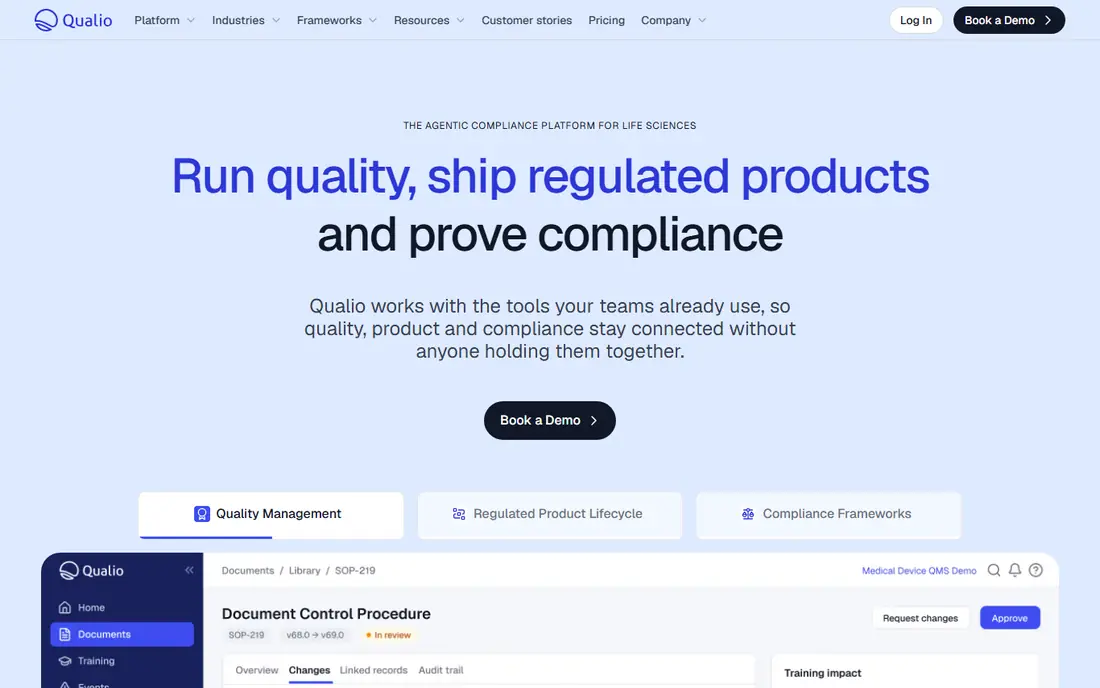
Qualio suits life sciences teams moving off paper or spreadsheets and into a controlled electronic system. It brings document control, training, design controls where relevant, and quality events together, with workflows that are easier to learn than many enterprise tools. That focus helps startups and mid-size teams get audit-ready faster, without hiring a large quality systems team first.
Larger organisations with highly complex global processes should test Qualio against their full requirements, including integrations and reporting. For growing teams that need a clear, governed QMS without enterprise overhead, Qualio is a strong shortlist pick.
- Cloud eQMS built for life sciences
- Document, training, and quality event workflows in one place
- Faster go-live than enterprise suites
- Very large enterprise needs may need broader suites
- Quoted pricing requires a direct discussion
Greenlight Guru suits medical device companies that want a QMS shaped around device work from the start. It connects quality events, design controls, risk management, and document control in workflows that reflect how device teams actually build and maintain products. That device focus reduces the need to bend a generic QMS into shape.
The limit is scope. If your company also runs pharma, food, or general manufacturing quality in the same system, a broader QMS may fit better. For device-only teams, Greenlight Guru offers a focused path that many general tools cannot match without extra configuration.
- Built specifically for medical devices
- Links quality, design, and risk workflows
- Guided implementation for device teams
- Not a fit for pharma or general manufacturing outside devices
- Quoted pricing needs a sales discussion
Veeva Vault QMS suits life sciences organisations already using Vault for regulatory, clinical, or commercial documents. Quality events, corrective actions, audits, complaints, and supplier quality sit in the same Vault environment, which helps teams link a quality issue to the documents, products, and submissions it affects. That shared context is useful during audits and inspections.
If you do not already use Vault, compare the full cost and scope of adopting Vault QMS against a standalone QMS. For Vault users, though, adding quality inside the same platform often cuts integration work and keeps a single audit trail across functions.
- Quality events, CAPA, audits, and complaints inside Vault
- Shared documents and data with other Vault apps
- Strong life sciences focus
- Best value comes with wider Vault use
- Standalone buyers should compare total Vault cost
ComplianceQuest suits organisations already running on Salesforce that want quality inside that platform. Users, security, reporting, and integrations carry over, and quality workflows can link to customer, product, and service records in Salesforce. That link helps when a complaint, a supplier issue, or a field action touches customer and product data at once.
Teams not on Salesforce should weigh the cost of adopting Salesforce alongside the QMS. For Salesforce shops, ComplianceQuest is a practical way to add governed quality without a separate platform and a separate login for every user.
- Built on Salesforce, so it shares users, reports, and integrations
- Configurable quality workflows
- Covers audits, CAPA, and supplier quality
- Salesforce licence and admin needs add to total cost
- Teams not on Salesforce get less benefit
Arena PLM and QMS suits product organisations that need quality tied directly to design and change history. When a nonconformance, corrective action, or supplier issue relates to a specific part, revision, or assembly, Arena keeps that link visible, so teams can trace impact without hunting across systems. Change control is a particular strength, because product changes and quality approvals move together.
If your main need is standalone quality events with little product linkage, a dedicated QMS may be simpler. For hardware, electronics, and device teams where product records drive quality decisions, Arena offers a coherent combined view.
- Links quality records to product lifecycle data
- Change control tied to parts and bills of materials
- Useful for hardware and device teams
- Product focus means less depth in some standalone quality areas
- Buyers should map quality needs first
ZenQMS suits growing regulated teams that want an electronic QMS without enterprise complexity. Document control, training tracking, audits, and quality events sit in a clear cloud system, and validation support helps teams meet regulated record needs. Setup is generally faster than a large enterprise rollout, which helps teams that need to replace paper processes quickly.
Larger organisations should test reporting, integration, and multi-site needs in a pilot before committing. For small and mid-size life sciences teams, ZenQMS is a straightforward option that balances control with ease of use.
- Cloud eQMS with document, training, and quality workflows
- Simpler setup than enterprise suites
- Validation support for regulated teams
- Very large or highly complex organisations may need broader configuration
- Quoted pricing requires discussion
How we picked these
We chose QMS platforms with clear document control, training, audit, complaint, and corrective action features, and we checked official vendor sites for product scope and target industries. We left out generic document tools and spreadsheet templates, because they do not provide the approvals, audit trails, and linked quality records that a real QMS must offer. We then balanced enterprise suites, life sciences specialists, device specialists, and platform-native options, so the list fits different company types.
This article is for general information only and is not regulatory, legal, or compliance advice. Quality system requirements vary by industry and product, and your quality and regulatory teams should confirm that any platform meets your current standards and inspection needs. Pricing is quoted by vendors, so get a written quote for your users, modules, and validation scope.
How to choose a QMS without overbuying
Start with the quality processes that cause the most pain today, such as document approvals, training tracking, complaints, or corrective actions. List the exact steps, approvers, and records for each process, then test those steps in a demo with your own example documents. A vendor demo with generic data can hide gaps in approvals, notifications, or reporting that only your real process will reveal.
Next, check validation, integration, and migration. Ask how the vendor supports validation, how documents and training records migrate from your current system, and how the QMS connects to your product, lab, or enterprise systems. Also ask about audit trails, electronic signatures, access controls, and data export, because those features decide whether you can prove compliance later and leave the system if needed.
Finally, run a pilot with one process and one team, such as document control or training, and measure approval time, overdue training, and audit preparation effort before and after. Train users early, name a quality systems owner, and phase in other processes only after the first one runs smoothly. A QMS that users trust and update daily is worth more than a broad suite that sits half-used.
Frequently asked questions
What is the best quality management software?
MasterControl and ETQ Reliance are best for large regulated enterprises, Qualio and ZenQMS suit growing life sciences teams, and Greenlight Guru suits medical device companies. Veeva Vault QMS fits Vault users, ComplianceQuest fits Salesforce users, and Arena fits product-linked quality. Pick by industry, size, and which system your quality records must link to.
What does QMS software do?
QMS software controls quality documents, training, audits, complaints, nonconformances, corrective actions, and supplier quality in one governed system. It tracks approvals, versions, and audit trails, so teams can show who did what and when. Good QMS software also sends reminders for overdue training, audits, and actions, which helps teams stay inspection-ready.
How much does quality management software cost?
Most QMS vendors quote pricing based on users, modules, and implementation scope, so costs vary widely. Budget for licence or subscription fees plus implementation, validation, migration, training, and ongoing support. Small team QMS costs far less than a global enterprise rollout, so get written quotes for the same scope from each vendor you shortlist.
What is CAPA in quality management?
CAPA stands for corrective action and preventive action, which is the process for fixing a quality problem, finding its root cause, and preventing it from happening again. A QMS tracks CAPA tasks, owners, deadlines, and effectiveness checks in one record. Strong CAPA handling is a core test of any QMS, so check it closely in a demo.
Is a QMS required for medical devices or pharma?
Regulated companies generally need controlled quality processes, documents, training, and records, whether they use software or paper, though software makes control far easier at scale. Exact requirements depend on your product, markets, and standards, such as ISO 13485, FDA quality system rules, or GMP rules. Your regulatory team should confirm the rules that apply to your products.
How long does QMS implementation take?
Timelines range from weeks for a focused cloud QMS to many months for a broad enterprise suite, depending on migration, validation, integrations, and training. Phased rollouts, starting with documents and training, usually go smoother than a single big launch. Ask each vendor for a phased plan, and pilot one process before you roll out to all sites.
Sources we checked (8)

Online Jobs is an independent blog about careers, online work, learning new skills and the tools that help people earn. More about us.
Keep reading
All posts
n8n Alternatives
n8n alternatives compared for 2026, with Zapier, Make, Activepieces, and more, covering visual builders, code steps, self-hosting, and pricing models.

iPhone Alternatives
Looking for iPhone alternatives in 2026? Compare 9 Android phones from Samsung, Google, OnePlus, and more, with cameras, battery life, and honest trade-offs.

eBay Alternatives
Looking for ebay alternatives? We compared 9 marketplaces for sellers on fees, buyer reach, categories and ease of listing, to help you sell with confidence.