Best Proxy Services in 2026: 9 Providers Compared


Enterprise scraping and compliance · Starting price: $8 per GB
How we put this together: we compare official feature and pricing pages, app store listings, privacy policies and public user reviews. Prices change, so check the provider's site before you pay.
Key takeaways
- Residential proxies cost far more per gigabyte than datacenter proxies, so match the proxy type to the target site before you buy.
- Bright Data and Oxylabs suit large, compliance-sensitive work, while Decodo and DataImpulse suit smaller budgets.
- Webshare is the easiest way to test a proxy setup, thanks to a free tier with datacenter IPs.
- Always respect a site's terms and the law. Proxies do not make scraping, account creation, or data collection automatically allowed.
Quick comparison
| Name | Who it suits | Starting price | Free option | |
|---|---|---|---|---|
| Bright Data | Enterprise scraping and compliance | $8 per GB | Free trial | Visit |
 Oxylabs | High-volume data pipelines | $6 per GB | Free trial | Visit |
 Decodo | Best value all-rounder | $4 per GB | Free trial | Visit |
 SOAX | Precise geo and mobile targeting | See website | Free trial | Visit |
 IPRoyal | Long sessions and rollover traffic | See website | Free trial | Visit |
 Webshare | Developers and prototyping | Free | Yes | Visit |
 Rayobyte | Datacenter-heavy US workloads | See website | Free trial | Visit |
 DataImpulse | Budget residential scraping | $1 per GB | Free trial | Visit |
 Infatica | Managed residential pools | See website | Free trial | Visit |
The best proxy services
A proxy service routes your traffic through IP addresses in chosen locations, which helps with price checks, ad verification, market research, and testing sites as visitors in other regions see them. We compared official pricing pages, proxy types, targeting options, and trial terms.
Bright Data is the benchmark for teams that need scale and documented sourcing. Its network covers residential, mobile, ISP, and datacenter proxies, with country, city, and ASN targeting, plus tools for scraping and unblocking. For large companies, the compliance paperwork and support matter as much as the IPs.
The list price for residential traffic is $8 per GB on pay as you go, though promotions and volume plans can lower it. That puts it at the top of the price range, and the account verification step can slow a quick test. It is best when audit trails and reliability matter more than the lowest per-gigabyte rate.
- Very large IP network
- Strong compliance and KYC process
- Residential, mobile, ISP, and datacenter options
- List price is high
- Setup and verification take longer than budget rivals
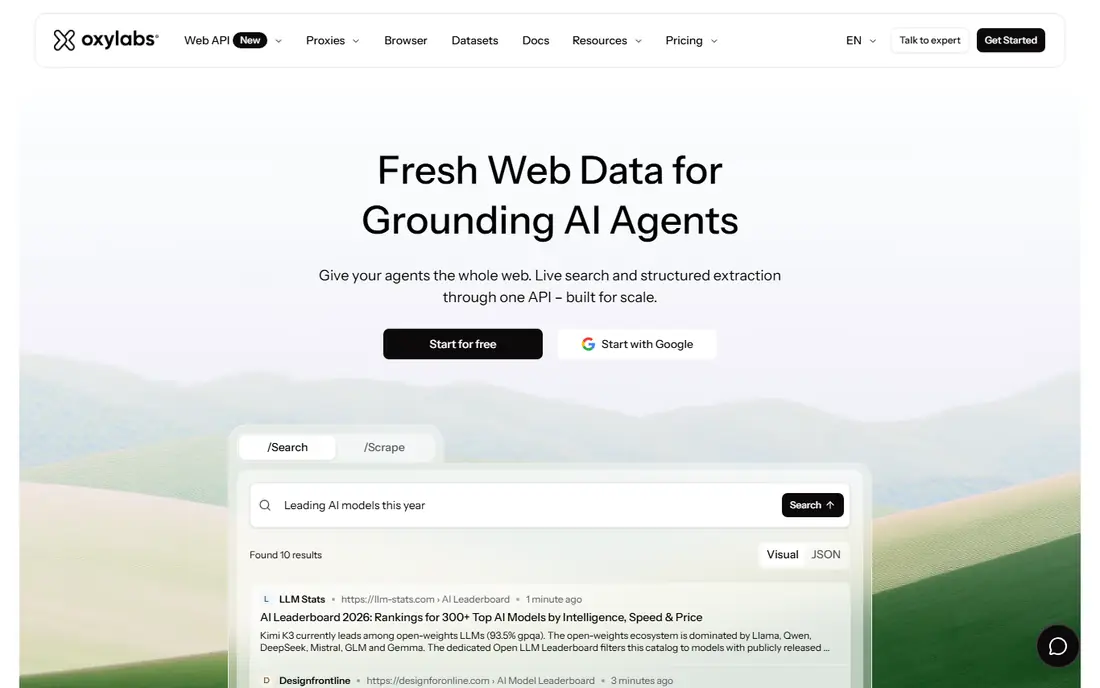
Oxylabs suits data teams running steady, large crawls. Its residential pool is large, its APIs are well documented, and it offers dedicated account support for bigger accounts. That combination helps when a pipeline must run daily without manual fixes.
Entry pricing starts at $6 per GB on the smallest residential plan, with lower rates at higher volumes. Small or occasional users will find cheaper options below, but teams that need consistency at scale often accept the premium for fewer failed requests and better tooling.
- Large residential pool
- Strong APIs and tooling
- Good support for large crawls
- Entry residential price is high
- Best rates need volume commitments
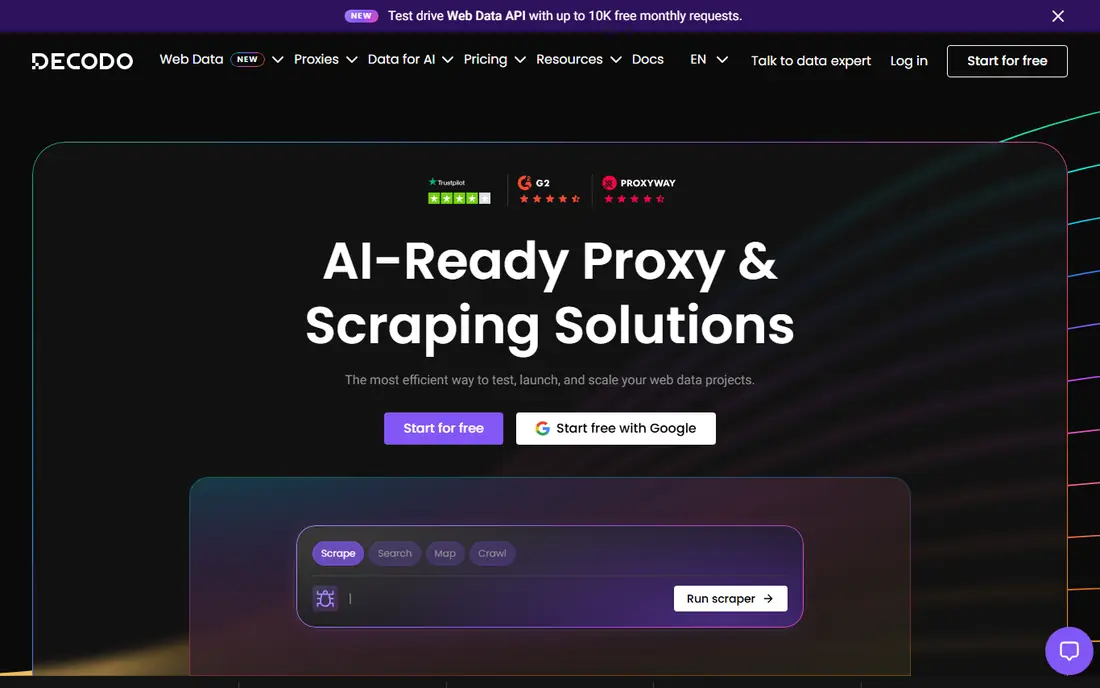
Decodo, formerly Smartproxy, is our pick for most people who want a capable proxy service without an enterprise sales process. It offers residential, mobile, ISP, and datacenter proxies, with country and city targeting, sticky sessions, and a clear dashboard. The 3-day trial helps you test before spending much.
Residential pay-as-you-go starts at $4 per GB, and monthly plans bring the per-gigabyte rate down at higher volumes. It does not match the largest vendors on compliance depth or on some advanced scraping tools, but for general research and testing it offers a strong balance of price and features.
- Pay-as-you-go residential from $4 per GB
- Broad proxy types
- Simple self-serve signup
- Enterprise tooling is thinner than Bright Data
- Volume discounts need larger plans
SOAX stands out when location precision matters, such as ad verification in a specific city or testing a mobile experience in one region. It offers residential and mobile proxies with detailed geo targeting and session controls that help with longer browsing sessions.
Pricing depends on the pool and plan you choose, so check the current page for your use case before budgeting. The trial is short, so plan a focused test with your real targets during that window rather than a general browse.
- Fine-grained location targeting
- Mobile proxies
- Flexible session control
- Pricing varies by plan and pool
- Trial terms are limited
IPRoyal appeals to users who buy traffic in chunks and use it slowly. On some plans, unused traffic does not expire, which suits occasional research better than a monthly allowance that resets. Sticky sessions can also last for days, which helps when a task needs the same IP across visits.
The catch is the price curve. Small packs cost much more per gigabyte than large ones, so a casual buyer may pay a high rate for a small amount. Compare the pack size you will actually use, not just the headline rate at the largest tier.
- Traffic that does not expire on some plans
- Long sticky sessions
- Residential and datacenter options
- Small-pack prices are high
- Best per-GB rates need very large volumes
Webshare is the easiest place to start if you are building or testing a tool. Its free tier includes datacenter proxies you can use without paying, and paid datacenter plans start at low monthly prices. The API is simple, and the dashboard makes it easy to rotate or replace IPs.
Datacenter IPs are easier for sites to detect than residential IPs, so Webshare is less suited to hard targets that block datacenter ranges. For development, testing, and lower-risk tasks, though, it is a practical and low-cost starting point.
- Free tier with datacenter proxies
- Low entry prices
- Simple API and dashboard
- Free tier is datacenter only
- Residential traffic costs more
Rayobyte is a good fit for US-focused work that runs well on datacenter IPs, such as internal testing and high-volume requests to tolerant targets. It offers static IPs for tasks that need a stable address, and rotating pools for tasks that need fresh IPs.
Residential rates fall sharply at high volumes, so small buyers should check the entry rate for their plan rather than the lowest published rate. If your targets accept datacenter traffic, Rayobyte gives you a lot of capacity for the money.
- Strong US datacenter coverage
- Static and rotating options
- Pay-as-you-go choices
- Residential pricing varies widely by volume
- Support is less enterprise-focused
DataImpulse is the budget pick for residential traffic, with pay-as-you-go pricing from $1 per GB and no expiry on some balances. That model suits researchers and small teams who scrape in bursts and do not want a monthly subscription ticking over between jobs.
The trade-off is depth. You get less in the way of enterprise tooling, managed scraping services, and compliance documentation than the top-tier vendors. For straightforward residential proxy use at a low price, that trade is often fair.
- Residential from $1 per GB
- Pay-as-you-go
- Traffic does not expire on some plans
- Smaller toolset than enterprise vendors
- Pool details are less detailed
Infatica offers residential and mobile proxies with geo targeting, plus managed options for teams that want help running larger data collection jobs. That service layer can save time if your team does not want to build and maintain its own scraping setup.
Pricing is not as simple to compare at a glance, since it depends on plan and volume, so request a current quote for your expected traffic. It is best for teams that value a managed approach over the lowest self-serve per-gigabyte price.
- Residential and mobile pools
- Managed service options
- Geo targeting
- Pricing is plan based and varies
- Less self-serve detail than some rivals
How we picked these
We compared official pricing pages, proxy types, targeting options, and trial terms for services that are actively selling in October 2026. We favored providers with clear residential, mobile, or datacenter offerings and public pricing or trial access. We did not claim hands-on testing, and where pricing varied by plan, we wrote See website instead of picking a single misleading figure.
Choosing the right proxy service
Start with the target, not the price. A datacenter IP may work fine for your own site testing, while a hard target may need residential or mobile IPs. Buying the cheapest type for the wrong job usually costs more in failed requests and wasted time.
Match proxy type to the job
Residential proxies come from real home connections and are harder to detect, but they cost more per gigabyte. Mobile proxies use mobile carrier IPs and suit mobile app testing. Datacenter proxies are fast and cheap, but easier to block. ISP proxies sit between datacenter and residential on trust and price.
Check targeting and sessions
If you need a specific city, ZIP code, or carrier, confirm that targeting is available on the plan you will buy, not just on the top tier. Also check sticky session length. A task that logs in or keeps a cart needs a stable IP longer than a quick price check does.
Respect terms and privacy
Use proxies for lawful research, testing, and verification, and respect the terms of the sites you visit. Avoid collecting personal data without a lawful basis, and check your provider's acceptable use policy. A proxy hides your IP, but it does not remove your responsibility for what you request.
Frequently asked questions
What is the best proxy service?
For most buyers, Decodo offers the best balance of price, proxy types, and self-serve setup. Bright Data and Oxylabs suit larger teams that need compliance depth and scale, while Webshare suits developers who want a free start.
What is the best proxy software for beginners?
Webshare is the easiest start because its free tier lets you test datacenter proxies without paying. Decodo is a good next step when you need residential proxies, since signup is self-serve and pricing is clear.
How much do proxy services cost?
Datacenter proxies can start free or at a few dollars per month, while residential traffic ranges from about $1 per GB at budget vendors to $8 per GB at list price for enterprise vendors. Monthly plans and volume commitments usually lower the per-gigabyte rate.
Are residential proxies better than datacenter proxies?
Residential proxies are usually harder for sites to detect, but they cost more and can be slower. Datacenter proxies are faster and cheaper, but more likely to be blocked on strict sites. The right choice depends on the target and the task.
Is using a proxy legal?
Using a proxy is legal in most places, but what you do through it still matters. Scraping against a site's terms, bypassing access controls, or collecting personal data can still break rules or the law, so check terms and get advice for sensitive projects.
Sources we checked (9)

Online Jobs is an independent blog about careers, online work, learning new skills and the tools that help people earn. More about us.
Keep reading
All posts
Surfshark Alternatives
Looking for Surfshark alternatives? We compare 8 VPN services on price, privacy, streaming, and device limits to help you find a VPN that fits your needs.
NordPass Alternatives
We compared NordPass alternatives for families, solo users and teams, checking pricing, free plans, passkeys and sharing, so you can switch safely today.
LLM Tool Integration Security Best Practices
Learn LLM tool integration security best practices for 2026, with eight tools for guardrails, tool scoping, sandboxing, agent governance and audit logging.