Best Proposal Software in 2026: 8 Tools Compared

How we put this together: we compare official feature and pricing pages, app store listings, privacy policies and public user reviews. Prices change, so check the provider's site before you pay.
Key takeaways
- PandaDoc is our pick for most sales teams because it covers proposals, contracts, quotes, and e-signatures in one system.
- Proposify suits agencies and sales teams that need tight brand control and approval workflows.
- Qwilr is best when the proposal itself is part of the pitch and needs to look like a modern web page.
- Better Proposals and Prospero offer the lowest entry prices for freelancers and small teams.
- A free proposal tool is rarely enough for regular use: most free tiers are limited to e-signatures, so check proposal limits before you commit.
Quick comparison
| Name | Who it suits | Starting price | Free option | |
|---|---|---|---|---|
 PandaDoc | Most sales teams | $19 per month | Yes | Visit |
 Proposify | Brand control and approvals | $35 per month | Free trial | Visit |
 Qwilr | Interactive web proposals | $35 per month | Free trial | Visit |
 Better Proposals | Small teams on a budget | $13 per month | Free trial | Visit |
 Nusii | Freelancers and creative agencies | $29 per month | Free trial | Visit |
 GetAccept | Deal rooms and engagement | $25 per month | Free trial | Visit |
 Prospero | Budget freelancers | $12 per month | Free trial | Visit |
 Bidsketch | Simple flat pricing | $23 per month | Free trial | Visit |
The best proposal software
Good proposal software does more than make a document look tidy. It should let you reuse content, add interactive pricing, track when a client opens and engages, collect a signature, and in some cases take a payment, all without sending a static PDF and hoping for the best. The eight below cover freelancers, agencies, and sales teams at different prices.
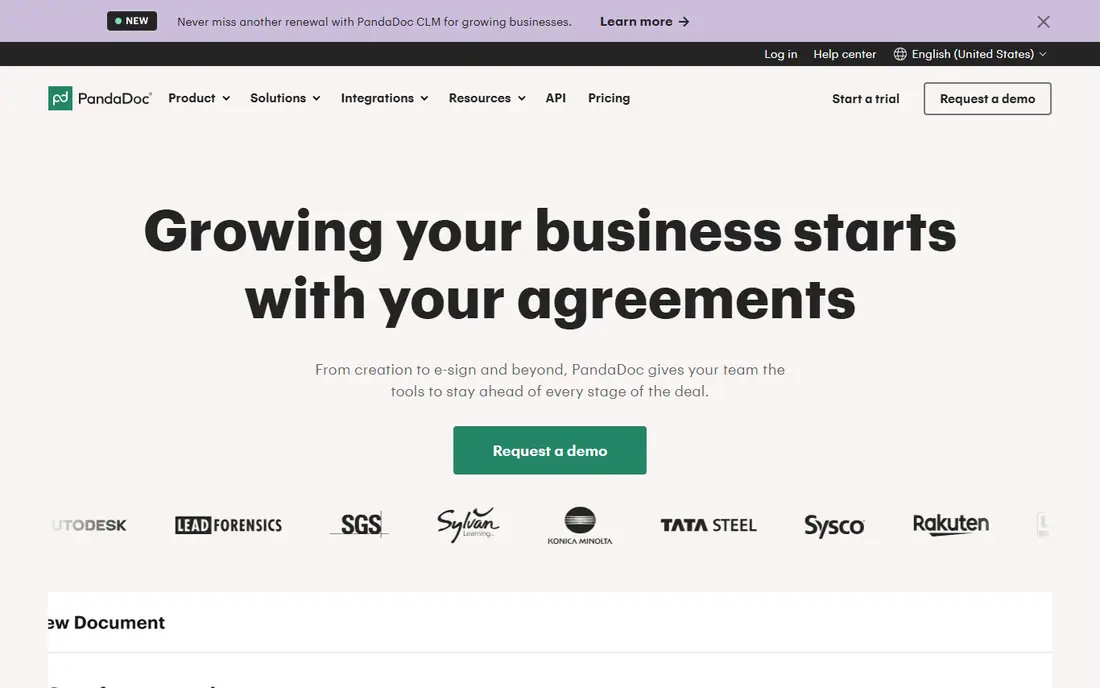
PandaDoc is the broadest tool in this list, and that breadth is why it leads for most sales teams. You can build a proposal from a template, add a pricing table, send it for signature, and track engagement, all in one place. CRM integrations with tools such as HubSpot and Salesforce help keep deal data in step, and the free e-signature tier gives small users a way to start before paying.
The catch is tier choice. The Starter plan, reported at $19 per user per month billed annually, does not include every feature a sales team may expect, such as pricing tables and payments on some configurations, so many teams need a higher plan. Check the feature list for the tier you would actually buy, not just the headline price, before you shortlist it.
- Large template library
- Proposals, contracts, and quotes in one tool
- CRM integrations and document analytics
- Starter plan leaves out pricing tables and payments on some tiers
- Costs rise with team size
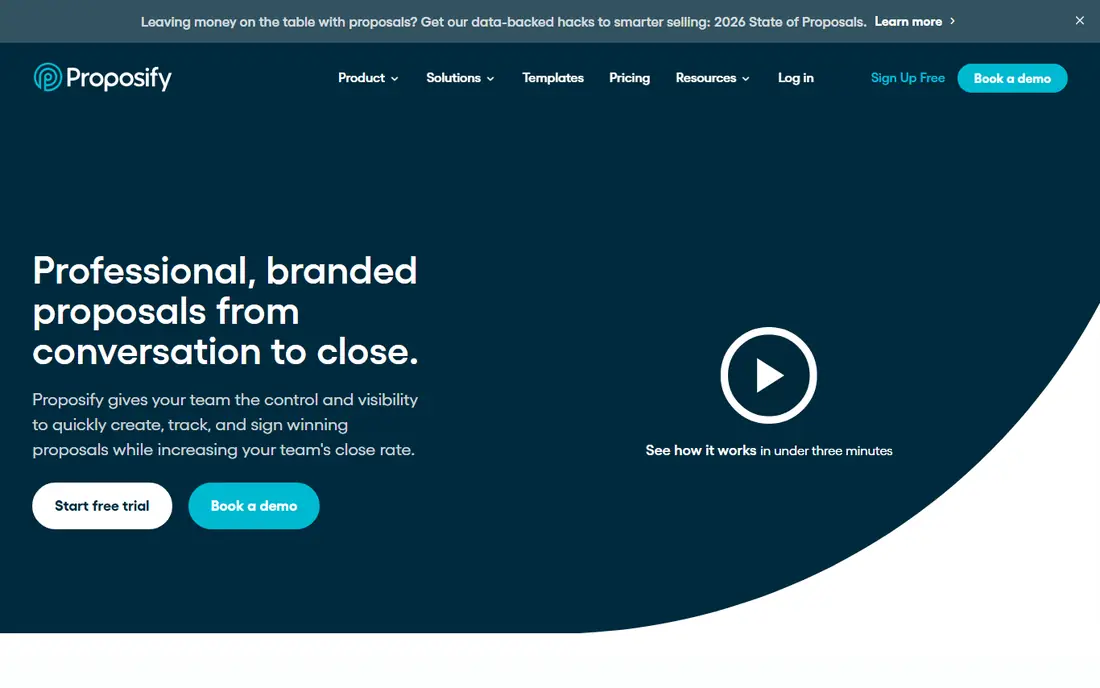
Proposify suits teams where consistency matters as much as speed. Managers can lock brand elements, control reusable content, and approve proposals before they go out, which helps agencies and sales teams that send many proposals under one brand. The drag-and-drop editor is easy to learn, and engagement analytics show which sections a client actually reads.
Price is the main drawback, with plans reported from $35 per user per month billed annually, and higher tiers needed for deeper CRM and approval features. Payment handling is also less central here than in Qwilr or Better Proposals, so check that point if you want clients to pay from the proposal itself.
- Strong template and content controls
- Approval workflows
- Engagement analytics and e-signatures
- Higher starting price than budget rivals
- Some payment features are limited on newer plans
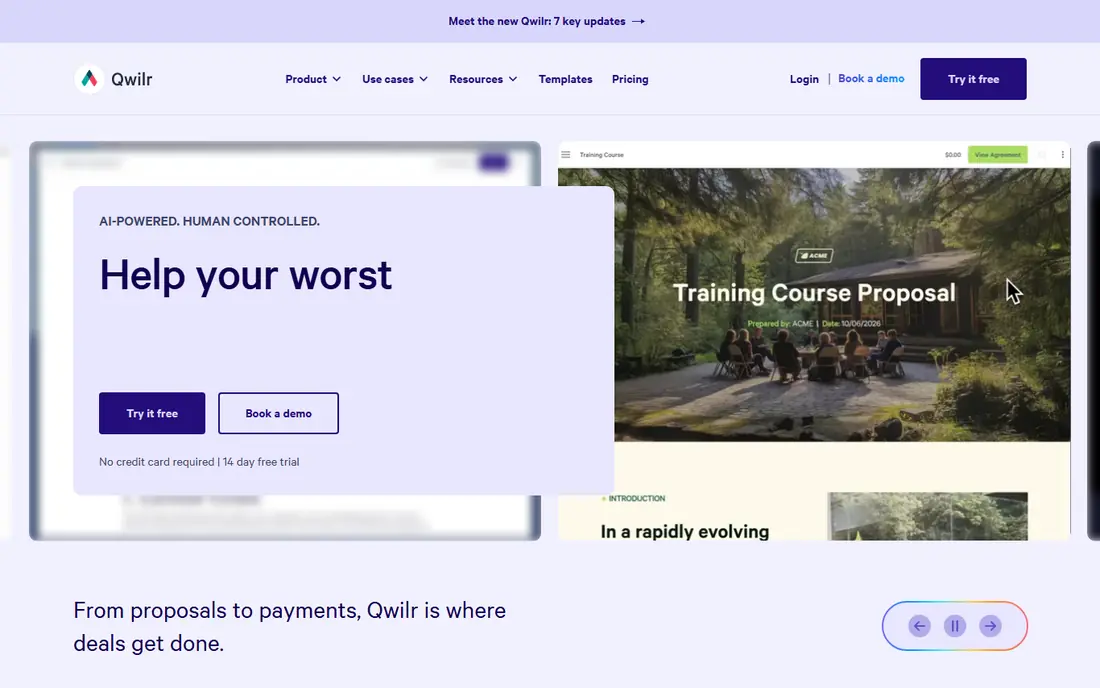
Qwilr treats a proposal as a web page, not a document, and the result often feels more polished than a PDF. Clients can adjust options in an interactive pricing table, accept terms, sign, and pay without leaving the page, and you can see how they engage with each section. For sales-led teams where the proposal is part of the pitch, that experience can help close deals faster.
The price, reported from $35 per user per month billed annually, is higher than budget tools, and Qwilr is less of a full contract lifecycle system than PandaDoc. If your main need is a beautiful, interactive proposal and you already handle contracts elsewhere, Qwilr is a strong pick. If you need one system for everything, PandaDoc may fit better.
- Web-page proposals that look modern
- Interactive pricing tables
- In-proposal payments and engagement tracking
- Higher price for small teams
- Less of a full contract system than PandaDoc
Better Proposals is the value pick for freelancers, agencies, and small service businesses that want polished proposals without a large monthly bill. The Starter plan, reported at $13 per user per month billed annually, includes templates, e-signatures, and payment collection, and live chat inside a proposal lets clients ask questions without leaving the document. That combination is rare at this price.
Lower tiers limit the number of proposals per month, so check your volume before you choose. A team sending many proposals each week may need a higher tier, at which point the price gap with PandaDoc narrows. For modest volume, however, Better Proposals is hard to beat for value.
- Low entry price
- Large template marketplace
- Live chat in proposals and payment collection
- Proposal limits on lower tiers
- Fewer enterprise controls than Proposify
Nusii keeps proposal work simple, which suits freelancers and small creative agencies that do not want a large sales platform. Reusable blocks let you build proposals quickly, pricing packages are easy to present, and flat monthly pricing avoids per-seat surprises for a solo user. The Freelancer plan, reported at $29 per month, covers one user and a set number of active proposals.
That active proposal limit is the main catch, and larger teams will need the Agency plan and extra seats. CRM depth is also thinner than PandaDoc or Proposify. If you send a steady but modest number of proposals and value simplicity over scale, Nusii is a calm, well-designed choice.
- Simple flat pricing for solo users
- Reusable proposal blocks
- Clean, focused workflow
- Active proposal limit on the Freelancer plan
- Fewer CRM integrations than larger rivals
GetAccept goes beyond a single proposal document by adding digital sales rooms, where buyers can find the proposal, related content, and contacts in one place. Video messaging lets a seller explain a proposal in person without a call, and engagement tracking shows which stakeholders have viewed it. That is useful for multi-stakeholder deals where the proposal passes between several people.
For a freelancer sending simple proposals, GetAccept may feel larger than needed, and its e-signature tier, reported from $25 per user per month, is only the start of the full system. For mid-market B2B teams that want proposal plus buyer engagement in one tool, it is a strong option.
- Digital sales rooms
- Video messaging in proposals
- Engagement tracking and e-signatures
- Proposal features are part of a wider sales system
- Pricing and tiers need checking for small teams
Prospero is the cheapest entry point here, reported at $12 per user per month billed annually, and it still covers the core jobs: templates, AI-assisted writing, e-signatures, and analytics. For freelancers and very small teams sending a lot of proposals on a tight budget, that price makes it easy to justify, and the 14-day trial lets you test the workflow before paying.
The trade-off is scale and integrations. It does not match PandaDoc for CRM depth or template community size, and teams that need approval workflows or complex pricing may outgrow it. As a budget-first tool for solo users, however, Prospero is a credible pick, not just a cheap one.
- Lowest entry price in this list
- AI writing help
- Templates and analytics
- Smaller integration range than PandaDoc
- Newer brand with a smaller template community
Bidsketch appeals to freelancers and small agencies that dislike per-seat pricing. The Solo plan, reported at $23 per month billed annually, offers a simple way to send proposals without counting seats, and reusable sections plus fee upsells help with repeat work. The workflow is straightforward: build, send, track, and sign.
It does not look as modern as Qwilr, and its design options are more limited. If visual impact is your main selling tool, Qwilr will suit you better. If you want a simple, predictable proposal tool that you can run for years without price surprises, Bidsketch is worth shortlisting.
- Flat monthly pricing rather than per-seat for solo users
- Unlimited proposals on some plans
- Reusable sections and upsells
- Interface is simpler than Qwilr
- Fewer modern web-proposal features
How we picked these
We compared official feature pages, pricing pages, and public reviews, and we favoured tools that are still maintained, that offer templates, e-signatures, and engagement tracking, and that serve freelancers through to mid-market sales teams. We checked for pricing tables, payment collection, CRM integrations, and trial terms, and we kept a mix of prices, from $12 to $35 per month at entry level. We did not send live proposals through these tools for this guide, and where pricing differs between sources we use the most commonly reported annual-billing figure and note that you should confirm it on the vendor site.
What to check before you buy
Start with volume and seats. A low per-user price can still be expensive for a team, while a flat plan can be cheap for a solo user and costly for a group. Next, check the proposal limits, pricing table features, and payment options on the tier you would actually buy, since those often differ from the headline plan. Test the client view on a phone, because many clients open proposals on mobile first, and a proposal that looks good on desktop but breaks on mobile will hurt your close rate. Finally, check CRM and accounting links, since manual retyping of deal data defeats much of the value of proposal software.
Frequently asked questions
What is the best free proposal software?
PandaDoc offers a limited free e-signature plan, which is useful for occasional signing, but it is not a full free proposal system. Most tools in this list offer a 14-day trial rather than a free plan. If you send proposals regularly, budget for a paid plan and treat a free tier as a trial, not a long-term solution.
What is the best proposal software for freelancers?
Better Proposals and Prospero offer the lowest entry prices and cover templates, signatures, and payments for solo users. Nusii and Bidsketch suit freelancers who prefer flat pricing and a simple workflow. Choose by proposal volume: low volume favours the cheapest plan, while high volume needs a plan without strict monthly limits.
Can clients sign and pay from a proposal?
Yes, in most tools here. PandaDoc, Qwilr, Better Proposals, and GetAccept support e-signatures, and several also support payment collection from inside the proposal. Check which payment providers are supported and whether payments are included on your tier, since some plans require an upgrade.
How is proposal software different from a PDF?
A PDF is static, while proposal software tracks opens and engagement, lets clients adjust pricing options, and collects signatures and payments in one place. That tracking helps you follow up at the right time, rather than guessing whether a client has read your proposal.
Do I need proposal software if I already use a CRM?
A CRM stores deal data, but it does not normally build interactive, signable proposals with pricing tables and engagement tracking. Many teams use both: the CRM for pipeline, and proposal software for the document itself, linked by an integration. If your CRM already covers simple quotes well, you may not need a separate tool.
How long does it take to set up proposal software?
A freelancer can often set up templates and branding in a day or two, while a sales team with approval workflows, CRM links, and a content library may need one to three weeks. Allow time to test the client view, signature flow, and payment step before you send a live proposal to a real prospect.
Sources we checked (10)

Online Jobs is an independent blog about careers, online work, learning new skills and the tools that help people earn. More about us.
Keep reading
All posts
Best Sales Prospecting Tools
Compare the best sales prospecting tools for B2B contact data, enrichment, and outreach, with pricing, credits, and free plans explained in detail in 2026.
Best AI Sales Automation Tools
Looking for the best AI sales automation tools in 2026? We compare nine platforms for prospecting, enrichment, sequences and coaching, with prices and limits.
9 Best AI Sales Tools for Teams That Want Better Pipeline
We compared the best ai sales tools for prospecting, outreach, coaching, and forecasting, including Gong, Apollo, Clay, Outreach, Salesloft, and Clari.