Best Project Management Software With Financials in 2026: 8 Tools Compared

How we put this together: we compare official feature and pricing pages, app store listings, privacy policies and public user reviews. Prices change, so check the provider's site before you pay.
Key takeaways
- Scoro and Teamwork offer the deepest link between project work and money, with quotes, budgets, time, and invoicing in one place.
- Monday.com, Asana, ClickUp, Smartsheet, and Wrike handle budgets and reporting well, but invoicing often needs an accounting integration.
- Zoho Projects is the lowest-cost entry point in this list, and it fits teams already using Zoho tools.
- The real cost depends on how many seats you need and which financial features sit on higher tiers, so compare the tier you will actually use, not the headline price.
Quick comparison
| Name | Who it suits | Starting price | Free option | |
|---|---|---|---|---|
 Scoro | Agencies that bill by project | $17 per user per month | Free trial | Visit |
 monday.com | Visual budgets and workflows | $9 per user per month | Yes | Visit |
 Asana | Cross-team work with portfolio budgets | $10.99 per user per month | Yes | Visit |
 ClickUp | Features per dollar | $7 per user per month | Yes | Visit |
 Smartsheet | Spreadsheet-style project budgets | $9 per user per month | Free trial | Visit |
 Wrike | Larger teams and resource planning | $10 per user per month | Yes | Visit |
 Teamwork | Client work and retainers | See website | Free trial | Visit |
 Zoho Projects | Low-cost project tracking | $4 per user per month | Yes | Visit |
The best project management software with financials
We compared official pricing pages and feature pages for tools that combine project tracking with budgets, time, and billing. Our pick for most service businesses is Scoro, because it treats money as part of the project rather than an add-on. Teams that mainly need task tracking with budget views will find monday.com or ClickUp easier to start with.
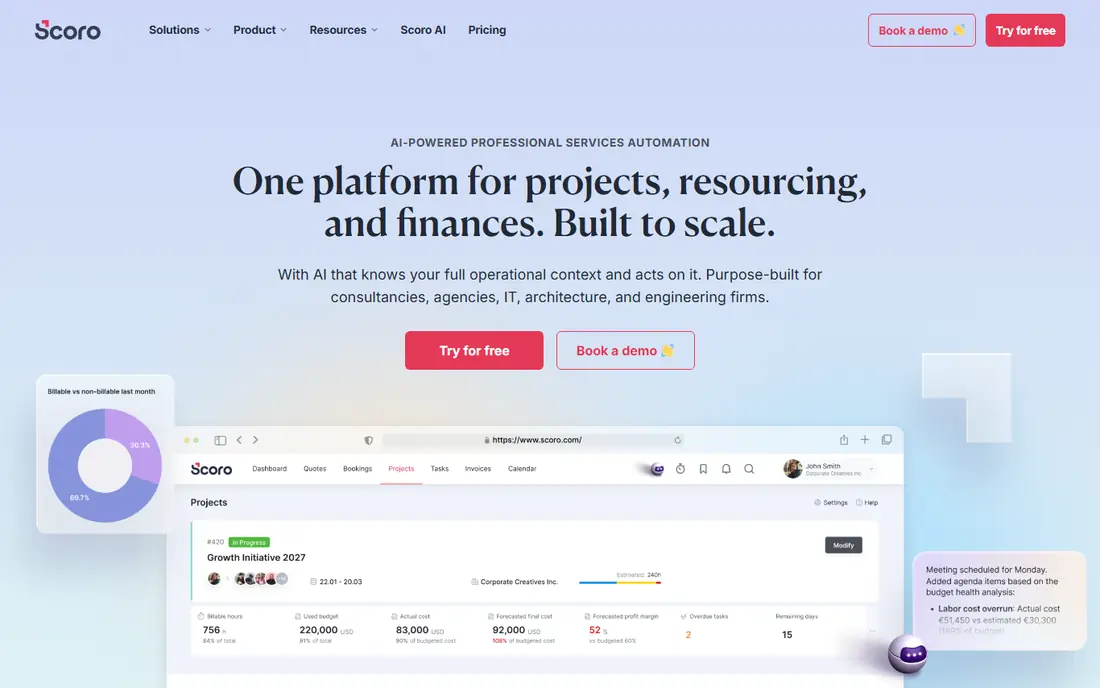
Scoro is built for professional services firms that live or die by project margin. You can quote work, plan delivery, track time, record expenses, and invoice from the same project, so the budget figure and the actual spend stay in the same place. That link is the reason Scoro leads this list for agencies, consultancies, and studios that bill clients for time or fixed fees.
The honest catch is price and setup. Published pricing starts at $17 per user per month with a five-user minimum, and annual billing reduces that rate, while the fuller financial reports and project budgets sit on higher tiers. Small teams with only one or two users may find that minimum awkward. If you have a team of five or more and you bill for work, the time saved by avoiding a separate invoicing tool can justify the cost.
- Quotes, budgets, time tracking, and invoicing in one system
- Margin and utilization reporting
- Accounting integrations
- Five-user minimum on published plans
- Finance depth needs higher tiers

Monday.com works well when a team wants to see budget, spend, and progress on one board without learning a finance system. Formula columns can calculate remaining budget, dashboards can show spend by project, and time tracking is available on higher plans. The visual layout suits managers who check project health at a glance rather than digging through reports.
The limit is billing. Monday.com does not replace an invoicing tool on its own, so firms that bill clients will still need accounting software or an integration. The starting price of $9 per user per month is for annual billing on the basic tier, and useful budget and time features sit higher. For internal projects and teams that track costs but do not invoice from the same tool, it is a strong and flexible pick.
- Clear boards and dashboards
- Formula columns for budget math
- Many integrations
- Invoicing needs a separate tool or integration
- Costs rise with seats and add-ons
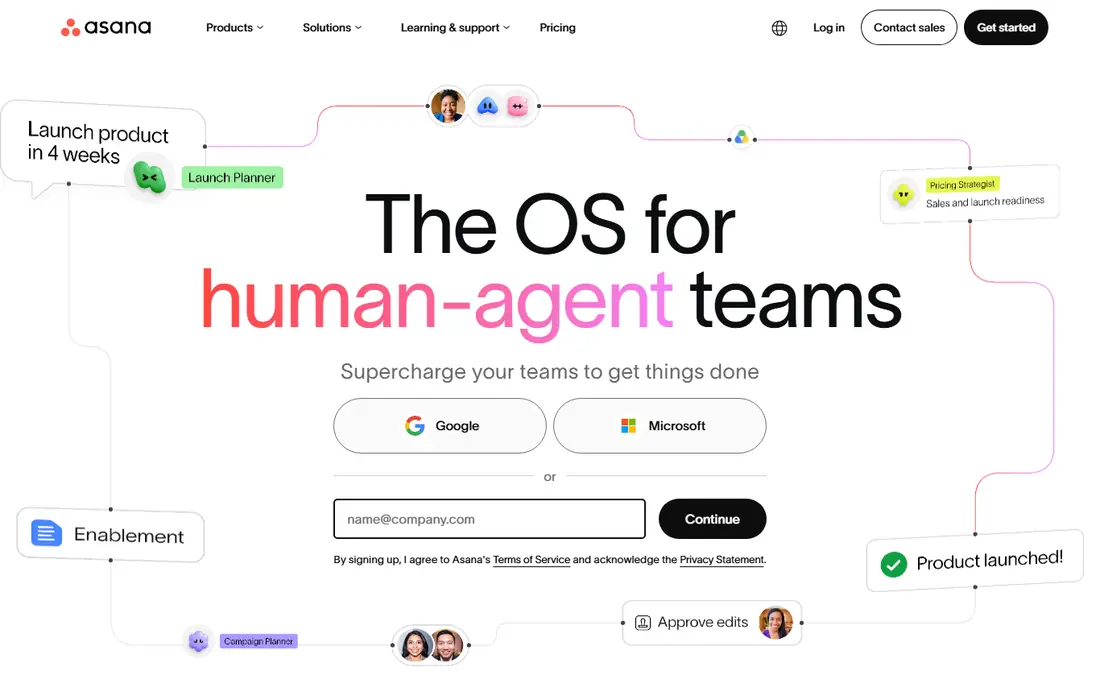
Asana is the safest default when a team wants project management that everyone understands quickly. Tasks have owners and due dates, timelines show the plan, and portfolios roll many projects into one view. Budget tracking works through custom fields and reporting, and time tracking integrations add actual hours to the picture.
The catch is that Asana is a work tool first and a finance tool second. You can track planned spend and effort, but you will invoice from accounting software, not from Asana itself. Starter pricing starts at $10.99 per user per month billed annually, and portfolios and advanced reporting sit on higher plans. For teams that need clear ownership and portfolio oversight, Asana remains a solid choice, provided the finance side lives in a connected tool.
- Clean tasks, timelines, and portfolios
- Workload views
- Strong automation
- No built-in invoicing
- Advanced reporting needs higher tiers
ClickUp packs a large feature set into a low starting price, which makes it attractive for small businesses watching costs. You get tasks, docs, goals, dashboards, and time tracking, and you can build budget views with custom fields and formulas. For a team that wants one workspace for planning, tracking, and reporting, ClickUp offers a lot for $7 per user per month billed annually.
The downside is focus. The sheer number of views and settings can slow down a team that just wants a simple project and budget view. Invoicing is not a core strength, so client billing will still run through accounting software. If your team is willing to spend a day setting up templates and views, ClickUp gives strong value. If you want finance built in from day one, Scoro fits better.
- Low starting price
- Many views and custom fields
- Time tracking and goals included on paid plans
- Can feel crowded
- Invoicing needs an integration
- Setup takes time
Smartsheet suits teams that already think in spreadsheets. Project plans look like grids, formulas calculate budget variance, and reports roll up spend across projects. Operations, construction, and process-heavy teams often adopt it faster than a board-only tool, because the layout matches how they already plan work and money.
The trade-off is that Smartsheet feels more like a planning system than a creative workspace. Task discussions and visual boards exist, but they are not the main attraction. Invoicing also sits outside Smartsheet, so finance teams will still use accounting software for billing. Starting at $9 per user per month billed annually, it is a practical pick when budget math and reporting matter more than visual flair.
- Familiar grid layout
- Strong formulas and reports
- Good for operations teams
- Less intuitive for creative workflows
- Invoicing needs a separate system
Wrike fits larger teams that need to plan who does what, when, and at what cost. Resource views show capacity, time tracking records actual effort, and budgets can be tracked against projects. Marketing, product, and operations teams with many parallel projects benefit from the reporting depth, especially when managers need to compare planned and actual spend across a portfolio.
The catch is tiering. The starting price of $10 per user per month covers the core, but advanced resource management and deeper reporting sit on higher plans. New users may also need training to use Wrike well, since the feature set is broad. For a growing team that has outgrown simple boards, Wrike offers the control to manage both people and money in one place.
- Resource management and workload views
- Budgets and time tracking
- Strong reporting
- Higher tiers needed for advanced finance features
- Learning curve for new users
Teamwork is designed for agencies and client-service teams, and that focus shows in its billing tools. You can track time against client projects, manage budgets, and handle invoicing workflows that fit retainer and project work. Client users can be added with limited access, which helps firms that want clients to see progress without seeing internal costs.
The main caution is pricing clarity. Teamwork publishes plans that change over time, so check the current pricing page for the tier that includes the billing features you need. Smaller teams may also find the full feature set more than they need. For firms juggling many clients, retainers, and billable hours, Teamwork is a credible alternative to Scoro, with a stronger emphasis on client collaboration.
- Client-focused projects
- Time tracking and billing features
- Retainer and budget tracking
- Pricing varies by plan and needs checking
- Interface can feel busy for small teams
Zoho Projects is the budget pick in this list, starting at $4 per user per month billed annually. It covers tasks, milestones, Gantt charts, timesheets, and budget tracking well enough for small teams and for firms that already use Zoho for email, CRM, or accounting. The integration with Zoho Books helps bridge the gap between project time and invoicing, without buying a separate premium system.
The limit is depth. Zoho Projects tracks project costs and time, but it does not match Scoro for margin, utilization, and quote-to-cash reporting in one place. Teams that bill complex projects may need to combine it with Zoho Books and accept some manual steps. For cost-conscious teams that want solid project tracking with basic financial visibility, Zoho Projects is hard to beat on price.
- Lowest starting price here
- Solid tasks, Gantt charts, and time tracking
- Works well with other Zoho apps
- Financial depth is lighter than Scoro
- Invoicing needs Zoho Books or another tool
How we picked these
We compared official pricing and feature pages, looking for tools that combine project tracking with budgets, time tracking, or billing in a meaningful way. We excluded pure task boards with no budget features and pure accounting tools with no project planning. We also checked that each tool is still sold and supported in October 2026, and we used annual billed prices where vendors publish them, since that is how most teams buy.
How to choose project management software with financials
Start by listing the money questions you need answered each week. If you need to know project margin, utilization, and what to invoice, choose a tool like Scoro or Teamwork that handles quotes through invoicing. If you only need to track planned versus actual spend for internal projects, monday.com, Asana, ClickUp, or Smartsheet will do the job at a lower cost and with less setup.
Next, count seats honestly and check which tier holds the features you need. A low headline price can rise quickly when budgets, time tracking, or reporting sit on a higher plan, and minimum seat counts matter for small teams. Finally, test the accounting link. Ask whether invoices, payments, and expenses sync with your accounting system, and whether that sync is included or a paid add-on. A tool that forces double entry will cost you staff time every month, even if the subscription looks cheap.
Frequently asked questions
What is the best project management software with financials?
Scoro is the strongest all-round pick for service businesses that bill clients, because it links quotes, budgets, time, and invoicing in one system. Monday.com and ClickUp suit teams that want visual project tracking with budget views at a lower price, while Zoho Projects suits cost-conscious teams already using Zoho apps.
Does project management software replace accounting software?
No, not in most cases. Tools like Scoro and Teamwork handle project budgets, time, and invoicing, but they still sync with accounting systems for ledgers, tax, and payroll. Think of project software as the place where work and money meet, and accounting software as the system of record for the business as a whole.
How much does project management software with financials cost?
Entry prices in this list range from $4 per user per month for Zoho Projects to $17 per user per month for Scoro, with most tools between $7 and $11 per user per month on annual billing. The total depends on seats, tier, and add-ons, so get a quote for the tier that includes the financial features you will use.
Can small teams use Scoro?
Yes, if they meet the five-user minimum on published plans. Smaller teams with two or three users may find monday.com, ClickUp, or Zoho Projects more practical, since those tools have no such minimum and start at lower prices. A small agency that bills by project can still justify Scoro if invoicing and margin reporting save real admin time each week.
Should I choose a tool with invoicing built in?
Choose built-in invoicing if you bill by project, retainer, or billable hour and you want time to flow straight into invoices. Choose a simpler project tool plus accounting software if your billing is simple, or if your finance team already has a system they trust. The key test is whether time and expenses reach an invoice without retyping.
Sources we checked (8)

Online Jobs is an independent blog about careers, online work, learning new skills and the tools that help people earn. More about us.
Keep reading
All posts
n8n Alternatives
n8n alternatives compared for 2026, with Zapier, Make, Activepieces, and more, covering visual builders, code steps, self-hosting, and pricing models.

ZoomInfo Alternatives
The best ZoomInfo alternatives in 2026, compared on price, free plans, data coverage, and which tool fits small teams or large sales teams best in detail.

Yotpo Alternatives
Find cheaper alternatives to Yotpo for reviews and loyalty, with Judge.me, Loox, Stamped, and more compared for Shopify stores in 2026, all in one guide.