Best Project Management Software in 2026: 8 Tools Compared


Teams that want clear tasks, owners, and deadlines · Starting price: Free
How we put this together: we compare official feature and pricing pages, app store listings, privacy policies and public user reviews. Prices change, so check the provider's site before you pay.
Key takeaways
- Asana, Trello, and Monday.com suit most small teams, with clear task views and quick setup.
- ClickUp and Notion suit teams that want docs, tasks, and databases in one workspace.
- Jira suits software teams with sprints and issue tracking, while Basecamp suits teams that want simple, flat-rate collaboration.
- The best tool is the one a team updates daily, so test with a real project before paying for a full year.
Quick comparison
| Name | Who it suits | Starting price | Free option | |
|---|---|---|---|---|
| Asana | Teams that want clear tasks, owners, and deadlines | Free | Yes | Visit |
 Trello Trello | Simple visual boards for small projects | Free | Yes | Visit |
 Monday.com Monday.com | Visual workflows, timelines, and dashboards | See website | Free trial | Visit |
 ClickUp ClickUp | Teams that want tasks, docs, and goals in one place | Free | Yes | Visit |
 Notion Notion | Docs, wikis, and flexible project tracking | Free | Yes | Visit |
 Jira Jira | Software teams using agile methods | Free | Yes | Visit |
 Wrike Wrike | Larger teams that need reporting and resource views | See website | Free trial | Visit |
 Basecamp Basecamp | Teams that want simple, flat-rate collaboration | See website | Free trial | Visit |
The best project management software
Project tools differ in how much structure they impose. Some give a simple board, others give timelines, docs, and reporting in one workspace. We compared the tools below on task management, views, collaboration, automation, and ease of adoption for small teams.
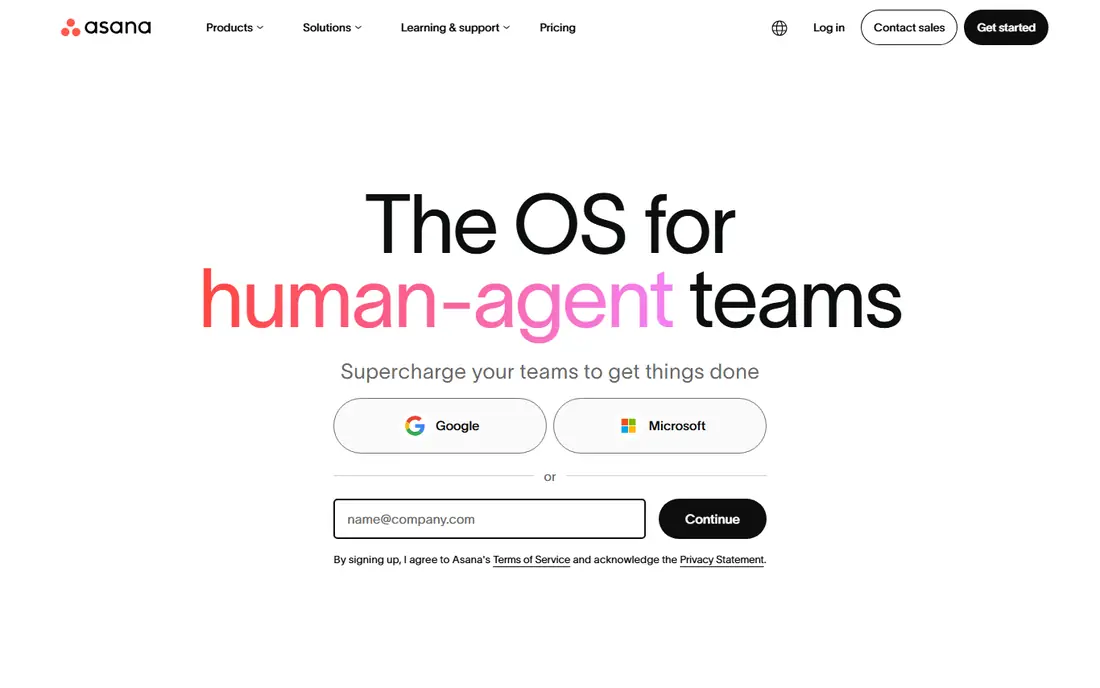
Asana is a reliable choice for teams that need to see who owns what and when it is due. Tasks can be viewed as lists, boards, or timelines, and projects can be grouped by team or goal. The free plan covers basic task tracking for small teams, which makes it easy to start without a budget discussion. Integrations with email, calendars, and file tools reduce manual copying.
As the team grows, Asana can become complex if projects multiply without a clear naming system. Advanced reporting, custom fields on higher plans, and automation also require paid tiers. For a small team that wants structure without a steep learning curve, Asana balances power and simplicity well.
- Clear task lists and timelines
- Assignees and due dates
- Good integrations
- Advanced reporting and automation need paid plans
- Setup can grow complex
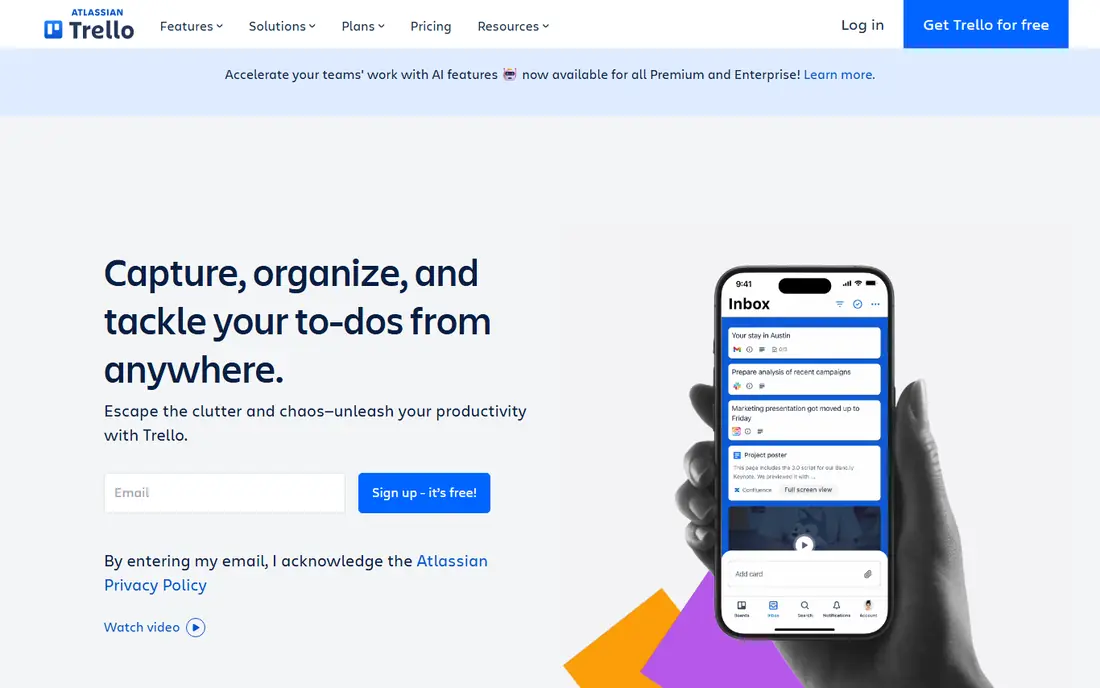
Trello uses boards, lists, and cards, a format that most people grasp in minutes. A card can hold a checklist, due date, attachments, and comments, and moving a card across a board gives an instant sense of progress. The free plan covers basic boards, which suits personal projects, small teams, and simple client work.
Trello is less suited to complex reporting, resource planning, or multi-project timelines. Power-Ups add features, but a large program with many dependencies may need Asana, Monday.com, or Jira instead. For a team that wants to start today with minimal training, Trello is the simplest pick here.
- Easy board and card system
- Quick setup
- Useful Power-Ups and automation
- Limited reporting
- Large projects can outgrow boards

Monday.com turns work into colorful boards, timelines, and dashboards that a manager can read at a glance. Automation recipes can assign owners, move items, and send notifications when a status changes. That visual style suits marketing, operations, and creative teams that track many moving pieces at once.
Pricing is per user, so a larger team pays more each month, and a board without clear rules can become messy. Monday.com fits teams that want a shared visual workspace and are willing to design it carefully. For a small team with a straightforward project, Trello or Asana may be simpler and cheaper.
- Flexible boards and views
- Automation recipes
- Dashboards for managers
- Per-user pricing can rise fast
- Setup needs planning to avoid clutter
ClickUp aims to replace several tools at once, with tasks, docs, whiteboards, goals, and time tracking in one workspace. The free plan is generous for small teams, and the range of views, from lists to calendars to Gantt-style timelines, covers most project styles. Custom fields let teams track budgets, priorities, and client names without a separate spreadsheet.
The breadth is also the drawback. New users can feel lost among settings, and a team needs time to agree on a simple structure before adding advanced features. For a team that wants one workspace and is willing to learn it, ClickUp offers strong value. For a team that wants only a board, Trello is faster.
- Many views and custom fields
- Docs and goals included
- Generous free plan
- Many features can feel overwhelming
- Setup takes time
Notion combines notes, wikis, and databases, so a team can keep project plans, meeting notes, and task lists in one place. Databases can be viewed as tables, boards, or calendars, and pages can link to each other, which helps with knowledge work. The free plan suits individuals and small teams, and the design is calm and readable.
Notion is not a dedicated project reporting tool, so teams that need workload planning, Gantt charts, or advanced automation may prefer Asana or Monday.com. Very large workspaces can also feel slower. For content, product, and operations teams that value docs alongside tasks, Notion is a strong, flexible choice.
- Flexible pages and databases
- Good for docs and planning
- Clean design
- Less built-in project reporting
- Performance can slow on very large workspaces
Jira, from Atlassian, is built for software teams. It handles issues, bugs, sprints, backlogs, and roadmaps in a structured way, and it integrates with Confluence, Bitbucket, and other developer tools. For a team that ships software in sprints, Jira gives the right language and workflow, from story points to release tracking.
Non-technical teams may find Jira heavy, and setup requires someone who understands agile workflows. A marketing team that only needs a board will likely prefer Trello or Asana. For software teams, though, Jira remains the standard choice for a reason: it matches how development work is actually planned and tracked.
- Strong issue tracking and sprints
- Roadmaps
- Deep Atlassian integrations
- Steeper learning curve
- Overkill for simple task lists
Wrike suits teams that need more than a task list, including timelines, workload views, and approval steps. Managers can see who is overloaded, where a project is slipping, and which tasks block others. Reporting dashboards help with client work and with teams that handle many projects at once.
Wrike takes longer to learn than Trello, and its pricing reflects its focus on larger teams. Small teams may find the feature set more than they need. For agencies, marketing departments, and operations teams that manage complex work, Wrike gives control and visibility that simpler tools lack.
- Gantt charts and workload views
- Reporting dashboards
- Approval workflows
- Learning curve for new users
- Pricing suits mid-size and larger teams
Basecamp keeps collaboration simple: each project has to-dos, messages, files, schedules, and chat in one place. Clients can join a project without learning a complex system, which suits agencies and service businesses. Pricing is flat-rate rather than per user on the main plan, which can save money for larger teams.
Basecamp lacks some advanced views and automation found in Asana, Monday.com, and ClickUp. Teams that need Gantt charts, workload planning, or deep reporting may outgrow it. For a team that wants calm, clear communication and a predictable bill, Basecamp is a refreshing alternative to feature-heavy tools.
- Simple projects with to-dos, messages, and files
- Flat-rate pricing
- Easy for clients
- Fewer advanced project views
- Less automation than rival tools
How we picked these
We compared official feature pages, pricing pages, and documentation for project tools that serve US small and mid-size teams in October 2026. We favored tools with task tracking, collaboration, and a free tier or trial, and we mixed simple boards with full workspaces and software-specific tools. We did not claim hands-on testing that did not happen, and we wrote See website where pricing was not stable on the vendor page at the time of writing. Teams should test with a real project and confirm user limits before buying.
Choosing the right tool for a small team
Start with one real project, not with a feature checklist. Move an active project into a trial, assign owners and due dates, and see whether the team updates it without reminders. If updates stop after a week, the tool is too complex or does not match how the team works. A simple tool that everyone uses beats a powerful tool that only one person opens.
Views, automation, and integrations
Check the views your team actually needs: list for daily work, board for status, timeline for deadlines, and calendar for launches. Add automation only after the basics work, such as moving a task when it is done or notifying an owner when a due date nears. Confirm integrations with email, calendars, file storage, and chat, since a tool that sits apart from daily work will be forgotten.
Pricing and scaling
Free plans often limit users, storage, or history, so check those limits for your team size. Per-user pricing grows with headcount, while flat-rate pricing can help larger teams. Avoid paying for a full year before a trial proves adoption. Review usage after a month, and remove seats for people who only need to view a project.
Frequently asked questions
What is the best project management software for small teams?
Asana and Trello are strong small-team picks, with Asana offering more structure and Trello offering a simpler board. Monday.com suits teams that want visual dashboards, while ClickUp suits teams that want docs and tasks together. Test with a real project to see which one your team updates most.
What is the best project management tool for beginners?
Trello is the easiest to learn, since boards and cards need almost no training. Asana is also beginner-friendly for task lists and deadlines. Start with one project, keep the setup simple, and add features only when the team asks for them.
Is Asana or Monday.com better?
Asana is better for straightforward task and project tracking, while Monday.com is better for visual workflows and dashboards. Asana often feels simpler for daily task work, while Monday.com gives managers more dashboard options. Both offer trials, so test the same project in each before choosing.
What is the best free project management software?
Asana, Trello, ClickUp, Notion, and Jira all offer free plans that suit small teams and personal projects. Free plans have limits on users, features, or history, so check those limits for your team. A free plan is a good way to learn what your team needs before paying.
Do I need project management software for a small business?
A small business benefits when tasks, deadlines, and client work start to slip, or when several people share a project. A simple board or task list can replace scattered emails and spreadsheets. If work is simple and one person handles it all, a basic list may still be enough.
What is the difference between Trello and Jira?
Trello is a simple board tool for general tasks, while Jira is built for software teams with sprints, issues, and roadmaps. Trello suits most small teams and personal projects, while Jira suits development teams that need structured issue tracking. Both are made by Atlassian, but they serve different workflows.
Sources we checked (8)

Online Jobs is an independent blog about careers, online work, learning new skills and the tools that help people earn. More about us.
Keep reading
All posts
Best Web Scraping Tools
Compare the best web scraping tools in 2026, from no-code Octoparse and Browse AI to Apify, Firecrawl, Bright Data, Zyte, ScraperAPI and free Scrapy, with prices.

Best Web Hosting Services
Find the best web hosting services for your site in 2026. We compare prices, speed, support and ease of use across eight leading hosting providers today.

Best Video Conferencing Software
Looking for the best video conferencing software? We compare 8 meeting apps on price, meeting limits, features, security and ease of use. Read the guide.