Home / Project management tools
Best Project Management Apps for Teams in 2026: 9 Apps Compared

How we put this together: we compare official feature and pricing pages, app store listings, privacy policies and public user reviews. Prices change, so check the provider's site before you pay.
Key takeaways
- Asana suits teams that want structured tasks, timelines and portfolios without building a database first.
- monday.com suits visual teams that want colourful boards, dashboards and workflow automation.
- ClickUp suits teams that want many features, docs and time tracking in one place at a lower per-user price.
- Notion suits docs-heavy teams that want projects, notes and wikis in one workspace.
- Linear and Jira suit software teams, while Trello and Basecamp suit teams that value simplicity and speed.
Quick comparison
| Name | Who it suits | Starting price | Free option | |
|---|---|---|---|---|
 Asana | Structured team work | $10.99 per month | Yes | Visit |
 monday.com | Visual workflows | $9 per month | Yes | Visit |
 ClickUp | All-in-one value | $7 per month | Yes | Visit |
 Notion | Docs and projects | $10 per month | Yes | Visit |
 Trello | Simple Kanban boards | $5 per month | Yes | Visit |
 Linear | Software team speed | $8 per month | Yes | Visit |
 Basecamp | Simple flat-fee work | $15 per month | Free trial | Visit |
 Jira | Agile software teams | See website | Yes | Visit |
 Wrike | Structured enterprise work | See website | Yes | Visit |
The best project management apps for teams
Project management apps differ in how a team thinks about work. Some focus on tasks and timelines, some on visual boards, some on documents and some on software sprints. The list below covers those styles, so a team can choose by how it actually works rather than by the longest feature list.
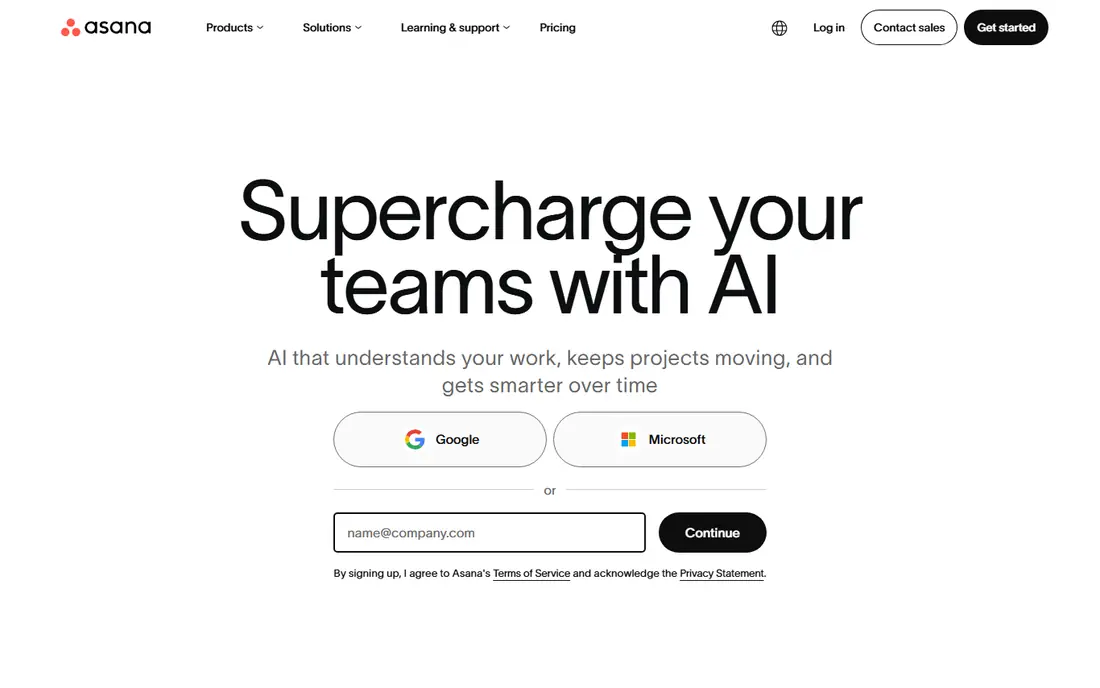
Asana is a structured project tool that helps a team move work from intake to delivery with clear owners, dates and dependencies. Lists, boards, timelines and calendars show the same work in different views, while portfolios and goals help managers see progress across many projects at once. That structure suits operations, marketing and cross-functional teams that need handoffs to be clear.
The free tier is useful for small teams, but it limits size and advanced features, so growing teams move to paid plans. Asana's strength is that it feels organised without requiring a team to design a database, which is why many teams adopt it faster than more flexible tools such as Notion or ClickUp.
- Clean lists, boards and timelines
- Portfolios and goals
- Strong templates and integrations
- Free tier limits team size and features
- Costs rise with advanced workflow needs
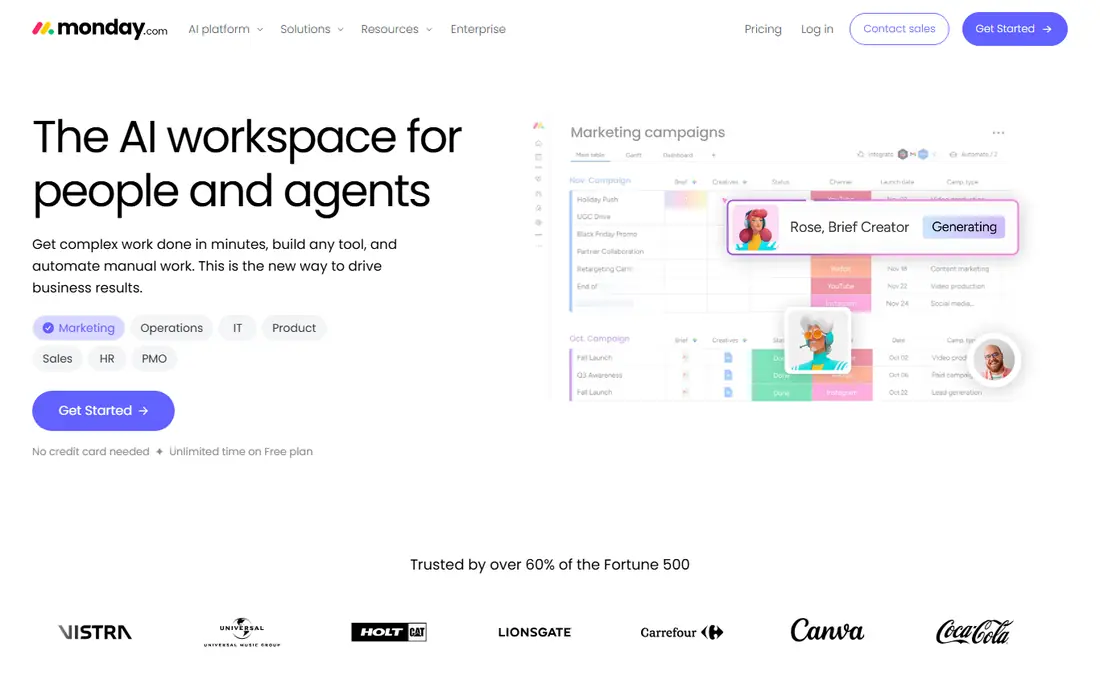
monday.com is a visual work platform where projects are built as colourful boards with columns for status, owner, date and other details. Dashboards pull those boards into charts and summaries, and automations can move items, notify owners and update statuses without manual work. That visual style suits creative, marketing and operations teams, especially people who have not used project software before.
Seat minimums on paid plans mean a very small team should check total cost, not just per-seat price, and the free tier covers only a couple of users. For teams that want a visual, customisable system that non-technical members enjoy opening, monday.com is a strong choice.
- Visual boards and dashboards
- Templates for many team types
- Automation and integrations
- Paid plans have seat minimums
- Free tier is limited to very small teams
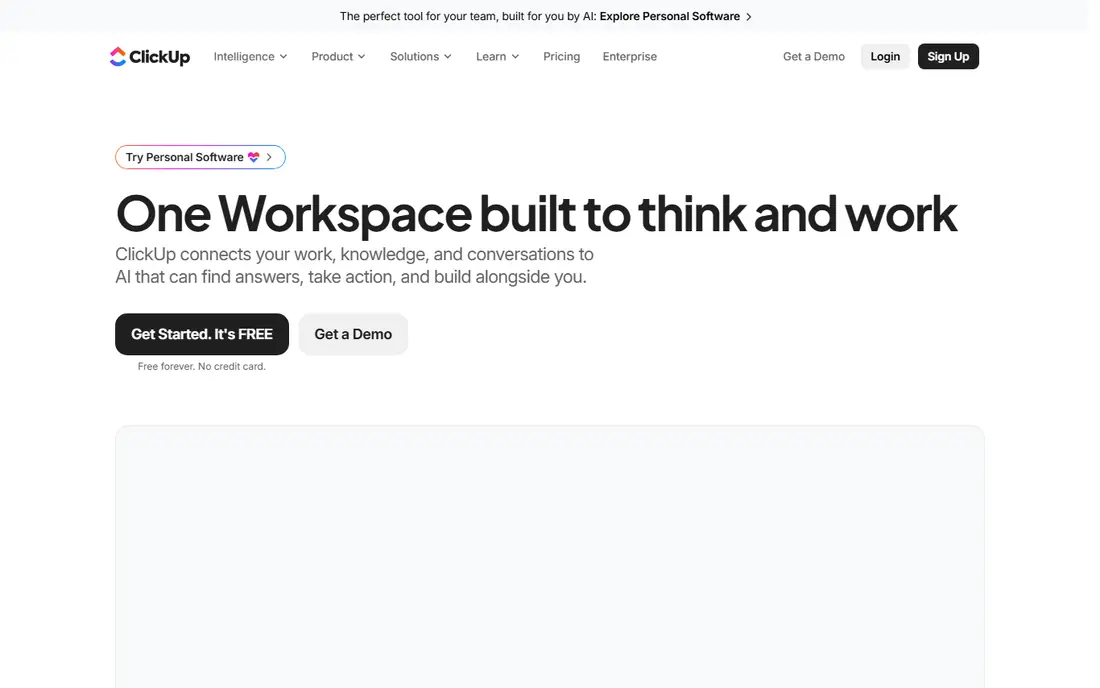
ClickUp tries to replace several tools at once, with tasks, docs, whiteboards, dashboards, goals and time tracking in one workspace. Its free tier is generous, and its paid plans start lower per user than Asana, monday.com or Notion, which makes it attractive for budget-conscious teams that want many features without buying separate apps. Views for lists, boards, calendars and Gantt charts cover most project styles.
The breadth is also its weakness. Without an owner who sets up spaces, naming rules and views, ClickUp can feel busy and teams may use it inconsistently. For a team with someone willing to own setup, ClickUp offers the most features per pound or dollar on this list.
- Tasks, docs, whiteboards, goals and time tracking in one place
- Lower paid price
- Generous free tier
- Breadth can feel busy
- Setup needs an owner to keep it tidy
Notion combines notes, docs, wikis and databases in one flexible workspace, so a team can keep project tasks beside the documents, briefs and knowledge that explain them. Databases can be viewed as tables, boards, timelines or calendars, and templates help a team start without building everything from scratch. That docs-first strength suits content, product and startup teams where work is closely tied to written knowledge.
Notion needs more setup than Asana or Trello to work well as a project tool, and it is weaker for complex dependencies, resource management and large portfolio reporting. Teams that already live in documents will find that trade worthwhile, while teams that mainly need task tracking may prefer a more structured tool.
- Docs, wikis and databases in one workspace
- Flexible project views
- Good for knowledge-heavy teams
- Needs setup to work as a project tool
- Less strong for complex dependencies and resource planning
Trello is the simplest tool on this list, built around Kanban boards where cards move from one list to another as work progresses. A team can set up a board in minutes, add members, dates, checklists and attachments, and start working without training. That speed makes Trello ideal for small teams, simple projects and anyone who finds Asana, monday.com or ClickUp too heavy.
Complex projects reveal its limits. Dependencies, timelines, portfolios and detailed reporting need Power-Ups or a different tool, and large programmes can become hard to manage across many boards. For board-sized work and fast adoption, Trello remains hard to beat on simplicity and price.
- Fastest setup
- Simple drag-and-drop boards
- Free tier for small teams
- Limited for complex projects, dependencies and reporting
Linear is built for software teams that want speed and focus. Its interface is fast and keyboard-friendly, issues and cycles support sprint planning, and roadmaps help product teams show direction without extra reporting tools. Engineering teams often prefer Linear to general project tools because it matches how software work actually flows, from triage to release.
That focus is also a limit. Marketing, operations or client service teams may find Linear too software-centric for general projects, and its templates and views are narrower than monday.com or ClickUp. For a software team that values speed above all, Linear is the strongest pick on this list.
- Fast, keyboard-first interface
- Issues, cycles and roadmaps built for software
- Clean design
- Focused on software work
- Less suited to general business projects
Basecamp takes an opinionated, simple approach: each project gets message boards, to-dos, docs, schedules and chat in one calm place, without endless customisation. Its flat-fee plan for unlimited users suits larger simple teams, because costs do not rise with every new member, and clients can be invited without extra cost on that plan. Teams that feel overwhelmed by feature-heavy tools often find Basecamp refreshing.
The simplicity means less visual tracking, fewer automations and less detailed reporting than Asana, monday.com or Wrike. For teams that want communication and task tracking in one place and do not need complex workflows, Basecamp is a good fit. For teams that need Gantt charts, resource planning or heavy automation, it will feel limited.
- Simple projects with chat, tasks, docs and schedules in one place
- Flat-fee option for unlimited users
- Clients and guests free on some plans
- Less visual project tracking
- Fewer workflow automations than rivals
Jira, from Atlassian, is the standard project tool for agile software teams, with issues, backlogs, sprints, boards and releases built for Scrum and Kanban workflows. Its free tier covers up to 10 users, which makes it a strong free option for small software teams, and its links to Confluence, Bitbucket and other Atlassian tools help development teams keep planning, docs and code in one ecosystem.
Jira's power comes with admin overhead, and non-technical teams often find it heavy compared with Asana or Trello. A team needs someone to manage projects, workflows and permissions, or Jira can become messy. For software teams that already use Atlassian tools or need agile depth, Jira remains the default choice.
- Issues, sprints, backlogs and releases built for agile
- Free tier for up to 10 users
- Deep Atlassian links
- Setup and admin need time
- Interface can feel heavy for non-technical teams
Wrike suits teams that need structured planning with a clear path to enterprise control. It offers tasks, Gantt charts, dashboards, resource management and reporting, with a free tier for small teams and paid plans that add workflow automation and governance features. Marketing, professional services and operations teams that need to plan capacity and show progress to stakeholders often choose Wrike over simpler tools.
Larger plans are priced on quote, so a team should check total cost as it grows, and setup benefits from planning views, workflows and permissions in advance. For a team that expects to grow into enterprise governance, Wrike offers a more structured route than Trello or Basecamp, without the software-only focus of Jira or Linear.
- Structured planning, resource management and reporting
- Free tier to start
- Clear path to enterprise governance
- Pricing for larger plans is quoted
- Setup needs planning for best results
How we picked these
We compared official product pages, pricing pages, documentation and feature lists, and we checked that each tool is still available in October 2026. We looked for team project work first, tasks, views, collaboration and reporting, then for free tier terms, seat rules and fit for different team types. We mixed structured, visual, docs-first, software and simple tools so teams of different styles can find a fit. Where pricing is quoted or varies by plan, we wrote See website, and we did not claim hands-on trials that did not take place.
What to check before you buy
Run a real project in the trial
Pick a live project, move it into two shortlisted tools and run it for two weeks with a small group. The tool the team opens without reminders is usually the right one, regardless of feature tables.
Count total cost, not per-seat price
Check seat minimums, guest rules, viewer seats and plan limits. A low per-seat price with a three-seat minimum or paid viewers can cost more than a higher per-seat price with free guests.
Check who owns setup
Flexible tools such as ClickUp and Notion need an owner to set up spaces, templates and naming rules. Structured tools such as Asana and Trello need less setup but offer less customisation. Choose based on who will own the tool after launch.
Plan for leaving
Check export options before signing, including tasks, comments, files and project structure. A tool that locks data in will cost more to leave later, even if it is cheap to start.
Frequently asked questions
What is the best project management app for teams?
Asana suits structured teams, monday.com suits visual teams, ClickUp suits all-in-one value, Notion suits docs-heavy teams, and Linear or Jira suit software teams. The best app depends on team style, size and whether projects are tied to documents, software sprints or client work.
What is the best project management tool for small teams?
Trello and ClickUp free tiers suit very small teams, while Asana free suits small structured teams. A small team should start free, run a real project and upgrade only when it hits a real limit.
Is monday.com better than Asana?
monday.com is more visual and customisable, while Asana is more structured for tasks, timelines and portfolios. Visual and creative teams often prefer monday.com, while operations and cross-functional teams often prefer Asana.
What is the best free project management app?
ClickUp, Trello, Notion, Jira for up to 10 users and Wrike all offer free tiers, with different limits. ClickUp offers the most features free, Trello offers the simplest free boards, and Jira offers the best free agile features for software teams.
Do project management apps work for remote teams?
Yes, all the tools on this list support remote collaboration with comments, files, notifications and shared views. Remote teams should check mobile apps, timezone handling and notification controls during a trial, because those details affect daily use.
How do I choose between Notion and Asana?
Choose Notion if projects live beside docs, wikis and knowledge, and the team is happy to set up databases. Choose Asana if the team needs clear tasks, timelines, portfolios and handoffs without designing a system first.
Sources we checked (9)

Online Jobs is an independent blog about careers, online work, learning new skills and the tools that help people earn. More about us.
Keep reading
All posts
n8n Alternatives
n8n alternatives compared for 2026, with Zapier, Make, Activepieces, and more, covering visual builders, code steps, self-hosting, and pricing models.

iPhone Alternatives
Looking for iPhone alternatives in 2026? Compare 9 Android phones from Samsung, Google, OnePlus, and more, with cameras, battery life, and honest trade-offs.

eBay Alternatives
Looking for ebay alternatives? We compared 9 marketplaces for sellers on fees, buyer reach, categories and ease of listing, to help you sell with confidence.