Best Professional Translation Software in 2026: 9 Tools Compared

How we put this together: we compare official feature and pricing pages, app store listings, privacy policies and public user reviews. Prices change, so check the provider's site before you pay.
Key takeaways
- Trados Studio and memoQ remain the desktop CAT tools most agencies expect freelancers to know, with translation memory and terminology control at the core.
- DeepL is the machine translation engine many professionals pair with a CAT tool, while Phrase, Crowdin, and Lokalise suit teams localising software and content continuously.
- Smartcat and OmegaT lower the entry cost, with a free CAT option and a marketplace or open-source route for freelancers.
- The right choice depends on whether you translate documents, software strings, or websites, and whether you work alone or inside an agency workflow.
Quick comparison
| Name | Who it suits | Starting price | Free option | |
|---|---|---|---|---|
 DeepL | Machine translation quality | See website | Yes | Visit |
 Trados Studio | Freelance translators with agencies | See website | Free trial | Visit |
 memoQ | Translators who want desktop control | See website | Free trial | Visit |
 Phrase | Software and content localisation | See website | Free trial | Visit |
 Smartcat | Free CAT plus client marketplace | Free | Yes | Visit |
 Crowdin | Development teams localising software | See website | Yes | Visit |
 Lokalise | Product teams with design workflows | See website | Yes | Visit |
 Wordfast Pro | Affordable desktop CAT work | See website | Free trial | Visit |
 OmegaT | Free open-source CAT tool | Free | Yes | Visit |
The best professional translation software
Professional translation is rarely just typing a new version of a text. It involves reusing past translations, keeping terms consistent, checking quality, and delivering files in the format a client or developer can use. The tools below cover those jobs in different ways, so we compared official feature pages, pricing pages, and public reviews.
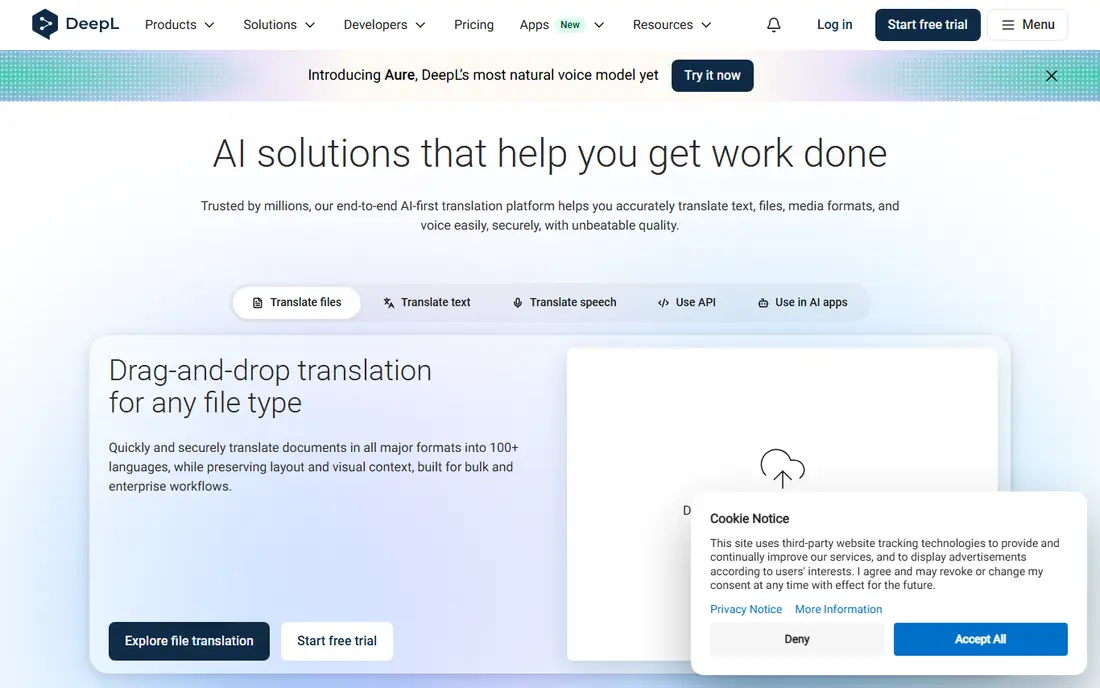
DeepL is the machine translation tool professionals most often mention first, especially for European language pairs. You can translate text and whole documents while keeping much of the original formatting, and paid plans add glossaries that keep technical terms consistent across projects. That combination makes DeepL useful both as a standalone translator and as an engine inside a CAT tool. The limits matter for professional use. The free plan caps monthly characters and file translations, and language coverage is narrower than Google Translate. Machine output also needs human review for publish-ready work, especially for legal, medical, or marketing text. Use DeepL as a strong first draft and quality aid, not as a finished translation on its own.
- Strong translation quality for many European languages
- Document translation
- Glossaries on paid plans
- Fewer languages than some rivals
- Free plan limits characters and files
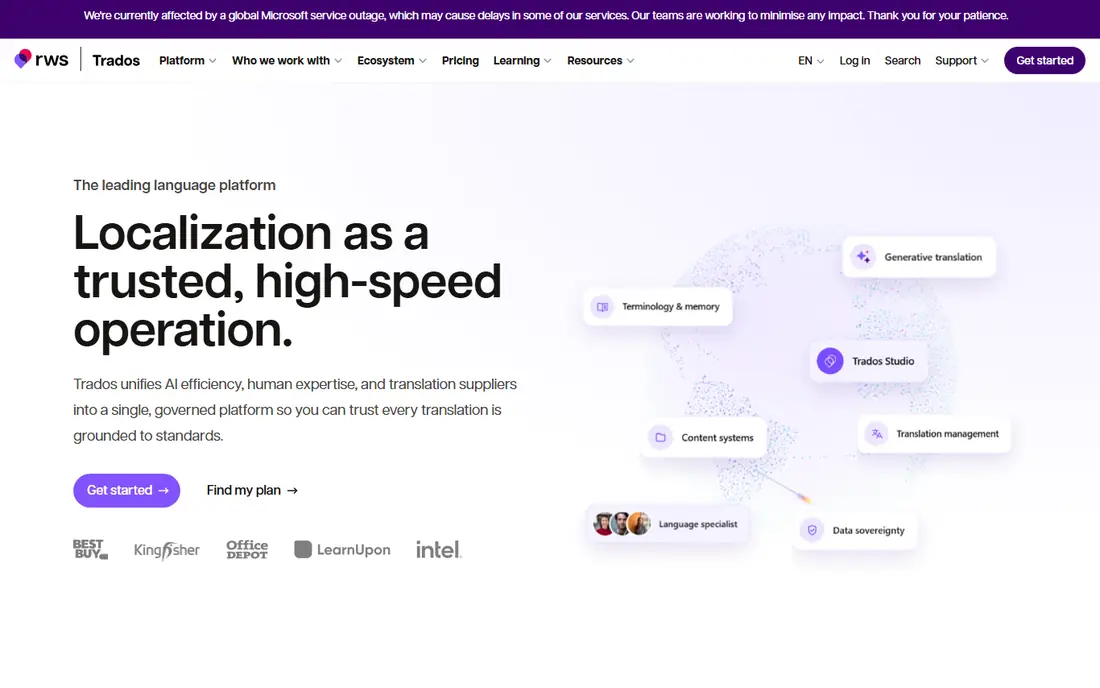
Trados Studio is the desktop CAT tool many agencies still treat as a default. It splits documents into segments, stores every approved translation in a translation memory, and reuses those segments on later jobs. Terminology databases, quality checks, and support for many file formats help freelancers deliver consistent work that an agency can review and return without format problems. New users face a learning curve, and the interface packs in features that take time to master. Pricing also varies between subscription and perpetual licences, so check the current Trados pricing page for the freelance option that fits you. If you plan to work with agencies, knowing Trados Studio is a practical career investment as well as a productivity choice.
- Industry-standard translation memory
- Strong terminology tools
- Wide file support
- Learning curve for new users
- Pricing varies by licence type
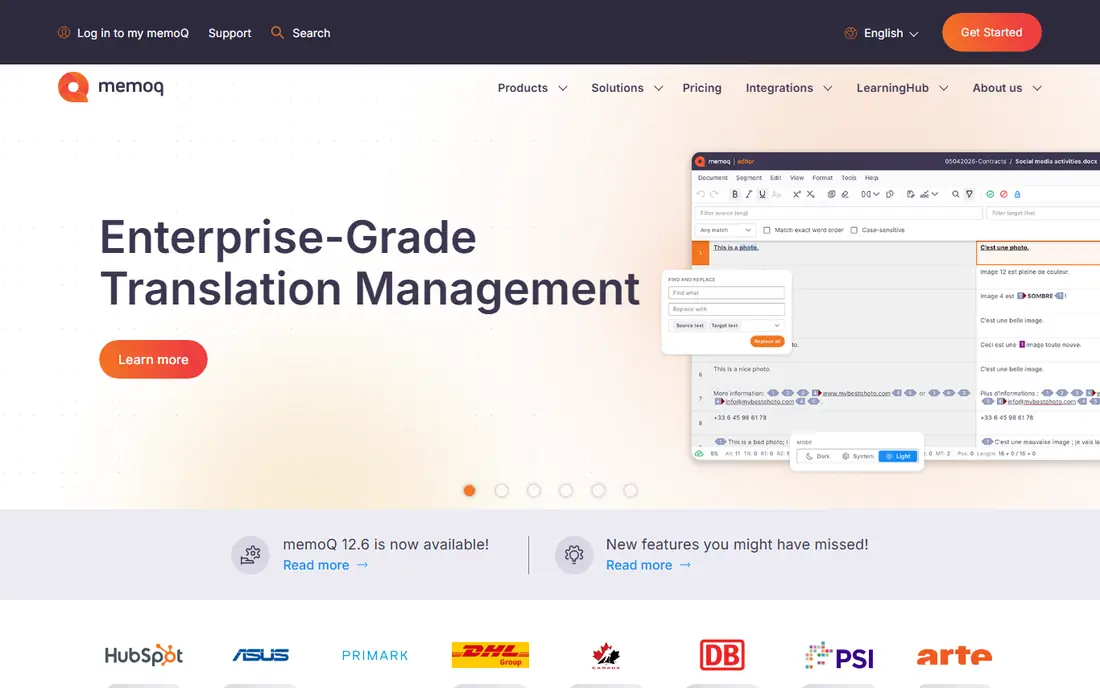
memoQ is the main rival to Trados Studio for professional desktop translation, and many freelancers prefer its project handling and terminology workflow. It offers translation memory, term bases, quality checks, and machine translation integration, including DeepL and other engines, inside a desktop workspace that keeps your data under your control. Team and server options let agencies share memories and terms across translators. Like Trados Studio, memoQ is a serious tool with a learning curve, and it is less cloud-first than newer platforms. Pricing varies by licence, so confirm the translator licence terms on the official site. Choose memoQ if you want a desktop CAT tool with strong control over memories, terms, and project files.
- Strong translation memory and terminology
- Flexible project handling
- Server options for teams
- Desktop-first workflow
- Pricing varies by licence
Phrase, formerly Memsource, suits companies and translators who localise software, websites, and content on an ongoing basis. It combines translation memory, terminology, machine translation, and workflow automation in a cloud platform, with integrations for code repositories, content systems, and design tools. That makes it easier to keep translations in step with product releases. For a freelancer translating one document at a time, Phrase can feel like more system than the job needs, and team pricing rises with scale. Check the current plan structure, since freelancer and team plans differ sharply. Phrase fits product and content teams that need continuous localisation, not occasional document work.
- Unified localisation for software and content
- Translation memory
- Automation and integrations
- Team pricing rises fast
- Overkill for single-document translation
Smartcat lowers the barrier for new freelancers by offering a cloud CAT editor with translation memory at no entry cost. You can translate, collaborate, and manage projects in the browser, and the built-in marketplace connects freelancers with clients looking for translation work. That combination helps newcomers build a client base without buying desktop software first. The marketplace brings competition, and paid plans for agencies and larger teams are priced well above a solo freelancer budget. Review the marketplace terms and fees before you rely on it for income. Smartcat fits freelancers who want a free, capable CAT tool and are open to marketplace work alongside direct clients.
- Free CAT editor
- Translation memory and marketplace
- Cloud collaboration
- Marketplace fees and competition
- Paid plans are costly for individuals
Crowdin is built for software localisation that never stops. It connects to code repositories, pulls new strings as developers add them, and sends translations back into the build. Translators work in a web editor with translation memory, glossaries, and machine translation suggestions, while managers track progress by language and project. Community translation features also help open-source projects. A solo translator working on Word or PDF files will find Crowdin less direct than a desktop CAT tool. Setup also works best with developer help. Crowdin fits product teams that ship software in many languages and need translation to keep pace with code changes.
- Strong developer integrations
- Continuous localisation
- Community translation options
- Less suited to single documents
- Setup needs developer involvement
Lokalise focuses on product localisation with strong design context. Translators can see where a string appears in an app or website design, which reduces errors caused by short, context-free phrases. Integrations with design tools, code repositories, and content platforms help teams move translations from design to release without manual file handling. Entry pricing for teams is higher than for a solo CAT tool, and Lokalise is not the best choice for long document translation. A free plan exists for limited use. Choose Lokalise when your team localises apps or websites and design context, automation, and collaboration matter more than desktop document features.
- Design and developer integrations
- Visual context for strings
- Automation
- Higher entry pricing for teams
- Document translation is not the focus
Wordfast Pro gives freelancers a desktop CAT tool at a lower licence cost than the two market leaders. It covers the core professional workflow: translation memory, terminology, quality checks, and support for common file formats. For translators who want to own their software and work offline, that price and control combination is attractive. The ecosystem is smaller, so you may find fewer agency workflows built around Wordfast and fewer third-party add-ons. Check that your clients accept Wordfast project files or that you can deliver in the formats they require. Wordfast Pro fits budget-conscious freelancers who want desktop CAT features without the top-tier licence price.
- Lower-cost desktop licence
- Translation memory and terminology
- Familiar CAT workflow
- Smaller ecosystem than Trados or memoQ
- Fewer agency-specific integrations
OmegaT is the free, open-source CAT tool that has served translators for years. It offers translation memory, glossaries, and support for many document formats at no cost, and it runs on Windows, Mac, and Linux. For students, new freelancers, and translators on a tight budget, it removes the licence barrier to professional CAT work. The interface is plain and the workflow needs more manual steps than commercial tools, especially for complex projects and agency file packages. Community documentation helps, but support is not a vendor help desk. OmegaT fits translators who value free, open software and are willing to learn a less polished tool to keep costs at zero.
- Free forever
- Open source
- Translation memory and glossaries
- Plain interface
- Setup and file handling need more manual work
How we picked these
We compared official feature pages, pricing pages, app-store listings, and public reviews, and we kept only tools that are live and actively sold or maintained in October 2026. We weighted translation memory, terminology control, file support, machine translation integration, and fit for freelancers versus teams. Where pricing varied by region, licence type, or billing period, we wrote "See website" rather than repeating a figure that could be out of date. We did not claim hands-on testing of every tool. Our shortlist reflects vendor documentation and reviewer reports on setup effort, agency compatibility, and limits on free or entry plans. For publish-ready work, human review remains essential, even when machine translation quality is high.
How to choose the right tool
Start from the file type, not the brand
Document translators need a desktop CAT tool such as Trados Studio, memoQ, or Wordfast Pro. Software teams need a continuous localisation platform such as Crowdin, Lokalise, or Phrase. Matching the tool to the file type saves more time than any single feature.
Test agency compatibility early
If you work for agencies, ask which CAT tool and file package they use before you buy. A tool your clients do not accept creates conversion work on every job. Trados Studio and memoQ cover most agency workflows, while cloud tools cover product teams.
Pair machine translation with human review
Use DeepL or another engine for a first draft inside your CAT tool, then edit for meaning, tone, and terminology. Keep a glossary for each client, and run quality checks before delivery. That workflow is faster than pure manual translation and safer than publishing raw machine output.
Check live translation needs separately
For live conversation or travel, a phone app such as Google Translate or Microsoft Translator, or the DeepL mobile app, suits quick spoken translation better than a CAT tool. CAT tools are for prepared documents and software, not for real-time conversation.
Frequently asked questions
What is the best translator app for everyday use?
For everyday translation, DeepL and Google Translate are the most widely used apps, with DeepL often preferred for European languages and Google Translate for wider language coverage. Both offer free tiers for casual use. For professional documents, use a CAT tool with human review rather than an app alone.
What is the best app for live translation?
Google Translate and Microsoft Translator offer conversation modes that translate spoken language in near real time, which suits travel and meetings. DeepL also offers mobile translation for text. Live apps help understanding, but they are not a substitute for a professional translator for contracts, medical, or legal content.
What is the best professional translation software for freelancers?
Trados Studio and memoQ suit freelancers who work with agencies, while Wordfast Pro and OmegaT suit freelancers on a lower budget. Smartcat suits newcomers who want a free cloud CAT tool. Pick the tool your main clients use, then add DeepL for machine translation support.
Is DeepL better than Google Translate?
DeepL often produces more natural wording for many European language pairs, according to reviewer comparisons, while Google Translate covers more languages and offers stronger live conversation features. Test both on your language pair and content type, because quality varies by language and subject.
Do I need a CAT tool if I already use DeepL?
A CAT tool adds value DeepL alone does not provide: translation memory that reuses past work, terminology control, quality checks, and project file handling. If you translate regularly for repeat clients, a CAT tool saves time and keeps terms consistent. If you only translate occasionally, DeepL alone may be enough.
Sources we checked (9)

Online Jobs is an independent blog about careers, online work, learning new skills and the tools that help people earn. More about us.
Keep reading
All posts
n8n Alternatives
n8n alternatives compared for 2026, with Zapier, Make, Activepieces, and more, covering visual builders, code steps, self-hosting, and pricing models.

ZoomInfo Alternatives
The best ZoomInfo alternatives in 2026, compared on price, free plans, data coverage, and which tool fits small teams or large sales teams best in detail.
Yotpo Alternatives
Find cheaper alternatives to Yotpo for reviews and loyalty, with Judge.me, Loox, Stamped, and more compared for Shopify stores in 2026, all in one guide.