Best Product Analytics Tools in 2026: 8 Tools Compared

How we put this together: we compare official feature and pricing pages, app store listings, privacy policies and public user reviews. Prices change, so check the provider's site before you pay.
Key takeaways
- Mixpanel and Amplitude lead for event based analysis, with Mixpanel favouring fast self serve queries and Amplitude favouring deep cohort work.
- PostHog is the strongest all in one option for engineering led teams, since it adds session replay, feature flags, and experiments to analytics.
- Heap suits teams that want autocapture and retroactive analysis without planning every event in advance.
- Pendo pairs analytics with in app guides and feedback, which helps product teams drive adoption as well as measure it.
- Fullstory, Kissmetrics, and Hotjar fill specialist gaps around session replay, revenue ties, and page level feedback.
Quick comparison
| Name | Who it suits | Starting price | Free option | |
|---|---|---|---|---|
 Mixpanel | Self serve event analytics | See website | Yes | Visit |
 Amplitude | Deep behavioural and cohort analysis | See website | Yes | Visit |
 PostHog | All in one analytics for developers | See website | Yes | Visit |
 Pendo | Analytics plus in app guidance | See website | Yes | Visit |
 Heap | Autocapture and retroactive analysis | See website | Yes | Visit |
 Fullstory | Session replay and experience insight | See website | No | Visit |
 Kissmetrics | Revenue tied behavioural analysis | See website | No | Visit |
 Hotjar | Heatmaps, recordings, and surveys | See website | Yes | Visit |
The best product analytics tools
Product analytics answers a plain question: what do users actually do inside the product, and where do they drop off. The tools below answer that question in different ways, so pick by team skill, event volume, and whether you need replay, guides, or experiments as well.
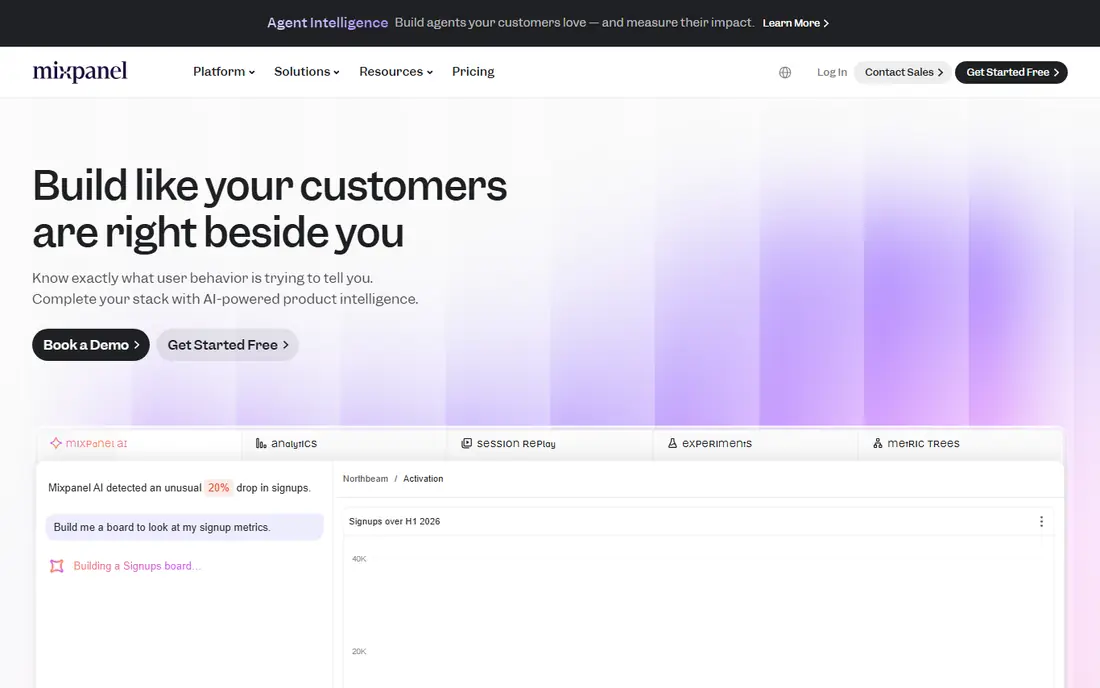
Mixpanel is built around events: a sign up, a purchase, a feature use. Product teams build funnels, retention curves, and cohorts from those events without waiting on an analyst for every question. That self serve speed is the main reason growth and product teams choose it, since a question asked in a meeting can often be answered the same day.
The cost of that speed is discipline. Event names, properties, and a tracking plan need care, or reports become hard to trust as the product changes. Mixpanel offers a free tier, with paid plans priced by event volume, so confirm the current free allowance and paid rates on its pricing page before committing. Teams with clean instrumentation get the most from it.
- Fast funnel and retention reports, self serve querying, strong product team fit
- Needs planned event naming, costs rise with event volume
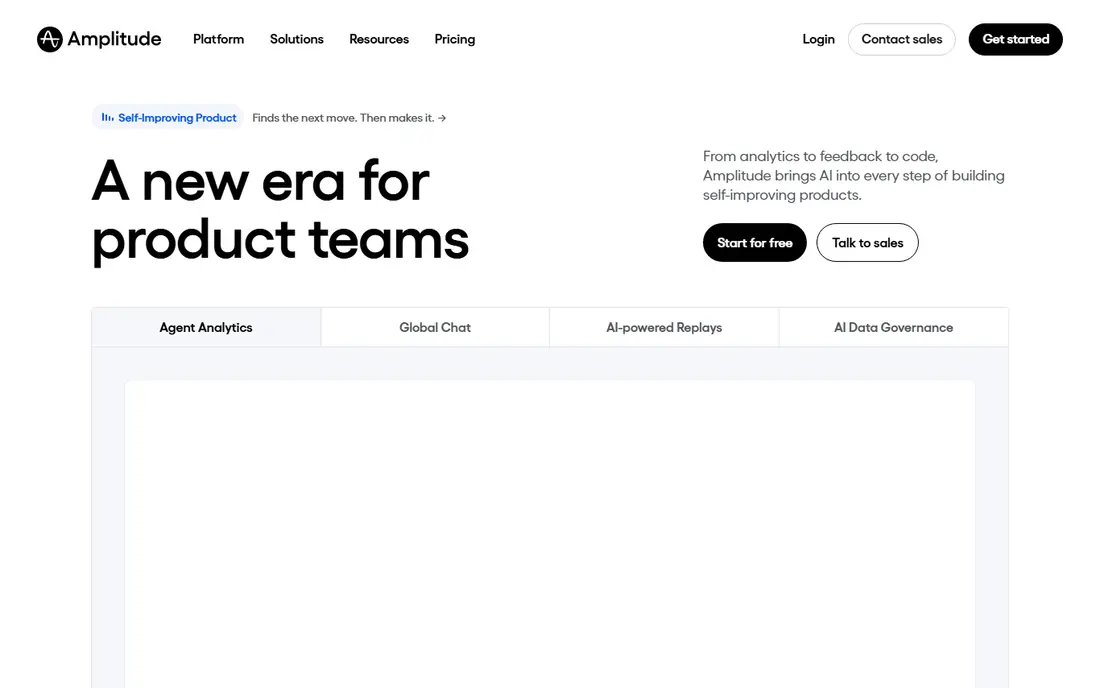
Amplitude suits teams that need to slice behaviour finely: by plan, by channel, by feature use, and by time. Cohort analysis, journey mapping, and retention work are central, and built in experimentation lets teams test a change and measure its effect in the same system. Larger product and growth teams tend to value that depth.
New teams should expect a learning curve. Amplitude rewards a clear tracking plan and a shared language for events, and its power can feel like overhead for a very small product. A free starter tier lets teams test the core reports before paying. Check the current free event allowance on the vendor pricing page, since allowances have changed over time.
- Deep cohort and journey analysis, experimentation built in, strong enterprise fit
- Learning curve for new analysts, paid pricing depends on volume and users
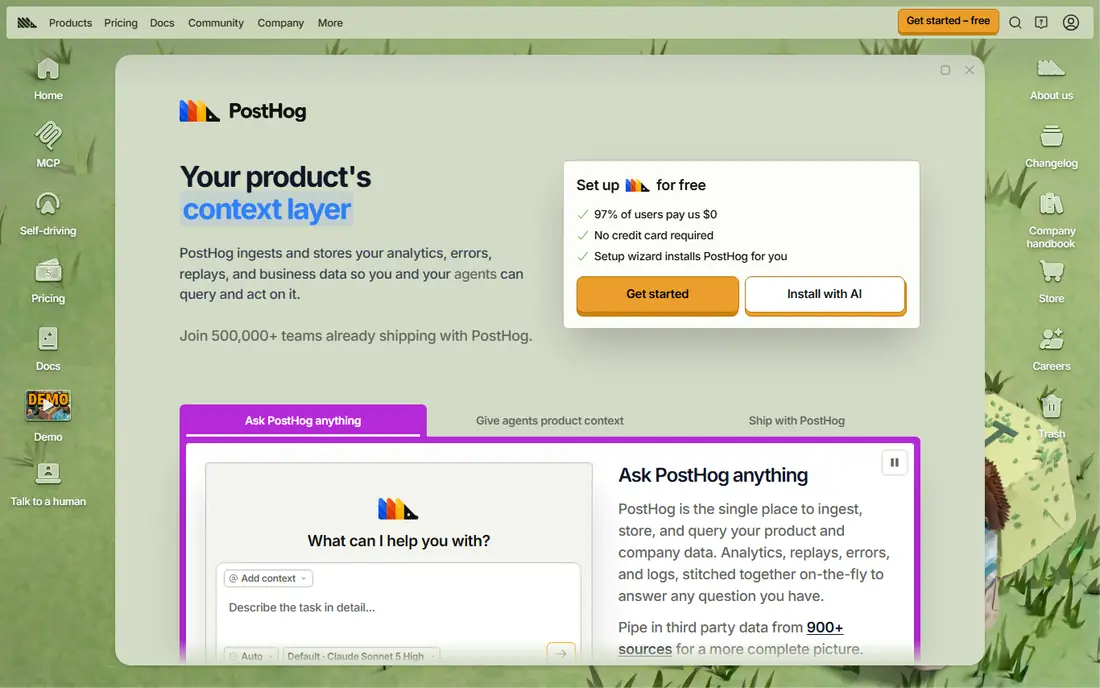
PostHog takes a different shape from Mixpanel and Amplitude. It bundles product analytics with session replay, feature flags, surveys, and experiments, so a small team can run most product work in one place. Developers tend to like the open source roots, the autocapture option, and the ability to self host where data control matters.
Pricing is usage based, with a free monthly event allowance and charges above it. That model suits startups with low early volume, since cost grows with use rather than with a large flat fee. The risk is scope creep: a team that only needs funnels may not need flags and experiments yet. Start with analytics and replay, then add other tools as the need appears.
- Analytics plus replay, flags, and experiments, open source option, usage based pricing
- Breadth can distract small teams, self hosting adds ops work
Pendo pairs product analytics with in app guides, surveys, and feedback, which makes it useful for teams that must both measure and change behaviour. A product manager can spot where onboarding stalls, then publish a guide or a walkthrough for that step without a release. Roadmapping and feedback collection keep that loop in one system.
That combination suits B2B software, where onboarding is long and users need help inside the product. Pure analytics buyers may find Pendo broader and pricier than a focused event tool. Pendo offers a free tier for limited usage, with paid plans priced by quote, so ask for a quote based on monthly active users and the modules you actually need.
- In app guides and feedback alongside analytics, good for B2B onboarding, roadmaps included
- Paid pricing is quote based, free tier covers limited usage
Heap captures clicks, page views, and other interactions automatically, then lets teams define events later and analyse past data. That retroactive power helps teams that shipped fast without a tracking plan, or that keep discovering new questions after launch. Journey analysis shows how users move through the product, which helps find friction points.
Autocapture is not magic. Raw captured data still needs naming, grouping, and cleaning before reports are trustworthy, and teams should still write a tracking plan for key flows. Heap offers a free tier with limited sessions, with paid plans priced by quote. It fits teams that value speed to first insight over the strict event discipline that Mixpanel and Amplitude reward.
- Autocapture without advance tagging, retroactive event analysis, journey views
- Paid pricing is quote based, autocapture data still needs cleaning
Fullstory, now part of a wider digital experience group, focuses on why users struggle. Session replay shows the exact clicks, scrolls, and errors behind a drop off, and frustration signals flag rage clicks and dead clicks. Support and product teams use replay to reproduce a bug or to see where a form confuses users.
Replay works best next to funnel data, not instead of it. A funnel tells you where users leave, and replay tells you what they saw at that moment. Fullstory pricing is quote based, so request a quote tied to session volume. Teams with a clear debugging or UX research need will get the most value, while teams that only need funnels should start with a cheaper event tool.
- Detailed session replay, frustration signals, strong debugging value
- Quote based pricing, replay alone does not replace funnel analysis
Kissmetrics tracks behaviour at the person level, tying events to a user and to revenue over time. That view helps marketing and product teams answer who converts, what path they took, and which campaigns brought valuable users rather than just many users. Funnel and cohort reports keep the focus on outcomes, not just page views.
The tool is narrower than Mixpanel or Amplitude, and its integration ecosystem is smaller. That narrowness can be a strength for teams that want revenue tied reports without a large platform. Pricing is shown on its site for some plans, but confirm the current plan and limits before buying, since Kissmetrics has changed its packaging over time.
- Person level journey tracking, revenue and funnel focus, email reporting
- Smaller ecosystem than leading rivals, pricing not self serve for all plans
Hotjar, now part of Contentsquare, covers the page level view: heatmaps show where users click and scroll, recordings show real sessions, and surveys ask users why they acted. That qualitative layer pairs well with funnel tools, since numbers show the drop off and Hotjar shows the page that caused it.
Hotjar is not a replacement for Mixpanel or Amplitude. It does not offer the same event, cohort, and retention depth for in product behaviour. Its free tier lets small teams test heatmaps and recordings, with paid plans by page views and features. Use Hotjar when UX questions dominate, and pair it with an event tool when product decisions need cohort proof.
- Heatmaps and recordings, on site surveys, easy setup
- Page level focus, not a full product event platform
How we picked these
We compared official feature pages, pricing pages, and public documentation for each tool, and we checked each homepage to confirm it belongs to the product named. We favoured tools with clear event, funnel, or replay coverage, a published free tier or trial where offered, and a track record with product teams. We did not claim hands on testing, and we treated any price not shown on a vendor page as quote based.
We also weighed team fit. A developer led startup, a B2B product team, and an enterprise growth team need different tools, so this list mixes self serve event tools, all in one platforms, and specialists. Event allowances and paid rates change often, so confirm the current pricing page before budgeting.
Setting up analytics that stay trustworthy
Write a tracking plan before adding code. List the events that matter, their exact names, and the properties each one carries, and share that plan with product, engineering, and data teams. Name events for the user action, not for the button label, since labels change and actions stay meaningful.
Review the plan every quarter. Remove dead events, fix broken ones, and check that key funnels still match the current product flow. A broken event that fires at a lower rate looks like a real decline, and teams have shipped needless fixes chasing a tracking bug. Keep the plan short: twenty trusted events beat two hundred noisy ones.
Frequently asked questions
What is the best product analytics tool?
Mixpanel suits fast self serve event analysis, Amplitude suits deep cohort and journey work, and PostHog suits engineering led teams that want analytics plus replay and flags in one place. The best tool depends on team skill, event volume, and whether you need guides, replay, or experiments as well. Start with a free tier and test it on a real funnel.
What is the difference between product analytics and web analytics?
Web analytics, such as Google Analytics, focuses on traffic sources and page views. Product analytics focuses on in product behaviour: events, funnels, retention, and cohorts tied to users. A marketing team can live on web analytics, while a product team needs event data to see which features drive retention and conversion.
Do product analytics tools offer a free plan?
Yes, several do. Mixpanel, Amplitude, PostHog, Pendo, Heap, and Hotjar each offer a free tier with limits on events, sessions, or users. Fullstory and Kissmetrics are quote or paid focused. Free tiers suit testing and small products, but check the current allowance, since limits change and overage charges apply above them.
What is autocapture, and is it better than manual tracking?
Autocapture records clicks and page interactions automatically, without code for each event. Heap and PostHog offer it. It gives faster first data and retroactive analysis, but the data still needs cleaning and naming. Manual tracking, used by Mixpanel and Amplitude, gives cleaner data once a tracking plan exists, but it needs engineering time up front.
How much do product analytics tools cost?
Cost depends on event or session volume, monthly active users, and modules. Free tiers cover small volumes, while paid plans range from modest monthly fees for startups to large annual contracts for enterprises. Quote based tools, such as Pendo, Heap paid tiers, and Fullstory, need a sales quote. Always model cost at your real volume, not at the free tier limit.
Which tool is best for startups?
PostHog is a strong startup pick, since its free allowance and usage based pricing grow with volume, and it bundles replay and flags. Mixpanel free tier also suits early product teams that want fast funnel reports. Choose PostHog when engineering resources are tight and one platform helps, and choose Mixpanel when event analysis is the main need.
Sources we checked (8)

Online Jobs is an independent blog about careers, online work, learning new skills and the tools that help people earn. More about us.
Keep reading
All posts
n8n Alternatives
n8n alternatives compared for 2026, with Zapier, Make, Activepieces, and more, covering visual builders, code steps, self-hosting, and pricing models.

eBay Alternatives
Looking for ebay alternatives? We compared 9 marketplaces for sellers on fees, buyer reach, categories and ease of listing, to help you sell with confidence.

ZoomInfo Alternatives
The best ZoomInfo alternatives in 2026, compared on price, free plans, data coverage, and which tool fits small teams or large sales teams best in detail.