Best Pregnancy App in 2026: 8 Apps Compared

How we put this together: we compare official feature and pricing pages, app store listings, privacy policies and public user reviews. Prices change, so check the provider's site before you pay.
Key takeaways
- Flo and Ovia suit people who want cycle history to carry into pregnancy, while BabyCenter and What to Expect suit people who mainly want weekly reading and community.
- Free apps can cover the basics well, including due date counts, symptom logs, and kick counters, so a paid plan is not required to start tracking.
- 3D baby visuals are not in every app, so check the tools list before you pay for a premium tier.
- Privacy policies differ a lot, so read how each app handles health data, sharing, and deletion before you log sensitive details.
- Tracking apps give general information only, and they are not medical devices unless the vendor clearly says so.
Quick comparison
| Name | Who it suits | Starting price | Free option | |
|---|---|---|---|---|
 Flo Flo | Cycle history and community | See website | Yes | Visit |
 Ovia Pregnancy Ovia Pregnancy | Free tools and food safety checks | Free | Yes | Visit |
 BabyCenter BabyCenter | Weekly guides and birth clubs | Free | Yes | Visit |
 What to Expect What to Expect | Trusted weekly content and forums | Free | Yes | Visit |
 The Bump The Bump | Simple weekly tracking and checklists | Free | Yes | Visit |
 Clue Clue | Clear design and science-led content | See website | Yes | Visit |
 Glow Nurture Glow Nurture | Detailed logging and partner sharing | See website | Yes | Visit |
 Premom Premom | Fertility history and pregnancy mode | See website | Yes | Visit |
The best pregnancy apps
We compared official feature pages, app store listings, pricing pages, and privacy policies for apps that cover pregnancy week by week. The best pregnancy app for you will depend on how much logging you want to do, how much reading you want, and how you feel about data sharing.
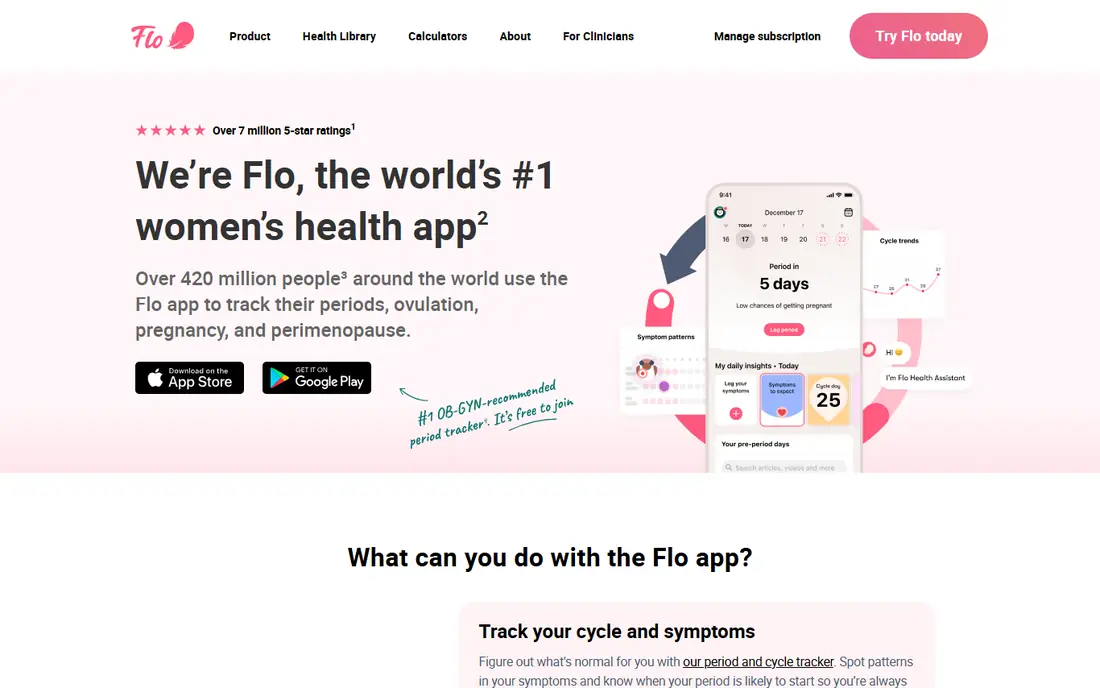
Flo is a strong starting point if you already track periods or fertility in the same app. Your past cycle data can give context for a due date and early pregnancy weeks, and the pregnancy mode adds a weekly checklist and information about body changes. The layout is calm and easy to scan, which helps when you only have a minute to log a symptom.
The catch is the paywall. Basic tracking is free, but some tools and deeper content require a subscription, so the price on the checkout page matters more than the free download. Flo also has a privacy history that some readers will want to review, including past regulatory action and current settings for anonymous mode and data deletion. If community support matters to you, Flo has one of the busiest discussion areas in this group.
- Week-by-week pregnancy mode
- Symptom and mood logging
- Large community section
- Some useful tools sit behind a paid plan
- Privacy history needs a careful read
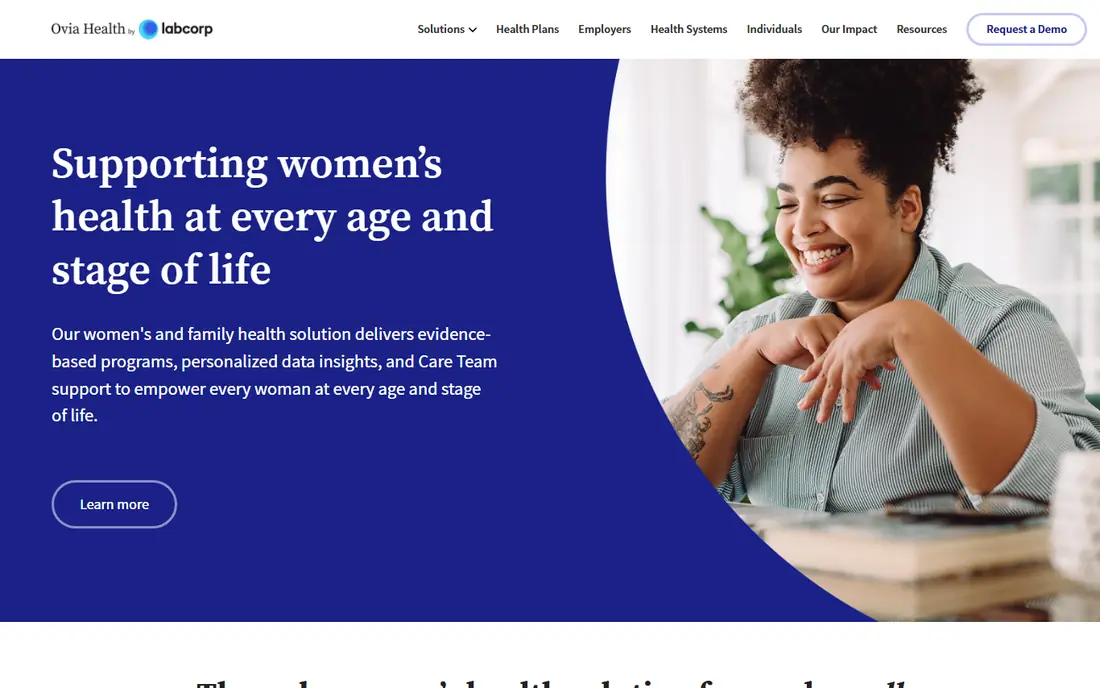
Ovia Pregnancy stands out because its core pregnancy tools are free. You get a baby growth calendar, a kick counter, a contraction timer, and a food safety lookup that answers a common daily question in pregnancy, namely whether a food is generally considered safe. That practical focus makes it easy to use without a subscription.
The trade-off is ownership and scope. Ovia Health is part of Labcorp, so readers who prefer a small independent app may pause here. The app also packs in a lot of features, which can feel crowded on a small screen. Still, for a free pregnancy tracker app that covers the tools many people check most often, Ovia is hard to beat on value alone.
- Free to download and use
- Kick counter and contraction timer included
- Food safety lookup
- Owned by a large lab company, which may concern some users
- Design can feel busy
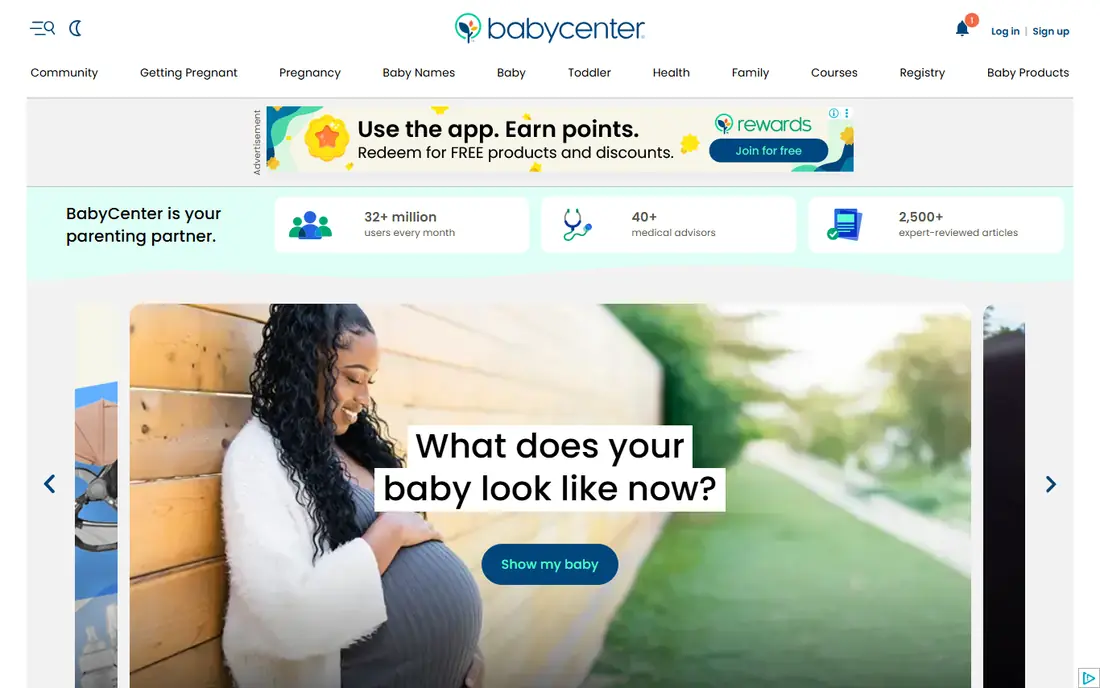
BabyCenter has been a reference point for pregnancy reading for many years, and its app carries that library into a weekly format. Each week brings a short guide to development, common symptoms, and questions to consider, which suits readers who want steady information rather than heavy daily logging. Birth clubs grouped by due month add a peer group at a similar stage.
Where BabyCenter is weaker is in detailed tracking. It covers the basics, but people who want deep symptom charts, mood trends, or fertility history may find it light. Advertising is also part of the free model, so expect sponsored content mixed with editorial content. For a best free pregnancy app focused on reading and community, it remains a solid pick.
- Clear week-by-week development guides
- Birth clubs by due month
- Broad parenting content
- Advertising can interrupt reading
- Some users will want more detailed symptom tools
What to Expect is the app version of a familiar pregnancy book brand, and that familiarity is part of its appeal. The weekly content is written in plain language, the forums are active, and the app continues into baby tracking after birth. If you want one place for reading, questions, and community, this covers all three without a subscription.
The limits are similar to BabyCenter. Tracking is useful but not the deepest here, and the free version includes advertising. Readers who want a best pregnancy tracking app with detailed charts may prefer Flo, Clue, or Glow Nurture. Readers who want reassurance, clear explanations, and other parents to talk to will likely be happy here.
- Well known pregnancy content
- Active forums
- Baby tracker after birth
- Ads in the free version
- Tracking tools are more basic than in some rivals
The Bump keeps pregnancy tracking simple, and for many people that is the point. Weekly updates, checklists, and planning tools sit in one place, without asking you to log a long list of symptoms every day. That makes it a good choice if you find detailed health apps tiring or hard to keep up with.
Simplicity has a cost. If you want to chart symptoms over time, compare cycles, or track fertility history, The Bump is not the strongest tool in this list. It works best as a companion app for planning and reading, possibly alongside a more detailed tracker if you want both. For a low effort start, it is easy to try and easy to leave if it does not fit.
- Simple weekly format
- Checklists and registry tools
- Easy to share with a partner
- Less detailed health logging
- Content can feel lighter than specialist apps
Clue is best known as a period tracker, and its pregnancy mode builds on that same clear design. The app explains predictions and cycle science in plain terms, rather than presenting a date with no context. That transparency helps when a prediction changes, because you can see what data it is based on.
Clue is not the loudest community app here, and some pregnancy features sit behind a subscription, so check the current plan before you commit. If you value design, privacy information that is easy to find, and a calm logging routine, Clue is a strong alternative to the larger, busier apps. It suits people who want tracking first and social features second.
- Clean and readable design
- Clear explanations of cycle science
- Pregnancy mode included
- Full pregnancy tools may require a paid plan
- Community features are smaller
Glow Nurture is built for people who like to log a lot. Symptoms, weight, mood, appointments, and other health notes can sit in one timeline, which makes patterns easier to spot over weeks. Partner sharing is also a useful touch, since a partner can follow the same weekly updates without needing a separate account.
The downside is complexity. New users may find the menus crowded, and the most useful extras often require a paid plan. Glow has also faced privacy scrutiny in the past, so read its current policy and settings before you enter sensitive health data. If detailed logging is your priority, and you are willing to spend time setting it up, Glow Nurture rewards that effort.
- Detailed symptom and health logging
- Partner sharing
- Community forums
- Some advanced features require a subscription
- Interface can feel crowded
Premom is different from most apps here because it starts with fertility tracking. If you used it to track ovulation, tests, and cycles before conceiving, moving into pregnancy mode keeps that history in one place. Charting tools are a core strength, and the app can read test photos, which some users find helpful during the trying to conceive stage.
Once you are pregnant, Premom is less of a general pregnancy guide than BabyCenter or What to Expect. Weekly content exists, but it is not the main reason to choose this app. Pick Premom if continuity matters most, namely keeping fertility and pregnancy data together. Pick a different app if you want broad pregnancy reading and community as the main feature.
- Smooth move from fertility tracking to pregnancy
- Charting tools
- Test photo reading in the app
- Mainly designed around fertility, so pregnancy content is narrower
- Some features require payment
How we picked these
We compared official feature pages, app store listings, pricing pages, and privacy policies for apps that are available now on iOS and Android in the United States. We looked for a real pregnancy mode, week-by-week information, at least one practical tracking tool, and a free way to try the app before paying. We left out apps that only track periods with no pregnancy mode, and apps that were no longer maintained. Prices change often, so where we could not confirm a current price on the vendor site or app store listing at the time of writing, we wrote See website.
What to check before you choose a pregnancy app
Start with how you will actually use the app. If you log symptoms daily, pick an app with charts you find easy to read. If you read in short bursts, pick an app with short weekly guides. If privacy is your main concern, read the privacy policy first, check what data is shared with third parties, and test the deletion and anonymous options before you add personal notes.
Free versus paid
A free pregnancy app can cover due dates, weekly guides, kick counts, and contraction timing. Paid plans usually add deeper content, more tools, and fewer ads. Try the free version for at least a week before paying, and check whether the paid feature you want is something you will use weekly or only once.
Tools that matter most
Kick counters, contraction timers, symptom logs, and appointment reminders are the tools most people return to. A food safety lookup, a bump photo diary, and partner sharing are useful extras, but they should not decide the choice on their own. Make a short list of three tools you will use, then pick the app that covers all three without a subscription if possible.
Privacy and health notes
These apps give general information and are not medical devices unless the vendor clearly says so. They do not replace prenatal care, and predictions based on logged data can be wrong. Check with a clinician for medical questions, unusual symptoms, bleeding, pain, reduced fetal movement, or any worry about your pregnancy. That note matters more than any feature list, and it should guide how much weight you give to an app prediction.
Frequently asked questions
What is the best pregnancy tracker app?
The best pregnancy tracker app depends on what you want to track. Ovia Pregnancy is a strong free choice for kick counts and contraction timing, Flo suits people with cycle history, and BabyCenter suits readers who want weekly guides and birth clubs. Try two free apps for a week and keep the one you actually open.
What is the best free pregnancy app?
Ovia Pregnancy, BabyCenter, What to Expect, and The Bump all offer useful free versions. Ovia stands out for free tools, while BabyCenter and What to Expect stand out for free reading and community. A free app is enough for many people, and you can add a paid plan later only if a specific tool is missing.
Are free pregnancy tracker apps good enough?
Yes, for basic tracking they often are. Free versions usually cover due dates, weekly development, symptom logs, and community. Paid plans add depth, not a different kind of tracking, so start free and upgrade only when you hit a clear limit.
Can a pregnancy app replace a doctor or midwife?
No. Pregnancy apps give general information and estimates based on the data you enter. They are not medical devices unless the vendor clearly says so, and they cannot diagnose or assess risk. Check with a clinician for medical questions and for any symptom that worries you.
What is the best app for pregnancy week by week?
BabyCenter and What to Expect are strong for week-by-week reading, with short guides and clear development notes. Flo and Ovia also give weekly updates, with more emphasis on tracking tools. Pick based on whether you prefer reading or logging, since both styles cover the weekly timeline.
How do I keep my pregnancy data private?
Read the privacy policy, limit the personal details you enter, use anonymous or private modes where offered, and check sharing and deletion settings. Avoid linking health data to social accounts unless you need that feature, and delete old data you no longer need.
Sources we checked (8)

Online Jobs is an independent blog about careers, online work, learning new skills and the tools that help people earn. More about us.
Keep reading
All posts
Best Workout Tracker App
We compared the best workout tracker app options for gym, home, and running training, checking prices, free plans, and logging tools in detail. See inside.
Best Workout Apps
Looking for the best workout apps? We compared 9 fitness apps for gym, home, running and classes on free plans, pricing and training style in 2026 now.
Best Running App
Best running app compared for 2026, with GPS tracking, training plans, route mapping, and free options for beginners and regular runners across the US.