9 Best Podcast Recording Software Picks for Creators

How we put this together: we compare official feature and pricing pages, app store listings, privacy policies and public user reviews. Prices change, so check the provider's site before you pay.
Key takeaways
- Audacity is our first pick for free solo recording and editing, while Riverside is the strongest choice for remote guests with separate high-quality tracks.
- Descript suits creators who prefer editing by deleting words in a transcript rather than cutting waveforms.
- Zencastr offers a generous free plan for remote recording, and GarageBand is a strong free start for Mac owners.
- The first decision is solo versus remote guests, since that choice narrows the list faster than any feature comparison.
Quick comparison
| Name | Who it suits | Starting price | Free option | |
|---|---|---|---|---|
 Audacity Audacity | free solo recording and editing | Free | Yes | Visit |
 Riverside Riverside | remote video interviews | See website | Yes | Visit |
 Descript Descript | editing by transcript | See website | Yes | Visit |
 Zencastr Zencastr | free remote recording | Free | Yes | Visit |
 GarageBand GarageBand | Mac beginners | Free | Yes | Visit |
 Adobe Audition Adobe Audition | professional audio editing | See website | Free trial | Visit |
 Adobe Podcast Adobe Podcast | browser recording and cleanup | Free | Yes | Visit |
 REAPER REAPER | low cost full audio editor | See website | Free trial | Visit |
 Alitu Alitu | beginner recording to publishing | See website | Free trial | Visit |
The best podcast recording software
We compared recording tools on audio quality, remote guest handling, editing ease, and price. The best software for podcast recording depends on if you record alone, with guests in the same room, or with guests online.
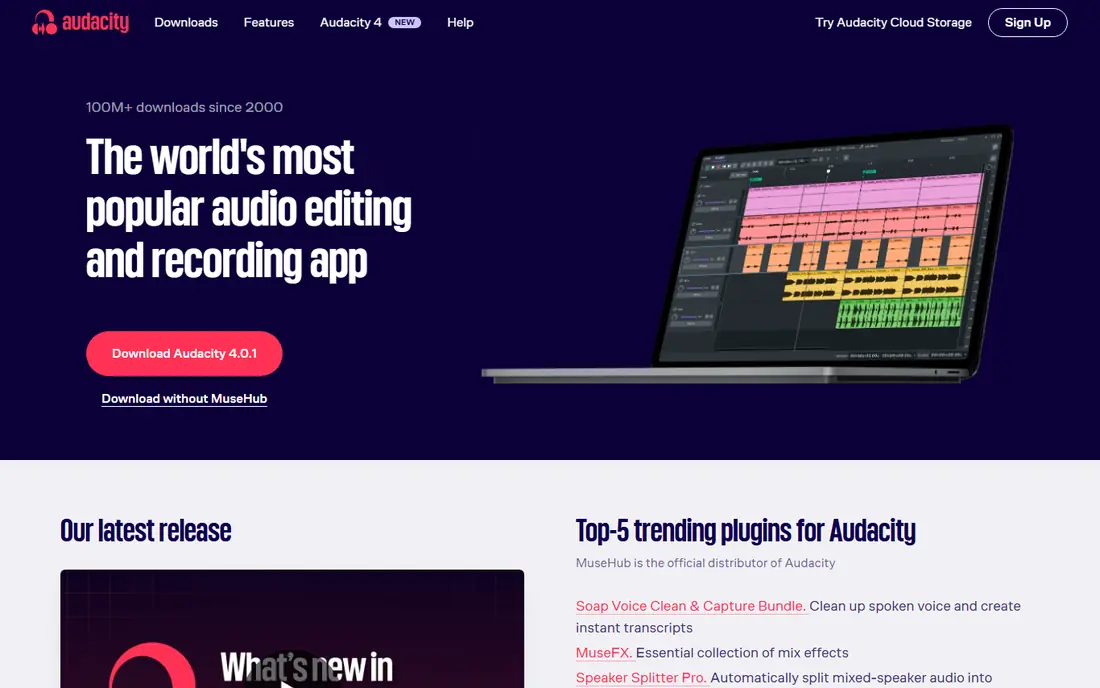
Audacity is the best free podcast recording software for solo creators. It records and edits audio on all main desktop systems, offers noise reduction, compression, and multi-track editing, and costs nothing to use. For a solo show recorded at home, it covers almost everything you need.
It does not record remote guests by itself, so you will need a remote tool or a separate call recorder for interviews. The interface is plain compared with newer tools, but the editing depth and free price make it a clear first pick for solo podcasters on a budget.
- Free and open source
- Runs on Windows, Mac, and Linux
- Strong editing tools for voice
- No built-in remote guest recording
- Interface feels plain
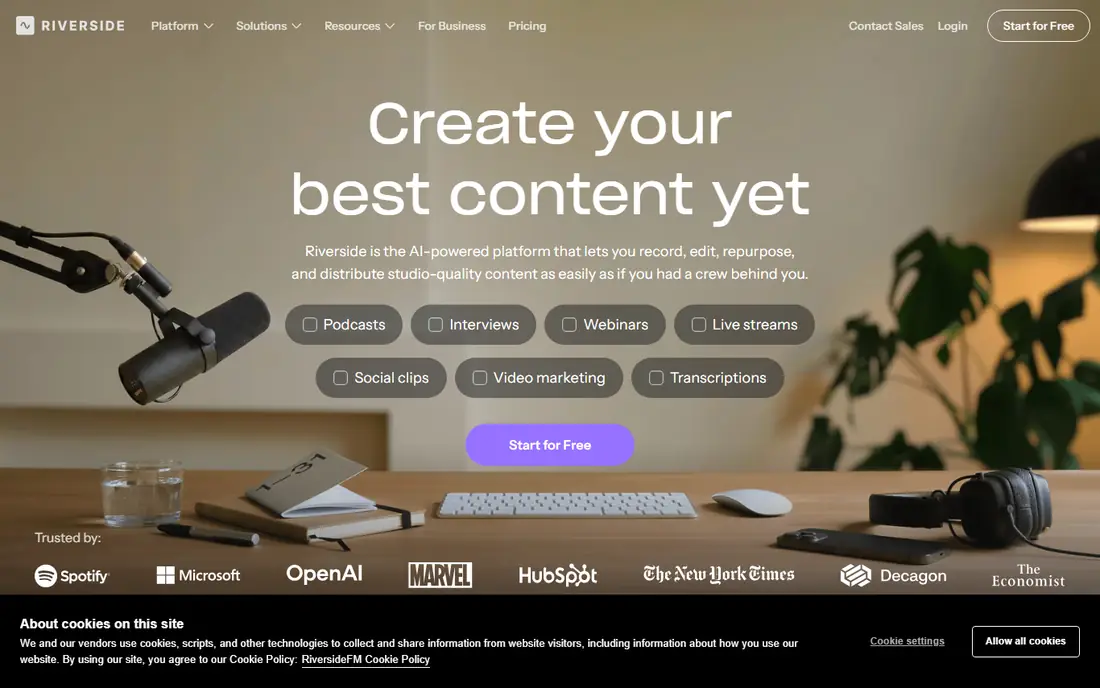
Riverside is our pick for remote podcast recording. Each guest is recorded locally on their own device, then uploaded as a separate track, so a bad connection does not ruin the audio. It also records video, which suits shows that publish on YouTube as well as audio platforms.
The free plan covers short trials, while paid plans add recording hours and editing features, so check the pricing page for your monthly recording time. Guests join from a browser, which is easy, but ask them to use headphones and a quiet room for the best result.
- Records each guest locally in high quality
- Separate audio and video tracks
- Built-in editing and clips
- Paid plans needed for longer recordings
- Needs a stable browser setup for guests
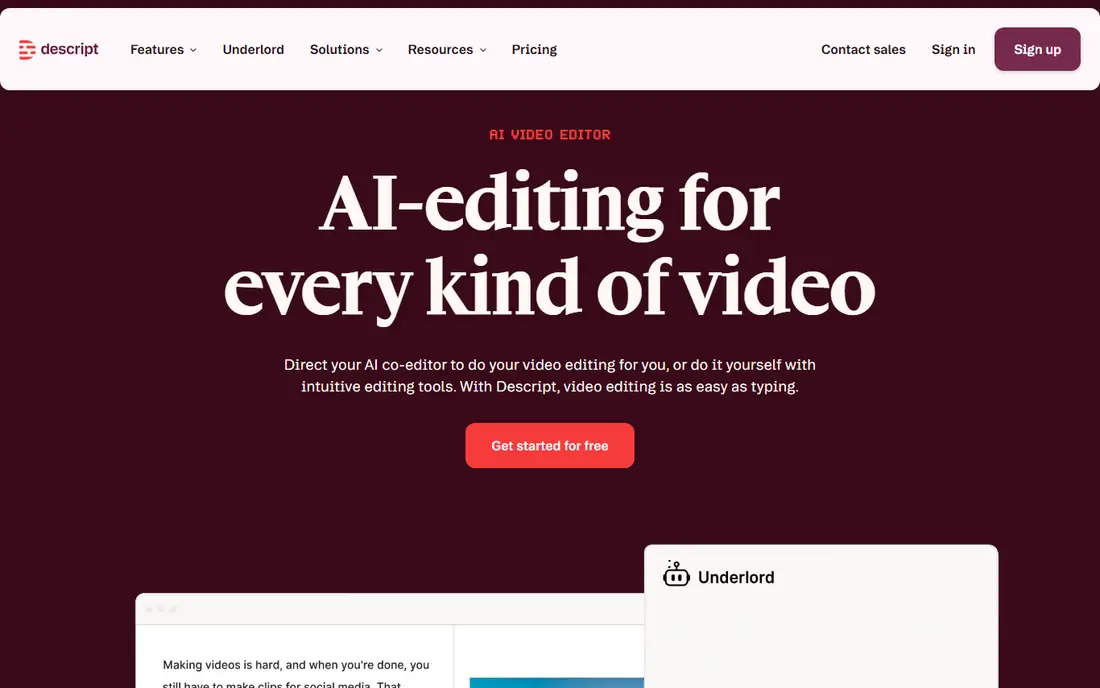
Descript changes podcast editing for many creators. You record, get a transcript, and delete words in the text to delete them from the audio. Filler word removal, Studio Sound cleanup, and remote recording through SquadCast make it a full workflow for interview shows.
Creators who love detailed waveform editing may miss fine control at first, and longer projects need a paid plan. If editing feels like the hardest part of podcasting for you, Descript is the tool most likely to make it faster and less stressful.
- Edit audio by editing text
- Filler word removal
- Remote recording with SquadCast built in
- Learning curve for waveform fans
- Paid plans needed for longer projects
Zencastr is a strong free remote recording app. Guests join from a browser, each voice is recorded as a separate track, and the free plan covers a useful amount of recording for new shows. It also offers hosting and distribution, which helps beginners who want recording and publishing in one place.
Paid plans add more recording time, video quality, and editing tools, so check the pricing page as your show grows. As with all remote tools, guest audio quality still depends on their microphone, headphones, and room, so send simple setup tips before each recording.
- Free plan for remote recording
- Separate tracks for each guest
- Hosting and distribution options
- Video and editing features vary by plan
- Audio quality depends on guest setup
GarageBand is the best podcast recording app for Mac owners starting a first show. It is free, it records and edits audio with a friendly interface, and it includes sound tools that help a solo show sound polished. For a first season recorded at home, it is hard to beat for simplicity.
It runs only on Apple devices, and it does not record remote guests by itself. Mac users can pair it with Riverside or Zencastr for interviews, then edit the separate tracks in GarageBand. If you own a Mac and record solo, start here before paying for anything.
- Free on Mac and iOS
- Simple recording and editing
- Good built-in sound tools
- Mac and iOS only
- No built-in remote guest recording
Adobe Audition is a professional audio editor for creators who want full control over sound. It offers multi-track editing, noise reduction, restoration tools, and mixing features that go past simple podcast editors. Teams already using Adobe tools will find the workflow familiar.
It is a paid subscription product with a trial, and beginners may find it complex at first. If you edit music, complex sound design, or long narrative shows, Audition is worth the learning time. If you want fast transcript editing, Descript may suit you better.
- Deep audio editing and mixing
- Strong noise and restoration tools
- Works with other Adobe apps
- Subscription pricing
- Learning curve for beginners
Adobe Podcast is a useful browser tool for recording and cleaning up speech. Its Enhance Speech feature can improve noisy recordings in a way that surprises many first-time users, and it offers simple recording and transcript editing without installing software. It suits creators who record in less-than-ideal rooms.
It is not a full multi-track episode editor, so longer shows may still need Audacity, GarageBand, or Audition for final assembly. Use Adobe Podcast to record and clean a voice track, then finish the episode in a full editor if needed.
- Browser-based recording
- Enhance Speech cleanup for noisy audio
- Simple transcript editing
- Not a full episode editor
- Paid features need a subscription
REAPER is a full digital audio workstation with a low one-time licence price, and it is a favourite among audio-savvy podcasters. It handles multi-track editing, effects, and mixing with depth that rivals far more costly tools, and it runs well on modest machines.
The interface needs setup, and beginners may need guides to build a podcast template. If you want a low-cost professional editor and you are willing to learn it, REAPER offers lasting value. If you want the simplest path, Audacity or GarageBand will feel easier.
- Full multi-track editing at a low one-time price
- Highly customisable
- Light and fast
- Interface needs setup
- Fewer podcast-specific templates than rivals
Alitu is built for beginners who want recording to publishing handled with few decisions. It records, cleans up audio, helps assemble episodes, and guides publishing, which suits solo creators who do not want to learn a full editor. The workflow is calm and clear from first recording to release.
It costs a monthly fee and offers less fine control than Audacity or REAPER. If you enjoy detailed editing, a free editor may suit you better. If you want to publish regularly without editing stress, Alitu is a strong and friendly choice.
- Records, cleans up, and assembles episodes
- Simple publishing workflow
- Good for beginners
- Monthly cost
- Less fine editing control than a full editor
How we picked these
We checked official feature pages, pricing pages, and app listings for each tool, and we read public reviews about recording quality, guest handling, and editing ease. We favoured tools with a free plan or trial, separate guest tracks for remote tools, and clear publishing paths. We did not claim hands-on testing, and where a price could not be confirmed on the vendor site, we wrote See website rather than guess.
How to choose podcast recording software
Start with how you record. Solo creators need a good editor and a quiet room, while remote shows need a tool that records each guest locally. Video shows need a tool that records video tracks as well as audio. Pick for that main use first, then check editing style, since transcript editing and waveform editing suit different creators.
Free recording, editing, and publishing
If you want the best free podcast recording software, combine Audacity or GarageBand for editing with Zencastr or Riverside free plans for remote guests. That mix covers most new shows at no cost. Pay only when recording hours, editing features, or publishing automation save you real time each week.
Audio quality tips that matter more than software
Use headphones, record in a quiet room with soft furnishings, and keep the microphone close and steady. Ask remote guests to use headphones and a wired connection if possible, and record a short test before the main interview. Good setup often improves sound more than switching software.
Frequently asked questions
What is the best podcast recording app for beginners?
Audacity is a strong free start for solo beginners, and GarageBand is a strong free start for Mac owners. Alitu suits beginners who want recording, cleanup, and publishing in one simple workflow. Start free, learn basic editing, and pay only when a paid tool saves you clear time.
What is the best free podcast recording software?
Audacity is the best free editor for solo recording, and Zencastr offers a useful free plan for remote recording. GarageBand is free for Mac owners, and Adobe Podcast offers free browser recording with speech cleanup. Combine a free editor with a free remote tool to cover most new shows at no cost.
What is the best recording software for podcasts with guests?
Riverside is our pick for remote guests because it records each guest locally as a separate track. Zencastr is a strong free alternative for remote recording, and Descript suits interview shows that also need transcript editing. Always ask guests to use headphones and test their setup before recording.
What is the best app to record a podcast on a phone?
For phone recording, start with the recording app built into your phone for solo notes, then move to a desktop editor for the final episode. Riverside, Zencastr, and Descript offer browser and mobile options for remote recording, but a quiet room and a good microphone matter more than the app choice.
What is the best platform to record a podcast for video?
Riverside is a strong video podcast platform because it records separate high-quality video and audio tracks for each guest. Zencastr also offers video recording, while Descript can handle video editing through transcripts. Check recording limits and export options on the pricing page before you commit.
Do I need paid software to start a podcast?
No. Audacity, GarageBand, Zencastr free plans, and Adobe Podcast free tiers cover recording and editing for many new shows. Pay for software when you need more recording hours, faster editing, or publishing automation. Start free, publish a few episodes, and upgrade only when a limit actually slows you down.
Sources we checked (9)

Online Jobs is an independent blog about careers, online work, learning new skills and the tools that help people earn. More about us.
Keep reading
All posts
Zoom Alternatives
Zoom alternatives compared for 2026: Google Meet, Microsoft Teams, Webex, Jitsi and more for free calls, large meetings and webinars for teams and classrooms.

Workday Alternatives
We compared the best workday alternatives for HR, payroll, and global hiring, from BambooHR and Gusto to Rippling, Deel, and HiBob for growing teams in 2026.

WordPress Alternatives
WordPress alternatives guide: we compare 8 platforms for builders, designers, stores, and publishers to leave WordPress without losing your full site content.