Best Podcast Editing Software in 2026: 8 Tools Compared


Editing podcasts by editing text in a transcript · Starting price: See website
How we put this together: we compare official feature and pricing pages, app store listings, privacy policies and public user reviews. Prices change, so check the provider's site before you pay.
Key takeaways
- Descript suits hosts who want to edit audio by editing a transcript.
- Audacity suits free, manual audio editing on Windows, macOS and Linux.
- Adobe Audition suits professional cleanup and multitrack work inside Adobe tools.
- Riverside suits remote interviews and video podcasts with local recording.
- GarageBand, Hindenburg, Alitu and Auphonic cover Mac editing, spoken-word workflow, guided production and audio finishing.
Quick comparison
| Name | Who it suits | Starting price | Free option | |
|---|---|---|---|---|
| Descript | Editing podcasts by editing text in a transcript | See website | Yes | Visit |
 Audacity | Free, manual audio editing for solo and small shows | Free | Yes | Visit |
 Adobe Audition | Professional cleanup, multitrack editing and Adobe video workflows | See website | See website | Visit |
 Riverside | Remote interviews and video podcasts | See website | See website | Visit |
 GarageBand | Mac users who want a free, simple multitrack editor | Free | Yes | Visit |
 Hindenburg | Spoken-word editing for journalists and radio-style shows | See website | No | Visit |
 Alitu | Guided podcast production without learning a full editor | See website | See website | Visit |
 Auphonic | Audio finishing, loudness and noise cleanup after editing | See website | Yes | Visit |
The best podcast editing software
We compared editors for solo shows, interviews and video podcasts, with a focus on workflow rather than a single feature. The best editing software for podcasts depends on how you record, how much cleanup you need, and whether you publish audio only or video as well. A transcript editor can save hours for a talk show, while a manual editor gives more control for a crafted audio story.
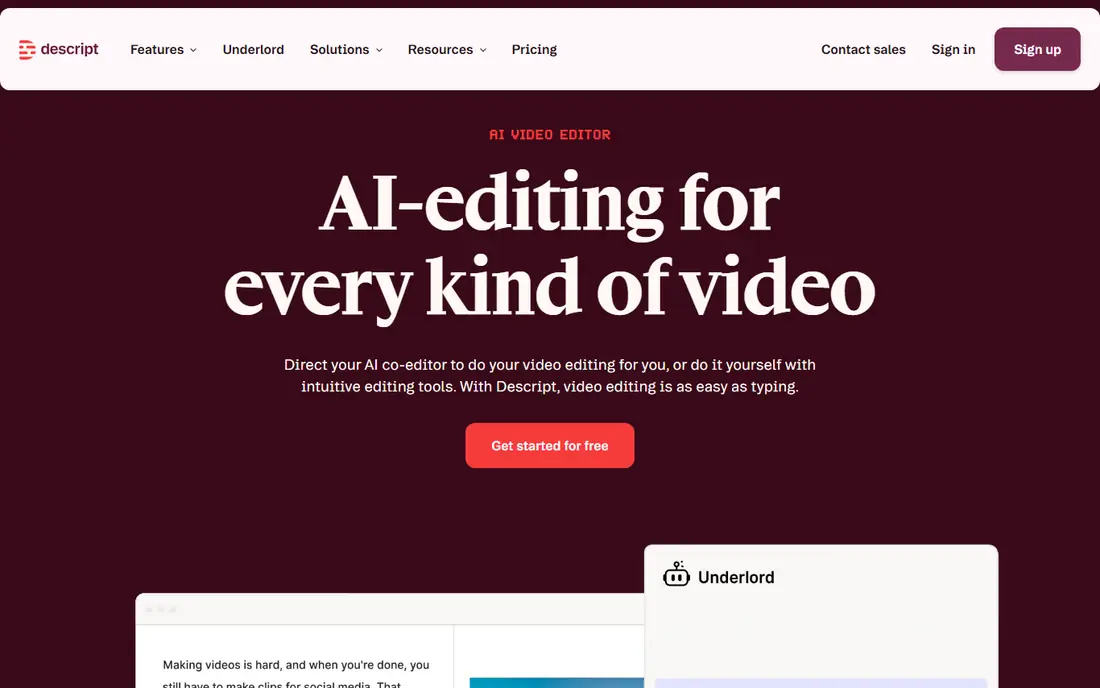
Descript transcribes your audio, then lets you edit by deleting or moving words in the text. That workflow is fast for interview and solo shows, since cutting a rambling answer is as simple as deleting a sentence. Filler word removal and Studio Sound cleanup help tidy a rough recording, and multitrack editing covers co-hosts and guests. The free plan limits media hours, so regular publishers should check paid plan limits for hours and export quality. Transcript accuracy also depends on clear audio, accents and crosstalk, so a noisy recording will still need manual fixes. For talk-led shows, Descript is often the fastest path from raw recording to finished episode.
- Transcript editing, filler word removal, Studio Sound cleanup, multitrack editing, collaboration
- Free plan limits media hours, accuracy depends on recording quality, video editing is simpler than a full video editor
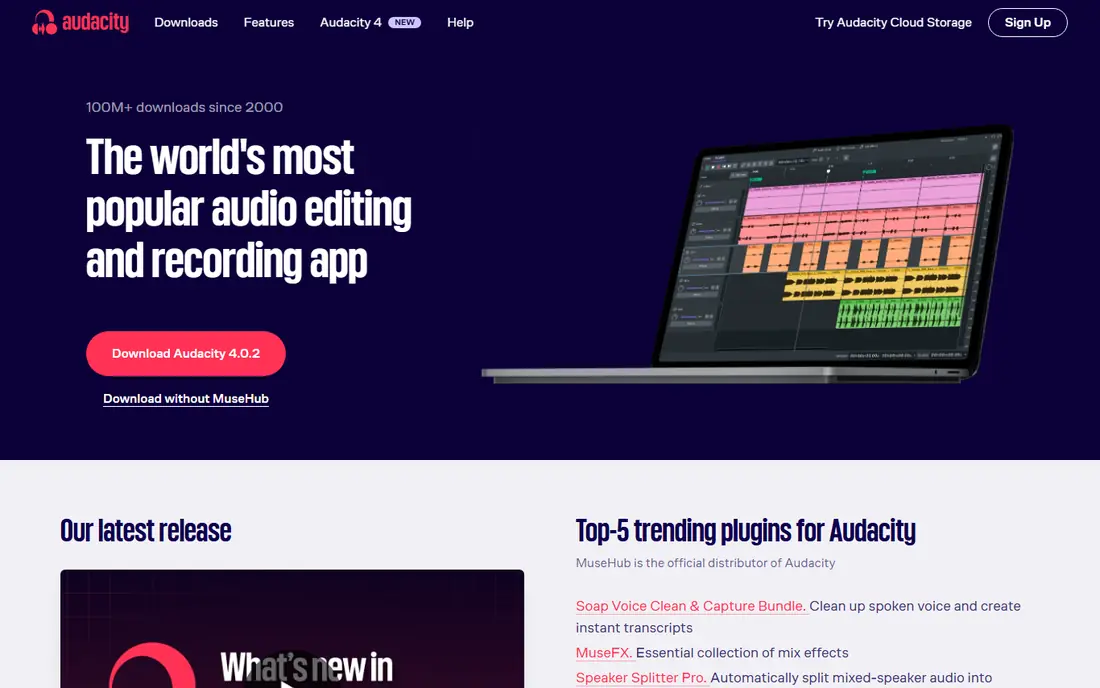
Audacity is a free, open-source audio editor that runs on Windows, macOS and Linux, and it remains a standard starting point for podcasters on a zero budget. You can record, trim, apply noise reduction, normalise levels, add compression and export in common formats. Plugin support extends the tool with third-party effects for EQ and dynamics. The interface is functional rather than modern, and multitrack recording with several guests can feel less smooth than in a paid editor. There is no built-in cloud collaboration, so teams must share files manually. For a solo show or a simple interview edit, Audacity gives strong control without cost, and it pairs well with a separate recorder for remote guests.
- Free and open source, cross-platform, noise reduction and effects, plugin support, many audio formats
- Interface feels dated, multitrack workflow is less smooth than paid tools, no cloud collaboration
Adobe Audition
Who it suits: Professional cleanup, multitrack editing and Adobe video workflows
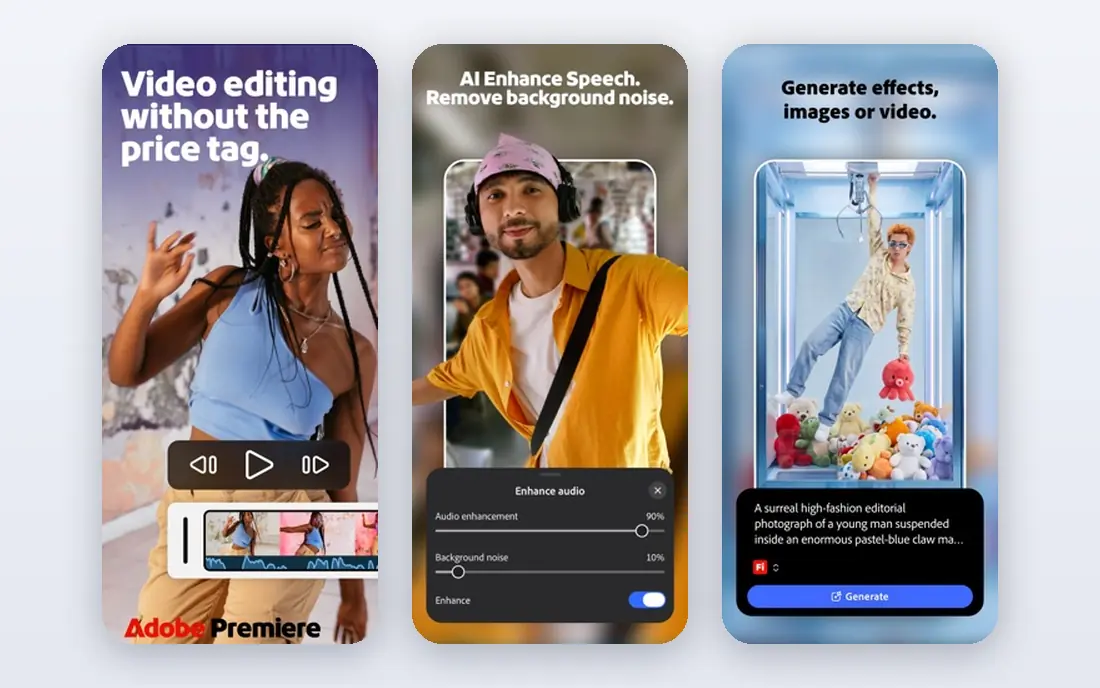
Adobe Audition is a professional audio editor with deep cleanup tools, including spectral editing for removing clicks, hum and unwanted sounds. The Essential Sound panel helps balance dialogue, music and effects quickly, while multitrack mixing covers complex shows with several voices and music beds. Integration with Premiere Pro suits video podcasters who edit audio and video together. The subscription cost and learning curve make Audition more than a simple solo show needs. For a professional show, a production team, or a creator already using Creative Cloud, the depth is worth it. Check the current Adobe pricing page for standalone and Creative Cloud options, since prices vary by plan and region.
- Spectral editing, Essential Sound panel, multitrack mixing, Premiere Pro integration, batch processing
- Subscription cost, learning curve, overkill for a simple solo show
Riverside records each guest locally, so a poor connection during the call does not ruin the final audio or video quality. Separate tracks for each speaker make editing easier, since you can mute crosstalk, fix one voice, or cut a section without affecting the other speaker. Text-based editing tools help trim interviews quickly, and video export suits YouTube and social clips. Riverside is mainly a recorder with editing tools, not a full audio workstation, so complex sound design may still need Audition or Audacity. Pricing depends on plan and recording time, so check the vendor page for your monthly episode count. For remote interviews and video podcasts, Riverside is a strong all-in-one starting point.
- Local recording for each guest, video and audio tracks, text-based editing tools, live streaming options
- Editing is simpler than a full DAW, pricing depends on recording hours and plan, needs a stable connection for setup
GarageBand comes free on Mac and offers a simple multitrack editor that suits a first podcast. You can record voice, add music, arrange clips on a timeline, apply basic effects and export a finished episode. The interface is friendly for beginners, and the learning curve is lower than a professional DAW. It is Mac only, and it lacks podcast-specific tools such as transcript editing or guided loudness finishing. For a Mac user starting a solo or co-hosted show, GarageBand is a low-friction way to learn editing before moving to a paid tool. Pair it with Auphonic for finishing if you want a more polished loudness result.
- Free on Mac, simple multitrack editing, loops and effects, easy export to common formats
- Mac only, less podcast-specific than Descript or Hindenburg, limited advanced cleanup tools
Hindenburg is built for spoken-word audio, with a workflow that suits journalists, documentary makers and radio-style podcasts. The clipboard helps organise interview clips into a story structure, and loudness tools help meet podcast loudness norms. Editing is focused on voice clarity rather than music production, which keeps the interface relevant for podcast work. Music producers will find Hindenburg less deep than a full DAW, and the edition pricing needs checking on the vendor site. For a story-led podcast where interview structure matters more than effects, Hindenburg offers a focused and calm editing environment that many audio journalists prefer.
- Spoken-word workflow, clipboard and story structure, loudness tools, simple multitrack editing
- Less suited to music production, pricing needs checking per edition, smaller ecosystem than Adobe
Alitu guides you from raw recording to finished episode with prompts, automatic cleanup, music beds and transitions. You upload recordings, arrange segments, add intro music and publish, without learning a full timeline editor. That guided flow suits new podcasters, busy hosts and teams that want a consistent episode format. The trade-off is control. Complex edits, detailed sound design and precise manual fixes are harder than in Audacity or Audition. If you want a finished episode quickly and you value guidance over fine control, Alitu is a practical choice. Check plan limits for storage, episodes and cleanup before committing.
- Guided workflow, automatic cleanup, music and transitions, episode builder, hosting links
- Less manual control than Audacity or Audition, pricing depends on plan, not suited to complex sound design
Auphonic is a finishing tool rather than a full editor. You upload an edited episode, and Auphonic applies loudness normalisation, noise reduction, filtering and metadata, then exports a polished file for your host. That step helps episodes sound consistent across devices and meet common loudness targets for podcast platforms. It does not replace a timeline editor for cutting interviews or arranging a story, so most users pair Auphonic with Audacity, Descript or another editor. The free plan limits monthly processing hours, so check the vendor pricing for regular publishing. As a final polish step, Auphonic is a useful and affordable addition.
- Automatic loudness normalisation, noise and hum reduction, chapter and metadata tools, batch processing
- Not a full timeline editor, free plan limits monthly hours, best as a finishing step rather than a sole editor
How we picked these
We picked tools that cover transcript editing, free manual editing, professional cleanup, remote recording, Mac editing, spoken-word workflow, guided production and audio finishing. That range reflects how podcasts are actually made, since recording, editing and finishing are often separate steps. We included both audio-only and video podcast tools, and we noted where a tool is a companion rather than a full editor. Where pricing was not confirmed from the vendor site at the time of writing, we used See website. Podcast tool pricing often depends on media hours, storage and plan tier, so check the vendor page for your episode length and publishing frequency before choosing.
What to look for when choosing podcast editing software
Start with your show format. A solo talk show benefits from transcript editing, a remote interview show benefits from local recording, and a story-led show benefits from a clipboard and loudness workflow. List your recording setup, episode length and publishing frequency, then test the editor with a real episode, not a demo clip. That test will show whether the workflow saves time or adds friction. Next, check export and loudness. Confirm export formats, loudness targets and chapter support for your host, and check whether the tool handles multitrack guests cleanly. Also check collaboration needs, storage limits and whether you can keep your raw files and project files if you switch tools later. A tool that exports cleanly will save trouble if your show grows.
Frequently asked questions
What is the best podcast editing software?
Descript is the best podcast editing software for talk-led shows that benefit from transcript editing, while Audacity is best for free manual editing. Adobe Audition suits professional cleanup, and Riverside suits remote video interviews. The best software for podcast editing depends on your format, budget and whether you publish video.
What is the best editing software for podcasts for beginners?
Audacity and GarageBand are strong free starting points for beginners, while Alitu suits beginners who want a guided workflow. Descript also suits beginners for talk shows, since deleting text is easier than learning a timeline. Start with a free tool, edit a few real episodes, and only pay when you hit a clear limit.
Is Audacity good for podcasting?
Yes, Audacity is good for basic and intermediate podcast editing, including recording, trimming, noise reduction and compression. It is free and cross-platform, with plugin support for extra effects. Its multitrack workflow is less smooth than paid tools, and it lacks cloud collaboration, but for many solo shows it is enough.
Do I need video editing software for a video podcast?
Video podcasts need video editing for picture, captions and clips, even if audio is edited separately. Riverside offers basic video editing and export, while Descript covers simple video edits from a transcript. For complex video work, a dedicated video editor paired with Audition or Audacity for audio may give more control.
What is the best podcast audio editing software for remote interviews?
Riverside is a strong choice for remote interviews, since it records each guest locally and gives separate tracks for editing. Descript can then help trim the interview by transcript. If you record remote guests in another tool, check that it gives separate tracks and local files, since those two features matter most for clean edits.
How do I make my podcast sound professional?
Record in a quiet room with a decent microphone, keep mic distance consistent, and edit out long pauses and obvious mistakes. Apply gentle noise reduction, balance levels, and finish with loudness normalisation through a tool like Auphonic. Consistent intro music, clear chapters and a steady publishing format also help a show sound professional over time.
Sources we checked (8)

Online Jobs is an independent blog about careers, online work, learning new skills and the tools that help people earn. More about us.
Keep reading
All posts
eBay Alternatives
Looking for ebay alternatives? We compared 9 marketplaces for sellers on fees, buyer reach, categories and ease of listing, to help you sell with confidence.

ZoomInfo Alternatives
The best ZoomInfo alternatives in 2026, compared on price, free plans, data coverage, and which tool fits small teams or large sales teams best in detail.

Zoom Alternatives
Zoom alternatives compared for 2026: Google Meet, Microsoft Teams, Webex, Jitsi and more for free calls, large meetings and webinars for teams and classrooms.